


The ai coding assistants future 2026 landscape is no longer speculative fiction. We are living in an era where developers routinely collaborate with AI that understands entire codebases, executes multi-file refactors autonomously, and writes production-quality code from natural language descriptions. The transformation has been swift, but the next wave of innovation promises to be even more profound.
In this guide, we examine where ai coding assistants future 2026 stands today, dive deep into the five tools shaping the landscape (Cursor, GitHub Copilot, Windsurf, Tabnine, and Claude Code), and explore the trends that will define development workflows for years to come. Whether you are evaluating tools for your team or simply want to understand where the industry is heading, this analysis will give you the clarity you need.
The Current State of AI Coding in 2026
AI Coding Assistants Future 2026 is a topic that directly impacts how teams work day to day. The AI coding assistants future 2026 landscape is no longer speculative fiction. This guide breaks down the practical details you need to make an informed decision.
The AI coding assistant market has matured dramatically. What began as simple autocomplete suggestions has evolved into sophisticated agentic systems capable of understanding project context, reasoning about architectural decisions, and executing complex multi-step tasks without human intervention.
Adoption has reached critical mass. Over 50% of Fortune 500 companies now use AI coding tools, with Cursor alone reaching $500M in annual recurring revenue by mid-2026. GitHub Copilot claims over 1.8 million paid subscribers. The productivity gains are real and measurable: according to GitHub’s productivity research, developers using AI coding assistants complete tasks 55% faster, with 88% reporting increased job satisfaction.
These numbers align with enterprise case studies. Teams using Cursor report 20% more pull requests merged weekly while maintaining code quality. Organizations deploying Claude Code have seen complex refactoring tasks that previously took days completed in hours. The productivity multiplier is real, though it varies significantly based on use case, codebase complexity, and developer experience with AI pair programming.
Market Approaches in 2026
The competitive landscape has consolidated around several distinct approaches:
| Approach | Tools | Strengths |
|---|---|---|
| IDE-Native | Cursor, Windsurf | Deep AI integration, multi-file editing |
| Plugin-Based | GitHub Copilot, Tabnine | Works with existing editors |
| Terminal-Based | Claude Code | Autonomous execution, workflow flexibility |
Each approach has tradeoffs, and the “best” tool depends heavily on your workflow, security requirements, and budget. Let us examine each option in depth.
Cursor: The AI-First Code Editor
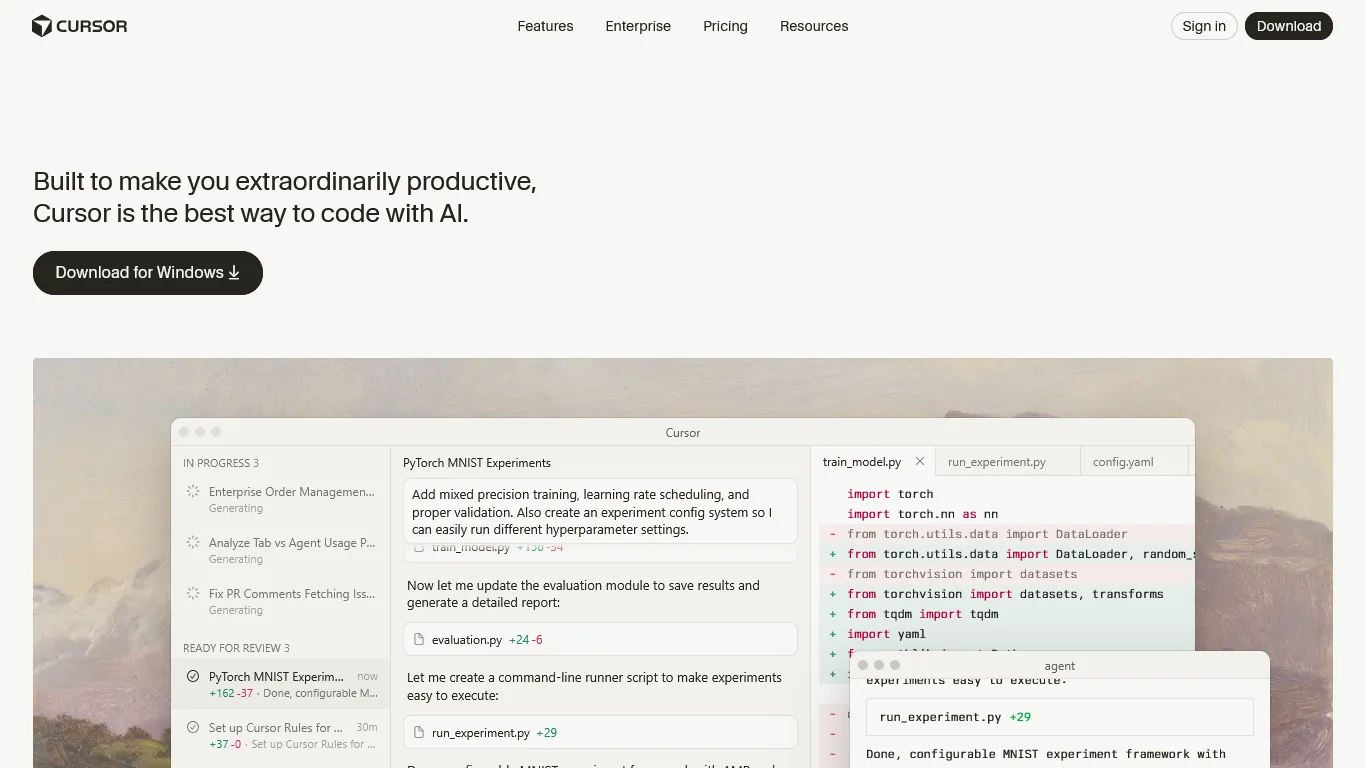
Cursor represents the most aggressive bet on AI-first development. Built as a VS Code fork, it abandons the plugin model entirely in favor of deep AI integration at the editor’s core.
Current Capabilities
Cursor’s standout feature is the Composer Agent Model, a proprietary system that completes multi-file tasks in under 30 seconds - approximately four times faster than comparable models like GPT-5. The parallel agent execution allows up to eight simultaneous agents working in isolated git worktrees, dramatically accelerating complex refactoring work.
The Tab completion system, powered by the Fusion model (which incorporates Supermaven technology), achieves 28% higher acceptance rates with 21% fewer distracting suggestions. For developers who have used earlier AI completions, the difference is immediately noticeable. The completions feel predictive rather than reactive.
Future Trajectory
Cursor is pushing toward fully autonomous development workflows. Their acquisition strategy (including key AI talent) suggests a roadmap focused on reducing human intervention to high-level direction-setting while AI handles implementation details. Expect to see deeper integration with testing, deployment, and monitoring systems.
Best Use Cases
Cursor excels for:
- Full-stack developers handling complex multi-file refactoring
- Teams building MVPs who need rapid iteration
- Organizations willing to adopt a new editor for cutting-edge AI capabilities
At around $20 per month for Pro and $200 per month for Ultra, it is positioned as a premium tool for serious development work.
GitHub Copilot: The Market Leader
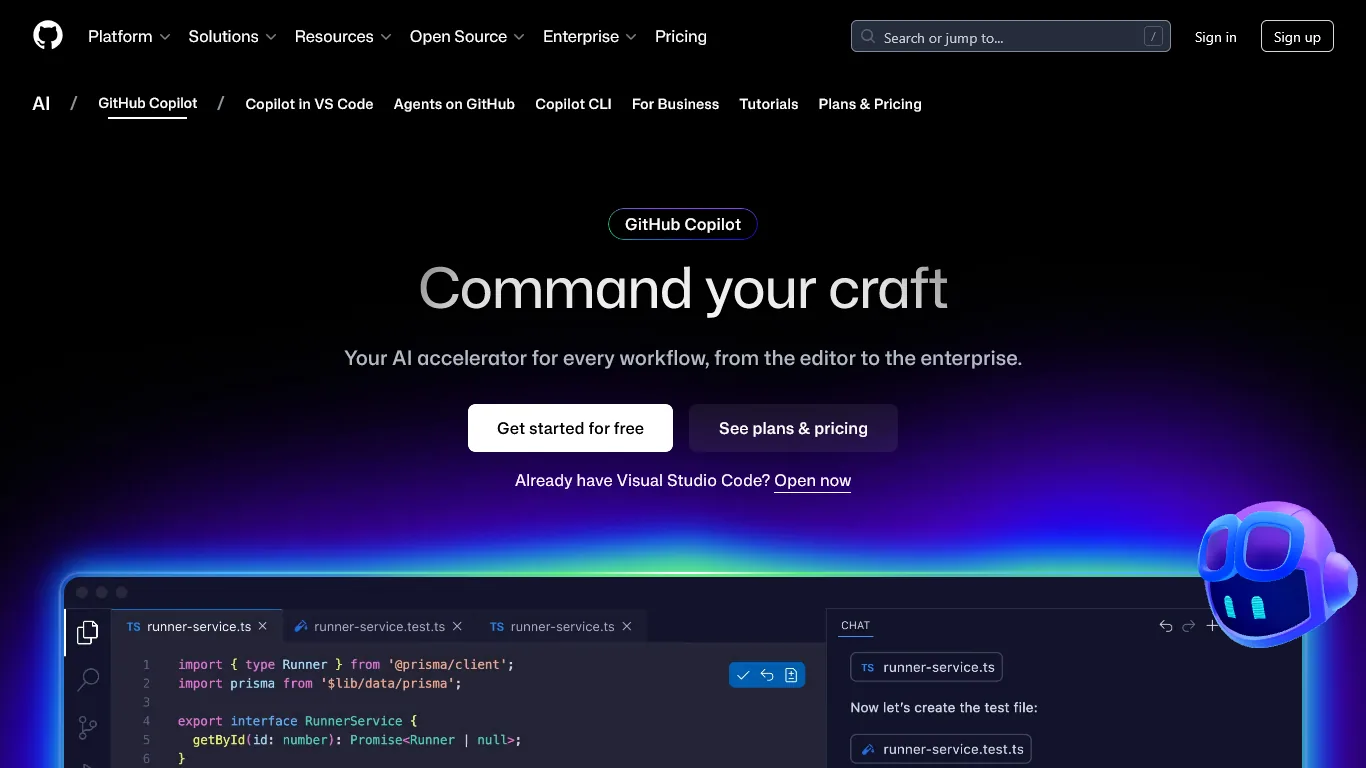
GitHub Copilot maintains its position as the most widely adopted AI coding assistant, benefiting from Microsoft’s distribution power and deep integration with the GitHub ecosystem.
Current Capabilities
Copilot’s strength lies in its breadth. It supports VS Code, JetBrains IDEs, Visual Studio, Neovim, and even GitHub.com directly. The free tier provides 2,000 code completions and 50 chat messages monthly, making it accessible to students and hobbyists. Pro subscribers (around $10 a month) unlock unlimited completions and access to frontier models including GPT-5, Claude Sonnet 4/4.5, and Gemini 2.5 Pro.
Research indicates Copilot delivers 55% faster task completion with 2+ hours saved weekly for active users. The 88% of developers reporting increased productivity speaks to its practical impact, even if it lacks the agentic sophistication of competitors.
Future Trajectory
GitHub is investing heavily in the autonomous coding agent (currently in preview) that can plan, write, test, and iterate code independently. Combined with GitHub Spark for natural language app building, the trajectory points toward tighter integration between code generation, repository management, and CI/CD workflows.
Best Use Cases
Copilot is the default choice for:
- Teams already embedded in the GitHub ecosystem
- Developers who prefer their existing IDE over switching editors
- Organizations seeking the lowest-risk entry point into AI-assisted development
The $10 per month Pro tier offers the best value in the market for basic AI assistance.
Windsurf: The Value Play
Windsurf, developed by Codeium, has positioned itself as the budget-friendly alternative to Cursor without sacrificing AI capability.
Current Capabilities
Windsurf’s signature innovation is the Cascade AI Flow system - an agentic assistant with real-time codebase awareness that autonomously handles multi-file tasks without manual file tagging. The proprietary SWE-1.5 model achieves near Claude 4.5-level performance at 13 times the speed, making completions feel nearly instantaneous.
The free tier is genuinely usable: unlimited access to the Cascade Base model, unlimited SWE-1-mini autocomplete, and 25 credits monthly for premium models. This generosity (compared to Cursor’s one-week trial) makes Windsurf attractive for developers evaluating options.
Future Trajectory
Windsurf is iterating rapidly on the agentic workflow paradigm. Their BYOK (Bring Your Own Key) support for Claude models signals a strategy of flexibility over lock-in. Expect continued pressure on Cursor’s pricing as Windsurf matures its feature set.
Best Use Cases
Windsurf is ideal for:
- Budget-conscious developers who want Cursor-like capabilities at 25% lower cost (around $15 a month versus $20)
- Startups prioritizing value over bleeding-edge features
- Students or side-project developers who benefit from the genuinely usable free tier
Tabnine: Enterprise Security First
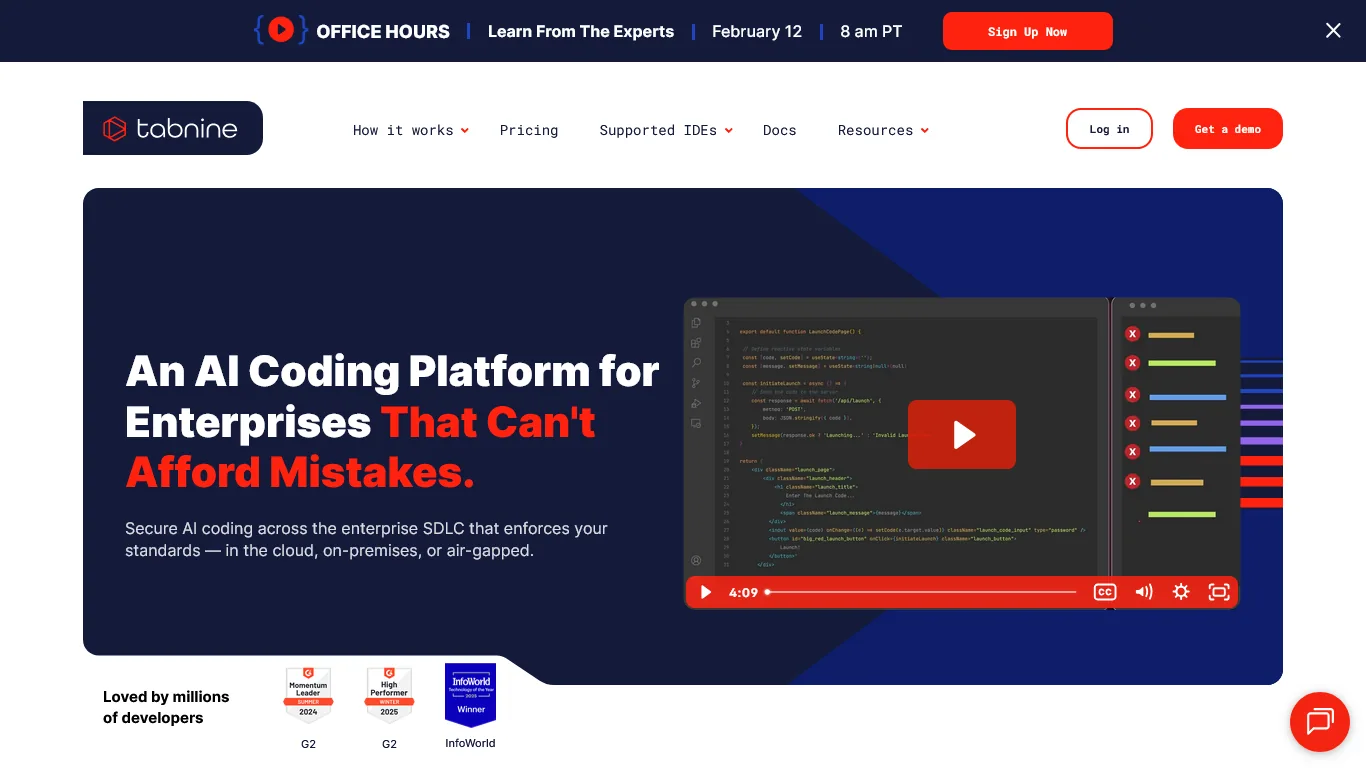
Tabnine has carved a distinctive niche as the AI coding assistant for organizations that cannot compromise on security.
Current Capabilities
Tabnine’s defining feature is zero data retention. Your code is never stored, never used for model training, and can optionally never leave your infrastructure through on-premises or air-gapped deployment. SOC 2 and ISO 27001 compliance come standard, along with provenance flagging that identifies code matching public repositories and their licenses.
The AI capabilities have evolved beyond simple completions. Tabnine now offers autonomous workflow agents for test generation, Jira implementation, code review, and developer coaching. Support spans 80+ programming languages across all major IDEs.
Future Trajectory
Tabnine is doubling down on enterprise workflows, with deeper integrations for Git, Jira, and Confluence. The elimination of the free tier signals commitment to enterprise customers who value security guarantees over consumer-friendly pricing.
Best Use Cases
Tabnine is the clear choice for:
- Financial institutions and government contractors
- Organizations handling sensitive intellectual property
- Any team with strict compliance requirements
At around $59 per user per month, it commands a premium, but enterprises with strict security requirements will find the investment justified compared to building equivalent security controls internally.
Claude Code: Terminal-Based Agentic Development
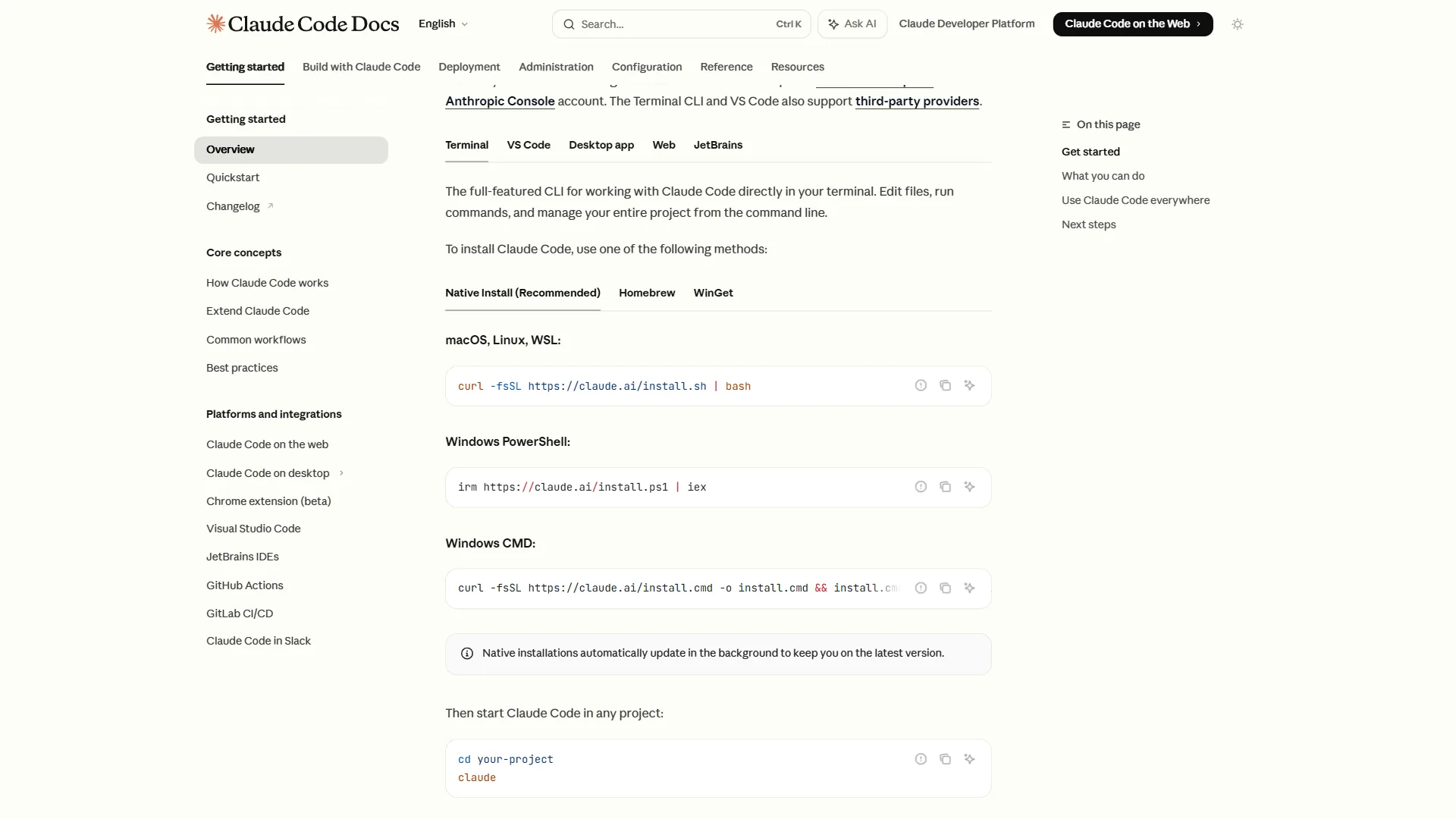
Claude Code represents Anthropic’s bet that the future of AI coding lies outside traditional editors entirely.
Current Capabilities
Claude Code lives in your terminal, understanding your entire codebase through a massive 200K token context window. According to Anthropic’s official documentation, the tool reached $1 billion in run-rate revenue within six months of launch. You interact through natural language: describe what you want, and Claude Code reads files, writes code, runs tests, and commits changes autonomously. According to Anthropic’s official documentation, the tool reached $1 billion in run-rate revenue within six months of launch, demonstrating explosive demand for this terminal-first workflow. Major enterprises including Uber, Netflix, Spotify, and Salesforce have adopted it for production development.
The autonomous execution capabilities set it apart. Rather than suggesting code for you to accept or reject, Claude Code can execute multi-step plans independently, pausing for human approval at critical junctures. For experienced developers comfortable with terminal workflows, this feels closer to pair programming than autocomplete.
Future Trajectory
Anthropic’s acquisition of Bun signals investment in the JavaScript ecosystem, while Claude Code’s architecture suggests a platform play where terminal-based AI assistance extends beyond coding into DevOps, infrastructure management, and beyond.
Best Use Cases
Claude Code excels for:
- Developers who prefer terminal workflows
- Complex multi-file refactoring where autonomous execution shines
- Teams building with JavaScript/TypeScript who benefit from Bun integration
It requires a Claude Pro (around $20 a month) or Max (around $100 a month) subscription.
AI Coding Assistants Future 2026: Trends and Beyond
Beyond individual tools, several macro trends will define the AI coding assistants future 2026 landscape and beyond.
Agentic Capabilities Become Standard
The shift from reactive suggestions to proactive agents is accelerating. Today’s leading tools already plan multi-step workflows, execute code autonomously, and iterate based on test results. The Mozilla Developer Network provides comprehensive documentation that these AI systems reference for web development tasks. By 2027, expect “fire and forget” coding where developers describe outcomes and AI handles implementation end-to-end.
This evolution fundamentally changes the developer’s role. Instead of writing every line of code, developers increasingly act as architects and reviewers, defining requirements and validating outputs. The most successful developers will be those who can articulate intent clearly and evaluate AI-generated solutions critically. Prompt engineering is becoming as important as syntax knowledge.
Multi-File Understanding Matures
Early AI assistants struggled with context beyond single files. Modern tools like Cursor and Claude Code understand entire codebases, tracking dependencies, architectural patterns, and coding standards across thousands of files. This capability will deepen as models expand context windows and develop better retrieval mechanisms.
Natural Language Becomes Primary Interface
Terminal commands and menu navigation are giving way to natural language. The success of Claude Code proves developers will adopt conversational interfaces when the AI is capable enough. Future IDEs may resemble chat applications more than traditional editors.
IDE vs Terminal: Parallel Evolution
Rather than one approach winning, both paradigms will evolve. Visual IDEs with embedded AI suit developers who think spatially about code structure. Terminal-based agents suit those who think in workflows and commands. Most teams will use both, choosing based on task requirements.
Enterprise Security Requirements Intensify
As AI coding tools access proprietary codebases, security concerns grow. Tabnine’s zero-retention model will influence competitors. Expect more options for on-premises deployment, fine-grained access controls, and audit logging across all enterprise tiers.
How to Choose the Right AI Coding Assistant
Understanding the ai coding assistants future 2026 trends helps narrow your choice. With five strong options available, selection depends on your specific context. The good news is that most tools offer free tiers or trials, so experimentation carries minimal risk. Start with your primary workflow need and expand from there.
Consider these factors beyond pricing: How much does your team value staying in familiar tools versus adopting purpose-built AI editors? What are your security and compliance requirements? Do you work primarily on single-file tasks or complex multi-file refactoring? Are you comfortable with terminal interfaces or do you prefer visual IDEs?
| If You Need… | Choose | Why |
|---|---|---|
| Most powerful multi-file editing | Cursor | Composer agent and parallel execution are unmatched |
| Broad IDE support, low risk | GitHub Copilot | Works everywhere, strong value at $10/month |
| Cursor-like features at lower cost | Windsurf | 80% of Cursor’s power at 75% of the price |
| Maximum security, compliance | Tabnine | Zero data retention, on-premises deployment |
| Terminal workflow, autonomous execution | Claude Code | 200K context window, natural language interface |
Pricing Comparison
| Tool | Free Tier | Pro Tier | Enterprise |
|---|---|---|---|
| Cursor | 1-week trial | $20/mo | Custom |
| GitHub Copilot | 2K completions/mo | $10/mo | $39/user/mo |
| Windsurf | 25 credits/mo | $15/mo | Custom |
| Tabnine | None | $59/mo | Custom |
| Claude Code | Limited | $20/mo (Claude Pro) | Custom |
Conclusion
The ai coding assistants future 2026 story is not about choosing winners and losers. Each tool we examined serves distinct needs: Cursor for power users, Copilot for broad adoption, Windsurf for value seekers, Tabnine for security-conscious enterprises, and Claude Code for terminal devotees.
What unites them is a shared trajectory toward more autonomous, context-aware, and capable AI that fundamentally changes how software gets built. The developers who thrive in this environment will be those who learn to direct AI effectively rather than compete with it. This means developing strong skills in requirement articulation, code review, and architectural thinking while letting AI handle the mechanical aspects of implementation.
The landscape will continue evolving rapidly. Tools that seem cutting-edge today may be table stakes tomorrow. The agentic capabilities pioneered by Cursor and Claude Code will spread across the ecosystem. Multi-model access will become standard. Enterprise security features will improve across all tiers. The key is building adaptable workflows that use AI assistance without becoming dependent on any single tool.
If you have not yet integrated AI into your coding workflow, start with GitHub Copilot’s free tier to experience the basics, then explore Cursor or Claude Code when ready for more sophisticated assistance. For enterprise teams, evaluate Tabnine early in your planning to understand how security requirements shape your options. And keep an eye on Windsurf as the value alternative that may challenge Cursor’s premium position.
The productivity gains are real, the tools are mature, and the future of AI pair programming is already here.
Related Reads
Explore the tools covered in this article:
- Cursor - AI-first code editor with Composer agent and parallel execution
- GitHub Copilot - Market-leading AI assistant with broad IDE support
- Windsurf - Budget-friendly alternative with Cascade AI flows
- Tabnine - Enterprise-grade security with zero data retention
- Claude Code - Terminal-based agentic development with 200K context
More AI coding content:
- Best AI Coding Assistants 2026 - Comprehensive comparison of all major AI coding tools
- GitHub Copilot vs Cursor - Head-to-head comparison of the two leading approaches
- Claude Code vs Cursor 2026 - Terminal vs IDE: which workflow wins?
External Resources
For official documentation and deeper technical resources:
- GitHub Copilot Productivity Research - Original study quantifying developer productivity gains
- Anthropic Claude Code Documentation - Official Claude Code features and capabilities
- Cursor Documentation - Getting started with AI-first development
- Codeium/Windsurf Documentation - Windsurf setup and Cascade AI flows
- Tabnine Enterprise Documentation - Security features and enterprise deployment
What AI coding assistant are you using in 2026? The landscape continues evolving rapidly, and we would love to hear which tools are working for your team.