









Marketing teams are buried under an avalanche of AI tools, each promising to change workflows and deliver 10x returns. Across dozens of platforms spanning SEO, content creation, email, social media, and design, the AI tools for marketers that consistently save time without adding complexity rise to the top. Tradeoffs are real for every pick, and they’re flagged below.
The eight tools in this guide - Semrush, HubSpot, Jasper, Hootsuite, Mailchimp, Grammarly, Canva, and Buffer - each handle a different piece of the marketing stack. None of them do everything, and that honesty is what makes this list useful.
Here is what each tool actually delivers, what it costs, and where it falls short.
Methodology
AI Tools for Marketers are software platforms that automate repetitive tasks specific to marketers workflows. The top picks in 2026 include Semrush, HubSpot, Jasper. Each tool targets different parts of the daily workload, from client communication to document processing and analysis.
Every vendor claims AI-powered insights and massive time savings. Instead of echoing marketing copy, these tools were evaluated based on criteria that matter to working marketers:
- AI Feature Depth - Does the AI produce genuinely useful output, or is it a thin wrapper around generic suggestions?
- Learning Curve - How quickly can a marketer start getting value without a dedicated onboarding manager?
- Pricing Transparency - Are the costs predictable, or do hidden limits make budgeting painful?
- Integration Quality - Does it work with your existing stack, or does it create another silo?
- Measurable Time Savings - Can you point to specific hours saved per week, or is the ROI hand-wavy?
I also weighted limitations heavily. Marketers deserve to know where a tool struggles before committing budget.
1. Semrush - Best for SEO and Competitive Intelligence
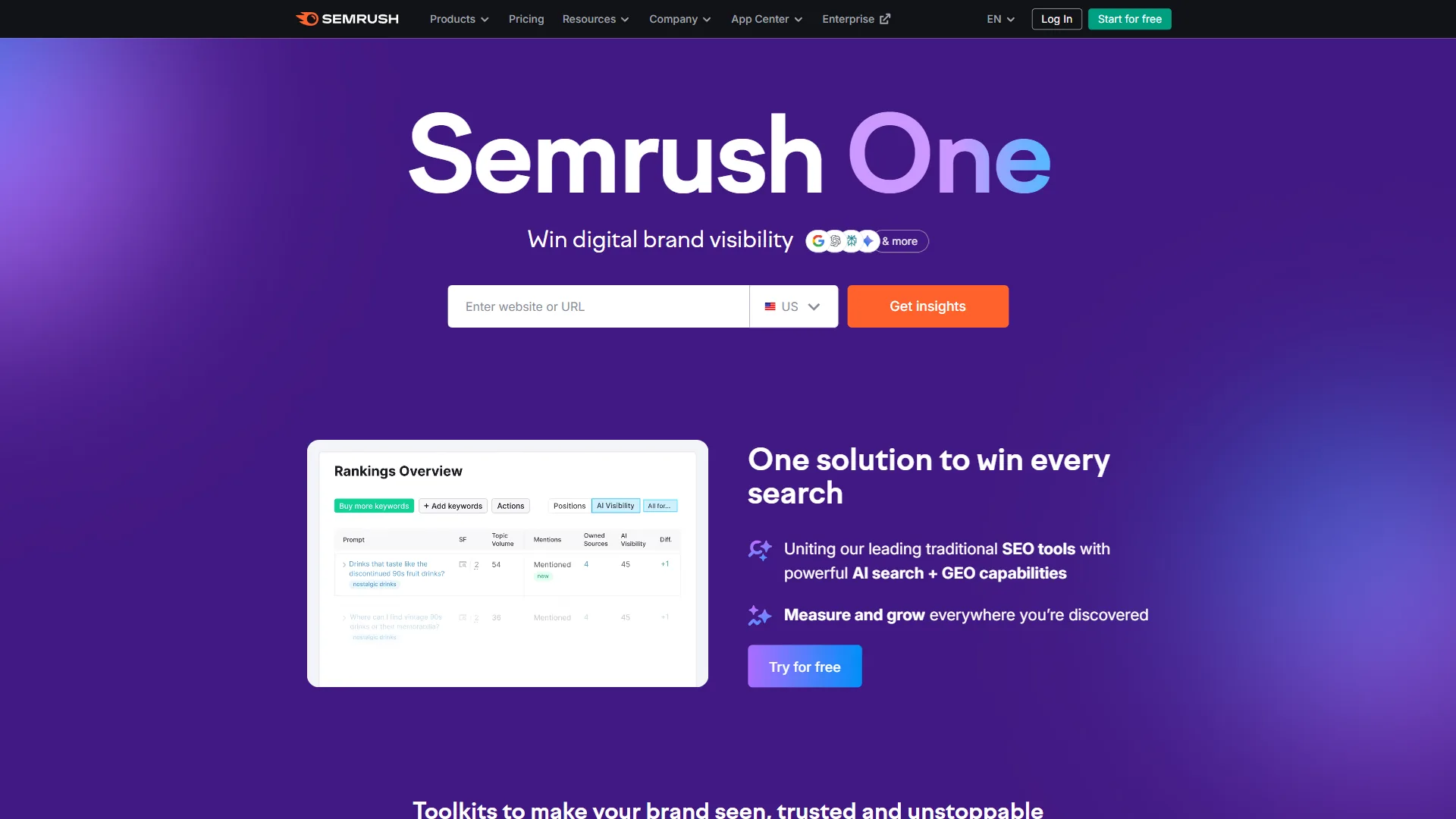
Semrush () remains the most comprehensive SEO platform for marketers who need competitive intelligence, keyword research, and content optimization in one place. Its 2026 AI Visibility Toolkit now tracks how your brand appears across ChatGPT, Google AI Overviews, and Perplexity - a feature that reflects where search is actually heading.
What Makes It Stand Out
Semrush Copilot acts as an AI SEO assistant that surfaces actionable recommendations based on your site data. Instead of digging through reports manually, Copilot flags opportunities like declining keywords, technical issues, and content gaps in a prioritized feed. It saves roughly 2-3 hours per week on routine SEO auditing.
The Content Toolkit (formerly ContentShake AI) generates SEO-optimized drafts using real SERP data and competitor analysis. It is not a replacement for a skilled writer, but it produces solid first drafts that cut content creation time by 40-50%. The SEO Writing Assistant scores your content against top-ranking pages in real time.
Competitive Analysis lets you reverse-engineer any competitor’s organic strategy - their top keywords, backlink sources, ad spend estimates, and content performance. For agencies and in-house teams managing multiple brands, this intelligence is hard to replicate manually.
What Needs Work
The interface is dense. New users often feel overwhelmed by the sheer number of tools and reports. Expect a 2-3 week ramp-up period before you are comfortable navigating everything.
Pricing is steep for solo marketers. The Pro plan at around $139.95 per month is a serious commitment, and the most useful features (like historical data and content marketing tools) require the Guru tier at around $249.95 per month.
Limitations and who Semrush is not for: Skip Semrush if you’re a solo marketer or freelancer with under 10 clients - the cons of paying $140-250/month rarely justify the depth at low usage. Drawbacks include a steep learning curve, dense interface, and feature overlap that can confuse new users. Teams focused purely on technical SEO or pure backlink analysis may also find narrower alternatives like Ahrefs more efficient.
Best For
Marketing teams and agencies that rely on organic search as a primary channel. Especially valuable for content marketers who need keyword research, competitive intelligence, and content optimization in a single platform.
Pricing
- Free: Limited access (10 queries/day, 1 project)
- Pro (around $139.95 per month): 5 projects, 500 tracked keywords, site audit, position tracking
- Guru (around $249.95 per month): 15 projects, 1,500 keywords, Content Toolkit, historical data
- Business (around $499.95 per month): 40 projects, 5,000 keywords, API access, Share of Voice
2. HubSpot - Best for Marketing Automation and CRM
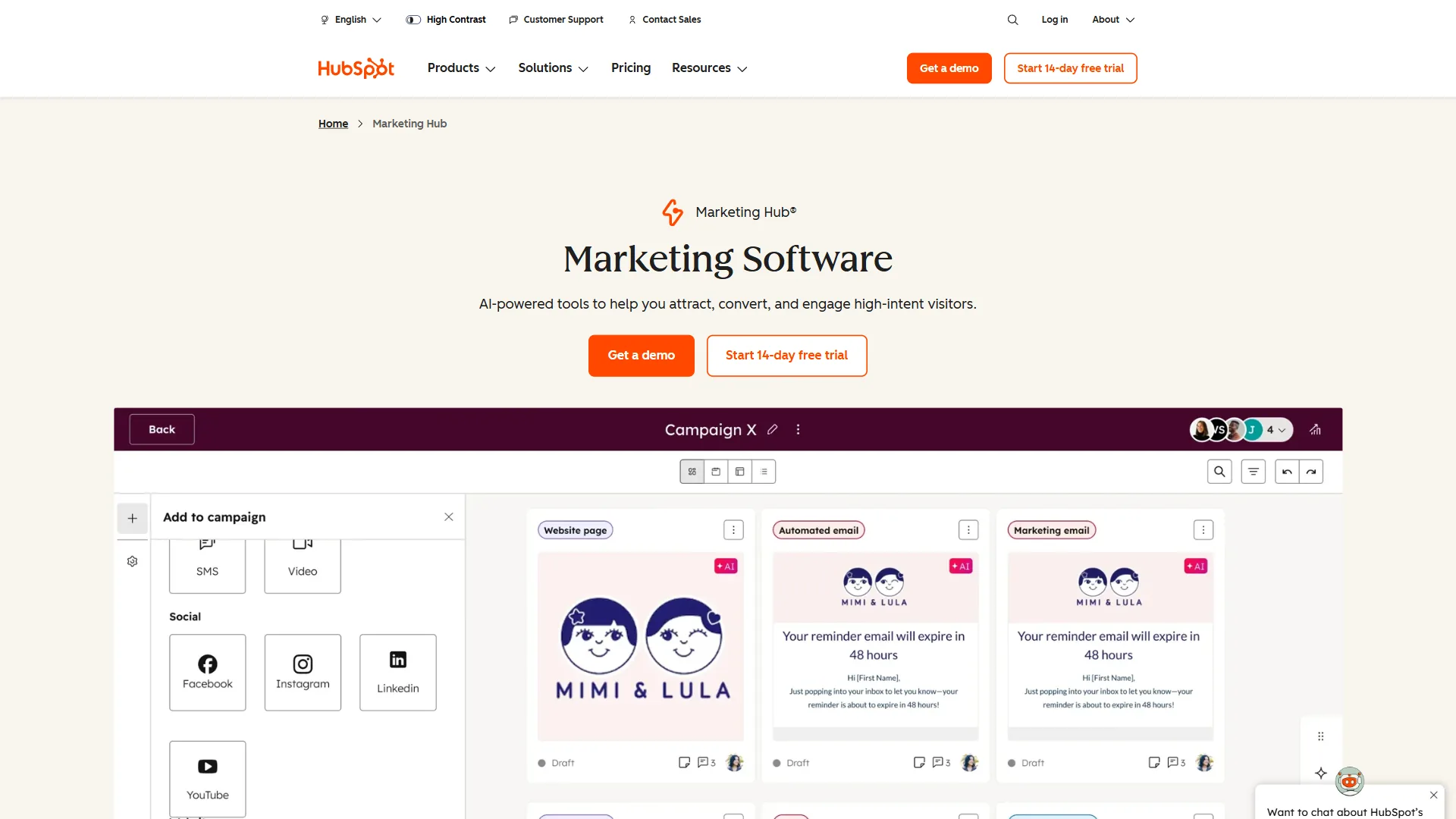
HubSpot () has evolved from a basic inbound marketing tool into a full-stack platform powered by Breeze AI. For marketers who need CRM, email automation, landing pages, and analytics without stitching together five different subscriptions, HubSpot consolidates everything into one ecosystem.
What Makes It Stand Out
Breeze AI Suite is HubSpot’s 2026 AI layer, and it is genuinely useful. The Prospecting Agent acts as an AI BDR that identifies and engages leads automatically. The Customer Agent handles 24/7 support queries. The Data Agent enriches contact records without manual research. These are not gimmicks - they reduce repetitive work that marketing teams spend hours on weekly.
Predictive Lead Scoring uses machine learning to rank leads by likelihood to convert, trained on your actual deal history. Combined with automated nurture sequences, it ensures marketing qualified leads reach sales at the right moment.
The Free CRM remains one of the best entry points in marketing tech. You get contact management, email tracking, forms, and basic reporting at no cost. For startups and small teams, this alone eliminates the need for a separate CRM subscription.
What Needs Work
The pricing jump from Starter (around $20 per month) to Professional (around $890 per month) is jarring. Many marketers outgrow the Starter tier quickly but struggle to justify the Professional cost, creating an awkward middle ground.
Customization requires HubSpot-specific knowledge. Complex workflows, custom objects, and advanced reporting often require a HubSpot-certified specialist or agency support.
Limitations and who HubSpot is not for: Skip HubSpot if your team is between Starter and Professional tiers - the price jump from $20 to $890 a month creates an awkward middle ground that’s a real drawback for growing teams. Cons include lock-in to HubSpot’s data model, costly extra contacts, and required certification for advanced reporting. B2C marketers and high-volume e-commerce teams often find dedicated tools (Klaviyo, Salesforce) better fits.
Best For
Growing marketing teams that want a single platform for CRM, email, automation, and analytics. Particularly strong for B2B companies running inbound marketing programs where lead nurturing and sales alignment matter.
Pricing
- Free CRM: Contact management, forms, basic email, live chat
- Starter (around $20 per month): 1,000 contacts, email marketing, ad management, landing pages
- Professional (around $890 per month): 2,000 contacts, full automation, A/B testing, custom reporting
- Enterprise ($3,600/month): Advanced permissions, predictive lead scoring, custom objects
3. Jasper - Best for AI Content Creation at Scale
Jasper () is purpose-built for marketing teams that need to produce brand-consistent content at volume. While general AI assistants like ChatGPT can write marketing copy, Jasper adds brand voice controls, campaign workflows, and team collaboration features that matter when content quality needs to stay consistent across dozens of assets.
What Makes It Stand Out
Brand Voice (Jasper IQ) learns your company’s tone, terminology, and style guidelines, then applies them to every piece of content the AI generates. This solves the biggest complaint marketers have with generic AI writing tools - output that sounds nothing like their brand.
Marketing Agents autonomously plan campaigns, generate multi-channel content, and run SEO audits. The Instant Campaigns feature takes a single brief and produces coordinated assets across blog posts, social captions, ad copy, and email sequences.
Jasper Canvas is a multi-agent workspace introduced in 2026 that lets teams collaborate on content with AI assistance in real time. Multiple team members can work on different sections while the AI maintains voice consistency throughout.
What Needs Work
Jasper requires investment in setup. Training the brand voice properly takes time, and teams that skip this step get generic output that defeats the purpose. Budget 2-4 hours for initial configuration.
The Creator plan (around $49 per month) works for solo marketers, but teams need the Pro tier (around $69 per month) or Business plan (custom pricing) to access collaboration features and advanced AI capabilities.
Limitations and who Jasper is not for: Skip Jasper if you publish fewer than five marketing pieces per month - the cons of a $49+ subscription compound at low volume. Drawbacks include a brand-voice setup tax that teams who skip will regret, generic output without proper training, and pricing that climbs with seats. Solo creatives wanting a general-purpose AI find ChatGPT or Claude more flexible at the same price.
Best For
Marketing teams producing 10+ content pieces per week who need brand consistency across channels. Agencies managing multiple client voices will find the brand voice feature particularly valuable.
Pricing
- Creator (around $49 per month): 1 brand voice, 1 user, SEO mode, Jasper Chat, 50+ templates
- Pro (around $69 per month): 3 brand voices, up to 5 users, Jasper Art, collaboration tools
- Business (custom): Unlimited brand voices, marketing agents, API access, SSO
4. Hootsuite - Best for Social Media Management
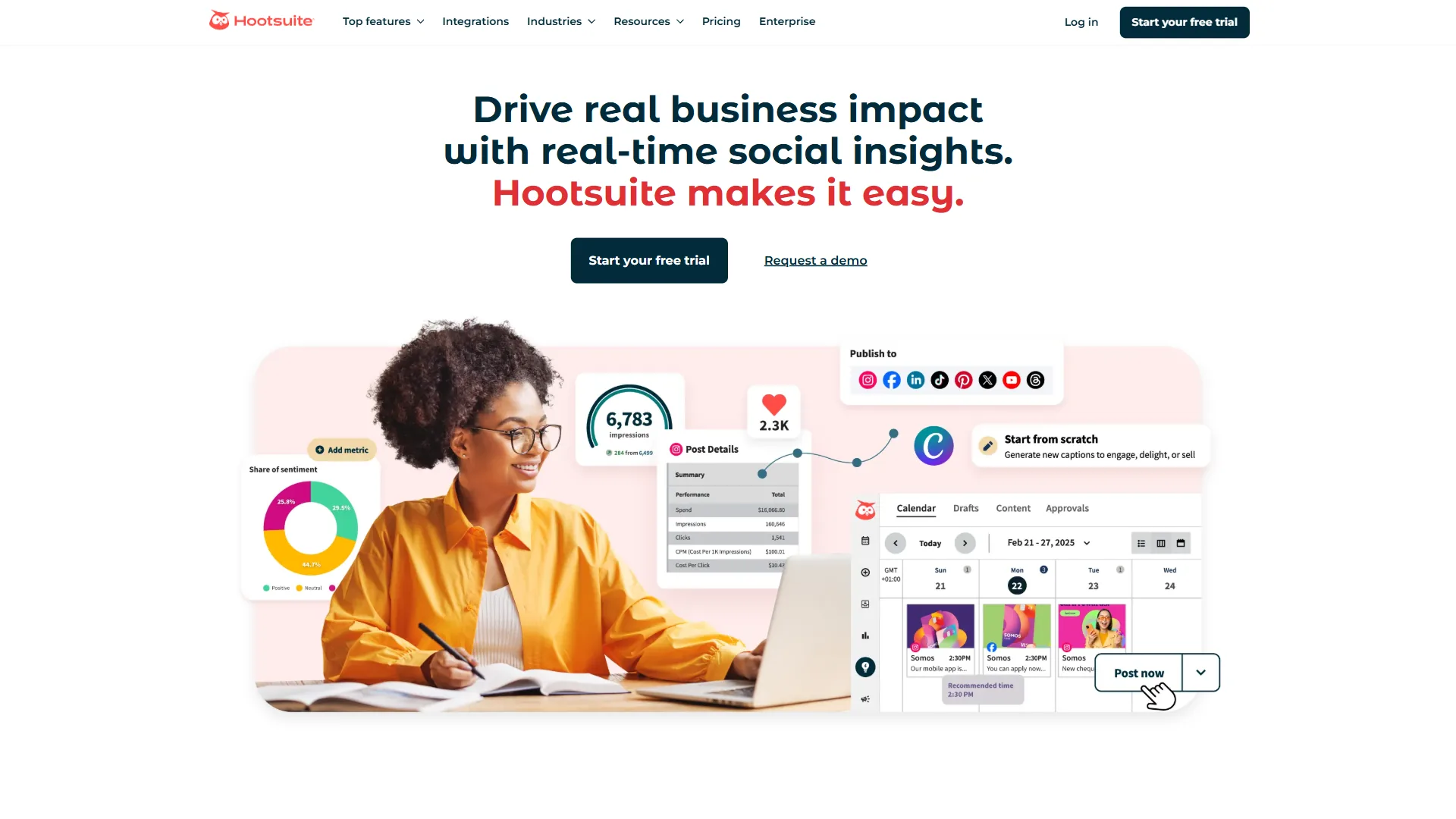
Hootsuite () has been managing social media for over a decade, and its AI features now go well beyond basic scheduling. The OwlyGPT assistant and OwlyWriter AI turn it from a posting tool into a content creation and analytics platform for social teams.
What Makes It Stand Out
OwlyGPT is powered by real-time social data, which makes it fundamentally different from plugging ChatGPT into a scheduler. It analyzes trending topics, competitor activity, and audience engagement patterns to suggest content that is timely and relevant - not just grammatically correct.
OwlyWriter AI generates captions, hashtags, and campaign ideas with brand voice personalization. It also repurposes long-form content into social-ready formats, which saves significant time for marketers managing multiple platforms.
Social Listening and Analytics track brand mentions, sentiment, and competitor activity across platforms. The Blue Silk AI engine handles sentiment analysis and trend forecasting, giving marketers early signals on emerging topics before they peak.
What Needs Work
The pricing restructure removed the free plan entirely. The Professional tier at around $99 per month (billed annually) is reasonable for businesses, but solo marketers and freelancers may find it steep compared to lighter alternatives like Buffer.
The dashboard can feel cluttered when managing more than 10 social profiles. Navigation improves with customization, but the initial setup requires patience.
Limitations and who Hootsuite is not for: Skip Hootsuite if you manage fewer than three social profiles - cons include an entry point near $99 a month that’s hard to justify at low scale, and a dashboard that overwhelms first-time users. Drawbacks include the removal of the free plan, slower release cadence on AI features compared to newer competitors, and limitations on solo-marketer workflows. Light users should look at Buffer or Later instead.
Best For
Marketing teams managing 5+ social profiles across multiple platforms who need scheduling, analytics, and social listening in one dashboard. The AI content features add the most value for teams posting 3+ times daily.
Pricing
- Professional (around $99 per month billed annually): 1 user, 10 social accounts, unlimited scheduling, OwlyWriter AI
- Team (around $249 per month): 3 users, 20 social accounts, team assignments, approval workflows
- Enterprise (custom): Unlimited users, 50+ social accounts, advanced analytics, dedicated support
5. Mailchimp - Best for Email Marketing with AI Optimization
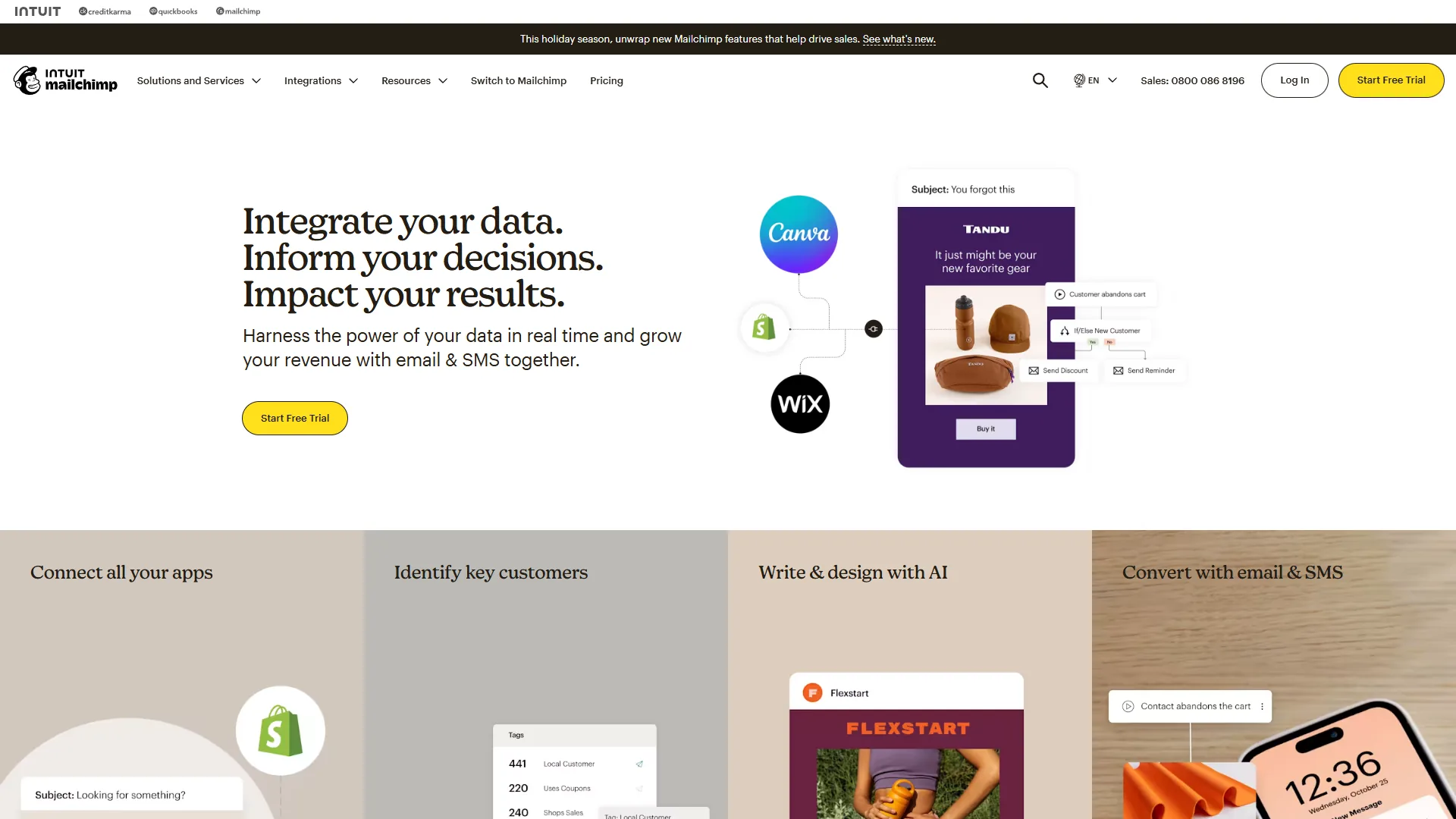
Mailchimp () powers email marketing for millions of businesses, and its Intuit Assist AI features have transformed it from a simple newsletter sender into a smart marketing automation platform. The free tier still offers a genuine entry point, which is increasingly rare in AI tools for marketers.
What Makes It Stand Out
Intuit Assist generates email copy, subject lines, and entire campaign flows using AI trained on billions of email interactions. The Content Optimizer analyzes your drafts against industry benchmarks and suggests improvements before you hit send.
Send Time Optimization uses machine learning to determine when each individual subscriber is most likely to engage, then schedules delivery accordingly. According to Litmus research, personalized send-time optimization can improve open rates by 20% or more compared to batch sending. This is not a generic “best time to send” recommendation - it is personalized per contact based on their historical behavior.
Predictive Segmentation automatically groups contacts by purchase likelihood, engagement level, and churn risk. Combined with automated Customer Journey Builder flows, it creates targeted campaigns that would take hours to configure manually.
What Needs Work
The free tier is functional but limited to 500 contacts and 1,000 monthly sends. Growing businesses outgrow it quickly, and the pricing scales with contact count, which can become expensive at scale.
AI features like Intuit Assist and predictive segmentation require the Standard plan (around $20 per month) or higher. The Essentials plan at around $13 per month skips most AI capabilities, which creates a gap between the free tier and where the AI value actually starts.
Limitations and who Mailchimp is not for: Skip Mailchimp if you’re running e-commerce email or transactional flows at scale - drawbacks include automation depth that lags Klaviyo, ActiveCampaign, and Customer.io for those use cases. Cons include pricing that climbs steeply with contact count, AI gated behind the Standard tier, and segmentation that struggles past 100K contacts. Heavy senders should evaluate dedicated platforms.
Best For
Small to mid-sized businesses running email campaigns that want AI-powered optimization without the complexity of enterprise platforms. Excellent starting point for marketers building their first automated email sequences.
Pricing
- Free: 500 contacts, 1,000 monthly sends, basic templates, landing pages
- Essentials (around $13 per month): 50,000 contacts, A/B testing, automation, 24/7 support
- Standard (around $20 per month): 100,000 contacts, Intuit Assist AI, send time optimization, predictive segmentation
- Premium (around $350 per month): 250,000 contacts, multivariate testing, advanced segmentation, phone support
6. Grammarly - Best Writing Assistant for Marketing Copy
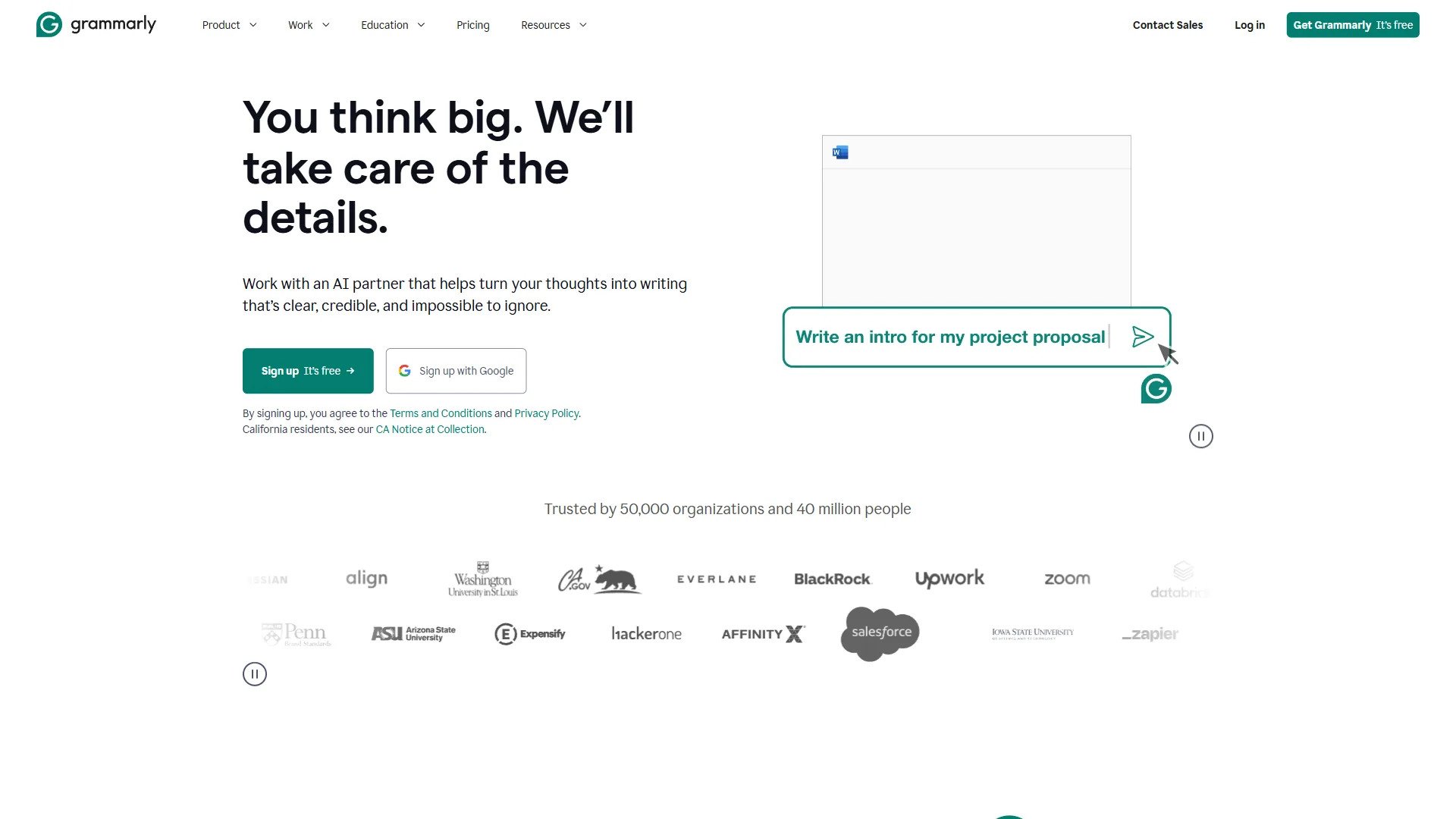
Grammarly () goes far beyond spell-check. For marketers writing blog posts, ad copy, emails, and social captions across multiple platforms daily, Grammarly’s AI catches errors, improves clarity, and maintains brand tone in every piece of content - wherever you write.
What Makes It Stand Out
AI Writing Prompts generate full drafts, rephrase paragraphs, and adjust tone directly within your workflow. Unlike standalone AI writers, Grammarly works inside Gmail, Google Docs, LinkedIn, Slack, and 500,000+ other apps via its browser extension and desktop app. You never need to copy-paste between tools.
Brand Tone and Style Guides (Pro tier) ensure every team member writes in a consistent voice. Marketing managers can define terminology preferences, formality levels, and banned phrases, then Grammarly enforces them automatically across the team.
Plagiarism Detection scans content against billions of web pages, which is essential for marketing teams publishing high volumes of content or working with freelance writers.
What Needs Work
The free tier is genuinely useful for basic grammar and spelling but limited to 100 AI prompts per month. Power users will hit that ceiling within a week.
The Pro plan at around $12 per month (billed annually) offers strong value, but the monthly price of around $30 a month is steep by comparison. Teams should commit to annual billing to make the economics work.
Limitations and who Grammarly is not for: Skip Grammarly if your work is highly technical, legal, or domain-specific - drawbacks include over-correction of jargon and stylistic suggestions that flatten expert voice. Cons include AI prompt caps on the Pro tier, monthly billing that’s nearly 3x the annual price, and the brand-tone enforcement that requires admin overhead. Writers who already use Hemingway or ProWritingAid may find limited additional value.
Best For
Marketers who write across multiple platforms daily and need consistent quality without slowing down. Particularly valuable for teams where multiple writers need to maintain a unified brand voice.
Pricing
- Free: Basic grammar, spelling, tone detection, 100 AI prompts/month
- Pro (around $12 per month billed annually): Advanced suggestions, 1,000 AI prompts/month, plagiarism detection, brand tone
- Enterprise (custom): 2,000+ AI prompts, custom AI models, SSO, usage analytics
7. Canva - Best for Visual Content and Design
Canva () has become the default design tool for marketers who are not graphic designers - and increasingly for those who are. The Magic Studio AI suite turns text prompts into images, generates entire presentations, removes backgrounds, and resizes designs for every platform in seconds.
What Makes It Stand Out
Magic Studio is Canva’s AI powerhouse. Magic Design generates complete templates from a text description. Magic Media creates original images and videos from prompts (now powered by Veo 3). Magic Write handles copy generation with brand voice awareness. Together, they compress what used to be a multi-tool, multi-hour process into minutes.
Magic Resize instantly adapts a single design for Instagram, LinkedIn, Facebook, Twitter, Pinterest, and email - maintaining layout integrity across formats. For marketers publishing across 5+ platforms, this feature alone saves hours per week.
Brand Kit stores logos, colors, fonts, and templates so every piece of content stays on-brand. Teams can lock certain elements to prevent off-brand modifications, which is critical when multiple people create content.
What Needs Work
The free tier is generous with 2 million+ templates but limits AI features to 25 Magic Write uses. Most marketers will need the Pro plan to access the full Magic Studio capabilities.
Complex design work still requires dedicated tools like Adobe Creative Suite. Canva excels at marketing collateral, social graphics, and presentations, but it is not a replacement for professional illustration or advanced photo editing.
Limitations and who Canva is not for: Skip Canva if you need pixel-perfect print production, advanced typography control, or vector illustration - cons here are real and dedicated tools like Figma or Adobe Illustrator still win. Drawbacks include credit caps on Magic Studio, brand-strict agencies finding the flexibility a liability rather than feature, and limitations on collaboration features locked to Teams tier. Designer-led teams often outgrow Canva.
Best For
Marketing teams and solopreneurs who need professional-looking visuals without design expertise. Ideal for social media graphics, presentations, email headers, and ad creatives across the AI tools for marketers landscape.
Pricing
- Free: 2M+ templates, 5GB storage, 25 Magic Write uses, basic AI tools
- Pro (around $15 per month): 140M+ premium assets, 1TB storage, Magic Studio (500 credits), Brand Kit
- Teams (around $10 per user per month): All Pro features, unlimited storage, team templates, shared folders
Bonus Pick: Buffer for Budget-Conscious Social Teams
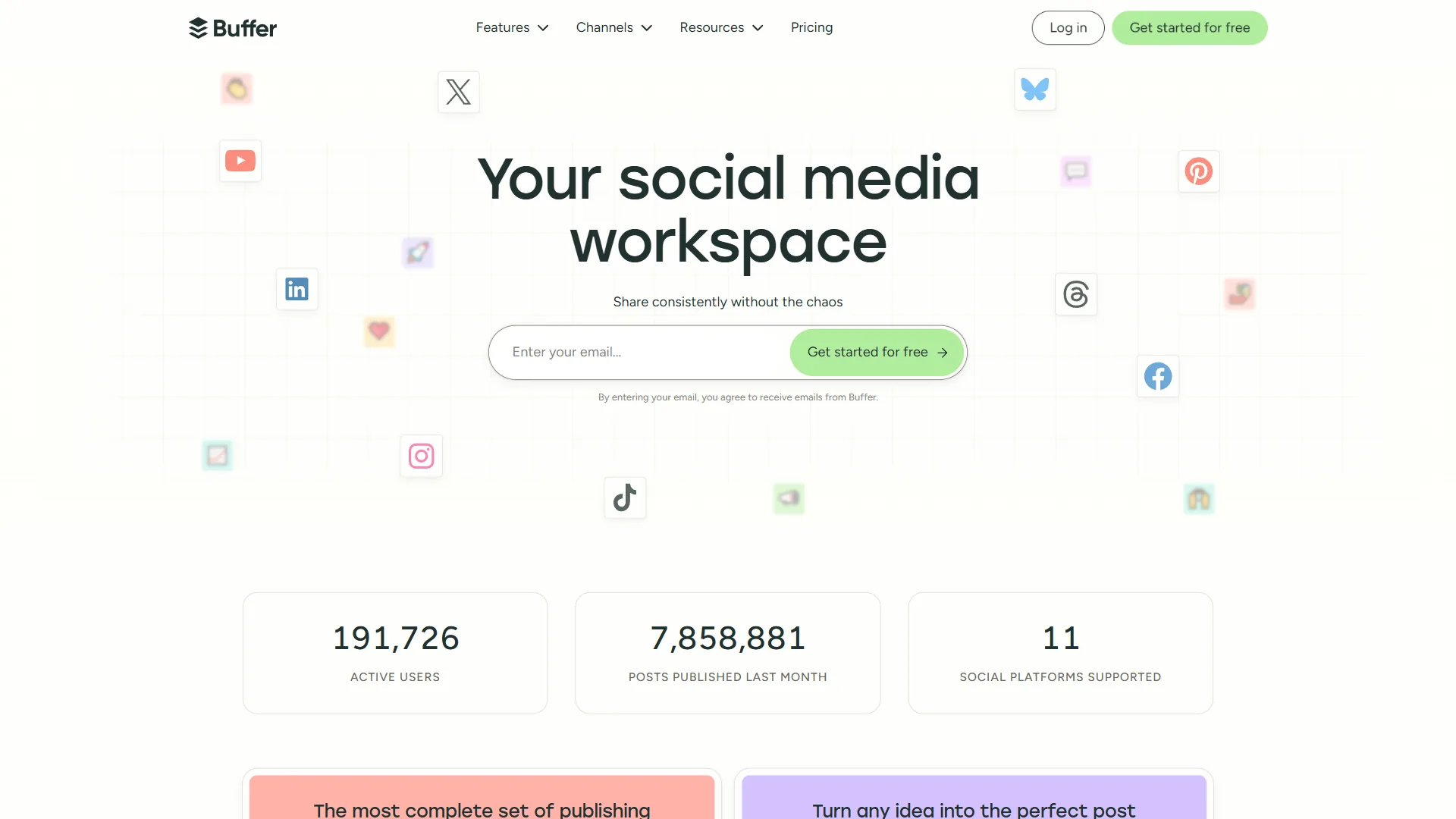
Buffer () takes the opposite approach to Hootsuite. Instead of packing in every possible social media feature, Buffer focuses on clean scheduling, basic analytics, and an AI assistant that helps create content - without the complexity or price tag of enterprise platforms.
What Makes It Stand Out
The AI Assistant (powered by GPT-4) generates post ideas, repurposes content for different platforms, and suggests reply drafts for engagement. It is not as sophisticated as Hootsuite’s social-data-powered OwlyGPT, but it handles daily content creation needs competently.
The Scheduling Interface is the cleanest in the category. Drag-and-drop calendar, one-click scheduling across channels, and a queue system that automatically spaces posts for optimal timing. New users are productive within minutes, not hours.
Per-Channel Pricing means you pay only for what you use. At $6/channel/month, a marketer managing 5 social profiles pays around $30 per month total - a fraction of what Hootsuite or Sprout Social charges. The free tier covers 3 channels with 10 scheduled posts each, which works for testing.
What Needs Work
Analytics are basic compared to Hootsuite or Sprout Social. You get engagement metrics and post performance, but advanced reporting, social listening, and competitor benchmarking are not part of the package.
The AI assistant offers only 5 reply suggestions per week on the free plan, which is barely enough for a single active profile. Upgrading to Essentials unlocks unlimited AI suggestions.
Best For
Solo marketers, freelancers, and small teams who need reliable scheduling and basic AI content assistance without enterprise pricing. The best value pick among ai tools for marketers for budget-conscious teams.
Pricing
- Free: 3 channels, 10 posts per channel, AI Assistant, basic analytics
- Essentials ($6/channel/month): Unlimited posts, engagement tools, unlimited AI suggestions
- Team ($12/channel/month): Unlimited team members, approval workflows, draft collaboration
Comparison Table: AI Tools for Marketers
| Tool | Category | Starting Price | AI Highlight | Rating |
|---|---|---|---|---|
| Semrush | SEO | $139.95/mo | Copilot SEO assistant | 4/5 |
| HubSpot | Automation | Free | Breeze AI agents | 4/5 |
| Jasper | Content | $49/mo | Brand voice AI | 4/5 |
| Hootsuite | Social | $99/mo | OwlyGPT real-time data | 4/5 |
| Mailchimp | Free | Intuit Assist optimization | 4/5 | |
| Grammarly | Writing | Free | Contextual tone detection | 4/5 |
| Canva | Design | Free | Magic Studio suite | 5/5 |
| Buffer | Social | Free | GPT-4 content assistant | 4/5 |
Best Picks by Use Case
You do not need all eight tools. Most marketing teams get the best results from 2-3 platforms that cover their primary workflows without overlap.
Content-first marketers: Semrush for SEO research + Jasper for writing + Grammarly for polish. Total: roughly $200-270/month.
Social-focused teams: Hootsuite or Buffer for scheduling + Canva for visuals. Total: $30-115/month depending on scale.
Full-funnel marketing: HubSpot for automation and CRM + Mailchimp for email + Canva for design. Total: $35-930/month depending on tier.
Bootstrap budget: Buffer free + Mailchimp free + Canva free + Grammarly free. Total: $0 a month with genuine functionality.
Start with the free tiers where available. Upgrade only when you hit a limit that costs you more time than money.
The Bottom Line
The best AI tools for marketers in 2026 are not the ones with the longest feature lists - they are the ones that eliminate specific bottlenecks in your workflow without creating new ones.
Semrush dominates SEO intelligence. HubSpot consolidates marketing automation. Jasper scales content creation with brand consistency. Hootsuite and Buffer handle social media at different price points. Mailchimp makes email marketing accessible with smart AI. Grammarly catches what you miss across every platform. And Canva turns non-designers into visual content creators.
Pick the tool that solves your biggest time drain first. Master it. Measure the impact. Then expand your stack from there.
FAQ
Q: What are the best free AI tools for marketers?
Several strong free tiers exist among AI tools for marketers. Buffer covers 3 social channels with its AI Assistant, Mailchimp includes 500 contacts and 1,000 monthly sends, Canva offers 2 million templates plus 25 Magic Write uses, and Grammarly provides 100 AI prompts per month. Combining these four free plans delivers genuine functionality at zero monthly cost.
Q: Which AI tools for marketers work best for small business budgets?
Budget-conscious small businesses get the most value from Buffer at $6 per channel per month for scheduling, Mailchimp Standard at $20 per month for email with Intuit Assist AI, and Canva Pro at $15 per month for design. This combination covers social media, email marketing, and visual content for roughly $65 per month total, far below enterprise platforms like Hootsuite or HubSpot Professional.
Q: What are the best AI tools for social media marketing?
Hootsuite leads for teams managing 5 or more social profiles, using OwlyGPT powered by real-time social data and OwlyWriter AI for captions and hashtags. Buffer is the budget alternative with a GPT-4 AI assistant and per-channel pricing starting at $6. Canva handles the visual side with Magic Resize, which adapts one design for Instagram, LinkedIn, Facebook, Twitter, and Pinterest simultaneously.
Q: How do I choose the right AI tools for marketers?
Start by identifying your biggest time drain - SEO research, content creation, social scheduling, or email campaigns - then pick the tool that solves that specific bottleneck. Most marketing teams get the best results from 2-3 platforms without overlap. Begin with free tiers where available and upgrade only when a limit costs more time than money. Master one tool before expanding the stack.
Related Reading
- Semrush - Our full review with pricing, features, and alternatives
- HubSpot - Our full review with pricing, features, and alternatives
- Jasper - Our full review with pricing, features, and alternatives
- Hootsuite - Our full review with pricing, features, and alternatives
- Mailchimp - Our full review with pricing, features, and alternatives
- Grammarly - Our full review with pricing, features, and alternatives
- Canva - Our full review with pricing, features, and alternatives
- Buffer - Our full review with pricing, features, and alternatives
- Best AI SEO Tools in 2026 - Deep dive into SEO-specific platforms beyond Semrush
- Best AI Writing Tools in 2026 - Comprehensive comparison of AI content creation platforms
- Best Social Media Management Tools in 2026 - Full breakdown of scheduling and analytics tools
- Best Email Marketing Tools in 2026 - Detailed comparison of email platforms including ActiveCampaign and Klaviyo
- Best AI Design Tools in 2026 - Visual creation tools for marketers and designers
External Resources
- Semrush: State of AI in Marketing 2026 - Industry data on AI adoption across marketing teams
- HubSpot: The AI Marketing Playbook - Practical frameworks for integrating AI into marketing workflows
- McKinsey: AI-Powered Marketing Reaches New Heights - Research on productivity gains from AI in marketing functions