


You finally finish a two-hour signing appointment across town, only to realize you double-booked yourself for a RON session that started ten minutes ago. Meanwhile, your phone buzzes with three clients asking “Are you available Tuesday?” and you still haven’t updated your journal entries from yesterday’s signings.
If this sounds painfully familiar, you’re not alone. Mobile notaries and signing agents juggle more moving parts than most professionals - travel logistics, compliance documentation, appointment coordination, and client communication all compete for attention while you’re trying to actually perform notarizations.
Three AI tools for notaries stand apart from the noise because they solve these exact problems, and each offers AI tools for notaries free on starter plans so you can try them without risk. They are not generic scheduling apps - they are solutions built around the realities of mobile signings, RON sessions, and compliance requirements.
TL;DR: The Best AI Tools for Notaries in 2026
For appointment scheduling: Calendly ($0-20/month) - Eliminates scheduling chaos with buffer time settings and automated confirmations
For document and client tracking: Notion ($0-18/month) - AI-powered workspace for signing logs, client databases, and compliance templates
For calendar optimization: Reclaim.ai ($0-18/month) - AI that protects travel time and prevents burnout from back-to-back signings
Want the full breakdown with notary-specific workflows? Keep reading.
Why Notaries Need Specialized AI Tools
Most productivity advice assumes you work from a desk. But notary work is fundamentally different:
- Mobile signings require travel buffer - You can’t schedule back-to-back appointments 30 miles apart, a problem we explore in our AI scheduling assistants guide
- RON sessions need tech prep time - Launching platforms, testing audio/video, preparing documents
- Compliance is non-negotiable - Journal entries, certificate tracking, and state-specific requirements
- Irregular hours - Signings happen when clients are available, not 9-to-5
- Client communication overload - Confirmation texts, directions, document reminders
The AI tools below solve these specific problems without requiring you to become a tech expert or enroll in complete notary mentorship programs.
Limitations and who it’s not for: None of these tools replace your physical journal in states that require ink-and-paper records, your e&O insurance, or your commission. Skip this stack if you do fewer than five signings a month - the time savings won’t justify around $42 per month in subscriptions. Cons also include the learning curve for Notion and the integration complexity when combining all three platforms with signing service portals.
1. Calendly: End the Scheduling Chaos
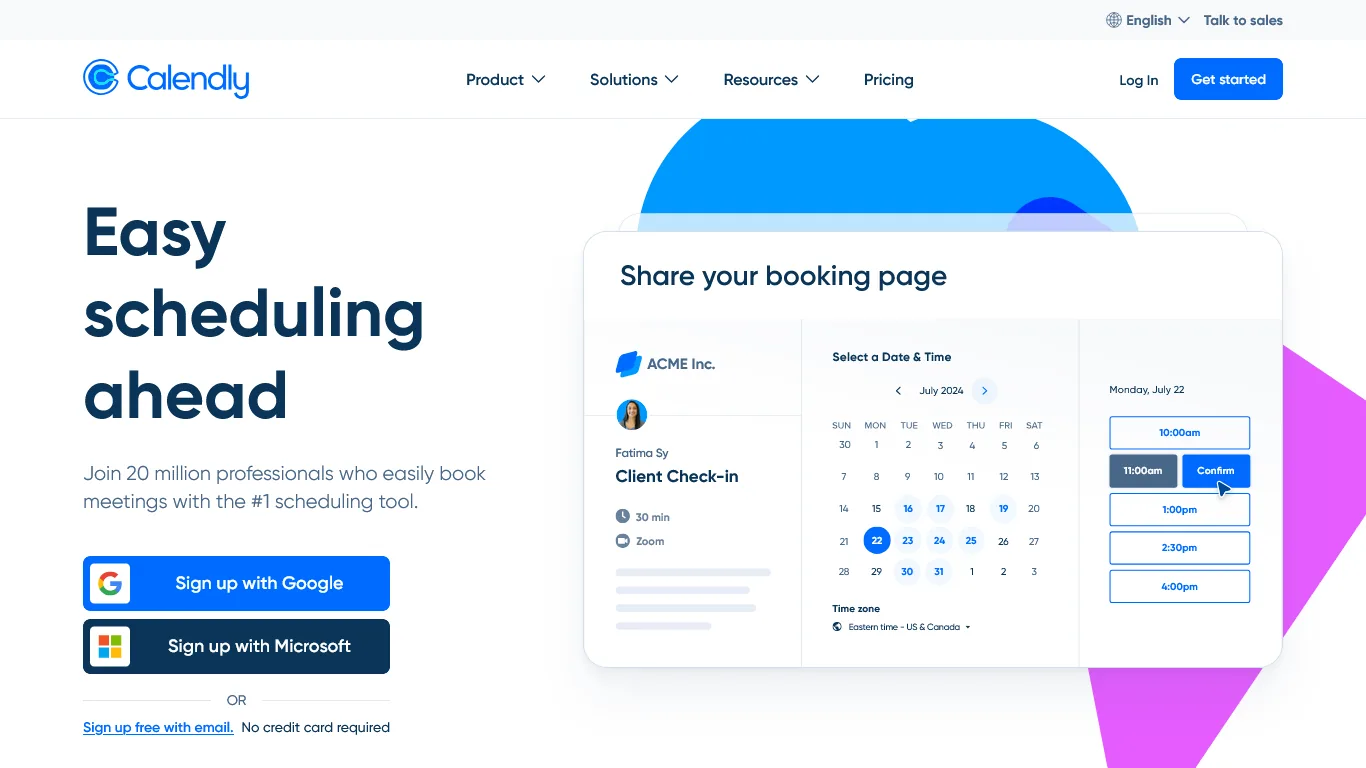
Every notary has experienced the scheduling nightmare: a client texts asking for availability, you quote three times, they come back with different times, you check traffic patterns, and suddenly 20 minutes have evaporated just to book one signing.
Calendly eliminates this entirely - and its features are practically designed for mobile notaries.
Why Calendly is Essential for Notaries
Travel Buffer Time
This is the feature that makes Calendly indispensable for mobile notaries (see the official Calendly buffer settings documentation for setup steps). You can set:
- Before-event buffer: 30-60 minutes for travel to location
- After-event buffer: 15-30 minutes for completing paperwork
- Minimum scheduling notice: Prevent same-day bookings if you need prep time
No more arriving stressed because you scheduled appointments too close together.
Location-Based Event Types
Create different booking pages for:
- Mobile signings (your area): Include your service radius
- RON sessions: No travel buffer needed
- Office appointments: If you maintain a signing location
Each event type can have different durations, pricing, and buffer settings.
Automated Reminders and Confirmations
Calendly’s workflow automation sends:
- Confirmation emails with your contact info and location requirements
- 24-hour reminder with any documents they need to prepare
- 1-hour reminder with driving directions (if applicable)
- Result: 60% reduction in no-shows and late arrivals
Payment Collection
For general notary work (non-loan signings), collect payment when clients book through Calendly’s native payment collection:
- Integrates with Stripe, PayPal, Square
- No awkward payment conversations at the signing table
- Reduces cancellations (people don’t flake when they’ve already paid)
Calendly Pricing for Notaries
| Plan | Monthly Cost | Best For |
|---|---|---|
| Free | $0 | Basic scheduling, 1 event type |
| Standard | $12/month | Solo notaries, multiple event types, buffers |
| Teams | $20/month | Notary services with multiple signing agents |
Recommendation: Standard plan for active notaries. The ability to create separate event types for mobile vs. RON signings, plus automated reminders, pays for itself immediately.
ROI Calculation for Notaries
- Scheduling time saved: 20 min/day × 5 days × $50/hour = $83/week
- No-show reduction (60%): 2 saved trips/month × $75 average fee = $150 per month
- Cost: around $12 per month
- Monthly ROI: $480 in saved time and revenue
Limitations and who it’s not for: Skip Calendly if your work comes almost entirely from signing services that dispatch their own appointments - you won’t get the self-scheduling benefit. The biggest drawbacks are the lack of native travel-time calculation (you set buffers manually) and limited customization on the free tier - one event type only. Cons include the upsell pressure on the paid plans for features that competitors include by default.
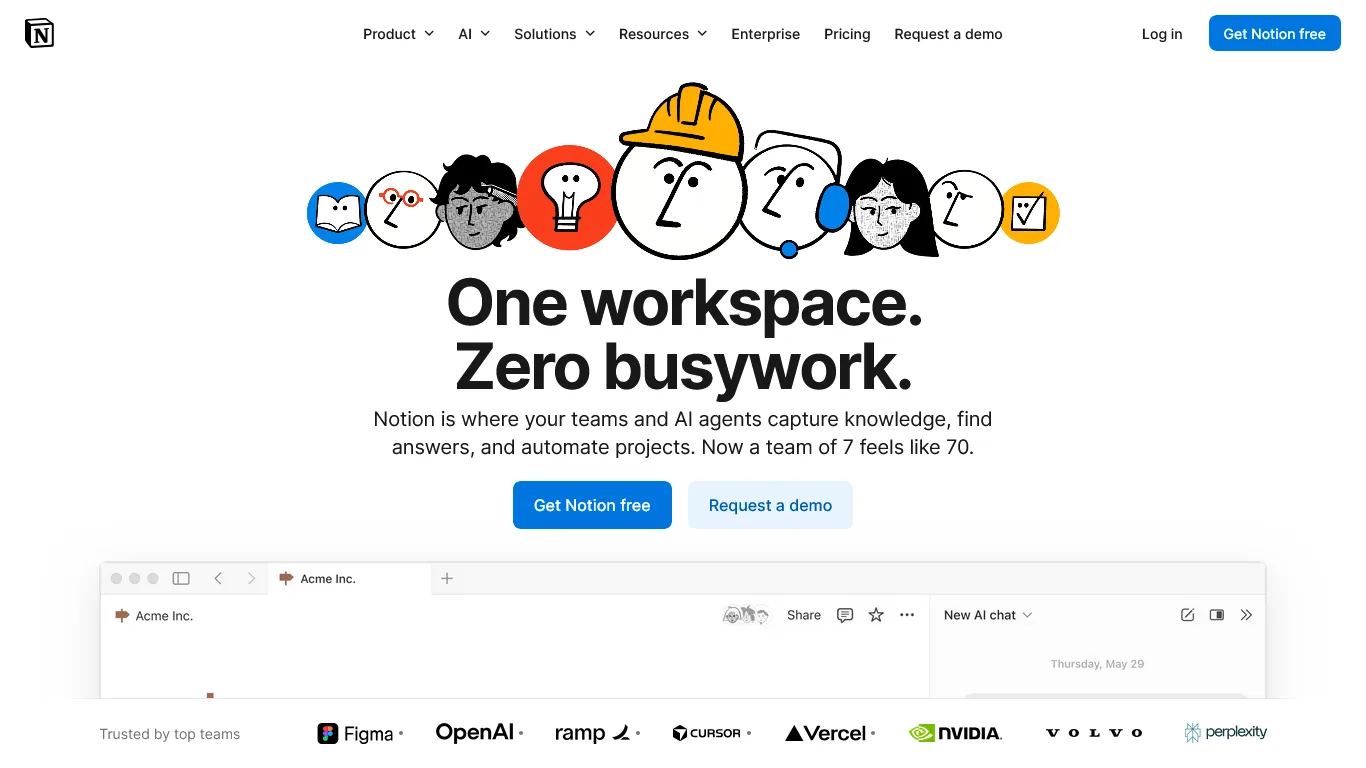
Paper journals and spreadsheets worked fine when you did a few signings a week. But as volume grows, tracking becomes a nightmare - especially when you need to find a specific signing from three months ago.
Notion transforms notary record-keeping with AI-powered search and organization.
What Makes Notion Essential for Notaries
Digital Signing Journal
Create a database that captures everything your state requires:
- Date, time, and location of signing
- Signer information and ID details
- Document types and fees collected
- Any unusual circumstances or notes
The AI feature that changes everything: Ask Notion to find “all signings for John Smith in Q4” or “refinance signings over $200” and get instant results, powered by Notion AI’s natural language Q&A.
Client Database with History
For repeat clients (title companies, signing services), track:
- Contact information and preferences
- Signing history and volume
- Payment terms and outstanding invoices
- Special instructions or requirements
Before accepting an assignment, ask Notion: “What’s my history with ABC Title?” and see everything - including that time they paid 60 days late.
Document Templates
Store and customize your essential documents:
- Invoice templates
- W-9 forms
- Service agreements
- State-specific certificates
Notion AI can help draft professional emails, create custom invoices, and even generate marketing content for your notary business.
Compliance Checklists
Create templates for different signing types:
- Loan signing checklist: Initial docs, sign docs, notarize docs, return instructions
- RON compliance checklist: Platform verification, ID authentication, recording requirements
- State-specific requirements: Journal entries, bond information, commission details
Notion Pricing for Notaries
| Plan | Monthly Cost | Best For |
|---|---|---|
| Free | $0 | Testing the platform, basic tracking |
| Plus | $12/month (annual) | Solo notaries, standard features |
| Business | $18/month (annual) | Full AI features, advanced search |
Recommendation: Start with Free to build your journal and client database. Upgrade to Business when you want AI assistance - the ability to ask questions about your data is worth every penny.
ROI Calculation for Notaries
- Journal entry time saved: 5 min/signing × 30 signings/month = 2.5 hours saved
- Record lookup time saved: 15 min/week × 4 weeks = 1 hour saved
- Invoice creation time saved: 10 min/week = 40 min saved
- Total time value at $50/hour: $208 per month
- Cost: around $18 per month
- ROI: 11x return
Limitations and who it’s not for: Notion is not certified for HIPAA or other regulated data, so notaries handling protected health information should keep PII out of Notion entirely. The drawbacks include a real learning curve - expect a week to feel comfortable - and limited offline support, which is a problem for mobile signings in dead zones. Skip Notion if you only need a simple journal log; a spreadsheet is faster to set up.
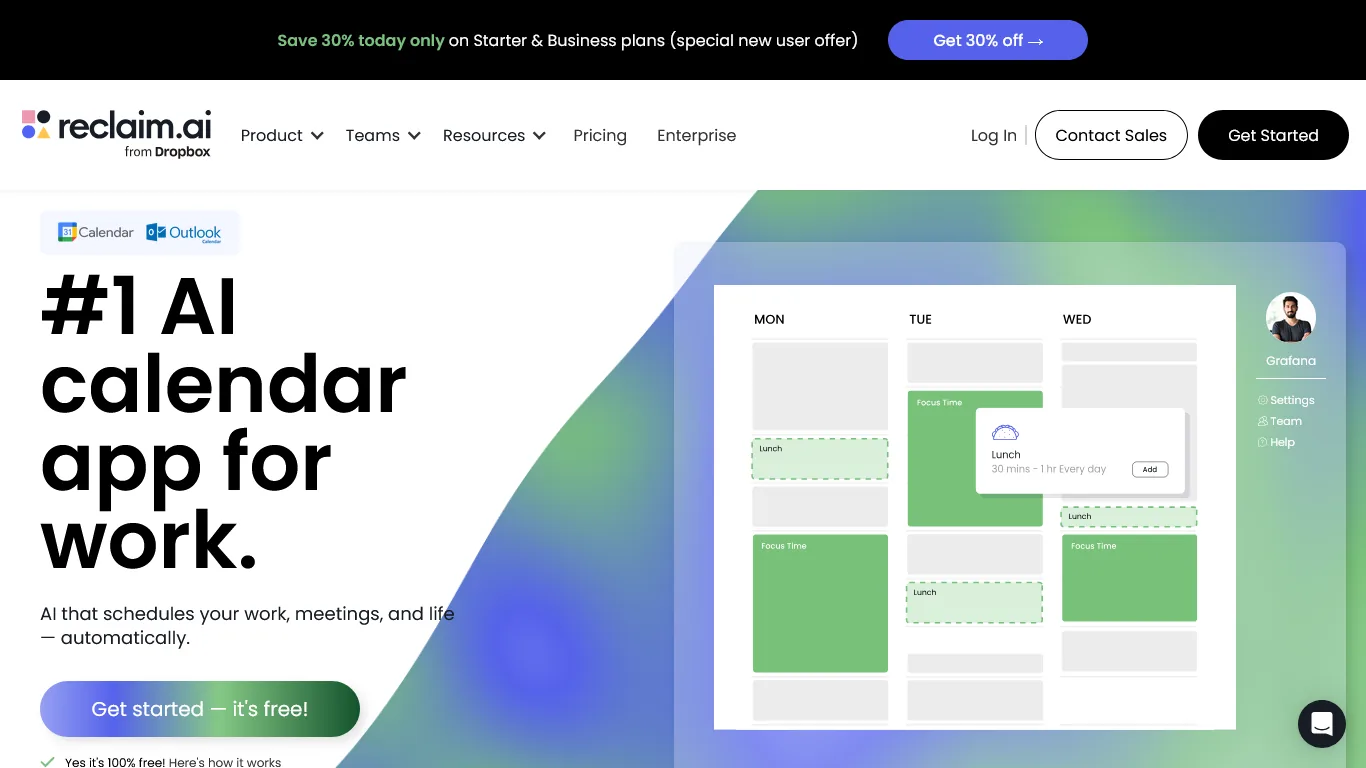
Here’s a scenario every busy notary knows: You accept three signings for Saturday because they seemed manageable. Then you realize two are on opposite sides of town, you forgot about your kid’s soccer game, and now you’re stressed before the day even starts.
Reclaim.ai is an AI calendar assistant that prevents exactly this kind of burnout.
Why Reclaim.ai is Essential for Notaries
Automatic Travel Time Blocking
Reclaim.ai integrates with your calendar and automatically blocks travel time between appointments based on its smart scheduling engine:
- Your home/office location
- Appointment locations
- Real-time traffic estimates
If you have a signing in the north part of town at 2pm and one in the south at 4pm, Reclaim blocks the travel time so nothing else can get scheduled.
Smart Buffer Zones
Beyond travel, Reclaim protects:
- Meal times: Stop skipping lunch because of back-to-back signings
- Personal commitments: Family events, appointments, gym time
- Decompression time: Avoid burnout from 8-hour signing marathons
Intelligent Rescheduling
When conflicts arise (and they will), Reclaim’s AI suggests the best alternatives:
- “Move the 3pm to 4:30pm to avoid rush hour traffic”
- “This signing would work better Thursday when you’re already in that area”
Workload Analytics
See patterns in your schedule:
- Which days are overbooked vs. underutilized
- How much time you actually spend traveling vs. signing
- Whether you’re maintaining work-life balance
Reclaim.ai Pricing for Notaries
| Plan | Monthly Cost | Best For |
|---|---|---|
| Free | $0 | Basic smart scheduling, 1 calendar |
| Starter | $12/month | Solo notaries, priority scheduling |
| Business | $18/month | Advanced analytics, multiple calendars |
Recommendation: Start with Free to experience the travel-time blocking. Upgrade to Starter when you want more control over buffer zones and scheduling priorities.
ROI Calculation for Notaries
- Prevented double-bookings: 2/month × $150 (lost fee + wasted time) = $300 per month
- Reduced travel time (optimized routes): 1 hour/week × $50/hour = $200 per month
- Burnout prevention: Priceless (but let’s say $100 per month in avoided mistakes)
- Cost: around $12 per month
- Monthly ROI: $588 saved
Limitations and who it’s not for: Skip Reclaim.ai if you primarily use Outlook at the desktop level - Google Calendar integration is more mature than Microsoft 365 support. Cons include the auto-rescheduling behavior, which can confuse clients who pin their calendar to specific time slots, and the lack of multi-stop route optimization (it estimates one travel leg at a time). The biggest drawback for notaries is the assumption that each signing is a single calendar event; multi-leg signings need manual block-out.
| Feature | Calendly | Notion | Reclaim.ai |
|---|---|---|---|
| Primary Use | Appointment booking | Document/client management | Calendar optimization |
| Best For | Client self-scheduling | Compliance tracking | Preventing overbooking |
| Travel Buffers | Manual setting | N/A | Automatic |
| AI Features | Routing, suggestions | Q&A, search, drafting | Smart scheduling |
| Mobile App | Yes | Yes | Yes |
| Rating | |||
| Starting Price | Free | Free | Free |
Selection Criteria: Building Your Notary AI Stack
Here’s how these tools work together for maximum efficiency:
Daily Workflow
Morning (15 minutes instead of 45)
- Check Reclaim.ai for today’s optimized schedule with travel times
- Review Notion for client notes and special instructions
- Calendly has already sent reminders to all signers
During Signings
- Notion mobile app for quick journal entries
- Calendly notifications for upcoming appointments
- Reclaim protects your buffer time automatically
Evening (10 minutes instead of 30)
- Complete Notion journal entries with signing details
- Review tomorrow’s schedule in Reclaim
- Calendly handles any new booking requests while you sleep
Integration Points
All three tools connect seamlessly:
- Calendly + Google Calendar + Reclaim: Reclaim sees Calendly appointments and protects travel time automatically
- Notion + Calendar: Embed your calendar view in Notion for one-dashboard visibility
- All three + Zapier: Automate workflows like “New Calendly booking creates Notion client record” using prebuilt Calendly to Notion templates
Pricing Comparison: AI Stack vs Traditional Approach
| Need | Traditional Approach | Cost | AI Solution | Cost |
|---|---|---|---|---|
| Scheduling | Phone/text back-and-forth | Your time | Calendly | $12/mo |
| Record keeping | Paper journal + spreadsheets | Time + supplies | Notion | $18/mo |
| Calendar management | Manual coordination | Stress + mistakes | Reclaim.ai | $12/mo |
| Total | Hours/week + errors | $42/mo |
The math: Around $42 per month in tools saves 8+ hours weekly and prevents costly mistakes. At $50/hour effective rate, that’s $1,600 per month in time value for a 38x return.
Next Steps: Your First Week
Days 1-2: Set Up Calendly
- Create account and connect your Google/Outlook calendar
- Set up event types: Mobile Signing (60 min + 45 min buffer), RON Session (45 min), Office Notarization (30 min)
- Configure your service area and availability
- Create automated reminder sequences
Days 3-4: Build Your Notion Workspace
- Create a signing journal database with required fields for your state
- Build a client database for repeat customers and signing services
- Set up invoice and checklist templates
- Import any existing records if possible
Days 5-6: Configure Reclaim.ai
- Connect your calendar
- Set your working hours and location
- Configure travel time preferences
- Block personal commitments and buffer zones
Day 7: Test and Refine
- Book a test appointment through Calendly
- Practice the full workflow from booking to journal entry
- Adjust buffer times and settings based on your actual needs
Pro Tips: Advanced Workflows for Established Notaries
RON Session Optimization
For notaries doing Remote Online Notarization (check your state’s RON authorization status):
Pre-Session Checklist (Notion template)
- Platform credentials ready
- ID authentication completed
- Documents uploaded and reviewed
- Recording software tested
- Backup internet connection available
Calendly RON-Specific Settings
- No travel buffer needed
- 15-minute pre-session buffer for tech setup
- Automated email with platform link and tech requirements
Multi-State Compliance Tracking
If you’re commissioned in multiple states, use Notion to track:
- Commission expiration dates with automatic reminders
- State-specific journal requirements
- Different fee structures and limitations
- Bond and E&O insurance renewals
Signing Service Relationship Management
Track your relationships with title companies and signing services:
- Assignment volume and acceptance rate
- Payment terms and history
- Contact preferences and special instructions
- Fee negotiations and rate history
Ask Notion: “Which signing services pay within 30 days and offer assignments in my preferred area?”
Bonus Tips: Common Questions from Notaries
Q: Can I use these tools for loan signing appointments scheduled by others?
Yes. Even when signing services send you appointments, you can:
- Manually add them to your calendar (Reclaim protects travel time)
- Track them in Notion for your records
- Use Calendly for your direct clients only
Q: Is client information secure in Notion?
Notion uses AES-256 encryption and offers SOC 2 Type 2 compliance. For sensitive information like ID details, you can enable additional security features on Business plans. Many notaries keep minimal PII and reference their physical journal for sensitive details.
Q: What about notary-specific software like NotaryGadget or Notary Assistant?
Those tools serve different purposes - primarily document management and fee calculation. The AI tools recommended here handle scheduling and organization, and can complement specialized notary software rather than replace it. The American Society of Notaries provides additional resources on technology tools for modern notary practices.
Q: How do I handle last-minute signing requests?
Set Calendly’s minimum scheduling notice to your comfort level (many notaries use 2-4 hours). For urgent requests, Reclaim shows you exactly which time slots work without creating conflicts.
The Bottom Line
AI tools for notaries don’t have to be complicated or expensive. With Calendly for scheduling automation, Notion for compliance and client tracking, and Reclaim.ai for calendar optimization, you get:
- 8+ hours saved per week
- Around $42 per month total cost (Standard plans across all three)
- Dramatically reduced stress from scheduling conflicts and missed appointments
- Better compliance with organized digital records
All three tools offer free tiers, so you can start building your system today without any investment beyond your time.
Stop juggling appointments in your head and texts on your phone. Start running your notary practice like the professional business it is.
FAQ
Q: What are the best AI tools for notaries in 2026?
Three AI tools for notaries stand apart for mobile signings and RON sessions. Calendly ($0-20/month) handles appointment scheduling with buffer time and automated confirmations. Notion ($0-18/month) provides an AI-powered workspace for signing logs, client databases, and compliance templates. Reclaim.ai ($0-18/month) optimizes calendars and protects travel time between back-to-back signings.
Q: Why do notaries need specialized AI tools instead of generic productivity apps?
Notary work differs from desk-based roles in fundamental ways. Mobile signings require travel buffer, so back-to-back appointments 30 miles apart are not workable. RON sessions need tech prep time for platform launches and audio/video testing. Compliance is non-negotiable with journal entries and state-specific requirements, and signings happen on irregular hours when clients are available.
Q: How does Calendly help notaries manage scheduling?
Calendly eliminates the scheduling nightmare where a client texts asking for availability, you quote three times, they come back with different times, and 20 minutes evaporate just to book one signing. Its booking interface lets clients self-schedule while you control availability and buffer times, with automated confirmations that reduce back-and-forth communication.
Q: What specific challenges do mobile notaries and signing agents face?
Mobile notaries and signing agents juggle more moving parts than most professionals. Travel logistics, compliance documentation, appointment coordination, and client communication all compete for attention while you are trying to actually perform notarizations. Common issues include double-booking between in-person signings and RON sessions, unanswered availability requests, and falling behind on journal entries.
Related Reads
Looking for more AI productivity insights for professional services, including the tradeoffs and limitations of each platform? Check out:
- AI Scheduling Assistants: The Complete Guide
- AI Tools for Insurance Agents - AI tools for mobile professionals
- AI Tools for Event Planners - Scheduling and coordination stack for busy planners
- Calendly Review - Smart scheduling with buffer time management
- Notion Review - AI-powered document and client tracking
- Reclaim.ai Review - AI calendar optimization for mobile professionals
External Resources
For official guidance and continuing education for notaries:
- National Notary Association (NNA) - Professional standards, training, and state-specific compliance resources
- Notary Laws by State - Quick reference for state-specific requirements