






The best Cursor alternatives are Windsurf, GitHub Copilot, Claude Code, Tabnine, Cody, Continue, and Amazon Q Developer - seven AI coding tools that match or beat Cursor on price, IDE support, or enterprise control.
This guide compares all seven on pricing, features, and use case. Our analysis draws on current vendor documentation and independent research rather than sponsored placement; AI Productivity may earn a commission from links on this page, but rankings are editorially independent.
Why People Leave Cursor
Cursor Alternatives are AI coding tools that deliver capabilities similar to Cursor with different pricing, features, or design approaches - leading options include Windsurf, GitHub Copilot, and Claude Code.
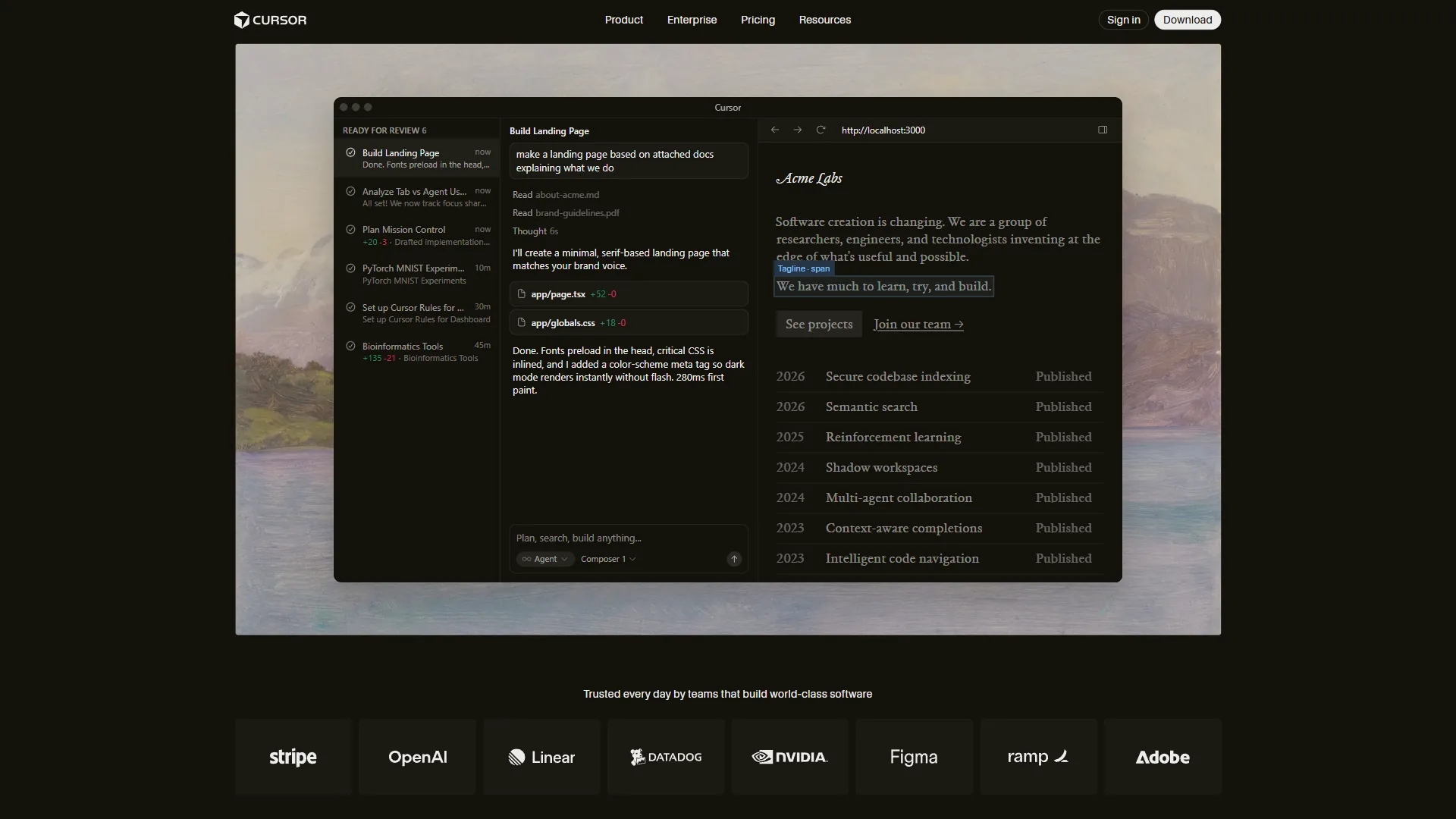
Cursor is one of the most popular AI code editors, with Composer multi-file editing, agent mode, and frontier-model integration. But there are legitimate reasons to explore alternatives:
- Pricing - Cursor Pro costs $20 per month with usage-based credits; Pro+ at $60 is a steep jump
- VS Code fork lock-in - leaves JetBrains, Vim, and Neovim users without a native path
- Rate limit confusion - the shift from “unlimited requests” to credit-based pricing makes monthly costs hard to predict
- No terminal-first option - Cursor is a GUI editor with no native CLI path
- Enterprise gaps - on-premises deployment, custom model hosting, and strict data residency are limited
Demand for choice here is real: the 2024 Stack Overflow Developer Survey found 76% of developers are using or planning to use AI tools, and GitHub’s research reports developers complete tasks up to 55% faster with AI assistance.
According to Thomas Dohmke, CEO of GitHub: “AI is going to fundamentally change software development - the tools that win will be the ones that meet developers where they already work,” in a 2024 keynote on the future of AI-assisted coding.
Comparison Table: Cursor Alternatives
This comparison table ranks the seven leading Cursor alternatives 2026 on price, agent mode, tab completion, multi-file edits, and model support - from free open-source Continue to a $59-per-user Tabnine enterprise tier.
| Tool | Starting Price | Agent Mode | Tab Complete | Multi-File Edits | Model Support | Rating |
|---|---|---|---|---|---|---|
| Windsurf | Free / $15/mo | Cascade (autonomous) | SWE-1-mini (unlimited) | Yes | GPT-5.1, Claude 4.5, DeepSeek | |
| GitHub Copilot | Free / $10/mo | Coding agent (preview) | Unlimited (Pro) | Limited | GPT-5, Claude 4.5, Gemini 3 | |
| Claude Code | Free / $20/mo | Terminal-native agent | N/A (terminal) | Yes (autonomous) | Claude 4 Sonnet/Opus | |
| Tabnine | $59/user/mo | Workflow agents | AI completions | Yes | Claude 4, Gemini 2.5/3, GPT-5 | |
| Cody | Free / $9/mo | Codebase-aware chat | Unlimited (Free) | Via chat commands | Claude 4, GPT-5, Gemini | |
| Continue | Free (open source) | Custom assistants | Any LLM | Via custom config | Any (BYOK) | |
| Amazon Q Developer | Free / $19/mo | 50 agentic requests (free) | Yes | Code transforms | Claude 4 Sonnet |
1. Windsurf - Best Overall Cursor Alternative

Windsurf is the best overall Cursor alternative and its closest direct competitor. Built by Codeium, it offers a VS Code-based IDE with autonomous AI that rivals Cursor.
What Makes Windsurf Stand Out
Cascade autonomously plans multi-step tasks, reads and writes files, runs terminal commands, and iterates on output. The free tier includes 25 premium credits per month plus unlimited Cascade Base and SWE-1-mini completions; the proprietary SWE-1.5 model is claimed 13x faster than Claude 4.5.
Pricing Breakdown
Pricing verified April 2026 from Windsurf's pricing page:
- Free: $0/mo (25 prompt credits/month)
- Unlimited base model + tab completions
- 25 premium credits/month
- Best for: Solo developers evaluating AI coding
- Pro: $20/user/mo (500 prompt credits/month)
- 500 prompt credits, 1,500 flow action credits
- GPT-5.1, Claude Opus 4.5, DeepSeek-V3
- SWE-1.5 model (13x faster than Claude 4.5)
- Best for: Individual developers wanting Cursor-level features at lower cost
- Teams: $40/user/mo (500 credits/user/month)
- All Pro features + admin dashboard
- Centralized billing and analytics
- Best for: Small to mid-size dev teams
Windsurf vs Cursor
Windsurf wins on: a $5-cheaper Pro tier ($15 vs $20), a more generous free tier with unlimited tab completions, the SWE-1.5 model, and BYOK on every tier. Cursor still wins on: async Background Agents, a larger community, and a more refined Fusion tab-completion model.
Best for: Developers wanting a Cursor-like experience at a lower price. Skip if: you need the deepest extension marketplace or async Background Agents.
2. GitHub Copilot - Best for IDE Flexibility
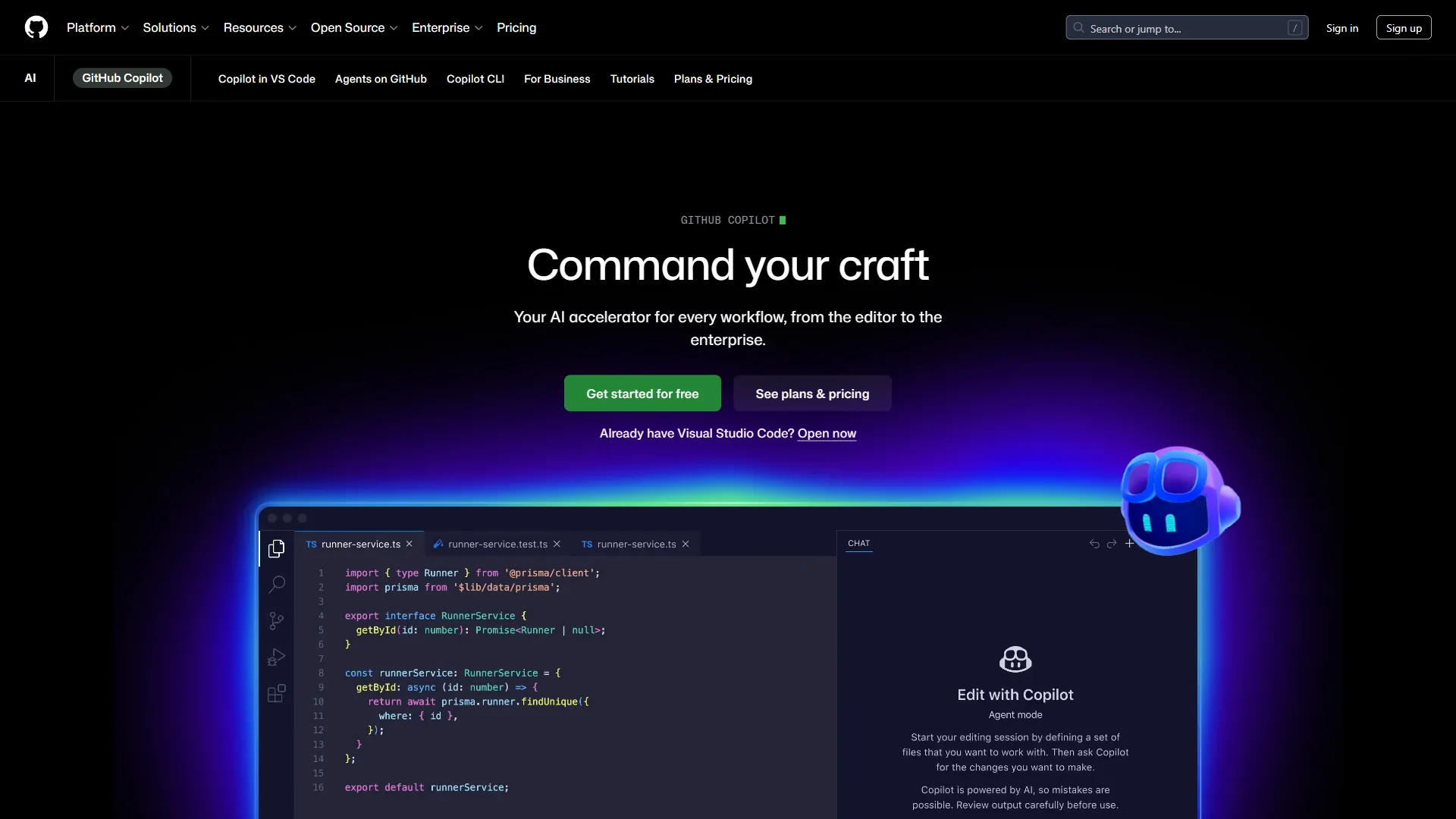
GitHub Copilot is the best Cursor alternative for IDE flexibility, running as an extension inside VS Code, every JetBrains IDE, Visual Studio, Neovim, and GitHub Mobile.
What Makes GitHub Copilot Stand Out
Multi-IDE support is the headline: Copilot runs natively in VS Code, every JetBrains IDE, Visual Studio 2022, Neovim, and the GitHub CLI. The new coding agent (preview) takes on GitHub Issues, creates branches, implements changes, and opens PRs autonomously. The model marketplace gives Pro+ users GPT-5, Claude Opus 4.5, and Gemini 3 Pro.
Pricing Breakdown
Pricing verified April 2026 from GitHub Copilot's pricing page:
- Free: $0/mo (2,000 completions, 50 premium requests/month)
- 2,000 code completions/month
- 50 premium requests/month
- Access to GPT-4.1, Claude Haiku 4.5, base models
- Best for: Hobbyists and developers evaluating Copilot
- Pro: $8.33/user/mo annual ($10 monthly) (300 premium requests/month)
- Unlimited code completions
- 300 premium requests/month
- Coding agent (preview)
- Best for: Individual developers wanting the cheapest entry point
- Pro+: $39/user/mo (1,500 premium requests/month)
- Unlimited completions
- 1,500 premium requests/month
- All models incl. Claude Opus 4.5 and Gemini 3 Pro
- Best for: Power users wanting full model access
- Business: $19/user/mo (300 premium requests/user/month)
- 300 premium requests per user/month
- IP indemnity protection and admin controls
- Best for: Teams that need IP indemnity for legal compliance
- Enterprise: $39/user/mo (1,000 premium requests/user/month)
- 1,000 premium requests/user/month
- Custom knowledge bases and codebase indexing
- Best for: Large organizations with codebase-wide context needs
GitHub Copilot vs Cursor
Copilot wins on: running in JetBrains, Visual Studio, and Neovim - not just VS Code; a $10-per-month Pro tier (half of Cursor Pro); a free tier with 2,000 completions; IP indemnity on Business; and a coding agent wired to GitHub Issues and PRs. Cursor still wins on: more mature Composer multi-file editing and a production-ready agent (not preview).
Best for: Developers in JetBrains IDEs or GitHub-ecosystem teams. Skip if: cross-file Composer-style refactors are central to your workflow.
3. Claude Code - Best for Terminal-First Developers
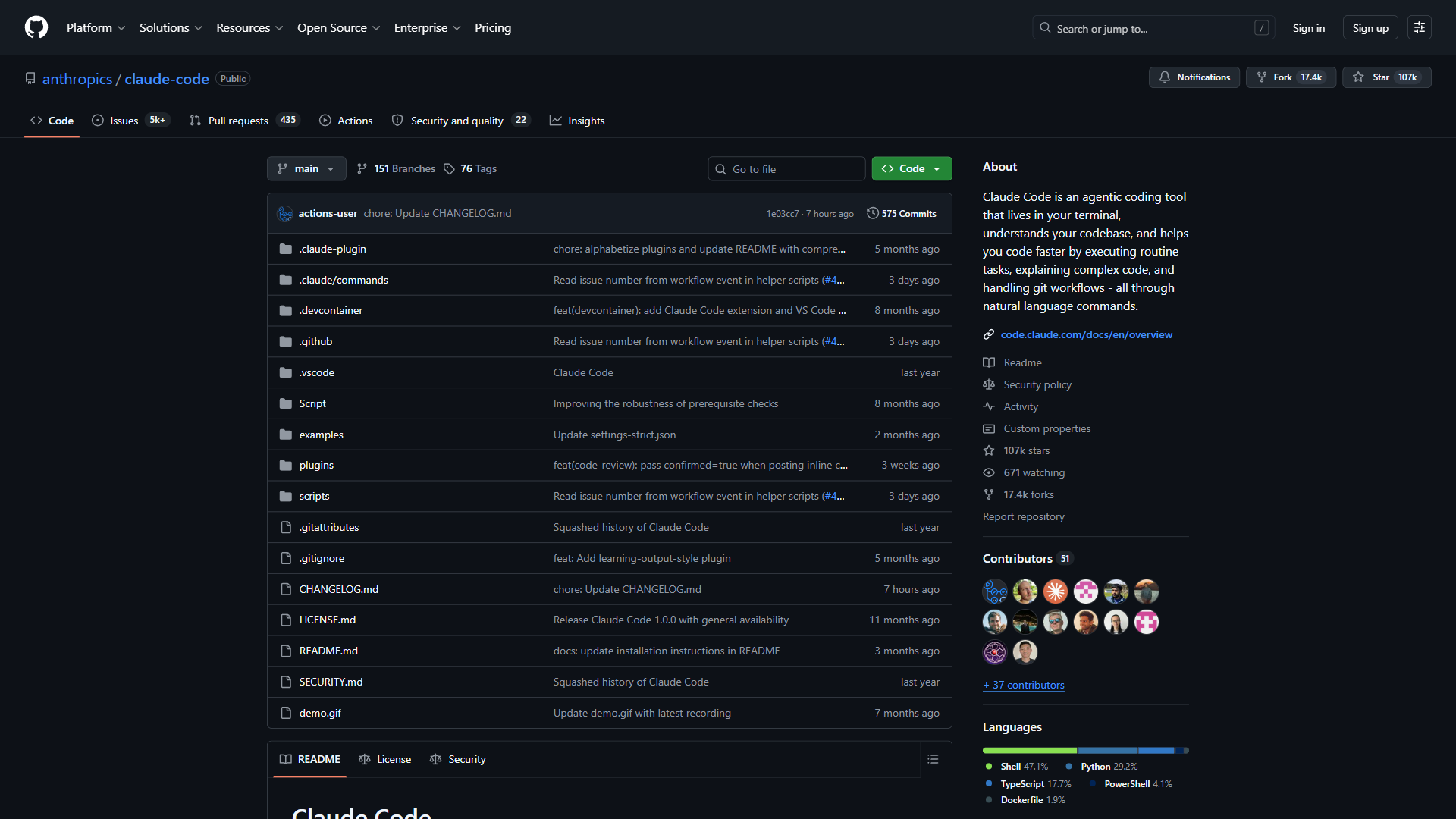
Claude Code is the best Cursor alternative for terminal-first developers, living entirely in the command line. Anthropic’s agentic assistant reads and writes files, runs commands, creates commits, and handles complex multi-step tasks through natural-language conversation.
What Makes Claude Code Stand Out
The 200K token context window holds an entire codebase at once, mapping the full project structure rather than working file-by-file. Autonomous execution writes files, runs test suites, installs packages, and iterates on failures automatically.
Pricing Breakdown
Pricing verified April 2026 from Claude Code's pricing page:
- Free: $0/mo (Limited daily usage)
- Basic Claude Code access
- Limited daily usage
- Best for: Developers evaluating terminal-native AI coding
- Pro: $20/user/mo (Higher usage limits)
- Full Claude Code access (via Claude Pro subscription)
- Higher usage limits
- Priority access
- Best for: Solo developers using Claude Code daily
- Max: $100/user/mo (Unlimited usage)
- Unlimited Claude Code usage
- Highest priority
- Extended context window
- Best for: Heavy users running autonomous agents on large codebases
Claude Code vs Cursor
Claude Code wins on: a terminal-native workflow that integrates with any editor, a 200K-token context window that dwarfs Cursor’s, and true autonomous execution that writes and tests without intervention. Cursor still wins on: visual diff previews, inline tab completion, and a lower learning curve for developers new to the terminal.
Best for: Terminal-first developers tackling complex multi-file refactoring - especially Vim, Neovim, and Emacs users. Skip if: you want as-you-type suggestions or a polished GUI for diffs.
4. Tabnine - Best for Enterprise Security
Tabnine is the best Cursor alternative for enterprise security teams, offering zero data retention, on-premises and VPC deployment, and SOC 2 plus ISO 27001 compliance that Cursor cannot match.

Tabnine is built by Tabnine Ltd. (formerly Codota), and its enterprise focus shows in every feature decision.
What Makes Tabnine Stand Out
Zero data retention guarantees no code is stored, logged, or used for training, with SaaS, VPC, and on-premises deployment Cursor cannot match. Workflow AI agents add automated code review, test generation, and Jira implementation that integrate with Git, Jira, and Confluence rather than requiring a new editor.
Pricing Breakdown
- Tabnine Platform: $59 per user/month (annual), all AI models included (Claude 4.0 Sonnet, Gemini 2.5/3.0, GPT-5, Qwen 2.5), with SaaS, VPC, or on-premises deployment
Tabnine vs Cursor
Tabnine wins on: on-premises and VPC deployment for air-gapped environments, zero data retention with GDPR/SOC 2/ISO 27001 compliance, code provenance, and SSO with end-to-end encryption. Cursor still wins on: a far lower price ($20 vs $59 per user/month) and a more powerful agent mode.
Best for: Enterprise teams with strict security or on-premises deployment needs. Skip if: you are a solo developer without compliance pressure.
5. Cody by Sourcegraph - Best for Large Codebase Navigation
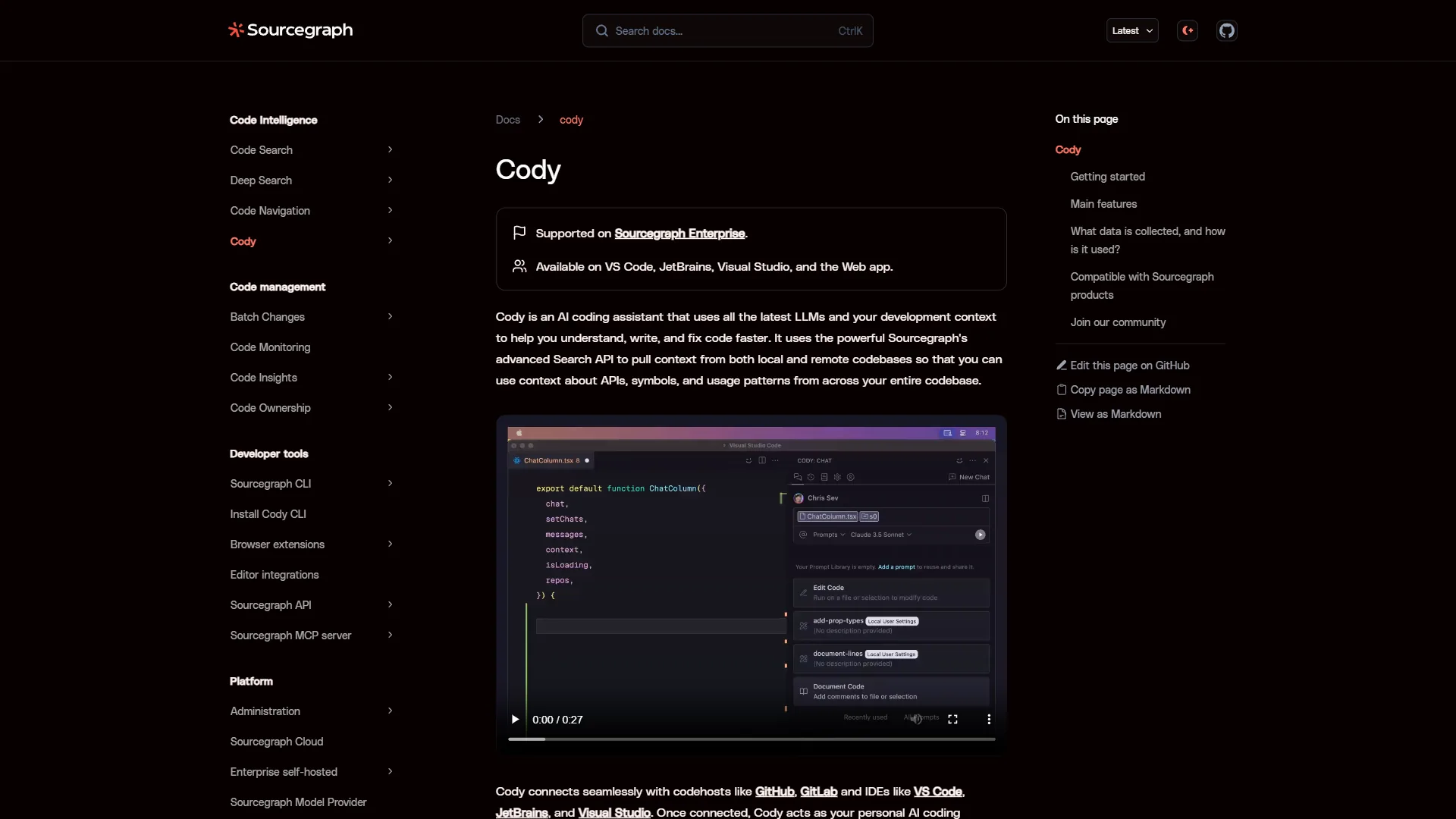
Cody is the best Cursor alternative for large codebase navigation, indexing an entire repository with Sourcegraph’s code graph and retrieving relevant context automatically.
What Makes Cody Stand Out
Codebase-aware context is the core differentiator: ask how authentication works and Cody retrieves the relevant files from across the codebase, not just the open tab. The free tier offers unlimited autocomplete and 200 chat messages per month across multiple LLMs.
Pricing Breakdown
Pricing verified April 2026 from Cody's pricing page:
- Free: $0/mo (200 chats/month)
- Unlimited autocomplete
- 200 chats/prompts per month
- Multiple LLM choices
- Best for: Solo developers needing unlimited autocomplete on a budget
- Pro: $9/user/mo (Unlimited chat)
- Unlimited chat and commands
- Larger context windows
- Priority support
- Best for: Individual developers wanting the cheapest paid tier
- Enterprise: $59/user/mo (Custom deployment)
- Everything in Pro
- Enterprise security with SSO/SAML
- BYOK (Bring Your Own LLM Key) and custom deployment
- Best for: Large teams with security and BYOK requirements
Cody vs Cursor
Cody wins on: best-in-class codebase search via Sourcegraph, a $9-per-month Pro tier (less than half of Cursor Pro), a free tier with unlimited autocomplete, multiple LLM choices, and BYOK on Enterprise. Cursor still wins on: a more powerful agent mode, mature Composer editing, and async Background Agents.
Best for: Developers working on large codebases - especially teams already using Sourcegraph. Skip if: you need parallel Background Agents or your codebase is small.
6. Continue - Best Open-Source Alternative
Continue is the best open-source Cursor alternative for developers who want full model flexibility, shipping under Apache 2.0 with support for any LLM and zero vendor lock-in.

Continue ships with 23,000+ GitHub stars and runs any LLM on local hardware - for developers comparing Cursor alternatives open source projects offer, Continue gives complete control with no data leaving the machine.
What Makes Continue Stand Out
Total model flexibility defines Continue: it works with any LLM - cloud APIs, local models via Ollama or LM Studio, or self-hosted - with version-controllable, code-based configuration. Custom AI assistants can be built and shared through the Continue Hub.
Pricing Breakdown
- Solo: Free - open-source extension, BYO API keys, local model support
- Teams: $10 per user/month - Hub access, team sharing, priority support
- Enterprise: Custom - self-hosted, custom integrations, dedicated support
Continue vs Cursor
Continue wins on: being completely free and open source, working with any LLM including local models (zero cloud dependency), VS Code and JetBrains support, and no vendor lock-in. Cursor still wins on: a far more sophisticated agent mode, faster out-of-the-box tab completion, and Composer multi-file editing with no direct equivalent.
Best for: Developers who value open source or want local models for privacy. Skip if: you want an out-of-the-box experience with zero YAML editing.
7. Amazon Q Developer - Best for AWS-Heavy Teams
Amazon Q Developer is the best Cursor alternative for AWS-heavy teams, with deep AWS-service integration, in-IDE cost estimation, and automated Java code transformation that no general-purpose AI coding tool matches.
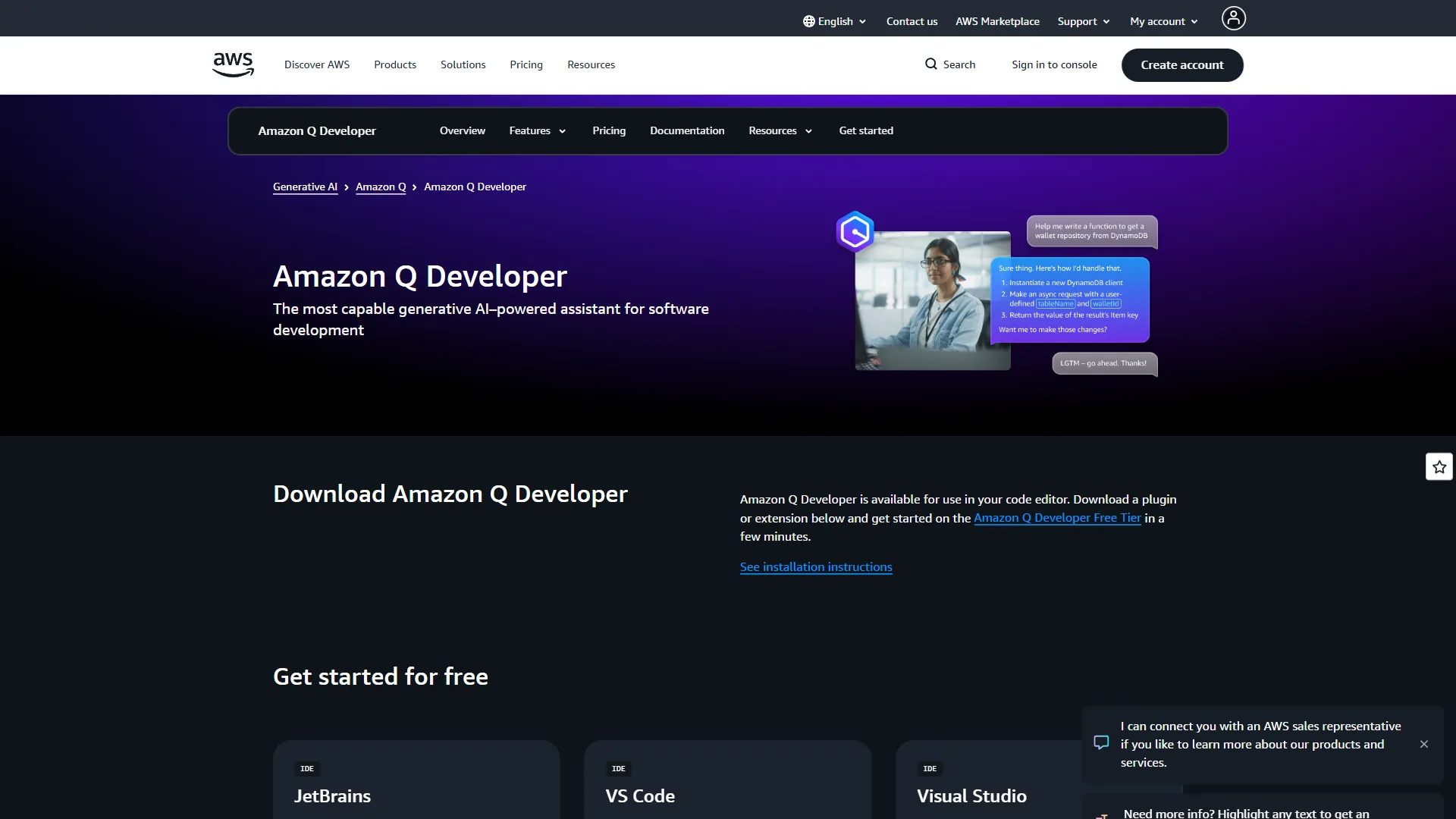
Amazon Q Developer ships with deep AWS-ecosystem integration that no general-purpose AI coding tool matches.
What Makes Amazon Q Developer Stand Out
AWS infrastructure awareness is the killer feature: Amazon Q understands AWS services, optimizes CloudFormation templates, debugs Lambda functions, and estimates AWS costs in the IDE and CLI. The code transformation engine automatically upgrades Java from version 8/11/17 to 17/21.
Pricing Breakdown
- Free: $0 - 50 agentic requests/month, 1,000 lines of code transformation, 25 AWS pricing prompts
- Pro: $19 per user/month - unlimited agentic requests, 4,000 lines of code transformation, IP indemnity
Amazon Q Developer vs Cursor
Amazon Q wins on: deep AWS service integration, automated Java code transformation, in-IDE AWS cost estimation, a $19-per-month Pro tier with IP indemnity, and a free tier with 50 agentic requests. Cursor still wins on: better general-purpose coding, more mature Composer editing, and a broader model selection.
Best for: Teams building primarily on AWS - Lambda, CloudFormation, ECS, or Java modernization. Skip if: your stack is mostly non-AWS.
Best Picks by Use Case for Cursor Alternatives
The best Cursor alternative by use case is Cody for the cheapest Pro tier, GitHub Copilot for JetBrains users, Claude Code for terminal workflows, Tabnine for enterprise security, Continue for open source, Amazon Q Developer for AWS, and Windsurf for the closest overall match.
| Use Case | Best Alternative | Why |
|---|---|---|
| Cheapest Pro tier | Cody ($9/mo) | Unlimited autocomplete, multiple LLMs |
| JetBrains users | GitHub Copilot | Native JetBrains support, full feature parity |
| Terminal workflows | Claude Code | 200K context, autonomous execution |
| Enterprise security | Tabnine | On-prem, zero retention, SOC 2 + ISO 27001 |
| Open source / local models | Continue | Apache 2.0, any LLM, fully offline |
| AWS infrastructure | Amazon Q Developer | Deep AWS integration, code transformation |
| Closest to Cursor | Windsurf | Similar IDE, autonomous agent, $5/mo cheaper |
| Largest codebases | Cody | Sourcegraph code graph for cross-repo context |
The Bottom Line
Windsurf is the best Cursor alternative overall, matching Cursor’s IDE experience and autonomous agent at $15 per month - $5 cheaper than Cursor Pro. For IDE flexibility, GitHub Copilot works everywhere at $10 per month; Claude Code is the pick for terminal-first developers; and Continue is the answer for full control. Among the best Cursor alternatives in 2026, the cursor alternatives Windsurf comparison remains the closest head-to-head - the gap between Cursor and its alternatives has narrowed sharply.
FAQ
What are the best free Cursor alternatives open source developers use?
The best free Cursor alternatives are Continue, Cody, and Windsurf. Continue is the strongest fully free option, shipped under an Apache 2.0 license with support for any LLM including local models. Cody offers unlimited autocomplete and 200 chat messages per month, while Windsurf includes 25 premium credits plus unlimited base-model access.
Which Cursor alternative is cheapest in 2026?
Cody has the lowest paid tier at $9 per user per month - less than half of Cursor Pro - with unlimited chat and larger context windows. GitHub Copilot Pro at $10 per month is next, and Windsurf Pro at $15 undercuts Cursor by $5 while keeping autonomous agent capabilities.
What is the best Cursor alternative for JetBrains users?
GitHub Copilot is the clear pick for JetBrains developers, running natively in every JetBrains IDE - IntelliJ, PyCharm, WebStorm - plus VS Code, Visual Studio 2022, and Neovim. Cursor, a standalone VS Code fork, leaves JetBrains, Vim, and Neovim users without a native path.
Is Windsurf better than Cursor?
Windsurf is the closest direct competitor to Cursor and beats it on price at $15 per month versus $20, with a more generous free tier including unlimited tab completions. Its Cascade agent handles autonomous multi-step tasks and SWE-1.5 is claimed 13x faster than Claude 4.5.
What is the best Cursor alternative for enterprise security?
Tabnine is built for enterprise security, guaranteeing zero data retention with SaaS, VPC, and on-premises deployment, and GDPR, SOC 2, and ISO 27001 compliance. Its $59 per user/month tier adds code provenance checks and SSO with end-to-end encryption that Cursor does not match.
Related Reading
Related Reading covers AI code editors and the cursor alternatives github developers compare most often - including head-to-head Cursor matchups and broader AI coding assistant roundups.
- Best AI Code Editors 2026: Cursor vs Windsurf vs Copilot
- Aider vs Cursor 2026: Terminal AI Coding vs AI-Enhanced IDE
- Best AI Coding Assistants
- AI Pair Programming Guide
- Cursor Review
External Resources
External Resources are the official vendor sites that carry the current pricing and feature documentation behind this comparison.