


Free project management tools sound great until you hit the wall. The 10-board limit. The 250-issue cap. The “up to 5 users” fine print that forces an awkward conversation when your team grows to six. PMI research shows that proper tooling directly impacts project success rates - making the free tier decision more consequential than it appears.
Evaluating the free tiers of six major project management platforms across common workflows, the conclusion is clear: the best free project management tools vary wildly in what “free” actually means. Some give you a genuinely usable product. Others give you a demo dressed up as a free plan.
This guide breaks down exactly what you get - and what you lose - on each platform’s free tier, so you can pick the right tool without surprise upgrade prompts derailing your workflow.
Comparison Table
The Best Free Project Management Tools include Asana, Notion, ClickUp and 2 more. Each tool takes a different approach to free project management tools, and the right choice depends on your budget, team size, and the specific workflows you need to optimize. This guide compares them on pricing, features, and real performance.
| Feature | Trello | Asana | Notion | ClickUp | Wrike | Linear |
|---|---|---|---|---|---|---|
| Users | Unlimited | Up to 10 | Unlimited (individual) | Unlimited | Unlimited | Unlimited |
| Projects/Boards | 10 boards | Unlimited | Unlimited pages | Unlimited | Unlimited | Unlimited |
| Tasks | Unlimited cards | Unlimited | Unlimited | Unlimited | Limited active | 250 active issues |
| Storage | 10 MB/file | 100 MB/file | 5 MB/file | 100 MB total | Limited | N/A |
| Views | Board only | List, Board, Calendar | All views | All views | Board, Table | Board, List |
| Rating | - | |||||
| Best Free For | Visual task boards | Small team workflows | Solo knowledge work | Feature-heavy free plan | Basic task tracking | Dev team issue tracking |
Quick Verdict: Which Free Plan Is Right for You?
Choose Trello if: You want the simplest Kanban experience with zero learning curve. Best for freelancers and solo project tracking with up to 10 boards.
Choose Asana if: You have a small team (under 10) and need proper task dependencies, multiple views, and structured workflows without paying anything.
Choose Notion if: You work solo and want project management combined with docs, wikis, and databases in a single workspace.
Choose ClickUp if: You want the most features on a free plan - period. Unlimited tasks, multiple views, and even built-in docs at zero cost.
Choose Wrike if: You need simple project and task management with customizable Kanban boards across desktop, web, and mobile.
Choose Linear if: You’re a software team that values speed above all else and can work within 250 active issues.
1. Trello - Best Free Kanban Board
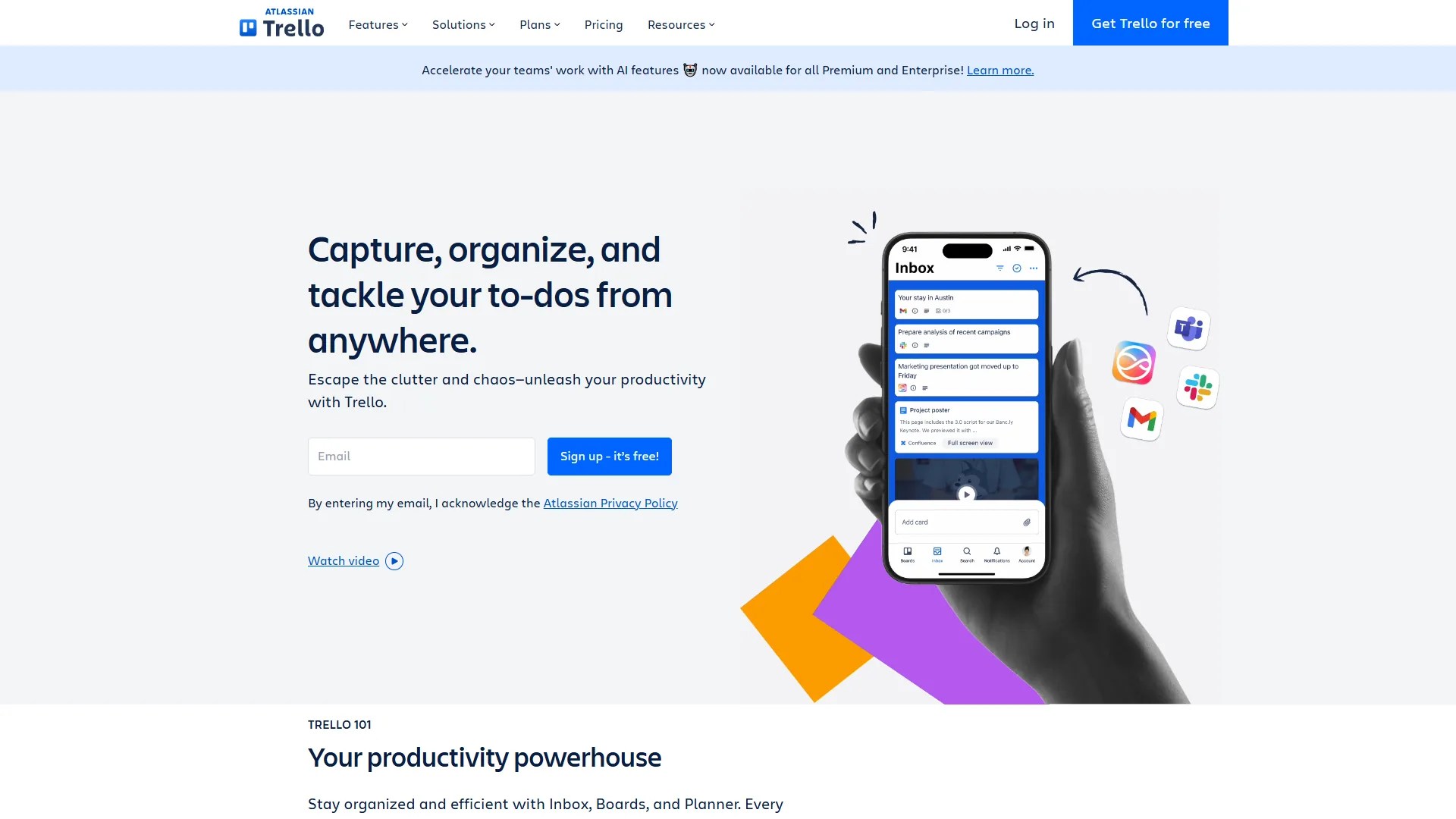
Trello pioneered the digital Kanban board, and its free tier remains one of the most approachable ways to manage projects visually. Drag a card from “To Do” to “In Progress” to “Done” - that’s the entire mental model.
What You Get Free
- Unlimited cards across up to 10 boards per workspace
- Unlimited Power-Ups per board (this used to be limited to one)
- 250 Butler automation runs per month (rule-based, not AI)
- Basic checklists and due dates
- Mobile apps for iOS and Android
- 10 MB file attachment limit per file
What You Miss
The 10-board limit is the real constraint. If you manage multiple clients or projects simultaneously, you will hit this ceiling fast. Custom fields, advanced checklists, and additional views (Calendar, Timeline, Dashboard) all require the Standard plan at $5 per month per user.
Who It Actually Works For
Freelancers and micro-teams running 2-3 active projects. A content creator tracking blog posts, a consultant managing deliverables, or a small agency handling a few client boards. If your work fits into 10 boards with simple “move cards across columns” workflows, Trello’s free plan is genuinely complete.
The honest limitation: Trello’s simplicity is both its strength and its ceiling. There are no Gantt charts, no workload management, and no reporting on the free plan. When projects need structure beyond visual boards, you outgrow Trello quickly.
2. Asana - Best Free Plan for Small Teams
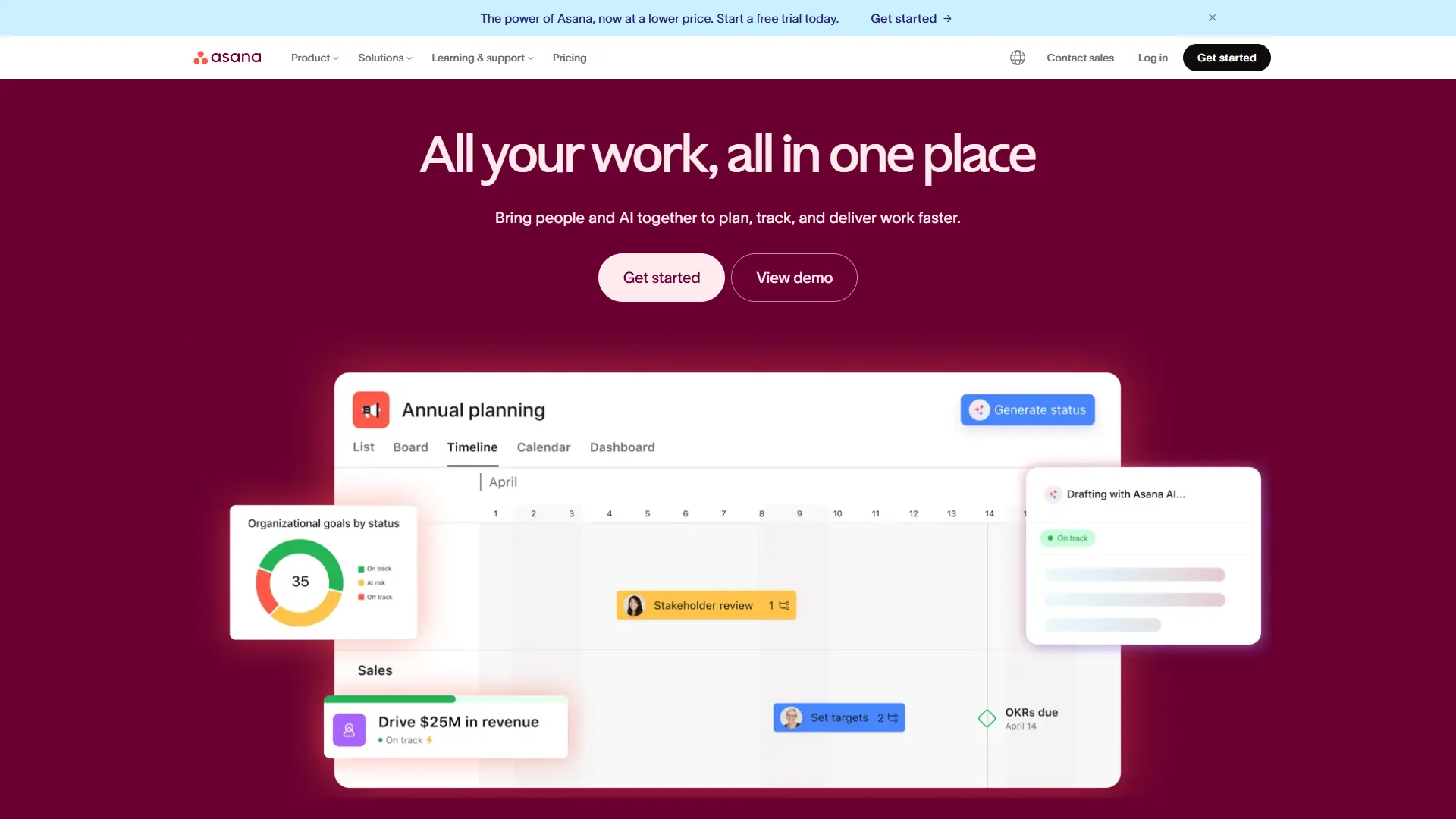
Asana offers one of the strongest free plans for actual team collaboration. The Personal tier supports up to 10 users with unlimited tasks and projects - a generous combination that most competitors restrict.
What You Get Free
- Up to 10 team members with full access
- Unlimited tasks and projects (no artificial caps)
- List, Board, and Calendar views included
- Basic forms for intake requests
- 100 MB file storage per file
- Slack, Gmail, and Microsoft Teams integrations
What You Miss
No Timeline (Gantt) view, no custom fields, no task dependencies, and no workflow automation. These are meaningful gaps for growing teams. AI features - including AI Studio and smart summaries - require the Starter plan at $10.99 per month per user. You also lose multi-homing (placing tasks in multiple projects) and advanced search capabilities.
Who It Actually Works For
Teams of 3-10 people managing collaborative projects with straightforward task flows. Marketing teams running campaigns, product teams tracking feature requests, or operations teams coordinating recurring processes. The Calendar view alone makes Asana’s free tier more useful than many competitors’ paid plans.
The honest limitation: The 10-user cap is a hard wall, not a soft suggestion. User number 11 requires an upgrade. And without custom fields or dependencies, complex projects with interrelated timelines feel clunky.
3. Notion - Best Free All-in-One for Solo Users
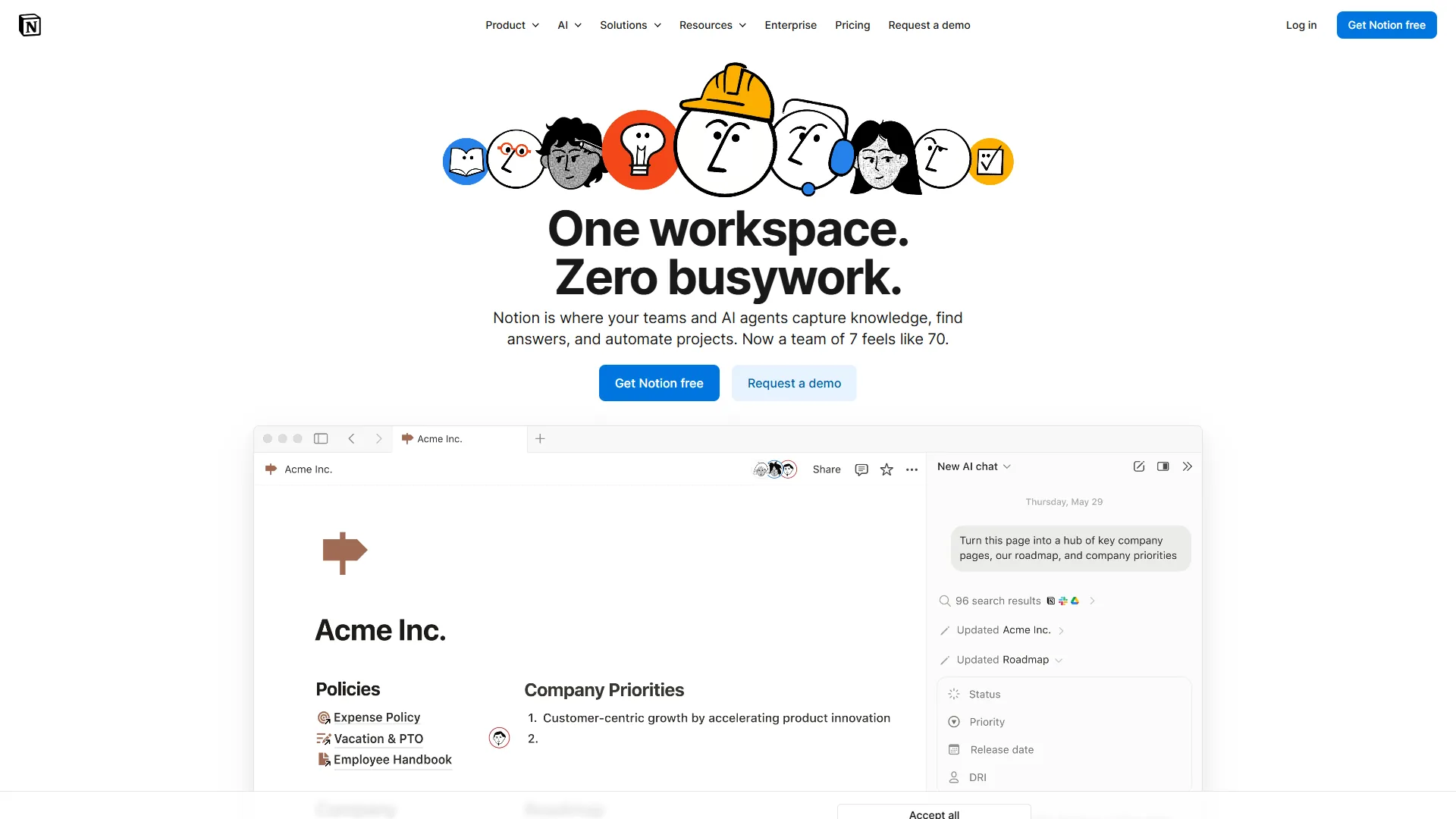
Notion takes a fundamentally different approach to project management. As Atlassian’s agile methodology guides describe, modern teams increasingly prefer flexible, customizable tools over rigid templates. Instead of giving you a pre-built PM tool, Notion gives you building blocks - pages, databases, views, relations - and lets you construct exactly the system you need.
What You Get Free
- Unlimited pages and blocks for individual use
- All database views (Table, Board, Calendar, Timeline, Gallery, List)
- Basic page analytics and cross-platform access
- Up to 10 guest collaborators (view or comment)
- Web clipper and API access
- Community templates for project management setups
What You Miss
The free plan is designed for individuals, not teams. Guest collaborators have limited permissions, and blocks are restricted for team workspaces. AI features (GPT-5, Claude Opus 4.1 powered) require the Plus plan at $10 per month per user. File uploads are capped at 5 MB each. Version history is limited to 7 days.
Who It Actually Works For
Solo knowledge workers who want their project tracker, note system, and documentation living in one tool. Freelance developers tracking personal projects alongside client notes. Students managing coursework, research, and schedules in a unified workspace.
The honest limitation: Notion requires setup time. You will spend hours configuring databases, relations, and views before the system is usable. Unlike Trello or Asana, there is no “sign up and start managing projects in 5 minutes” experience. And the 5 MB file limit makes it impractical for teams sharing design files or large documents.
4. ClickUp - Most Feature-Rich Free Plan
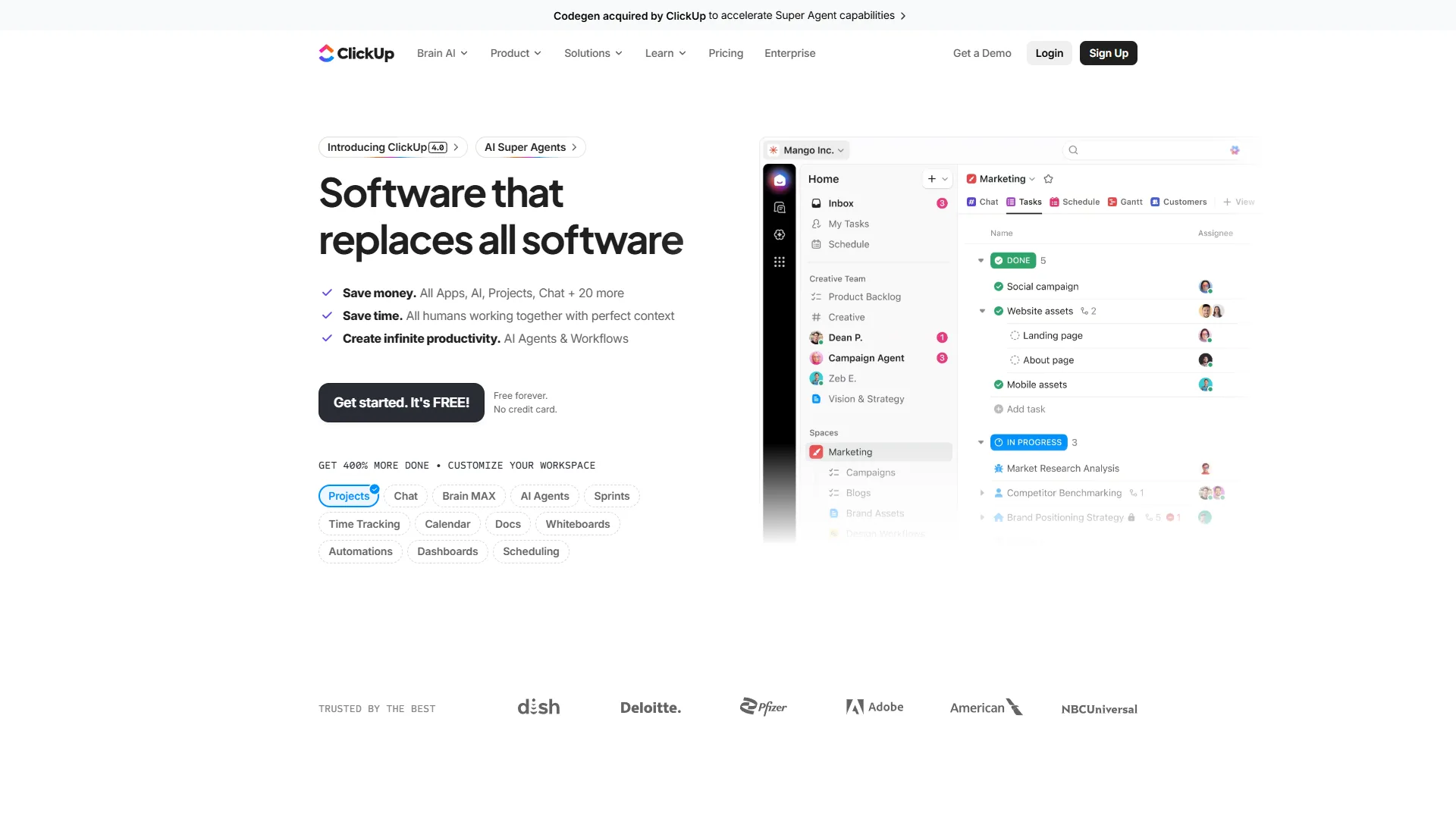
ClickUp positions itself as the “everything app,” and its free plan backs up that claim with an absurd amount of functionality. You get features that competitors gate behind $10-25/month plans.
What You Get Free
- Unlimited tasks and unlimited users (no caps)
- Collaborative docs and whiteboards built in
- Kanban boards, sprint management, and calendar view
- Real-time chat for team communication
- In-app video recording for async updates
- 24/7 support even on the free tier
- Limited ClickUp Brain AI trial access
What You Miss
Storage is capped at 100 MB total (not per file - total). That fills up fast with attachments. No Gantt charts, no custom fields, no native time tracking, and no integrations beyond the basics. Dashboards and goals require the Unlimited plan at $7 per month per user. The AI trial gives you a taste of ClickUp Brain, but full access requires a paid plan.
Who It Actually Works For
Small teams that want maximum free functionality and can live with minimal storage. Startups in early stages, student groups on team projects, or side-project teams coordinating across tasks, docs, and chat without paying for Slack, Google Docs, and a PM tool separately.
The honest limitation: The 100 MB storage limit is brutally low. A few screenshots and PDFs will fill it. And the sheer number of features creates a steep learning curve - new users often feel overwhelmed by options they do not need. ClickUp’s free plan is wide but shallow, and the features you use most often (custom fields, Gantt charts, reporting) are locked behind paywalls.
5. Wrike - Best Free Plan for Simplicity at Scale
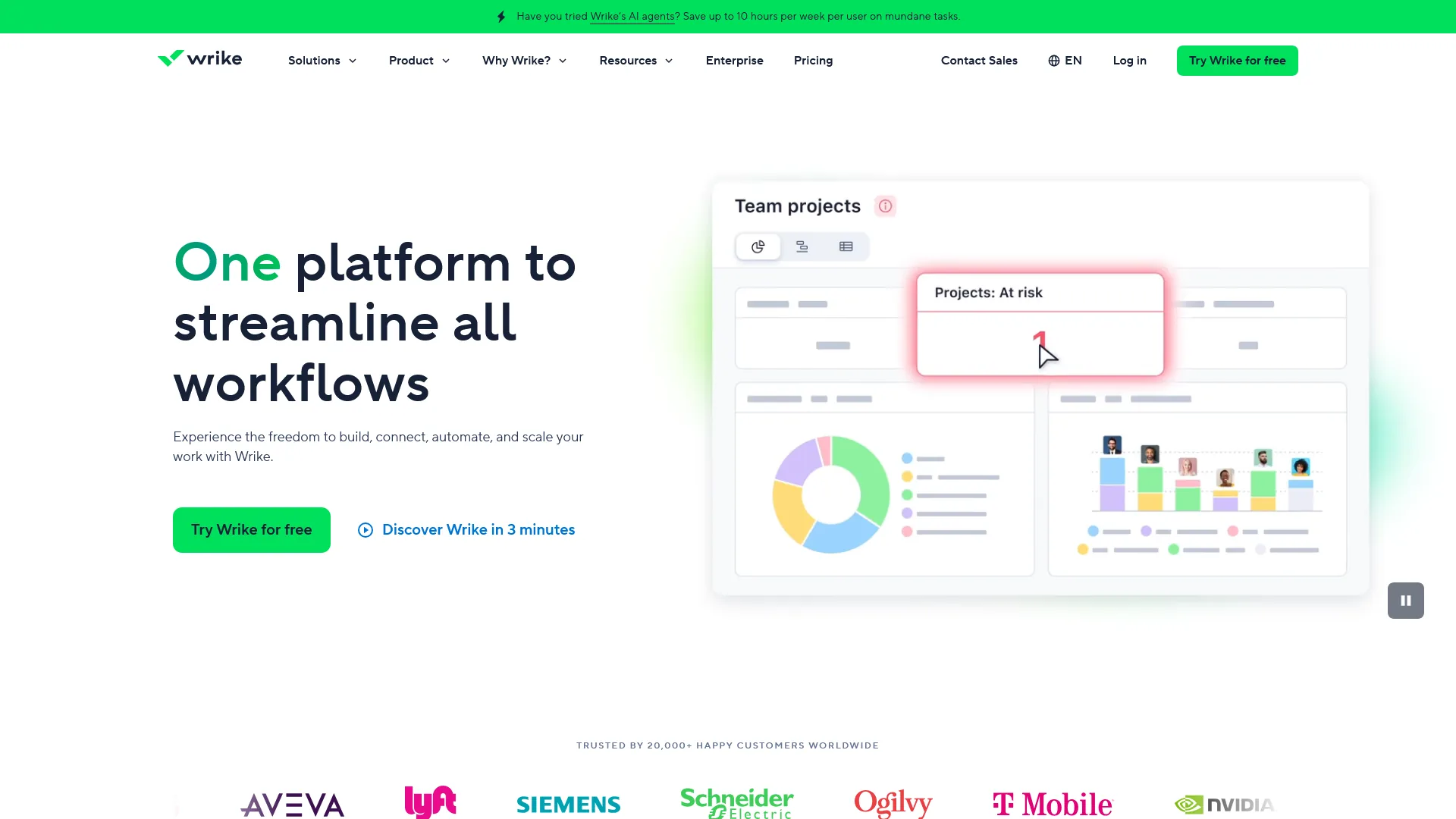
Wrike is primarily an enterprise tool, but its free tier offers unlimited users with basic project and task management - making it a surprisingly viable option for teams that need structure without cost.
What You Get Free
- Unlimited users with web, desktop, and mobile access
- Project and task management with subtasks
- Customizable Kanban boards for visual workflow
- Board and table views for flexible organization
- Basic file sharing and real-time editing
What You Miss
Storage and active tasks are limited (Wrike does not publish exact free-tier limits publicly, which is worth noting). No Gantt charts, no custom workflows, no reporting, and zero AI features. The AI Essentials pack (including Wrike Copilot) requires the Team plan at $9.80 per month per user, and the more powerful AI Elite features need the Business plan at $24.80 per month per user.
Who It Actually Works For
Teams that need a clean, no-frills task management tool with unlimited seats. Nonprofit teams, volunteer coordinators, or departmental groups that primarily need “assign tasks, track status, and share files” without bells and whistles.
The honest limitation: Wrike’s free plan feels intentionally limited to push you toward paid tiers. The lack of published storage limits and active task caps makes it harder to evaluate. If your team needs Gantt charts, time tracking, or any reporting, Wrike’s free plan will not deliver.
6. Linear - Best Free Plan for Dev Teams
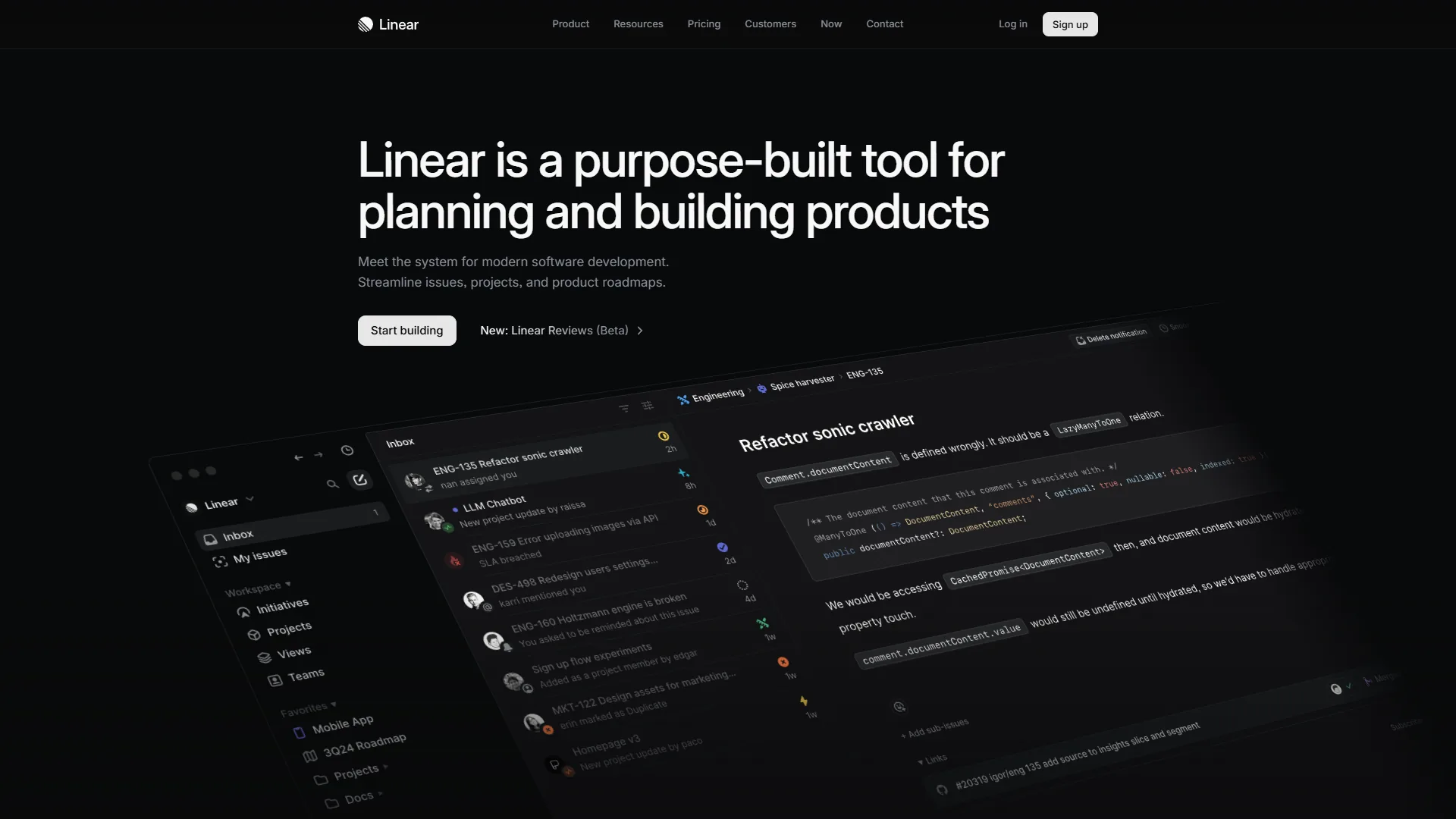
Linear is not a general-purpose project management tool - it is an issue tracker built specifically for software teams that value speed. Every interaction is keyboard-accessible, pages load in under a second, and the interface strips away everything unnecessary.
What You Get Free
- Unlimited team members with full workspace access
- Up to 250 active issues (closed issues do not count)
- Basic issue tracking with priorities and labels
- Keyboard shortcuts for every action
- GitHub integration for development workflows
- Board and list views with filtering
What You Miss
The 250 active issue limit is the defining constraint. Growing teams hit this quickly - especially if you use issues for bugs, features, and chores simultaneously. AI-powered triage, cycle planning, multiple team management, and advanced integrations all require the Standard plan at $8 per month per user. No analytics or reporting on the free tier.
Who It Actually Works For
Small engineering teams (2-5 developers) in early-stage startups or on side projects. If your team values speed over feature breadth and can discipline yourselves to close resolved issues, Linear’s free plan is a joy to use. The keyboard-first design makes it measurably faster than clicking through Jira or Asana.
The honest limitation: 250 active issues sounds like plenty until your team runs two sprints without cleaning up the backlog. And Linear’s singular focus on software development means it is a poor fit for non-engineering teams - no docs, no whiteboards, no multi-department workflows.
Best Picks by Use Case: Best Free Project Management Tools
Best for Solo Users
Winner: Notion. Unlimited pages, all views, and the flexibility to build exactly the system you need. The setup investment pays off with a custom workspace that handles projects, notes, and knowledge management together.
Runner-up: Trello. If you want simplicity over customization, Trello lets you start managing tasks in under five minutes.
Best for Small Teams (2-10 People)
Winner: Asana. The 10-user cap with unlimited tasks and proper views (List, Board, Calendar) makes it the most practical team-oriented free plan. Real collaboration features - not just shared boards.
Runner-up: ClickUp. More features than Asana’s free plan, but the 100 MB storage cap and steeper learning curve hold it back for teams that just want to get started.
Best for Developer Teams
Winner: Linear. Purpose-built for software teams with the speed and keyboard-driven workflow that engineers expect. The 250-issue cap is manageable with good hygiene.
Runner-up: ClickUp. Sprint management and real-time chat on the free plan make it viable for dev teams that also need docs and collaboration.
Most Generous Free Plan Overall
Winner: ClickUp. Unlimited tasks, unlimited users, docs, whiteboards, chat, and video recording - no other free plan comes close on feature count. The storage limitation is the only significant drawback.
Pro Tips: When to Upgrade
Even the best free project management tools have limits. Here are the actual trigger points where teams typically need to pay:
| Trigger | Tool | Upgrade Cost |
|---|---|---|
| Need more than 10 boards | Trello | $5/user/mo (Standard) |
| Team grows past 10 users | Asana | $10.99/user/mo (Starter) |
| Need team collaboration | Notion | $10/user/mo (Plus) |
| Hit 100 MB storage cap | ClickUp | $7/user/mo (Unlimited) |
| Need Gantt charts or reporting | Wrike | $9.80/user/mo (Team) |
| Exceed 250 active issues | Linear | $8/user/mo (Standard) |
The pattern is clear: free plans work for small, simple workflows. Forrester research shows that the average organization uses multiple project management tools simultaneously - a symptom of free tier limitations driving tool sprawl. The moment you need custom fields, advanced views, AI features, or reporting, every platform pushes you to paid tiers. Budget $7-11 per user per month for the first meaningful upgrade across any of these tools.
The Bottom Line
The best free project management tools depend on your team size, workflow complexity, and tolerance for limitations. ClickUp wins on raw feature count. Asana wins for team collaboration. Notion wins for solo flexibility. Trello wins for simplicity. Linear wins for speed. Wrike offers a clean baseline.
Start with the free plan that matches your primary need. Use it for at least two weeks with real projects before deciding if the limitations matter for your workflow. The right tool is not the one with the longest feature list - it is the one your team actually opens every morning.
FAQ
Q: Are free project management tools worth it?
Even the best free project management tools have limits. Here are the actual trigger points where teams typically need to pay:
Q: Is there a free Google project management tool?
Wrike is primarily an enterprise tool, but its free tier offers unlimited users with basic project and task management - making it a surprisingly viable option for teams that need structure without cost.
Q: Is there a free alternative to Microsoft Project management?
Even the best free project management tools have limits. Here are the actual trigger points where teams typically need to pay:
Q: Which free project management tool is best for small teams under 10 people?
Asana is the strongest pick for small teams under 10 users. Its free plan supports proper task dependencies, multiple views including list, board and calendar, and structured workflows without any cost. Teams that need basic Kanban instead can use Trello, which offers 10 boards with unlimited cards and unlimited users on the free tier.
Q: Which free plan has the most features for project management?
ClickUp has the most feature-rich free plan. You get unlimited tasks, unlimited users, multiple views, and even built-in docs at zero cost. The main trade-off is 100 MB of total storage, which fills up faster than per-file caps on competing platforms. For feature depth on a free plan, ClickUp is the clear leader among the six tools compared.
Related Reading
- Trello - Official Trello website
- Asana - Our full review with pricing, features, and alternatives
- Notion - Our full review with pricing, features, and alternatives
- ClickUp - Our full review with pricing, features, and alternatives
- Wrike - Our full review with pricing, features, and alternatives
- Linear - Our full review with pricing, features, and alternatives
- Jira - Our full review with pricing, features, and alternatives
- Best Note-Taking Apps 2026: Craft vs Notion vs Obsidian - Deep comparison of knowledge management tools
- Best Workflow Automation Tools 2026: Make vs Zapier vs n8n - Automate your project workflows across tools
- Best AI Research Tools 2026 - AI-powered research tools for productive teams
- Confluence vs Notion - Enterprise wiki and documentation comparison
- Best Free PDF Tools 2026: AI Editors and Lifetime Deals
External Resources
- Trello Getting Started Guide - Official Trello documentation and tutorials
- Asana Guide - Asana best practices and onboarding
- Notion Help Center - Templates and setup guides for Notion
- ClickUp Project Management Guide - ClickUp tutorials and methodology guides
- Linear Documentation - Linear issue tracking documentation