



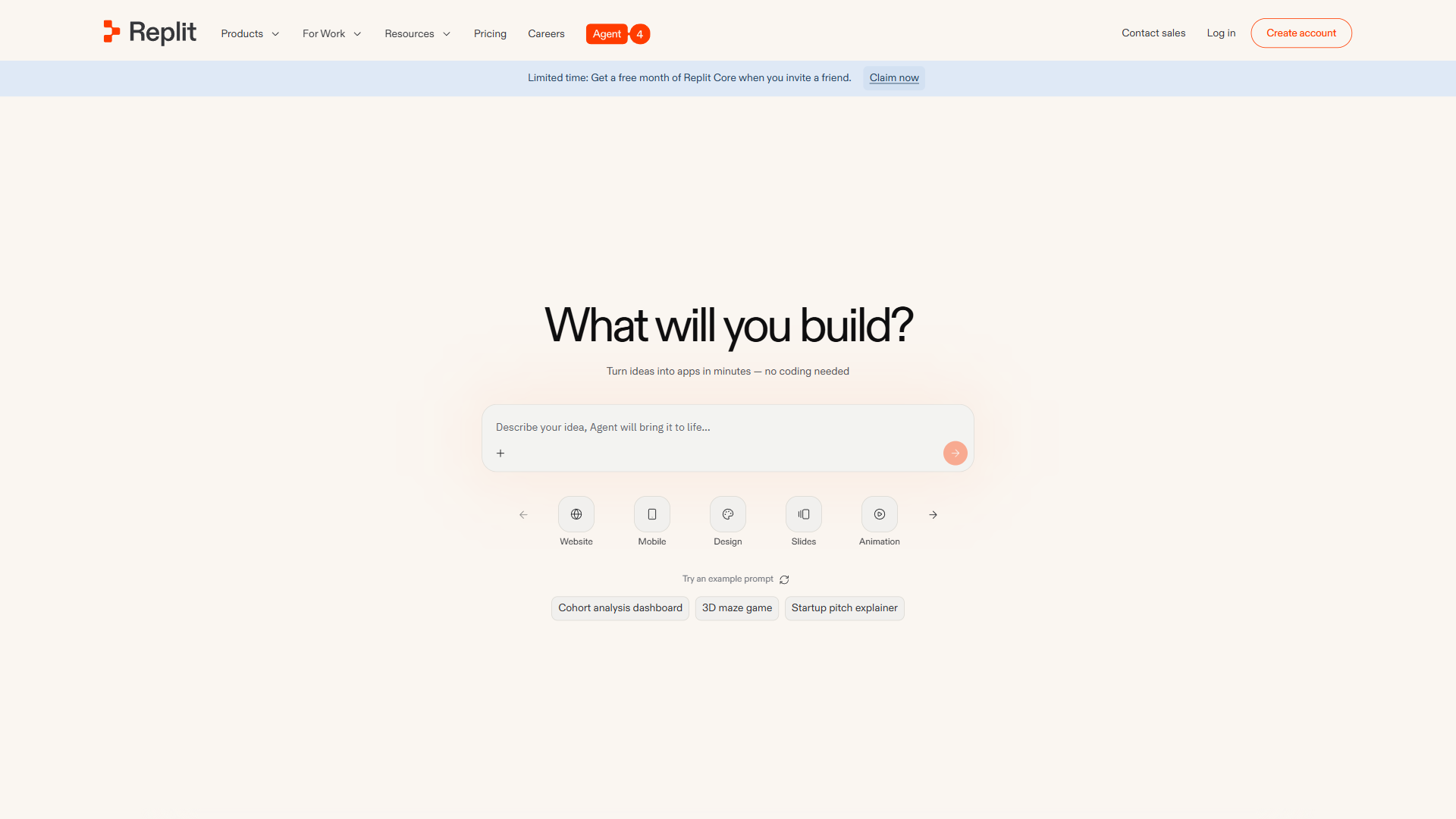
The best Replit alternatives are Cursor, Windsurf, GitHub Copilot, Claude Code, and Lovable/Bolt.new - each solving a specific problem Replit cannot, from local IDE performance to lower pricing. Replit’s browser-based workflow is hard to beat for prototyping, but as projects grow the cracks show: vanishing AI credits, compute ceilings that choke production workloads (see Replit’s official documentation), and a browser-only environment. Our AI coding assistants roundup covers the wider landscape.
This comparison draws on each vendor’s current pricing and feature documentation plus independent research, not sponsored placement or hands-on benchmarking. AI Productivity may earn a commission from links on this page, but rankings are editorially independent.
Which alternative fits depends on the pain point: Windsurf and GitHub Copilot offer permanent free tiers; Cursor and Windsurf deliver raw desktop AI power; GitHub Copilot slots into VS Code and JetBrains natively; Claude Code handles terminal-native multi-file refactors; and Lovable and Bolt.new build apps with no code. The future of AI coding assistants shows where the category is heading.
How Do the Top Replit Alternatives Compare Side by Side?
Replit alternatives are tools that deliver similar capabilities to Replit with different pricing, features, or design approaches. The table below compares each on the features that matter most for real workflows.
| Feature | Replit | Cursor | Windsurf | GitHub Copilot | Claude Code |
|---|---|---|---|---|---|
| Type | Cloud IDE | Desktop IDE | Desktop IDE | IDE Plugin | Terminal Agent |
| Free Tier | Yes (limited) | 1-week trial | Yes (generous) | Yes (2K completions) | Yes (limited) |
| Starting Price | $25/mo Core | $20/mo Pro | $15/mo Pro | $10/mo Pro | $20/mo Pro |
| AI Agent | Replit Agent 3 | Background Agents | Cascade AI Flow | Coding Agent (preview) | Autonomous execution |
| Deployment | Built-in one-click | None built-in | Preview + deploy | None built-in | None built-in |
| Offline Support | No | Yes | Yes | Partial | Yes |
| Best For | Prototyping, learning | Multi-file AI editing | Budget AI coding | IDE integration | Complex refactoring |
Pricing matters: GitHub Copilot Pro at $10 per month is the cheapest premium option; Windsurf Pro at $15 undercuts Cursor and Replit; Claude Code at $20 matches Cursor Pro but runs entirely in the terminal.
Why People Leave Replit: Friction Points That Trigger a Switch
Developers leave Replit mainly over cost, compute limits, and browser-only constraints. Replit earns its reputation for accessibility, and Agent 3 - which builds full apps from natural language and runs autonomously for up to 200 minutes - is genuine innovation. But several friction points push developers toward alternatives:
- AI credits deplete fast - Core’s $25 monthly credits can burn out in days under an intensive Agent session.
- Compute limitations - Free tier caps storage at 2 GiB per app; Core provides only 4 vCPUs and 8 GiB RAM.
- Browser-only constraints - No offline access and network latency on every keystroke, a tradeoff the Stack Overflow Developer Survey flags for cloud-only IDEs.
- Pricing escalates - Core at $25 and Teams at $40 per user add up to $480 per year per developer.
- Limited enterprise compliance - Replit lacks the SOC 2, HIPAA, and ISO 27001 certifications larger organizations require.
1. Cursor - Best for Professional AI-Powered Development
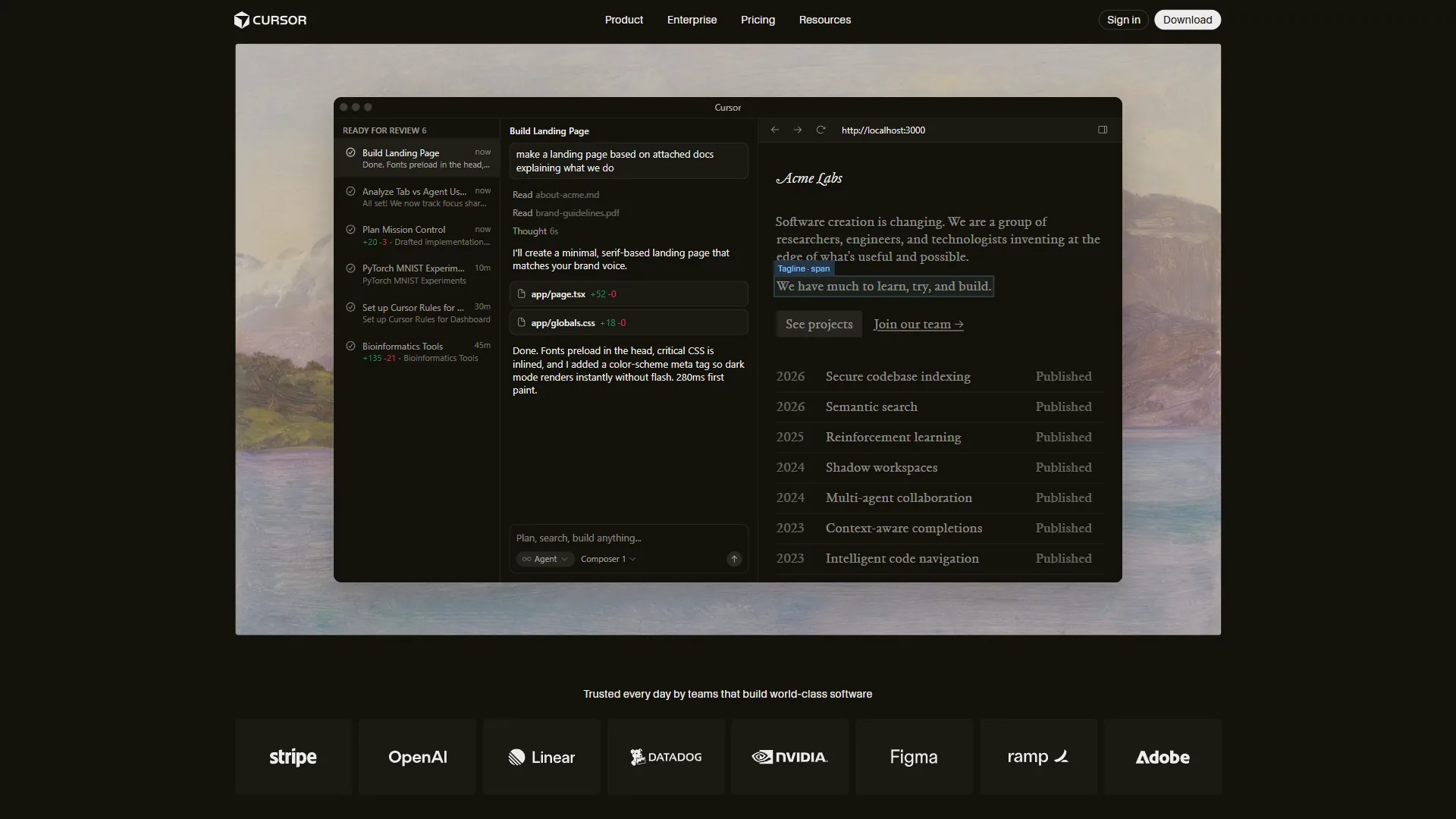
Cursor is the best Replit alternative for professional AI-powered development, offering multi-file editing, background agents, and full local power from $20 per month for Pro. It is the tool most Replit users graduate to once projects move beyond prototyping. Built as a VS Code fork, it carries over extensions, keybindings, and themes from the official VS Code documentation while adding deeper AI than any browser tool. See Cursor vs Replit for the head-to-head.
Where Cursor Beats Replit
Cursor’s agent mode handles multi-file editing - rename a component and it updates every import, test, and reference - so Composer excels at refactoring across dozens of files. Local execution removes latency, compute caps, and storage limits, so large codebases that choke Replit’s 4 vCPU Core tier run unconstrained, especially when paired with local LLM tools. Cursor’s background agents create branches and run tests autonomously, and privacy mode keeps code on the local machine. Cursor pricing covers when the privacy tier kicks in.
Where Cursor Falls Short
Cursor has no built-in deployment - shipping means wiring up your own CI/CD via something like Vercel’s deployment docs. It requires desktop install, so there is no way to code from a Chromebook; GitHub Codespaces covers that gap. Free tier is a one-week Pro trial. Paid: $20 Pro, $60 Pro+, $200 Ultra, $40 per user Teams.
Verdict: Cursor is the strongest Replit alternative for developers who have outgrown browser-based coding. See Cursor alternatives for other VS Code forks.
2. Windsurf - Best Budget-Friendly AI Code Editor

Windsurf is the best budget-friendly Replit alternative, delivering Cursor-level AI coding at $15 per month for Pro - 40% cheaper than Replit Core, with a usable free tier. Formerly Codeium, it is the value play in the AI code editor space, undercutting Cursor ($20) and Replit Core ($25). The free tier is not a trial: unlimited autocomplete and 25 premium model credits per month indefinitely.
Where Windsurf Beats Replit
Windsurf Teams at $30 per user versus Replit Teams at $40 saves $120 per year per developer. Its in-house SWE-1.5 model achieves near Claude 4.5 quality at 13 times the speed, while Cascade AI Flow handles multi-file tasks autonomously. The free tier includes unlimited Cascade Base, unlimited SWE-1-mini autocomplete, and 25 premium credits - far beyond Replit’s $3 cap. Bring Your Own Key support lets developers reuse Anthropic API access without burning Windsurf credits.
Where Windsurf Falls Short
Windsurf launched in late 2024, so users still report occasional bugs. Like Cursor, it lacks one-click deploy. Documentation is sparse, and reviews note a 74% AI-suggestion accuracy rating against Cursor’s reported 85-90%. Pricing: free-forever, $15 Pro, $30 per user Teams, custom Enterprise.
Verdict: Windsurf delivers roughly 80% of Cursor’s capabilities at 75% of the price - the best choice for cost-watching developers. Compare in Cursor vs GitHub Copilot.
Who it is not for: Skip Windsurf if you need rock-solid reliability for paid client work, require SOC 2 or SSO at lower tiers, or cannot tolerate agent retries.
3. GitHub Copilot - Best for IDE Integration Without Switching Editors
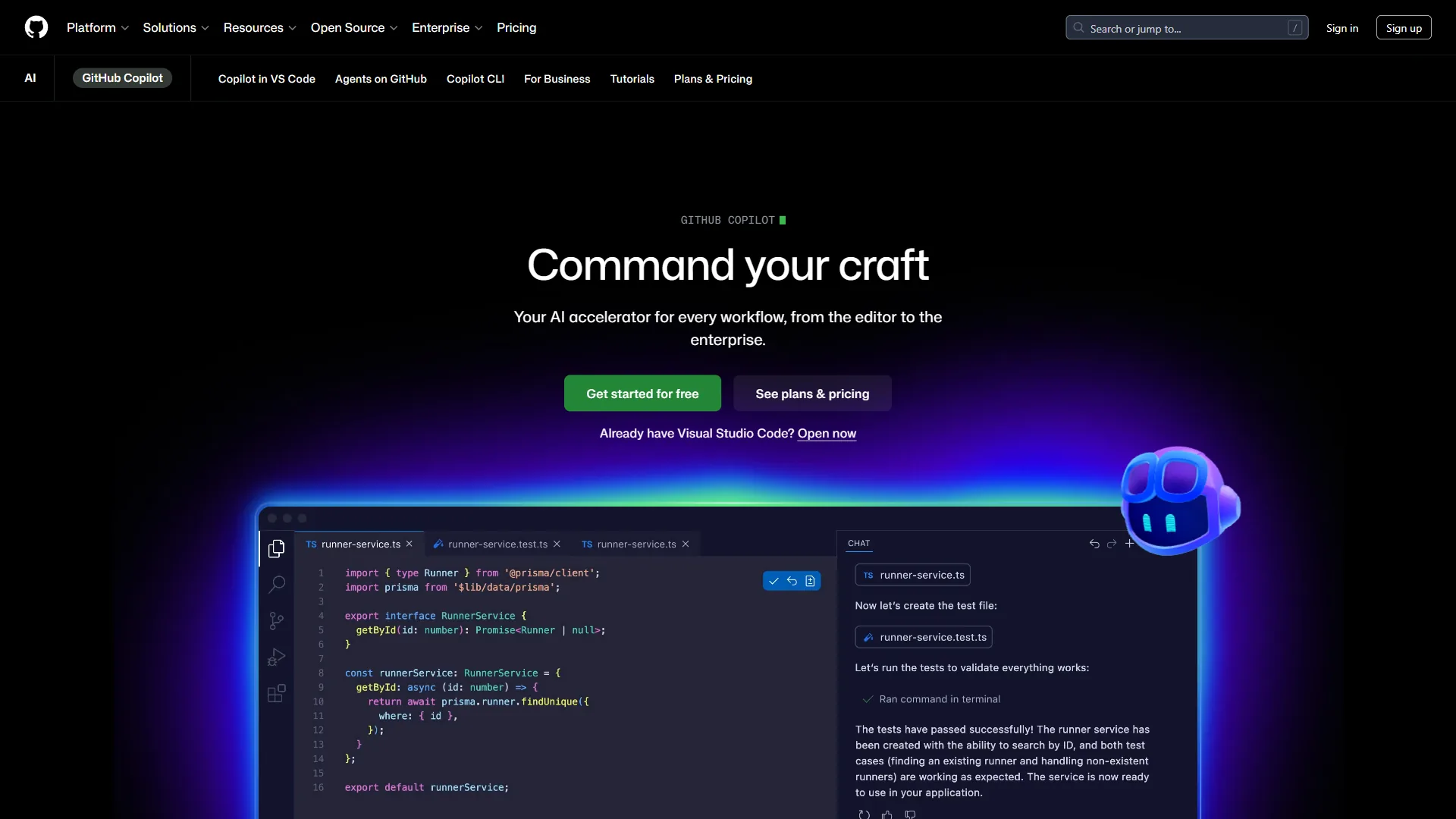
GitHub Copilot is the best Replit alternative for developers who want AI assistance inside their existing editor, costing $10 per month for Pro across VS Code, JetBrains, Visual Studio, and Neovim. Rather than replacing the environment, Copilot augments whatever editor is already in use, making it the lowest-friction AI coding tool to adopt - install, sign in, and inline suggestions appear immediately.
Where GitHub Copilot Beats Replit
Copilot offers the broadest IDE support - per GitHub’s installation guide, it runs in VS Code, Visual Studio, JetBrains, Neovim, the CLI, and mobile, while Replit works only in its own browser. Pro at $10 per month is the cheapest premium AI coding tool, and the free tier provides 2,000 completions monthly. Pro subscribers can switch between GPT-5, Claude Sonnet 4/4.5, and Gemini 2.5 Pro, and Business and Enterprise tiers add IP indemnity against legal claims on generated code - protection Replit does not offer. According to research by GitHub across 2,000 developers, Copilot delivers 55% faster task completion, 10.6% more pull requests, and 88% reporting higher productivity. “Developers who used GitHub Copilot completed the task significantly faster - 55% faster than the developers who did not use GitHub Copilot,” according to the study by GitHub’s Next research team.
Where GitHub Copilot Falls Short
Copilot does not deploy code - it is purely a coding assistant. It requires an existing IDE, so new developers must still configure one. Its coding agent is still in preview and cannot match Replit Agent 3’s 200-minute autonomous runs, and there is no multiplayer editing. Pricing: free, $10 Pro, $39 Pro+, $19 per user Business, $39 per user Enterprise.
Verdict: GitHub Copilot is the right pick for developers who want AI without changing their workflow, and at $10 per month Pro it is the most affordable premium option by a wide margin. See the future of AI coding assistants for where Copilot is heading.
Who it is not for: Skip Copilot if your priority is end-to-end prompt-to-deployed-app workflows, if you do not already have a local IDE, or if you need Replit Agent-level autonomy.
4. Claude Code - Best for Terminal-Native Autonomous Coding
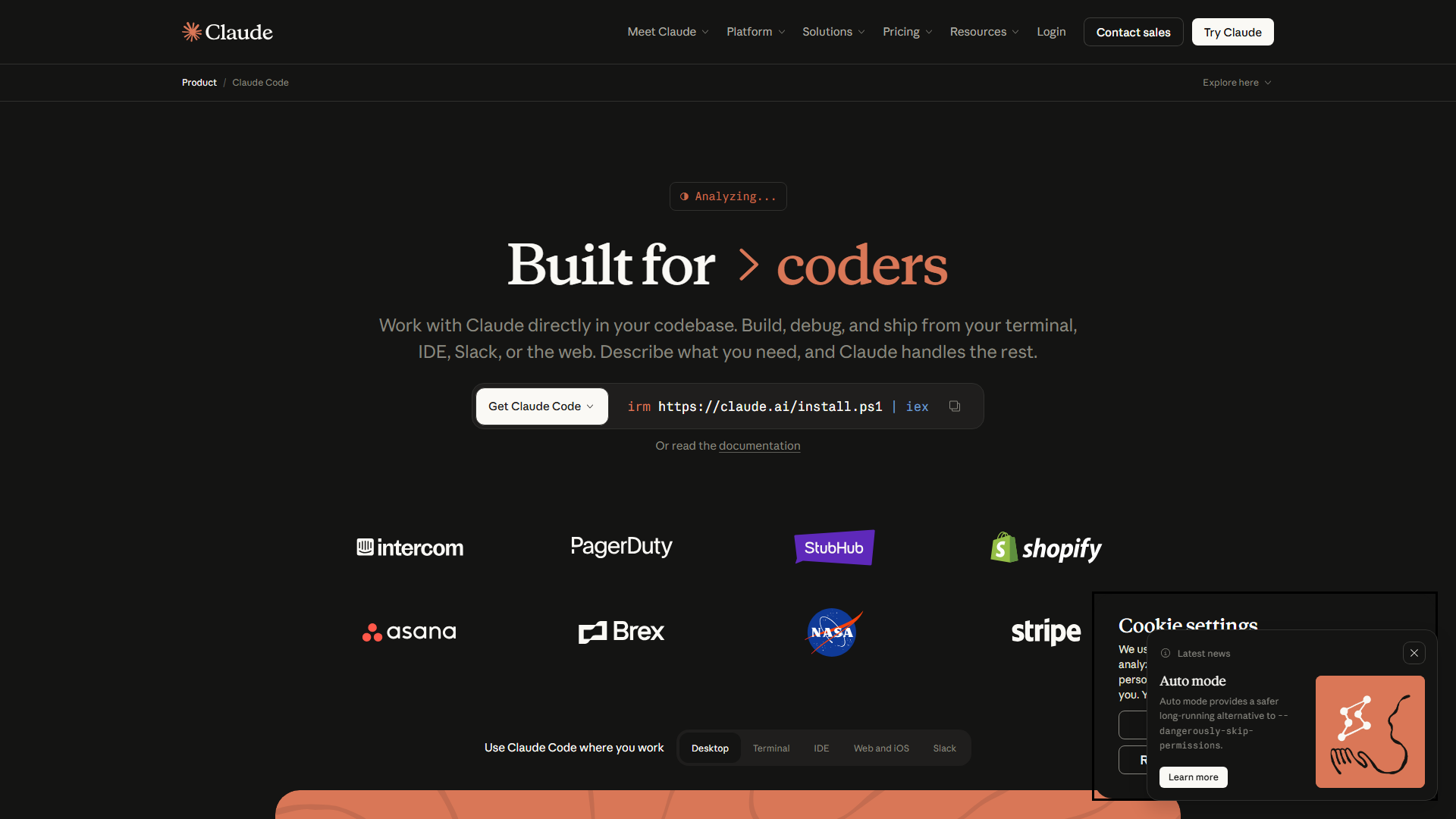
Claude Code is the best Replit alternative for terminal-native autonomous coding, costing $20 per month for Pro and running entirely in the command line with a 200K token context window. It uses a different paradigm from Replit: no visual IDE, no file tree, no drag-and-drop. It reads natural language, then autonomously reads files, writes code, runs commands, executes tests, and iterates until done - see Claude Code vs Cursor for the IDE-vs-terminal trade-off.
Where Claude Code Beats Replit
As documented on Anthropic’s Claude Code page, the 200K token window lets it reason about the entire codebase at once - tracking import chains and respecting conventions across every file, where Replit Agent works task by task. Autonomous execution handles complex jobs end-to-end: describe a JWT refactor and it reads files, writes code, runs tests, and loops until passing. Claude Code runs alongside any editor or none, and its Git-native workflow creates thoughtful commits and PR descriptions. Enterprise adoption is broad - Uber, Netflix, Spotify, and Salesforce use it in production.
Where Claude Code Falls Short
The terminal-only interface has no GUI, visual diff, or file browser, so developers who prefer graphical tools find it restrictive, and beginners face a steeper curve. It does not deploy applications. It runs Claude models only, with no GPT-5 or Gemini fallback. Pricing: free, $20 Pro, $100 Max - breakdown in Claude Code pricing.
Verdict: Claude Code is the most powerful Replit alternative for developers who already live in the terminal. See Claude Code vs Aider for open-source terminal agents.
Who it is not for: Skip Claude Code if you are new to development, rely on visual code review, need cost predictability, or want multi-vendor model flexibility.
5. Lovable and Bolt.new - Best for No-Code App Building
Lovable and Bolt.new are the best Replit alternatives for no-code app building, generating full-stack apps from natural language on free tiers and paid plans from $20 per month. For users who chose Replit because Agent could build from descriptions, Lovable and Bolt.new are the next evolution - describe what you want, and the AI builds a working app with frontend, backend, database, and deployment.
Where Lovable/Bolt.new Beat Replit
Both are purpose-built for prompt-to-app workflows. Changes happen through conversation, not code - “make the header blue, add a login page, connect to a Postgres database” updates the app in seconds, without IDE complexity, and both handle hosting automatically.
Where They Fall Short
Both lack the deep editing, debugging, and version control any real IDE provides, so projects hit a wall once they outgrow conversation. Complex business logic needs more control than prompt-based tools offer, and AI-generated code often does not meet production quality - see Aider vs Cursor for a more rigorous pair-coding workflow.
Verdict: Lovable and Bolt.new are the right pick for founders and non-technical users who want Replit’s Agent capability without IDE complexity. They are not for developers who need a full coding environment.
Who it is not for: Skip them if you are an experienced developer needing IDE control, if your app needs significant custom backend logic, or if you need code an engineering team can take over.
Who Should Stick with Replit Instead of Switching?
Replit is the better choice for students, rapid prototypers, non-technical teams, and developers who need real-time collaboration or multi-model access without managing API keys:
- Students and educators needing zero-setup coding on any browser device.
- Rapid prototypers going from idea to deployed app without configuring hosting or CI/CD - no other tool matches Replit’s end-to-end flow.
- Non-technical teams building internal tools without engineering resources.
- Developers who value real-time collaboration - Replit’s Google Docs-style multiplayer editing has no equivalent in Cursor, Windsurf, or Claude Code.
- Anyone needing 300+ AI models without managing API keys, through Replit’s unified credits - similar to multi-model AI search tools.
Replit excels when accessibility, deployment simplicity, and AI-driven prototyping matter more than raw power. When projects scale beyond prototypes, the alternatives above handle the transition better.
Frequently Asked Questions
Three questions come up most: which tool fits which workflow, whether Replit is worth its price, and the status of Google buying Replit.
What is the best alternative to Replit?
Cursor is the best overall Replit alternative for professional developers, matching Replit’s AI while adding local performance, multi-file editing, and background agents. Windsurf offers similar features cheaper, GitHub Copilot is the most affordable at $10 per month, and Claude Code is unmatched for terminal-first autonomous coding.
Is Replit worth the hype?
For prototyping and learning, yes. Replit Agent 3 builds full apps from natural language and runs autonomously for up to 200 minutes, and one-click deployment eliminates real friction. But the hype overstates Replit as a production platform - credits deplete fast, compute is capped, and there is no offline mode. At $25 per month Core, the alternatives above offer more coding power per dollar.
Is Google buying Replit?
As of March 2026, Google has not acquired Replit. Google led Replit’s $97.4M Series B in 2023 and Google Cloud partners on infrastructure, but investment is not acquisition - there has been no confirmed announcement, and Replit operates independently.
The Bottom Line
Cursor is the best overall Replit alternative for professional developers, Windsurf wins on value, GitHub Copilot on price, and Claude Code on autonomous power. Replit itself built something valuable - a coding environment where anyone can go from idea to deployed app - and the alternatives do not fully replicate that accessibility. But for developers who have outgrown Replit, the 2026 landscape offers strong options at every price point:
- Best overall: Cursor ($20 per month) - the most capable AI code editor for professional development
- Best value: Windsurf ($15 per month) - 80% of Cursor’s power at 75% of the price
- Most affordable: GitHub Copilot ($10 per month) - AI in your existing editor
- Most powerful for experts: Claude Code ($20 per month) - unmatched terminal-native autonomous execution
- Best for non-coders: Lovable / Bolt.new ($20 per month) - purpose-built for prompt-to-app workflows
The right choice depends on what pushed you away from Replit: cost points to Windsurf or GitHub Copilot, performance to Cursor, and autonomous power to Claude Code.
Related Reading
Five companion guides provide deeper context on each Replit alternative and the wider AI coding landscape.
- Cursor Review - AI-powered desktop code editor
- Windsurf Review - budget AI code editor
- Best AI Coding Assistants 2026 - all major AI coding tools
- Claude Code vs Cursor 2026 - the two most powerful compared
- Windsurf vs Cursor 2026 - feature and performance comparison
External Resources
Official vendor pages were the primary sources for pricing and feature data.
- Replit Official Pricing - current plan details
- GitHub Copilot Documentation - setup and guides
- Cursor Documentation - features and shortcuts