













Crowdin vs Smartling is a comparison of two AI-powered localization platforms founded in 2009. Crowdin offers 700+ integrations and plans from $59 per month for developer workflows, while Smartling automates up to 99% of enterprise localization with multi-LLM routing and hallucination detection across websites, apps, and marketing content.
Choosing between Crowdin and Smartling can make or break your localization workflow. Both platforms were founded in 2009 and have evolved into AI-powered translation management systems - but they serve different audiences. Crowdin targets developer teams with its 700+ integrations and generous free plan, while Smartling focuses on enterprise-scale automation with advanced AI routing.
This Crowdin vs Smartling comparison breaks down pricing, AI capabilities, integrations, developer experience, and use cases to help you choose the right platform.
Comparison Table: Crowdin vs Smartling at a Glance
| Feature | Crowdin | Smartling |
|---|---|---|
| Rating | ||
| Starting Price | Free (1 project) | Free (Core plan) |
| Paid Plans | $59/mo (Pro) | Custom (Enterprise) |
| Integrations | 700+ | 60+ |
| File Formats | 100+ | Multiple formats |
| AI Features | Agentic AI, MCP, multi-LLM | Multi-LLM routing, hallucination detection |
| Time Savings | 15 hours/week | 20 hours/week |
| Efficiency Gain | 50% | 70% |
| Best For | Developer workflows | Enterprise scale |
| Free Plan Limits | 1 project, 60K words | Basic workflow, 180-day TM |
What Is Crowdin?
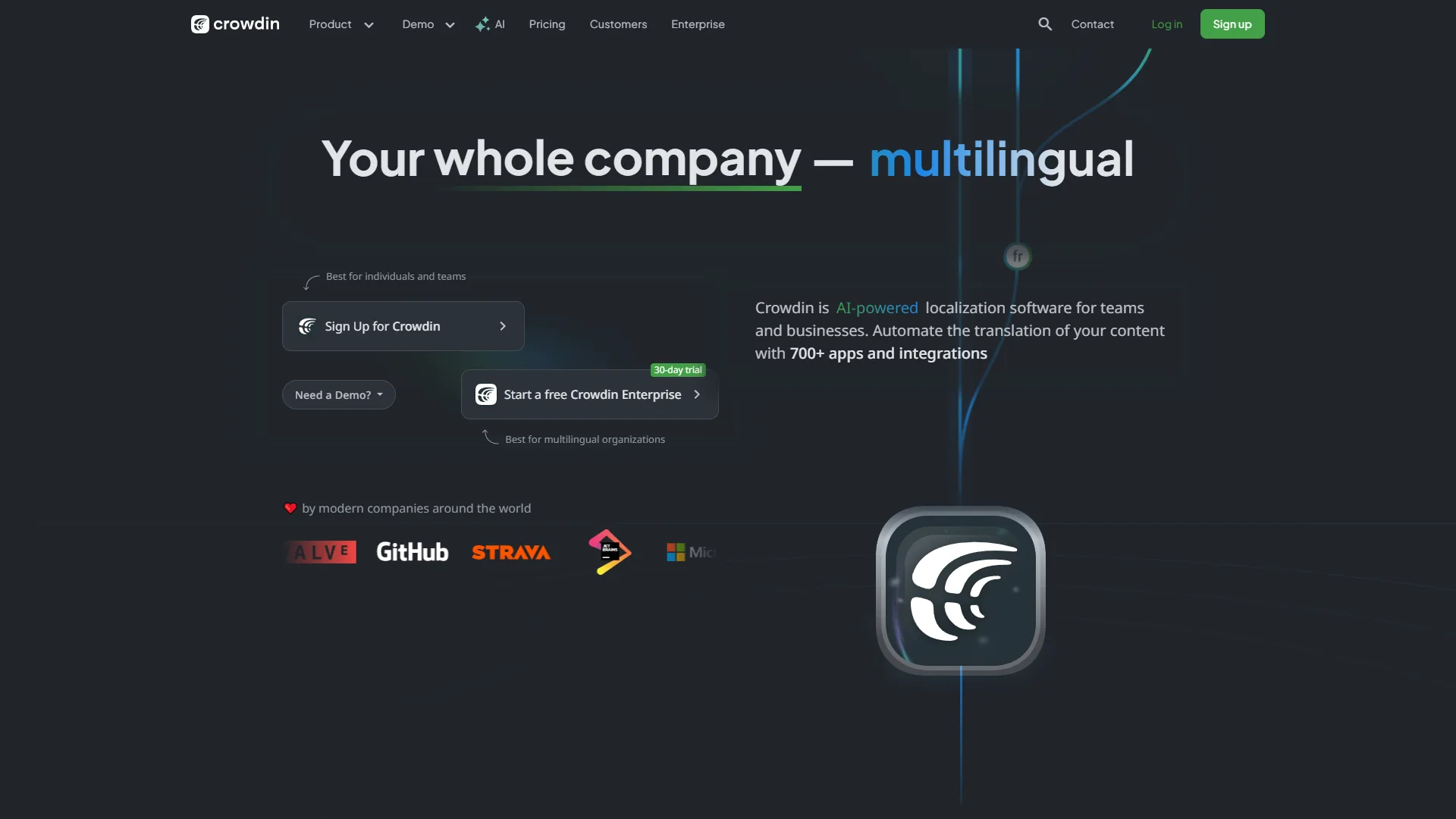
Crowdin is an AI-powered localization management platform built for developer workflows and large-scale translation projects, as detailed on Crowdin’s official website. With 700+ integrations (including GitHub, GitLab, Figma), support for 100+ file formats, and Agentic AI with Model Context Protocol (MCP), it streamlines translation for software, documentation, and marketing content.
The platform combines translation memory, AI-powered QA checks, and community translation features into a developer-friendly ecosystem. Crowdin excels at software localization with deep version control integrations and extensive file format support, as documented in Crowdin’s official knowledge base.
Who It’s For:
- Developer teams with localization needs
- Teams needing 700+ integrations with development and design tools
- Projects requiring extensive file format support
- Organizations prioritizing translation quality management
- Agile teams implementing continuous localization workflows
- Companies with budget constraints (plans start at $59 per month)
Limitations and who it’s not for: Skip Crowdin if your team is non-technical and primarily needs a clean CAT tool - the developer-first interface has a steeper learning curve than Lokalise. Cons include translation key management challenges and a project dashboard that users frequently flag as needing improvement. Drawbacks for enterprise teams include the per-project word caps that scale into expensive add-ons.
What Is Smartling?
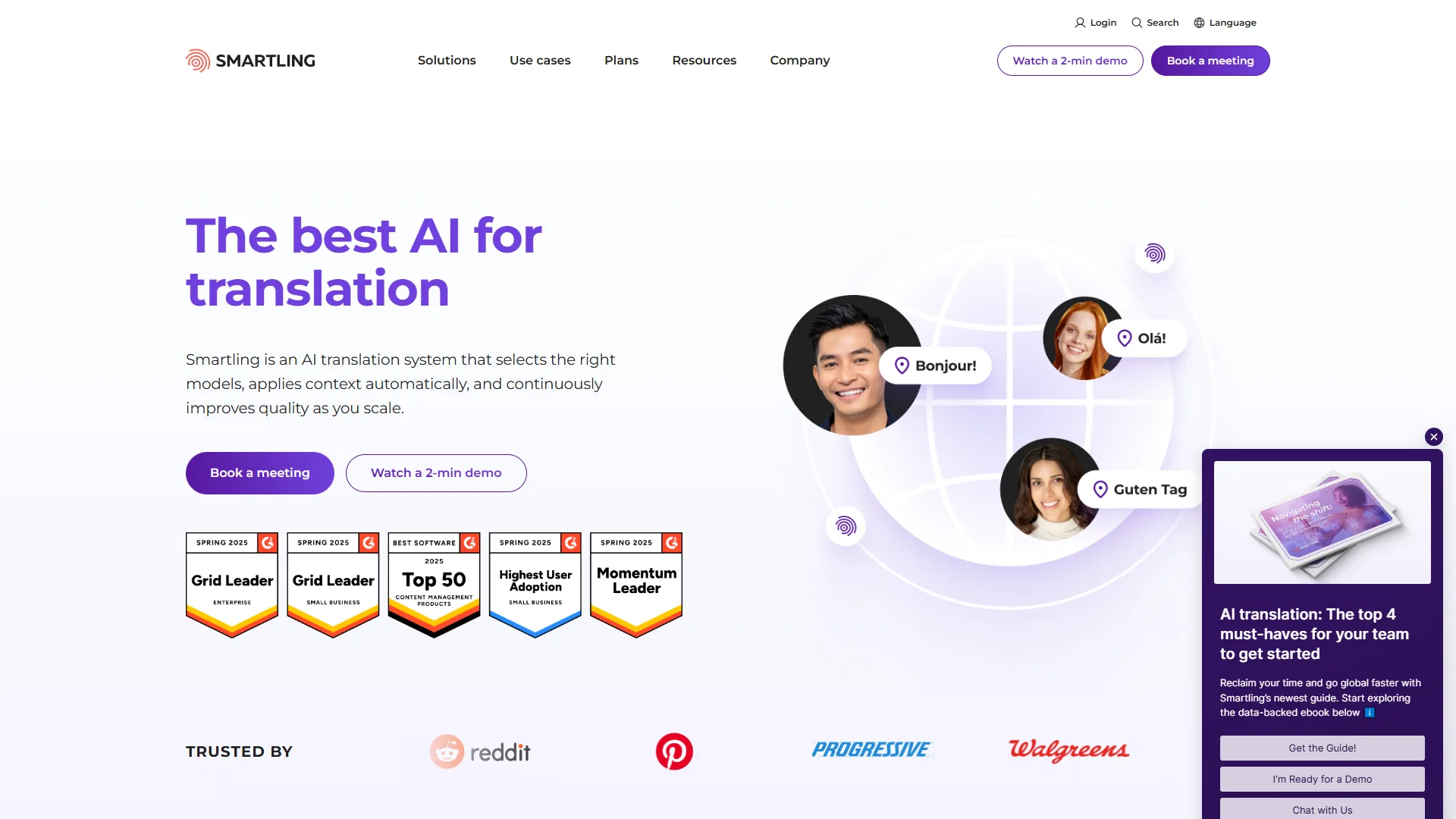
Smartling is an AI-powered translation platform that, according to Smartling’s homepage, automates up to 99% of localization workflows across websites, apps, technical documentation, and marketing content. With multi-LLM routing, visual context editing, and 60+ integrations, it delivers 70% efficiency gains while maintaining translation accuracy.
The platform launched a free Core tier in 2026, making enterprise-grade translation accessible to smaller teams. Smartling uses multi-LLM routing to automatically select the best translation engine for each task, with hallucination detection and RAG-powered customization using translation memory and glossaries - the full feature breakdown is available on Smartling’s documentation portal.
Who It’s For:
- Enterprise teams scaling to multiple markets (100K+ words annually)
- Companies requiring 90%+ workflow automation
- Organizations processing high-volume translation with 50-70% cost savings goals
- Businesses integrating with 50+ software platforms
- Teams prioritizing translation accuracy with AI Post-Editing and Quality Estimation
Limitations and who it’s not for: Skip Smartling if your annual word volume is under ~50K - the pay-per-word model gets expensive fast and the platform is built for enterprise scale. Cons include opaque enterprise pricing that requires custom quotes, and an interface that overwhelms users who just want a simple CAT tool. The biggest drawback for budget-conscious teams is the absence of a transparent monthly subscription tier.
Head-to-Head Comparison: Crowdin vs Smartling
Pricing: Crowdin vs Smartling
Pricing verified April 2026 from Crowdin's pricing page:
- Free: $0/mo (1 private project, 60,000 hosted words, 1 integration, 3 file formats)
- Translation Memory and Glossary
- Online translation editor
- Basic reports
- Best for: Individual developers and small open-source projects
- Pro: $50/user/mo annual ($59 monthly) (2 private projects, 60,000 hosted words, 2 integrations)
- Optional global translation memory
- Content delivery
- Unlimited translator seats
- Best for: Freelancers and small teams starting with localization
- Team: $150/user/mo annual ($179 monthly) (5 managers, 100,000 hosted words, 3 integrations)
- Advanced workflow
- Task-based access
- Revision management
- Best for: Growing teams needing collaboration and workflow management
- Team+ (Enterprise): $450/user/mo annual (5 managers, 500,000 hosted words, unlimited integrations)
- Enterprise-level security
- Workflow automation
- Unlimited integrations
- Best for: Mid-size companies with high-volume localization needs
Crowdin’s pricing is transparent with no per-seat charges, and current tiers are listed on the Crowdin pricing page. Add-ons available for extra hosted words or managers. Average enterprise cost: $7,000/year according to Vendr data.
Pricing verified April 2026 from Smartling's pricing page:
- Core: $0/mo
- CAT Tool with visual context
- Translation memory (180 days retention)
- Machine Translation: $0.0075/word, AI Translation: $0.06/word
- Best for: Individuals or small teams getting started with translation
- Enterprise: Contact sales
- Unlimited translation memory storage
- Broad connectivity options (60+ integrations)
- Human Translation: $0.12-$0.20/word (24-month terms: 15-25% discount; 36-month terms: 30-45% discount)
- Best for: Companies and large teams scaling translation operations (100K+ words annually)
Smartling’s pay-per-word model can get expensive for high-volume needs, but enterprise customers processing 100K+ words annually typically see 50-70% cost savings with 4-6 month break-even timeframes.
Winner: Crowdin for transparent pricing and budget-friendly entry points. Smartling for enterprise teams with high-volume needs who can negotiate volume discounts.
AI Features: Translation Quality and Automation
Crowdin AI Capabilities:
- Agentic AI with Model Context Protocol (MCP) for autonomous translation planning
- Latest AI models: Claude 4.1 Opus, GPT-5, o3-pro, o3-mini, Gemini 2.5 Pro, WatsonX, Alibaba Cloud
- Crowdin Automator for if-then workflow automation (assign tasks, trigger AI actions)
- Crowdin Dubbing Studio for AI-powered audio/video localization (ElevenLabs integration)
- AI QA checks for style guide compliance, gender neutrality, context validation
- Vector Cloud app using semantic search for contextually relevant translation examples
- AI-powered Context Evaluation Report for UI localization quality assessment
- Translation Alignment app using AI to align source and target texts
Crowdin’s AI features focus on developer workflows with context-aware translations that understand project structure. The Agentic AI with MCP enables autonomous planning and validation.
Smartling AI Capabilities:
- Multi-LLM routing automatically selects best engine for each task (GPT, Claude, etc.)
- Hallucination detection ensures translation accuracy
- RAG-powered customization using translation memory and glossaries
- Dynamic AI Translation Memory increases reuse rates by up to 35%
- Linguistic Quality Estimation groups translations by expected human editing effort
- AI Post-Editing agents reduce turnaround time by up to 50%
- Model Context Protocol integration (August 2026) for Claude Code, VS Code, Cursor
- Advanced Analytics for BI tool export, TM reuse tracking, edit effort analysis
Smartling’s AI features prioritize enterprise automation with multi-engine optimization and quality estimation. The platform can automate 90-99% of localization workflows with dynamic routing.
Winner: Smartling for enterprise automation depth (99% workflow automation vs 50%). Crowdin for developer-centric AI features and broader AI model support.
Integrations: Ecosystem Comparison
Crowdin Integrations (700+):
- AI: xAI Grok, DeepSeek, IBM WatsonX, OpenAI (o3-pro, GPT-5), Anthropic (Claude 4.1), Google Gemini 2.5 Pro, DeepL, Azure AI, Mistral AI
- CMS: Prismic, Strapi, Adobe Experience Manager, Contentful, Salesforce Marketing Cloud, HubSpot, Intercom
- Design: Figma, Sketch
- Development: GitHub, GitLab, Bitbucket, Azure Repos, Android Studio, VS Code, Google Play
- Workflow: Jira, Slack, Zapier, Zendesk, Webflow, Mailchimp, SendGrid
- Other: ElevenLabs Dubbing Studio, Synthesia, ABBYY Vantage OCR, MCP servers
Crowdin’s integration ecosystem is unmatched in breadth, with deep version control integrations and MCP server support for developer tools.
Smartling Integrations (60+):
- CMS: Drupal, WordPress, Adobe Experience Manager, Contentful, Contentstack, Storyblok, Webflow
- Design: Figma, Canva, Adobe Creative Cloud
- Developer: GitHub, GitLab, Bitbucket, MCP Server (Claude Code, VS Code, Cursor)
- Marketing: HubSpot, Adobe Marketo Engage, Braze, Iterable, Salesforce Marketing Cloud
- Support: Zendesk, Salesforce Service Cloud, Intercom Help Center
- Productivity: Google Drive, Slack, Jira, Zapier
- Cloud: AWS Marketplace
Smartling’s integrations focus on enterprise platforms with strong connectors for CMS, marketing automation, and support systems. New integrations added in 2026 include Zapier and AWS Marketplace.
Winner: Crowdin for integration breadth (700+ vs 60+) and developer tool coverage. Smartling for enterprise marketing and support platform depth.
Developer Experience and API Capabilities
Crowdin Developer Tools:
- Native GitHub and GitLab integrations with automatic PR creation
- CLI tools for command-line translation management
- REST API with comprehensive documentation
- Webhook automation for custom workflows
- 100+ file format support (JSON, YAML, Markdown, XML, design files)
- Continuous localization with CI/CD pipeline integration
- Android Studio and VS Code extensions
- MCP server support for Model Context Protocol
Crowdin is the gold standard for developer workflows. The GitHub/GitLab sync automatically extracts strings, creates pull requests with translations, and integrates with CI/CD pipelines without manual file management.
Smartling Developer Tools:
- Model Context Protocol integration (August 2026) for Claude Code, VS Code, Cursor
- REST API with BI tool export capabilities
- GitHub, GitLab, and Bitbucket connectors
- Visual context editing for developers to see text in actual layouts
- Multi-format support for websites, apps, documentation
- AWS Marketplace availability for cloud integration
- Advanced analytics with translation data export
Smartling’s MCP integration brings translation directly into developer tools without context switching. However, the overall developer ecosystem is less comprehensive than Crowdin’s.
Winner: Crowdin for comprehensive developer tooling, CLI access, and version control integration depth. Smartling for visual context editing and MCP integration quality.
Translation Memory and Quality Management
Crowdin Quality Features:
- Translation Memory with global TM option (Pro+)
- Glossary management with IATE terminology access
- AI QA checks for style guide compliance
- Translation Alignment app for source/target text alignment
- Context Evaluation Report for UI localization assessment
- Vector Cloud semantic search for relevant translation examples
- Revision management (Team+)
- Community translation with contributor support
Crowdin’s translation memory typically reduces translation costs by 40-60% on recurring content and saves 50% translation time on repeated strings. The AI QA checks validate style guide compliance and gender neutrality.
Smartling Quality Features:
- Unlimited translation memory storage (Enterprise)
- 180-day TM retention (Core free plan)
- Dynamic AI Translation Memory with 35% reuse increase
- Linguistic Quality Assurance (LQA) Suite (Enterprise)
- Hallucination detection for AI translation accuracy
- Quality Estimation agents grouping translations by editing effort
- Visual context editing for in-layout translation preview
- ISO 27001 certified security (December 2026), SOC 2, GDPR compliant
Smartling’s Quality Estimation agents automatically route translations based on expected human editing effort, enabling up to 50% faster turnaround. The visual context editing ensures translators see exactly how text appears in page layouts.
Winner: Tie. Crowdin for comprehensive QA tools and community translation. Smartling for Quality Estimation automation and visual context accuracy.
Customer Support and Learning Curve
Crowdin Support:
- Fast and responsive customer support (frequently praised by users)
- Documentation and knowledge base
- Community forums
- Priority support (Team+ Enterprise)
- Learning curve: Steeper for non-technical users (common user feedback)
- Interface prioritizes developer workflows over translator ease-of-use
Smartling Support:
- Quality of Support rated 9.1/10
- Helpful helpdesk with dedicated account managers (Enterprise)
- Documentation and training resources
- 24/7 support (Enterprise)
- Learning curve: Interface complexity may overwhelm users seeking simple CAT functionality
- Steeper learning curve than alternatives like Lokalise
Winner: Smartling for customer support quality (9.1/10 vs good but not rated). Both have similar learning curve challenges for non-technical users.
Tradeoffs across both platforms: Limitations include opaque enterprise pricing (especially Smartling), accessibility issues that affect non-technical translators on Crowdin, and a steeper learning curve than dedicated CAT tools like Lokalise on both platforms. Cons that apply to either choice include the cost ramp once you cross moderate volume tiers and the time investment required to fully configure workflow automations.
Use Cases: When to Choose Each Platform
Choose Crowdin When:
- Developer-Centric Workflows: Your team needs deep GitHub/GitLab integration with automatic PR creation and CI/CD pipeline support
- Budget Constraints: $59 per month Pro plan fits your budget better than enterprise custom pricing
- Integration Breadth: You need 700+ integrations with design tools, development platforms, and workflow automation
- Open-Source Projects: The free plan’s 60K words and full integration access work for OSS with 1 project
- File Format Diversity: You translate 100+ file formats including JSON, YAML, Markdown, XML, Figma, Sketch
- Translation Memory Savings: You want 40-60% cost reduction on recurring content without per-word pricing
Real-World Example: A SaaS startup with a development team of 8 uses Crowdin’s Team plan ($179 per month) to localize their web app into 12 languages. The GitHub integration automatically syncs string files, and the translation memory saves 50% on recurring UI strings. They save 15 hours/week on manual file management.
Choose Smartling When:
- Enterprise Scale: You process 100K+ words annually and need 90-99% workflow automation
- Cost Savings at Volume: You can negotiate custom pricing for 50-70% cost savings with 4-6 month ROI
- Visual Context Matters: Translators need to see exactly how text appears in page layouts
- Multi-LLM Optimization: You want automatic engine selection (GPT, Claude, etc.) with hallucination detection
- Marketing Platform Integration: You translate across HubSpot, Marketo, Braze, Salesforce Marketing Cloud
- Quality Estimation: You need AI agents that route translations by expected editing effort for 50% faster turnaround
Real-World Example: An e-commerce company expanding to 30 markets uses Smartling’s Enterprise plan to automate 95% of product description translation. The Quality Estimation agents route simple content to machine translation and complex marketing copy to human translators. They achieve 70% efficiency improvement and save $120K annually compared to translation agencies.
Tradeoffs and who each is not for: Skip Crowdin if you need 90%+ workflow automation across enterprise marketing platforms; skip Smartling if you need transparent monthly pricing or a generous open-source-friendly free tier. Cons of going with the wrong platform include integration gaps (Smartling on developer tools, Crowdin on enterprise marketing) and cost overruns when volume scales past initial estimates.
Pricing ROI Analysis
Crowdin ROI:
- Investment: $59 per month Pro plan = $708 per year
- Time Savings: 15 hours/week × 50 weeks = 750 hours/year
- Value at $50/hour rate: 750 hours × $50 = $37,500/year
- Translation Memory Savings: 40-60% cost reduction on recurring content
- Payback Period: Less than 1 month for teams with regular localization needs
- Break-Even: 14 hours of saved time covers annual Pro plan cost
Smartling ROI:
- Investment: approximately $6,000-$12,000/year (estimated Enterprise for mid-size team)
- Time Savings: 20 hours/week × 50 weeks = 1,000 hours/year
- Value at $50/hour rate: 1,000 hours × $50 = $50,000/year
- Cost Savings: 50-70% reduction vs traditional agencies
- Payback Period: 4-6 months (verified by enterprise customers)
- Break-Even: 240 hours of saved time covers $12K annual cost
Winner: Crowdin for faster payback and transparent ROI. Smartling for higher absolute savings at enterprise scale.
ROI tradeoffs and limitations: These ROI numbers assume regular weekly usage and stable team size. Skip the upgrade math if your translation volume is sporadic - the savings won’t materialize. Cons of premature investment include sunk-cost lock-in: Crowdin’s Pro plan is cheap but you’ll need add-ons quickly past 60K words, and Smartling’s Enterprise contracts often run 24-36 months.
Ratings and User Sentiment
Crowdin:
Users praise Crowdin’s intuitive interface and GitHub integration, excellent tool integrations, and fast customer support. The Agentic AI features (2026) dramatically improve translation quality and automation.
Common criticisms focus on usability issues affecting accessibility, translation key management challenges, and difficult navigation requiring a learning curve. Users note the complex interface for non-technical users and project management dashboard needs improvement.
Smartling:
Users highlight the free Core plan accessibility (launched 2026), current AI features including multi-LLM routing and hallucination detection, and Model Context Protocol integration for developer tools. Excellent customer support with high user satisfaction ratings.
Common criticisms include enterprise pricing opacity requiring custom quotes, pay-per-word costs getting expensive for high-volume needs, interface complexity overwhelming simple CAT tool users, and steeper learning curve than alternatives like Lokalise.
Winner: Crowdin slightly higher aggregate rating with more user feedback. Both have similar pros/cons patterns around interface complexity.
Honest tradeoffs in user sentiment: User reviews skew toward power users; cons mentioned by casual users (interface complexity, accessibility issues) tend to get muted in aggregate scores. Skip both platforms if you need the simplicity of a Google-Docs-style translator experience - neither is built for that audience.
Migration Considerations
Moving from Crowdin to Smartling:
- Export translation memory in TMX format
- Export glossaries and term bases
- Re-configure integrations (some overlap: GitHub, GitLab, Figma, Slack)
- Retrain team on visual context editor workflow
- Expect 2-4 week migration for mid-size projects
- Cost increase likely unless negotiating enterprise volume discounts
Moving from Smartling to Crowdin:
- Export translation memory (unlimited storage in Smartling Enterprise vs tiered in Crowdin)
- Export glossaries and linguistic assets
- Re-configure integrations (Crowdin has broader ecosystem)
- Train team on Crowdin Automator for workflow automation
- Expect 2-4 week migration for mid-size projects
- Cost savings likely on transparent per-month pricing vs per-word model
Both Platforms Support:
- Standard TMX/TBX export formats
- API access for custom migration scripts
- Professional services for enterprise migrations (available for fee)
Migration tradeoffs and limitations: Skip migration entirely if your current workflows are stable and the cost of a 2-4 week disruption outweighs the gain. Cons of migration include incomplete TM/glossary preservation across vendors, retraining costs for translators, and the need to rebuild custom integrations - especially when moving from Smartling’s wider enterprise marketing connector set to Crowdin’s developer-focused integration list.
Alternatives to Consider
If neither Crowdin nor Smartling fits your needs, consider:
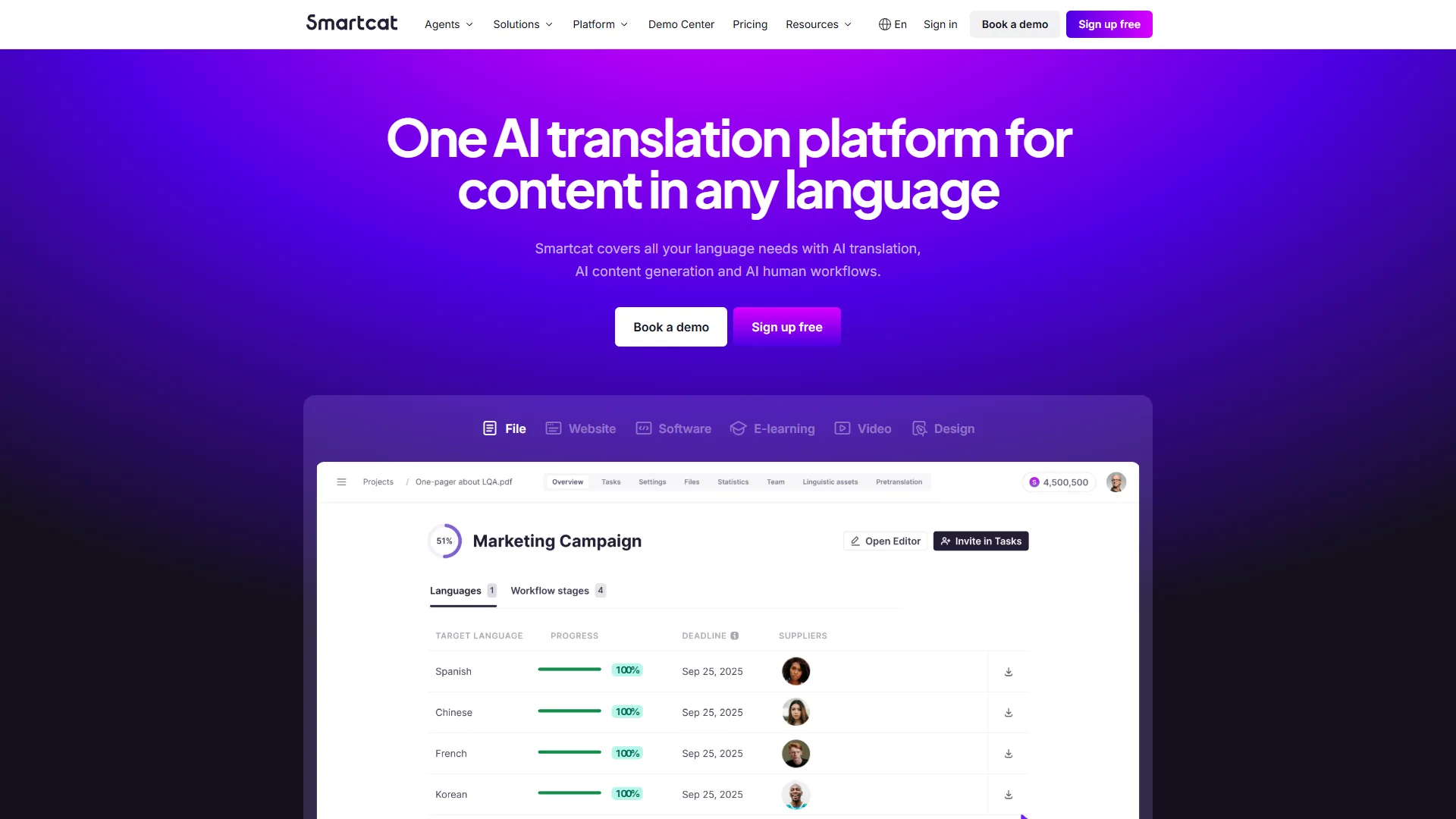
- Smartcat: Translation management with large translator marketplace, free-custom pricing, good for freelance translators
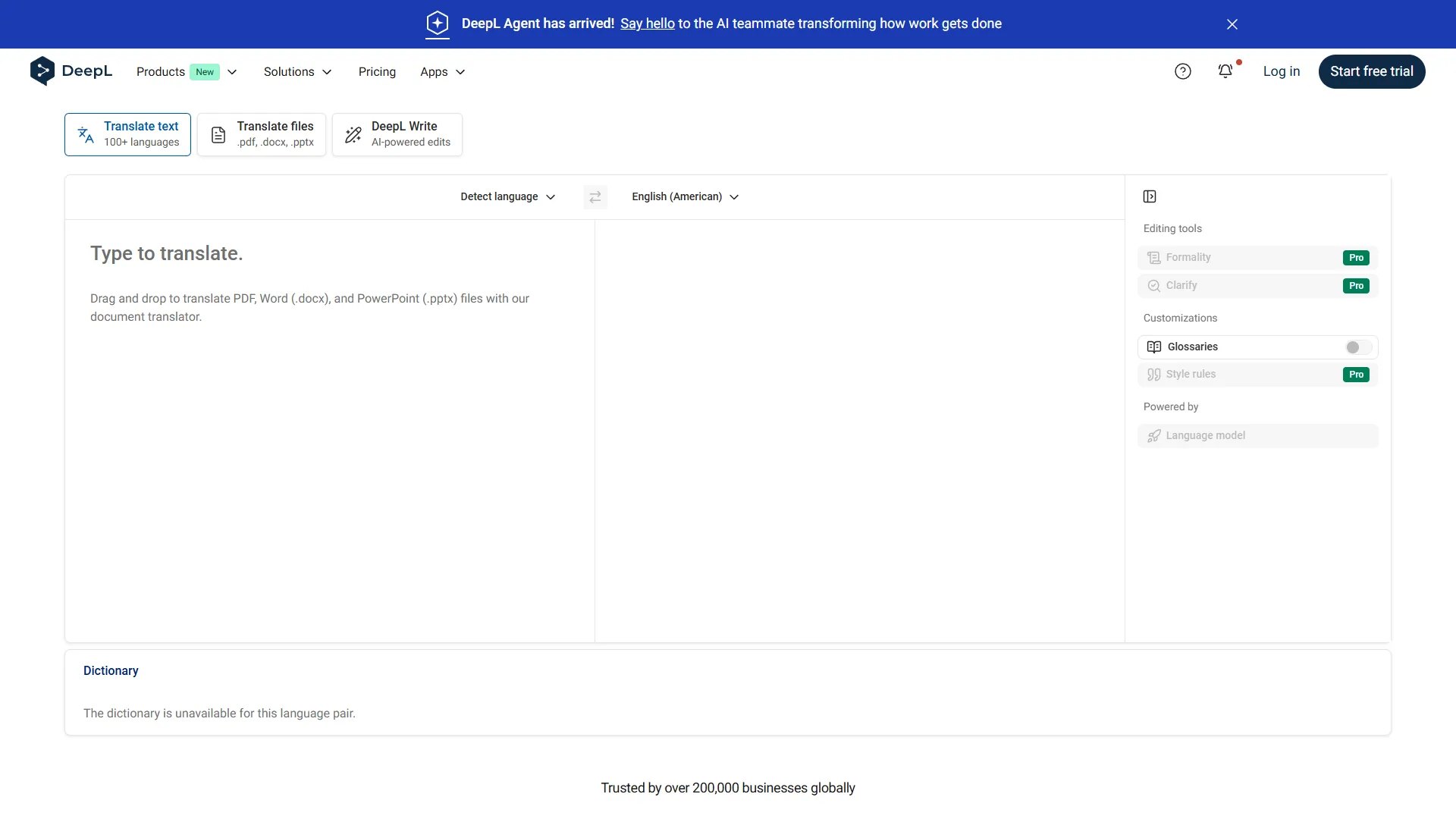
- DeepL: Simple AI translation without project management, $8 per month, best for straightforward translation without workflow complexity
- Phrase (formerly Phrase TMS): Developer-centric with advanced CLI tools, better than Crowdin for API/CLI power users
- Limitations of these alternatives: Skip Smartcat if you need deep version control integration - it is built around the marketplace, not developer workflows. Cons of DeepL include no project management or workflow features (it’s pure translation). Drawbacks of Phrase include weaker visual context editing than Smartling. Lokalise is not for high-volume enterprises with multi-LLM routing requirements.
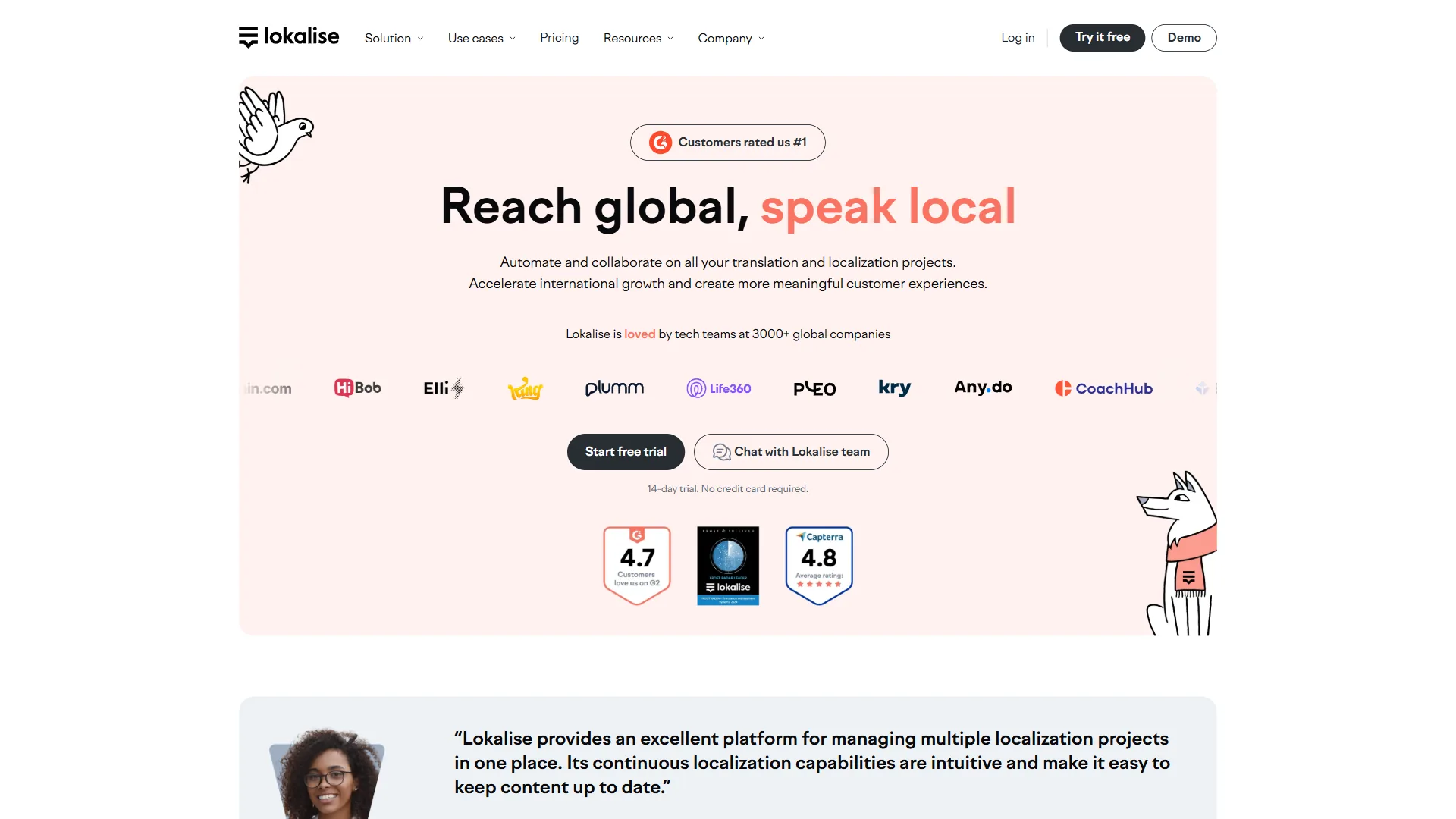
- Lokalise: Easier interface than both Crowdin and Smartling, better for non-technical teams prioritizing ease of use
Final Verdict: Crowdin vs Smartling - Which Platform Wins?
Choose Crowdin if:
- You’re a developer team prioritizing GitHub/GitLab workflows
- You need 700+ integrations with transparent pricing
- Your budget is $59-$450 per month for predictable costs
- You want generous free plan for 1 project or open-source work
- You translate 100+ file formats with strong version control integration
Choose Smartling if:
- You’re an enterprise team processing 100K+ words annually
- You need 90-99% workflow automation with multi-LLM routing
- You can negotiate custom pricing for 50-70% cost savings
- You prioritize visual context editing and Quality Estimation agents
- You integrate with enterprise marketing platforms (HubSpot, Marketo, Salesforce)
The Bottom Line: Crowdin wins for developer teams, transparent pricing, and integration breadth. Smartling wins for enterprise scale, advanced AI automation, and workflow optimization. For most mid-size teams with developer focus, Crowdin’s $179 per month Team plan offers better value. For enterprises with 100K+ words annually, Smartling’s custom pricing delivers stronger ROI through efficiency gains.
Both platforms were founded in 2009 and have evolved into AI-powered localization leaders. Your choice depends on team size, budget, technical expertise, and automation needs. Start with Crowdin’s free plan or Smartling’s Core tier to test workflows before committing to paid plans.
Ready to streamline your localization workflow? Compare Crowdin and Smartling with free plans, or explore other AI translation tools for your team.
FAQ
Q: What is the difference between Smartling and Smartcat?
Choosing between Crowdin and Smartling can make or break your localization workflow. Both platforms were founded in 2009 and have evolved into AI-powered translation management systems - but they serve different audiences.
Q: How much does Smartling cost?
Smartling’s pay-per-word model can get expensive for high-volume needs, but enterprise customers processing 100K+ words annually typically see 50-70% cost savings with 4-6 month break-even timeframes.
Q: What is the main difference between Crowdin and Smartling?
Crowdin targets developer teams with 700+ integrations including GitHub, GitLab, and Figma, plus a generous free plan and Pro pricing from $59 per month. Smartling focuses on enterprise-scale automation with advanced AI routing, automating up to 99% of localization workflows across websites, apps, documentation, and marketing content for larger organizations.
Q: Which platform is better for developer workflows?
Crowdin is the stronger choice for developer workflows. It offers 700+ integrations with development and design tools, supports 100+ file formats, and ships Agentic AI with Model Context Protocol (MCP). It suits agile teams running continuous localization, projects needing deep version control integration, and organizations with budget constraints starting at $59 per month.
Q: How much time can these platforms save a localization team?
Based on reviewed vendor and user data, Crowdin users report roughly 15 hours per week saved with a 50% efficiency gain, driven by its 700+ integrations and agentic AI workflows. Smartling users report around 20 hours per week saved with a 70% efficiency gain, reflecting its multi-LLM routing, hallucination detection, and higher level of enterprise workflow automation.
Related Reads
Tools covered in this article (with the tradeoffs and limitations noted in each section above):
- Crowdin - Developer-focused localization platform
- Smartling - Enterprise translation management
- Smartcat - Translation management marketplace
- DeepL - AI-powered translation
- GitHub - Code hosting and version control
- GitLab - DevOps platform with CI/CD
- HubSpot - Marketing automation platform
- Marketo - Enterprise marketing automation
- Salesforce - CRM and marketing cloud
- Iterable - Cross-channel marketing automation platform
- Lokalise - Translation management for developers and product teams
More translation guides:
- Best AI Translation Tools - Translation platforms compared
- Best AI Localization Tools 2026 - Localization software
- Localization Workflow Automation - Automating translation
- AI Translation Accuracy Benchmark 2026 - How tools compare on quality metrics
External Resources
For official documentation and updates from these tools: