


Linear alternatives are project management tools that serve teams whose needs fall outside the Linear app’s engineering-focused design. Leading options include Asana, Notion, and ClickUp - each targeting a different audience. Teams may seek alternatives due to Linear pricing constraints like the 250 active issue limit on its free tier, developer-centric workflows, or the need for roadmaps, wikis, and cross-team reporting.
Linear has earned a devoted following among software teams. The keyboard-first design, sub-second page loads, and seamless GitHub integration make it genuinely enjoyable to use - a rarity in project management software. But not every team is a pure engineering outfit, and Linear’s strengths can quickly become limitations if your situation looks a little different.
Maybe your engineering team shares a tool with marketing and operations. Maybe you’re hitting Linear’s free tier ceiling of 250 active issues. Maybe your company runs on a non-technical workflow that Linear’s developer-centric opinionation simply doesn’t fit. Or maybe you’re growing fast and need a tool that handles roadmaps, wikis, and cross-team reporting without adding yet another subscription.
Whatever the reason, there are strong options worth knowing about - including open source projects and self-hosted alternatives for teams with stricter data requirements. This guide covers the best linear alternatives for business teams in 2026 at different stages, with different priorities, and different budgets. We’ll cover Linear itself honestly first, then dig into Asana, Notion, and ClickUp - each of which serves a meaningfully different audience. For a wider field of options, see our ClickUp alternatives and Asana competitors roundups.
How Do the Top Linear Alternatives Compare?
Linear Alternatives are tools that deliver similar capabilities to Linear with different pricing, features, or design approaches. Leading options include Asana, Notion, ClickUp. This guide compares each alternative on the features that matter most for real workflows.
| Tool | Best For | Starting Price | Free Tier | AI Features |
|---|---|---|---|---|
| Linear | Engineering-focused teams | $8/mo per user | Yes (250 issues) | Issue triage, summarization |
| Asana | Mixed teams with timeline needs | $10.99/mo per user | Yes (10 users) | AI Studio, automations |
| Notion | Knowledge-heavy teams | $10/mo per user | Yes (individual) | AI Agents (Business plan) |
| ClickUp | Teams wanting maximum features | $7/mo per user | Yes (unlimited tasks) | ClickUp Brain (add-on) |
Is Linear Still the Best Choice for Pure Engineering Teams?
Linear was built by engineers, for engineers - and that’s apparent from the first time you open it.
The app loads fast - noticeably faster than Jira or Asana - and the keyboard shortcut system is among the most complete in the category. You can create an issue, assign it, label it, and close it without touching the mouse.
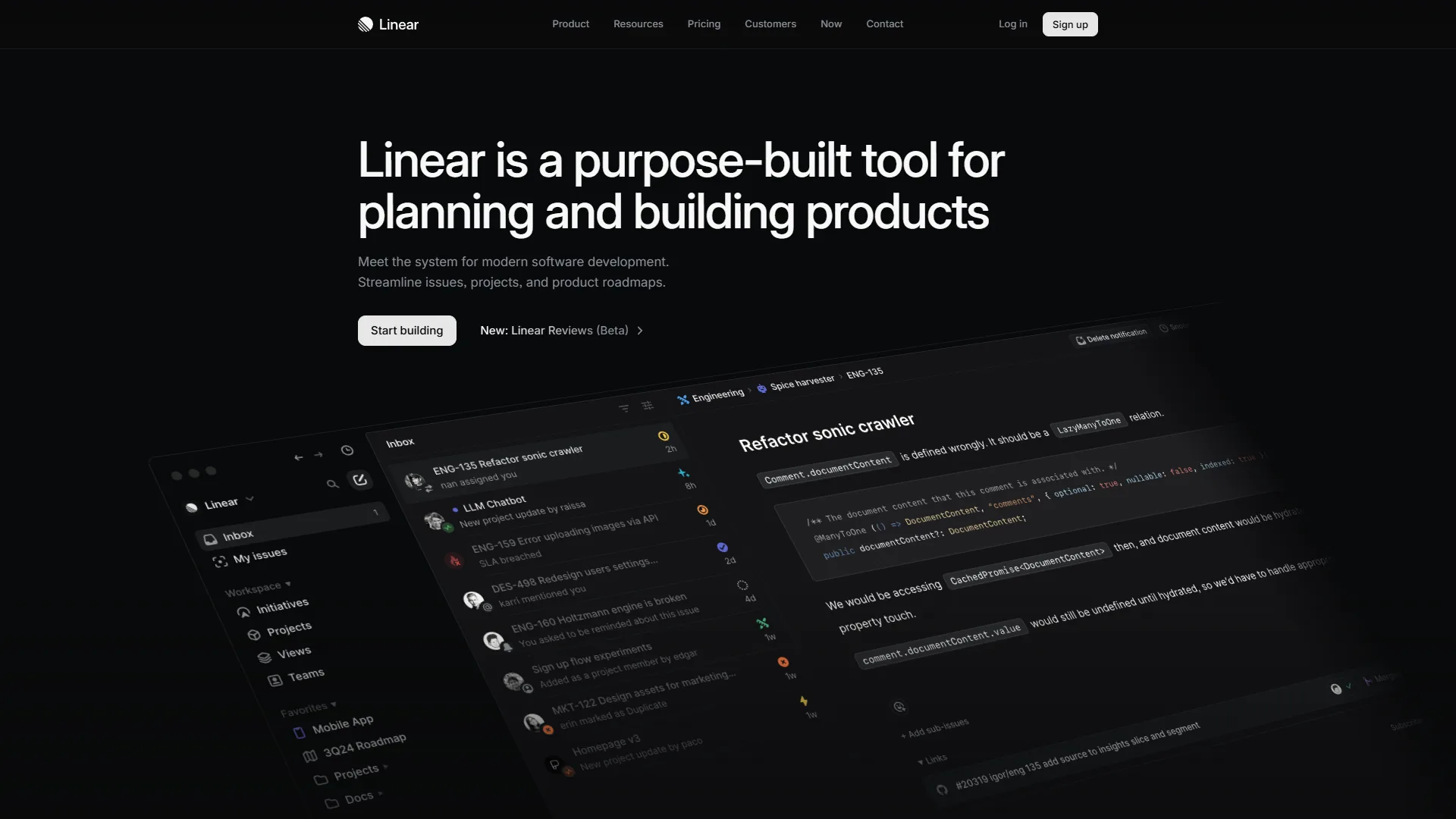
What Linear does well:
- Sub-second page loads, even on large workspaces
- Native GitHub and GitLab integration with bi-directional PR linking
- Cycle planning (sprints) that feels lightweight rather than bureaucratic
- AI-powered issue triage and summarization on paid plans
- Unlimited team members on the free tier with up to 250 active issues
Where Linear falls short:
- No native mobile apps for iOS or Android
- Limited custom fields make it awkward for non-developer workflows
- Advanced analytics (Linear Insights) gated behind the Plus plan at $14 per month
- Zendesk and Intercom integrations require Plus as well
- Epic management is notably underdeveloped compared to Jira
Pricing: Free tier (250 active issues), Standard at $8 per month per user, Plus at $14 per month per user, Enterprise custom pricing. Annual billing saves 20%.
Best for: Software development teams of 5-50 people who live in GitHub, value speed over flexibility, and don’t need to share their PM tool with non-technical colleagues.
Limitations and who it’s not for: Linear is not ideal for cross-functional teams that include marketing, operations, or customer success - the developer-centric design and limited custom fields create friction for non-technical workflows. Skip Linear if you need native mobile apps, mature epic management, or roadmaps shared with executives. The biggest drawbacks are the 250 active issue cap on the free tier, no iOS or Android apps, and Linear Insights gated behind the $14 per month Plus plan.
If that’s not your situation, read on.
Why Is Asana the Best Linear Alternative for Mixed Teams?
Asana is the go-to when your engineering team needs to work alongside marketing, operations, or customer success - and everyone needs to use the same tool. Where Linear is opinionated and developer-centric, Asana is deliberately general-purpose. Custom fields, timeline views, and a 200+ integration ecosystem make it flexible enough for almost any team workflow.
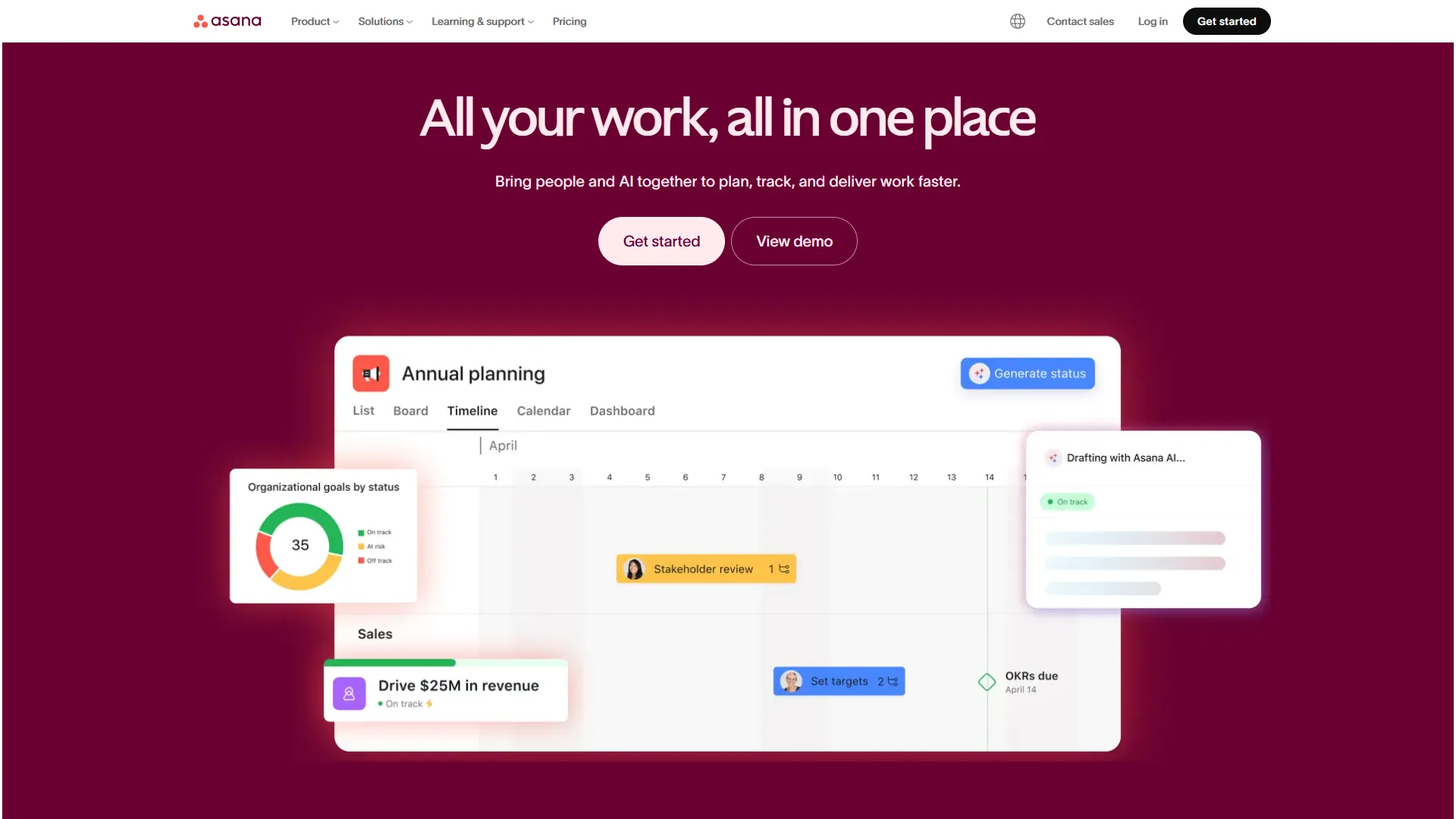
The AI story at Asana has matured quickly. AI Studio - a no-code workflow builder - is included on all paid tiers, letting teams build automations in plain English. AI Teammates (currently in beta) add more autonomous task handling for complex workflows. These are real features being used by real teams, not marketing slides.
What Asana does well:
- Timeline and Gantt views with task dependencies - Linear has no equivalent
- AI Studio on all paid tiers (not gated behind a premium add-on)
- Portfolio management for tracking multiple projects in one dashboard (Advanced tier)
- 200+ integrations including Salesforce, Microsoft 365 Copilot, and Tableau
- Solid mobile apps for iOS and Android - a meaningful advantage over Linear
- Proven ROI: IDC research documents 437% three-year ROI and 2 hours saved per employee weekly
Where Asana falls short:
- Free tier caps at 10 users (vs Linear’s unlimited)
- No timeline views, custom fields, or automations on the free plan
- Starter tier at $10.99 per month is pricier than Linear’s Standard at $8 per month
- Time tracking requires the Advanced tier at $24.99 per month
- The feature set can feel like overkill for small pure-dev teams
Pricing: Free (up to 10 users), Starter at $10.99 per month annually, Advanced at $24.99 per month annually, Enterprise custom. Annual billing saves roughly 18%.
Who should switch from Linear to Asana: Teams where engineering needs to collaborate regularly with non-technical departments. If your project discussions involve designers, marketers, and ops alongside developers, Asana’s universal design and timeline features make cross-team work significantly smoother than Linear’s developer-native layout.
Limitations and who it’s not for: Asana is not ideal for tiny pure-engineering teams that just need fast issue tracking - the breadth of features can feel like overkill, and the entry price is higher than Linear’s. Skip Asana if you need native time tracking on a budget (gated behind the $24.99 per month Advanced tier), if your team is bigger than 10 users on a free plan, or if you want timeline views and custom fields without paying.
Is Notion the Best Linear Alternative for Documentation-Heavy Teams?
Notion occupies a different niche from both Linear and Asana. Rather than being a pure project management tool, it’s a flexible workspace that combines docs, wikis, databases, and task management. If your engineering team is tired of managing Linear for issues and Confluence for docs and Jira for roadmaps - Notion might be the consolidation play you’ve been looking for.
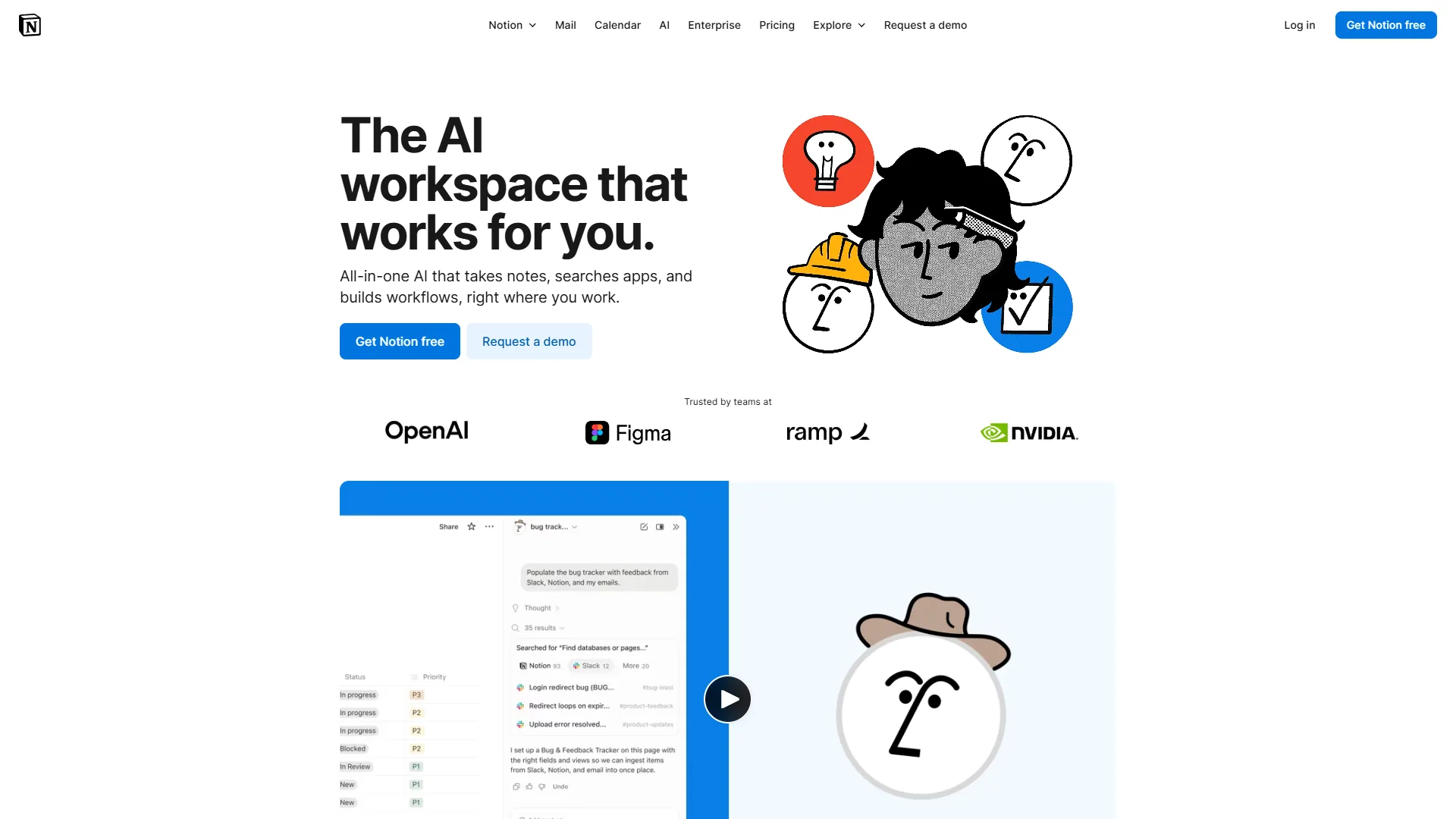
Notion’s AI capabilities now include genuine AI Agents - not just a writing assistant, but autonomous workflows powered by frontier models. On the Business plan ($18 per month), these agents can read your Slack channels, calendar, and workspace content to answer questions and trigger actions. It is the most sophisticated AI feature set of any tool in this comparison, though it is locked to the $18 per month Business tier. For a workspace-vs-PM head-to-head, see our ClickUp vs Notion breakdown.
What Notion does well:
- Single workspace for docs, wikis, and project tracking - eliminates tool sprawl
- Multi-model AI agents on Business plan (GPT-5, Claude Opus 4.1, o3)
- Highly flexible databases with 7 view types including timeline, gallery, and map
- Excellent template ecosystem across thousands of community-built templates
- Tool consolidation - teams report 27% software cost reduction by replacing separate tools
- Consistently high user satisfaction ratings across major review platforms
Where Notion falls short:
- Not built for software issue tracking - no native Git integration
- AI features require Business plan ($18 per month) - not available on Plus
- Steep learning curve: expect 2-4 weeks to build effective systems
- Performance can degrade with very long pages or complex databases
- Mobile experience is significantly weaker than desktop
Pricing: Free (individuals), Plus at $10 per month annually, Business at $15 per month annually, Enterprise custom. Annual billing saves 20%.
Who should switch from Linear to Notion: Teams where documentation matters as much as task tracking. If your team constantly switches between Linear, Confluence, and Google Docs, consolidating into Notion can reduce context switching and license costs. Notion is not a Jira replacement - it’s better understood as a home for your team’s knowledge that can handle lightweight project management alongside it.
Limitations and who it’s not for: Notion is not ideal for software issue tracking - there is no native Git integration and no equivalent to Linear’s PR linking. Skip Notion if you need a fast keyboard-driven issue tracker, mobile-first workflows, or AI features without paying for the $18 per month Business plan. The biggest drawbacks are a 2-4 week learning curve, performance degradation on long pages, and a noticeably weaker mobile experience than competitors.
Why Is ClickUp the Best Linear Alternative for Maximum Features on a Budget?
ClickUp’s pitch is simple: more features than anyone else at a lower price. The Free Forever tier includes unlimited tasks and unlimited users - compare that to Linear’s 250-issue cap or Asana’s 10-user limit. If you need a tool that scales from a 3-person startup to a 300-person company without requiring a renegotiated contract, ClickUp deserves a serious look.
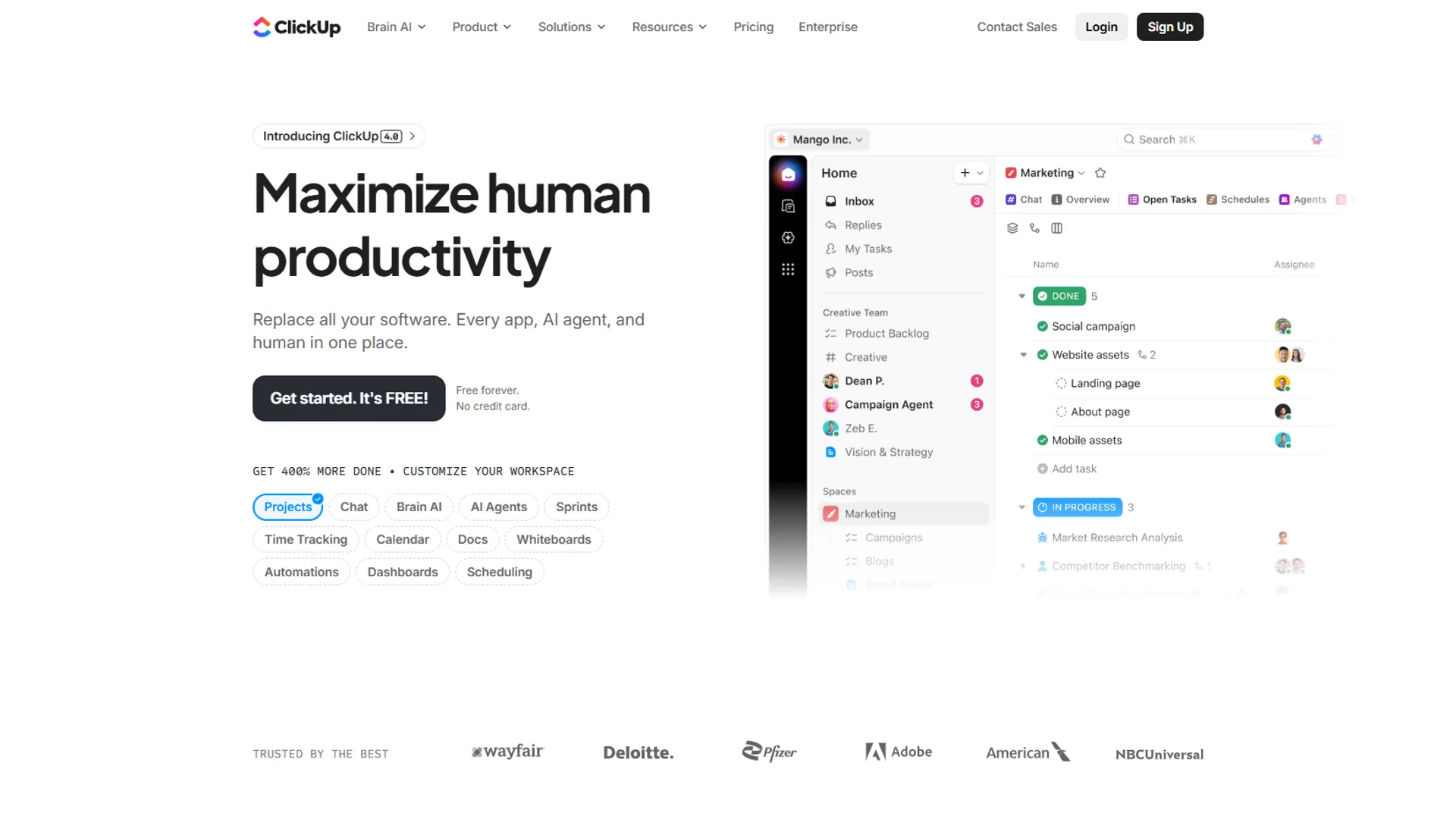
ClickUp Brain brings multi-model AI with an enterprise knowledge search that can query across 100+ connected apps. Autopilot Agents handle automated standups, project updates, and workflow routing. It is impressive, though worth noting the AI features are paid add-ons ($9 per month Standard, $28 per month Autopilot) rather than included in base pricing.
What ClickUp does well:
- Free Forever tier with unlimited tasks and users - Linear’s free tier caps at 250 active issues
- 35+ view types including List, Board, Gantt, Timeline, Calendar, Mind Maps, and Workload
- Built-in time tracking, goals, whiteboards, and docs - consolidates many separate tools
- ClickUp Brain’s enterprise search across 100+ integrations (with add-on)
- Nucleus Research documented 3.84x ROI and 576 hours/week saved at a case-study company
- Strongest value at the Unlimited tier: $7 per month annually
Where ClickUp falls short:
- Steep learning curve: teams typically need 2-3 weeks to reach proficiency
- AI features require separate add-on purchase ($9-28/user/month) on top of base pricing
- No native GitHub issue-to-PR linking as fluid as Linear’s
- Performance can degrade on very large workspaces
- Not built specifically for software issue tracking workflows
Pricing: Free Forever, Unlimited at $7 per month annually, Business at $12 per month annually, Enterprise custom. ClickUp Brain AI is an additional $9-28/user/month.
Who should switch from Linear to ClickUp: Budget-conscious teams who need more than issue tracking. If you’re paying for Linear plus separate tools for docs, time tracking, or goals - ClickUp’s consolidation play can reduce total software spend while keeping all the data in one place. It’s also the best option if you have a heterogeneous team where some members need simple kanban boards and others need Gantt charts and workload views.
Limitations and who it’s not for: ClickUp is not ideal for teams that want a clean minimal interface - the sheer number of features creates a steep learning curve and a busy UI. Skip ClickUp if you want AI bundled into base pricing (Brain is a $9-28/user/month add-on), if you need native GitHub PR linking as fluid as Linear’s, or if you run very large workspaces where performance matters most.
Which Alternative Fits Your Workflow
Picking from the linear alternatives below depends on why you’re leaving Linear (or considering it in the first place):
If your team is growing past pure engineering and other departments need the same tool, Asana is the safest choice. Its universal design, timeline views, and portfolio management are built for cross-functional teams. The price premium over Linear is real but justified.
If you’re drowning in tool sprawl - Linear for issues, Confluence for docs, Google Sheets for roadmaps - consider Notion. The consolidation saves money and mental overhead, and the AI Agents on the Business plan are genuinely capable. Expect a learning investment upfront.
If budget is your primary constraint and you need to support a large team with diverse workflow needs, ClickUp’s free tier and low-cost paid plans are hard to beat. The learning curve is steeper than Linear, but the feature ceiling is much higher.
If you’re staying in Linear’s lane - pure software development, git-centric workflows, small to mid-sized engineering team - there may be no better tool. The linear alternatives above each trade something Linear does exceptionally well (speed, keyboard shortcuts, developer UX) for breadth that many teams genuinely need.
| Signal | Recommended Alternative |
|---|---|
| Non-technical teammates need the same tool | Asana |
| Need docs + wiki + tasks in one place | Notion |
| Outgrowing free tier on tight budget | ClickUp |
| Mobile access is critical | Asana or ClickUp |
| Need workload/resource management | Asana (Advanced) or ClickUp |
| Want to consolidate 3+ tools | Notion or ClickUp |
What Is the Bottom Line on Linear Alternatives?
Linear is exceptional at what it does - fast, keyboard-driven issue tracking for engineering teams. But “what it does” is deliberately narrow, and that’s where the alternatives come in.
Asana is the best choice for teams that have outgrown developer-only tooling and need a single platform their whole company can use. Notion wins for knowledge-intensive teams where documentation is as important as task management. ClickUp offers the most features per dollar, making it ideal for teams that want to consolidate and don’t mind a steeper setup investment.
None of these will give you Linear’s raw speed or its native developer workflow. But for teams whose work spans more than one discipline, that’s often the right trade to make.
FAQ
Q: What is the best Linear alternative for non-technical teams?
Asana is the strongest choice when engineering needs to collaborate with marketing, operations, or customer success. Its universal design, timeline views, and 200+ integrations handle cross-functional workflows that Linear’s developer-centric layout was never built for. Starter plans begin at $10.99 per user per month with a free tier for up to 10 users.
Q: Does ClickUp have a better free tier than Linear?
Yes - ClickUp’s Free Forever plan includes unlimited tasks and unlimited users, which compares favorably to Linear’s free tier cap of 250 active issues and Asana’s 10-user limit. For budget-conscious teams that need room to scale, ClickUp’s free tier is the most generous of the options reviewed here.
Q: Which Linear alternative is best for consolidating docs and tasks?
Notion is designed for exactly this scenario. It combines docs, wikis, databases, and task management in one workspace - making it a consolidation play for teams juggling Linear, Confluence, and Google Docs separately. The trade-off is a learning investment upfront, and its AI Agents are locked to the $18 per user per month Business plan.
Q: How does Asana AI compare to ClickUp Brain?
Asana’s AI Studio - a no-code workflow builder - is included on all paid tiers, with AI Teammates in beta for more autonomous task handling. ClickUp Brain offers multi-model AI with enterprise knowledge search across 100+ apps, but it is a paid add-on ranging from $9 to $28 per user per month rather than bundled into base pricing.
Q: When does it make sense to stay with Linear instead of switching?
Linear remains the best fit for pure software development teams of roughly 5 to 50 people who work in GitHub, prioritize speed, and do not need to share their project management tool with non-technical colleagues. The alternatives each trade something Linear does exceptionally well - speed, keyboard shortcuts, developer UX - for broader feature coverage.
Related Reading
- Linear - Full Linear tool profile with pricing and feature details
- Asana - Asana tool profile and plan comparison
- Notion - Notion tool profile with AI feature breakdown
- ClickUp - ClickUp tool profile and pricing tiers
- ClickUp vs Notion 2026: Which Productivity Tool Wins? - Head-to-head breakdown
- Asana Competitors 2026: Best Alternatives for Project Management - More Asana comparisons
- ClickUp Alternatives 2026 - What to use when ClickUp isn’t the right fit
- Notion AI vs ChatGPT 2026 - How Notion’s AI stacks up against standalone assistants
External Resources
- Linear Pricing Page - Current Linear plan details and feature breakdown
- Asana ROI of Work Management Report - IDC research on productivity outcomes and three-year ROI data