






Obsidian vs Logseq is a comparison of two local-first, bidirectional-linking PKM tools with opposing philosophies. Obsidian offers a document-first writing experience, polished mobile apps, and 2,690+ plugins. Logseq provides an outliner-first thinking tool, open-source code, native PDF annotation, and stays completely free forever, while its mobile apps remain alpha or beta.
The Obsidian vs Logseq 2026 debate is more than picking a note-taking app when choosing between Obsidian vs Logseq - it’s about choosing how you think. Both tools have passionate communities, local-first storage, and bidirectional linking. But their fundamental approaches to knowledge management couldn’t be more different.
This obsidian vs logseq comparison covers everything you need to make the right choice for your workflow, from research notes and project documentation to personal journaling, and situates the pair within the wider LogSeq vs Obsidian vs Roam conversation plus frequent Obsidian vs Logseq vs Notion debates.
Quick Verdict: Decision Matrix
Choose Obsidian if you:
- Want a document-first writing experience
- Need polished mobile apps today
- Prefer traditional folder organization (optional)
- Want the largest plugin ecosystem (2,690+ plugins)
- Don’t mind proprietary software for personal use
Choose Logseq if you:
- Think in outlines and bullet points
- Value open-source software principles
- Need native PDF annotation for research
- Can work with alpha/beta mobile apps
- Want a completely free solution forever
The Reality: Both are excellent, so the Obsidian vs logseq which is better question has no universal answer. Obsidian feels like a powerful text editor that grew intelligence. Logseq feels like a thinking tool that happens to store notes. Neither choice is wrong - they’re just different philosophies.
Methodology: The Core Philosophy Divide
Obsidian: Document-First Thinking
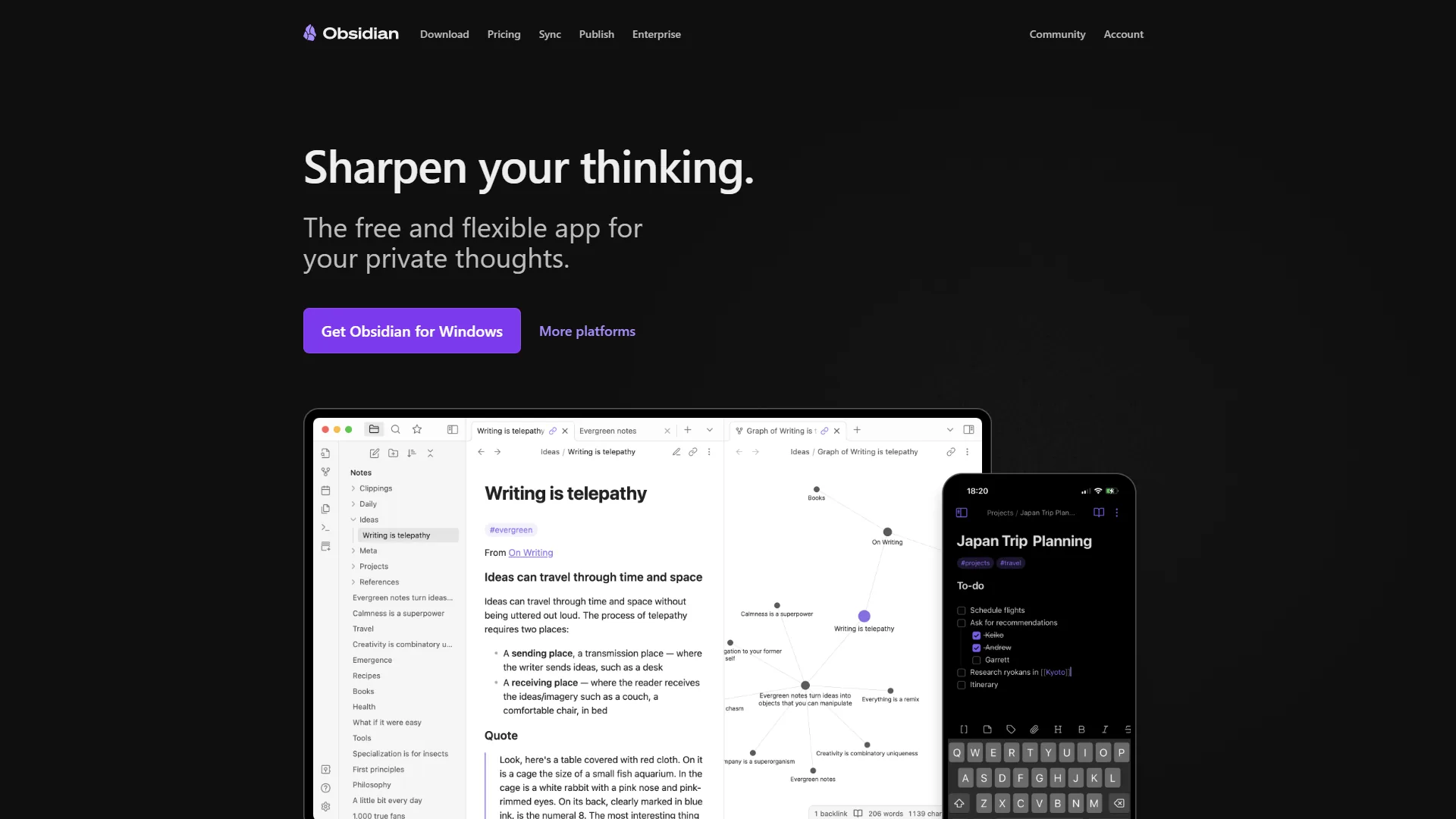
Obsidian starts with pages. When you create a note, you’re creating a document - like a Word file or blog post. You can structure it however you want: paragraphs, headers, lists, code blocks. The page is your canvas.
This approach feels natural if you’re coming from apps like Notion, Bear, or even Microsoft Word. You write top-to-bottom, organize with folders (optional), and link between pages using [[wiki-style links]]. The graph view shows how your documents connect, but the page remains the fundamental unit.
In practice: For long-form content or project documentation, Obsidian’s document-first approach shines. You can draft an entire article in one note, break it into sections with markdown headers, and reference other notes inline. It is writing-first, organization-second.
Logseq: Outliner-First Thinking
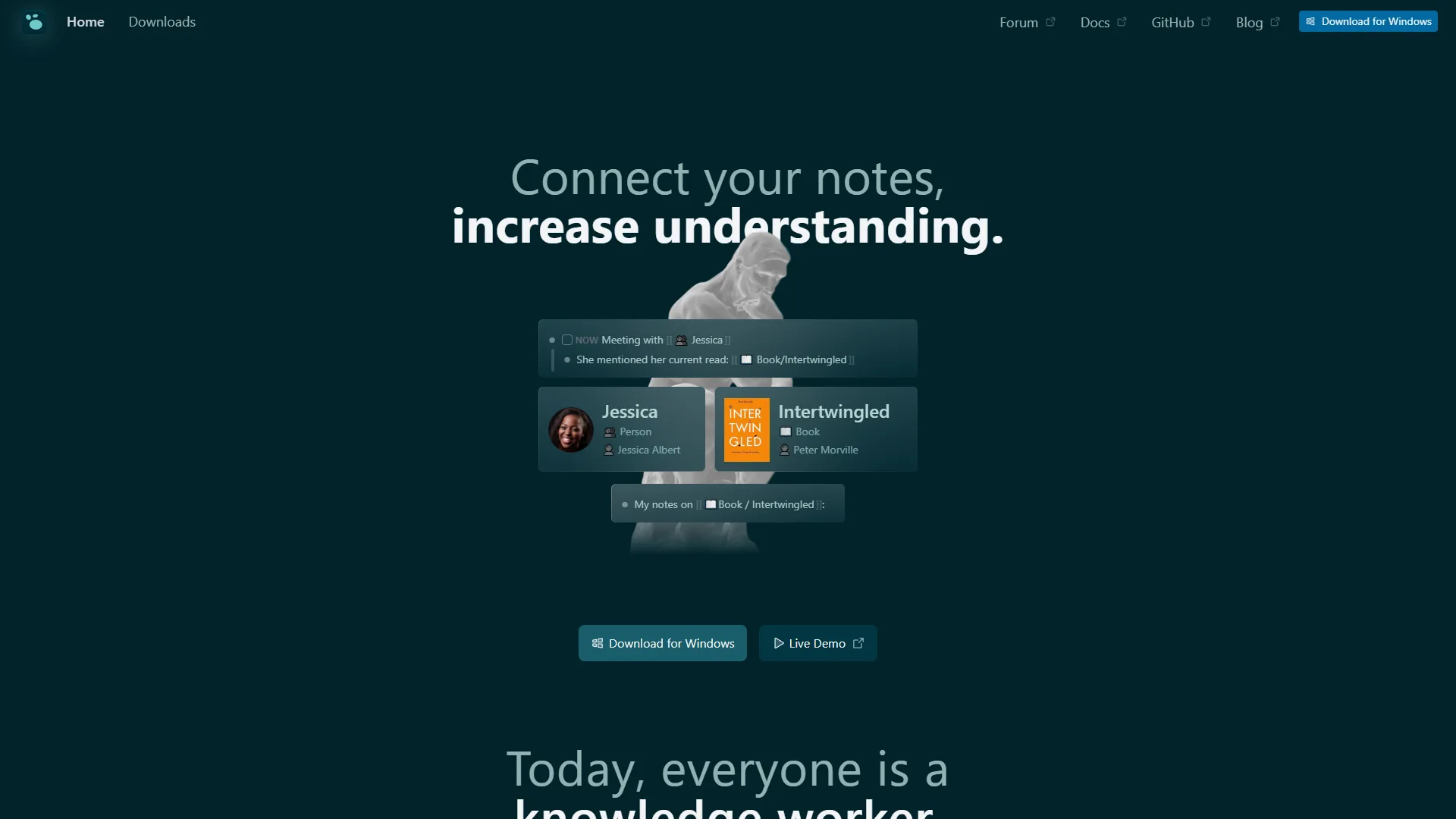
Logseq doesn’t have “documents” in the traditional sense. Everything is an outline. Every bullet point is a “block” with its own identity. You can reference, embed, or query individual bullets from anywhere in your knowledge base.
This outliner approach feels radically different. There’s no blank page anxiety - you just start typing bullets. Each bullet can become its own thread of thought. Press Tab to indent, Shift+Tab to outdent. Your thoughts naturally form hierarchies.
In practice: For complex research topics, Logseq’s block-level thinking is powerful. You can capture quotes as individual blocks, tag them with concepts, and later query all blocks related to a specific idea - regardless of which page they came from. The blocks are atomic units of knowledge.
Obsidian vs Logseq: Limitations and Tradeoffs by Feature
Each tool has clear limitations worth naming up front, and neither is the right pick for every workflow. The breakdown below covers where each falls short, not just where it shines.
Linking and Graph Views
Both tools support bidirectional linking - when you link from Note A to Note B, both notes “know” about the connection. But the implementation differs.
Obsidian linking:
[[Page Title]]creates links between documents- Graph view shows document-to-document relationships
- Backlinks panel shows which pages link to current page
- Can embed entire pages with
![[Page]] - Aliases let one page have multiple link names
Logseq linking:
[[Page Title]]links to pages- Block references with
((text search))link to specific bullets - Graph view can show both page and block-level connections
- Query language for filtering and displaying blocks
- Tags are also bidirectional links
Winner: Tie, but for different reasons. Obsidian’s page-level links are simpler and faster. Logseq’s block-level references are more granular and powerful for research.
Plugin Ecosystems
This is where Obsidian pulls ahead significantly.
Obsidian: 2,690+ Community Plugins
- Mature plugin API with extensive documentation
- Popular plugins: Dataview (database queries), Templater (advanced templates), Calendar, Tasks, Smart Connections (AI search), CoPilot (AI writing assistant)
- Plugin marketplace built into the app
- Most plugins actively maintained
- Easy to install and configure
Logseq: 200+ Plugins
- Growing plugin ecosystem but smaller
- Popular plugins: Agenda, Query Builder, Tasks, PDF++
- Plugin marketplace built into app
- Some plugins experimental or abandoned
- Open-source community actively developing
Example: Want AI-powered note search? Obsidian has Smart Connections, CoPilot, and AI Assistant plugins with thousands of users. Logseq has AI plugins but fewer mature options.
Winner: Obsidian by a wide margin. If extensibility matters to you, Obsidian’s 2,690+ plugins vs. Logseq’s 200+ is decisive.
Mobile Experience
This is the most significant practical difference today.
Obsidian Mobile:
- Polished iOS and Android apps (released 2021)
- Full feature parity with desktop
- Fast sync with Obsidian Sync ($5 per month) or manual sync (iCloud, Dropbox)
- Community plugins work on mobile
- Mature, stable, rarely crashes
Logseq Mobile:
- iOS and Android apps in alpha/beta
- Core features work but bugs remain
- Sync via Logseq Sync ($5 per month beta) or manual methods
- Mobile plugin support limited
- Slower startup times, occasional crashes reported
Reality check: Obsidian mobile works well for daily quick notes and reading - as reliable as any native iOS app. Logseq mobile handles basic tasks, but sync conflicts and performance issues are commonly reported. If you live on your phone, this matters.
Winner: Obsidian, clearly. Logseq will get there eventually, but today Obsidian mobile is production-ready while Logseq mobile is “works for me” territory.
PDF Annotation and Research Tools
Logseq wins this category hands-down.
Logseq has native PDF annotation built in. Open a PDF, highlight text, and your highlights become blocks in your knowledge base. Annotate in the PDF, and the annotations link back to specific pages. It also integrates with Zotero for academic research.
Obsidian requires plugins for PDF support (Annotator plugin is popular), but it’s not as seamless. If you’re a researcher, student, or anyone working with academic papers, Logseq’s native PDF support is killer.
Search and Queries
Obsidian:
- Fast full-text search across all notes
- Dataview plugin enables SQL-like queries
- Search operators for advanced filtering
- Graph view filters
Logseq:
- Full-text search across pages and blocks
- Native query language for advanced searches
- Can query by tags, properties, dates, block references
- Results display as live-updating views
Example query in Logseq:
{{query (and [[project/website]] (not [[done]]))}}This finds all blocks tagged with “project/website” that aren’t marked “done.” The results update automatically.
Winner: Logseq for structured queries, Obsidian (with Dataview) for tabular data. Both are powerful once you learn their query syntax.
Pricing Breakdown: Free vs. Free (With Caveats)
Obsidian Pricing
Free (Personal Use):
- Unlimited notes and vaults
- Full app functionality
- All 2,690+ plugins
- Local storage only
- No sync included
Sync ($5 per month or $4 per month annual):
- Official cloud sync
- 5 remote vaults, 10GB each
- End-to-end encryption
- Version history
- Priority support
Publish ($10 per month or $8 per month annual):
- Publish notes as website
- Custom domain support
- Customizable theme
- Search and graph view on web
Commercial License ($50 per year):
- Required for companies with 2+ employees
- Same features as personal license
- Legal commercial use
Catalyst ($25 one-time):
- Early beta access
- Support development
- Insider builds
Logseq Pricing
Free (Core App):
- 100% open source (AGPL-3.0)
- Unlimited notes and graphs
- Full features (PDF annotation, plugins, etc.)
- Manual sync via Git, iCloud, Dropbox, OneDrive
- Free forever guaranteed
Logseq Sync Beta ($5 per month):
- Official cloud sync
- Up to 10 graphs
- Page history (1 year)
- Smart merge for simultaneous edits
- Access via Open Collective donation during beta
- No collaboration support yet
Logseq Pro (Coming Soon):
- Real-time collaboration (alpha testing)
- Database graphs (DB version)
- Advanced mobile features
- Pricing TBA
The Cost Reality
Both tools are free for core functionality. You only pay if you want official cloud sync ($5 per month for both). The philosophical difference: Obsidian is proprietary with a generous free tier. Logseq is open-source so you’re guaranteed free access to all code forever.
If you’re comfortable with manual sync (Git, iCloud, Syncthing), both are completely free. If you want one-click sync, both cost $5 per month.
Step-by-Step: Learning Curve and Time to Productivity
Obsidian: Moderate Learning Curve
Week 1: You can start using Obsidian like a simple markdown editor immediately. Create notes, write text, add links. It feels familiar.
Month 1: You’ll discover plugins, learn about the graph view, and start building connected notes. The “aha moment” happens when you realize backlinks create a web of knowledge.
Month 3: You’re customizing with plugins, building templates, using queries. The tool fades into the background.
Common beginner mistakes:
- Over-organizing with folders instead of using links
- Not using templates for repeated note types
- Installing too many plugins too soon
Logseq: Steep Learning Curve
Week 1: The outliner feels weird if you’re used to documents. You’ll fight the interface trying to write paragraphs. The daily journal page confuses newcomers.
Month 1: The block-based thinking clicks. You start using block references and tags. Page vs. block distinction becomes clear.
Month 3: You’re writing queries, using namespaces, and the outliner feels natural. You can’t imagine going back to document-based thinking.
Common beginner mistakes:
- Fighting the outliner instead of embracing it
- Not understanding the difference between page and block references
- Ignoring the daily journal (it’s central to Logseq’s philosophy)
Reality: Logseq’s learning curve is steeper. Obsidian feels familiar on day one. Logseq requires a mindset shift. If you love tools like Roam Research or Workflowy, Logseq clicks faster.
Choose Obsidian If You Match These Criteria
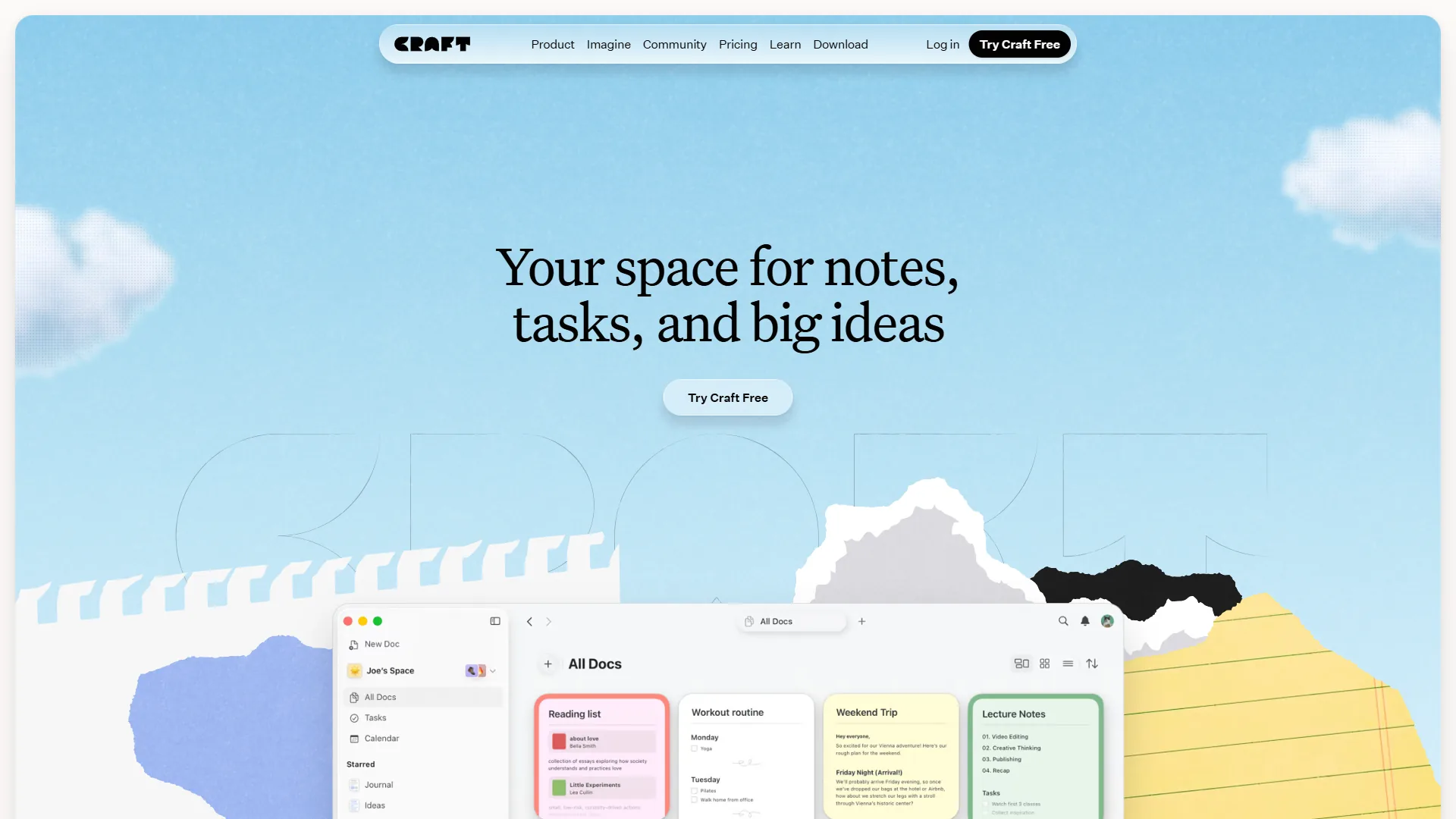
Writers and content creators: The document-first approach is perfect for drafting articles, books, or documentation. Markdown editing feels like any text editor.
Plugin power users: If you want the ecosystem of tools, themes, and extensions, Obsidian’s 2,690+ plugins dwarf Logseq’s offerings. Our Obsidian plugins guide highlights the ones that deliver the most productivity value.
Mobile-first users: If you need reliable mobile apps today, Obsidian’s polished iOS/Android apps are production-ready.
Traditional thinkers: If you prefer folders, hierarchies, and document-based organization, Obsidian lets you work that way (while still offering links and graphs).
Pragmatic users: If you don’t care about open-source philosophy and just want the most mature, feature-complete tool, Obsidian is the safer bet today.
Choose Logseq If You Match These Criteria
Researchers and students: Native PDF annotation, Zotero integration, and block-level references make academic research workflows smooth.
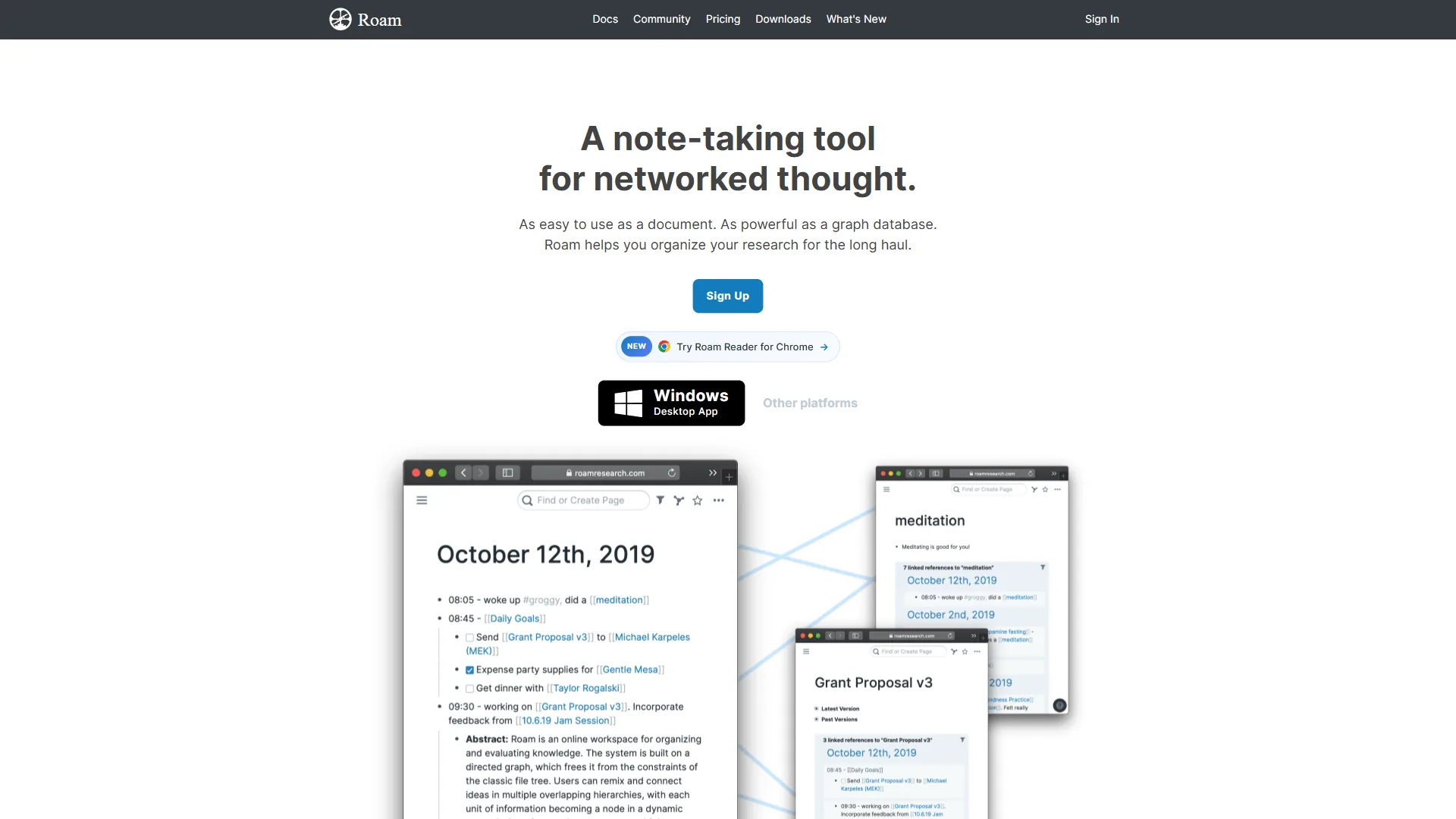
Outliner thinkers: If you love Roam Research, Workflowy, or Dynalist, Logseq’s block-based approach will feel like home. For a direct comparison of these two outliners, see our Logseq vs Roam 2026 breakdown.
Open-source advocates: If you value transparency, community ownership, and guaranteed free access to source code, Logseq’s AGPL license matters.
Query power users: If you want to build complex queries and dynamic views of your knowledge base, Logseq’s native query language is more powerful than Obsidian’s base search (though Dataview plugin closes this gap).
Patient adopters: If you can accept alpha/beta mobile apps and occasional rough edges in exchange for an open-source future, Logseq is building something special.
Common Pitfalls: Migration Considerations
Moving Between Tools
Both tools use plain text markdown files, so migration is theoretically simple. In practice, there are gotchas:
Obsidian → Logseq:
- Links transfer fine (
[[links]]work in both) - Page-level notes become top-level bullets in Logseq
- Need to restructure long documents into outline format
- Plugins don’t transfer (different APIs)
Logseq → Obsidian:
- Block references don’t translate cleanly
- Outliner structure becomes flat markdown lists
- Daily journal pages work fine
- Queries need to be rewritten (Dataview syntax)
From other tools:
| Field | Value |
|---|---|
| Notion | Both have import tools, but formatting breaks |
| Roam Research | Logseq imports Roam’s EDN format natively |
| Evernote/OneNote | Export to markdown, then import |
Pro tip: Both tools work with plain text files in a folder. You can actually open the same folder in both apps and switch between them. This makes it easy to test which approach works better for different projects.
Final Verdict: Obsidian vs Logseq Comes Down to Context
The obsidian vs logseq decision depends entirely on your context:
Obsidian wins for:
- Most users, especially beginners
- Anyone needing reliable mobile apps now
- Plugin and customization enthusiasts
- Document-style writing workflows
- Commercial use (clear licensing)
Logseq wins for:
- Researchers and students (PDF annotation)
- Outliner-first thinkers
- Open-source advocates
- Anyone comfortable with bleeding-edge tools
- Block-level knowledge management
A common power-user workflow: Obsidian for long-form writing, project documentation, and daily journaling. Logseq for research, reading notes, and exploring new topics where block-level granularity matters most.
The truth about obsidian vs logseq: both tools are excellent. Obsidian is more mature and polished. Logseq is more innovative and open. You can’t make a wrong choice - just different tradeoffs.
Start here:
- Download both (they’re free)
- Spend a week with each
- Try your actual workflow (not toy examples)
- Notice which interface fades into the background
- Pick the one that matches how you think
The best personal knowledge management tool is the one you’ll actually use daily. For some, that’s Obsidian’s familiar document approach. For others, it’s Logseq’s radical block-based thinking. Both communities are welcoming, both tools respect your data with local storage, and both will help you build a second brain.
The real question isn’t “Obsidian vs Logseq?” It’s “Document-first or outliner-first?” Answer that, and the tool choice becomes obvious.
FAQ
Q: Should I use Logseq or Obsidian?
Winner: Logseq for structured queries, Obsidian (with Dataview) for tabular data. Both are powerful once you learn their query syntax.
Q: Is there something better than Obsidian?
Winner: Obsidian, clearly. Logseq will get there eventually, but today Obsidian mobile is production-ready while Logseq mobile is “works for me” territory.
Q: Is Obsidian no longer free?
Both tools are free for core functionality. You only pay if you want official cloud sync ($5 per month for both). The philosophical difference: Obsidian is proprietary with a generous free tier.
Q: What is the main difference between Obsidian and Logseq?
The core divide is philosophical. Obsidian is document-first: every note is a page you structure with paragraphs, headers, and lists, like a Word file or blog post. Logseq is outliner-first: every bullet point is a block with its own identity that you can reference, embed, or query from anywhere. Same local-first storage and bidirectional linking, fundamentally different approaches to knowledge management.
Q: Is Obsidian or Logseq better for long-form writing?
Obsidian is better for long-form writing. Its document-first approach lets you draft an entire article in one note, break it into sections with markdown headers, and reference other notes inline. This feels natural if you are coming from apps like Notion, Bear, or Microsoft Word. It is writing-first, organization-second - ideal for project documentation and content drafts.
Related Reads
Tools covered in this article (with tradeoffs and limitations of each option):
- Obsidian - Local-first knowledge management
- Logseq - Open-source outliner PKM
- Notion - All-in-one workspace with AI-powered knowledge management
- Craft - Native Mac and iOS document editor with AI features
- Dropbox - Cloud storage and file sync for cross-device vault access
- Insider - Early access builds and beta features
- Roam Research - Networked thought and bidirectional linking PKM tool
More note-taking guides:
- Best Note Taking Apps 2026 - Note apps compared
- Best Note Taking Apps with Graph Views - Graph-based note apps
- Best AI Knowledge Management Tools - Knowledge management tools