






Power BI vs Tableau is a comparison of the two leading business intelligence platforms in Gartner’s Magic Quadrant for Analytics and Business Intelligence. Power BI starts at $14 per user per month for Pro, while Tableau Creator costs $75 per user per month - a 5x price gap. Microsoft 365 organizations favor Power BI; Salesforce-heavy teams lean toward Tableau.
The power bi vs tableau question lands on every analytics team’s desk eventually. Both platforms sit at the top of Gartner’s Magic Quadrant for Analytics and Business Intelligence, both have invested heavily in AI capabilities for 2026, and both serve millions of users worldwide. But they solve the same problem from fundamentally different directions - and the wrong choice costs organizations months of migration pain and wasted budget.
This comparison breaks down where Power BI and Tableau genuinely differ across pricing, data visualization, AI capabilities, enterprise features, and ease of use. No vendor spin, no abstract feature lists - just a practical framework for making the right decision. For broader context, see our power BI alternatives shortlist.
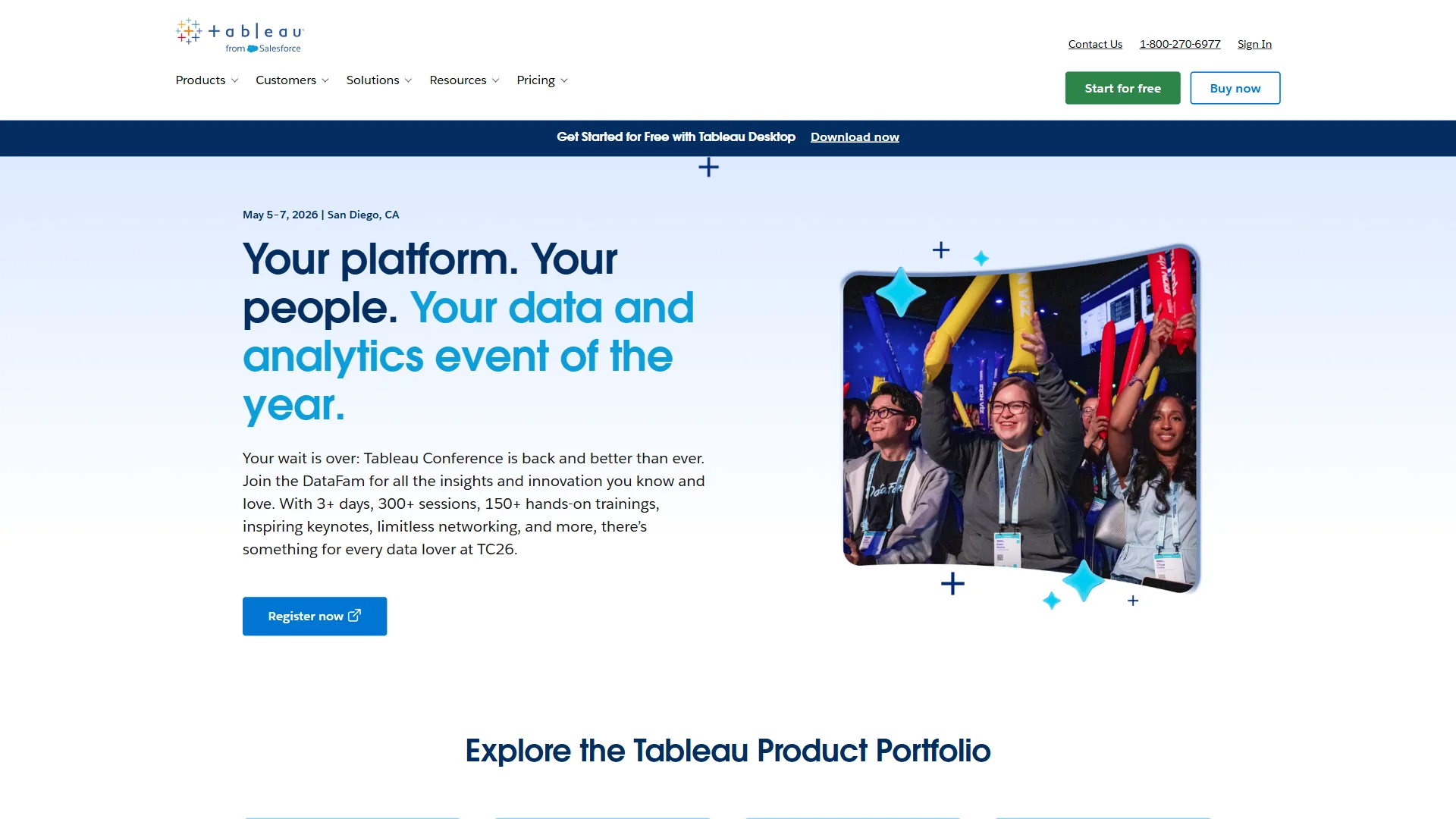
TL;DR Verdict
Power BI wins on value. At $14 per user/month for Pro versus $75 per user/month for Tableau Creator, Power BI delivers 80% of enterprise BI capabilities at roughly 20% of the cost. For Microsoft 365 organizations, the native integration with Excel, Teams, and SharePoint makes adoption nearly frictionless.
Tableau wins on visualization. When dashboards need to tell a compelling visual story - for board presentations, client reports, or public-facing analytics - Tableau’s 100+ chart types with pixel-perfect design control remain unmatched. The Salesforce ecosystem integration adds another layer of value for CRM-heavy organizations.
The deciding factor is your ecosystem. Microsoft shops should default to Power BI. Salesforce shops should lean toward Tableau. Everyone else should start with budget and visualization requirements - our best AI data visualization tools shortlist covers ecosystem-neutral picks.
Comparison Table: Power BI vs Tableau
| Capability | Power BI | Tableau |
|---|---|---|
| Rating | ||
| Starting Price | Free (Desktop) / $14/user/mo (Pro) | $15/user/mo (Viewer) |
| Full Authoring | $14/user/mo (Pro) | $75/user/mo (Creator) |
| Advanced Tier | $24/user/mo (Premium Per User) | $115/user/mo (Enterprise Creator) |
| Free Tier | Yes (personal use, unlimited reports) | Tableau Public only (data must be public) |
| Chart Types | 30+ built-in, 1,000+ marketplace | 100+ built-in |
| AI Assistant | Copilot (Fabric F64+ required) | Tableau Agent (Tableau+ required) |
| Data Connectors | 100+ native | 100+ native |
| Best Ecosystem | Microsoft 365 / Azure | Salesforce |
| Data Modeling | DAX (powerful, steep curve) | Calculated fields, LOD expressions |
| Learning Curve | Moderate (Excel users adapt fast) | Moderate to steep |
Pricing Comparison: The 5x Gap
Pricing is the single biggest differentiator in the power bi vs tableau conversation, and it deserves detailed attention.
Power BI Pricing
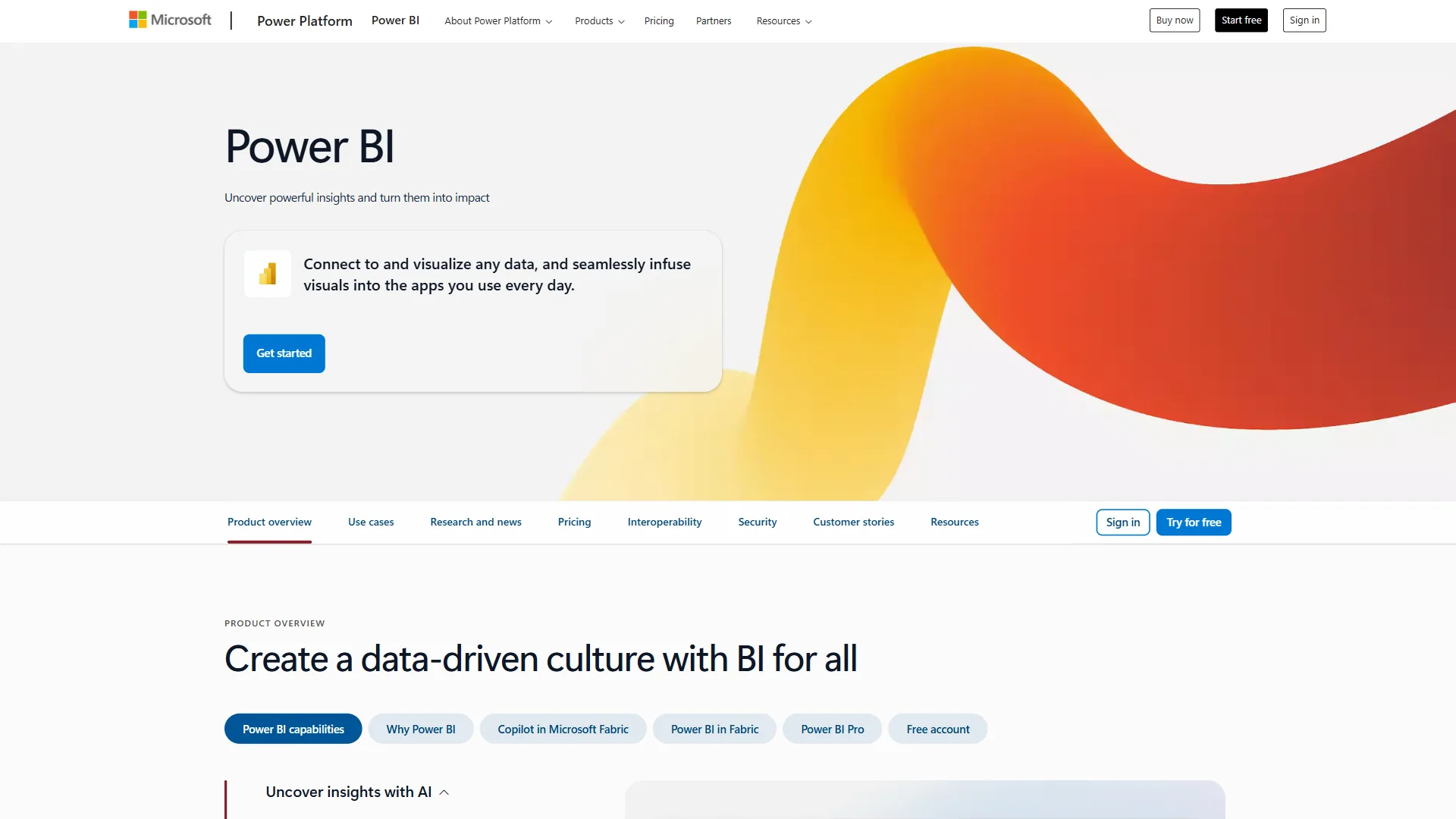
| Plan | Monthly Price | Key Features |
|---|---|---|
| Free (Desktop) | $0 | Personal analytics, unlimited reports, 100+ connectors |
| Pro | $14/user/month | Team sharing, 8 daily refreshes, 10GB storage |
| Premium Per User | $24/user/month | 48 daily refreshes, 100GB storage, paginated reports |
| Premium Per Capacity | Custom | Unlimited users, Copilot AI, enterprise scale |
Tableau Pricing

| Plan | Monthly Price | Key Features |
|---|---|---|
| Viewer (Standard) | $15/user/month | View and interact with dashboards |
| Explorer (Standard) | $42/user/month | Edit existing workbooks, basic authoring |
| Creator (Standard) | $75/user/month | Full authoring, Tableau Desktop, Prep Builder |
| Viewer (Enterprise) | $35/user/month | Standard + governance, data management |
| Explorer (Enterprise) | $70/user/month | Standard + governance, enhanced security |
| Creator (Enterprise) | $115/user/month | Full enterprise capabilities, priority support |
What the Numbers Mean in Practice
For a 100-person analytics team with 20 report creators, 30 explorers, and 50 viewers, the annual cost breaks down like this:
Power BI (Pro for all): 100 users x $14 per month = $16,800/year
Tableau (Standard tiers): (50 x $15) + (30 x $42) + (20 x $75) = $42,960/year
That is a $26,160 annual difference for the same headcount. Over three years, the gap exceeds $78,000 - enough to fund an additional analyst position.
Power BI’s free tier widens the gap further. Individual analysts can build unlimited dashboards in Power BI Desktop without any licensing cost. Tableau’s free option - Tableau Public - requires making data publicly visible, which rules it out for business use. Budget-led teams should also see our best AI tools for data analysts roundup.
Winner: Power BI. The pricing advantage is decisive for budget-conscious organizations. Tableau’s premium is justified only when visualization quality or Salesforce integration are critical requirements.
Data Visualization Capabilities
This is where Tableau earns its premium pricing.
Tableau’s Visualization Strengths
Tableau was built as a visualization platform first, and it shows. The drag-and-drop interface supports over 100 chart types with granular control over layout, color, typography, and interactivity. Sankey diagrams, geographic heat maps, small multiples, animated time-series plots, and dual-axis combinations are all native capabilities.
The key differentiator is design flexibility. Tableau gives analysts pixel-level control over dashboard layouts. Elements can be placed freely on the canvas rather than snapping to a grid. This matters enormously for executive presentations, client deliverables, and any context where the visual quality of the dashboard is part of the message.
Tableau’s Level of Detail (LOD) expressions enable analytical depth that goes beyond standard aggregation. Computing metrics at different granularities within the same visualization - for example, showing individual transaction values alongside category averages - is straightforward in Tableau and cumbersome in most competitors.
Power BI’s Visualization Strengths
Power BI ships with 30+ built-in visualization types and access to a marketplace of over 1,000 custom visuals. For standard business reporting - bar charts, line graphs, KPI cards, scatter plots, maps - Power BI handles the job well.
Where Power BI’s visualization approach differs is the custom visuals marketplace. While Tableau relies on its built-in chart library and Extensions API, Power BI’s marketplace provides a wider variety of specialized visuals created by the community and third-party developers. Need a specific type of gauge, a Gantt chart, or a network diagram? The marketplace likely has it.
Power BI’s visualizations are template-based rather than free-form. Dashboards follow a structured grid layout, which makes them faster to build and more consistent across an organization - but less flexible for bespoke design work.
The Honest Assessment
For standard internal reporting and operational dashboards, Power BI’s visualization capabilities are more than sufficient. The charts are clean, the interactions work, and the marketplace fills gaps in the built-in library.
For executive presentations, data journalism, client-facing reports, or any context where visual sophistication communicates credibility, Tableau remains the benchmark. The design control gap is narrowing year over year, but it has not closed - related platforms appear in best data analytics platforms.
Winner: Tableau. The visualization engine is genuinely superior for design-intensive work. Power BI is adequate for most internal use cases.
Limitations and who it’s not for: Tableau’s visualization edge has clear tradeoffs. The 5x price premium hits hard, and the design flexibility comes with longer build times - what takes 30 minutes in Power BI’s grid layout can take two hours in Tableau’s free-form canvas. Skip Tableau’s visualization premium if dashboards are mostly internal operational reporting where pixel-perfect polish does not matter.
Ease of Use
Both platforms use drag-and-drop interfaces, but the experience differs depending on your team’s background.
Power BI for Excel Users
Power BI was designed to feel like a natural extension of Excel, and for the hundreds of millions of Excel users worldwide, the transition is relatively smooth. The ribbon interface is familiar. Data modeling concepts carry over from pivot tables. Power Query - the data transformation layer - uses the same engine as Excel’s Get & Transform feature.
The learning curve steepens with DAX (Data Analysis Expressions), Power BI’s formula language for calculated columns and measures. DAX is powerful but has a reputation for being unintuitive, particularly around evaluation contexts and iterator functions. Expect two to four weeks for analysts to become proficient with intermediate DAX, and significantly longer for advanced modeling.
Time to first dashboard: One to two days for Excel-proficient users. Pair this with the picks in our best AI spreadsheet tools 2026 roundup.
Tableau for Data Analysts
Tableau’s basic interface is intuitive - dragging dimensions and measures onto shelves to create visualizations feels natural. Non-technical users can create simple charts within hours.
Advanced Tableau requires learning calculated fields, table calculations, Level of Detail expressions, parameters, and dashboard actions. The learning curve here is comparable to DAX in complexity, though the concepts differ. LOD expressions in particular can be challenging for new users.
Time to first dashboard: One to three days depending on data complexity.
Training Investment
| Aspect | Power BI | Tableau |
|---|---|---|
| Basic proficiency | 20-40 hours | 30-50 hours |
| Advanced proficiency | 80-120 hours (DAX mastery) | 80-120 hours (LOD, calculated fields) |
| Excel user advantage | Strong (familiar interface) | Moderate (different paradigm) |
| Community resources | Extensive (Microsoft Learn, forums) | Extensive (Tableau Community, Public) |
| Free learning path | Microsoft Learn | Tableau eLearning (Enterprise tiers) |
Winner: Power BI (slight edge). The Excel familiarity factor gives Power BI a meaningful adoption advantage for most business teams. Both platforms require significant investment for advanced capabilities.
Limitations and who it’s not for: Power BI’s ease-of-use advantage has real drawbacks. DAX has a notoriously steep curve once analysts move past basic measures, and Power BI Desktop is Windows-only - Mac users have to run it through a virtual machine. Skip Power BI if the team is Mac-heavy or if data modelers are coming from a SQL background rather than Excel; Tableau’s calculated-field paradigm fits SQL thinkers more naturally.
AI Features: Copilot vs Tableau Agent
Both platforms made AI a headline feature for 2026, but both also gate their most capable AI behind premium tiers.
Power BI Copilot
Power BI’s AI assistant generates reports from natural language prompts, writes DAX queries, creates narrative summaries, and surfaces anomalies in data. Asking Copilot to “show quarterly revenue by region with year-over-year growth” produces a functional dashboard in under two minutes - the official Copilot documentation walks through the supported prompt patterns.
The catch: Copilot requires Fabric F64+ or Premium P1+ capacity - enterprise pricing that starts in the thousands per month. Pro ($14 per month) and Premium Per User ($24 per month) users get Q&A for natural language queries and Smart Narratives for text summaries, but not the full Copilot experience. Microsoft’s Fabric platform overview spells out the capacity tiers required, and the marketing around Copilot significantly oversells its availability.
Tableau Agent
Tableau Agent (formerly Einstein Copilot) enables natural language queries, automates data preparation tasks, writes calculations, and generates dashboard narratives. It integrates with Salesforce’s Einstein Trust Layer for enterprise-grade security in AI operations - the Tableau Agent help guide documents which actions are currently supported.
The catch: Tableau Agent requires a Tableau+ subscription on top of existing licensing. Like Power BI’s Copilot, the most powerful AI features come at a premium that puts them out of reach for standard users.
Proactive Intelligence
Both platforms also offer proactive analytics features that surface insights without user prompting:
- Power BI: Smart Narratives auto-generate text summaries. Anomaly detection flags unusual data patterns. Forecasting uses historical trends. These features are available across Pro and Premium tiers.
- Tableau: Tableau Pulse delivers AI-powered alerts about metric changes. Einstein Discovery provides predictive analytics and model building. Ask Data enables natural language exploration.
AI Features Comparison
| AI Capability | Power BI | Tableau |
|---|---|---|
| Natural language queries | Q&A (all tiers) + Copilot (Fabric) | Ask Data + Tableau Agent (Tableau+) |
| Report generation | Copilot (Fabric F64+ only) | Tableau Agent (Tableau+ only) |
| Proactive alerts | Smart Narratives, anomaly detection | Tableau Pulse |
| Predictive analytics | Forecasting, Key Influencers visual | Einstein Discovery |
| DAX/calculation assistance | Copilot writes DAX (Fabric) | Agent writes calculated fields (Tableau+) |
Winner: Tie. Both platforms offer strong AI capabilities, and both restrict their best features to premium tiers. The AI marketing from both vendors deserves skepticism until you confirm which tier you can actually afford - the broader landscape is in best AI analytics platforms comparison.
Limitations and who it’s not for: Both platforms’ AI offerings have serious limitations. Power BI Copilot’s full feature set requires Fabric F64+ capacity (thousands per month minimum), and Tableau Agent is locked to Tableau+ subscriptions on top of existing Creator licenses. Both also hallucinate column names and DAX/calculated-field syntax often enough that AI output cannot be trusted blindly. Skip the AI add-ons if the budget cannot stretch to enterprise tiers or if the analytics team needs reliability over autocomplete.
Enterprise Features
For large-scale deployments, enterprise capabilities around governance, security, and scalability matter as much as visualization quality.
Security and Compliance
| Feature | Power BI | Tableau |
|---|---|---|
| Row-level security | Yes (all tiers) | Yes |
| SSO integration | Azure AD native | SAML, OAuth |
| Data encryption | At rest and in transit | At rest and in transit |
| Compliance certs | SOC 2, HIPAA, FedRAMP, ISO 27001 | SOC 2, HIPAA, GDPR |
| Sensitivity labels | Microsoft Purview integration | Einstein Trust Layer |
| BYOK encryption | Premium Capacity only | Enterprise tiers |
| Audit logging | Yes | Yes (Enterprise) |
Power BI inherits Microsoft’s enterprise security infrastructure, which is among the most comprehensive in the industry. For organizations in regulated industries - healthcare, financial services, government - the Microsoft compliance portfolio is a significant advantage.
Tableau’s security is robust, particularly with the Einstein Trust Layer for AI features. The Salesforce platform provides enterprise-grade governance, though the compliance certification portfolio is narrower than Microsoft’s.
Scalability and Performance
Both platforms can struggle with very large datasets, though the pain points differ:
Power BI limits datasets to 1GB on the Pro tier with 8 daily refreshes. Premium Per User extends this to 100GB with 48 daily refreshes. Premium Per Capacity removes dataset size limits but requires significant investment. Performance degrades noticeably with complex DAX calculations on datasets exceeding tens of millions of rows.
Tableau uses data extracts to optimize performance, which works well for most use cases. Live connections to large databases can introduce lag, particularly with complex calculated fields. Tableau Server/Cloud handles concurrent users well but requires infrastructure planning for deployments exceeding 1,000 users.
For organizations working with truly massive datasets - hundreds of millions of rows - neither platform is the optimal primary analytics tool. Databricks or Snowflake handle that scale more effectively, with either Power BI or Tableau serving as the visualization layer - our best AI database tools 2026 roundup covers complementary back-ends.
Deployment Options
| Option | Power BI | Tableau |
|---|---|---|
| Cloud (SaaS) | Power BI Service | Tableau Cloud |
| On-premises | Power BI Report Server | Tableau Server |
| Desktop client | Power BI Desktop (Windows) | Tableau Desktop (Windows/Mac) |
| Embedded analytics | Power BI Embedded | Tableau Embedded Analytics |
| Mobile | iOS/Android apps | iOS/Android apps |
Winner: Power BI (for Microsoft shops) / Tableau (for Salesforce shops). Enterprise feature parity is close. The deciding factor is which security and compliance ecosystem your organization already operates within.
Limitations and who it’s not for: Both platforms struggle at the edges of enterprise scale. Power BI Pro caps datasets at 1GB and Premium Per User at 100GB, so genuinely large data lakes need Premium Capacity (significant investment) or external warehouses. Tableau extracts can become unwieldy past hundreds of millions of rows, with refresh times measured in hours. Skip both as primary analytics layers if the data volume routinely exceeds those thresholds; pair Snowflake or Databricks underneath instead.
Which Tool Fits Your Stack
Choose Power BI When
Your organization runs on Microsoft 365. This is the single strongest indicator. If your team uses Excel, Teams, SharePoint, and Azure, Power BI integrates natively with every tool in that stack. Dashboards embed in Teams channels. Excel data flows directly into reports. The adoption curve flattens because the interface feels familiar.
Budget is a primary concern. The $14 per month Pro tier delivers serious analytical capabilities. For organizations that cannot justify $75+/user/month for BI tooling, Power BI removes the financial barrier to enterprise-grade analytics. The Forrester Total Economic Impact study documented 366% ROI over three years with report creation dropping from 5 hours to 4 minutes.
Self-service analytics for business users is the goal. Power BI’s Excel-adjacent interface lowers the barrier for non-technical users. Business teams can build their own dashboards without waiting for IT, which accelerates time to insight across the organization - our AI tools for data analysis guide expands on this.
Data modeling complexity is high. Power BI’s DAX formula language provides enterprise-grade data modeling capabilities - time intelligence, complex calculated columns, and sophisticated business logic - that rival dedicated modeling tools - the best business intelligence tools 2026 roundup ranks similar modelling-first picks.
Choose Tableau When
Visual storytelling is mission-critical. If dashboards are the deliverable - for board presentations, client engagements, public-facing analytics, or data journalism - Tableau’s design control justifies the premium. The pixel-perfect layout flexibility produces results that Power BI’s grid-based approach cannot match.
You operate in the Salesforce ecosystem. Tableau’s native integration with Sales Cloud, Service Cloud, and Data Cloud creates a unified analytics experience. Tableau Agent with Einstein Discovery provides CRM-specific AI insights that Power BI’s Salesforce connector cannot replicate.
Your team includes dedicated BI professionals. Tableau rewards expertise. Analysts who master LOD expressions, advanced calculations, and dashboard actions create analytical experiences that are difficult to achieve in other platforms. The investment in training pays dividends for teams with specialized BI roles.
Cross-platform deployment matters. Tableau Desktop runs natively on both Windows and Mac, while Power BI Desktop is Windows-only. For organizations with mixed operating system environments, Tableau provides a more consistent development experience - the best Mac productivity tools 2026 review highlights similar Apple-friendly choices.
Consider Alternatives When
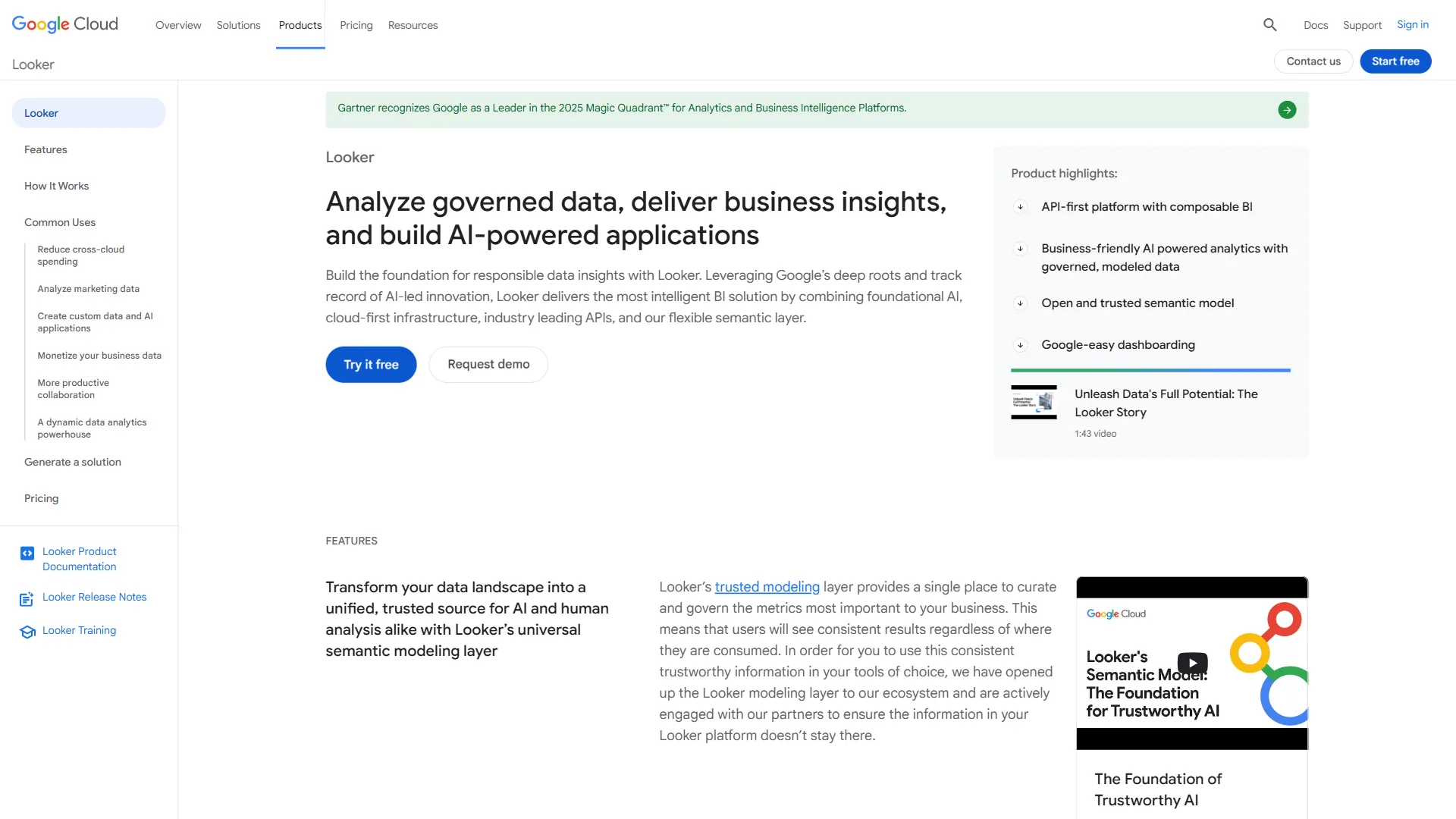
You are a Google Cloud organization. Neither Power BI nor Tableau is the natural fit. Looker is purpose-built for BigQuery and the Google Cloud ecosystem. Our Looker vs Power BI and Looker vs Tableau comparisons cover these matchups in detail.
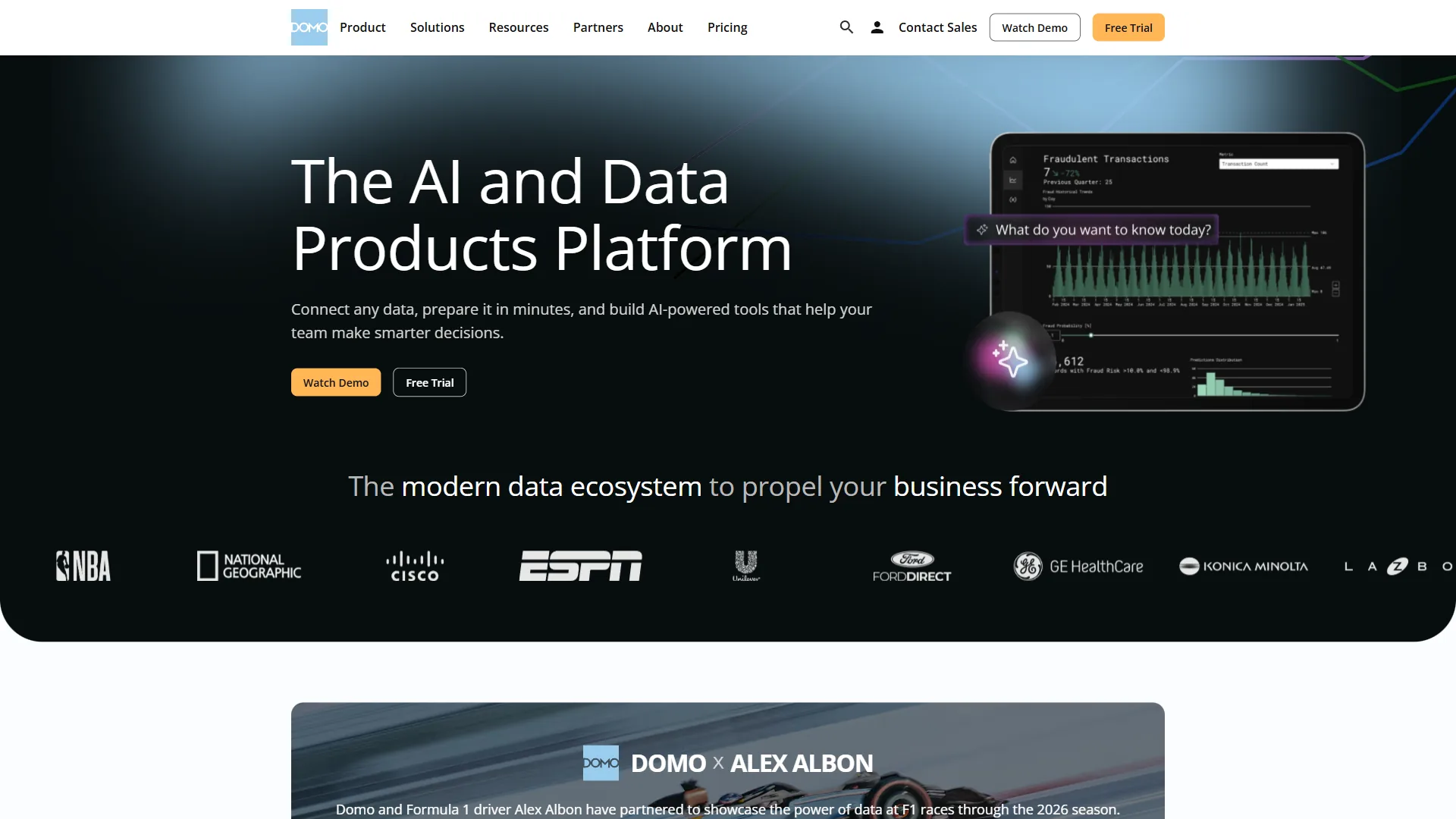
You need 1,000+ data connectors. For organizations with exceptionally diverse data sources, Domo offers unmatched connector breadth. The Domo vs Power BI and Domo vs Tableau comparisons explore when that advantage justifies Domo’s enterprise pricing.
You want open-source flexibility. Tools like Metabase and Apache Superset provide capable BI functionality without vendor lock-in or per-user licensing costs.
The Bottom Line
The power bi vs tableau decision in 2026 comes down to three questions: What ecosystem does your organization run on? How much does visualization design quality matter? And what can you budget per user?
Power BI is the right default for most organizations. The combination of Microsoft 365 integration, transparent pricing starting at free, proven 366% ROI, and solid analytical capabilities makes it the pragmatic choice. For the majority of business intelligence use cases - operational dashboards, financial reporting, team analytics, self-service exploration - Power BI delivers everything needed at a fraction of Tableau’s cost.
Tableau is the right choice when visual excellence is the requirement. For enterprise data teams that present to boards, serve clients, or publish analytics externally, Tableau’s visualization engine justifies its premium. The Salesforce integration adds further value for CRM-centric organizations. Forrester documented 127% ROI with $1.9M in efficiency gains over three years for Tableau deployments.
Neither platform is objectively superior. Power BI wins on value, accessibility, and ecosystem integration for the Microsoft world. Tableau wins on visualization depth, design control, and Salesforce integration. The best choice is the one that matches your organization’s existing infrastructure, budget constraints, and analytical ambitions.
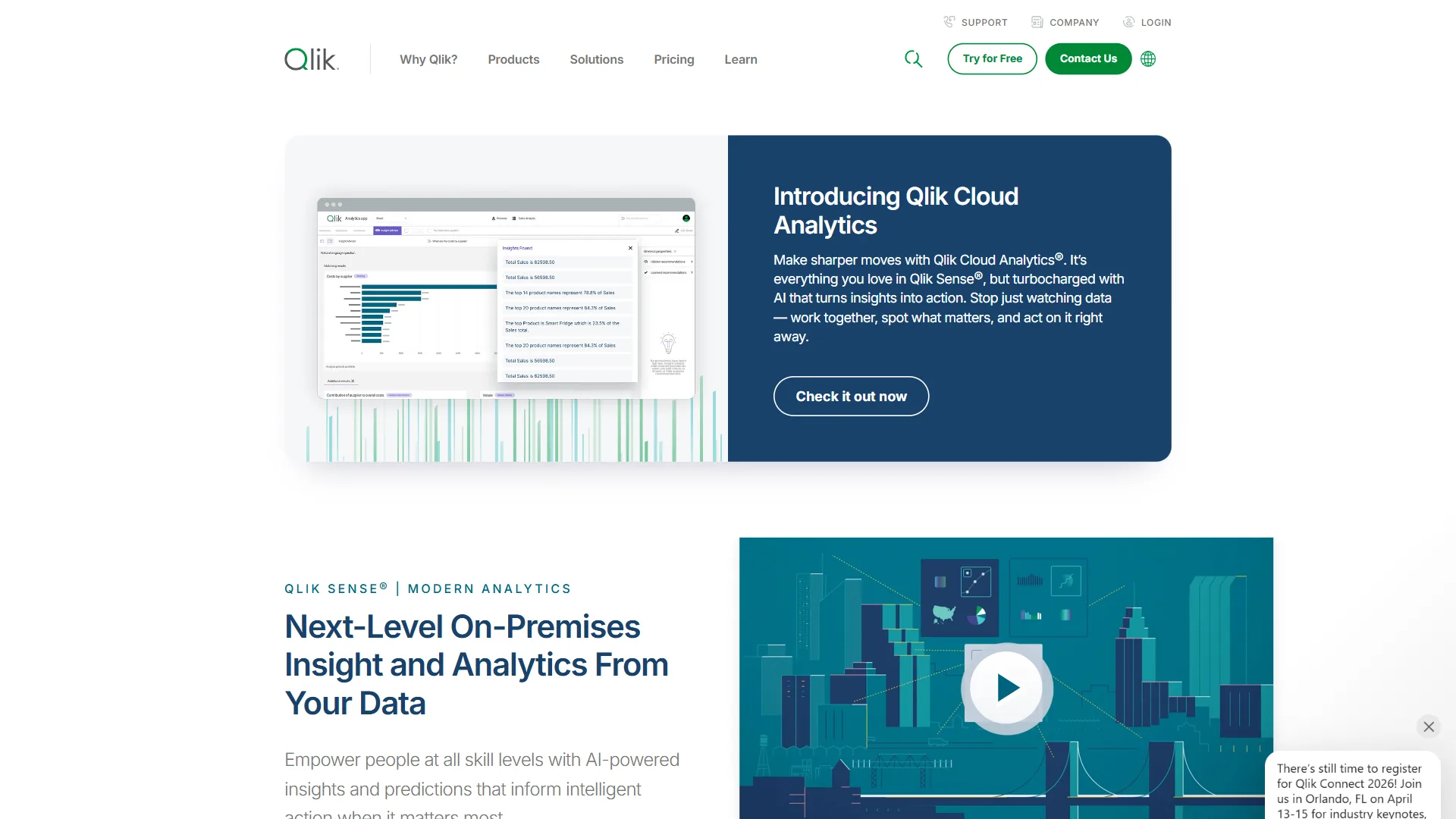
For a broader view of how these two platforms compare against the full BI landscape, our best business intelligence tools 2026 roundup covers additional options including Looker, Domo, and Qlik Sense.
FAQ
Q: Why use Power BI instead of Tableau?
Power BI makes the most sense when your organization runs on Microsoft 365. It integrates natively with Excel, Teams, and SharePoint, making adoption nearly frictionless. At $14 per user per month for Pro versus $75 for Tableau Creator, Power BI delivers enterprise BI capabilities at a fraction of the cost. Forrester documented 366% ROI over three years for Power BI deployments.
Q: Is Power BI more difficult than Tableau?
Neither platform is objectively harder than the other. Power BI has a meaningful adoption advantage for Excel users because the interface feels familiar and Power Query uses the same engine as Excel’s Get and Transform feature. Both platforms require significant investment for advanced capabilities - DAX mastery in Power BI and LOD expressions in Tableau take comparable time to learn.
Q: Can I learn Power BI in 1 hour?
One hour is not sufficient to build functional dashboards in Power BI. Excel-proficient users typically reach their first dashboard in one to two days. The learning curve steepens with DAX - Power BI’s formula language for calculated columns and measures - which requires two to four weeks for intermediate proficiency and significantly longer for advanced modeling.
Q: Do most companies use Power BI or Tableau?
Both platforms serve millions of users and sit at the top of Gartner’s Magic Quadrant for Analytics and Business Intelligence. Power BI is the right default for most organizations, given its Microsoft 365 integration, transparent pricing starting at free, and proven 366% ROI. Tableau has stronger adoption among enterprise data teams where visual storytelling and Salesforce integration are priorities.
Related Reading
- Tableau vs Power BI: The Honest Comparison - The reverse perspective on this matchup
- Domo vs Power BI - Enterprise BI platform comparison
- Domo vs Tableau - Real-time analytics vs deep visualization
- Looker vs Power BI - Google Cloud vs Microsoft BI
- Power BI Review
- Tableau Review
- Looker Review
- Domo Review
- Qlik Sense Review