


"Vibe coding" already had its moment. Google is betting "vibe design" is next.
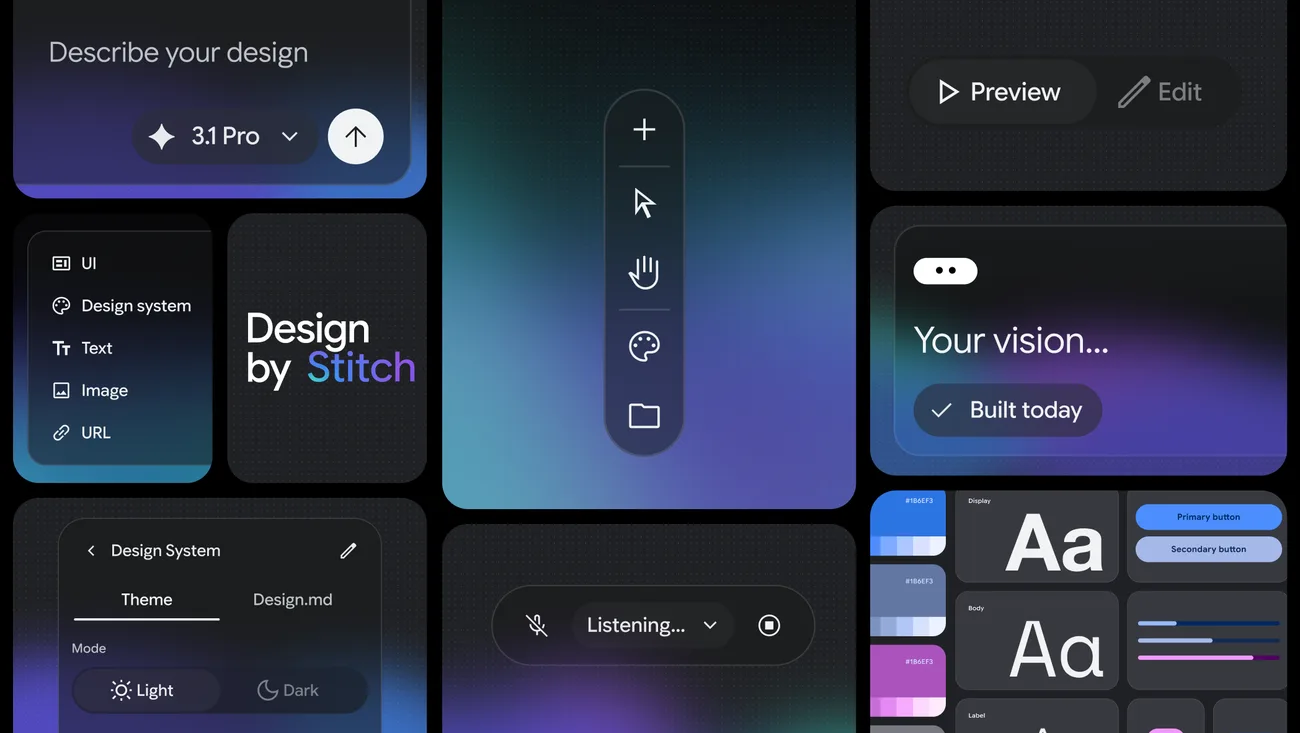
Stitch, Google Labs' AI-powered UI design tool, just got its biggest update yet. The tool - which generates high-fidelity web and mobile interfaces from text prompts, images, or sketches - has been rebuilt around an infinite canvas workspace, a voice-driven design agent, and direct integrations with coding tools like Claude Code and Cursor.
The practical pitch: describe what you want a screen to feel like, and Stitch generates multiple design directions with clean HTML and CSS. No wireframes required.
What Actually Shipped
The headline features:
- Infinite Canvas - A freeform workspace where you can go from rough ideas to interactive prototypes without switching tools. Think Figma's canvas, but with an AI agent that can manipulate everything on it.
- Voice Canvas - Talk to Stitch like a design partner. Say "give me three different menu layouts" or "show me this in a dark color palette" and the AI agent updates the canvas in real time. It asks clarifying questions and offers design critiques as you go.
- Vibe Design - Instead of specifying exact components, you describe a business goal or a feeling. Feed it competitor screenshots, a product description, and some reference UI all at once, and Stitch interprets the full picture to generate design options.
- Design Agent - An AI agent that tracks the full project history and can work on multiple design directions in parallel. A new Agent Manager keeps everything organized.
- Developer handoff via SDK and MCP server - Stitch now connects directly to Claude Code, Gemini CLI, and Cursor. There is also a new DESIGN.md format that exports your design system (colors, typography, spacing, components) as a markdown file that AI coding tools can consume.
Prototyping also got faster. Click "Play" to preview interactive flows, and Stitch auto-generates logical next screens based on where a user would tap or click.
How It Compares
Stitch outputs HTML and CSS, with React export now available too. That puts it in the same lane as tools like Bolt and Framer for going from idea to working code, but with a heavier emphasis on the design exploration phase. Figma remains the standard for team-based design work, but Stitch is clearly gunning for the early ideation stage where most people stare at a blank canvas.
The MCP server integration (MCP is a protocol that lets AI tools talk to each other) is the most interesting part for developers. Having a design tool that can pipe its output directly into your code editor is the kind of workflow connection that actually saves time, not just a bullet point on a features page.
Free, With Limits
Stitch is free through Google Labs with 350 generations per month in standard mode. It runs on Google's Gemini models. You can also export designs to Figma, Google AI Studio, or download raw code.
The 350-generation cap is generous enough for solo designers and small teams to get real work done. Google has not announced pricing for anything beyond that free tier, which makes sense for a Labs product still finding its audience.
For anyone building prototypes or pitching product ideas, Stitch is worth trying alongside your current tools. The voice canvas alone changes the speed of early-stage design work in a way that typing prompts does not.