





AI tools for bookkeepers are productivity applications that help accounting professionals manage clients, research tax questions, and communicate financial concepts clearly. The core stack includes ChatGPT for financial analysis and research, Notion for client databases and SOPs, and Grammarly for polished professional writing, costing $25-53 monthly combined.
Modern bookkeeping demands more than just number-crunching skills. Between managing multiple clients, staying current with tax regulations, and communicating complex financial concepts clearly, AI tools for bookkeepers have become essential for running an efficient practice in 2026.
Based on research into productivity tools for bookkeeping workflows, three stand out for delivering the highest ROI for accounting professionals. These aren’t generic apps - they’re tools that solve the unique challenges bookkeepers face daily.
TL;DR: Best AI Tools for Bookkeepers in 2026
For financial analysis and research: ChatGPT ($0-20/month) - Tax research, financial explanations, and client communication drafts
For client management: Notion ($0-18/month) - Client databases, SOPs, onboarding checklists, and documentation
For professional writing: Grammarly ($0-15/month) - Polish emails, reports, and adjust tone for different client communications
Total monthly cost: $25-53/month for a complete AI-powered bookkeeping stack
Want the full breakdown with workflows and pricing details? Keep reading.
Selection Criteria
The bookkeeping profession has evolved dramatically. Clients expect faster turnaround, clearer explanations, and more strategic insights - not just reconciled ledgers. Here’s what’s changed:
- Client expectations are higher - They want proactive advice, not just compliance
- Regulations change faster - Tax codes and reporting requirements shift constantly
- Competition is fiercer - Automated bookkeeping services mean you need to add more value
- Communication matters more - Clear, professional client correspondence builds trust and retention
The right AI tools for bookkeepers address each of these challenges while freeing up time for the high-value work that grows your practice.
1. ChatGPT: Your AI Research and Analysis Partner
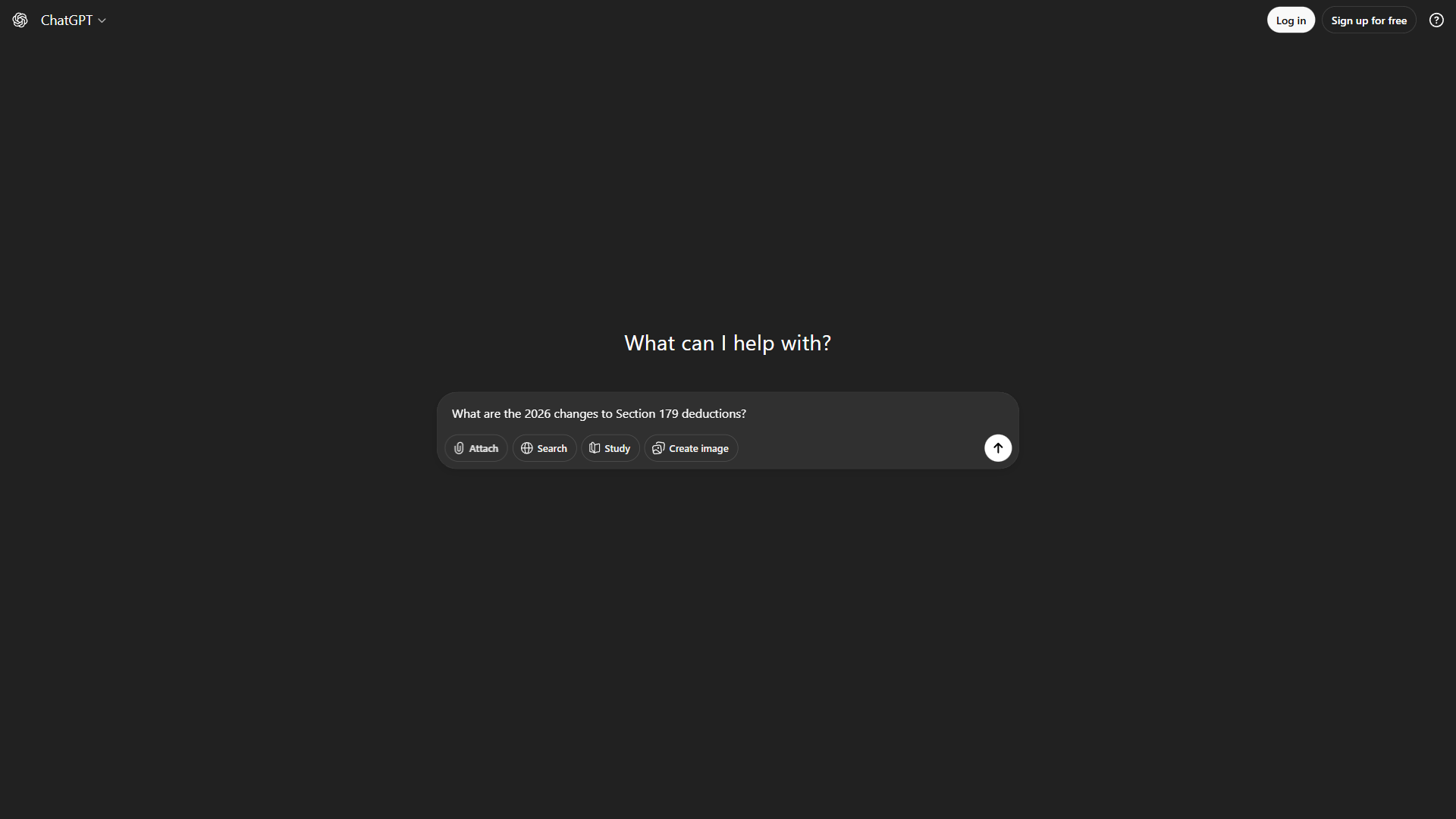
ChatGPT has become indispensable for bookkeeping professionals who need quick access to financial research and the ability to translate complex accounting concepts into plain language.
Key Features for Bookkeepers
Financial Analysis Assistance
When you’re reviewing client financials and need to explain variance analysis or unusual transactions, ChatGPT helps you:
- Draft clear explanations of financial trends for non-accountant clients
- Create summary reports from raw financial data
- Generate talking points for quarterly review meetings
- Explain complex tax implications in simple terms
Tax Research and Explanations
Instead of spending 30 minutes searching through IRS publications, ask ChatGPT:
- “What are the 2026 changes to Section 179 deductions?”
- “Explain the home office deduction rules for my client who works remotely”
- “What documentation do I need for a client claiming business vehicle expenses?”
The AI provides instant starting points - though you’ll always verify against official sources for compliance work.
Client Communication Drafts
ChatGPT excels at drafting professional communications:
- Year-end planning letters
- Engagement letters
- Follow-up emails requesting missing documents
- Explanations of billing or scope changes
ChatGPT Pricing for Bookkeepers
| Plan | Monthly Cost | Best For |
|---|---|---|
| Free | $0 | Basic queries, testing the platform |
| Plus | $20/month | Most bookkeepers - faster responses, GPT-4 access |
| Team | $25/user/month | Multi-person practices with shared workspaces |
Recommendation: ChatGPT Plus at $20 per month is the sweet spot. The faster response times and access to the latest models make a significant difference when you’re handling multiple client questions daily. For deeper tradeoffs between models, see our ChatGPT alternatives breakdown.
Real Workflow Impact
Before ChatGPT: 45 minutes researching tax treatment, 30 minutes drafting client explanation After ChatGPT: 15 minutes total for research and polished draft
Time saved: 1+ hour per complex client question - that adds up fast during tax season.
Limitations and who it’s not for: ChatGPT can hallucinate tax citations and outdated regulation references, so every output needs verification against IRS source material before use in compliance work. Skip ChatGPT if you only need bookkeeping number-crunching - it does not connect directly to QuickBooks, Xero, or your general ledger, and it has no audit-trail features for E&O documentation. Bookkeepers handling sensitive client SSNs or bank data should also avoid pasting raw records into the chat - use it for explanations and drafts, not data processing.
2. Notion: Your Client Management Command Center
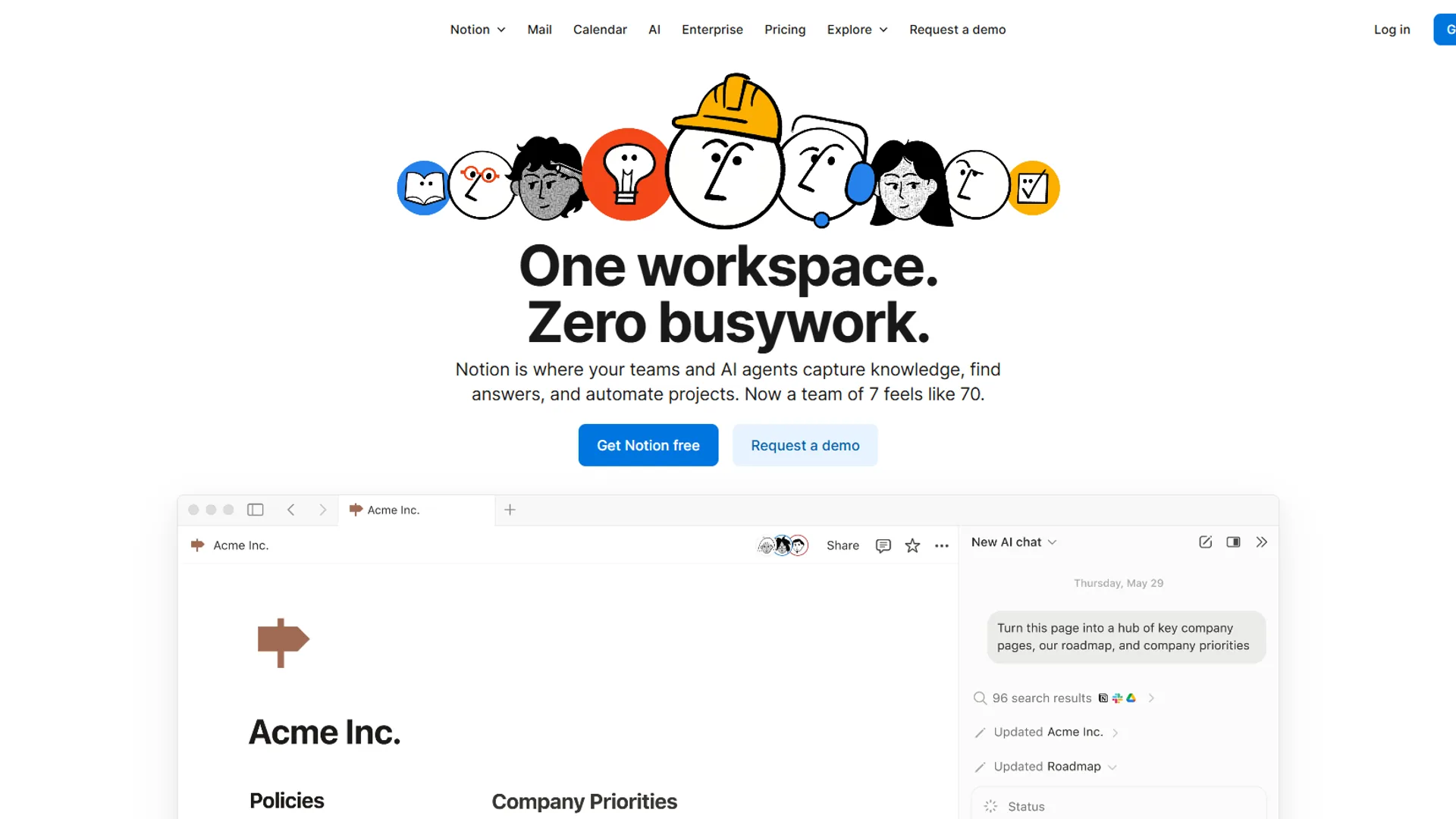
Notion has evolved into the ideal hub for bookkeeping practices that need to manage multiple clients, standardize processes, and maintain detailed documentation.
Key Features for Bookkeepers
Client Management Databases
Build a central database that tracks:
- Client contact information and key dates
- Engagement types and billing rates
- Document checklist status
- Recurring task schedules
- Communication history
With Notion’s AI features, you can ask questions like “Which clients haven’t submitted their Q4 documents?” and get instant answers from your data.
Standard Operating Procedures
Every bookkeeping practice needs consistent processes. Notion lets you create:
- Month-end close checklists
- Payroll processing workflows
- Bank reconciliation procedures
- Client onboarding sequences
New staff can follow these SOPs exactly, reducing training time and errors.
Onboarding Checklists and Templates
New client onboarding becomes systematic:
- Document collection checklist (W-9s, prior returns, bank access)
- Software setup procedures (QuickBooks connection, payment portals)
- Communication templates (welcome emails, expectation-setting)
- Engagement letter templates
Notion Pricing for Bookkeepers
| Plan | Monthly Cost | Best For |
|---|---|---|
| Free | $0 | Solo practitioners testing the platform |
| Plus | $12/month | Solo bookkeepers - unlimited blocks, 30-day history |
| Business | $18/month | Teams wanting advanced AI and permissions |
Recommendation: Plus at $12 per month works for most solo and small-team bookkeepers. Upgrade to Business if you need AI-powered Q&A across all your documentation. See our Notion pricing breakdown for the full tier comparison.
Real Workflow Impact
Before Notion: Client information scattered across spreadsheets, email, and sticky notes After Notion: Single source of truth with AI-powered search
Time saved: 20-30 minutes daily finding information and recreating checklists.
Limitations and who it’s not for: Notion has a real learning curve - expect 4-6 hours to set up your first client database and templates, and another week before AI Q&A returns useful results. The biggest drawback for bookkeepers is that Notion is not a substitute for proper accounting software or a CRM - it cannot generate invoices, run trial balances, or track GL entries. Skip Notion if you already pay for a practice management platform like Karbon or Canopy that bundles client tracking, since the workflow overlap is significant. Also not the right fit for solo bookkeepers with under 5 clients where a simple spreadsheet still wins on time-to-value.
3. Grammarly: Professional Communication Without the Proofreading
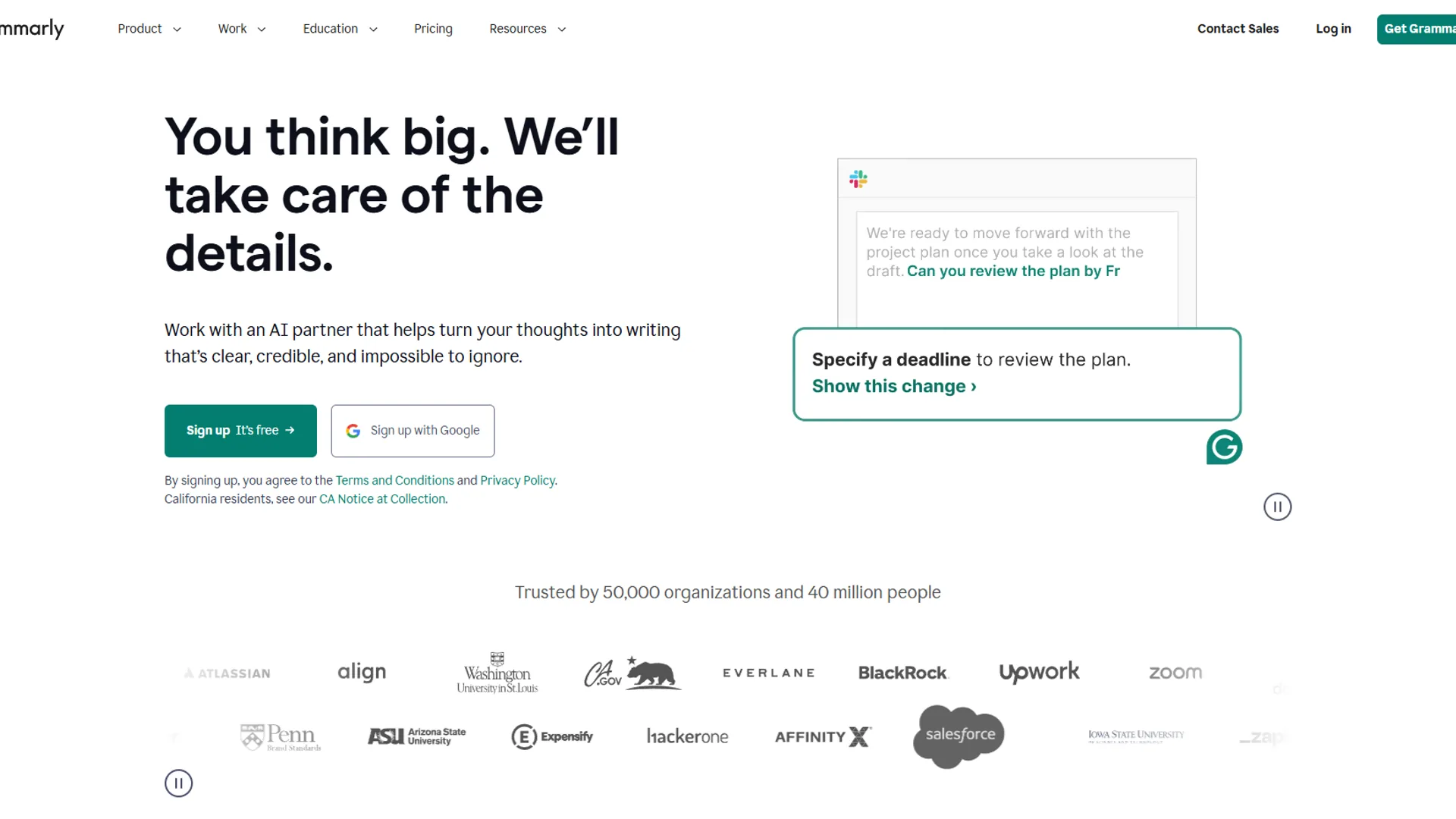
Clear communication builds client trust. Grammarly ensures every email, report, and client letter you send is polished and professional - without spending time proofreading.
Key Features for Bookkeepers
Professional Writing Assistance
Grammarly catches more than typos:
- Grammar and punctuation errors
- Unclear sentence structures
- Passive voice that weakens your message
- Inconsistent terminology
Email and Report Polishing
Every client-facing communication gets checked:
- Engagement letters
- Financial summary reports
- Billing explanations
- Year-end review packages
You’ll catch the embarrassing errors before clients do.
Tone Adjustment for Client Communications
This is where Grammarly shines for bookkeepers. Different clients need different communication styles:
- Formal tone for corporate clients and engagement letters
- Friendly tone for small business owners who want approachable advice
- Confident tone for explaining your recommendations
Grammarly’s tone detector helps you match your writing to each client relationship.
Grammarly Pricing for Bookkeepers
| Plan | Monthly Cost | Best For |
|---|---|---|
| Free | $0 | Basic grammar and spelling |
| Premium | $12/month | Individual bookkeepers - full writing suggestions |
| Business | $15/month | Teams needing style guides and admin controls |
Recommendation: Premium at $12 per month delivers the features bookkeepers need most: tone adjustment, clarity suggestions, and full grammar checking. For other writing assistants, see our Grammarly alternatives roundup.
Real Workflow Impact
Before Grammarly: 15 minutes proofreading each important email, still missing occasional errors After Grammarly: 2 minutes with AI assistance, confidence in every communication
Time saved: 10+ minutes per significant client communication.
Limitations and who it’s not for: Grammarly’s tone and clarity suggestions sometimes flatten technical accounting language - it may flag legitimate terms like “accrued” or “depreciate” as unclear, so review every suggestion before accepting. Skip Grammarly if your firm requires strict tone consistency across templates, since the suggestions can drift between casual and formal even within the same document. Also not ideal for non-English client correspondence (limited support outside major European languages) and not a fit for bookkeepers whose typing volume is low enough that built-in spell-check already handles 95% of errors.
Comparison Table
| Tool | Primary Use | Rating | Best Plan | Monthly Cost |
|---|---|---|---|---|
| ChatGPT | Research, analysis, drafts | Plus | $20 | |
| Notion | Client management, SOPs | Plus | $12 | |
| Grammarly | Professional writing | Premium | $12 | |
| Total | $44/month |
Best Picks by Use Case
Here’s how these tools work together in a typical bookkeeping workflow:
Daily Workflow
Morning: Client Communication (30 minutes saved)
- Draft client emails in Grammarly
- Use ChatGPT to explain complex items
- Check Notion for pending items and deadlines
Throughout the Day: Research and Analysis
- ChatGPT for quick tax research questions
- Notion for SOPs when processing new transaction types
- Grammarly reviewing all outgoing communications
Weekly: Client Management
- Update Notion client databases
- Generate status reports using ChatGPT summaries
- Polish weekly client updates with Grammarly
Integration Benefits
All three tools work with common bookkeeping platforms:
- QuickBooks Online - ChatGPT can help explain reports; Notion can track client QBO status
- Google Workspace - Grammarly integrates with Gmail; Notion embeds Google Docs
- Microsoft 365 - All three have Microsoft integrations
Pro Tips
Days 1-2: Set Up ChatGPT Plus
- Sign up at chat.openai.com
- Upgrade to Plus ($20 per month)
- Test with real bookkeeping questions
- Save useful prompts for tax research and client explanations
Days 3-4: Build Your Notion Workspace
- Create a free Notion account
- Build a simple client database (Name, Entity Type, Engagement, Status)
- Create one month-end close checklist
- Add a new client onboarding template
Days 5-6: Install Grammarly
- Install the browser extension
- Enable the desktop app
- Upgrade to Premium
- Test on a draft client email
Day 7: Connect the Workflow
- Draft a client communication in Notion
- Use ChatGPT to enhance the explanation
- Run it through Grammarly
- Notice how much faster you work
ROI Calculator
Time Savings Calculation
| Task | Before AI (weekly) | After AI (weekly) | Savings |
|---|---|---|---|
| Tax research | 3 hours | 1 hour | 2 hours |
| Client communication | 5 hours | 2 hours | 3 hours |
| Document finding | 2 hours | 30 min | 1.5 hours |
| Proofreading | 2 hours | 30 min | 1.5 hours |
| Total | 12 hours | 4 hours | 8 hours |
Financial Impact
At a $75/hour effective billing rate:
- Time reclaimed: 8 hours/week = 32 hours/month
- Value of reclaimed time: 32 × $75 = $2,400/month
- AI tool cost: $44 per month
- ROI: 54x return on investment
Those 8 hours weekly could mean:
- Taking on 2-3 additional clients
- Completing work faster with better margins
- Actually taking evenings and weekends off
Bonus Tips
Q: Can I trust ChatGPT for tax advice?
Use ChatGPT for research and drafting, never as your sole authority. Always verify tax positions against IRS small business guidance, tax software documentation, or professional references. ChatGPT is a research accelerator, not a replacement for professional judgment.
Q: Is client data secure in Notion?
Notion uses enterprise-grade security with SOC 2 Type 2 certification. For highly sensitive data, enable additional workspace security features in Business plans. Review Notion’s security practices against your professional liability requirements.
Q: What if my clients aren’t tech-savvy?
These tools improve your work quality and speed - clients never need to interact with them. They just see faster responses, clearer explanations, and more professional communications.
Q: Do I need all three tools?
Start with ChatGPT if you only choose one - it has the broadest impact on bookkeeping workflows. Add Notion when client volume grows. Add Grammarly when client communication becomes a significant time sink.
The Bottom Line
AI tools for bookkeepers are no longer optional for practices that want to stay competitive. With ChatGPT for research and analysis, Notion for client management, and Grammarly for professional communication, you can reclaim 8+ hours every week while delivering better service to your clients. The combined cost of $44 per month pays for itself many times over in recovered time and improved work quality.
FAQ
Q: Can ChatGPT do my bookkeeping?
ChatGPT has become indispensable for bookkeeping professionals who need quick access to financial research and the ability to translate complex accounting concepts into plain language.
Q: Are there AI tools for bookkeepers?
Yes, bookkeepers can use several AI tools to streamline their practice. Based on research into productivity tools for bookkeeping workflows, three stand out: ChatGPT for financial analysis and tax research, Notion for client management and documentation, and Grammarly for professional writing. Together they form a complete AI-powered bookkeeping stack for $25-53 per month.
Q: Can ChatGPT help with bookkeeping tasks?
ChatGPT has become indispensable for bookkeeping professionals who need quick access to financial research and the ability to translate complex accounting concepts into plain language. It helps draft clear explanations of financial trends for non-accountant clients, create summary reports from raw financial data, generate talking points for quarterly review meetings, and explain complex tax implications in simple terms.
Q: Is AI replacing bookkeepers?
AI is changing the profession rather than replacing bookkeepers. Clients now expect faster turnaround, clearer explanations, and more strategic insights, not just reconciled ledgers. Competition is fiercer as automated bookkeeping services mean you need to add more value. The right AI tools address these challenges while freeing up time for high-value work that grows your practice.
Q: How much do AI tools for bookkeepers cost in 2026?
A complete AI-powered bookkeeping stack costs $25-53 per month in 2026. ChatGPT runs $0-20 per month for tax research and client communication drafts, Notion costs $0-18 per month for client databases and SOPs, and Grammarly is $0-15 per month to polish emails and reports. Free tiers are available for each tool if budget is a concern.
Related Reads
Tradeoffs and limitations vary across these resources, so explore based on your practice size and workflow:
- AI Tools for Solopreneurs: The Ultimate 2026 Stack - Broader productivity toolkit for independent professionals
- AI Tools for Financial Advisors - AI stack for financial professionals
- AI Tools for Small Business - Productivity tools for growing businesses
- ChatGPT Review - AI research and analysis assistant
- Notion Review - AI-powered client management workspace
- Grammarly Review - Professional writing and communication tool
- Best AI Tools for Accountants
- AI Tools for Coaches: Automate Your Practice in 2026
External Resources
For bookkeeping professionals looking to stay current on industry standards and AI adoption:
- AICPA Resources - Professional standards and technology guidance for accounting professionals
- Accounting Today Technology News - Industry coverage of AI and automation trends in accounting