






ChatGPT is the default AI assistant for 200 million people, but “default” does not mean “best for your workflow.” The best chatgpt alternatives each dominate a specific use case - writing, research, coding, or daily productivity - and none of them try to do everything. The right tool depends entirely on what you are trying to do.
This is not another list ranking chatgpt alternatives from best to worst. Instead, it is organized by use case - matching the right AI to the right task. Whether you need a research assistant that cites its sources, a writing partner that understands nuance, or an AI woven into your existing Google tools, there is a better option than forcing ChatGPT to do everything. The chatgpt-vs-claude head-to-head goes deeper on the writing-and-coding tradeoff if you only have time to evaluate one alternative.
Here is how the major players compare in 2026, and exactly when to reach for each one.
Comparison Table: ChatGPT Alternatives at a Glance
ChatGPT Alternatives are platforms that provide comparable features to ChatGPT - often with lower pricing, open-source flexibility, or specialized strengths in specific areas. This guide compares the top options side by side on pricing, features, and real-world performance.
| Tool | Best Use Case | Price | Context Window | Key Strength |
|---|---|---|---|---|
| ChatGPT | General-purpose, image generation | Free / $20/mo Plus | 128K tokens | Broadest ecosystem, GPT-5 |
| Claude | Writing, coding, document analysis | Free / $20/mo Pro | 200K tokens (1M beta) | Nuanced reasoning, huge context |
| Perplexity | Research with citations | Free / $20/mo Pro | N/A (search-based) | Inline source citations |
| Gemini | Google Workspace productivity | Free / $19.99/mo Pro | 1M+ tokens | Native Gmail/Docs/Sheets AI |
| Microsoft Copilot | Office 365 workflows | Included with M365 | Varies | Word, Excel, PowerPoint AI |
| Mistral Le Chat | Privacy and open-source | Free / paid tiers | 128K tokens | European data sovereignty |
Before diving into use cases, here is where ChatGPT - the benchmark - stands right now.
ChatGPT: The Benchmark You Are Comparing Against
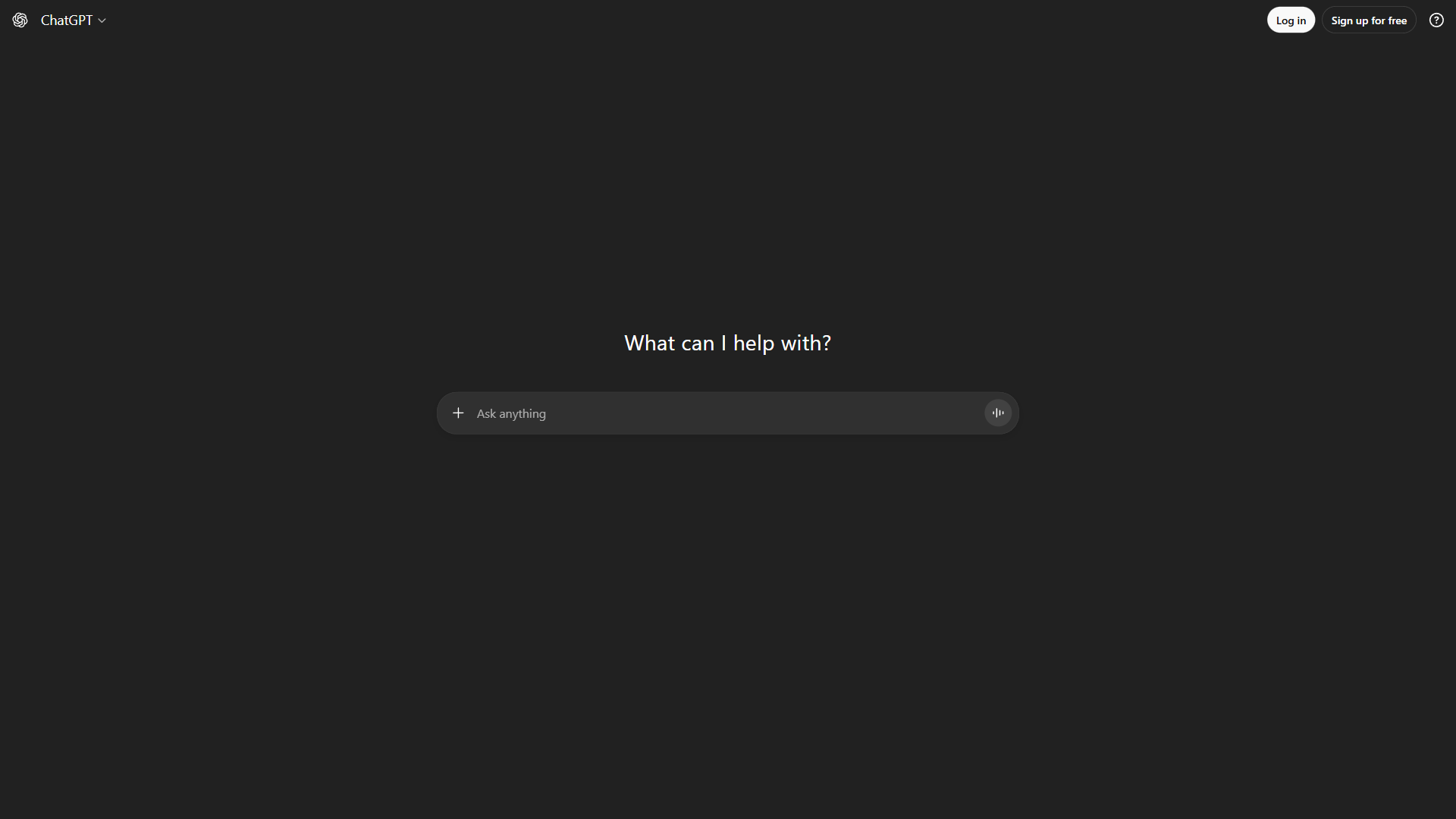
ChatGPT remains the most versatile AI assistant available. Running on GPT-5 and GPT-4o, it handles creative writing, coding, image generation, voice conversations, and data analysis in a single subscription. The Plus tier at $20 per month delivers excellent value for daily use. The Pro tier at $200 per month removes rate limits and adds o1 pro mode for enhanced reasoning.
Limitations and who ChatGPT is not for: ChatGPT’s biggest drawbacks are research (no source citations, regular hallucinations on facts), privacy on the free tier (conversations train the model unless you opt out), and rate limits that frustrate heavy Plus users. The Pro tier at $200 per month is steep for non-power-users, and the Custom GPT marketplace is loud with low-quality entries. Skip ChatGPT if you cite sources for a living, work in regulated industries, or need a research-first tool. These gaps are exactly where the best chatgpt alternatives step in.
Best for Writing and Analysis: Claude
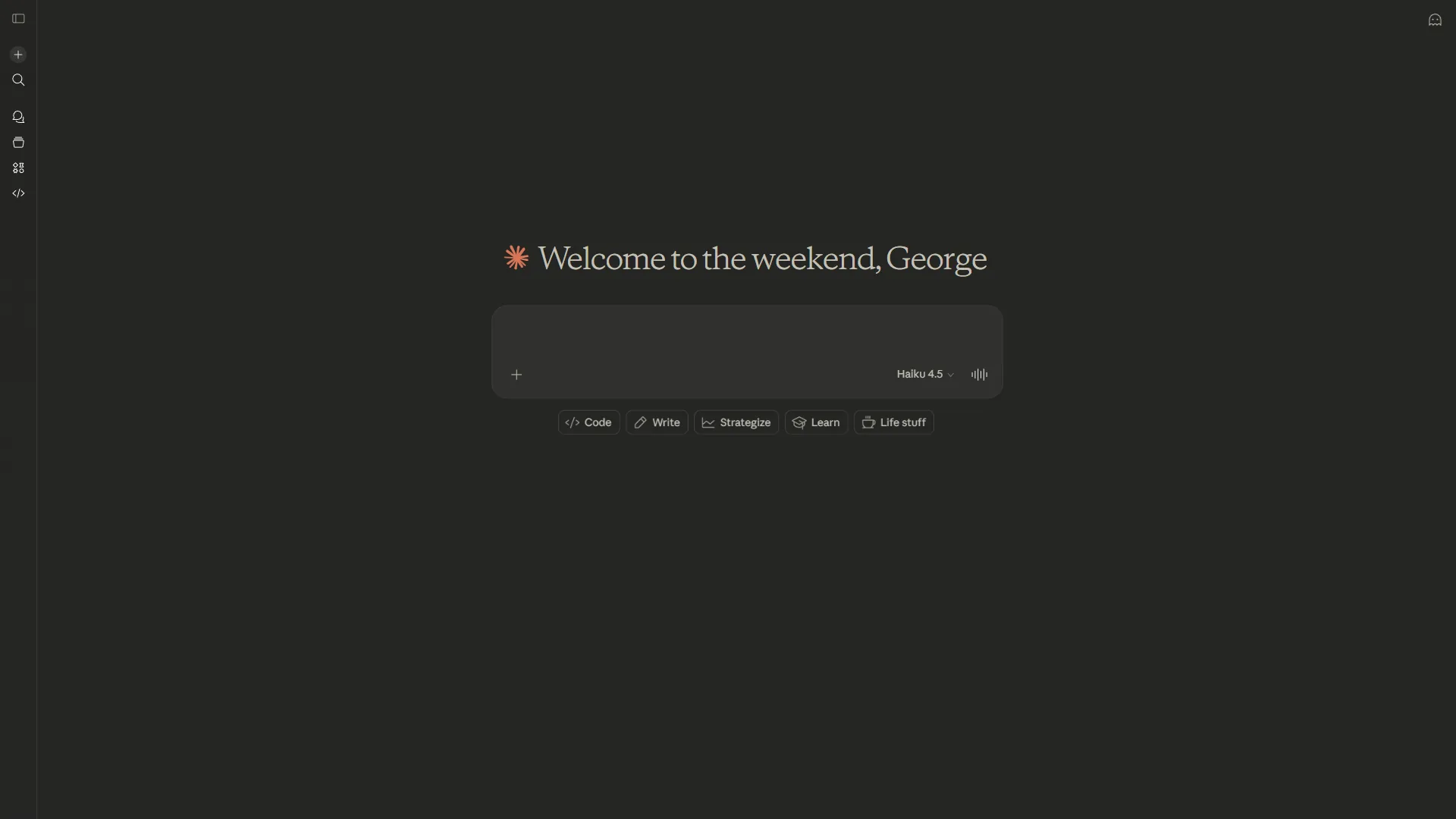
If your primary need is writing - whether long-form articles, documentation, nuanced analysis, or code - Claude is the strongest ChatGPT alternative in 2026. Anthropic’s flagship AI runs on Opus 4.5 (which scores 80%+ on SWE-bench, the industry’s standard coding benchmark) and offers a 200K token context window with 1M tokens in beta.
Why writers prefer Claude over ChatGPT:
- Nuanced tone and reasoning. Claude produces writing that sounds less robotic and requires less editing. Constitutional AI training makes it more thoughtful about ambiguity and edge cases.
- Massive context window. At 200K tokens standard (versus ChatGPT’s 128K), you can feed entire codebases, book manuscripts, or research paper collections into a single conversation. No chunking required.
- Claude Code for developers. The autonomous coding assistant writes, tests, and debugs code with checkpoints and subagents - a genuine workflow improvement over ChatGPT’s code interpreter.
- Privacy by default. User data is never used for training, even on the free tier. ChatGPT’s free tier opts you in by default.
Where ChatGPT still wins over Claude:
- Image generation (Claude cannot generate images)
- Voice conversations (ChatGPT’s Live Voice Mode is unmatched)
- Plugin ecosystem breadth (ChatGPT has more third-party integrations)
- Custom GPTs for specialized tasks
Pricing: Free tier with limited usage (~20 queries/day). Pro at $20 per month gives 5x usage and Opus access. Max at $100 per month unlocks unlimited Opus and full Claude Code capabilities.
Best for: Writers, developers, analysts, and anyone working with long documents. If you regularly hit ChatGPT’s context limits or want cleaner first drafts, Claude pays for itself immediately.
Limitations and who Claude is not for: Claude has real drawbacks. There is no image generation, no voice mode, and a much smaller plugin ecosystem than ChatGPT. The free tier rate limits hit hard (~20 queries per day) and Opus access is gated even on Pro. Claude’s safety guardrails are more conservative than ChatGPT’s, which frustrates users writing fiction with mature themes or doing security research. Skip Claude if you need image generation, voice conversations, or rely on third-party plugin integrations.
Best for Research with Citations: Perplexity
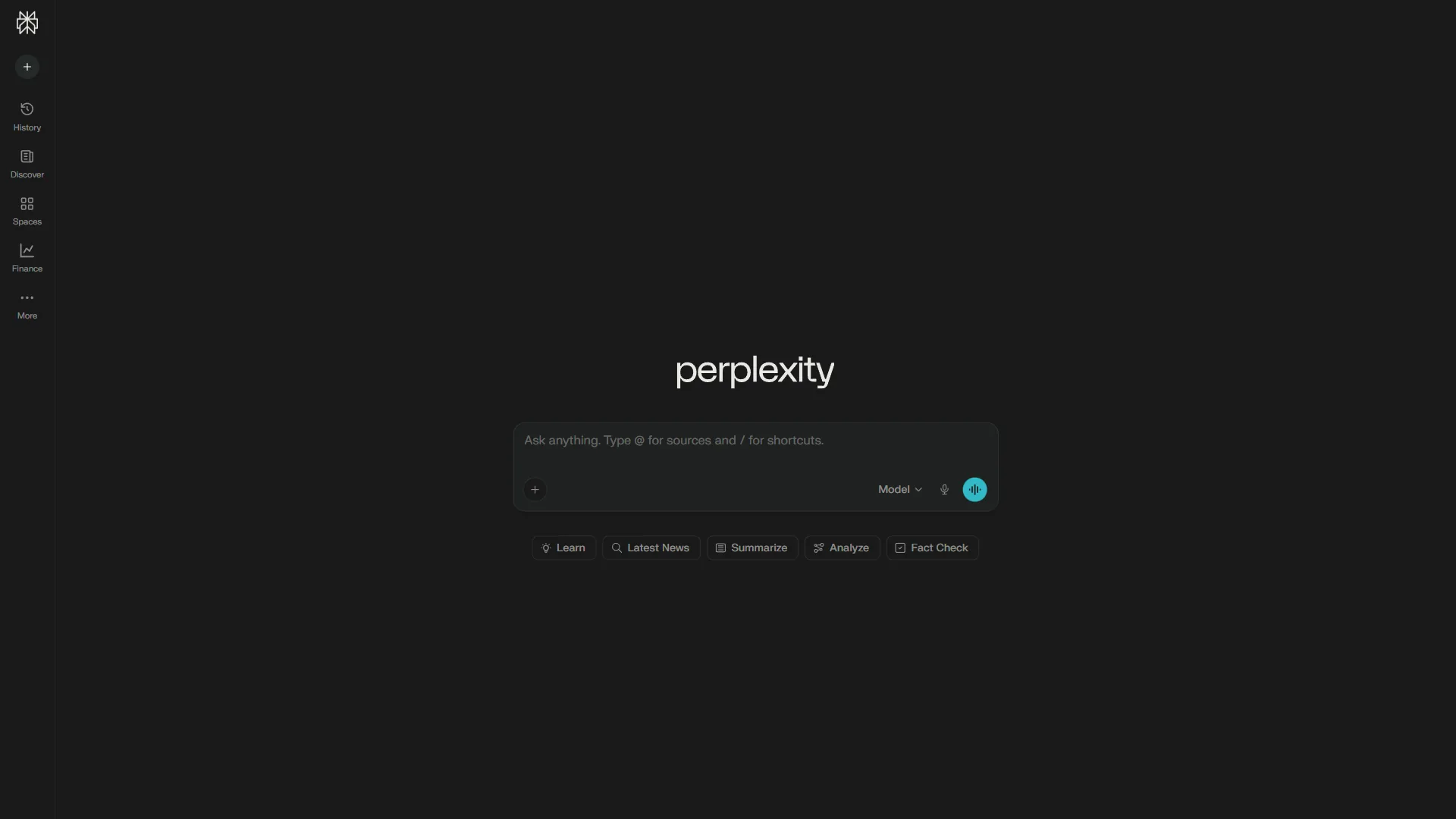
The single biggest complaint about ChatGPT is that it does not cite its sources. You get confident-sounding answers with no way to verify them. Perplexity solves this completely, and it is the best ChatGPT alternative for anyone who needs to trust what their AI tells them.
Every answer includes inline citations - clickable [1], [2], [3] references that link directly to source material. According to Perplexity’s enterprise case study, Lambda saved 457 hours across 15+ teams by switching their research workflow to Perplexity.
Why researchers choose Perplexity over ChatGPT:
- Inline source citations on every answer. This is not just a nice feature - it transforms AI from a black box into a verifiable research tool. Click any citation to check the original source.
- Real-time web search. Unlike ChatGPT’s browsing (which still lacks proper citations), Perplexity searches the live web and synthesizes current information with full attribution.
- Focus modes for specialized research. Filter results by academic papers, Reddit discussions, YouTube videos, or SEC filings. ChatGPT has no equivalent.
- Multi-model access on Pro. Switch between GPT-5, Claude 4, and Gemini 2.5 mid-conversation. You are not locked into a single model ecosystem.
- Deep Research mode. Comprehensive reports with 50+ citations for serious analysis - the kind of output that would take hours to compile manually.
Where ChatGPT still wins over Perplexity:
- Creative writing and brainstorming (Perplexity outputs feel research-report-ish, not creative)
- Coding assistance (Perplexity is built for facts, not code)
- Image generation
- Conversational memory across sessions
Pricing: Free tier with unlimited basic searches and 5 Pro searches per day. Pro at $20 per month unlocks unlimited Pro searches, model switching, and file uploads. Max at $200 per month adds frontier models like o3-pro and Claude Opus 4.5.
Best for: Researchers, journalists, fact-checkers, analysts, students writing papers, and anyone who has been burned by ChatGPT confidently making things up. If you verify information as part of your job, Perplexity is not optional - it is essential.
Limitations and who Perplexity is not for: Perplexity is a research tool, not a general assistant - its drawbacks show up the moment you ask it to do anything else. Creative writing reads like a research report. Coding assistance is shallow compared to Claude or ChatGPT. There is no image generation, no voice mode, and conversational memory across sessions is weaker. The free tier caps Pro searches at 5 per day. Skip Perplexity if your daily work is writing, coding, or brainstorming rather than fact-finding.
Best for Google Ecosystem Integration: Gemini
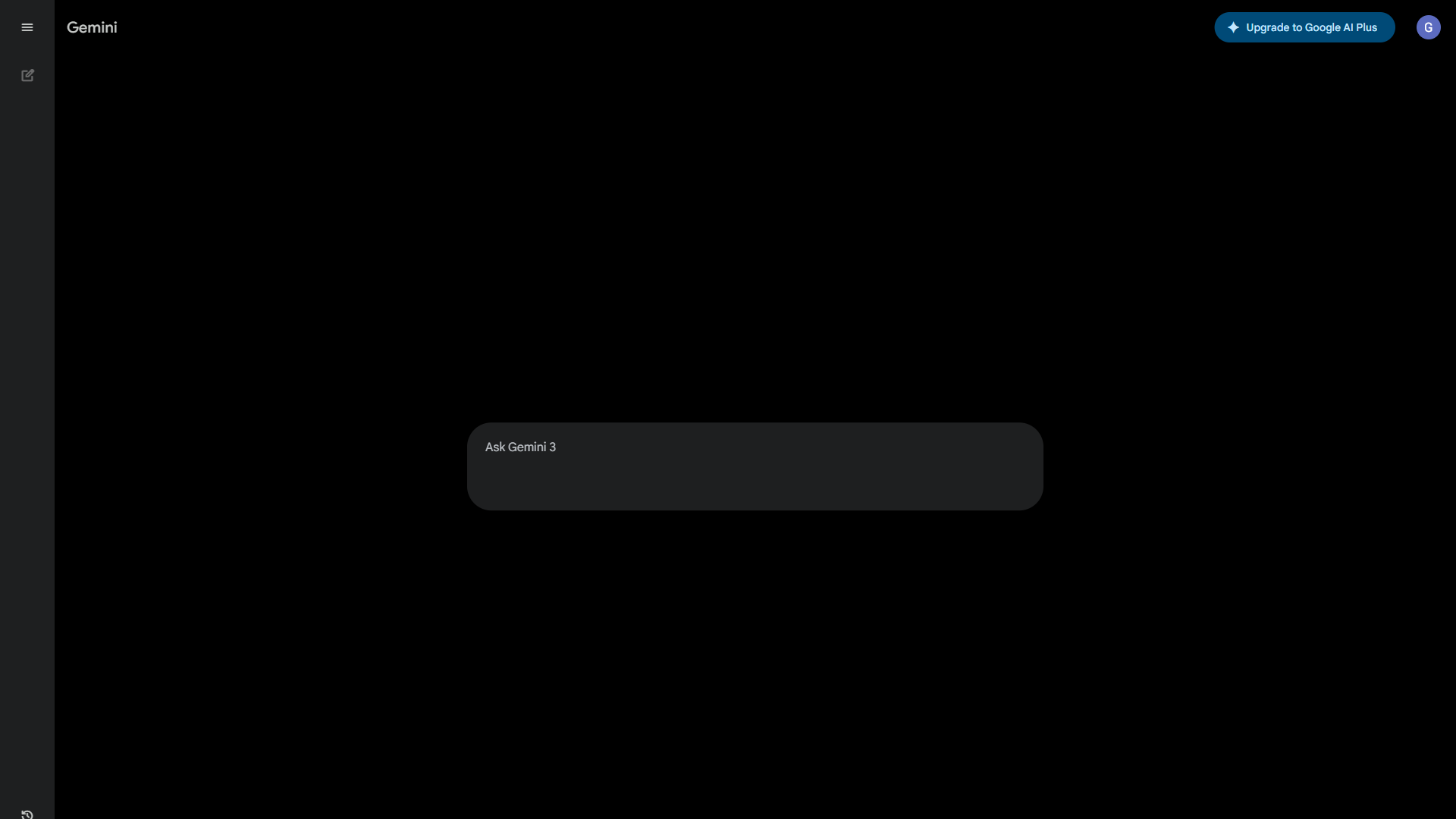
If you live in Google Workspace - Gmail, Docs, Sheets, Slides, Calendar - Gemini is the chatgpt alternative that makes the most practical sense. Rather than switching between ChatGPT and your work tools, Gemini embeds AI directly into the apps you already use. With over 750 million monthly active users, it is the most widely adopted AI assistant by raw numbers.
Why Google Workspace users choose Gemini over ChatGPT:
- Native integration across Google apps. Draft emails in Gmail, generate slide decks in Slides, analyze data in Sheets, summarize documents in Docs - all without leaving the app or copy-pasting context.
- Largest context window. At 1M+ tokens, Gemini can process more content in a single conversation than any consumer competitor. Useful for analyzing massive datasets or very long documents.
- Deep Research with NotebookLM. Google’s research tool creates comprehensive analysis from uploaded sources - complementing Gemini’s conversational interface with structured deep dives.
- Image generation built in. Unlike Claude, Gemini generates images natively, though quality trails behind ChatGPT’s DALL-E integration.
- Gems for custom personas. Similar to ChatGPT’s Custom GPTs, Gems let you create specialized AI personalities for recurring tasks.
Where ChatGPT still wins over Gemini:
- Plugin ecosystem and third-party integrations outside Google
- Voice conversation quality (ChatGPT’s Live Voice Mode is superior)
- Creative writing consistency
- Custom GPT marketplace depth (3M+ assistants vs. Gems)
Pricing: Free tier with access to Gemini 2.5 Flash. Google AI Pro at $19.99 per month includes Gemini 3 Pro, Deep Research, 2TB storage, and AI in all Workspace apps. Ultra at $249.99 per month for maximum capabilities.
Best for: Teams and individuals already embedded in Google Workspace. If your daily workflow runs through Gmail, Docs, and Sheets, Gemini eliminates the friction of context-switching to a separate AI tool. For non-Google users, the advantage drops significantly.
Limitations and who Gemini is not for: Gemini’s biggest weakness is that it shines inside Google’s walled garden and stalls outside it - the third-party plugin ecosystem is much shallower than ChatGPT. Creative writing consistency lags Claude and ChatGPT. The Gems custom-persona system has a fraction of ChatGPT’s Custom GPT depth. Image generation quality trails DALL-E noticeably. Skip Gemini if your work is not anchored in Google Workspace, or if you need consistent creative writing or rich third-party integrations.
Honorable Mentions
Microsoft Copilot - Best for Office 365 Users
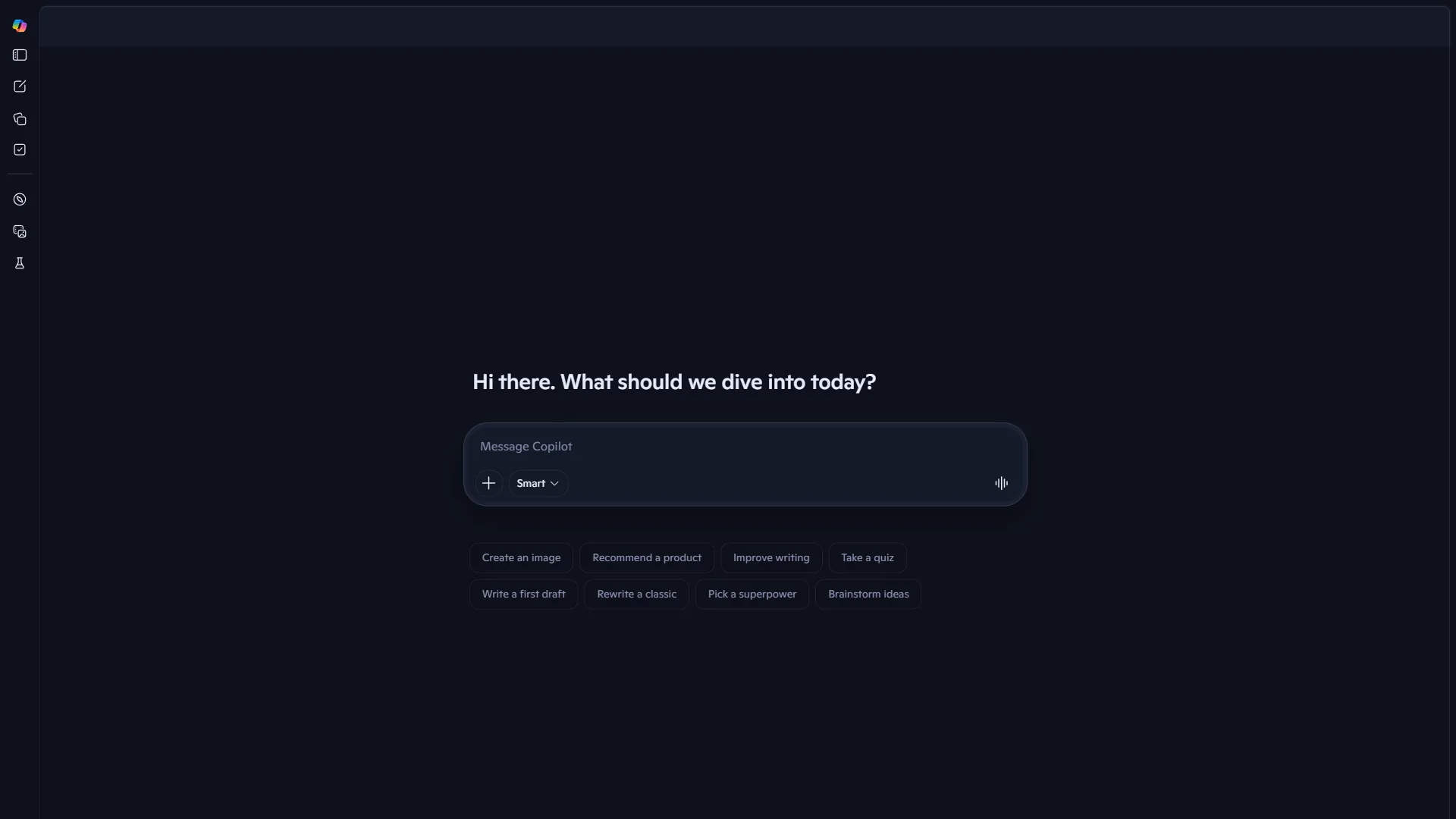
If Google Workspace is not your ecosystem but Microsoft 365 is, Copilot serves the same role: AI embedded directly into Word, Excel, PowerPoint, Outlook, and Teams. It runs on GPT-4 under the hood but adds Microsoft’s enterprise integrations and security certifications. The free version handles basic chat tasks, while the Copilot Pro subscription adds deeper Office integration. For organizations already paying for Microsoft 365, this is the path of least resistance.
Mistral Le Chat - Best for Privacy and Open-Source
European users and privacy-conscious teams should look at Mistral’s Le Chat. Built by France-based Mistral AI, it offers strong multilingual performance, European data sovereignty compliance, and open-weight models that organizations can self-host. The conversational quality has improved dramatically in 2026, and the free tier is generous. It will not match ChatGPT’s breadth or Claude’s writing quality, but for teams that need to keep data within European jurisdictions, it fills a gap that American AI providers cannot. If you are interested in the broader open-source AI assistant space, OpenClaw is another self-hostable option worth exploring - it focuses on autonomous task execution rather than chat.
Limitations and who these honorable mentions are not for: Both honorable mentions have meaningful drawbacks. Microsoft Copilot’s value is tightly bound to Microsoft 365 - outside Office and Teams, it is just a less capable ChatGPT wrapper. Mistral Le Chat’s writing quality and feature breadth still trail the big three; the free tier is generous but the paid plans buy less than the equivalent Claude or ChatGPT subscription. Skip these picks if you want frontier-model performance or live outside the M365/EU-data-sovereignty use cases.
Which Tool Fits Your Workflow: ChatGPT Alternatives Decision Framework
Choosing between chatgpt alternatives is less about which AI is “best” and more about which one fits your primary workflow. Here is a practical framework:
Start with ChatGPT if:
- You need one tool that does many things reasonably well
- Image generation and voice conversations matter to you
- You rely on Custom GPTs or the plugin ecosystem
- You want the broadest third-party integration support
Switch to Claude if:
- Writing quality and nuance are your top priority
- You work with long documents (100K+ words)
- You need strong coding assistance with Claude Code
- Data privacy is non-negotiable (even on the free tier)
Switch to Perplexity if:
- You need to verify information as part of your job
- Research with proper citations is your primary use case
- You want to switch between multiple AI models
- You are tired of ChatGPT making things up without sources
Switch to Gemini if:
- Your work lives in Google Workspace
- You want AI inside Gmail, Docs, and Sheets natively
- You process very large documents (1M+ token context)
- You already pay for Google One or Workspace
The power user approach: Many professionals subscribe to two or three chatgpt alternatives for different tasks. A common stack is ChatGPT Plus for creative work, Perplexity Pro for research, and Claude Pro for long documents and code. At $60 per month total, that covers nearly every AI use case better than any single tool at $200 per month.
Pricing Comparison: ChatGPT Alternatives Side by Side
All four major chatgpt alternatives converge at roughly the same price point: $20 per month for their standard paid tier. Here is what that buys you:
| Tier | ChatGPT Plus | Claude Pro | Perplexity Pro | Gemini AI Pro |
|---|---|---|---|---|
| Monthly price | $20 | $20 | $20 | $19.99 |
| Annual savings | None | $3.60/yr | $40/yr | None |
| Top model | GPT-5 | Opus 4.5 (limited) | Multi-model switching | Gemini 3 Pro |
| Context window | 128K | 200K | N/A (search-based) | 1M+ |
| Image generation | Yes (DALL-E) | No | No | Yes |
| Citations | No | No | Yes (inline) | Limited |
| Voice mode | Yes (Live Voice) | No | No | Yes (Gemini Live) |
| Data training opt-out | Yes (manual) | Yes (default) | Yes | Yes |
The free tiers are worth testing before committing. Each has enough capability to evaluate whether the paid version matches your workflow.
The Bottom Line
The best chatgpt alternatives in 2026 are not trying to be better versions of ChatGPT - they are solving specific problems that ChatGPT handles poorly. Claude delivers the writing and coding quality that ChatGPT approximates. Perplexity provides the research transparency that ChatGPT ignores. Gemini offers the ecosystem integration that ChatGPT bolts on as an afterthought.
The era of one AI to rule them all is over. The smartest approach is matching the right tool to the right task - and that often means using two or three of these tools rather than overpaying for a single premium tier that still has blind spots.
Start with the free tiers. Test each alternative against your actual daily tasks. You will likely find that the best chatgpt alternative for you is not a single tool but a combination tailored to how you work.
FAQ
Q: Which AI is better than ChatGPT?
The power user approach: Many professionals subscribe to two or three chatgpt alternatives for different tasks. A common stack is ChatGPT Plus for creative work, Perplexity Pro for research, and Claude Pro for long documents and code.
Q: What is comparable to ChatGPT for free?
Start with the free tiers. Test each alternative against your actual daily tasks. You will likely find that the best chatgpt alternative for you is not a single tool but a combination tailored to how you work.
Q: What AI is more ethical than ChatGPT?
Choosing between chatgpt alternatives is less about which AI is “best” and more about which one fits your primary workflow.
Q: What is the best ChatGPT alternative for research?
Perplexity is the strongest chatgpt alternative for research because it provides inline source citations that ChatGPT lacks. ChatGPT falls short on research since it offers no source citations, which is exactly the gap Perplexity fills. Perplexity has a free tier and a $20 per month Pro tier, making it a research assistant that cites its sources for both casual and heavy use.
Q: How much does ChatGPT Plus cost compared to alternatives?
ChatGPT Plus costs $20 per month, matching Claude Pro at $20 per month and Perplexity Pro at $20 per month. Gemini Pro is slightly cheaper at $19.99 per month, while Microsoft Copilot is included with Microsoft 365. ChatGPT Pro costs $200 per month, which removes rate limits and adds o1 pro mode for enhanced reasoning but is significantly more expensive than other alternatives.
Related Reading
- ChatGPT Review, Claude Review, Perplexity Review, and Gemini Review - Full tool reviews with pricing and ratings
- ChatGPT vs Claude: Complete Comparison for Productivity - Deep head-to-head comparison of features, pricing, and real-world performance.
- Perplexity vs ChatGPT: Which AI Should You Use? - Detailed breakdown of research capabilities and citation quality.
- 50 ChatGPT Prompts That Actually Work in 2026 - If you stick with ChatGPT, these prompts will help you get more out of it.
- Gemini AI Guide: Getting Started - Full walkthrough of Gemini’s features, pricing, and Google Workspace integration.
- Apps Like ChatGPT: 7 Alternatives Worth Trying in 2026
- Best AI Tools for Data Analysts in 2026
- AI Hype vs Reality: Why Your CEO is Wrong (But AI Still Wins)
- Microsoft Copilot - AI assistant integrated with Office 365 and Windows
External Resources
- ChatGPT - OpenAI’s official AI assistant.
- Claude - Anthropic’s AI assistant for writing and analysis.
- Perplexity - AI-powered search engine with source citations.
- Gemini - Google’s multimodal AI assistant.