


AI tools for coding are software platforms that automate repetitive coding tasks, from autocomplete suggestions to multi-file refactors and autonomous pull requests. The top picks in 2026 include GitHub Copilot, Cursor, Windsurf, Tabnine, and Claude Code. Each targets different workflows, from GitHub-native IDE plugins to terminal-first agentic coding with 200K context.
AI tools for coding have gone from “nice to have” to “how did I ever write code without this” in the span of two years. The landscape in 2026 looks radically different from early autocomplete suggestions - today’s tools can understand entire codebases, run multi-file refactors autonomously, and even ship pull requests while you review the diff.
But which AI coding tool actually fits your workflow? With dozens of options flooding the market - from a polished AI code generator baked into your IDE to a full Claude AI for coding agent running in the terminal - picking the wrong one means wasted subscriptions and friction that slows you down instead of speeding you up. Research into the major players across project scenarios, from greenfield apps to legacy codebases with 200K+ lines, reveals which tools deliver genuine productivity gains.
This guide covers the best AI tools for coding in 2026, with honest pricing breakdowns, practical use-case matching across AI tools for coding GitHub-native workflows, and the kind of workflow integration advice that most comparisons skip entirely.
Comparison Table
AI Tools for Coding are software platforms that automate repetitive tasks specific to coding workflows. The top picks in 2026 include GitHub Copilot, Cursor, Windsurf. Each tool targets different parts of the daily workload, from client communication to document processing and analysis.
| Tool | Rating | Starting Price | Best For | Approach |
|---|---|---|---|---|
| GitHub Copilot | Free / $10/mo Pro | Most developers, GitHub-native workflows | IDE plugin with multi-model support | |
| Cursor | Free / $20/mo Pro | Complex refactoring, full-codebase work | AI-first code editor (VS Code fork) | |
| Windsurf | Free / $15/mo Pro | Rapid prototyping, autonomous flows | AI-native IDE with Cascade agent | |
| Tabnine | $59/user/mo | Enterprise teams, code privacy | IDE plugin with on-premise deployment | |
| Claude Code | Free / $20/mo Pro | Terminal-first devs, agentic coding | CLI-based agent with 200K context |
Selection Criteria
Before diving into individual tools, here are the factors that actually matter when choosing one:
- Integration model - Does it live inside your existing editor, replace it, or operate from the terminal? Switching editors carries a real migration cost.
- Context window - How much of your codebase can the AI see at once? This determines whether it can handle multi-file refactors or only single-file completions.
- Pricing at scale - The best AI for coding free tier may cap you at 300 premium requests, so a $10 per month plan can end up costing more in practice than a $20 per month tool with higher limits.
- Privacy and compliance - Enterprise teams in regulated industries need to know where their code goes. On-premise and zero-retention options matter here.
- Learning curve - Some tools require you to change how you work. Others drop into your existing workflow with minimal friction.
With that framework in mind, let’s look at each tool in detail.
1. GitHub Copilot - The Industry Standard
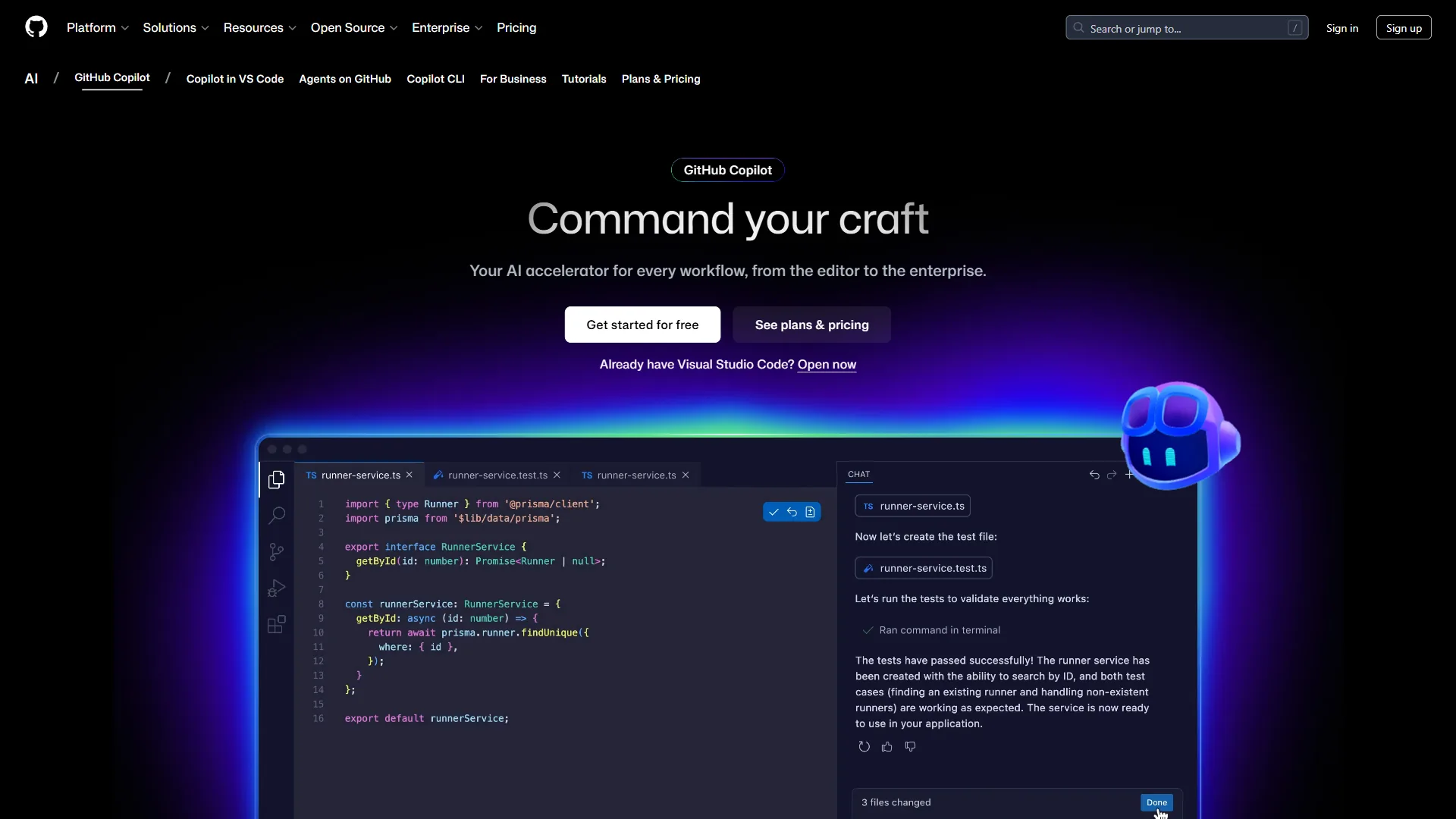
GitHub Copilot is the most widely adopted AI coding tool on the planet, and for good reason. It integrates into virtually every major IDE - VS Code, JetBrains, Visual Studio, Neovim - and now offers access to multiple frontier AI models including GPT-5, Claude Sonnet 4.5, and Gemini 2.5 Pro.
What Makes It Stand Out
Copilot’s strength is its seamless integration with the GitHub ecosystem. If you already use GitHub for source control, issues, and pull requests, Copilot feels like a natural extension of your workflow. The code completions are context-aware, pulling from your open files and project structure to deliver suggestions that actually make sense.
The Copilot Chat feature lets you ask questions about your codebase, request refactoring suggestions, or generate code from natural language. The coding agent (currently in preview) takes it further - you can assign it a GitHub issue and it will open a PR with the implementation.
Key Features:
- Multi-model support (GPT-5, Claude Sonnet 4/4.5, Gemini 2.5/3 Pro)
- Code completions, chat, and agentic coding in one package
- Works across VS Code, JetBrains, Visual Studio, CLI, and mobile
- Coding agent that can implement issues autonomously
Pricing
- Free: 2,000 completions + 50 premium requests/month
- Pro: $10 per month - unlimited completions, 300 premium requests
- Pro+: $39 per month - 1,500 premium requests, all models
- Business: $19 per user/month - admin controls, IP indemnity
- Enterprise: $39 per user/month - custom knowledge bases, codebase indexing
Students, teachers, and open-source maintainers get free access.
Choose GitHub Copilot If
You want the lowest-friction entry point into AI-assisted coding. Copilot works inside your existing editor, supports the broadest range of languages and IDEs, and offers the best value at the $10 per month tier. It is especially strong for developers already in the GitHub ecosystem who want AI assistance without changing their workflow.
Limitations and who it’s not for: The biggest drawbacks are weaker multi-file refactoring versus Cursor, the 300 premium-request cap on Pro that heavy users hit fast, and a coding agent that is still in preview rather than production-ready. Skip Copilot if cross-file Composer-style edits are central to your day or you need on-premise deployment for compliance - the tradeoffs there favor Cursor or Tabnine.
2. Cursor - The Power User’s Editor
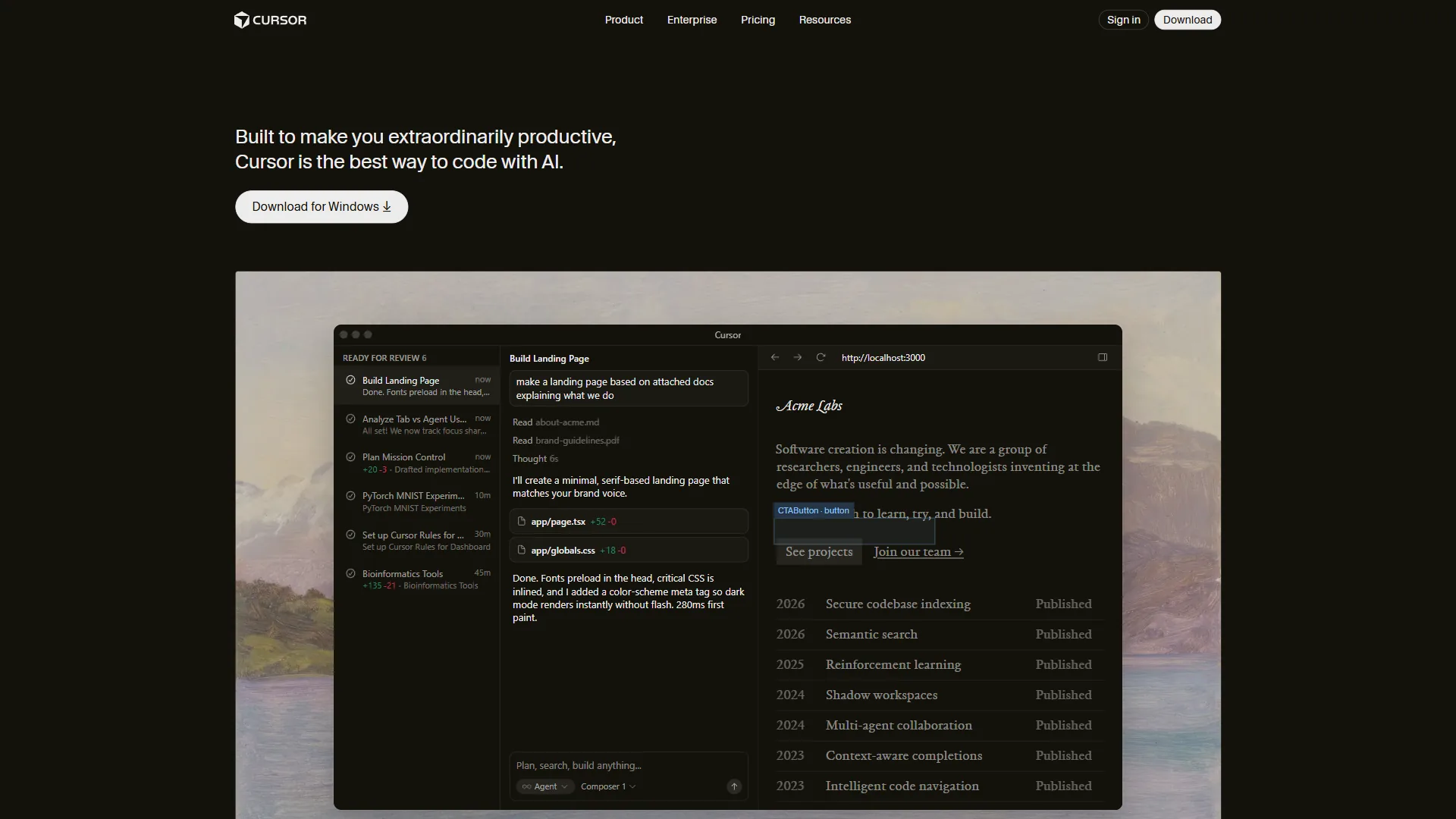
Cursor is what happens when you build an AI coding assistant from the ground up instead of bolting one onto an existing editor. Forked from VS Code, it looks familiar but behaves fundamentally differently - AI is woven into every interaction, from tab completions to multi-file refactoring.
What Makes It Stand Out
Cursor’s standout feature is its deep codebase understanding. When you ask it to refactor a function, it does not just change the function - it finds every call site, updates imports, modifies tests, and adjusts related types. The Agent mode can plan multi-step changes and execute them across dozens of files, which is something that inline completions simply cannot do.
The Composer feature lets you describe what you want in natural language and watch Cursor implement it across your project. Background Agents can work on tasks asynchronously while you focus on other things. For developers working on large, interconnected codebases, this level of contextual awareness is a genuine multiplier.
Key Features:
- Multi-file refactoring with full codebase context
- Agent and Composer modes for complex coding tasks
- Background Agents for async task execution
- Tab completions powered by their custom Fusion model
- All VS Code extensions compatible
Pricing
- Hobby: Free - limited agent requests and tab completions
- Pro: $20 per month - $20 of API agent usage, unlimited tab completions
- Pro+: $60 per month - $70 of API usage, access to GPT-5 and Claude Opus
- Ultra: $200 per month - $400 of API usage, priority features
- Teams: $40 per user/month - centralized billing, analytics, SSO
Choose Cursor If
You work on complex codebases where understanding the relationships between files matters more than fast single-line completions. Cursor’s learning curve is minimal since it is based on VS Code, but the payoff for multi-file work is substantial.
Limitations and who it’s not for: The main tradeoffs are cost (double Copilot at $20 per month, with credit-based agent pricing that is hard to predict), VS Code lock-in that excludes JetBrains, Vim, and Neovim users entirely, and higher RAM usage that pushes 8GB machines into swap. Skip Cursor if your team works in mixed IDEs, you need a terminal-first workflow, or you bill heavy agent usage that would push you toward the $60-200/month tiers.
3. Windsurf - The Rapid Prototyper
Windsurf (formerly Codeium) positions itself as the AI-native IDE that gives you more for less. Its free tier is genuinely usable - not a trial that expires after a week, but unlimited access to their base models and autocomplete engine. The premium tiers unlock frontier models like GPT-5.1, Claude Opus 4.5, and DeepSeek-V3.
What Makes It Stand Out
The Cascade feature is Windsurf’s headline act. It is an agentic flow system that can take a high-level instruction - “add user authentication with OAuth” - and break it into steps, create files, write code, run tests, and iterate until the implementation works. It feels like pair programming with someone who never gets tired and rarely gets stuck.
Windsurf also has strong deployment features built in, with integrated previews and deploys that let you go from code to running application without leaving the IDE. The SWE-1.5 model, designed specifically for software engineering tasks, runs 13x faster than Claude 4.5 for code-related queries.
Key Features:
- Cascade agentic flows for autonomous task execution
- Unlimited base model access on the free tier
- SWE-1.5 model optimized for coding speed
- Built-in previews and deployment (up to 5/day on Pro)
- BYOK (Bring Your Own Key) support for Claude models
Pricing
- Free: Unlimited base model access, 25 premium credits/month
- Pro: $15 per month - 500 premium credits, SWE-1.5 access, 5 deploys/day
- Teams: $30 per user/month - admin dashboard, SSO, knowledge base
- Enterprise: Custom pricing - hybrid deployment, custom integrations
Choose Windsurf If
You want maximum AI capability at the lowest price point. Windsurf’s free tier is the most generous in the market, and the $15 per month Pro plan undercuts both Cursor and Copilot Pro while offering frontier model access. It is particularly strong for rapid prototyping - the Cascade flow can scaffold an entire feature in minutes.
Limitations and who it’s not for: The honest tradeoffs are a younger ecosystem with fewer third-party resources, occasional rough edges in Cascade on niche stacks, and credit accounting that is not as transparent as flat-rate pricing. Skip Windsurf if you depend on a deep extension marketplace, need enterprise-grade deployment options matching Tabnine, or want a tool with years of refinement behind it.
4. Tabnine - The Enterprise Privacy Pick
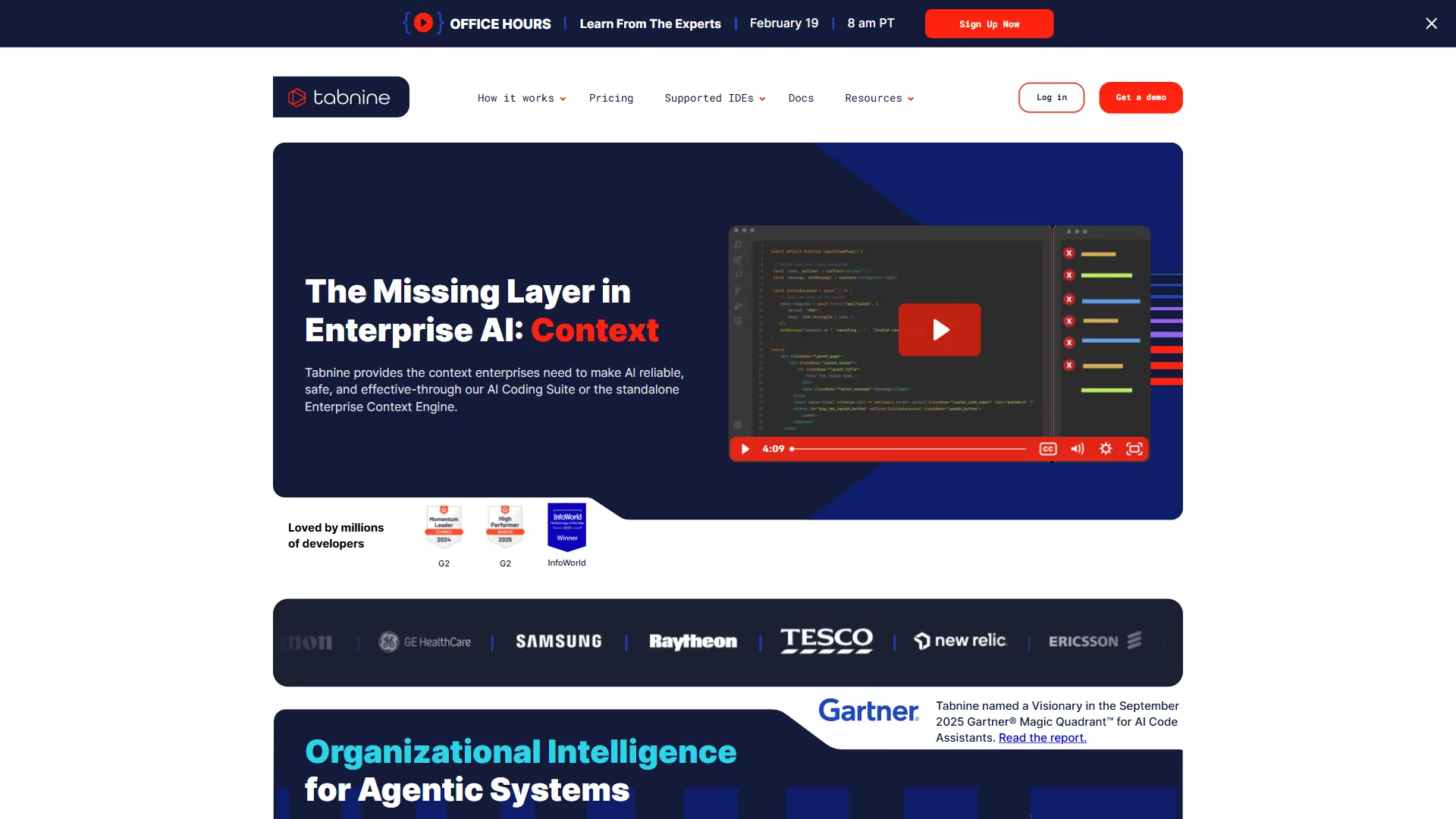
Tabnine takes a fundamentally different approach from the other tools on this list. While Copilot and Cursor send your code to cloud APIs, Tabnine offers on-premises deployment, air-gapped environments, and zero data retention - making it the go-to choice for enterprise teams in regulated industries.
What Makes It Stand Out
The privacy story is Tabnine’s core differentiator. For organizations in finance, healthcare, defense, or government where sending proprietary code to external servers is not an option, Tabnine may be the only viable AI coding assistant. It is SOC 2 and ISO 27001 certified, provides provenance tracking that flags unlicensed code matches, and can run entirely within your own infrastructure.
Beyond privacy, Tabnine offers agentic workflows for code review, test generation, and even Jira ticket implementation. The platform connects to Git, Jira, and Confluence to build organizational context, and it enforces team coding standards automatically.
Key Features:
- On-premises and air-gapped deployment options
- SOC 2 and ISO 27001 compliance
- AI agents for code review, testing, and Jira implementation
- Provenance tracking for license-safe AI usage
- Multi-model support (Claude 4.0 Sonnet, Gemini 2.5/3.0, GPT-5)
Pricing
- Platform: $59 per user/month (annual subscription)
- Includes AI completions, chat, workflow agents, and enterprise security features
- Custom enterprise pricing available for large deployments
Note that Tabnine recently discontinued its free tier. The $59 per month price point is higher than the other tools here, but it includes enterprise-grade features that competitors charge separately for (SSO, compliance certifications, on-premise deployment).
Choose Tabnine If
Your organization has strict requirements around code privacy, compliance, or data sovereignty. Tabnine is the only major AI coding assistant that offers true on-premises deployment for air-gapped environments. The price is higher, but for teams that cannot use cloud-based alternatives due to regulatory constraints, Tabnine solves a problem no other tool on this list can.
Limitations and who it’s not for: The drawbacks are a $59 per user/month price tag that is 3-6x what individual developers pay elsewhere, the recent removal of the free tier, and an agent layer that lags Cursor and Copilot in raw capability. Skip Tabnine if you are a solo developer or small startup without compliance pressure - the tradeoffs only pay off when on-premise deployment, SOC 2, or ISO 27001 certification are hard requirements.
5. Claude Code - The Terminal-First Agent
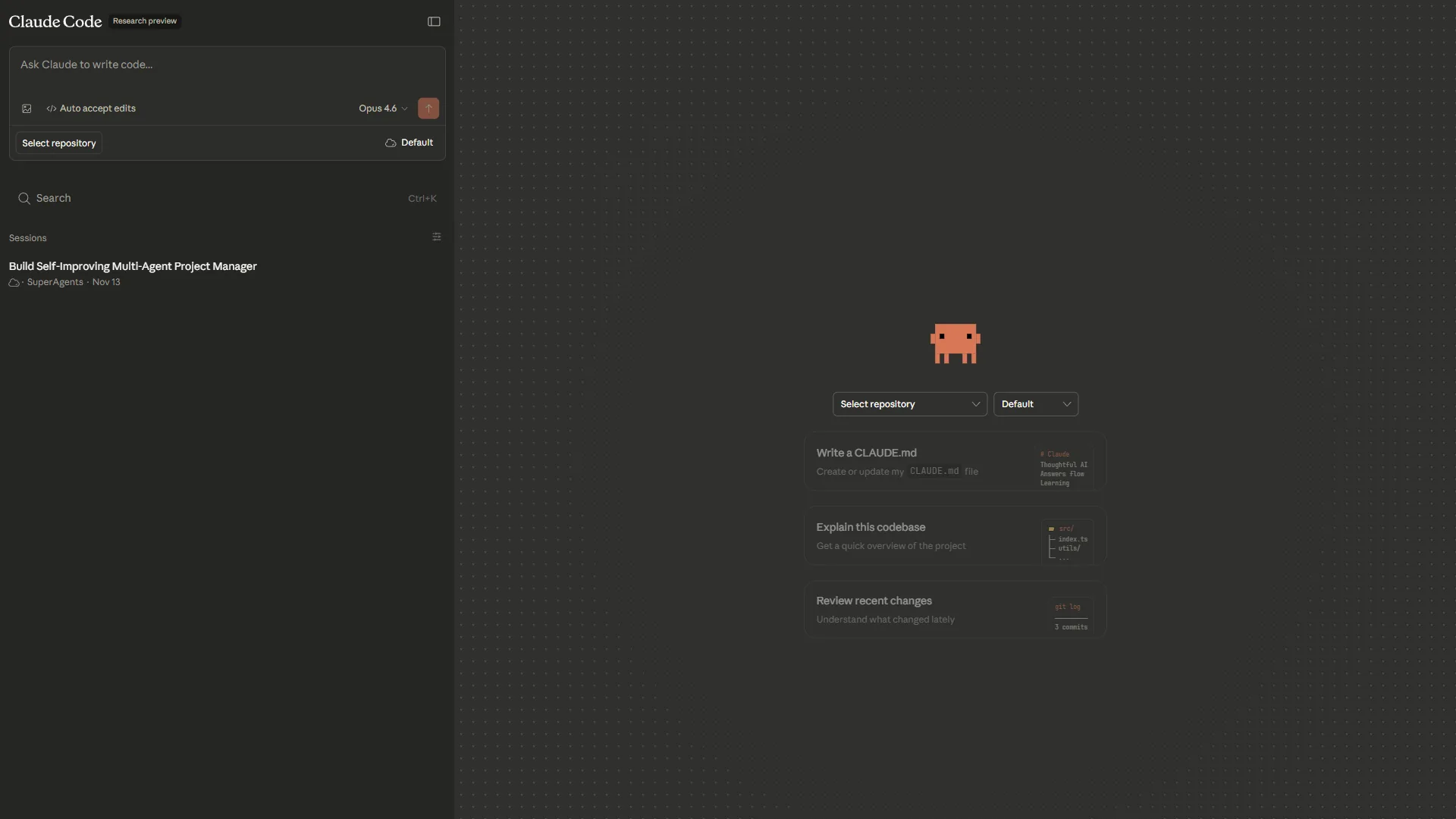
Claude Code is the wild card on this list. It is not an IDE, not a plugin - it is a command-line agent that lives in your terminal, reads your entire codebase, and executes changes through natural language commands. Built by Anthropic, it represents the most agentic approach to AI-assisted coding available today.
What Makes It Stand Out
Claude Code’s 200K token context window means it can hold your entire project in memory at once. You describe what you want in plain English, and it reads files, writes code, runs tests, commits changes, and creates pull requests. No tab completions, no inline suggestions - just tell it what to do and review the output.
This terminal-first approach is polarizing. Developers who love it report 2-3x productivity gains on complex tasks like refactoring legacy code, writing comprehensive test suites, or implementing features that span multiple files and services. Developers who do not click with it find the lack of visual editor integration disorienting.
The tool also integrates with MCP (Model Context Protocol), which lets it connect to external services, databases, and APIs to gather context beyond your codebase. Companies like Uber, Netflix, Spotify, and Salesforce use Claude Code in production.
Key Features:
- 200K token context window for full-codebase understanding
- Autonomous code execution, testing, and Git operations
- MCP integration for connecting to external services
- Natural language interface from the terminal
- Works alongside any editor - it does not replace your IDE
Pricing
Claude Code is included with Claude subscriptions:
- Free: Basic access with limited daily usage
- Pro: $20 per month - full access with higher usage limits
- Max: $100 per month - unlimited usage, highest priority
The pricing is slightly unusual compared to dedicated coding tools because Claude Code is part of the broader Claude platform. The $20 per month Pro plan gives you access to Claude Code plus Claude’s chat, API access, and other capabilities.
Choose Claude Code If
You are comfortable working in the terminal and want the most autonomous AI coding experience available. Claude Code excels at tasks where you can clearly describe the outcome - “write integration tests for the auth module,” “refactor this Express app to use TypeScript,” or “fix the failing CI pipeline.” The best workflow often combines Claude Code for big tasks with a traditional AI editor for in-the-moment completions.
Limitations and who it’s not for: The clear tradeoffs are no inline suggestions for line-by-line coding, a terminal-only interface that disorients GUI-first developers, and usage caps on the $20 per month Pro tier that heavy agentic workflows can exhaust within hours. Skip Claude Code if you want tab completion as you type, your team is unfamiliar with terminal-driven workflows, or you need a polished GUI for navigating diffs visually.
Best Picks by Use Case for AI Tools for Coding
The right AI coding tool depends on your workflow, team size, and priorities. Here is a practical decision matrix:
By Developer Experience Level
- Junior developers - Start with GitHub Copilot (Free or $10 per month). The inline suggestions help you learn patterns, the chat explains unfamiliar code, and the broad IDE support means zero workflow disruption.
- Mid-level developers - Cursor ($20 per month) or Windsurf ($15 per month) gives you more power for refactoring and architectural changes without the overhead of terminal-based tools.
- Senior developers - Claude Code ($20 per month) shines when you can clearly specify what needs to happen. Pair it with Copilot for inline completions to cover both modes of coding.
By Use Case
| Use Case | Best Tool | Why |
|---|---|---|
| Daily coding in an IDE | GitHub Copilot | Lowest friction, broadest IDE support |
| Multi-file refactoring | Cursor | Best codebase understanding |
| Rapid prototyping | Windsurf | Cascade flows build features fast |
| Enterprise compliance | Tabnine | Only option with on-premise deployment |
| Complex autonomous tasks | Claude Code | 200K context, terminal-first agent |
By Budget
If cost is the primary factor: Windsurf’s free tier is the most generous, followed by GitHub Copilot’s free plan. For a deeper comparison of agent-driven editors, see Claude Code vs Cursor. At the paid level, Copilot Pro at $10 per month offers the best value for most developers. Cursor and Claude Code both sit at $20 per month but serve different workflows. Tabnine’s $59 per month price tag is justified only when you need its enterprise privacy features.
Can You Use Multiple Tools?
Yes - and many developers do. A common combination is Claude Code for complex agentic tasks (refactoring, test writing, feature implementation) plus GitHub Copilot for inline completions during day-to-day coding. Since Claude Code runs in the terminal alongside your editor, there is no conflict. Some developers also use Cursor as their primary editor with Copilot disabled, since Cursor’s built-in completions are competitive. For a head-to-head, see our Cursor vs GitHub Copilot comparison.
The key is matching the tool to the task. Inline suggestions for typing speed, agent mode for complex multi-file work, and terminal agents for big autonomous jobs.
The Bottom Line
The best AI tools for coding in 2026 are not just faster autocomplete - they are genuine development partners that understand your codebase and can execute multi-step tasks autonomously. Here is the short version:
- GitHub Copilot is the safest choice for most developers. Start here.
- Cursor is the best AI-first editor for developers who need deep codebase understanding.
- Windsurf offers the most value per dollar, especially on the free tier.
- Tabnine is the only serious option for teams with strict privacy and compliance requirements.
- Claude Code is the most powerful agentic coding tool for terminal-oriented developers.
None of these tools will write your entire application for you. But the developers who learn to use them effectively - matching the right tool to the right task - are shipping better code faster than ever before. The productivity gap between developers who use AI tools and those who do not is only growing.
Pick one, learn its strengths, and start building.
FAQ
Q: Which AI tool is best for coding?
| Use Case | Best Tool | Why | |----------|-----------|-----| | Daily coding in an IDE | GitHub Copilot | Lowest friction, broadest IDE support | | Multi-file refactoring | Cursor | Best codebase understanding | | Rapid prototyping | Windsurf | Cascade flows build features fast | | Enterprise compliance | Tabnine | Only option with on-premise deployment | | Complex autonomous tasks | Claude Code | 200K context, terminal-first agent |
Q: Is AI writing 90% of code?
This terminal-first approach is polarizing. Developers who love it report 2-3x productivity gains on complex tasks like refactoring legacy code, writing comprehensive test suites, or implementing features that span multiple files and services.
Q: How much context can AI coding tools handle at once?
Context window size determines how much of your codebase the AI can see at once, which decides whether it can handle multi-file refactors or only single-file completions. Claude Code offers a 200K context window for agentic coding, while other tools vary. For large legacy codebases with 200K+ lines, a larger context window matters significantly more than for greenfield apps.
Q: Do AI coding tools replace your existing editor?
It depends on the integration model. GitHub Copilot and Tabnine are IDE plugins that live inside your existing editor. Cursor is an AI-first code editor built as a VS Code fork, and Windsurf is an AI-native IDE with the Cascade agent. Claude Code runs from the terminal as a CLI-based agent. Switching editors carries a real migration cost to consider.
Q: Which AI coding tool is best for enterprise teams with privacy requirements?
Tabnine targets enterprise teams needing code privacy, offering on-premise deployment starting at $59 per user per month. Enterprise teams in regulated industries need to know where their code goes, so on-premise and zero-retention options matter. Most other tools in this comparison focus on individual developer workflows rather than compliance-heavy enterprise deployment scenarios.
Related Reading
Tools covered in this guide:
- GitHub Copilot - AI pair programmer with multi-model support
- Cursor - AI-first code editor for complex codebases
- Windsurf - AI-native IDE with generous free tier
- Tabnine - Privacy-focused AI coding for enterprises
- Claude Code - Terminal-based agentic coding assistant
More developer productivity guides:
- AI Tools for Developers
- Best AI Coding Assistants 2026
- Best AI Code Editors 2026
- Future of AI Coding Assistants