



Running a nonprofit means doing more with less. According to The National Council of Nonprofits, staff at small nonprofits typically wear 5-7 different hats. You’re managing donors, coordinating volunteers, writing grants, and promoting your mission - all while watching every dollar. AI tools for nonprofit managers have become essential for organizations that need to maximize impact without expanding headcount.
Based on research into productivity tools for nonprofit operations, three stand out as the best free AI tools for nonprofits delivering exceptional value for mission-driven organizations. These tools offer generous free tiers, nonprofit discounts, and workflows tailored to the unique challenges nonprofits face daily.
TL;DR: Best AI Tools for Nonprofit Managers in 2026
| Tool | Primary Use | Free Tier | Nonprofit Cost | Time Savings |
|---|---|---|---|---|
| Notion | Donor database, volunteer coordination, project management | Yes (generous) | Free for nonprofits | 5-8 hrs/week |
| Grammarly | Grant writing, donor communications, professional emails | Yes (100 AI prompts) | $12/mo (50% off) | 3-5 hrs/week |
| Canva | Marketing materials, social media, event flyers | Yes (2M+ templates) | Free Pro for nonprofits | 4-6 hrs/week |
Total monthly cost: $0-12/month for a complete AI-powered nonprofit stack (vs. $40-50 at regular pricing)
Combined time savings: 12-19 hours per week - that’s nearly half a full-time position reclaimed for mission work.
Selection Criteria
The tools that work for corporations often miss the mark for nonprofits. Here’s what makes nonprofit operations unique:
Budget constraints are non-negotiable. Every dollar spent on software is a dollar not spent on your mission. That reality is why AI tools for nonprofit managers free of upfront cost - or offered at verified nonprofit discounts - are the only realistic starting point for small teams.
Volunteer management requires different workflows. Unlike employees, volunteers have varying availability, skill levels, and commitment lengths. Your systems must accommodate this flexibility.
Donor relationships are everything. A for-profit business can acquire new customers through advertising. Nonprofits build long-term relationships with supporters who give because they believe in your cause.
Grant writing is high-stakes writing. A poorly written grant proposal doesn’t just cost a sale - it costs funding that could support your programs for years. Association of Fundraising Professionals research shows that proposal quality is the top factor in funding decisions.
You wear many hats. The executive director might also be the communications director, volunteer coordinator, and bookkeeper. Just like project managers juggling multiple workstreams, nonprofit leaders need tools that support multiple functions without multiple learning curves.
The right AI tools for nonprofit managers address each of these challenges while respecting the reality that overhead scrutiny is constant.
1. Notion: Your Nonprofit Command Center
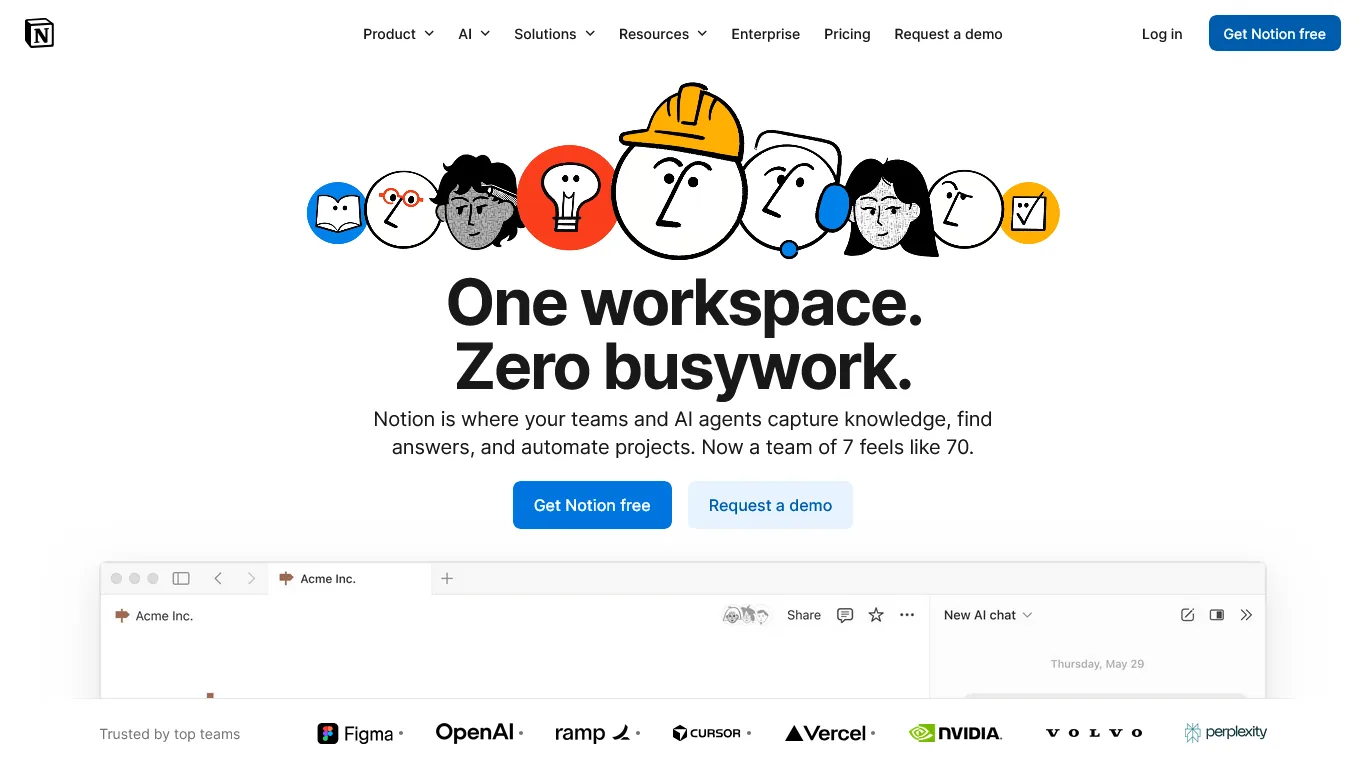
Notion has become the ideal hub for nonprofits that need to manage donors, volunteers, programs, and board relations - all without paying for expensive CRM software or project management tools.
Key Features for Nonprofit Managers
Donor Database and Relationship Tracking
Build a comprehensive donor management system that rivals expensive CRM software:
- Contact information with giving history and communication preferences
- Donation tracking with amounts, dates, and campaigns
- Relationship notes (board connections, volunteer history, event attendance)
- Automated reminders for thank-you notes and cultivation calls
- Segmentation by giving level, interests, or engagement type
With Notion’s AI features (included in their nonprofit plan), you can ask questions like “Which major donors haven’t been contacted in 90 days?” and get instant answers.
Volunteer Coordination
Managing volunteers requires different workflows than managing staff:
- Volunteer profiles with skills, availability, and certifications
- Shift scheduling and sign-up databases
- Training documentation and onboarding checklists
- Hour tracking for volunteer recognition programs
- Communication templates for recruitment and appreciation
Program and Project Management
Track everything from annual galas to weekly food distributions:
- Event planning timelines with task assignments
- Grant deliverable tracking linked to funder requirements
- Board meeting preparation and document storage
- Strategic planning dashboards with goal progress
- Committee workspaces with shared documents
Notion Pricing for Nonprofits
| Plan | Regular Price | Nonprofit Price | Features |
|---|---|---|---|
| Free | $0 | $0 | Unlimited pages, 10 guests, basic features |
| Plus | $12/month | Free | Unlimited blocks, 100 guests, 30-day history |
| Business | $18/month | Free | AI features, private teamspaces, advanced permissions |
Critical nonprofit benefit: Notion offers free Plus and Business plans to registered 501(c)(3) organizations through their Notion for Nonprofits program. Apply with your determination letter.
Real Workflow Impact: Donor Management
Before Notion: Donor information scattered across spreadsheets, email threads, and sticky notes. Staff leaving meant institutional knowledge walking out the door.
After Notion: Single source of truth with relationship history preserved. New development officers can see complete donor context immediately.
Time saved: 5-8 hours weekly on information retrieval, donor research, and coordination.
Nonprofit-Specific Use Cases
Annual Fund Campaign Tracking
Create a database that tracks:
- Donor solicitation status (not yet contacted, solicited, pledged, received)
- Ask amounts based on giving history and capacity
- Assigned solicitor and next action dates
- Campaign totals updated in real-time
Board Management
Organize everything your board needs:
- Meeting agendas and minutes archive
- Committee assignments and responsibilities
- Document repository (bylaws, policies, strategic plan)
- Action item tracking between meetings
Grant Management
Never miss a deadline or deliverable:
- Grant calendar with application and reporting deadlines
- Budget tracking linked to funder requirements
- Narrative templates for common report sections
- Outcome data collection templates
Limitations and who it’s not for: Notion is not a true CRM. It lacks built-in payment processing, automated tax-receipt generation, and grant-management compliance reporting that purpose-built nonprofit platforms (Bloomerang, Little Green Light, Salesforce NPSP) provide. Skip Notion if you need PCI-compliant donor payment storage or audit-ready financial recordkeeping. The drawbacks include a steep learning curve - the blank-canvas approach overwhelms volunteers and board members who want a turnkey system. Notion AI is also a separate paid add-on for non-eligible organizations, which surprises people expecting it bundled in the free Plus plan.
2. Grammarly: Grant Writing and Donor Communications
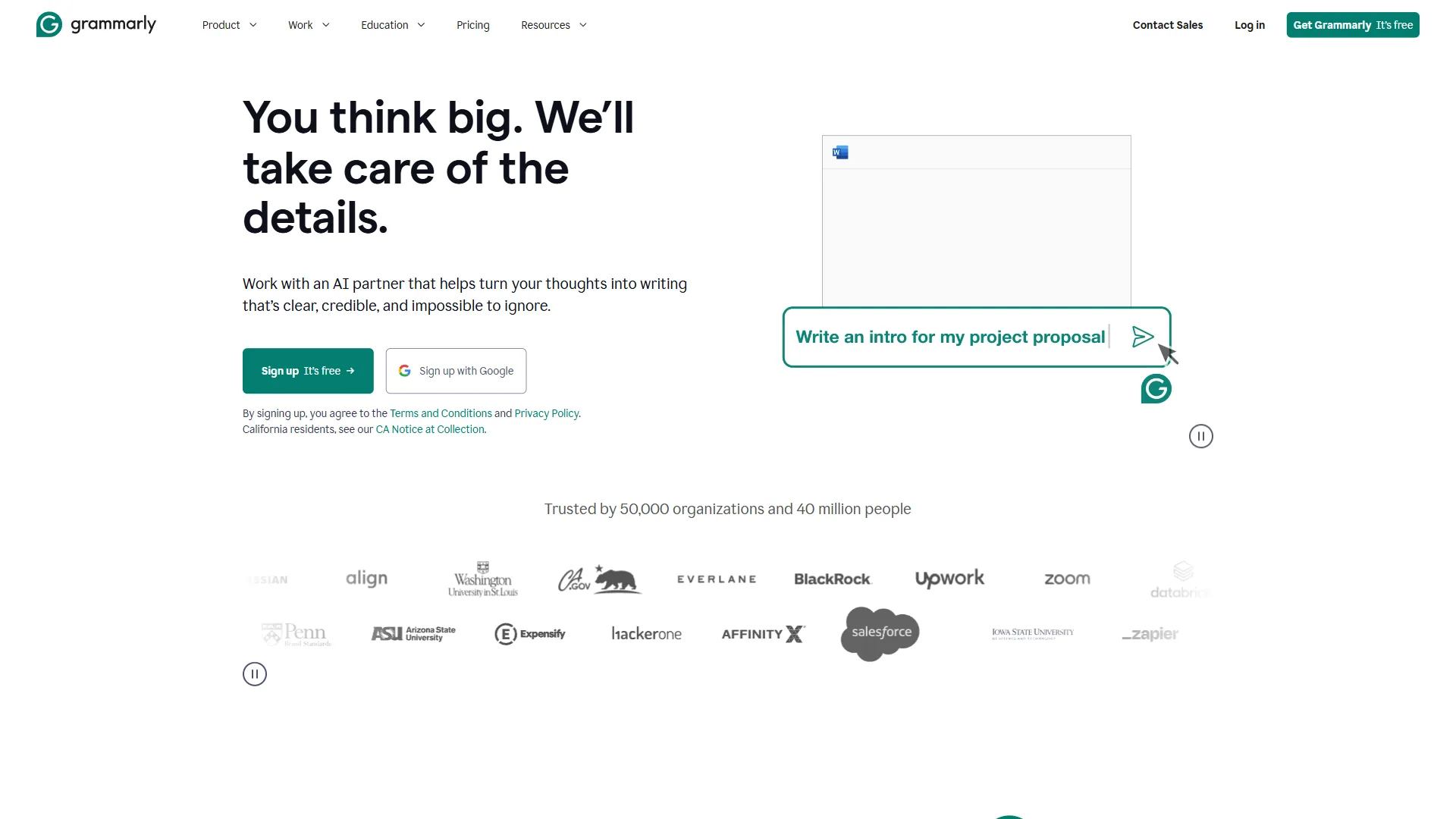
For nonprofits, written communication directly impacts funding. A typo in a grant proposal undermines credibility. A confusing donor appeal reduces response rates. Grammarly ensures every word you write serves your mission.
Key Features for Nonprofit Managers
Grant Writing Assistance
Grant proposals are high-stakes documents where clarity and professionalism matter enormously. If you write proposals regularly, our guide on writing proposals with AI covers the full workflow. Key Grammarly features for grant work:
- Grammar and punctuation checking that catches errors reviewers notice
- Clarity suggestions that strengthen your narrative
- Tone detection to ensure you sound confident, not desperate
- Consistency checking for terminology (especially important in multi-section proposals)
- Word count optimization when you’re battling character limits
Donor Communications
Every donor touchpoint shapes your relationship:
- Appeal letters that balance urgency with authenticity
- Thank-you notes that feel personal, not templated
- Newsletter content that engages without overwhelming
- Board reports that communicate impact clearly
- Year-end summaries that inspire continued giving
Professional Correspondence
Nonprofits interact with diverse stakeholders who expect different communication styles:
- Formal tone for foundation program officers and corporate partners
- Warm tone for individual donors and long-term supporters
- Confident tone for media inquiries and partnership proposals
- Encouraging tone for volunteer recruitment and retention
Grammarly’s tone adjustment features help you match your writing to each audience.
Grammarly Pricing for Nonprofits
| Plan | Regular Price | Nonprofit Price | Features |
|---|---|---|---|
| Free | $0 | $0 | Basic grammar, 100 AI prompts/month |
| Pro | $30/month | $12/month (60% off) | Full writing suggestions, 1,000 AI prompts |
| Business | $15/user/month | approximately $6-8/user/month (50-60% off) | Team features, style guides |
Nonprofit discount: Grammarly offers 50-60% discounts for registered nonprofits. Apply with your 501(c)(3) documentation to access discounted team pricing.
Real Workflow Impact: Grant Writing
Before Grammarly: Two hours proofreading each grant proposal, still missing occasional errors. Inconsistent terminology across sections written by different staff.
After Grammarly: 30 minutes for final review, confidence in every submission. Style consistency maintained even with multiple writers.
Time saved: 3-5 hours per grant application, plus improved success rates from polished proposals.
Grant Writing Best Practices with Grammarly
Strengthen Your Case
Grammarly catches weak constructions that undermine grant narratives:
- Passive voice: “Services were provided to 500 clients” → “We served 500 clients”
- Hedging language: “We hope to achieve” → “We will achieve”
- Wordiness: “In order to” → “To”
- Vague claims: “Many community members” → provide specific numbers
Maintain Funder-Appropriate Tone
Different funders expect different voices:
- Government grants: Formal, precise, jargon-appropriate
- Family foundations: Warmer, story-driven, relationship-focused
- Corporate sponsors: Business-like, ROI-oriented, partnership-framed
Use Grammarly’s tone detector to verify you’re hitting the right register.
Check Consistency Across Sections
Multi-section proposals often have consistency issues:
- Organization name variations (Center vs. Centre, Inc. vs. Incorporated)
- Program name consistency
- Terminology matching the funder’s language
- Number formatting (percent vs. %)
Limitations and who it’s not for: Grammarly is a grammar and tone checker, not a grant-writing coach. It cannot evaluate whether your theory of change is funder-aligned, your budget narrative is realistic, or your logic model is sound. Skip Grammarly if you expect strategic content guidance - pair it with a development consultant for those decisions. The browser extension also conflicts with Google Docs collaboration in some configurations and has known limitations with non-English program names or transliterated terminology. Free-tier users hit the 100 AI prompt cap quickly during grant season.
3. Canva: Visual Marketing Without a Design Budget
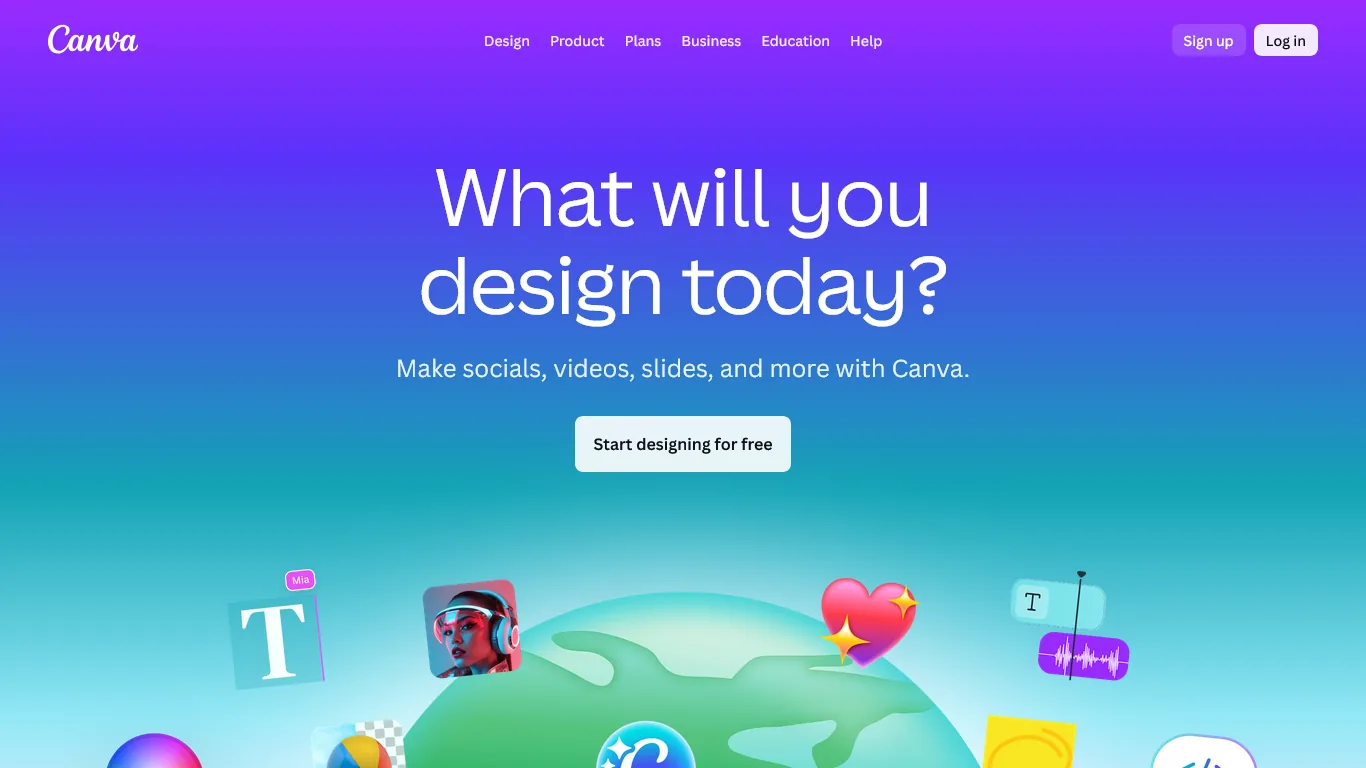
Nonprofits need professional visual materials but rarely have graphic design budgets. Canva democratizes design, letting anyone create compelling graphics for fundraising, events, and awareness campaigns.
Key Features for Nonprofit Managers
Marketing Materials for Every Need
Create professional assets without design skills:
- Social media graphics for Facebook, Instagram, LinkedIn, and Twitter (see our guide to AI social media automation for scheduling tips)
- Email headers and newsletter templates
- Print materials (brochures, postcards, flyers)
- Event invitations and save-the-dates
- Annual report layouts
- Infographics showing program impact
Brand Consistency Across All Materials
Maintain professional brand standards:
- Brand Kit stores your logo, colors, and fonts
- One-click brand application to any template
- Templates locked to your organization’s style
- Shared team assets for consistent volunteer use
Event Promotion Made Simple
Nonprofits run on events. Canva handles the visuals:
- Gala invitations and auction catalogs
- Run/walk promotional materials
- Volunteer appreciation certificates
- Sponsor recognition graphics
- Event signage and banners
Canva Pricing for Nonprofits
| Plan | Regular Price | Nonprofit Price | Features |
|---|---|---|---|
| Free | $0 | $0 | 2M+ templates, basic features, 5GB storage |
| Pro | $12.99/month | Free | 140M+ premium assets, Brand Kit, Magic Studio AI |
| Teams | $20/user/month | Free | Team collaboration, unlimited storage |
Major nonprofit benefit: Canva offers free Pro and Teams plans to registered nonprofits through Canva for Nonprofits. This includes their full Magic Studio AI suite, premium templates, and 100GB storage.
Real Workflow Impact: Event Marketing
Before Canva: Hiring freelance designers for each event ($200-500 per project) or creating amateurish materials in Word. Two-week turnaround for professional graphics.
After Canva: Creating polished materials in-house in under an hour. Same-day turnaround for urgent needs. Annual design savings of $3,000-5,000.
Time saved: 4-6 hours per major campaign, plus eliminated designer coordination time.
Nonprofit Marketing Use Cases
Fundraising Campaigns
Create a coordinated visual campaign:
- Social media graphics at correct dimensions for each platform
- Email headers matching campaign branding
- Donation page graphics
- Thank-you graphics for social sharing
- Progress thermometer updates
Impact Reporting
Turn data into compelling visuals:
- Infographics showing program outcomes
- Annual report pages with consistent design
- Social media cards highlighting key statistics
- Presentation slides for board and funder meetings
Volunteer and Awareness Campaigns
Recruit and recognize supporters:
- Volunteer recruitment flyers
- Appreciation certificates and social shout-outs
- Awareness month graphics
- Advocacy call-to-action materials
Limitations and who it’s not for: Canva is a template-driven design tool, not a substitute for professional brand identity work. Skip Canva if your nonprofit needs print-production-grade files (CMYK preflight, true vector logos, large-format proofs) - the export pipeline produces RGB output that misprints on offset presses. The drawbacks include limited typography control compared to Adobe Illustrator and a “designed in Canva” aesthetic that sophisticated funders sometimes recognize. It is not ideal for organizations with complex multi-language brand systems or strict accessibility audit requirements (alt-text and contrast checks remain manual).
Pro Tips
Here’s how these three tools work together in typical nonprofit operations:
Morning Routine (30 minutes saved daily)
8:00 AM - Check Notion Dashboard
- Review today’s tasks and deadlines
- Check donor follow-up reminders
- See volunteer shift assignments for the day
8:15 AM - Communications Block
- Draft donor thank-you notes in Grammarly
- Use AI prompts to personalize based on gift amount and history
- Schedule social media posts created in Canva
Throughout the Day
Donor Interactions
- Log all donor contacts in Notion immediately
- Use Grammarly for quick email polishing
- Create personalized appreciation graphics in Canva
Grant Work
- Track deadlines and requirements in Notion
- Draft and polish proposals in Grammarly
- Design supporting materials in Canva
Event Planning
- Manage tasks and timelines in Notion
- Create promotional materials in Canva
- Draft invitations and follow-ups in Grammarly
Weekly Operations
Monday - Planning
- Review Notion dashboards for the week ahead
- Assign tasks to staff and volunteers
- Schedule social media content from Canva
Wednesday - Communications
- Draft newsletter in Grammarly
- Create accompanying graphics in Canva
- Update donor touchpoint records in Notion
Friday - Reporting
- Pull data from Notion databases
- Create visual reports in Canva
- Polish board updates in Grammarly
Next Steps
Week 1: Foundation Setup
Days 1-2: Notion for Nonprofits Application
- Gather your 501(c)(3) determination letter
- Apply at notion.so/nonprofits
- Set up your workspace while awaiting approval
- Create basic donor and volunteer databases
Days 3-4: Canva for Nonprofits Application
- Apply at canva.com/canva-for-nonprofits
- Upload your logo and brand colors
- Explore nonprofit-specific templates
- Create your first social media graphic
Days 5-7: Grammarly Setup
- Install browser extension and desktop app
- Apply for nonprofit discount (50-60% off)
- Configure tone preferences for your organization
- Test on a draft donor communication
Week 2: Building Core Systems
Notion: Donor Database
- Import existing donor data (from spreadsheets or old CRM)
- Create views by giving level, last contact, and solicitation status
- Set up automation for follow-up reminders
- Build thank-you letter templates
Canva: Brand Kit
- Upload all logo variations
- Set brand colors with hex codes
- Add approved fonts
- Create templates for common use cases
Grammarly: Style Guide
- Configure organization name preferences
- Set tone defaults for different document types
- Add specialized vocabulary (program names, industry terms)
Week 3: Volunteer and Program Systems
Notion: Volunteer Management
- Create volunteer profile database
- Build shift scheduling system
- Develop onboarding checklist template
- Set up hour tracking for recognition
Canva: Marketing Templates
- Create social media template set
- Design event flyer templates
- Build email header templates
- Develop impact report layouts
Week 4: Integration and Training
Cross-Tool Workflows
- Link Notion databases to Canva projects
- Create standard operating procedures
- Document tool usage guidelines
- Train staff on integrated workflows
Measure Baseline Metrics
- Time spent on common tasks before AI tools
- Current turnaround times for materials
- Grant success rates
- Donor retention rates
ROI Calculator
Time Savings Calculation
| Task | Before AI (weekly) | After AI (weekly) | Savings |
|---|---|---|---|
| Donor database management | 4 hours | 1 hour | 3 hours |
| Grant writing/editing | 8 hours | 4 hours | 4 hours |
| Marketing material creation | 6 hours | 2 hours | 4 hours |
| Communications drafting | 4 hours | 1 hour | 3 hours |
| Information retrieval | 3 hours | 30 min | 2.5 hours |
| Total | 25 hours | 8.5 hours | 16.5 hours |
Financial Impact
According to Independent Sector, the value of volunteer time in 2024 was estimated at $33.49 per hour - demonstrating how significantly AI-enabled staff efficiency multiplies your organizational capacity.
For a nonprofit with $50/hour equivalent staff cost:
- Time reclaimed: 16.5 hours/week = 66 hours/month
- Value of reclaimed time: 66 x $50 = $3,300/month
- AI tool cost with nonprofit discounts: $0-12/month
- Annual value: $39,600 in reclaimed staff capacity
Alternative framing: Those 16.5 hours weekly equal approximately 0.4 FTE. You’re essentially adding part-time capacity without adding headcount or overhead.
Grant Success Impact
Polished, well-organized proposals have measurably higher success rates:
- Average grant success rate: 20-30%
- With professional writing assistance: 25-35%
- Improvement of 5 percentage points on 10 applications annually at $50,000 average = $25,000 additional funding
Frequently Asked Questions
Q: Are nonprofit discounts really free, or is there a catch?
The programs from Notion and Canva are genuinely free for registered 501(c)(3) organizations. Both require verification of your nonprofit status (determination letter) and have reasonable use policies, but there are no hidden fees or required upgrades. Grammarly offers significant discounts (50-60%) rather than free access.
Q: How do I convince my board that AI tools are appropriate overhead?
Frame AI tools as capacity multipliers, not expenses:
- Calculate time savings in equivalent FTE terms
- Show cost comparison vs. hiring (even part-time staff costs $15,000+ annually)
- Demonstrate how tools improve grant success and donor retention
- Note that most nonprofits your size are already using these tools
Q: Is donor data secure in cloud-based tools like Notion?
Notion maintains SOC 2 Type II certification and GDPR compliance. For nonprofit use, their security practices meet or exceed most donor database standards. However, avoid storing sensitive payment information in Notion - that should remain in your payment processor or accounting system.
Q: What if our volunteers aren’t tech-savvy?
Start with Canva for volunteer-facing tools - its interface is the most intuitive. For Notion, create simplified views that show only what volunteers need (their shifts, their tasks). You can build complex systems in the background while presenting simple interfaces to users.
Q: Can these tools integrate with our existing donor database?
Notion can import data from most systems via CSV export. It can serve as your primary donor database or supplement an existing CRM with project management features. For organizations with established Salesforce or Bloomerang systems, Notion works alongside as your operational hub rather than replacing donor data systems.
Q: How long until we see ROI?
Most nonprofits report meaningful time savings within 2-3 weeks of setup. Full ROI realization (16+ hours weekly) typically occurs after 6-8 weeks of consistent use and workflow refinement. Grant writing improvements show in your next submission cycle.
Final Thoughts
The best AI tools for nonprofit managers share a common trait: they multiply your capacity without multiplying your budget. Notion, Grammarly, and Canva each address critical nonprofit operational challenges while respecting the financial realities of mission-driven work.
Start with whichever tool addresses your biggest pain point. If donor data is chaos, begin with Notion. If grant writing consumes your weeks, start with Grammarly. If marketing materials are holding back your visibility, Canva is your entry point.
The combined stack costs $0-12/month for a complete AI-powered nonprofit operation - less than a single hour of consultant time. Start with Notion for donor and volunteer management, since it offers a free plan for registered nonprofits. The 12-19 hours you’ll reclaim weekly can go directly toward advancing your mission.
Related Reads
Tradeoffs: these companion guides cover the limitations and best-fit scenarios for each tool across different operational contexts.
Explore more AI productivity resources for nonprofit and professional settings:
- AI Tools for Solopreneurs: The Ultimate 2026 Stack - Broader productivity toolkit applicable to small nonprofit teams
- AI Tools for Coaches - Relevant for nonprofits with coaching or mentorship programs
- AI Tools for Small Business - Productivity tools for resource-conscious organizations
- Notion Review - AI-powered workspace with free nonprofit plans
- Grammarly Review - Professional writing for grants and donor communications
- Canva Review - Free design tools for nonprofit marketing
- Atlassian Stack for Developers: Jira, Confluence, and Bitbucket
External Resources
For nonprofit professionals exploring AI adoption and capacity building:
- National Council of Nonprofits Technology Resources - Guidance on technology adoption and digital strategy for nonprofits
- TechSoup - Discounted and donated technology products for nonprofits, including software and training