



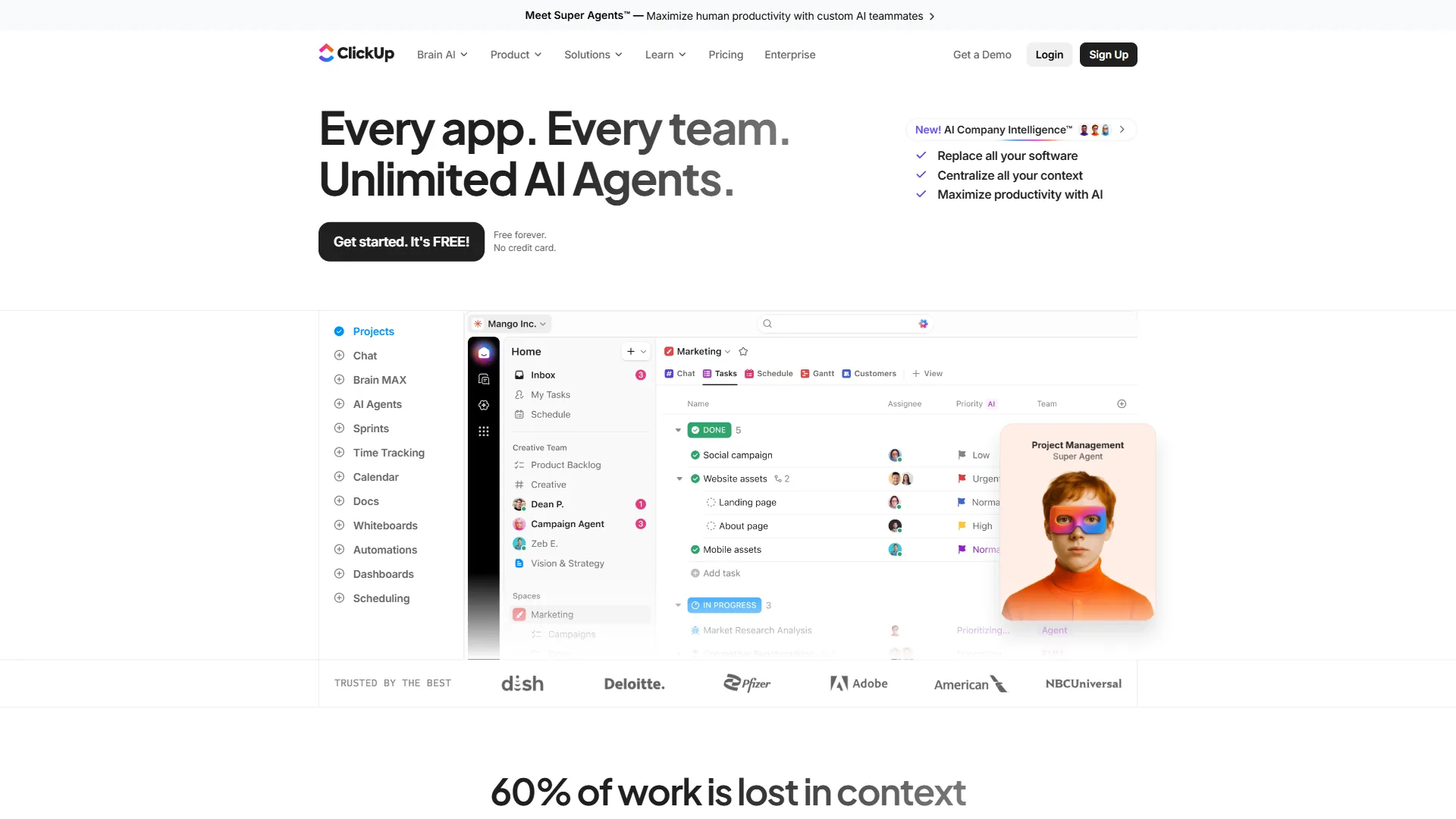
Searching for ClickUp alternatives usually starts with the same realization: the platform that promises to replace every other tool has become its own kind of problem. ClickUp packs more features into a single workspace than any competitor - 15+ view types, built-in docs, whiteboards, goals, time tracking, sprint management, and ClickUp Brain AI. For teams that fully adopt the system, it delivers. But the path to full adoption is where most teams stall.
Is there anything better than ClickUp? That depends entirely on what “better” means for a specific team. ClickUp wins on feature breadth and pricing. It loses on simplicity, onboarding speed, and performance at scale. The six ClickUp alternatives in this guide each outperform ClickUp in at least one dimension that matters - whether that is cleaner workflows, faster setup, better developer tooling, or enterprise-grade resource management.
This comparison uses current 2026 pricing and real capability differences - not marketing claims - to match each alternative to the team type where it genuinely makes more sense than ClickUp.
Why People Leave ClickUp
ClickUp earns strong user ratings across review platforms, and the Free Forever tier - with unlimited tasks and unlimited users - is among the most generous in project management. Paid plans start at $7 per user/month (Unlimited, annual) and $12 per user/month (Business, annual), with ClickUp Brain available as an add-on starting at $9 per user/month. The value proposition is real.
The friction points are equally real:
- Onboarding takes weeks, not hours. The same flexibility that enables deep customization creates decision paralysis during setup. Teams spend time configuring ClickUp instead of using it - choosing between 15+ views, building hierarchies of Spaces, Folders, and Lists, and tuning automations before any productive work begins.
- Performance degrades with scale. Workspaces with thousands of tasks, dozens of members, and heavy integration usage experience noticeable slowdowns. This appears consistently in long-term user feedback.
- Notification overload is the default. ClickUp’s notification system defaults to aggressive, and new users get buried in alerts before learning how to filter them. The fix exists, but requires manual configuration per user.
- Is ClickUp still buggy? Historically, ClickUp’s rapid feature releases outpaced stability testing. The platform has improved significantly through 2025 and into 2026, but users managing complex workspaces still report occasional UI inconsistencies and sync delays. The bug reputation is partly outdated, partly ongoing.
- Feature bloat for focused teams. Teams that need task management and nothing else are paying for - and navigating around - docs, goals, whiteboards, chat, and AI features they will never touch. Simpler tools solve their actual problem faster.
- Is ClickUp good for ADHD? The sheer volume of options, notifications, and customization surfaces can overwhelm users who struggle with executive function. Tools with constrained interfaces - like Linear or Trello - often work better for neurodivergent users who benefit from fewer choices and cleaner visual layouts.
If any of those limitations describe the current experience, the alternatives below each solve a specific subset of them.
Quick Picks: Best ClickUp Alternatives
| Tool | Starting Price | Free Tier | Best For | AI Features |
|---|---|---|---|---|
| ClickUp | $7/user/mo (annual) | Yes (unlimited tasks) | Maximum feature density | ClickUp Brain (add-on) |
| Asana | $10.99/user/mo (annual) | Yes (10 users) | Structured team workflows | AI Studio (all paid tiers) |
| Monday.com | $9/seat/mo (annual) | Yes (2 users) | Visual workflow building | monday agents, sidekick |
| Notion | $10/user/mo (annual) | Yes (unlimited pages) | Docs + project management | AI Agents (Business tier) |
| Linear | $6.40/user/mo (annual) | Yes (250 issues) | Developer issue tracking | AI triage and summarization |
| Trello | $5/user/mo (annual) | Yes (10 boards) | Simple Kanban boards | None (rule-based Butler) |
| Wrike | $9.80/user/mo | Yes (unlimited users) | Enterprise resource management | Wrike Copilot, Agent Builder |
1. Asana - Best for Structured Team Workflows
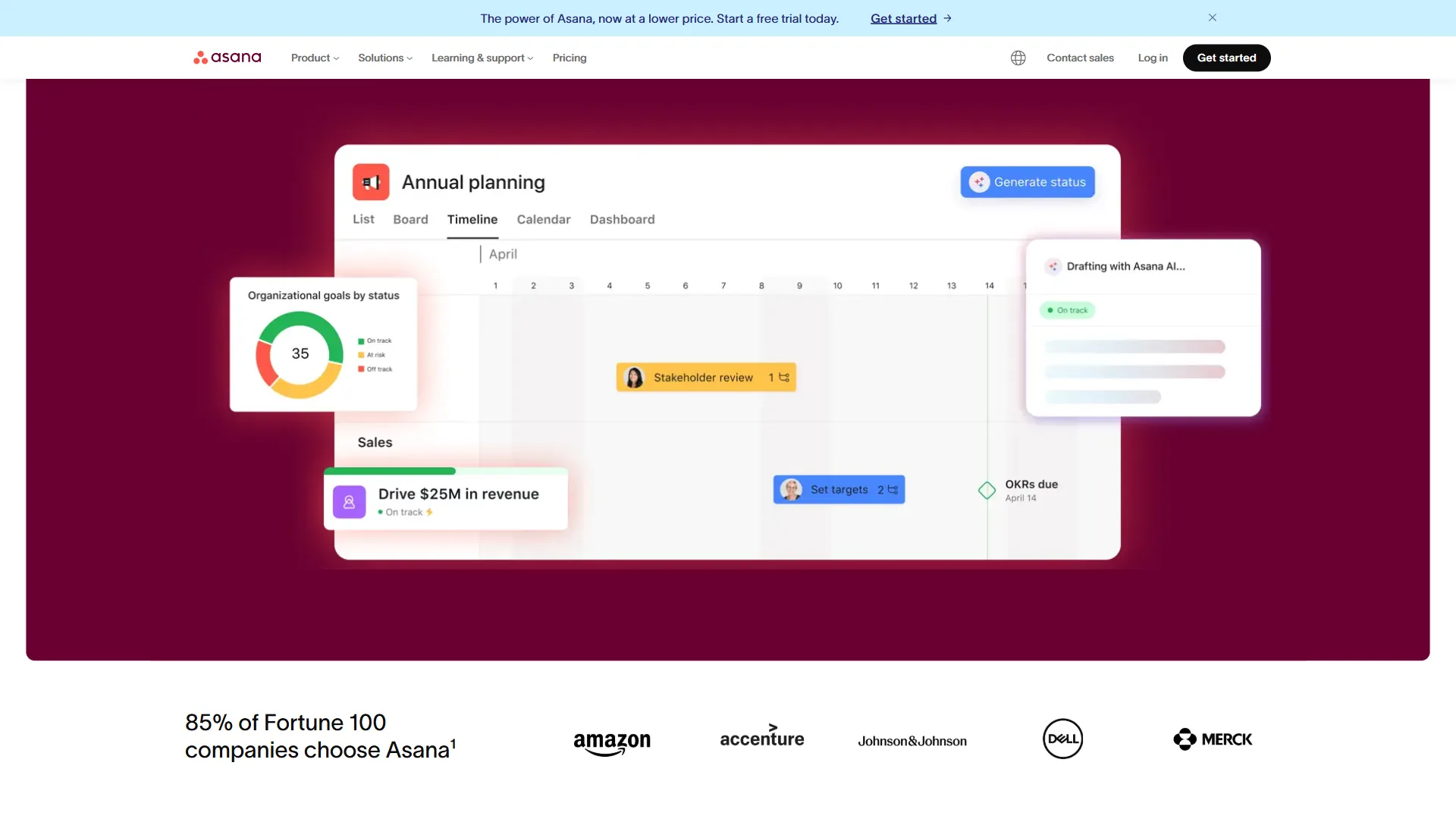
Pricing: Free (10 users) / Starter: $10.99 per user/mo (annual) / Advanced: $24.99 per user/mo (annual) / Enterprise: Custom Free tier: 10 users, unlimited tasks and projects, list and board views AI: AI Studio included on all paid tiers; AI Teammates in beta for AI Studio Pro customers
Asana is the ClickUp alternative that trades customization depth for workflow clarity. Where ClickUp offers 15+ ways to view the same data, Asana focuses on making the right view obvious for each workflow stage. The result is a tool that teams adopt faster, maintain more consistently, and actually use as intended.
Where Asana Outperforms ClickUp
Onboarding speed is dramatically faster. New team members reach productivity in days rather than weeks. Asana’s constrained interface - fewer view types, fewer nesting options, clearer navigation - means less time configuring and more time working. For teams where rapid adoption matters more than deep customization, this is the deciding factor.
AI Studio is included on all paid tiers. As detailed on Asana’s AI page, ClickUp Brain starts at $9 per user/month as an add-on - Asana bundles AI automation into every Starter plan and above. AI Studio lets teams build workflows using natural language instructions, and AI Teammates (currently in beta) can handle routine tasks autonomously. The total cost of Asana Starter with AI is $10.99 per user/month versus ClickUp Unlimited plus Brain at $16 per user/month.
Timeline views with dependency intelligence are best-in-class. Moving one task automatically shifts everything downstream. Asana’s dependency tracking is more reliable and more intuitive than ClickUp’s, particularly for project managers building complex schedules with overlapping milestones.
Portfolio management across projects is cleaner. The Advanced tier ($24.99 per user/month) provides a single dashboard showing status, risk, and progress across all active projects. ClickUp offers similar functionality through Dashboards, but the setup requires more configuration and the result is less polished.
Limitations and Where Asana Falls Short vs ClickUp
- The free tier caps at 10 users with limited features. ClickUp’s free tier is significantly more generous - unlimited users, unlimited tasks, and access to docs, whiteboards, and chat.
- No built-in time tracking below the Advanced tier. ClickUp includes native time tracking on the $7 per month Unlimited plan. Asana requires the $24.99 per month Advanced plan or a third-party integration.
- Fewer view types. ClickUp’s 15+ views - including Mind Maps, Whiteboards, and Workload - give power users more flexibility than Asana’s more focused set.
- Higher per-user pricing. At every paid tier, Asana costs more than the equivalent ClickUp plan. For large teams, the cost difference compounds quickly.
Who Should Switch to Asana
Teams of 10-100 people managing projects with dependencies and deadlines - particularly marketing, operations, and product teams. Organizations where consistent tool adoption is more valuable than maximum customization. Teams that tried ClickUp but found the learning curve prevented full team buy-in.
2. Monday.com - Best for Visual Workflow Building
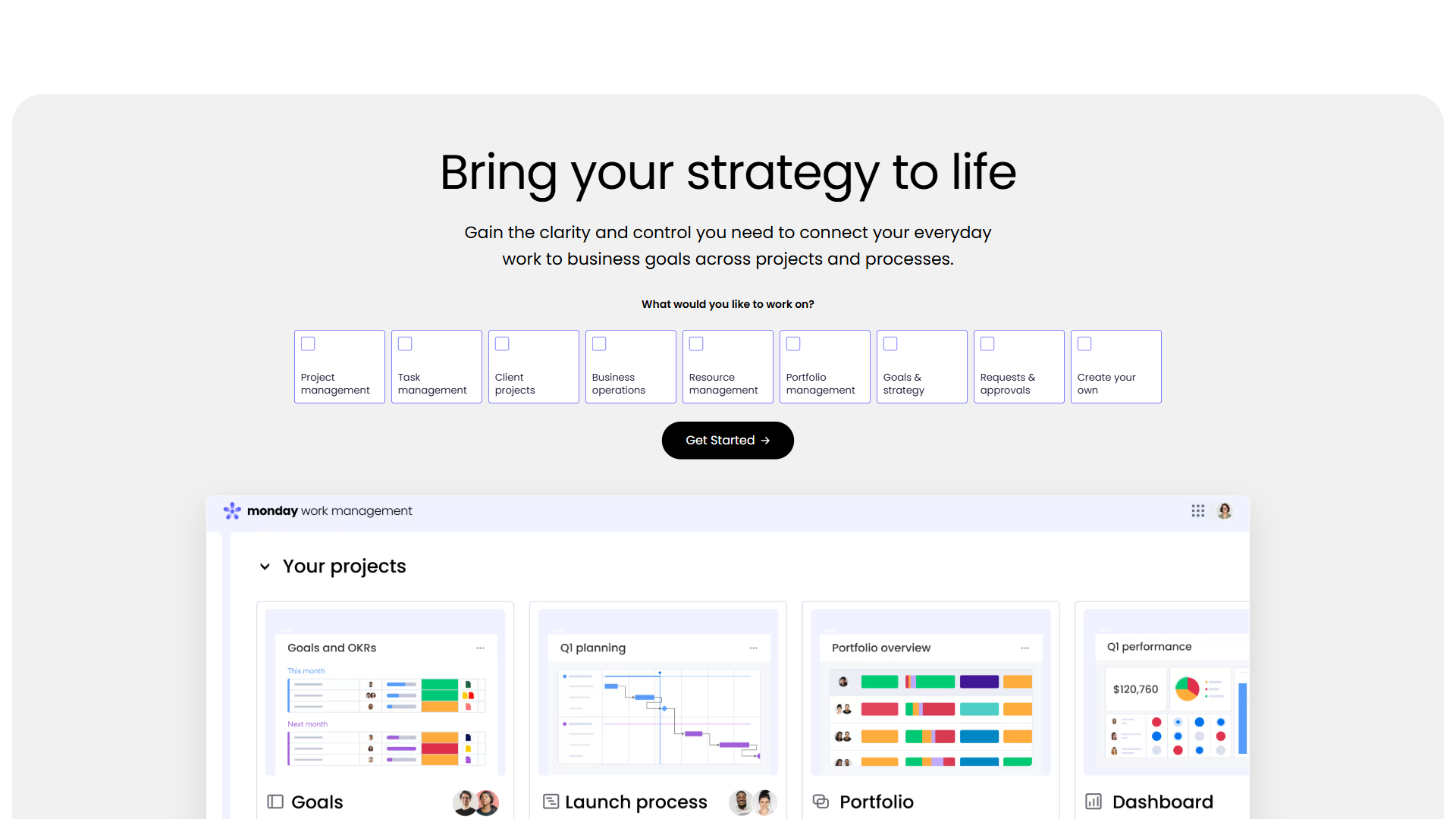
Pricing: Free (2 users) / Basic: $9/seat/mo (annual) / Standard: $12/seat/mo (annual) / Pro: $19/seat/mo (annual) / Enterprise: Custom Free tier: 2 users, unlimited boards, 500MB storage AI: monday agents, monday sidekick, and AI Blocks (500 AI credits/month on Basic) Minimum seats: 3 on paid plans
Monday.com approaches project management as a visual operating system rather than a task tracker. The board-centric interface makes workflows immediately visible - color-coded statuses, progress bars, and timeline visualizations communicate project health at a glance without drilling into individual tasks. For teams where visual clarity drives alignment, Monday.com solves a problem ClickUp’s information density creates.
Where Monday.com Outperforms ClickUp
The visual interface reduces cognitive load. Monday.com’s boards communicate status through color, progress indicators, and visual grouping in a way that non-technical stakeholders understand immediately. ClickUp’s equivalent views require more configuration to achieve similar visual clarity - and even then, the density of options can distract from the data.
monday agents bring AI-powered specialists to workflows. The platform offers purpose-built AI agents for specific functions - categorization, sentiment analysis, data extraction - plus a context-aware sidekick assistant. The 500 AI credits on the Basic plan ($9/seat/month) provide AI access at a lower entry point than ClickUp Brain’s $9 per user/month add-on.
monday vibe enables no-code app building. Teams can create custom applications - intake forms, client portals, approval flows - without leaving the platform. ClickUp offers custom automations and forms, but not the same level of standalone app creation.
The onboarding experience is more intuitive. Monday.com’s template library and guided setup get teams productive within hours. The visual board structure maps naturally to how non-technical users think about work, reducing the training overhead that ClickUp’s flexibility creates.
Limitations and Where Monday.com Falls Short vs ClickUp
- The free tier is extremely limited. Two users with 500MB storage and no AI. ClickUp’s free tier supports unlimited users with far more features included.
- Per-seat pricing with a 3-seat minimum increases costs. A team of 3 on Monday.com Standard pays $36 per month. The same team on ClickUp Unlimited pays $21 per month. The gap widens with larger teams.
- No built-in docs or wiki. ClickUp’s integrated docs, whiteboards, and chat create a unified workspace. Monday.com handles project management well but requires external tools for documentation and knowledge management.
- Automation and integration caps on lower tiers. Standard limits both automations and integrations to 250/month. ClickUp Business offers 250+ automations with fewer integration restrictions.
Who Should Switch to Monday.com
Teams with mixed technical and non-technical members where visual workflow communication matters. Marketing and creative agencies managing client projects with clear stage-based progression. Organizations that need rapid team onboarding without weeks of configuration.
3. Notion - Best for Docs and Projects in One Place
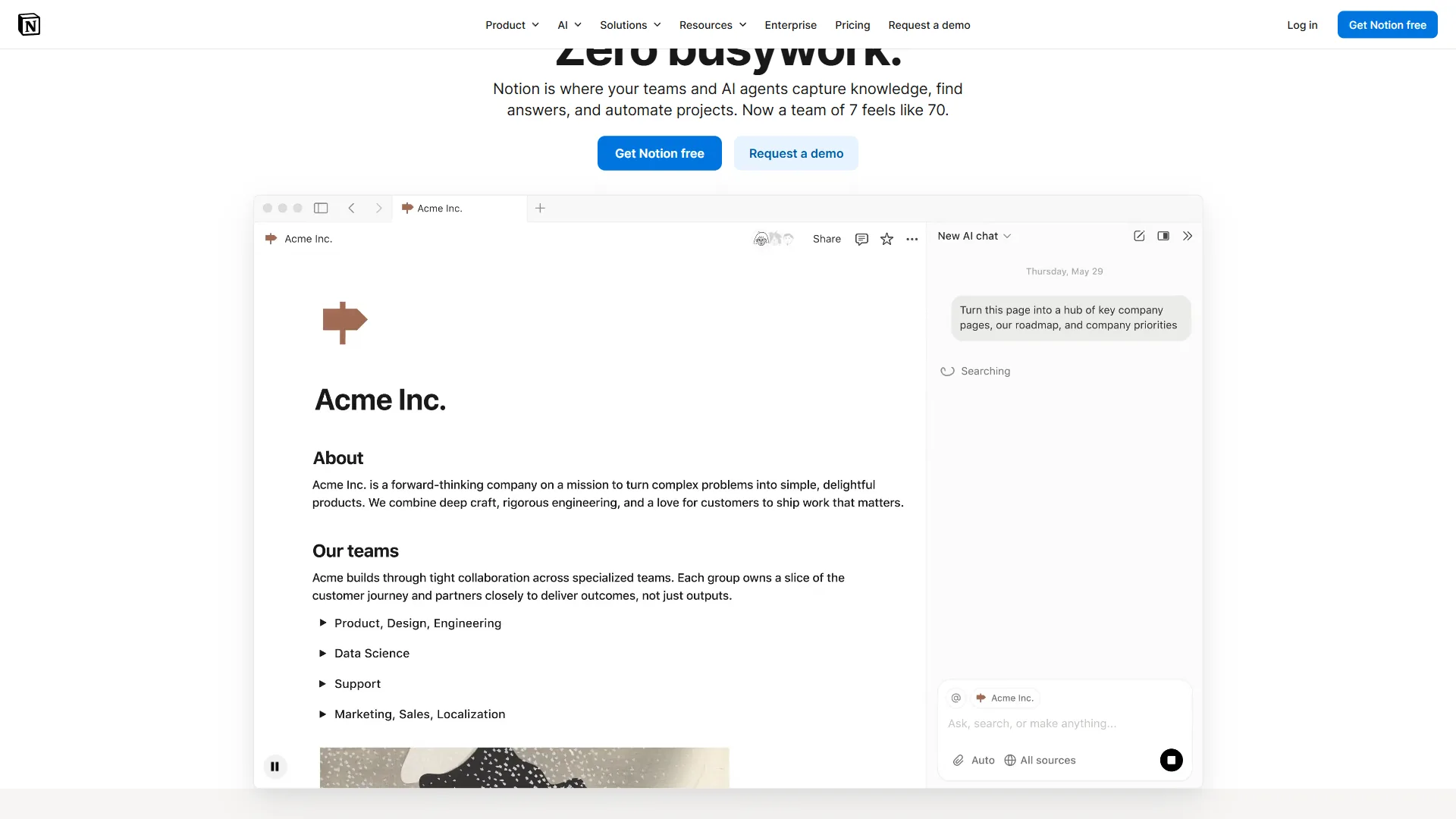
Pricing: Free / Plus: $10 per user/mo (annual) / Business: $15 per user/mo (annual) / Enterprise: Custom Free tier: Unlimited pages and blocks for individuals, limited for teams AI: AI Agents with multi-model support (GPT-5, Claude, o3) bundled on Business tier
Notion is a fundamentally different kind of ClickUp alternative. Rather than competing on project management features alone, Notion merges documentation, databases, wikis, and project management into a single interconnected workspace. For teams that spend as much time creating and organizing knowledge as managing tasks, Notion eliminates the context-switching penalty that comes with running ClickUp alongside a separate docs tool.
Where Notion Outperforms ClickUp
Tool consolidation genuinely reduces total cost. Teams currently paying for ClickUp plus Confluence, Google Docs, or Slite for documentation can replace the combination with Notion. A team of 10 on Notion Plus at $100 per month replaces what might be $70 per month for ClickUp Unlimited plus $50 per month for a docs tool - saving money while gaining a unified workspace.
Database flexibility exceeds ClickUp’s custom fields. Notion databases support relations between any databases, rollups, formulas, and multiple views (table, board, calendar, timeline, gallery) per database. Project trackers, CRMs, content calendars, and knowledge bases all live in the same system, linked through relational properties. ClickUp’s Custom Fields are powerful but do not match the interconnected database architecture Notion offers.
AI Agents on Business tier are the most capable in this category. Powered by GPT-5, Claude, and o3 through multi-model selection, Notion’s AI Agents can execute multi-step workflows autonomously - answering questions from workspace content, transcribing meetings, generating documents, and reading context from comments, calendar, and Slack. ClickUp Brain is capable, but Notion’s agent architecture goes further in autonomous task execution.
The writing and documentation experience is superior. Notion was built as a writing tool first, project management tool second. The block-based editor, nested pages, and rich media embedding create a documentation experience that ClickUp Docs cannot match. For knowledge-heavy teams, this is the primary reason to switch.
Limitations and Where Notion Falls Short vs ClickUp
- Project management depth is limited. Notion handles basic to intermediate PM workflows - task boards, timelines, status tracking - but lacks the sprint management, workload views, Gantt chart depth, and advanced automation that ClickUp provides out of the box.
- No native time tracking. ClickUp includes built-in time tracking on the Unlimited tier. Notion requires third-party integrations like Toggl or Clockify.
- AI requires Business tier. The full AI Agents experience needs the $15 per user/month Business plan. ClickUp Brain is an add-on, but it is available alongside any paid plan - including the $7 per month Unlimited tier.
- Performance with complex pages. Large databases and heavily nested pages can lag. ClickUp handles large task volumes more reliably for pure project management workflows.
- Learning curve is steep. Notion’s flexibility means building an effective workspace from scratch takes 2-4 weeks. ClickUp’s templates are more prescriptive but get teams to a working setup faster for standard PM workflows.
Who Should Switch to Notion
Content teams, research teams, and knowledge-heavy organizations where documentation is as important as task management. Startups looking to consolidate multiple subscriptions into one platform. Teams that need a flexible system that adapts to unique workflows rather than conforming to a predefined project management structure.
4. Linear - Best for Developer Teams
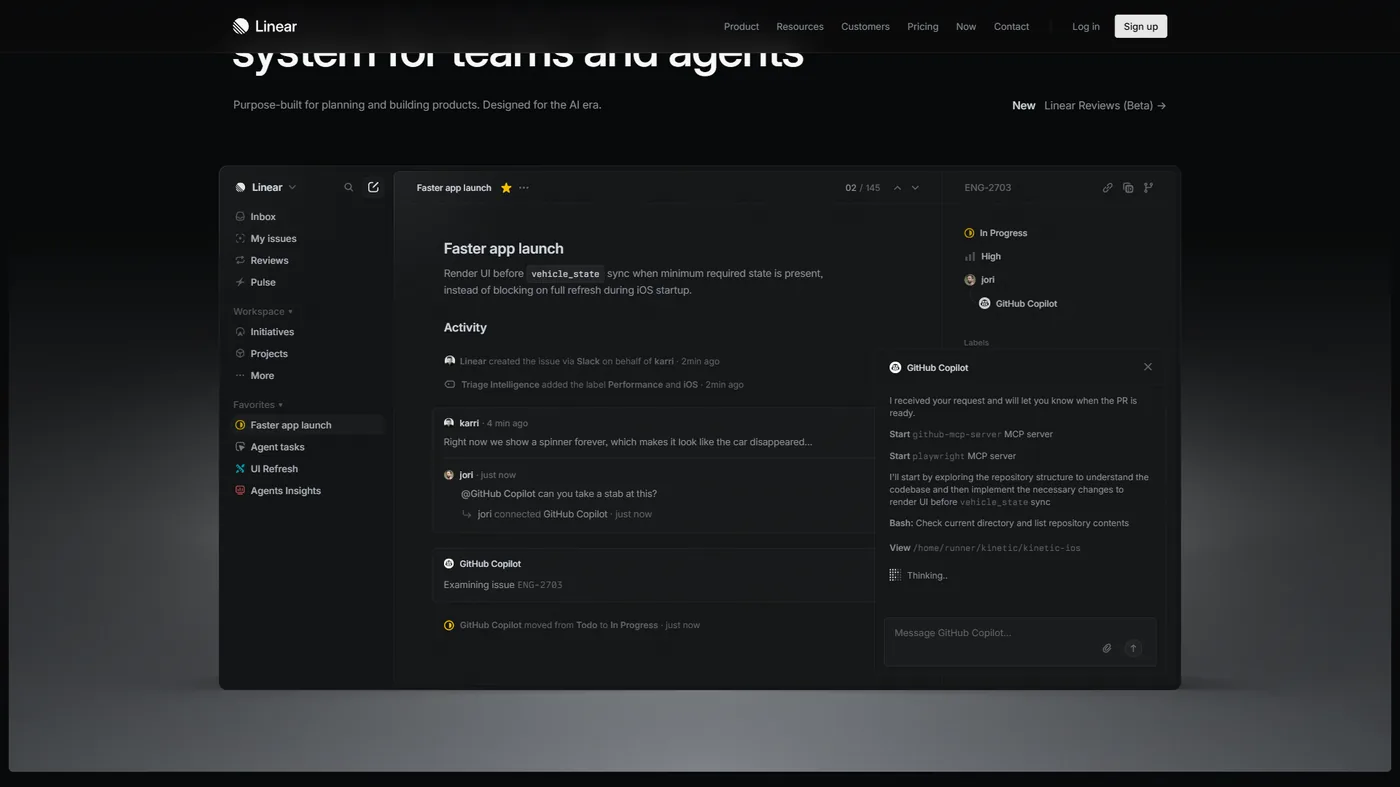
Pricing: Free (250 issues) / Standard: $6.40 per user/mo (annual) / Plus: $11.20 per user/mo (annual) / Enterprise: Custom Free tier: Unlimited members, up to 250 active issues, GitHub integration AI: AI-powered issue triage, smart suggestions, automated summarization
Linear is the ClickUp alternative that software engineering teams consistently prefer - not because it does more, but because it does less with dramatically better execution. The interface is fast, keyboard-driven, and designed around the opinionated workflows that engineering teams actually use: sprints, cycles, backlogs, and issue tracking with tight Git integration.
Where Linear Outperforms ClickUp
Speed is the defining advantage. Linear’s interface responds in milliseconds. Every interaction - creating issues, navigating between views, searching, filtering - feels instant. ClickUp’s feature-rich interface introduces perceptible lag, especially in large workspaces. For developers who context-switch frequently, this performance difference compounds across a full workday.
Keyboard-first navigation matches developer workflows. Power users rarely touch the mouse. Linear’s keyboard shortcuts cover virtually every action, and the command palette (Cmd/Ctrl+K) provides instant access to any issue, project, or team. ClickUp supports keyboard shortcuts, but the interface was designed for mouse-first interaction.
Opinionated workflows reduce configuration overhead. Linear prescribes how teams should organize work - cycles (sprints), projects, teams, and triage, as outlined in their product documentation. There is minimal customization by design. This constraint means setup takes minutes instead of weeks, and every team using Linear organizes work in a compatible structure.
Git integration is deeper and more natural. Linear automatically links issues to branches, pull requests, and commits. Issue status updates when PRs are merged. The integration with GitHub, GitLab, and Bitbucket works with less configuration than ClickUp’s equivalent setup.
The clean interface is genuinely better for focus. Is ClickUp good for ADHD? Often not - the interface overwhelms. Linear’s minimal design, consistent layout, and distraction-free environment work better for developers (and anyone) who benefit from fewer visual elements competing for attention.
Limitations and Where Linear Falls Short vs ClickUp
- It only does issue tracking. No docs, no time tracking, no goals, no whiteboards, no chat. Teams need separate tools for everything beyond issue management. ClickUp replaces those separate tools.
- The free tier caps at 250 active issues. ClickUp offers unlimited tasks for free. Small teams with more than 250 concurrent issues need to upgrade immediately.
- Limited views. Linear offers list, board, and timeline views. ClickUp’s 15+ views - including Gantt, Mind Maps, and Workload - provide far more flexibility for non-engineering project types.
- Not designed for non-technical teams. Linear’s developer-centric vocabulary (issues, cycles, triage) and workflow assumptions do not translate well to marketing, HR, or operations teams.
Who Should Switch to Linear
Software engineering teams and product development organizations that need fast, focused issue tracking without the overhead of a general-purpose PM tool. Startups with technical founders who value speed and simplicity. Teams that have tried ClickUp for development workflows and found the feature breadth distracting rather than helpful.
5. Trello - Best for Simple Task Management
Pricing: Free (10 boards) / Standard: $5 per user/mo (annual) / Premium: $10 per user/mo (annual) / Enterprise: $17.50 per user/mo (annual) Free tier: Unlimited cards, 10 boards, unlimited Power-Ups per board AI: None (Butler automation is rule-based, not AI-powered)
Trello is the opposite of ClickUp in almost every way - and that is exactly why it works for certain teams. Where ClickUp aims to do everything, Trello does one thing: Kanban boards with cards. The simplicity that ClickUp abandoned in pursuit of feature density is Trello’s defining advantage. For teams whose work naturally fits a board-and-card structure, Trello requires zero training and zero configuration.
Where Trello Outperforms ClickUp
Zero onboarding time. New users understand Trello in under five minutes. Drag a card, move it between columns, done. ClickUp’s multi-week onboarding process is the most common complaint teams voice before switching - and Trello is the cleanest escape from that complexity.
The free tier is practical for real use. Unlimited cards, 10 boards, unlimited Power-Ups per board, and 250 Butler automation runs per month - all at zero cost. For small teams and personal projects, Trello’s free tier covers genuine daily use without artificial limitations that push toward paid plans.
Paid pricing undercuts ClickUp significantly. Standard at $5 per user/month is the cheapest paid PM plan among all alternatives on this list. Premium at $10 per user/month adds timeline views, dashboards, and advanced admin features. For teams that do not need ClickUp’s full feature set, the savings are substantial.
The mobile experience is best-in-class for quick task management. Trello’s card-based interface translates perfectly to mobile screens. Creating tasks, updating statuses, and checking boards on the go is faster and more fluid than any competitor’s mobile app - including ClickUp’s.
Visual simplicity aids focus. For users who find ClickUp’s interface overwhelming - including neurodivergent users who benefit from reduced visual complexity - Trello’s clean board layout provides structure without sensory overload.
Limitations and Where Trello Falls Short vs ClickUp
- No AI at any tier. Butler is a rule-based automation engine. Every other tool on this list offers AI-powered features. In 2026, this is Trello’s largest capability gap.
- No built-in docs, time tracking, goals, or advanced reporting. Teams need separate tools for everything beyond basic task tracking - which adds cost and context-switching overhead.
- Limited views below Premium. Free and Standard users get board and list views only. Calendar, Timeline, Dashboard, and Map views require Premium ($10 per user/month).
- Board organization breaks down at scale. Managing 50+ cards per board or coordinating across 20+ boards is genuinely difficult without the hierarchy and filtering that ClickUp provides.
Who Should Switch to Trello
Solo users, freelancers, and small teams under 10 people with straightforward task lists. Teams where simplicity and speed matter more than feature depth. Client-facing project boards where external stakeholders need free access. Budget-constrained teams that need functional PM at the lowest possible cost.
6. Wrike - Best for Enterprise Resource Management
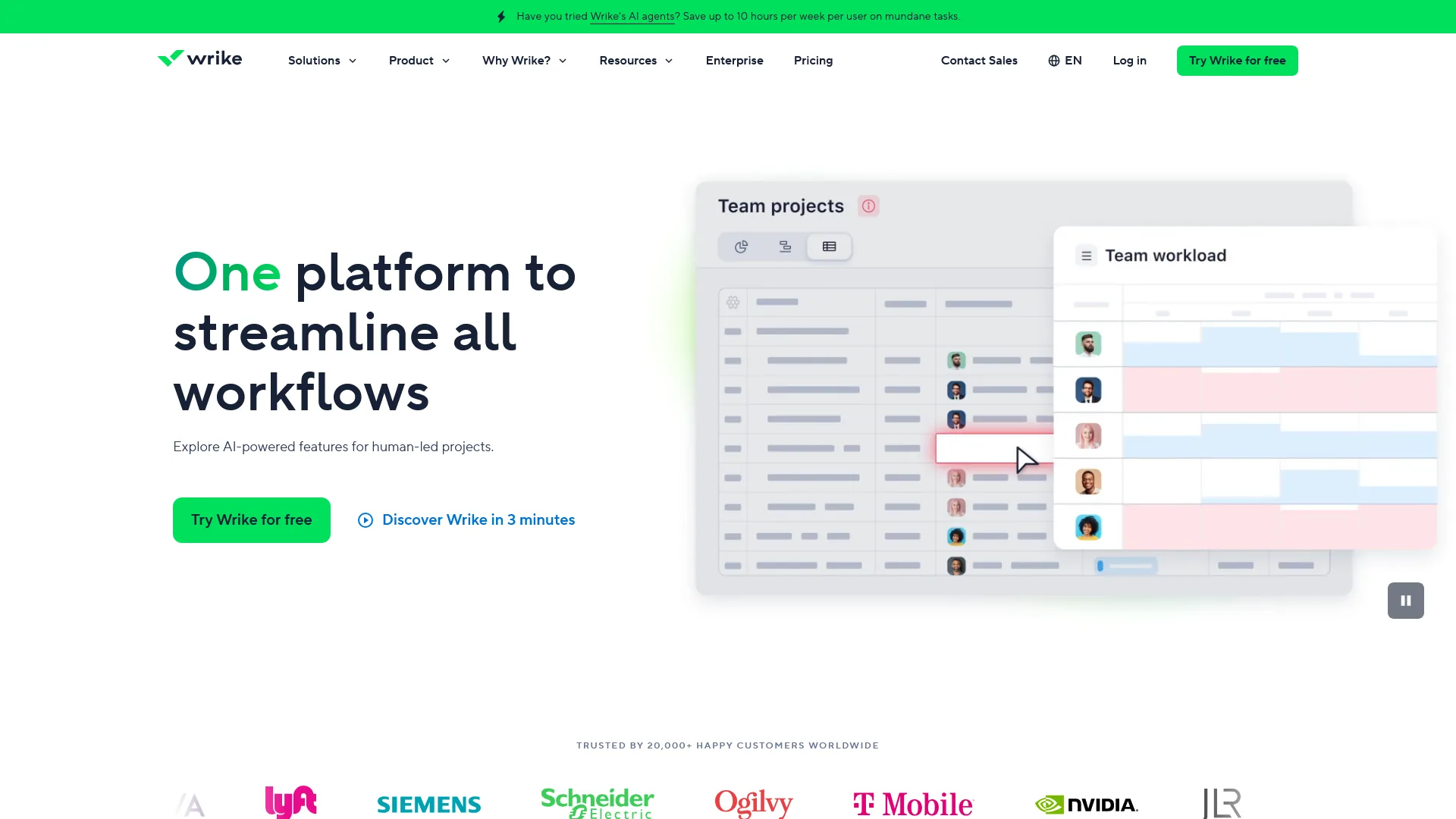
Pricing: Free (unlimited users) / Team: $9.80 per user/mo / Business: $24.80 per user/mo / Enterprise: Custom / Pinnacle: Custom Free tier: Unlimited users, basic project and task management, Kanban boards AI: AI Essentials on Team tier; AI Elite (Copilot, Agent Builder, AI widget generator) on Business and above
Wrike occupies the enterprise end of the ClickUp alternatives spectrum. Where ClickUp tries to be the all-in-one tool for every team size, Wrike focuses on the specific needs of large organizations: resource planning, cross-departmental reporting, advanced security, and enterprise integrations. For teams of 50+ managing complex portfolios, Wrike solves problems that ClickUp has not fully addressed at that scale.
Where Wrike Outperforms ClickUp
Enterprise-grade resource management is Wrike’s strongest differentiator. Workload views, capacity planning, and cross-project resource allocation help organizations balance work across departments at a level ClickUp’s workload view - available only on the Business tier - does not yet match. For PMOs managing 20+ concurrent projects across multiple teams, this capability justifies the higher price.
Wrike’s AI Agent Builder enables custom automation agents. Available on the Business tier, the Agent Builder lets teams create purpose-built AI agents without code. Combined with Wrike Copilot for AI-assisted project management and an MCP Server integration for third-party AI assistants (Claude, Microsoft Copilot, Perplexity), Wrike’s AI stack is more enterprise-focused than ClickUp Brain’s general-purpose approach.
Advanced reporting and analytics scale to enterprise needs. Custom dashboards, cross-project analytics, and data visualization tools on Business and Pinnacle tiers provide the depth that executives and PMOs need to track organizational performance. ClickUp’s dashboards are capable but less sophisticated for multi-team rollups.
Security and compliance certifications are more extensive. SSO, 2FA, data residency options, and enterprise-grade audit trails make Wrike a safer choice for regulated industries. ClickUp’s enterprise security is improving but trails Wrike’s longer track record in this area.
Limitations and Where Wrike Falls Short vs ClickUp
- Pricing is significantly higher. Wrike Business at $24.80 per user/month costs more than double ClickUp Business at $12 per user/month (annual). For teams under 25, the cost premium is hard to justify.
- The interface feels dated compared to ClickUp. Wrike’s UI has improved but still carries visual design choices from its earlier era. ClickUp’s interface is more modern and visually engaging.
- Less flexible for small, agile teams. Wrike’s structure assumes larger organizational hierarchies. Small teams and startups often find it overly rigid compared to ClickUp’s adaptable workspace model.
- AI Elite requires the Business tier. The full AI experience starts at $24.80 per user/month. ClickUp Brain at $9 per user/month is available as an add-on to any paid plan, including the $7 per month Unlimited tier.
Who Should Switch to Wrike
Enterprise organizations with 50+ users managing complex project portfolios across departments. Professional services firms that need resource planning and capacity management. Organizations in regulated industries that require advanced security and compliance features. Teams already using Wrike who have considered ClickUp but need enterprise-specific functionality.
Best Picks by Use Case
| Use Case | Best Alternative | Why |
|---|---|---|
| Faster team onboarding | Asana | Constrained interface, clearer workflows, days vs. weeks |
| Visual workflow management | Monday.com | Color-coded boards, progress tracking, intuitive for non-technical users |
| Docs + project management | Notion | Unified workspace, database relations, AI Agents for knowledge work |
| Software development | Linear | Millisecond performance, keyboard-first, deep Git integration |
| Simple Kanban boards | Trello | Zero configuration, lowest cost, best mobile experience |
| Enterprise resource planning | Wrike | Capacity management, cross-department reporting, enterprise security |
| Tightest budget | Trello | $5/user/month Standard, strongest free tier for casual use |
| Best free tier | ClickUp | Still wins - unlimited users, tasks, docs, and basic AI trial |
| ADHD-friendly interface | Linear or Trello | Minimal design, fewer choices, reduced visual noise |
Pricing Comparison: 10-Person Team (Annual Billing, Monthly Cost)
| Plan Level | ClickUp | Asana | Monday.com | Notion | Linear | Trello | Wrike |
|---|---|---|---|---|---|---|---|
| Free | $0 | $0 (10 users) | $0 (2 users) | $0 (limited) | $0 (250 issues) | $0 (10 boards) | $0 |
| Entry Paid | $70 | $110 | $90 (min 3 seats) | $100 | $64 | $50 | $98 |
| Mid-Tier | $120 | $250 | $120 | $150 | $112 | $100 | $248 |
| With AI | $160* | $110** | $90** | $150** | $64** | N/A | $248** |
*ClickUp AI is an add-on ($9 per user/month) on top of any paid plan. **AI included in the plan price shown.
The pricing comparison reveals a clear pattern: ClickUp offers the best feature-to-price ratio when AI is excluded. Once AI costs are factored in, Asana and Monday.com become competitive because they bundle AI into their base pricing. Linear is the cheapest paid option for teams that only need issue tracking. Trello is the cheapest overall for basic task management.
Pro Tips: When to Stay with ClickUp
ClickUp is not the wrong choice for every team. It remains the better option in specific scenarios:
-
Teams that have already invested in configuration. If a team has spent weeks building custom views, automations, and hierarchies in ClickUp, the migration cost may exceed the benefit of switching.
-
Organizations that genuinely use multiple feature categories. Teams actively using docs, time tracking, goals, whiteboards, and project management within ClickUp are getting value that would require 3-4 separate subscriptions to replace.
-
Budget-conscious teams that prioritize features over simplicity. ClickUp Unlimited at $7 per user/month (annual) delivers more raw capability per dollar than any alternative at any price.
-
Teams that need the strongest free tier. No competitor matches ClickUp’s free plan for feature breadth - unlimited users, unlimited tasks, docs, whiteboards, chat, and sprint management at zero cost.
-
Heavily customized workflows. Teams that depend on ClickUp’s 15+ view types, deep custom field configurations, and complex automation chains will not find equivalent flexibility in more opinionated tools like Asana or Linear.
The decision to switch usually comes down to one question: is the team actually using the features they are paying for? If the answer is no - if the team uses ClickUp as a task board with occasional docs - a simpler, cheaper alternative will deliver the same practical value with less overhead.
The Bottom Line
ClickUp’s feature density is unmatched in project management, and the pricing remains among the most competitive in the category. But features only create value when teams adopt them - and ClickUp’s complexity is the most common reason teams do not.
Each alternative on this list solves a specific adoption problem. Asana gets teams productive faster with structured workflows and bundled AI. Monday.com makes project status visible to everyone through its visual-first interface. Notion eliminates the docs-versus-PM tool split for knowledge-heavy teams. Linear gives developers the speed and focus that general-purpose tools sacrifice. Trello proves that simple still works when workflows are straightforward. Wrike scales to enterprise complexity with resource management and security that ClickUp has not yet matched.
The best ClickUp alternative is the one that solves the specific problem causing friction today. Start with that problem, try the free tier of the matching tool, and evaluate based on how quickly the team adopts it - not how many features the marketing page lists.
FAQ
Q: Is there anything better than ClickUp?
That depends on what better means for a specific team. ClickUp wins on feature breadth and pricing, but loses on simplicity, onboarding speed, and performance at scale. Each alternative in this guide outperforms ClickUp in at least one dimension - cleaner workflows, faster setup, better developer tooling, or enterprise-grade resource management.
Q: Is ClickUp ADHD friendly?
| Use Case | Best Alternative | Why | |----------|-----------------|-----| | Faster team onboarding | Asana | Constrained interface, clearer workflows, days vs. weeks | | Visual workflow management | Monday.com | Color-coded boards, progress tracking, intuitive for non-technical users | | Docs + project management | Notion | Unified workspace, database relations, AI Agents for knowledge work | | Software development | Linear | Millisecond performance, keyboard-first, deep Git integration | | Simple Kanban boards | Trello | Zero configuration, lowest cost, best mobile experience | | Enterprise resource planning | Wrike | Capacity management, cross-department reporting, enterprise security | | Tightest budget | Trello | $5/user/month Standard, strongest free tier for casual use | | Best free tier | ClickUp | Still wins - unlimited users, tasks, docs, and basic AI trial | | ADHD-friendly interface | Linear or Trello | Minimal design, fewer choices, reduced visual noise |
Q: Is there a Google equivalent to ClickUp?
Git integration is deeper and more natural. Linear automatically links issues to branches, pull requests, and commits. Issue status updates when PRs are merged.
Q: What is the Microsoft equivalent of ClickUp?
Git integration is deeper and more natural. Linear automatically links issues to branches, pull requests, and commits. Issue status updates when PRs are merged.
Q: How much does ClickUp cost in 2026?
ClickUp offers a Free Forever tier with unlimited tasks and unlimited users, which is among the most generous in project management. Paid plans start at $7 per user per month for Unlimited (annual) and $12 per user per month for Business (annual). ClickUp Brain is available as an add-on starting at $9 per user per month.
Related Reading
- Wrike Review - Enterprise resource management and project planning
- ClickUp Review - Full review of features, pricing, and AI capabilities
- Notion Review - Docs and project management in one workspace
- Asana Review - Structured team workflows and dependency tracking
- Monday.com Review - Visual workflow building for teams
- Linear Review - Fast issue tracking for developer teams
- ClickUp Pricing 2026 - Full breakdown of ClickUp plans, tiers, and ClickUp Brain AI costs
- ClickUp vs Notion - Head-to-head comparison of the two all-in-one workspace platforms
- Best Project Management Tools 2026 - Comprehensive project management tool comparison
External Resources
- ClickUp Official Pricing - Current pricing and plan details direct from ClickUp
- Asana vs ClickUp (Asana) - Asana’s official comparison page
- Monday.com vs ClickUp - Monday.com’s official comparison with ClickUp