



A field-tested look at five time tracking platforms ranked by what actually matters on a job site - GPS, kiosk mode, free tiers, and crew size.
Introduction
Picking the right time tracking software for construction is not the same exercise as picking one for an agency or a SaaS startup. Construction crews drive between job sites, lose cell signal in basements, share a single tablet at the trailer, swap shifts when weather rolls in, and feed timesheets straight into certified payroll. A general-purpose time clock that works for a remote design team can fall apart the moment a foreman tries to clock in a four-person framing crew with one bar of LTE.
This guide compares five tools chosen for how they behave in field conditions, separated by use case so you can stop forcing the wrong shape into the wrong hole.
The best time tracking software for construction companies is Jibble - the only tool that ships with GPS verification, geofenced job sites, kiosk mode, and facial recognition for clock-ins on a free forever tier with unlimited users. BigTime is the better pick for architecture and engineering firms, while ClickUp and Monday handle office-side tracking inside their PM platforms.
What Construction Crews Need from a Time Tracker
Office time tracking is mostly about billable hours. Construction time tracking has to solve a different set of problems at the same time, and the platforms that do it well borrow workflows from Procore and BuilderTrend-style construction-native suites.
Multiple job sites. A single crew might touch three addresses in a week. Hours need to attach to the correct job for accurate cost coding.
Field-first hardware. A foreman’s phone is the time clock. Crews often share a rugged tablet in the trailer. A web-only time tracker without a real mobile app or kiosk mode is a non-starter.
Location verification. GPS and geofencing stop buddy punching - the practice of one worker clocking in for another. A geofenced job site will not start a shift unless the phone is physically on site.
Certified payroll and labor law. Prevailing wage, Davis-Bacon reporting, and state overtime rules all assume your records export into payroll cleanly. A weekly hour summary by job code is the bare minimum.
Weather and schedule churn. Rain-outs, partial shifts, and reschedules happen constantly. The software has to handle adjustments without rebuilding whole timesheets.
How Do the Top Construction Time Tracking Tools Compare?
Here is the at-a-glance view of all five tools, ranked by construction fit, with the cheapest paid tier alongside the free tier so you can plan upgrades.
| Tool | Free Tier | Cheapest Paid | GPS | Kiosk Mode | Best For | User Review Aggregate |
|---|---|---|---|---|---|---|
| Jibble | Unlimited users free forever | Premium around $2.99/user/mo | Yes | Yes | Field crews, multi-site | 4.8 / 4.8 |
| BigTime | No (14-day trial) | Essentials around $20/user/mo | No | No | Architecture, engineering, PSA firms | 4.7 / 4.6 |
| ClickUp | Free forever (limited storage) | Unlimited around $7/user/mo | No | No | Crews already on ClickUp for PM | 4.7 / 4.6 |
| Monday.com | Up to 2 users free | Basic around $9/user/mo | No | No | Visual PM with time tracking column | 4.7 / 4.6 |
| Toggl Track | Up to 5 users free | Starter around $9/user/mo | No | No | Office and back-office staff | 4.6 / 4.7 |
Three of these five tools do not have GPS, geofencing, or kiosk mode. That is fine, depending on how your team operates - just be honest about which side of the field line you sit on before choosing. Always confirm current numbers on the vendor pricing pages directly before committing, since tiers shift quarterly and regional rates differ from the US-dollar headline. For the lowest sticker shock, Jibble’s free forever plan is the clear winner.
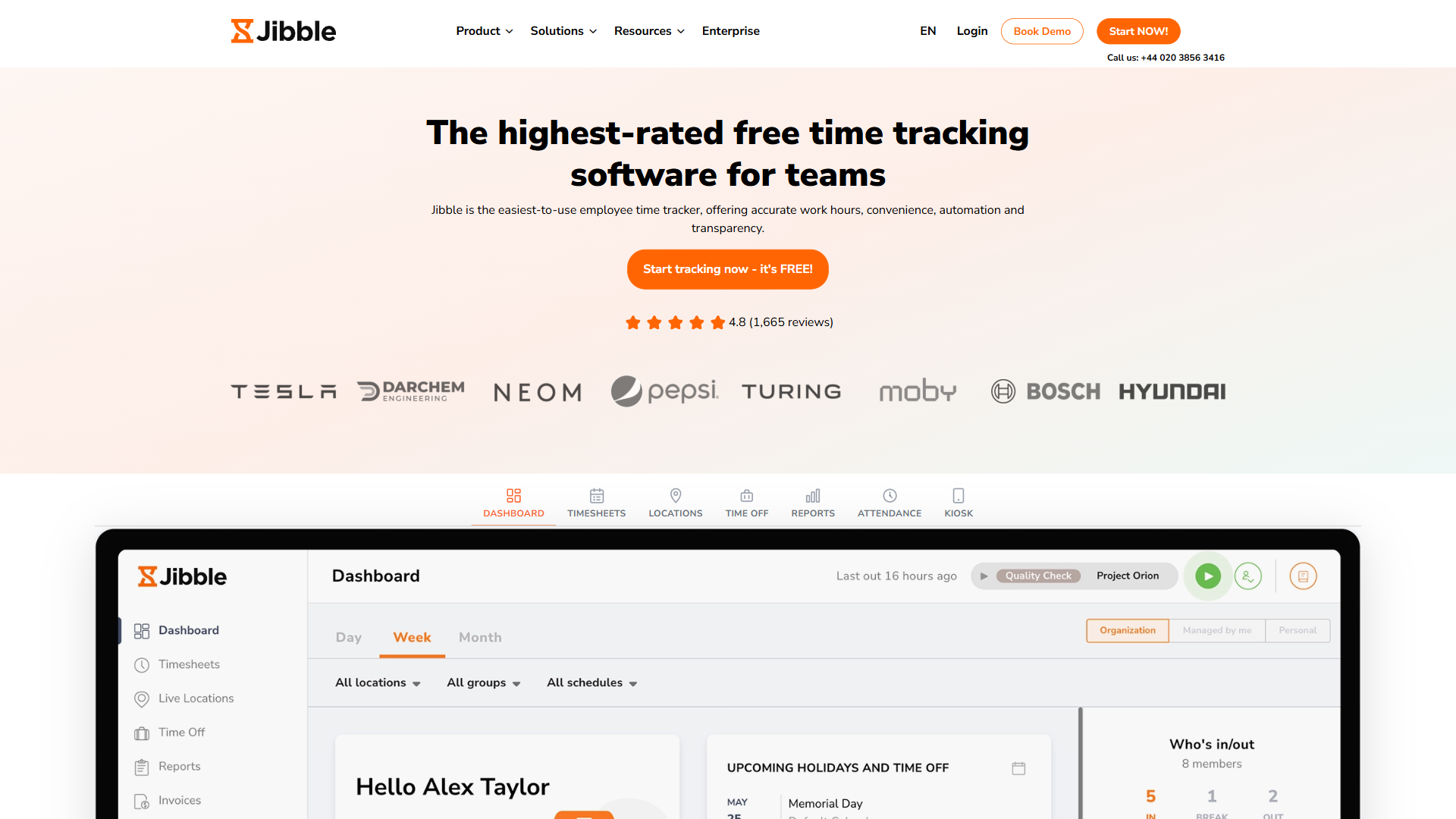
1. Jibble - Best Overall for Construction Crews
Jibble is the only tool on this list actually built for time-clock-from-the-field use cases. Every feature a construction crew needs - GPS coordinates on every punch, geofenced job sites, kiosk mode for the trailer tablet, facial recognition to stop buddy punching - is in the product, not bolted on as an integration.
The headline is the price. Jibble’s free forever plan covers unlimited users, unlimited time tracking, GPS, basic reports, and the mobile time tracker app free of charge. For a four-person remodeling crew clocking in from their own phones, that is a complete time tracking system without paying a cent. The free tier is genuinely usable, not a 14-day trial pretending to be free.
Pros
- Free forever for unlimited users - rare and meaningful for cost-conscious GCs
- GPS coordinates and geofencing for job site verification
- Kiosk mode turns one shared tablet into a crew time clock with PINs or face scan
- Facial recognition for clock-in compliance and buddy-punching prevention
- Clean mobile time tracker app on iOS and Android, works as a time clock for contractors
Cons
- Advanced features like automated overtime rules, scheduled shifts, and payroll integrations live on the Premium tier
- Not a project management or invoicing tool - pair it with a separate PM platform if you need that
- Reports are functional rather than beautiful
Pricing verified April 2026 from Jibble's pricing page:
- Free: $0/mo
- Unlimited users, core time tracking
- Premium: $4.49/user/mo annual ($5.99 monthly)
- Enhanced location, custom accrual rules
- Ultimate: $7.99/user/mo annual ($10.99 monthly)
- Unlimited management layers, advanced tracking
- Enterprise: Contact sales
- Everything in Ultimate
- Dedicated Enterprise Account Manager and onboarding support
- API access, SSO/SAML, audit logs, SLA
For solo contractors, small remodeling crews, and mid-size GCs who need verified attendance from real job sites, Jibble is the default recommendation. Start on the free plan, upgrade to Premium only if you need scheduled shifts, payroll exports, or stricter compliance workflows.
Not for: firms that need full PSA-style billing, invoicing, and project accounting in the same product. Jibble is a time-clock tool, not a billing engine - pair it with a separate accounting system if you need invoices generated from tracked hours.
2. BigTime - Best for Architecture, Engineering, and PSA-Style Firms
BigTime sits in a different lane. It is a Professional Services Automation platform that treats time as the input to billing, project budgets, retainers, and resource allocation. If your construction-adjacent business is an architecture practice, engineering consultancy, construction management firm, or design-build outfit that bills clients by the hour, BigTime fits.
What BigTime does well is the back office. Tracked hours flow into invoicing rules, retainer drawdowns, and project profitability dashboards without spreadsheet gymnastics. The QuickBooks and Sage integrations mean accounting does not have to re-enter timesheets, and resource allocation on the higher tiers helps a principal match the right associate to the right project.
Pros
- Purpose-built for billable-hours professional services workflows
- Project budgets, retainers, and invoicing all tied to tracked time
- AI-powered forecasting flags budget overruns before they hit the invoice
- Strong fit for architecture and engineering firms on prevailing-wage contracts where time has to map to phase codes
Cons
- No free tier - just a 14-day trial across all plans
- Weak for field crews - no GPS, no geofencing, no kiosk mode
- Annual billing only, no monthly option
- Pricing climbs quickly for firms wanting resource allocation and multi-currency
Pricing verified April 2026 from BigTime's pricing page:
- Essentials: $20/user/mo
- Time & expense management
- Project portfolio management
- Billing & invoicing
- Advanced: $35/user/mo
- Everything in Essentials
- Multi-currency expense management
- Custom reporting
- Premier: $45/user/mo
- Everything in Advanced
- Multi-currency invoicing
- Custom cost & rate management
- Projector: $60/user/mo
- Multi-entity, multi-currency capabilities
- Powerful BI reporting
- Highly configurable workflows
Use BigTime if you are tracking hours so you can bill them, not so you can verify a crew showed up. For the actual framing, drywall, and concrete crews, layer a field-first tool like Jibble underneath.
Not for: general contractors with field crews who need GPS-verified clock-ins from job sites. BigTime’s office-centric workflow assumes everyone is at a desk, and the absence of a free tier rules out cost-sensitive small crews evaluating without budget.
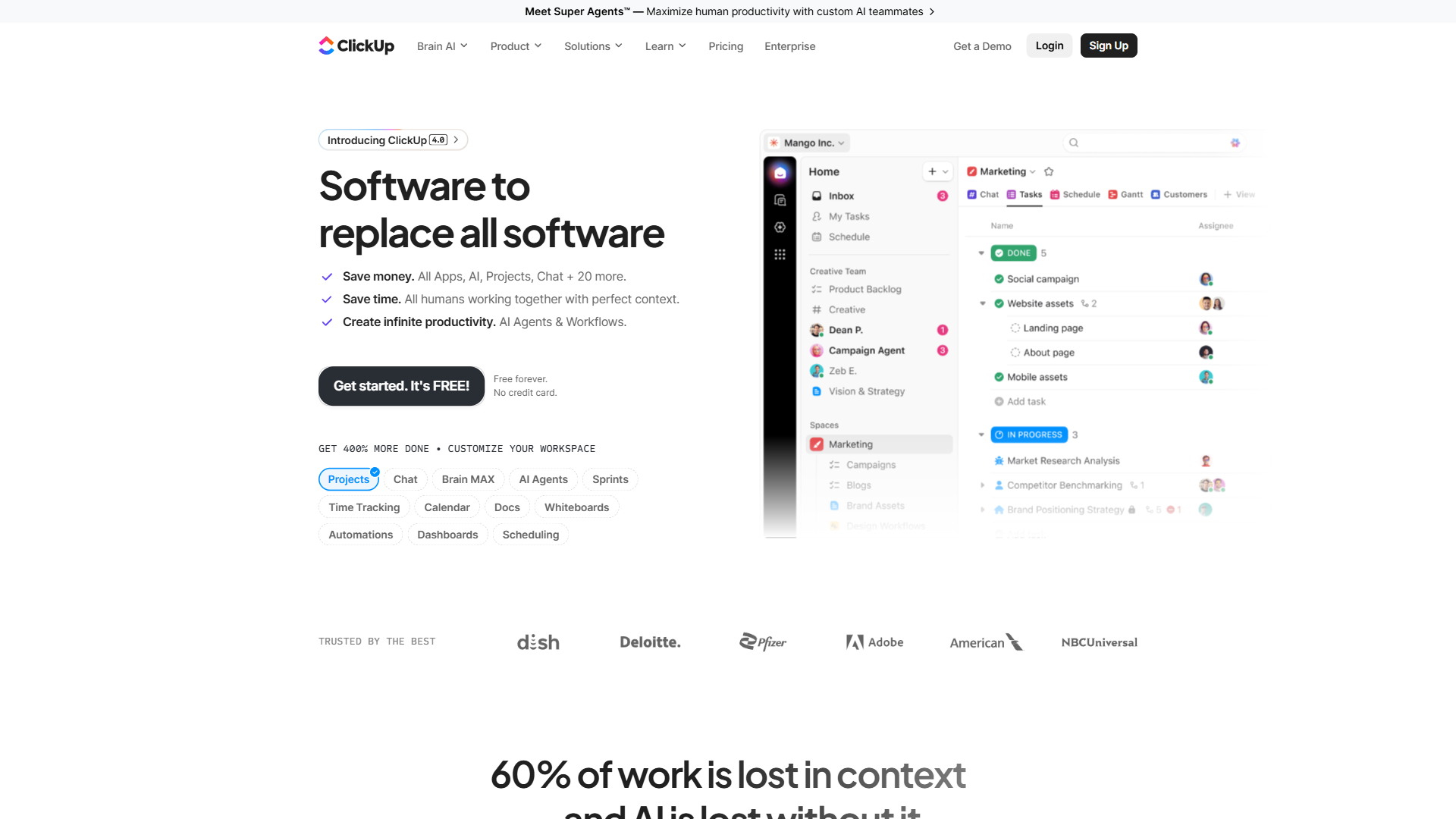
3. ClickUp - Best Integrated Time Tracking + Project Management
ClickUp is a project management platform that ships with a competent built-in time tracker. The pitch for construction companies is consolidation - if you are already running punch lists, RFIs, change orders, and submittals through ClickUp, the time tracking is right there on the task. No second login, no second subscription, no second source of truth.
The free forever tier covers unlimited users with time tracking included, though storage and some advanced views are capped. For a small GC on ClickUp Unlimited or Business, adding time tracking is essentially zero marginal cost.
Pros
- Free forever tier with time tracking included
- Time entries attach directly to tasks, milestones, and projects for clean cost coding
- Customizable everything - statuses, fields, automations
- Strong reporting once you build the right dashboards
Cons
- No GPS, no geofencing, no kiosk mode - not built for field crews
- Overkill if you only need a time clock and nothing else
- Configuration burden is real - expect to spend hours setting it up
- Mobile time tracker app works but is not the same field-first experience as a dedicated tool
Pricing verified April 2026 from ClickUp's pricing page:
- Free Forever: $0/mo (60MB storage, unlimited tasks, 1 form)
- Unlimited tasks
- Unlimited free plan members
- Kanban boards
- Unlimited: $7/user/mo annual ($10 monthly) (Unlimited storage, unlimited integrations, unlimited spaces/folders/forms)
- Everything in Free Forever
- Unlimited storage
- Unlimited integrations
- Business: $12/user/mo annual ($19 monthly) (5,000 automations/month, unlimited dashboards, advanced features)
- Everything in Unlimited
- Unlimited dashboards
- 5,000 automations per month
- Enterprise: Contact sales (250,000 automations/month, unlimited everything, enterprise-grade security)
- Everything in Business
- Enterprise permissions
- Unlimited custom roles
ClickUp is a great pick for construction firms whose crews are already inside the platform every day and who do not need GPS-verified field hours. For a 30-person crew spread across five job sites, it is the wrong tool. For a 10-person hybrid office-and-site team, it can absolutely do the job.
Not for: field-only contractors who do not already run their PM in ClickUp; the configuration burden alone outweighs the time tracking value if you are coming in cold just for the timer. Also not for teams needing audit-grade certified payroll exports - ClickUp’s time data does not format for WH-347 reporting.
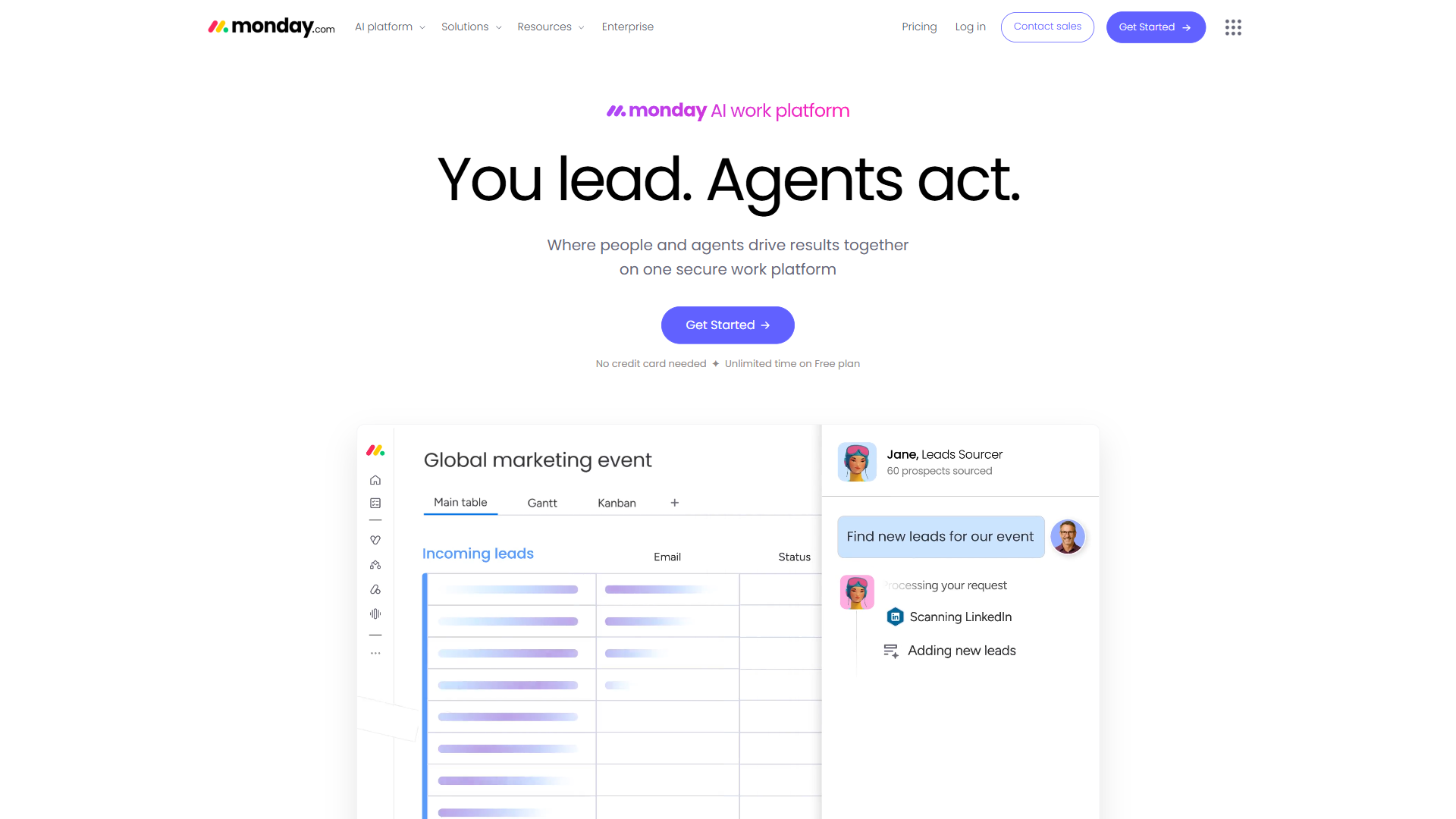
4. Monday.com - Best for Visual Project Management with Time Tracking
Monday.com takes a more visual approach. Construction templates ship out of the box for project schedules, change order tracking, and subcontractor coordination, with time tracking as a column you add to any board. The drag-and-drop boards help when you are juggling four projects at different phases and need one screen to see what is happening.
The trade-off is that time tracking on Monday is a feature, not a product. It records hours against a row, not a full-fledged time clock with shift schedules, geofencing, or kiosk mode. For a project manager logging billable hours against a punch list, that is fine. For a field crew, it falls short.
Pros
- Beautiful visual project boards with construction-ready templates
- Automations can trigger time entries, notifications, and status changes
- Time tracking column works for office-based tracking against tasks
- Strong fit for office staff who already live in Monday for project oversight
Cons
- Time tracking is a column add-on, not a primary feature
- No GPS, no kiosk, no geofencing
- Free tier capped at 2 users - effectively unusable for any crew
- Time tracking only available on the Pro plan and above
Pricing verified April 2026 from Monday.com's pricing page:
- Free: $0/mo
- Up to 2 users
- Unlimited boards
- 500 MB storage
- Basic: $9/user/mo annual ($12 monthly)
- Unlimited viewers
- Unlimited docs
- 5 GB storage
- Standard: $12/user/mo annual ($14 monthly)
- Everything in Basic
- Timeline, Calendar, Gantt views
- Guest access
- Pro: $19/user/mo annual ($24 monthly)
- Everything in Standard
- Private boards
- Time tracking
- Enterprise: Contact sales
- Everything in Pro
- 250,000 automations/month
- 250,000 integrations/month
If your office team already runs projects through Monday and you need them to log hours against board items, the built-in column gets you there. Do not try to run your field crew’s clock-ins through Monday - it was not built for that.
Not for: field crews of any size, since the 2-user free cap and absence of GPS, geofencing, or kiosk mode rule it out for site-based work. Also not for teams that need the time tracking column without the Pro tier upgrade cost.
5. Toggl Track - Best Simple Time Tracker for Office Staff
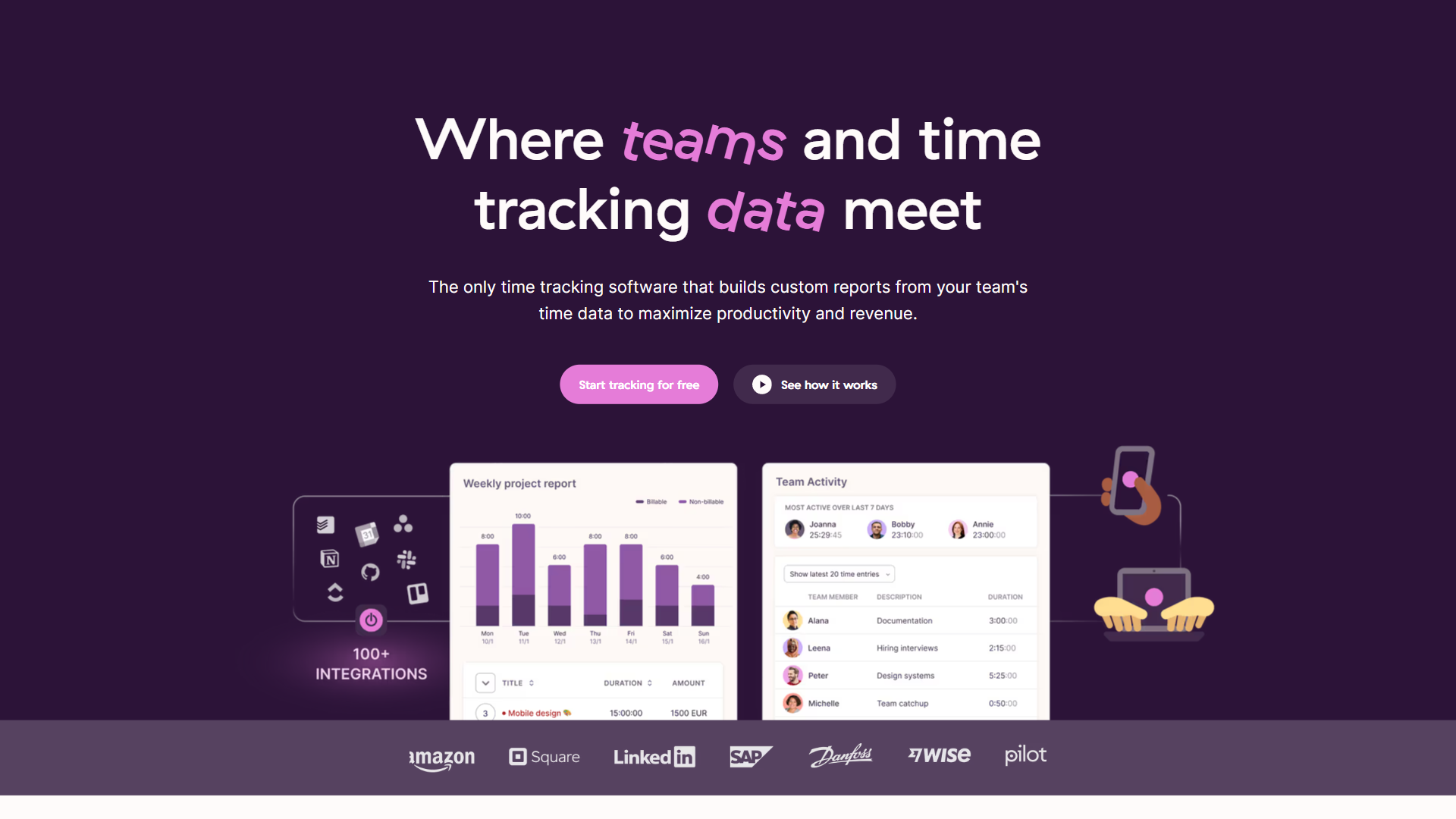
Toggl Track is the simplest tool on this list. One-click timer, clean reports, no setup overhead. The free plan covers up to 5 users, which makes it a comfortable fit for back-office staff - bookkeepers logging hours against client projects, estimators tracking time on bids, office managers handling admin tasks.
What Toggl is not, and never tried to be, is a field crew time tracker. No GPS, no kiosk mode, no facial recognition, no geofencing. It is a billable-hour time tracker, period.
Pros
- Dead simple to onboard - new users can be productive in under five minutes
- Free for up to 5 users with full time tracking and basic reports
- Clean reports and exports for billing or payroll
- Browser extensions and desktop apps make starting a timer painless
Cons
- No GPS, no kiosk, no geofencing - completely unsuited for field crews
- No project management, scheduling, or invoicing built in
- Free tier is capped, and the Starter tier is needed for billable rates and project budgets
Pricing verified April 2026 from Toggl Track's pricing page:
- Free: $0/mo
- Up to 5 users
- Unlimited projects and clients
- Manual and timer tracking
- Starter: $9/user/mo annual ($10 monthly)
- Billable rates
- Project estimates
- Saved reports
- Premium: $18/user/mo annual ($20 monthly)
- Fixed fee projects
- Profitability insights
- Time audits
- Enterprise: Contact sales
- Custom solutions
- Dedicated account manager
- Advanced security controls
For the office side of a construction business - estimator, bookkeeper, admin, project coordinator - Toggl Track is a great fit. Layer it alongside a field tool like Jibble rather than trying to make it do both jobs.
Not for: anyone clocking in from a job site; there is no GPS, geofencing, kiosk mode, or shared-device login flow. Also not for teams needing billable rates, project budgets, or certified payroll exports without paying for the Starter tier.
Which Time Tracking Features Matter Most for Construction?
GPS verification is essential if your crews drive to multiple sites. GPS-stamped clock-ins prove a worker was on site when they say they were - the kind of evidence labor lawyers cite when defending a wage claim. For a fabricator whose crew is in the same building daily, GPS tracking is nice-to-have. For a GC sending crews to five jobs a week, it is the difference between accurate cost coding and a guess.
Kiosk mode matters when crews share a device. If everyone has their own phone with the app, every phone is a time clock app. If you mount a rugged tablet in the trailer and the whole crew punches in there, you need kiosk mode with PIN or face scan. Only Jibble ships that out of the box.
Geofencing is useful but optional. It catches honest mistakes (starting a timer from home before leaving) and dishonest ones (buddy punching from off-site). On a tight crew where everyone knows everyone, it is overhead. On a 40-person crew across multiple projects, it pays for itself.
Facial recognition is a compliance feature, not a must-have. If your projects involve prevailing wage, federal contracts, or a high-claims-risk insurance carrier, the auditable photo log helps. For everyone else, it is a bonus.
Certified payroll exports are essential for public-works contractors. If you bid on public projects, you need certified payroll reports that match the WH-347 format. Jibble and BigTime both export the necessary fields; ClickUp, Monday, and Toggl do not.
What does not matter: AI scheduling, fancy dashboards, “intelligent” anything. A construction time clock has to work in a basement with one bar of signal, often outside OSHA-compliant safe rooms. Keep it boring.
The Bottom Line
For most construction companies, the answer is Jibble - it is the only field-first time tracker on this list with GPS, geofencing, kiosk mode, and a genuinely free unlimited-user plan. For architecture, engineering, and PSA-style firms, BigTime is a better match because the back-office billing pipeline matters more than verifying a crew showed up. For everyone else, decide whether you need field verification or office-style billable hours, then pick the tool that matches that side cleanly rather than forcing the wrong shape.
Here is the decision tree by crew size and use case:
Solo contractor or 1-3 person crew. Start with Jibble’s free forever plan. You get GPS-verified clock-ins, a free time tracking app for the field, and a clean weekly hour summary. No reason to pay at this stage.
5-20 person crew working multiple job sites. Move up to Jibble Premium. It unlocks scheduled shifts, automated overtime rules, payroll exports, and stricter compliance workflows. Pair with whatever PM tool you already use.
Office-based architecture, engineering, or construction management firm. BigTime is purpose-built for you. Hours flow into invoices, retainers, and project budgets without spreadsheet gymnastics. Skip the field-first tools.
Already running ClickUp or Monday for project management. Use the built-in time tracking. It will not have GPS, but consolidation is worth more than the missing features. Add Jibble underneath only if you need verified field hours.
Office staff who need billable hour tracking. Toggl Track on the free plan handles up to 5 users without a credit card. Estimator, bookkeeper, admin - all running it within an afternoon.
Frequently Asked Questions
What is the best time tracking software for construction companies?
For most construction companies with field crews, Jibble is the best time tracking software for construction. It is the only tool with GPS verification, geofenced job sites, a shared device kiosk mode, and facial recognition for clock-ins, all on a free forever tier with unlimited users. Architecture and engineering firms billing by the hour are better served by BigTime.
Do construction companies need GPS-enabled time tracking?
GPS is essential for construction companies whose crews drive between multiple job sites in a week, because location-stamped clock-ins prevent buddy punching and ensure accurate per-job cost coding. For a single-shop fabricator whose crew is in the same building every day, GPS is a nice-to-have. For a GC running crews across multiple projects, it is a must.
How much does construction time tracking software cost?
Construction time tracking software ranges from free (Jibble’s unlimited-user plan or ClickUp’s free forever tier) to roughly $20 to $45 per user per month for full-featured platforms like BigTime. Most field-first tools sit in the $4 to $10 per user per month range on their paid tiers. Check the vendor pricing pages for current numbers.
Can you track construction labor costs with free software?
Yes - Jibble’s free forever plan supports unlimited users with GPS-verified clock-ins, project tagging for per-job hour totals, and basic reports that feed into manual payroll cost coding. For more advanced labor cost reporting (overtime rules, certified payroll exports, payroll integrations), upgrading to Jibble Premium or pairing with a dedicated payroll system is the typical next step.
Related Reading
- Jibble - free forever field time tracker with GPS and kiosk
- BigTime - PSA-style time tracking for architecture and engineering firms
- Toggl Track - simple time tracker for office and back-office staff
- ClickUp - project management with built-in time tracking
- Monday.com - visual project management with a time tracking column
- Best Time Tracking Tools 2026 - broader landscape across industries
- Best AI Tools for Small Business in 2026 - related productivity toolkit for the back office
- Best Project Management Tools 2026 - tools that pair with site-level time tracking
External Resources
- Procore - construction project management platform, often integrated alongside dedicated time trackers
- U.S. Department of Labor - Government Contracts - prevailing wage and Davis-Bacon recordkeeping requirements
- BuilderTrend - construction-specific PM platform with native time tracking
- OSHA Recordkeeping - injury, illness, and on-site presence record requirements