


An AI content repurposing workflow lets one well-researched blog post fuel a month of social content - if you have the right system to break it apart.
Introduction
Most creators publish a piece of content once, watch it get a few hundred views, and move on. The waste is enormous. A 2,000-word blog post contains 30-50 quotable ideas, several frameworks, and enough narrative material to power a podcast episode, a YouTube video, a tweet thread, and a stack of social graphics. The bottleneck has never been raw material - it has been the human time required to slice and repackage it for each platform. AI changes that math.
The ai content repurposing workflow that works in 2026 starts with one anchor asset - a long-form video, podcast, or pillar blog post - then uses AI tools to transcribe, summarize, reformat, and visualize it into 10 distinct outputs across five platforms in roughly 90 minutes of human time per anchor.
What is AI Content Repurposing?
AI content repurposing is the process of taking one piece of long-form content and using artificial intelligence to convert it into multiple shorter formats optimized for different platforms. The repurposing tool stack typically combines a transcription engine, a video clipping AI, a graphics generator, and a large language model that handles text adaptation.
The core insight is simple: human attention fragments differently on each platform. Someone reading a 2,000-word essay on a laptop is not the same person scrolling vertical video on a phone. AI lets you serve both audiences from the same source material without a five-person content team.
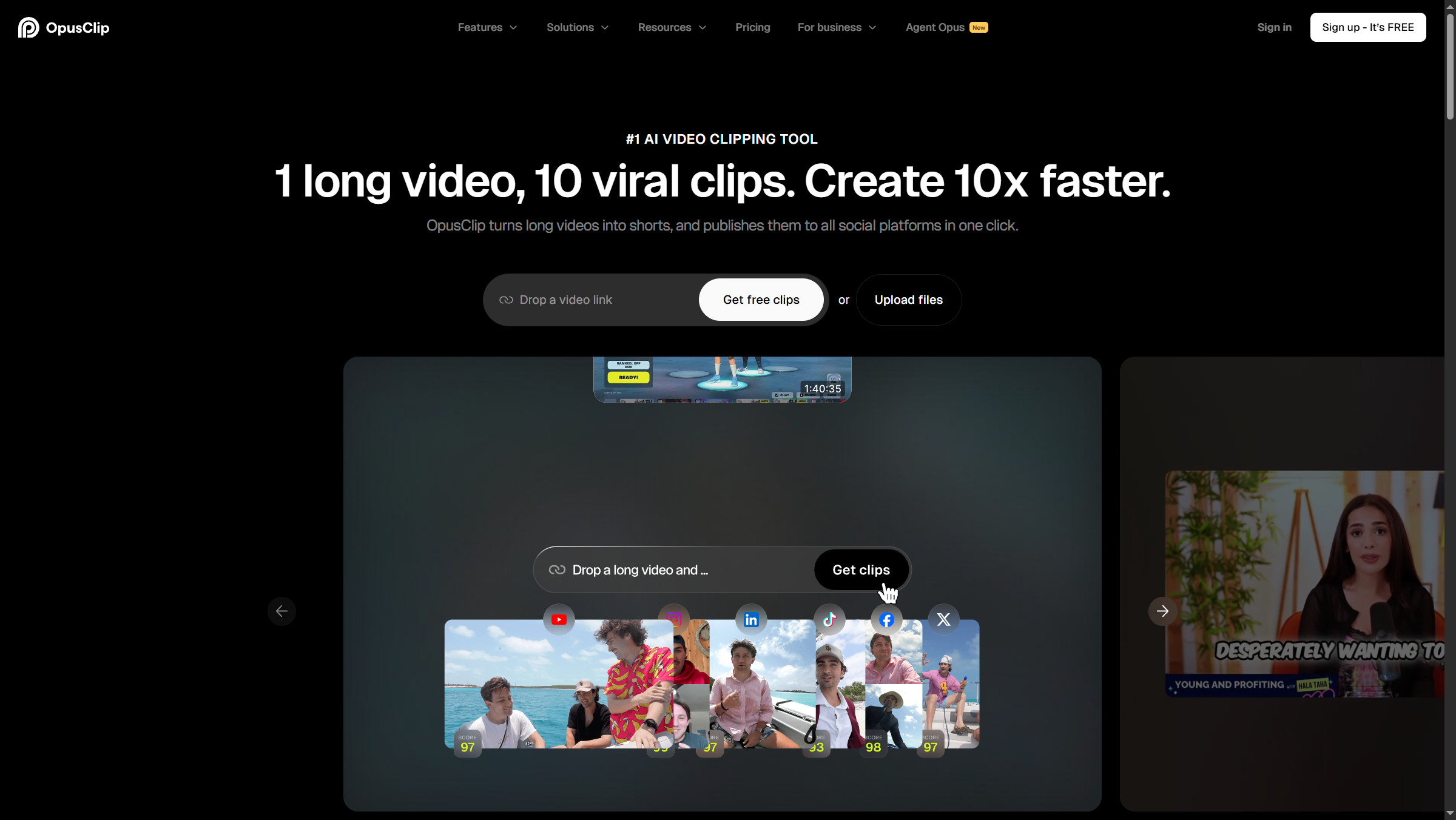
Tools like Opus Clip, Descript, and Canva handle the three main repurposing tasks - video clipping, transcription-based editing, and visual generation. Pair them with a general-purpose LLM (Claude or ChatGPT) for text adaptation and you cover roughly 90% of the workflow without custom code.
What Is the 1:10 Content Repurposing Framework?
The 1:10 framework is straightforward: every long-form anchor asset gets broken into 10 derivative formats. Not all 10 will fit every piece - a technical tutorial may not deserve a Pinterest pin - but the menu forces deliberate choices about which platforms each idea actually belongs on.
| # | Format | Source | Tool | Time |
|---|---|---|---|---|
| 1 | Vertical Shorts (TikTok/Reels/YT Shorts) | Long video | Opus Clip | 10 min |
| 2 | Horizontal social clips | Long video | Descript | 15 min |
| 3 | Tweet/X thread | Blog post | LLM + manual edit | 20 min |
| 4 | LinkedIn carousel | Blog post | Canva + LLM | 25 min |
| 5 | Email newsletter | Webinar | LLM + light edit | 15 min |
| 6 | Quote graphics | Podcast | Canva Magic Resize | 10 min |
| 7 | Blog post | YouTube video | Descript transcript + LLM | 30 min |
| 8 | Pinterest pins | Blog post | Canva templates | 10 min |
| 9 | SlideShare deck | Webinar | Canva + LLM | 30 min |
| 10 | Email sequence | Long form | LLM atomic-idea extraction | 25 min |
The total comes in under three hours of focused human time per anchor asset, with most of the manual work concentrated in quality control rather than production.
Format 1: Long Video → Vertical Shorts (Opus Clip)
The single highest-impact repurposing move in 2026 is taking a 30-60 minute video (podcast episode, livestream, webinar, YouTube interview) and letting AI extract the moments that work as vertical clips. Opus Clip is the dominant tool in this category and is widely adopted by creators who post daily Shorts and Reels.
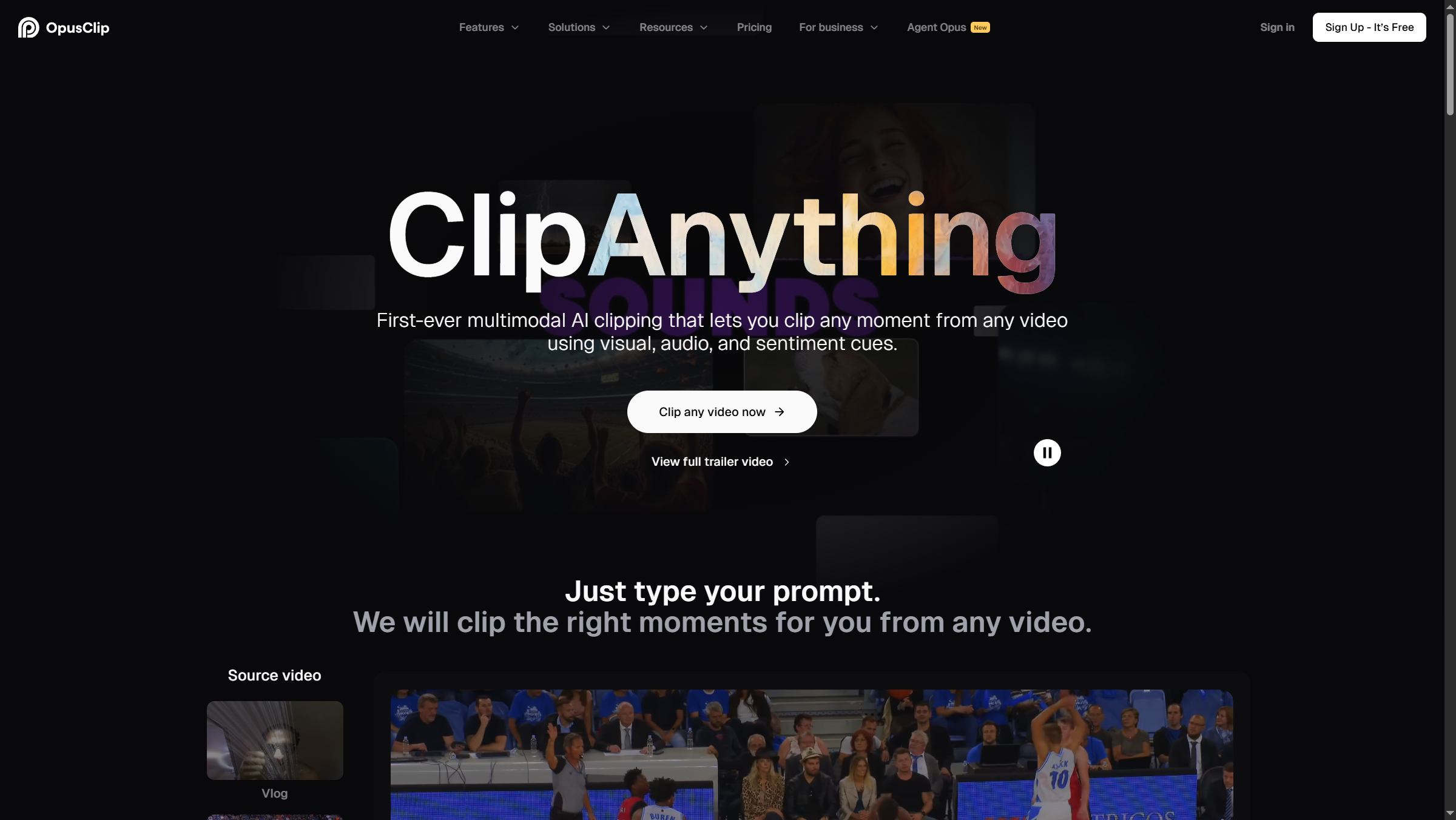
How it works: upload your video (or paste a YouTube URL), pick a target clip length, and Opus Clip’s ClipAnything AI scores each potential clip on a “ClipScore” - its prediction of viral potential. The tool also handles vertical reframing, captions, and basic B-roll suggestions.
Pricing reality check: the Free tier (60 credits/month) is too limited for any real workflow - a typical creator burns through it analyzing one or two long videos. The Starter tier removes the watermark and bumps you to 150 credits, which is the cheapest practical entry point. The annual Pro plan effectively gives you 300 credits per month and is the best value if you commit for a year - see the pricing table above for current monthly and annual rates.
Pricing verified April 2026 from Opus Clip's pricing page:
- Free: $0/mo
- 60 credits/month
- Watermark on clips
- Basic AI captions
- Starter: $15/user/mo
- 150 credits/month
- No watermark
- 1 brand template
- Pro: $14.5/user/mo annual ($29 monthly)
- 3,600 credits/year (annual) or 300/month
- 2 brand templates
- 6 social connections
- Business: Contact sales
- Everything in Pro
- Priority processing
- API access
Format 2: Long Video → Social Media Clips (Descript)
For horizontal clips that go on LinkedIn, Twitter/X, and YouTube native, Descript takes a fundamentally different approach: instead of letting AI guess which moments are clip-worthy, you read the transcript and select clips by highlighting text. Delete a sentence in the transcript, the corresponding audio and video disappear from the timeline.
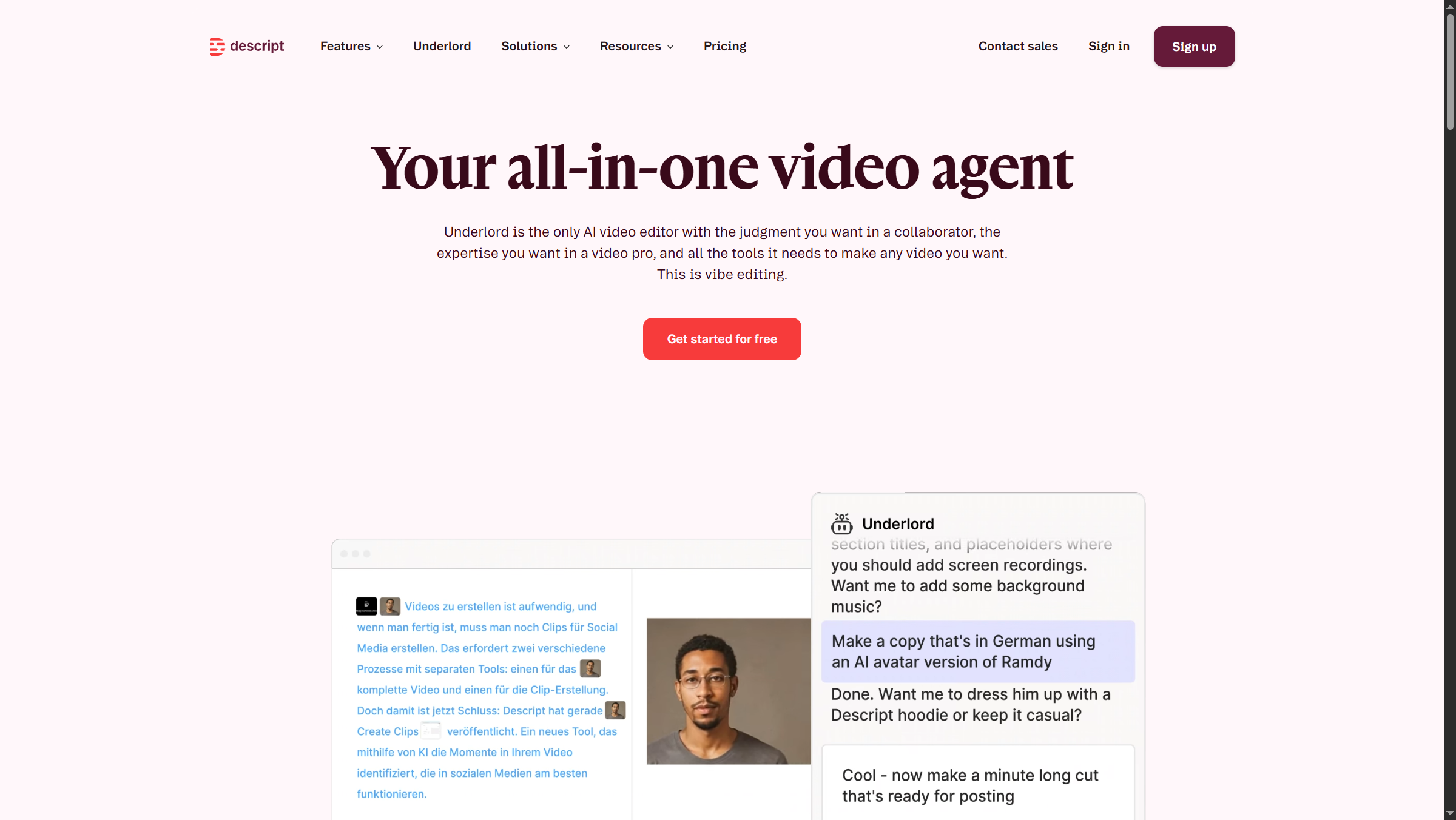
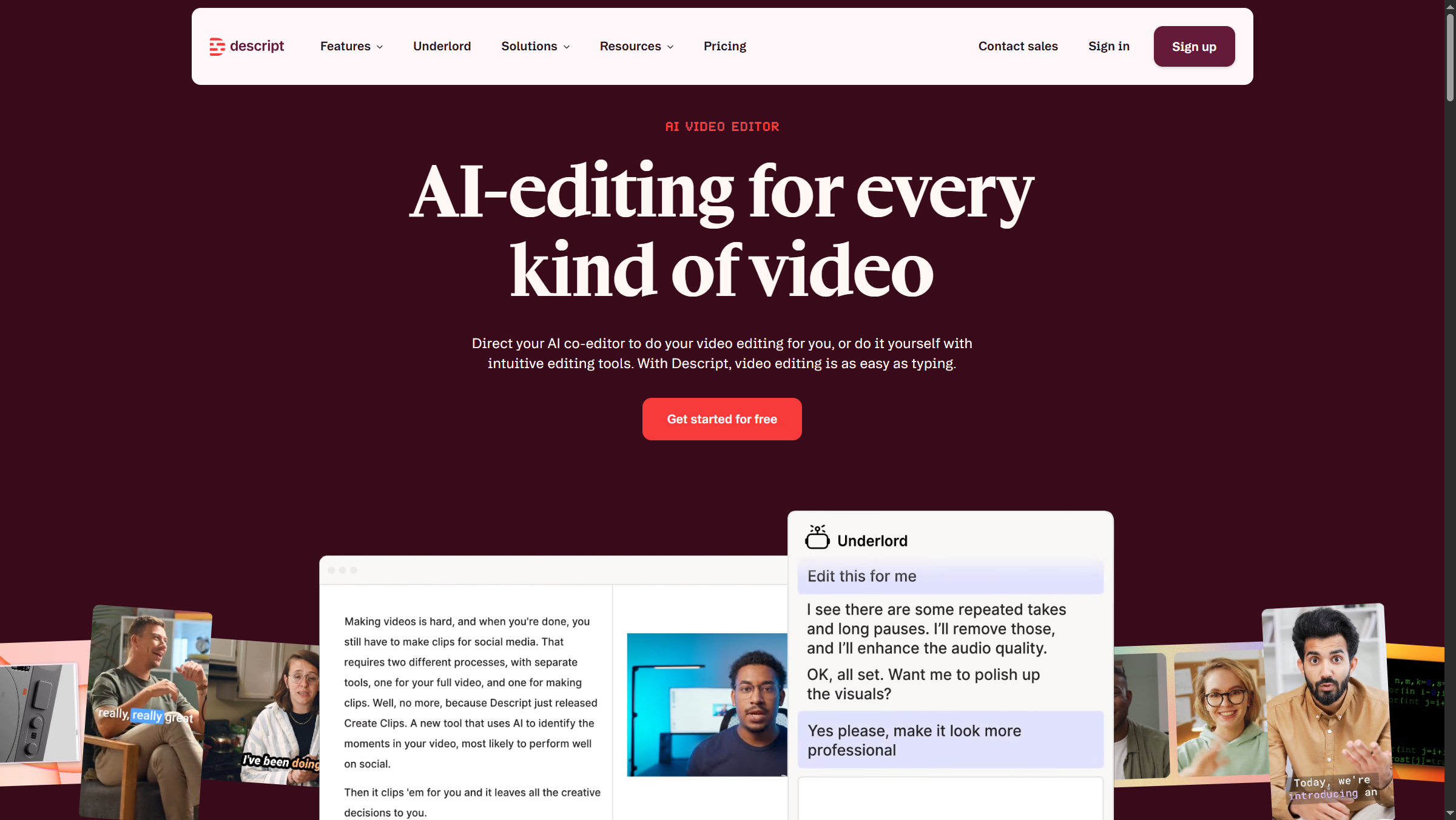
The Underlord AI assistant (Descript’s AI feature, available on Creator plans and above) handles the second-most painful repurposing chore: removing filler words, awkward pauses, and misspoken sentences automatically. For an hour-long podcast, Underlord can save 30-45 minutes of manual cleanup.
Pricing reality check: the Free tier (60 minutes/month, 100 one-time AI credits) is exploration only - the credits are total, not monthly, so they evaporate fast. The Hobbyist annual tier is the realistic floor for an active podcaster, but most repurposing workflows actually need the Creator annual tier to access full Underlord features and 4K exports - see the pricing table above.
Pricing verified April 2026 from Descript's pricing page:
- Free: $0/mo
- 60 minutes media/month
- 100 one-time AI credits
- 720p export with watermark
- Hobbyist: $16/user/mo annual ($24 monthly)
- 10 media hours/month
- 400 AI credits/month
- Watermark-free 1080p exports
- Creator: $24/user/mo annual ($35 monthly)
- 30 media hours/month (+5 bonus)
- 800 AI credits/month (+500 bonus)
- Watermark-free 4K exports
- Business: $50/user/mo annual ($65 monthly)
- 40 media hours/month (+10 bonus)
- 1500 AI credits/month (+1000 bonus)
- 4K exports
- Enterprise: Contact sales
- All Business features
- Advanced Security and SSO/SCIM
- Custom AI credits/media minutes
Format 3: Blog Post → Tweet Thread
For text-to-text repurposing, an LLM does most of the work but rarely produces a thread that posts as-is. Save this prompt as a workflow template:
“Convert the following blog post into an 8-tweet thread. Each tweet must stand alone (no ‘continued in next tweet’). Tweet 1 must hook with a contrarian claim or specific number from the post. Use line breaks for readability. No emojis unless the original used them. Final tweet must include a soft CTA back to the original post. Source: [paste blog].”
What AI got wrong: based on creator reports across multiple LLMs, the most common failure is “hook decay” - tweets 5-8 lose energy and read like outline summaries instead of standalone posts. Always edit the back half of the thread manually. The second common failure is fabricated statistics; if a tweet contains a number, verify it appears in the source.
Format 4: Blog Post → LinkedIn Carousel (Canva)
LinkedIn carousels (multi-slide PDFs) consistently outperform single-image posts for B2B content. Canva has dozens of carousel templates, and its Magic Resize feature is the killer repurposing capability - design once at LinkedIn carousel dimensions, then resize the same content into Instagram carousel, Twitter image, and Pinterest pin formats with one click.
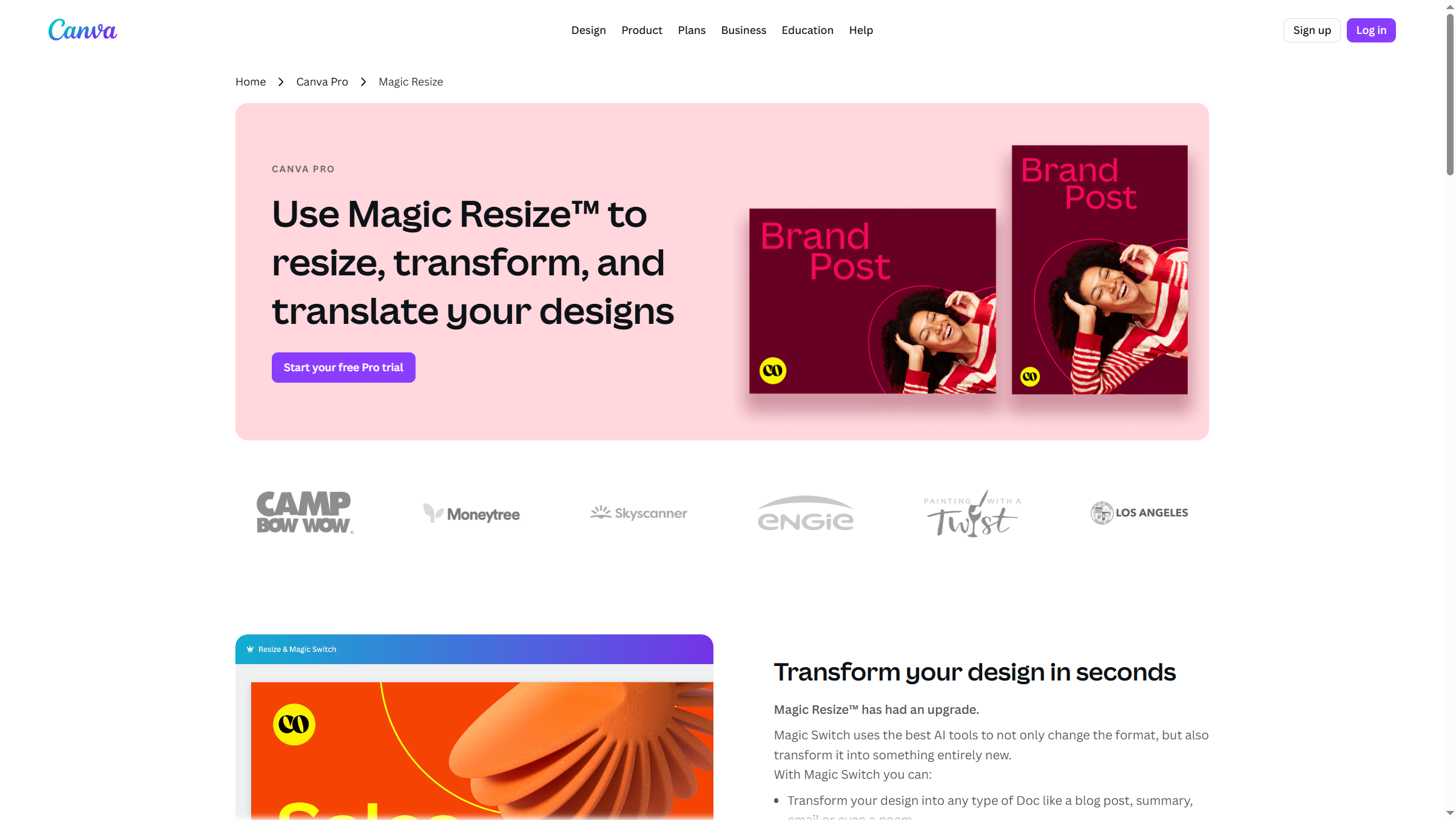
Workflow: ask an LLM to extract 7 atomic ideas from your blog post (one per slide). Drop each idea into a Canva carousel template (slide 1 = hook, slides 2-6 = ideas, slide 7 = CTA). Magic Resize generates the other platform versions. Total time: roughly 25 minutes for a finished, branded carousel set.
Pricing reality check: Free tier is genuinely useful for one-off graphics, but the 25 Magic Write uses cap kills it for repurposing workflows that touch dozens of pieces. The Pro annual tier is the must-have entry tier - Magic Resize alone is worth the price (see pricing table above).
Pricing verified April 2026 from Canva's pricing page:
- Free: $0/mo (5GB storage, 2M+ templates)
- Basic editor with drag-and-drop
- 2 million+ templates
- Stock photos and graphics
- Pro: $10/user/mo annual ($12.99 monthly) (1TB storage, 140M+ premium assets)
- 1TB cloud storage
- 140 million+ premium stock images, videos, and music
- Premium templates and fonts
- Business: $16.67/user/mo annual ($20 monthly) (Unlimited storage, team collaboration, premium AI integrations)
- All Pro features
- Unlimited storage
- Team templates and shared folders
- Enterprise: Contact sales (Enterprise-grade security and governance)
- All Business features
- SSO (SAML) and SCIM provisioning
- Audit logs and activity tracking
Format 5: Webinar → Email Newsletter
A 45-minute webinar contains roughly 6,000 words of transcript - far too long for an email but perfect raw material for a 600-word recap. Transcribe with Descript, feed the transcript to an LLM with a “summarize this webinar into a 600-word newsletter, lead with the most actionable insight, include 3 bullet takeaways, end with a replay link” prompt, then do a manual voice-consistency edit pass. Untouched LLM newsletters read like SEO blog posts and underperform.
Format 6: Podcast → Quote Graphics (Canva Magic Resize)
Pull 5-10 quotable lines from a podcast transcript, drop them into a Canva quote-graphic template, and use Magic Resize to generate Instagram square, Instagram story, Twitter/X, and LinkedIn versions. Forty quote graphics from one podcast in under an hour.
The trick is quote selection. Try: “Extract the 10 most quotable single sentences from this transcript - lines that work standing alone. Prioritize specific numbers, contrarian claims, or vivid metaphors over abstract advice.”
Format 7: YouTube Video → Blog Post
The transcript-first workflow flips the usual pipeline. Instead of writing a blog and then filming, you film unscripted, transcribe with Descript, and let an LLM restructure the transcript into a publishable post.
Prompt: “Convert this video transcript into a 1,500-word blog post. Add an intro paragraph, structure with H2 headings, smooth out spoken-word filler, and preserve all specific examples and numbers.” Either Claude or ChatGPT handles this well, with Claude generally producing tighter prose and ChatGPT producing more SEO-friendly headings.
This replaces the most time-expensive part of content production - drafting - with a 30-minute editing pass instead of a 4-hour writing session.
Format 8: Blog Post → Pinterest Pins
Pinterest is the most underused repurposing target for B2B content because most marketers assume it is only for recipes and home decor. It is also a search engine where listicle and “how-to” content can drive traffic for years. Canva has thousands of Pinterest pin templates - design 5 pins per blog post (different headlines, colors, and image angles) and pin them across 60 days.
These are concrete repurposing examples of how a single blog post can produce visual assets that keep generating clicks long after the social-media half-life expires.
Format 9: Webinar → SlideShare Deck
SlideShare itself is largely deprecated, but the format - a 20-30 slide PDF with one idea per slide - lives on as LinkedIn document posts and gated lead magnets. Feed the webinar transcript to an LLM: “Convert into a 25-slide deck outline, one core idea per slide, max 15 words per slide.” Drop into a Canva template, export as PDF.
Format 10: Long Form → Email Sequence
The atomic-ideas approach: extract every distinct idea from a long-form piece and turn each one into a single email in a drip sequence. A 3,000-word pillar piece typically produces 12-15 emails. Each email is short (200-300 words), focuses on one idea, and links back to the full piece.
Prompt template: “Extract every standalone idea from this article. For each idea, draft a 250-word email with: subject line under 50 chars, opening hook tied to the reader’s pain, the idea itself with one concrete example, and a CTA linking back to the source piece.”
How Much Does an AI Content Repurposing Workflow Cost?
Here is the actual math for a creator running this workflow once per week with one anchor asset (a 45-minute podcast episode):
| Cost line | Tool | Monthly cost |
|---|---|---|
| Video clipping | Opus Clip Pro (annual) | approximately $14.50 |
| Transcription + editing | Descript Creator (annual) | approximately $24.00 |
| Graphics | Canva Pro (annual) | approximately $10.00 |
| LLM (text adaptation) | ChatGPT Plus or Claude Pro | approximately $20.00 |
| Total monthly stack cost | combined four tools | approximately $68.50 |
That is roughly $17 per anchor asset, which produces 30-50 derivative pieces of content. At $0.40-$0.50 per finished asset, the unit economics work even for solo creators. Whether you start with an ai free trial of each tool or jump straight to the paid stack, the marginal cost per asset stays under a dollar.
Time math: 90 minutes per week of focused human time produces enough content to publish daily across five platforms. Compare that to the 15-20 hours per week required to manually create the same volume.
Quality Control: When AI Gets It Wrong
Roughly 10-20% of AI repurposing output is unusable as-is. Common failure modes to watch for:
Fabricated statistics. LLMs invent plausible-sounding numbers. If a repurposed post says “studies show 73% of marketers…” and you cannot find that exact figure in your source, kill it.
Hook decay in threads. Tweets 5-8 of an LLM-generated thread tend to read like outline summaries, not standalone posts. Always edit the back half manually.
Voice drift in long sequences. Email sequences generated in one shot drift away from your voice by email 5 or 6. Generate in batches of 3 and reset the voice prompt between batches.
Visual misalignment. Canva Magic Resize occasionally crops text awkwardly going from 1:1 to 9:16. Preview every resized version before scheduling.
Out-of-context clips. Opus Clip’s ClipScore optimizes for engagement signals, not narrative coherence. Watch every clip end-to-end before approving.
The rule of thumb experienced repurposers cite: AI does 80-90% of the production work, but the human still owns the final 10-20% that determines whether the output represents the brand correctly.
Frequently Asked Questions
What is the best AI tool for content repurposing in 2026?
There is no single best tool - repurposing spans video, audio, text, and graphics. The current consensus stack is Opus Clip for vertical video, Descript for transcription-based audio and video editing, Canva for graphics with Magic Resize, and a general LLM (ChatGPT or Claude) for text adaptation. Most professional repurposing workflows use 3-4 tools in combination.
How much time does an AI content repurposing workflow actually save?
Manually producing the 10 derivative formats from one anchor asset takes 15-20 hours. With the AI-assisted workflow above, the same output takes 90 minutes to 3 hours of human time, with most of that spent on quality control rather than production. Cost per finished asset typically lands between $0.40 and $0.50 once you have a paid tool stack in place.
Can I run this workflow on free plans only?
Partially. Free plans are useful for evaluating each tool, but every free tier has limits that block a real recurring workflow within one or two anchor assets. Opus Clip’s 60 credits/month, Descript’s one-time 100 AI credits, and Canva’s 25 Magic Write uses all run out fast. Expect to pay $50-$70 monthly for a serious stack.
Will Google penalize repurposed content for duplication?
Repurposed content posted to different platforms (a tweet from a blog, a TikTok from a podcast) is not duplicate content in the SEO sense - it lives in different systems. Where you do need to be careful is republishing the same blog post on Medium, LinkedIn Articles, and your own site simultaneously. Use canonical tags or stagger publication.
Does AI-repurposed content perform as well as original content?
Creators who switch to AI-assisted repurposing generally see comparable or better performance per asset, mainly because they are publishing 5-10x more total assets. Individual asset quality may be slightly lower than hand-crafted content, but reach gains from higher publication volume more than compensate.
The Bottom Line
The ai content repurposing workflow has shifted from a competitive advantage in 2023-2024 to a baseline expectation in 2026. Creators not running some version of this stack are being out-published 5-10x by creators who are. The good news: the tool stack has stabilized. Opus Clip, Descript, Canva, and a general LLM cover roughly 90% of the workflow at under seventy dollars per month combined.
If you are starting from zero, the cheapest realistic entry point is Opus Clip Starter for video clipping, Canva Pro annual for graphics, and a Claude or ChatGPT subscription for text adaptation. That entry-level stack costs roughly forty-five dollars per month and covers 6-7 of the 10 formats above. Add Descript Creator annual once you are producing podcast or talking-head video regularly.
The biggest mistake is treating this as a one-time setup. The creators winning in 2026 are not necessarily the ones producing the most original content - they are the ones who built repeatable systems for getting 10 outputs from 1 input.
Related Reading
- Opus Clip - Full review of the leading vertical-video clipping tool
- Descript - Text-based audio and video editor
- Canva - Graphics and Magic Resize for multi-platform repurposing
- Best AI Podcast Editing Tools - Deeper coverage for podcast-first creators
- AI Tools for Content Creators - Broader content-creator stack beyond repurposing
- AI Transcription Comparison - Compare transcription engines that feed text-based editing workflows
- Fliki Blog to Video Guide - Step-by-step walkthrough for the blog-to-video format above
External Resources
- Opus Clip Blog - Official guides on AI video clipping workflows
- Descript Blog - Tutorials on transcription-based editing
- Kaltura’s Content Repurposing Guide - Industry-perspective overview of multi-format content strategy