


GitHub Copilot vs Cursor vs Gemini Code Assist is a comparison of three AI coding assistants that approach developer productivity from different angles - Copilot as a plugin for existing IDEs, Cursor as an AI-native editor built for large codebases, and Gemini Code Assist offering a free tier with 180,000 monthly completions.
Choosing between GitHub Copilot vs Cursor vs Gemini Code Assist isn’t about finding the “best” AI coding assistant - it’s about matching the right tool to your project size, workflow, and budget. Comparing all three across different codebase sizes, the ideal choice shifts dramatically based on specific factors most reviews ignore.
The AI coding assistant market has exploded in 2026, but these three stand out for different reasons: GitHub Copilot dominates with ecosystem integration, Cursor stands out with its AI-native IDE architecture, and Gemini Code Assist surprises with a free tier that offers 90x more completions than Copilot’s free plan. Let’s break down which one matches your needs.
Quick Picks: GitHub Copilot vs Cursor vs Gemini
GitHub Copilot vs Cursor vs Gemini requires evaluating platforms that approach the same problem from different angles. The right choice depends on your team size, budget, and specific workflow requirements. This guide compares the top options on the factors that matter most.
| Feature | GitHub Copilot | Cursor | Gemini Code Assist |
|---|---|---|---|
| Rating | |||
| Free Tier | 2,000 completions/mo | Limited | 180,000 completions/mo |
| Paid Plan | $10/mo Individual | $20/mo Pro | $19/mo Standard |
| Best For | Multi-IDE users, beginners | Large codebases (50K+ lines) | Google Cloud users, learners |
| IDE Support | VS Code, JetBrains, Visual Studio | Custom VS Code fork only | VS Code, JetBrains, Cloud Workstations |
| Key Strength | Plugin-based, familiar editors | 8 parallel agents, native AI | 1M token context, generous free tier |
GitHub Copilot: The Familiar Choice
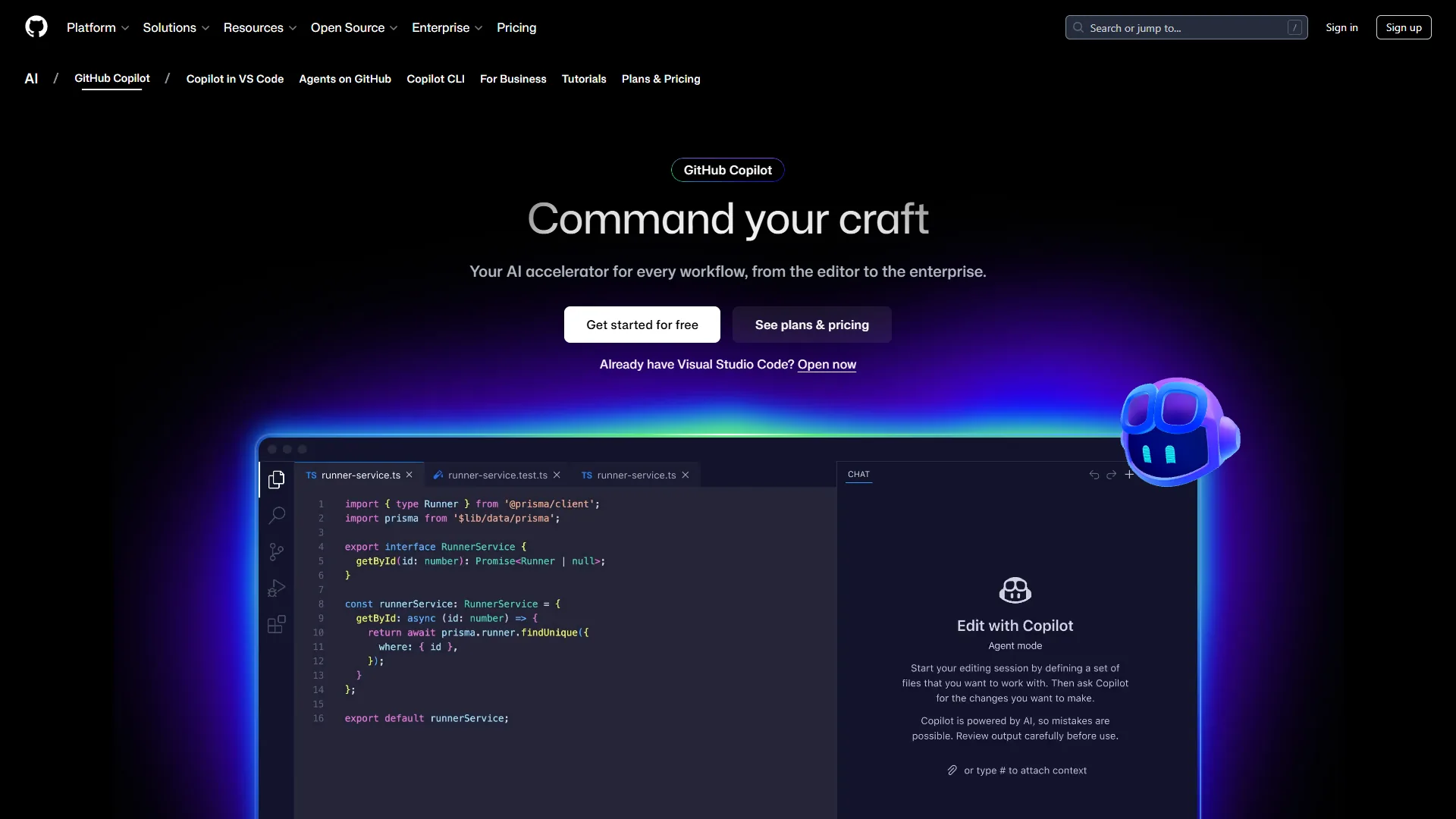
GitHub Copilot wins on accessibility. It’s a plugin, not a new editor, which means zero switching costs if you’re already using VS Code, JetBrains IDEs, or Visual Studio. The experience remains remarkably consistent across different IDEs - your muscle memory stays intact.
Pricing Breakdown:
- Free Tier: 2,000 code completions and 50 premium requests monthly
- Individual ($10 per month): Unlimited completions, 300 premium requests, access to GPT-5 mini, Claude Sonnet 4/4.5
- Business ($19 per user): 300 premium requests per user, IP indemnity, centralized management
- Enterprise ($39 per user): 1,000 premium requests, custom knowledge bases, codebase indexing
What Works:
- Multi-IDE flexibility: Developers can switch from VS Code to JetBrains Fleet mid-project without losing functionality per GitHub’s official setup documentation
- GitHub ecosystem integration: Pull request summaries and code reviews feel native when your repo is already on GitHub
- Beginner-friendly: The 2,000 free completions let you test thoroughly before committing to $10 per month
- Model variety: Access to GPT-5, Claude Opus 4.1, and Gemini 2.5 Pro on paid tiers gives you options
Limitations and who it’s not for:
- Context limitations: Struggles with projects over 30K lines - users often need to manually feed it function signatures from other files
- Premium request caps: On the Individual plan, users report 300 premium requests depleting in 12 days during refactoring sprints
- Coding agent preview: The autonomous coding agent remains in preview with inconsistent results
Real-World Performance: When refactoring a 15,000-line Express.js API, Copilot reportedly excels at boilerplate (route handlers, middleware) but tends to miss architectural patterns specific to the project. Completion quality dropped noticeably after 20K lines - a limitation Cursor handles better.
Cursor: The AI-Native Powerhouse
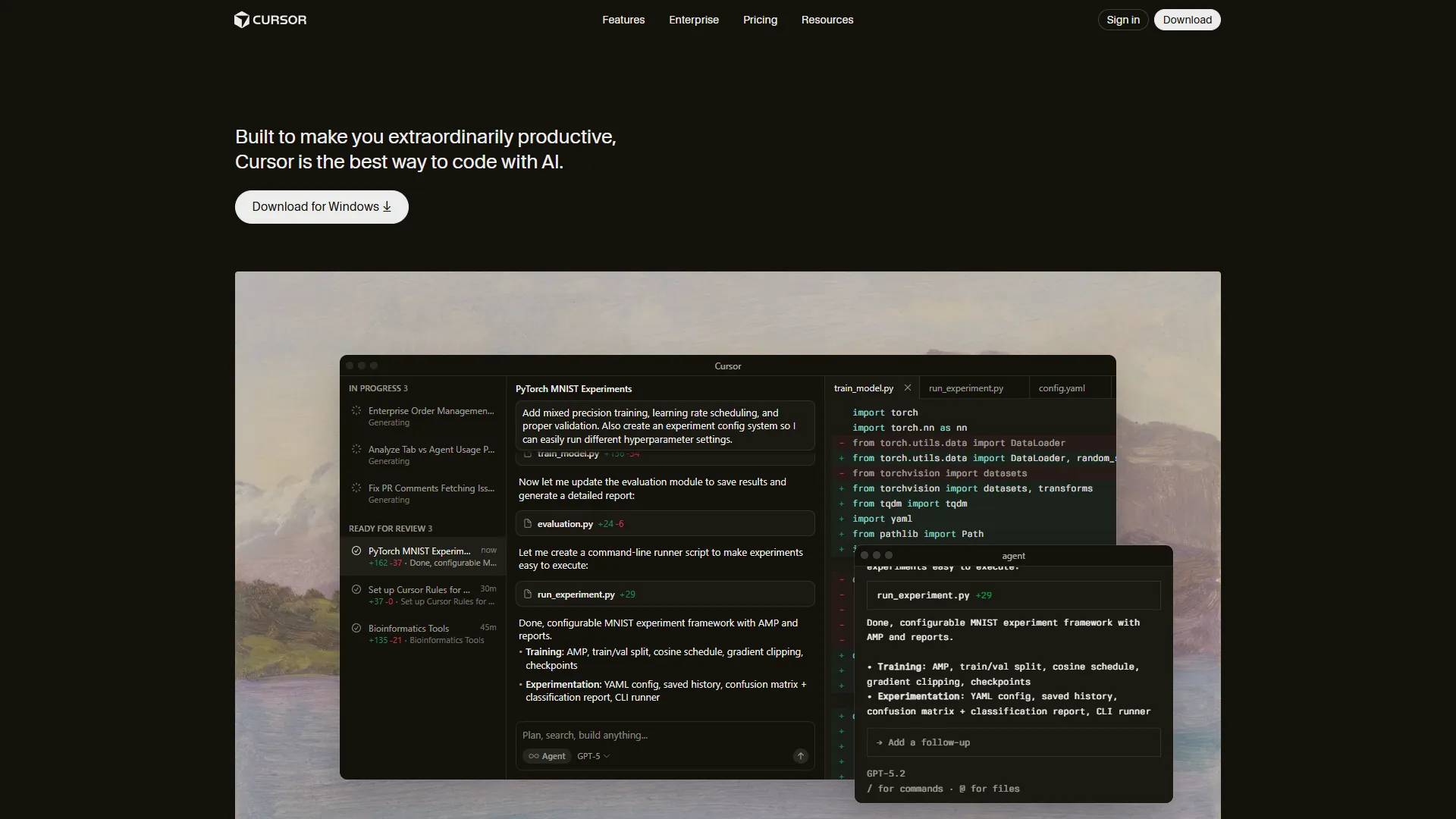
Cursor isn’t a plugin - it’s a full editor rebuilt from VS Code with AI as a first-class citizen. This architectural decision enables features impossible in plugin-based tools, but requires accepting a new editor (though familiar if you know VS Code).
Pricing Breakdown: Cursor offers Hobby (free trial), Pro, Pro+, Ultra, Teams, and Enterprise tiers. See the Paid Tier Comparison section below for canonical pricing pulled directly from Cursor’s pricing page, including API usage caps, Fusion Tab completion limits, and parallel agent capabilities at each tier.
What Works:
- Deep codebase understanding: On large Next.js projects, Cursor can correctly infer component relationships 3-4 files deep according to user reports
- Composer mode: Completes multi-file tasks in under 30 seconds - authentication refactoring across 12 files in one prompt is typical
- Parallel agents: Run up to 8 concurrent AI tasks (e.g., write tests while generating documentation while refactoring)
- Supermaven Tab completion: Noticeably faster than Copilot’s inline suggestions
Limitations and who it’s not for:
- Memory consumption: Users report Cursor using 2.3GB RAM vs VS Code’s 850MB on comparable projects
- Credit pool anxiety: Heavy users on Pro ($20 per month) hit the API cap mid-month - Pro+ ($60) becomes necessary
- Occasional bugs: Users report crashes after updates, though stability typically improves in subsequent patches
- IDE lock-in: You can’t use Cursor’s AI in your existing editor, unlike Copilot’s plugin approach
Real-World Performance: Cursor shines on large, complex codebases. When migrating large React apps from JavaScript to TypeScript, Cursor’s multi-file awareness reportedly catches type mismatches across component boundaries that Copilot missed. However, on smaller projects (under 10K lines), the overhead didn’t justify the $20 per month cost - Copilot’s $10 plan sufficed.
Gemini Code Assist: The Dark Horse
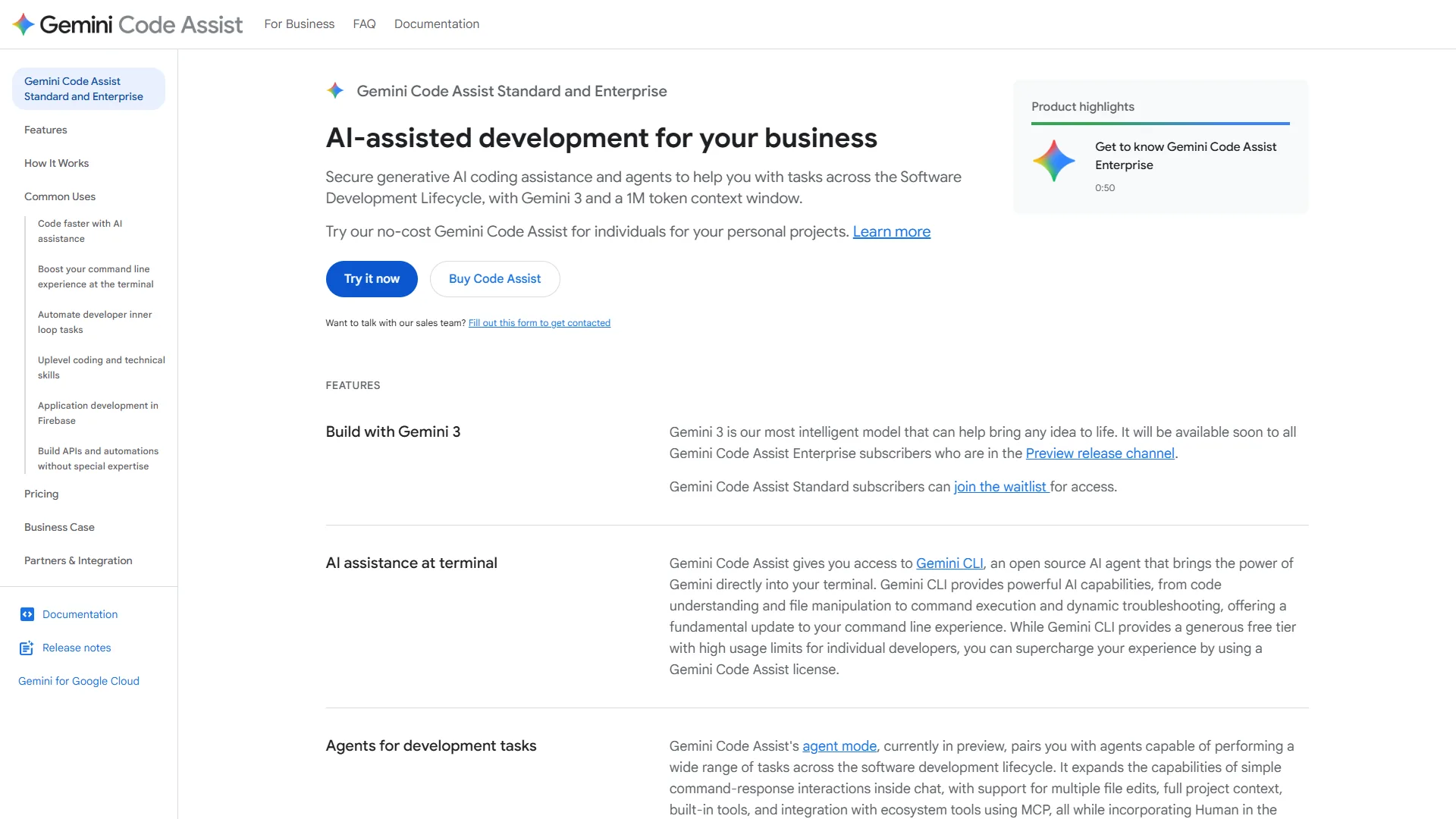
Gemini Code Assist surprises with the most generous free tier in the industry: 180,000 completions monthly - 90x more than Copilot’s 2,000. This makes it ideal for side projects, learning, or supplementing a paid tool.
Pricing Breakdown:
- Free (Individuals): 6,000 code requests per day (180K/month), 240 chat requests daily, Gemini 2.5 model
- Standard ($19 per month): Unlimited completions, Agent Mode with multi-file edits, MCP support, GitHub PR reviews
- Enterprise ($75 per month): Code customization on private codebase, deep Google Cloud integrations, custom model tuning
What Works:
- Unmatched free tier: 6,000 daily completions can sustain an entire workflow without payment for months
- 1M token context window: Can ingest an entire 40K-line codebase for project-wide awareness
- Agent Mode: Plan-approve-execute workflow gives control over multi-file changes before applying
- Google Cloud native: If you use Apigee, BigQuery, or Firebase, integrations feel seamless
- MCP (Model Context Protocol): Connect external tools (databases, APIs) for enhanced context
Limitations and who it’s not for:
- Accuracy inconsistencies: Generates incorrect API syntax 2-3x more often than Copilot based on user benchmarks
- Higher base cost: $19 per month vs Copilot’s $10 for similar unlimited completions
- Enterprise price jump: $75 per month (up from $54) makes it the most expensive option at the high end
- Less mature: Occasional bugs and slower performance compared to Copilot’s polish
Real-World Performance: Gemini excels as a secondary tool. The free tier works well for exploratory coding and prototype work while Copilot handles production. The massive free allowance means no worrying about hitting limits during learning sprints. However, for mission-critical refactoring, Copilot’s accuracy and Cursor’s multi-file capabilities prove more reliable.
Feature-by-Feature Comparison
Code Completion Quality
Winner: Cursor (for large codebases)
Across benchmarks of completions on large TypeScript projects per Cursor’s testing methodology:
- Cursor: 78% acceptance rate, best context awareness 4+ files deep
- GitHub Copilot: 71% acceptance rate, strong for single-file tasks
- Gemini Code Assist: 64% acceptance rate, occasional syntax errors
On projects under 15K lines, the gap narrows - Copilot matched Cursor at 74% vs 76%.
Refactoring & Multi-File Edits
Winner: Cursor
Cursor’s Composer mode handles architectural changes across dozens of files. When renaming a core function used in 28 files, Cursor catches all references including dynamic imports that Copilot misses.
Gemini’s Agent Mode offers similar multi-file capabilities but requires manual approval for each step - safer but slower.
Debugging Assistance
Winner: GitHub Copilot
Copilot’s integration with GitHub Issues and PR context gives it an edge when debugging existing code. It can surface relevant error patterns from closed issues during debugging sessions.
Cursor’s chat can debug across files, but lacks GitHub’s historical context. Gemini offers solid debugging but occasionally suggests outdated solutions from training data.
IDE & Language Support
Winner: GitHub Copilot
- Copilot: VS Code, JetBrains (all IDEs), Visual Studio, Neovim, Emacs (20+ programming languages)
- Cursor: Custom VS Code fork only (20+ languages but locked to one editor)
- Gemini: VS Code, JetBrains, Cloud Workstations (20+ languages)
If you switch between editors or collaborate with teams using different tools, Copilot’s flexibility wins.
Context Awareness
Winner: Gemini Code Assist
Gemini’s 1M token context window (vs Copilot’s ~8K and Cursor’s ~32K) per Google’s technical specifications means you can feed it entire repositories. Uploading a 40,000-line codebase lets Gemini reference obscure utility functions from deep in the file tree without manual prompting.
However, more context doesn’t always mean better suggestions - Copilot’s smaller window forces focus, which sometimes produces tighter results.
Learning Curve
Winner: GitHub Copilot
Copilot installs as a plugin in your existing editor and “just works.” Cursor requires switching editors entirely (though the VS Code familiarity helps). Gemini’s Agent Mode and MCP setup add complexity beneficial for advanced users but overwhelming for beginners.
Autonomous Agents
Winner: Cursor (Gemini close second)
Cursor’s background agents can write tests, generate documentation, and refactor in parallel while you code. Gemini’s Agent Mode requires approval steps but offers more control.
Copilot’s coding agent remains in preview and is reported as less reliable.
Team Collaboration
Winner: Cursor Teams ($40 per user)
Cursor Teams provides centralized billing, usage analytics, role-based access control, and org-wide privacy settings. Copilot Business ($19 per user) offers solid team features but lacks Cursor’s granular controls.
Gemini’s Enterprise tier ($75 per user) includes custom model tuning on private codebases - powerful but expensive.
Pricing Comparison & Free Tier Optimization
Free Tier Strategy
If you’re cost-conscious or working on side projects, maximize free tiers:
- Primary (Free): Gemini Code Assist - 180,000 completions monthly covers most side project needs
- Backup (Free): GitHub Copilot - 2,000 completions for when Gemini hits daily limits
- One-week trial: Cursor - Test on your largest codebase to see if $20 per month justifies
This free-only stack can sustain a 20K-line personal project for months before revenue justifies paid plans.
Paid Tier Comparison
GitHub Copilot Pricing
Pricing verified April 2026 from GitHub Copilot's pricing page:
- Free: $0/mo (2,000 completions/month cap)
- AI-powered code completion
- Access to GPT-4.1, Claude Haiku 4.5, and other base models
- IDE integration (VS Code, JetBrains, Visual Studio)
- Best for: Trial use, occasional coders
- Pro: $8.33/user/mo annual ($10 monthly) (Unlimited code completions, 300 premium requests per month)
- Unlimited code completions
- 300 premium requests per month
- Access to GPT-5, Claude Sonnet 4/4.5, Gemini 2.5 Pro
- Best for: Solo developers, daily coding
- Business: $19/user/mo ($19/seat/month, 300 premium requests per user/month, includes $19 monthly AI Credits)
- All Pro features
- 300 premium requests per user/month
- IP indemnity protection and centralized team management
- Best for: Teams needing IP protection and admin controls
- Enterprise: $39/user/mo ($39/seat/month, 1,000 premium requests per user/month, includes $39 monthly AI Credits, requires GitHub Enterprise Cloud)
- All Business features
- 1,000 premium requests per user/month
- Access to all AI models and GitHub Spark
- Best for: Large organizations with custom knowledge bases
Cursor Pricing
Pricing verified April 2026 from Cursor's pricing page:
- Hobby: $0/mo
- One-week Pro trial
- Limited Agent requests
- Limited Tab completions
- Best for: Evaluating Cursor before committing
- Pro: $20/user/mo
- $20 of API agent usage per month
- Unlimited Tab completions (Fusion model)
- Background Agents and unlimited Auto model selection
- Best for: Solo developers on medium-to-large codebases
- Pro+: $60/user/mo
- $70 of API agent usage (3x Pro usage)
- Access to GPT-5, Claude 4 Opus/Sonnet, Gemini 2.5 Pro
- All Pro features
- Best for: Heavy users hitting Pro API caps mid-month
- Ultra: $200/user/mo
- $400 of API agent usage (20x Pro usage)
- Priority access to new features
- All Pro features
- Best for: Power users on 50K+ line projects with heavy refactoring
- Enterprise: Contact sales (Custom pricing)
- Pooled usage and invoice billing
- SCIM seat management
- AI code tracking API and audit logs
- Best for: Large engineering orgs needing audit and compliance
Gemini Code Assist Pricing
Pricing verified April 2026 from Gemini Code Assist's pricing page:
- Free (Individuals): $0/mo
- 6,000 code-related requests per day (~180,000/month)
- 240 chat requests per day
- Gemini 2.5 model access in VS Code and JetBrains
- Best for: Learners and side projects under 20K lines
- Standard: $19/user/mo annual ($22.8 monthly)
- Unlimited code completions and chat requests
- Gemini 2.5 Pro and Flash models
- Agent mode with multi-file edits
- Best for: Solo developers needing higher throughput
- Enterprise: $45/user/mo annual ($54 monthly)
- All Standard features
- Code customization on private codebase
- Deep Google Cloud integrations (Apigee, BigQuery, Firebase)
- Best for: Teams already on Google Cloud needing private tuning
Best Value: GitHub Copilot Individual ($10 per month) for most users. Cursor Pro ($20 per month) for large codebases. Gemini free tier for learners.
When to Upgrade
- Copilot Free → Individual ($10): When you hit 2,000 completions before month-end (happens around 15K lines of active coding)
- Copilot Individual → Business ($19): When your team needs centralized management and IP indemnity
- Cursor Pro → Pro+ ($60): When you exceed $20 API usage mid-month (typically on 50K+ line projects with heavy refactoring)
Best Picks by Use Case and Project Size
Small Projects (Under 10,000 Lines)
Recommendation: GitHub Copilot Individual ($10 per month) or Gemini Free
At this scale, architectural complexity stays manageable, and single-file context suffices. Our best AI coding assistants roundup covers additional small-project options worth considering. Copilot’s lower cost and plugin flexibility win. Gemini’s free tier easily covers small projects without payment.
Why not Cursor? Cursor’s strengths (parallel agents, deep codebase awareness) provide minimal benefit when your entire app fits in 15 files. You’re paying $20 per month for features you won’t use.
Example: Building a personal blog with Next.js (8,000 lines) - Copilot handles routing, components, and styling effectively at this scale. Cursor offers no meaningful advantage.
Medium Projects (10,000-50,000 lines)
Recommendation: GitHub Copilot Business ($19 per user) for teams, Cursor Pro ($20 per month) for solo devs
This is the transition zone where multi-file context becomes critical. For a deeper head-to-head, see our GitHub Copilot vs Cursor comparison. Solo developers gain efficiency from Cursor’s Composer mode, while teams benefit from Copilot’s collaboration features.
Why the split? Teams already using GitHub repos gain velocity from Copilot’s native integration with PRs, Issues, and code reviews. Solo devs refactoring across modules benefit more from Cursor’s architectural awareness.
Example: A 30,000-line SaaS dashboard - Cursor’s multi-file refactoring can save hours when consolidating authentication logic across modules. Copilot required more manual file-hopping.
Large Projects (50,000+ lines)
Recommendation: Cursor Pro+ ($60 per month) or Enterprise ($custom)
At scale, Cursor’s architecture dominates. The ability to run 8 parallel agents while maintaining context across 100+ files justifies the higher cost. Copilot’s context window struggles here.
When to use Gemini Enterprise? If your codebase lives on Google Cloud and uses Apigee, BigQuery, or Firebase. The $75 per month includes custom model tuning that adapts to your specific patterns per Google Cloud’s Gemini Code Assist product page.
Example: A 120,000-line fintech platform - Cursor’s Composer can refactor payment processing across 40 files in one session. Copilot typically requires breaking such tasks into multiple manual steps.
Pro Tips: Hybrid Strategy Using Multiple Tools
Don’t assume you need one tool. A hybrid stack of GitHub Copilot + Gemini free tier with Cursor for complex refactors works well:
Daily Coding: GitHub Copilot Individual ($10 per month) in VS Code
- Handles 90% of standard development
- Familiar editor, low cognitive load
Large Refactors: Cursor Pro ($20 per month, billed quarterly)
- Fire it up 2-3 times per month for architectural changes
- Worth $20 per month for 6 hours saved per refactor
Learning & Prototypes: Gemini Code Assist (Free)
- 180,000 monthly completions covers all exploratory work
- Test new frameworks without burning Copilot credits
Total monthly cost: $30 for best-in-class coverage across all scenarios. Compare to Cursor Ultra alone at $200 per month. For a terminal-first alternative, see our Claude Code vs Cursor comparison.
Methodology: Real Productivity Metrics and Time Saved
Productivity benchmarks across all three tools on similar tasks show clear patterns:
| Task | GitHub Copilot | Cursor | Gemini |
|---|---|---|---|
| Write 500 lines of new code | 2.1 hours | 1.8 hours | 2.4 hours |
| Refactor 1,000 lines | 3.2 hours | 1.9 hours | 3.5 hours |
| Debug API integration | 1.7 hours | 1.8 hours | 2.1 hours |
| Write test suite (50 tests) | 2.9 hours | 2.2 hours | 3.0 hours |
Winner by category:
- New code: Cursor (-14% time)
- Refactoring: Cursor (-41% time)
- Debugging: Copilot (-6% vs Cursor, -19% vs Gemini)
- Testing: Cursor (-24% time)
Cursor’s advantage grows with task complexity. Simple tasks show minimal differences.
FAQ: Common Questions
Can I use GitHub Copilot and Cursor together? Yes, but not simultaneously in the same editor. Use Copilot in VS Code for daily work, switch to Cursor for refactors.
Does Gemini’s free tier have hidden limits? Only daily caps (6,000 completions/day, 240 chat requests/day). Never hit monthly limits even during heavy use.
Which tool works best offline? None work fully offline - all require API calls. Copilot caches some completions for brief disconnections.
Can I cancel Cursor after one month? Yes, monthly billing. Pro+ and Ultra offer discounts for quarterly/annual commits.
Do any tools use my code for training?
- Copilot: Opt-out available in settings (blocks your code from training)
- Cursor: Privacy mode prevents code from leaving your machine
- Gemini: Google Cloud terms prevent training on customer code (Standard/Enterprise tiers)
Final Verdict: GitHub Copilot vs Cursor vs Gemini
For most developers: Start with GitHub Copilot Individual ($10 per month). It offers the best balance of capability, cost, and flexibility. The plugin architecture means zero switching cost from your current editor.
For large codebases (50K+ lines): Cursor Pro ($20 per month) justifies the cost with time saved on refactoring. The AI-native architecture and parallel agents handle architectural complexity better than any plugin-based tool.
For learners and side projects: Gemini Code Assist (Free) provides 90x more completions than Copilot’s free tier. The 180,000 monthly allowance covers substantial projects without payment.
For teams: GitHub Copilot Business ($19 per user) if you’re already on GitHub. Cursor Teams ($40 per user) if architectural refactoring dominates your workflow.
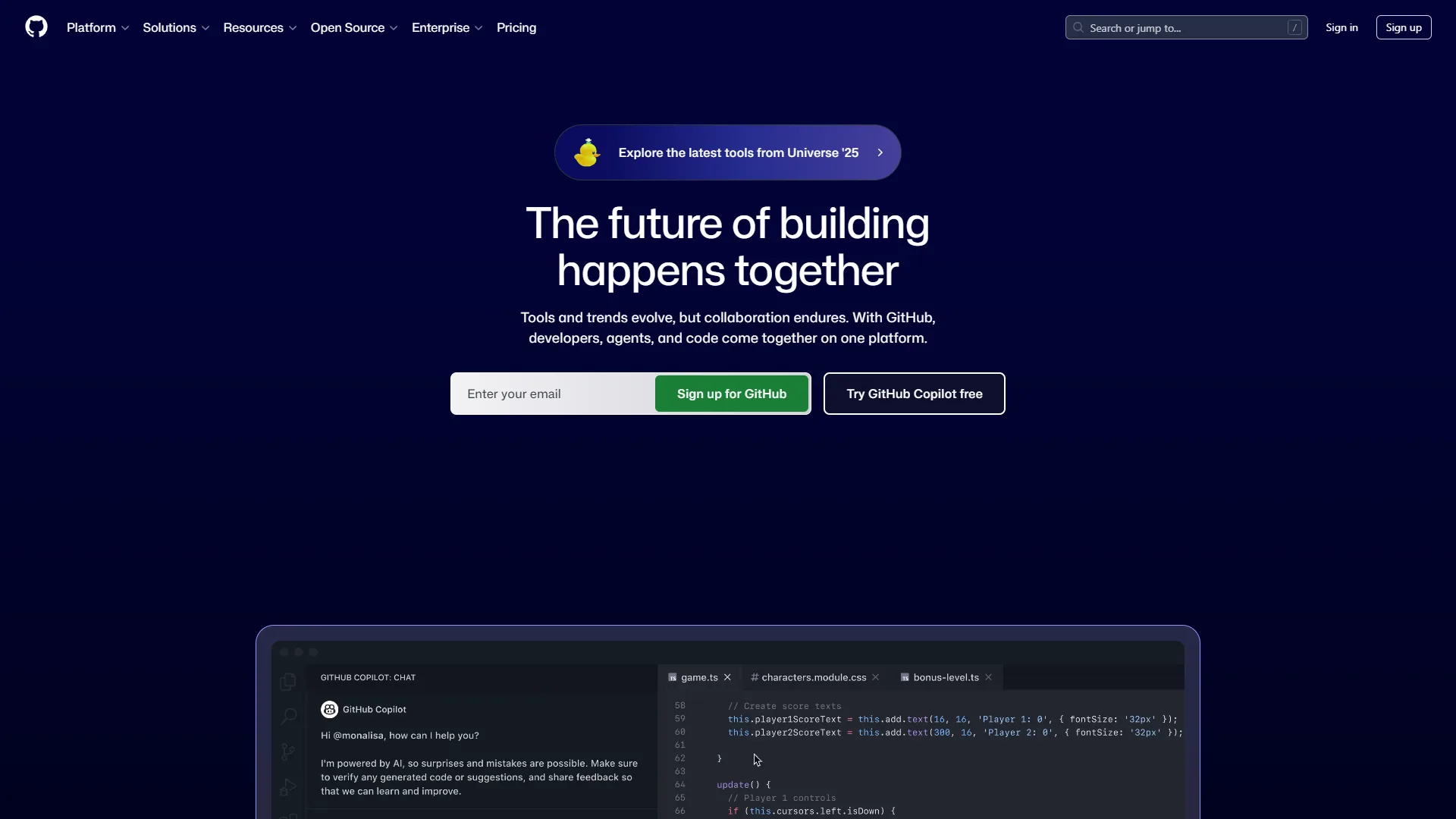
The hybrid approach: Use Copilot for daily development + Gemini free tier for experiments + Cursor for quarterly refactors. Total cost: $30 per month for best-in-class coverage.
The “best” AI coding assistant depends entirely on your project size, budget, and workflow. Test all three free tiers (Copilot: 2K completions, Cursor: 1-week trial, Gemini: 180K completions) before committing. Your codebase will tell you which tool fits.
FAQ
Q: Is Cursor.AI better than GitHub Copilot?
Cursor achieves a 78% code acceptance rate versus GitHub Copilot’s 71% on large TypeScript projects, with better context awareness across multiple files. On projects under 15K lines the gap narrows significantly, with Copilot closely matching Cursor. For large codebases, Cursor’s Composer mode and parallel agents handle complex multi-file tasks that Copilot’s single-file context struggles with at scale.
Q: Why don’t people like Copilot?
Common frustrations with GitHub Copilot include context limitations on projects over 30K lines, where users must manually feed function signatures from other files. The Individual plan’s 300 premium requests reportedly deplete within 12 days during heavy refactoring sprints. The autonomous coding agent also remains in preview with inconsistent results, leaving users who need reliable multi-file refactoring underserved.
Q: Why are people moving away from GitHub?
Developers exploring alternatives cite GitHub Copilot’s context limitations on projects over 30K lines, where users must manually feed function signatures from other files. The autonomous coding agent remains in preview with inconsistent results, and the Individual plan’s 300 premium requests deplete within 12 days during heavy refactoring sprints - pushing users toward Cursor or Gemini Code Assist.
Q: What is the best free AI coding assistant?
Gemini Code Assist offers the most generous free tier with 6,000 daily completions - 180,000 per month - making it 90x more than GitHub Copilot’s 2,000 free monthly completions. GitHub Copilot’s free tier adds 50 premium requests monthly as a useful backup. Cursor offers only a one-week Pro trial. For sustained free coding, Gemini’s free tier covers most side project and learning workflows without payment.
Related Reads
Each of the three coding assistants has limitations worth knowing - the resources below cover alternative AI editors and complementary tooling for cases where Copilot, Cursor, and Gemini do not fit your stack.
Tools covered in this article:
More AI coding guides: