


The trello vs asana debate has been running for over a decade, and the answer still is not “one is better.” It is “one is better for you.” Trello gives you the cleanest Kanban board on the market with a free tier that actually works. Asana gives you structured project management with AI-powered automation, timeline views, and portfolio tracking for larger teams.
Both tools have been thoroughly evaluated across real production workflows. This trello vs asana comparison breaks down every meaningful difference so you can stop reading feature lists and start making a decision.
Comparison Table: Trello vs Asana
| Factor | Trello | Asana |
|---|---|---|
| Rating | 4.1/5 | |
| Free Tier | Unlimited cards, 10 boards | Up to 10 users, basic views |
| Paid Starting Price | $6/user/mo (Standard) | $13.49/user/mo (Starter) |
| Primary View | Kanban boards | List, board, timeline, calendar |
| AI Features | None (Butler is rule-based) | AI Studio, AI Teammates (beta) |
| Task Dependencies | Premium tier only ($12.50) | Starter tier ($13.49) |
| Timeline/Gantt | Premium tier only | Starter tier |
| Portfolio Management | Not available | Advanced tier ($30.49) |
| Automation | Butler (250-unlimited runs) | 250-25,000 actions/month |
| Best For | Small teams, visual thinkers | Growing teams, structured PM |
| Learning Curve | Minutes | Days to weeks |
Trello: Visual Simplicity That Just Works
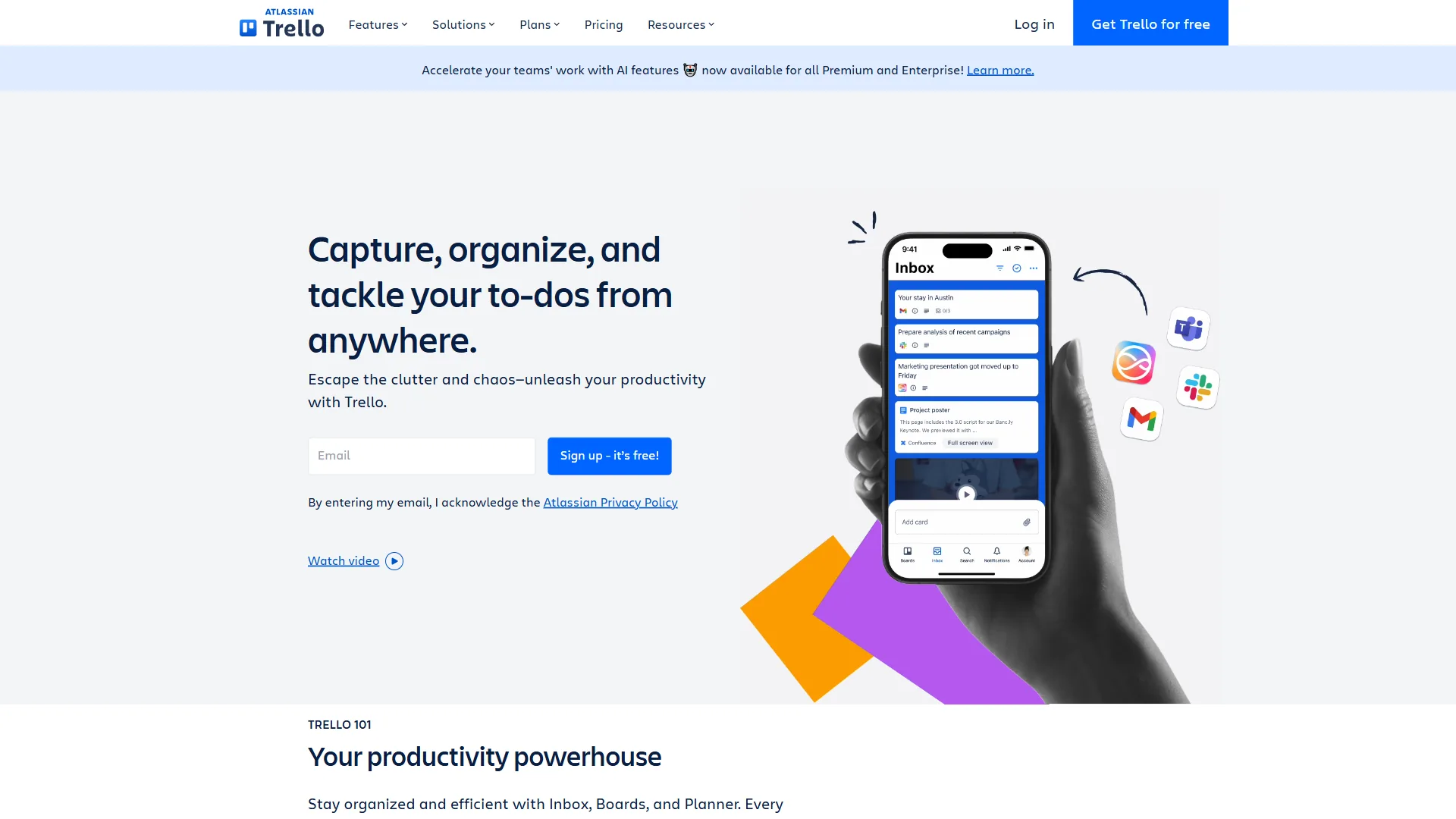
Trello is owned by Atlassian and has 90 million registered users for a simple reason: the board-list-card metaphor is the most intuitive way to visualize work. You create a board, add lists for each stage of your workflow, and drag cards between them. No training manual required.
Onboarding new contractors onto a Trello board takes minutes. Each one typically understands the system within five minutes. That kind of instant adoption is rare in project management software.
Where Trello Excels
Kanban done right. Trello’s drag-and-drop interface remains the gold standard. Cards support checklists, due dates, labels, attachments, and custom fields. The tactile experience of moving a card from “In Progress” to “Done” is genuinely satisfying - and that small detail keeps teams engaged.
Generous free tier. Unlimited cards, unlimited Power-Ups per board, and up to 10 boards per workspace at zero cost. Viewers and commenters are always free on every tier. For freelancers and small teams, you may never need to upgrade.
Butler automation. Trello’s built-in automation engine handles rule-based workflows. Set up rules like “When a card is moved to Review, assign it to the editor and set a due date for 3 days.” Free tier gets 250 command runs per month; Standard bumps to 1,000; Premium unlocks unlimited runs.
Atlassian ecosystem. Deep native integrations with Jira, Confluence, and Bitbucket. Teams already using Atlassian tools get seamless connectivity. The Power-Up marketplace adds Slack, Google Drive, GitHub, and hundreds more.
Where Trello Falls Short
No AI features. Butler automation is rule-based, not intelligent. Every automation must be manually configured. While Asana offers AI Studio with natural language workflows, Trello relies on if-then rules you build from scratch.
Limited project views on lower tiers. Calendar, Timeline, Table, Dashboard, and Map views only unlock on Premium ($12.50 per user/mo). Free and Standard users see boards and lists only.
Scalability ceiling. Boards with 50+ cards become cluttered. No native portfolio management, no workload views, and minimal reporting. Teams managing complex, multi-project workflows will outgrow Trello. If you are already hitting this ceiling, our best Kanban tools roundup covers alternatives with more headroom.
Limitations and who Trello is not for: Trello’s drawbacks add up for growing teams - no AI workflows, no Gantt or timeline view below Premium, no portfolio dashboards at any tier, and reporting that stops at simple card counts. Cross-board search is awkward, and dependency tracking does not exist natively. Skip Trello if your team has more than 15 people, your projects have task dependencies, or stakeholders expect Gantt charts and burndown reports.
Trello Pricing Breakdown
| Tier | Monthly Price | Annual Price | Key Features |
|---|---|---|---|
| Free | $0 | $0 | Unlimited cards, 10 boards, 250 Butler runs |
| Standard | $6/user | $5/user | Unlimited boards, custom fields, 1,000 Butler runs |
| Premium | $12.50/user | $10/user | Timeline + 4 views, unlimited Butler, admin tools |
| Enterprise | Contact sales | $17.50/user | Org-wide permissions, multi-board guests |
Save up to 17% with annual billing across all paid tiers.
Asana: Structured Project Management With AI
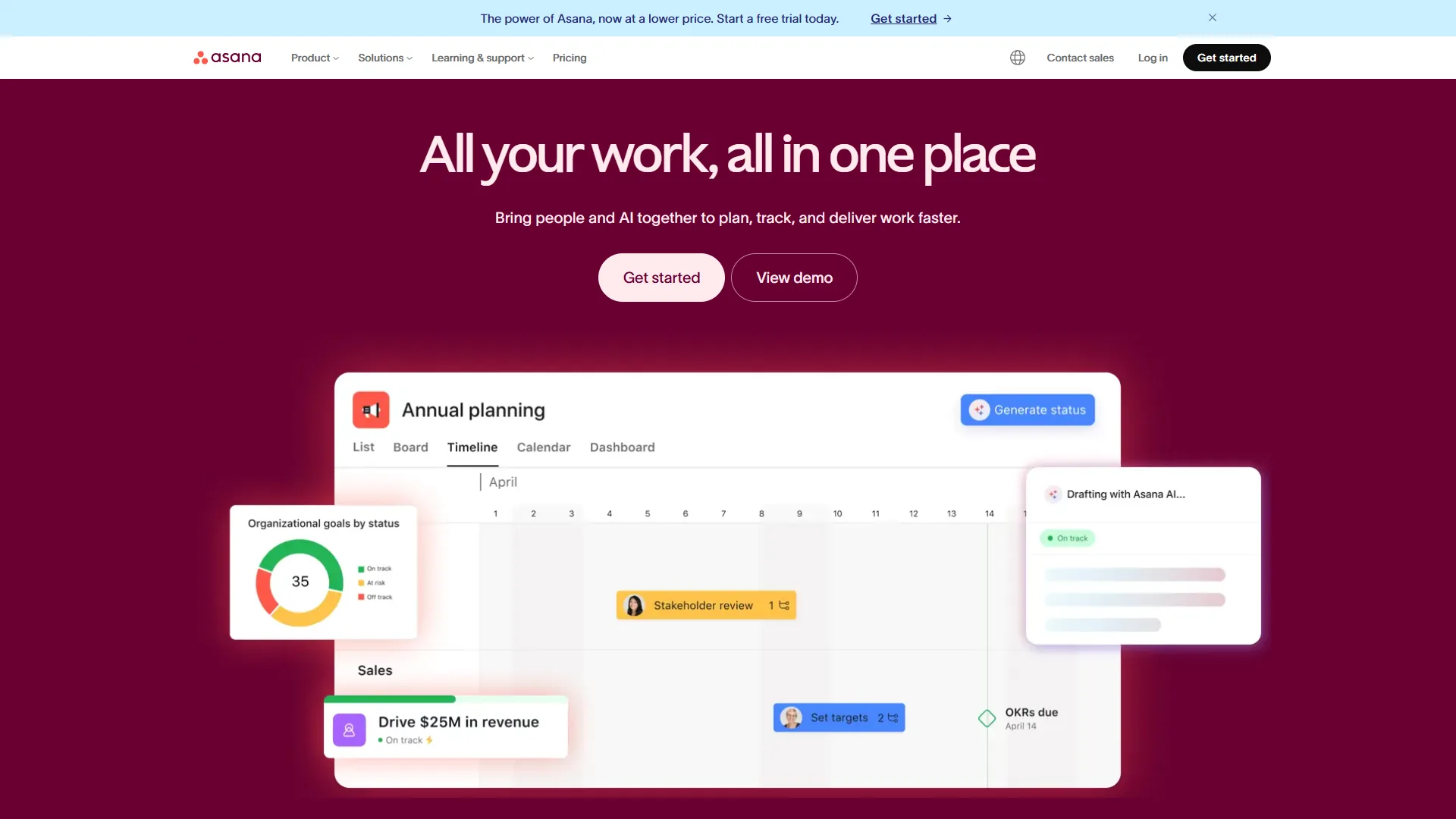
Asana started in 2008 and has grown into a full work management platform used by 150,000+ organizations. Where Trello focuses on visual simplicity, Asana focuses on structured execution - timelines, dependencies, portfolios, and increasingly, AI-powered workflow automation.
Managing a 12-person marketing team on Asana means relying heavily on timeline views to track campaign dependencies and portfolio dashboards to monitor all active projects. These features fundamentally change how teams plan work.
Where Asana Excels
Timeline and dependency tracking. Gantt-style views let you map task dependencies and see how delays cascade through a project. This is Asana’s killer feature. Drag a task to reschedule it, and every dependent task shifts automatically. Available from Starter tier ($13.49 per user/mo).
AI Studio. Available on all paid tiers, AI Studio lets you build no-code automations using natural language. Create rules like “When a task is marked complete in the Marketing project, notify the Sales team and create a follow-up task.” This is a meaningful step beyond Trello’s manual Butler setup.
AI Teammates (beta). For teams on AI Studio Pro, collaborative AI agents can handle complex multi-step workflows - summarizing project status, identifying blockers, and recommending task assignments. Still in beta, but the direction is clear.
Portfolio management. Advanced tier ($30.49 per user/mo) adds portfolio views that track multiple projects from a unified dashboard. See project health, resource allocation, and progress across your entire department. Trello has nothing comparable.
Robust reporting. Custom dashboards, filtered reports, and workload views give managers visibility that Trello’s basic Dashboard view cannot match. Advanced tier users get cross-project analytics.
Where Asana Falls Short
Expensive for small teams. Starter tier at $13.49 per user/mo is more than double Trello Standard ($6 per user/mo). For a 10-person team, that is $134.90 per month vs $60 per month - the gap adds up fast.
Steeper learning curve. Timeline views, portfolio management, and workflow builders are powerful but not immediately intuitive. Expect days of onboarding, not minutes. Trello wins handily on time-to-productivity.
Free tier is restrictive. Limited to 10 users with no timeline views, no custom fields, no automations, and no task dependencies. Trello’s free tier offers more flexibility for basic workflows.
Time tracking locked behind Advanced. Built-in time tracking requires the Advanced tier at $30.49 per user/mo. Starter users need third-party tools like Harvest or Toggl.
Limitations and who Asana is not for: Asana’s drawbacks are real for the wrong team. The price gap over Trello matters at small scale ($134.90 per month for 10 users vs $60). Onboarding non-technical contractors takes days, not minutes. The free tier is too restrictive for serious work, and AI Teammates remain in beta with uneven reliability. Skip Asana if your team is under 10 people running independent tasks, you need a fast-onboarding tool, or budget is the deciding factor.
Asana Pricing Breakdown
| Tier | Monthly Price | Annual Price | Key Features |
|---|---|---|---|
| Personal | $0 | $0 | 10 users, list/board/calendar views, basic forms |
| Starter | $13.49/user | $10.99/user | Timeline, dependencies, AI Studio, 250 automations |
| Advanced | $30.49/user | $24.99/user | Portfolio, workload, time tracking, 25,000 automations |
| Enterprise | Custom | Custom | SSO/SAML, SCIM, unlimited automations, priority support |
Annual billing saves approximately 18% across paid tiers.
Feature-by-Feature: Trello vs Asana
Views and Visualization
This is where the trello vs asana gap is most visible.
Trello is a Kanban-first tool. The board view is exceptional - clean, responsive, and intuitive. Premium tier adds Calendar, Timeline, Table, Dashboard, and Map views, but these feel like additions to the core Kanban experience rather than first-class features.
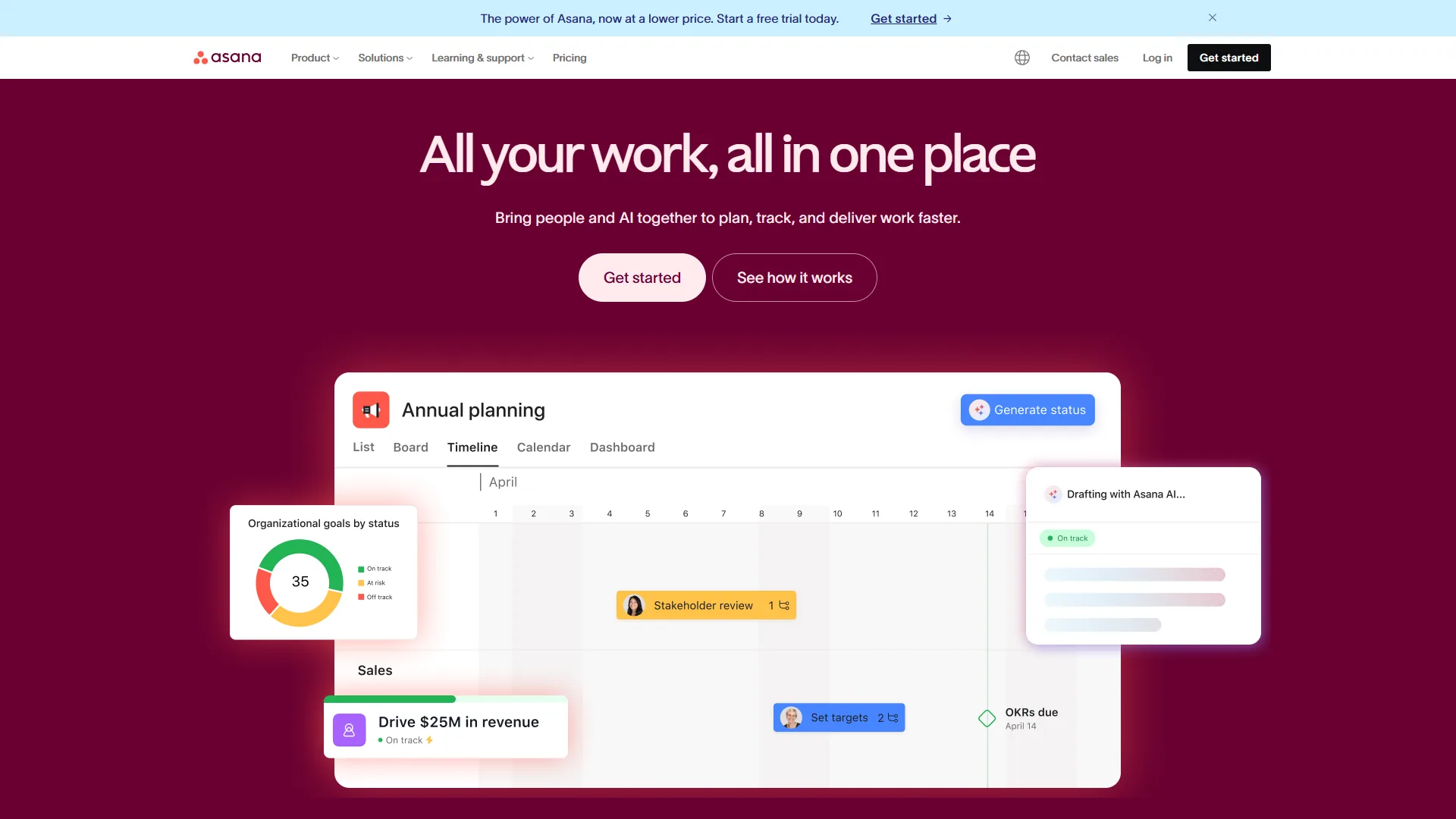
Asana treats every view as a first-class citizen. List view, board view, timeline view, and calendar view are all available from Starter tier. Advanced tier adds portfolio and workload views. The timeline view in particular is far more capable than Trello’s - it supports dependencies, milestones, and multi-project visualization.
Winner: Asana - unless you only need Kanban, in which case Trello is cleaner.
Automation and AI
The automation comparison in the trello vs asana matchup has shifted significantly.
Trello Butler is a solid rule-based engine. You define triggers and actions: “When a card is added to this list, assign team member X and set a due date.” It handles routine workflows well, but every rule must be manually built. There is no intelligence - just conditional logic.
Asana AI Studio operates on a different level. Natural language input lets you describe what you want, and the system builds the automation. AI Teammates can execute multi-step workflows, generate project summaries, and surface bottlenecks. AI Studio Basic is included on all paid tiers, making it accessible even at the Starter level.
For teams who want workflow automation that adapts and improves, Asana is the clear choice. For teams who prefer predictable, manually-configured rules, Trello’s Butler is simpler and more transparent.
Winner: Asana - AI Studio is a genuine differentiator.
Integrations
Both tools connect to the broader software ecosystem, but through different approaches.
Trello uses Power-Ups - marketplace integrations available on all tiers including Free. You get unlimited Power-Ups per board. Atlassian-owned integrations (Jira, Confluence, Bitbucket) are particularly polished. The marketplace is large but quality varies by developer.
Asana offers 200+ native integrations including Slack, Microsoft Teams, Salesforce, Google Workspace, and Microsoft 365 Copilot. Starter tier gives access to 100+ integrations. Advanced and Enterprise expand the list and add API access for custom connections.
Winner: Tie - Both have strong ecosystems. Trello wins on free-tier integration access; Asana wins on enterprise connector depth.
Collaboration
Trello collaboration revolves around cards: comments, @mentions, file attachments, and activity feeds. Viewers and commenters are free on all tiers - a genuine advantage for client-facing work. But there is no built-in chat, no workload management, and no approval workflows.
Asana offers richer collaboration through task comments, project conversations, approvals (Starter+), proofing for creative assets (Advanced+), and workload views that show who is overloaded. For teams coordinating complex work across departments, Asana provides structure that Trello lacks.
Winner: Asana - for team coordination. Trello - for simple, transparent client collaboration.
Learning Curve and Onboarding
This is where Trello dominates the trello vs asana comparison.
Trello’s board-list-card metaphor is universally understood. It rarely takes more than 10 minutes to explain Trello to a new team member. The interface is self-explanatory. Drag this card here. Done.
Asana’s interface is clean, but the depth of features means new users need onboarding. Timeline views, portfolio management, custom fields, and workflow builders all require explanation. Expect 1-2 days for basic proficiency and 1-2 weeks for teams to use advanced features effectively.
For teams with high turnover or frequent contractor onboarding, Trello’s zero-learning-curve approach saves real time and money. If ease of onboarding is your top priority, our best free project management tools roundup includes other lightweight options.
Winner: Trello - and it is not close.
Reporting and Analytics
Trello’s reporting is minimal. Dashboard view (Premium only) shows basic card counts, due-date status, and member activity. There are no burndown charts, no velocity tracking, and no cross-board analytics. Power-Ups like Butler and third-party tools can fill some gaps, but native reporting is a weakness.
Asana delivers project dashboards on Starter tier, with Advanced tier unlocking custom charts, filtered reports, and cross-project analytics. Enterprise adds executive dashboards and compliance reporting. For data-driven project managers, Asana provides the insights Trello simply does not.
Winner: Asana - significantly better reporting at every tier.
Pricing Comparison: The Real Cost
Price matters, and the trello vs asana pricing gap is significant enough to influence your decision.
For a 10-Person Team (Monthly Billing)
| Trello | Asana | |
|---|---|---|
| Free option | 10 boards, unlimited cards | 10 users, basic views |
| Entry paid tier | $60/mo (Standard) | $134.90/mo (Starter) |
| Mid tier | $125/mo (Premium) | $304.90/mo (Advanced) |
| Annual savings | $120/year (Standard) | $300/year (Starter) |
Trello Standard at $60 per month for a 10-person team gives you unlimited boards, custom fields, and 1,000 Butler automation runs. Asana Starter at $134.90 per month for the same team adds timeline views, task dependencies, AI Studio, and 250 automations. The question is whether those additional features are worth $74.90 per month more.
For a Solo Freelancer or Very Small Team
Trello’s free tier is the clear winner. Unlimited cards across 10 boards handles most freelance workflows without spending a dollar. Asana’s free tier caps at 10 users but lacks timeline views, custom fields, and automations - features that define Asana’s value.
For Mid-Size Teams (20-50 People)
At this scale, Asana’s structural advantages justify the higher cost. Portfolio management, workload views, and 25,000 monthly automations on Advanced tier give managers the oversight that Trello cannot provide. The per-user cost difference matters less when the tool prevents missed deadlines and resource conflicts. For AI-enhanced alternatives at this team size, see our best AI project management tools comparison.
Which Tool Fits Your Team
Choose Trello If You:
- Need simple, visual task management without complexity
- Want the best free tier in project management
- Prefer a tool that requires zero training
- Work in small teams (2-15 people) with straightforward workflows
- Value affordable paid tiers ($6-$12.50 per user/mo)
- Already use Atlassian tools (Jira, Confluence)
- Manage freelance or client projects where simplicity matters
Choose Asana If You:
- Manage projects with task dependencies and deadlines
- Need timeline and Gantt chart views for project planning
- Want AI-powered workflow automation, not just rule-based triggers
- Run a team of 15+ people across multiple projects
- Require portfolio-level visibility and reporting
- Need workload management to prevent team burnout
- Plan to scale your project management as your organization grows
The Team Size Sweet Spot
In practice, the tipping point is around 10-15 people. Below that, Trello’s simplicity outweighs Asana’s power. Above that, Asana’s structure prevents the organizational chaos that Trello boards cannot solve.
If your team is exactly at that threshold, ask one question: Do your projects have dependencies? If tasks block other tasks, and delays in one area cascade to another, Asana’s timeline views will save you from missed deadlines. If your work is largely independent tasks moving through stages, Trello’s Kanban boards are all you need.
The Bottom Line
The trello vs asana decision is not about which tool is better - it is about which problem you are solving.
Trello wins on simplicity, price, and speed of adoption. The free tier is genuinely useful, paid tiers undercut nearly every competitor, and the Kanban interface is the most intuitive in the market. For small teams, freelancers, and anyone who values visual clarity over feature depth, Trello remains the right choice. Its limitation is clear: no AI, limited reporting, and a scalability ceiling that growing teams will hit.
Asana wins on structure, AI, and scalability. Timeline views, task dependencies, AI Studio, and portfolio management give growing teams the tools to manage complexity. The price premium over Trello is real - but so is the capability gap. For teams managing multiple projects with cross-functional dependencies, Asana delivers the organizational backbone that prevents work from falling through cracks.
Both tools offer free tiers. Start there. Use Trello for a week on a real project, then try Asana. The tool that matches how your team naturally works - not the one with the longest feature list - is the right one.
FAQ
Q: Are Trello and Asana free?
Both tools offer free tiers. Start there. Use Trello for a week on a real project, then try Asana. The tool that matches how your team naturally works - not the one with the longest feature list - is the right one.
Q: Is Trello or Asana better for small teams?
Trello is generally the better choice for small teams under 10 to 15 people. Its free tier covers unlimited cards across 10 boards, paid tiers start at $6 per user per month, and new team members can get up to speed in minutes. Asana’s structural advantages - timeline views, dependencies, and portfolio tracking - become more valuable once team complexity grows beyond what Kanban boards can handle.
Q: What is the main pricing difference between Trello and Asana?
Trello Standard costs $6 per user per month while Asana Starter costs $13.49 per user per month - more than double. For a 10-person team on monthly billing, that is $60 per month for Trello versus $134.90 for Asana. Asana’s higher cost reflects its timeline views, task dependencies, AI Studio automation, and more robust reporting capabilities.
Related Reading
Tools covered in this article:
- Trello - Visual Kanban boards for simple task management
- Asana - AI-enhanced work management platform
- Jira - Atlassian project tracking for development teams
- Confluence - Atlassian team wiki and documentation platform
- Salesforce - CRM platform with Asana integration
- Google Workspace - Productivity suite that integrates with both Trello and Asana
More project management guides:
- Trello Alternatives 2026 - Five project management tools that go beyond Kanban
- Best Project Management Tools 2026 - Top PM tools compared
- Project Management for Small Teams - PM strategies for teams under 20
External Resources
- Trello - Official website
- Asana - Official website
- Trello Power-Ups Marketplace - Browse integrations
- Asana App Directory - Browse integrations