


This Zoho review covers the all-in-one SaaS suite that genuinely lives up to the promise - if you can stomach the quirks.
Introduction
Most “all in one” software suites are marketing fiction - three legacy products stitched together with a unified logo. Zoho is the rare exception that actually means it: 45+ apps built by the same company, sold under one brand, billable as a single bundle (Zoho One) or as standalone tools. For a small business owner juggling subscriptions to Salesforce, Google Workspace, Asana, QuickBooks, and HubSpot, that integrated catalog is almost too good to be true.
The catch is that breadth comes at a consistency price. Each app feels slightly different, which is the thread running through most Zoho reviews complaints you will find online. Pricing pages default to Indian Rupees, and support quality varies app-by-app. Our Zoho review walks through the four most important products in the suite - drawing on aggregated Zoho CRM reviews where the data is deepest - and gives a concrete recommendation on which 1-3 apps to start with versus when to commit to the full bundle.
Zoho is a privately held Indian software company offering 45+ integrated business applications spanning CRM, email, project management, accounting, HR, marketing, and customer support. The suite serves small and mid-sized businesses with generous free plans and bundled pricing through Zoho One. It is one of the few genuine alternatives to the Microsoft and Google ecosystems for business productivity.
TL;DR: Zoho Review in One Page
After working through the Zoho catalog and the price math, this zoho review boils down to one verdict. Zoho is the best-value all-in-one suite available for small business owners and lean teams under 50 people. Free plans on CRM, Mail, and Projects are unusually generous, paid tiers undercut every major competitor, and Zoho One bundles 45+ apps for roughly the cost of a single Salesforce seat.
The honest tradeoffs: UI is inconsistent across apps, pricing pages default to INR which confuses first-time visitors, and support quality varies by product - a pattern echoed in published Zoho accounting reviews. Recommended starting apps: Zoho Mail for business email, Zoho CRM for a sales pipeline, and Zoho Projects for task management. Jump to Zoho One once you are paying for 3+ Zoho apps separately - the break-even math is fast. Skip Zoho if you are deeply embedded in Microsoft 365 or need a single-vendor solution with enterprise-grade unified support.
What Is Zoho? The 45-App Ecosystem Explained
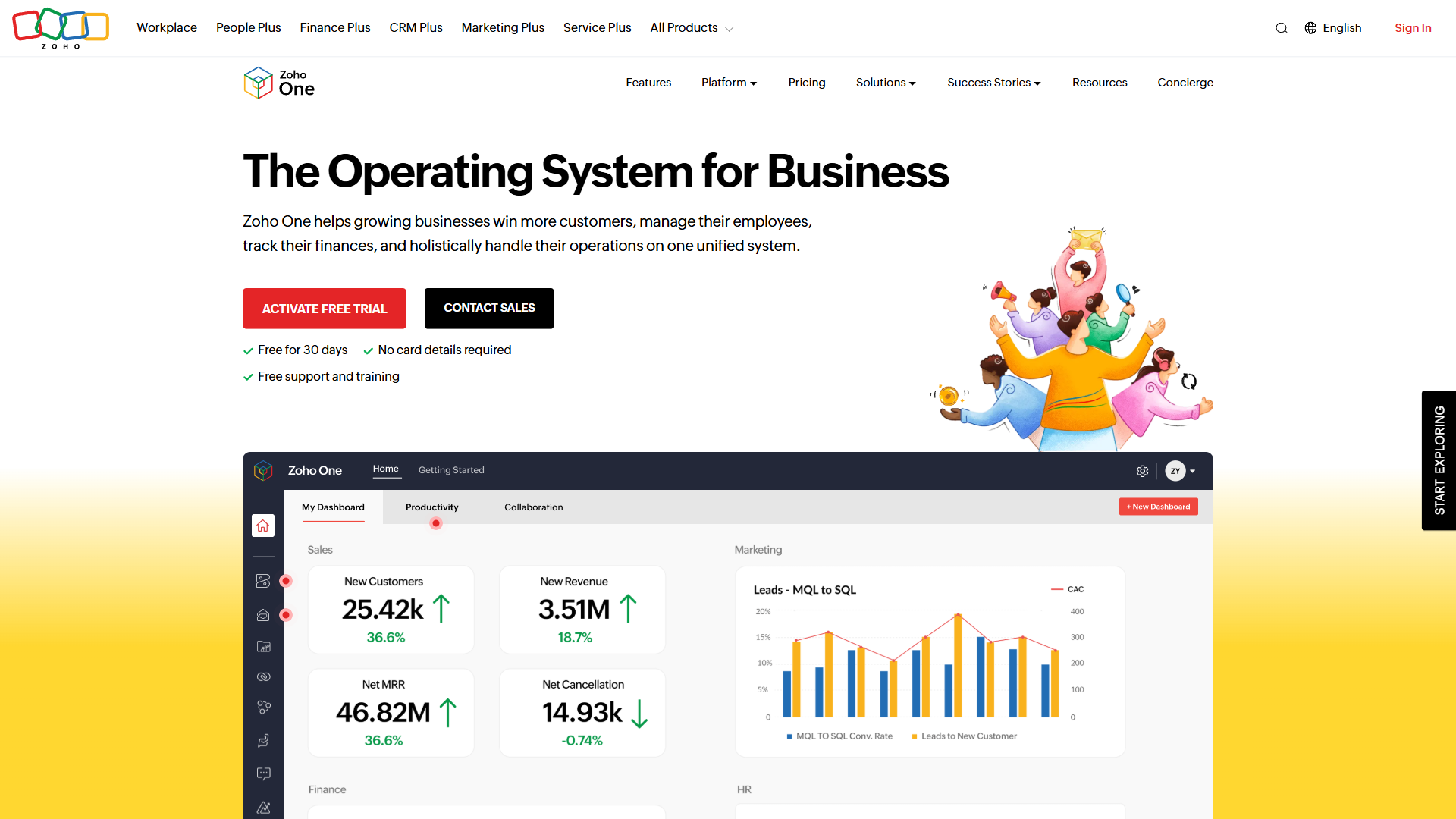
Zoho Corporation has been building software since 1996, headquartered in Chennai with a famously bootstrapped, no-VC business model documented in Zoho’s own about page. While Salesforce and HubSpot scaled on venture capital, Zoho built profitably and reinvested into product. The result is one of the broadest SaaS catalogs in existence - 45+ apps built in-house, all sharing a shared data layer and a single Zoho One login that opens every app in the suite.
The catalog spans every major business productivity category. Sales uses Zoho CRM, Campaigns, and SalesIQ. Finance runs on Books, Inventory, and Subscriptions. HR uses Recruit, People, and Payroll. Internal teams use Mail, Cliq, Meeting, Workdrive, Writer, Sheet, and Show. Customer support uses Desk, Assist, and Lens. Microsoft 365 dominates email and documents but leaves CRM, accounting, HR, and support to third parties. Zoho is the only major suite vendor covering the full operational stack of a small business under one bill.
How Much Does Zoho Cost? Free Plans, Paid Tiers, and the Zoho One Bundle
Zoho pricing is its biggest selling point and its biggest source of confusion. Almost every flagship product has a free plan well beyond the typical 14-day trial. Paid tiers start in the mid-single-digit per-user range for Projects, climbing to roughly low-double-digits for CRM Standard. The Zoho One bundle, detailed on the Zoho One pricing page, is the headline offer for serious adopters.
Here is how the per-app pricing compares to the bundle:
| Product | Free Plan | Paid Entry | Notable Tier |
|---|---|---|---|
| Zoho CRM | 3 users | Standard, low-double-digits per user | Enterprise, around mid-double-digits |
| Zoho Mail | 5 users, 5GB | Mail Lite (annual only) | Workplace bundle |
| Zoho Projects | 3 users, 2 projects | Premium, mid-single-digits per user | Enterprise, low-double-digits |
| Zoho One (All-Employee) | None | Around mid-thirties per employee (annual) | Bundles 45+ apps |
| Zoho One (Flexible User) | None | Around low-three-digits per user | Per actual user, no minimum |
A note on currency: Zoho’s pricing pages default to Indian Rupees and the USD prices above are approximations. From a US or EU IP, you may need to manually switch currency in the top-right corner. Annual billing typically saves around 20% versus monthly.
When Does the Zoho One Bundle Make Sense?
The Zoho One pricing review usually starts with one question: does the All-Employee plan or the Flexible User plan make more sense? At roughly mid-thirties per employee per month (annual billing), the All-Employee plan requires licensing every full-time team member regardless of whether they use Zoho apps. The Flexible User plan at around low-three-digits per user per month skips that requirement but charges a premium per actual user. The current rates live on the official Zoho One pricing breakdown.
The break-even math is straightforward. For a 20-employee team where 15 actively use Zoho apps, All-Employee runs roughly seven-to-eight-hundred per month while Flexible User climbs past a thousand. All-Employee wins decisively. Flexible User only wins when usage is sparse - a 50-person company where only 5 people touch any Zoho app.
The bigger question is whether to buy Zoho One at all versus paying for individual apps. If you are already paying for three or more Zoho apps separately - say CRM Standard, Projects Premium, and Mail Workplace - you are within striking distance of the bundle cost and unlock 42 additional apps including Books, Recruit, Desk, Campaigns, and Workdrive. The marginal cost per app drops near zero. This is the small business pricing review where Zoho genuinely demolishes the competition.
Zoho CRM Review
Any zoho review has to start with the CRM - it is the flagship product and the entry point most teams use to discover the rest of the ecosystem. It competes with Salesforce, HubSpot, and Pipedrive in SMB and mid-market, winning on price-to-features ratio while losing on UI polish. The free plan for 3 users is real - not a 14-day trial - and supports lead capture, contact management, deal tracking, and basic workflow automation.
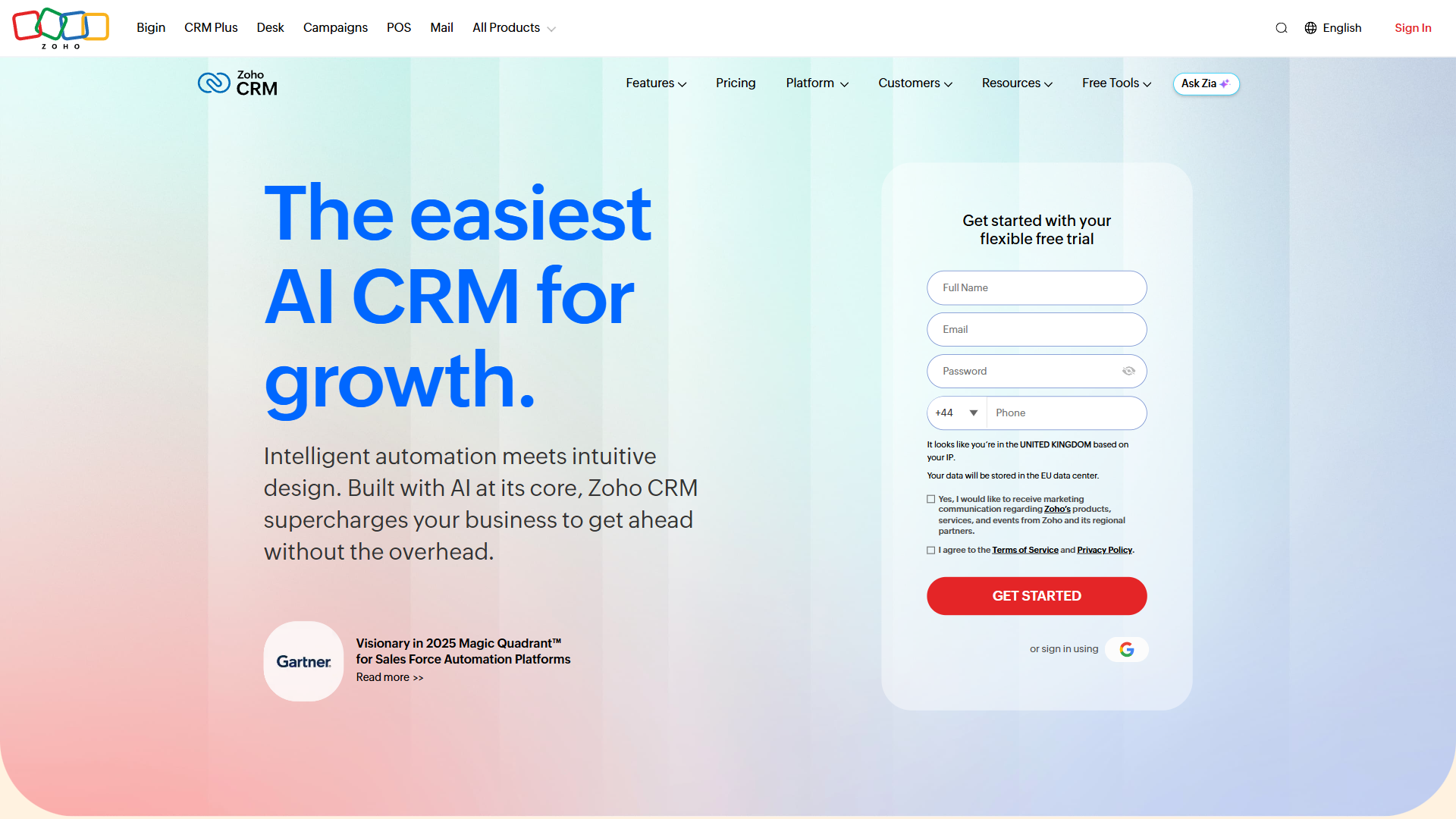
Paid tiers ladder from Standard at the cheapest paid tier (around low-double-digits per user per month) through Professional, Enterprise, and Ultimate at the top end (annual billing). Professional unlocks workflow rules and email integration; Enterprise adds Zia (Zoho’s AI assistant) for sales forecasting, custom modules, and territory management. Ultimate is rarely necessary outside large operations - see the full breakdown on the Zoho CRM pricing page.
Pricing verified April 2026 from Zoho CRM's pricing page:
- Free: $0/mo (Up to 3 users)
- Lead and contact management
- Deal management
- Tasks, events, and notes
- Standard: $14/user/mo annual ($20 monthly) (Unlimited)
- All Free features
- Sales forecasting
- Scoring rules
- Professional: $23/user/mo annual ($35 monthly) (Unlimited)
- All Standard features
- Blueprint process management
- Advanced workflow automation
- Enterprise: $40/user/mo annual ($50 monthly) (Unlimited)
- All Professional features
- AI-powered Zia assistant (predictions, anomaly detection, sentiment analysis)
- Zia Vision (image recognition)
- Ultimate: $52/user/mo annual ($65 monthly) (Unlimited)
- All Enterprise features
- Zia Agent Studio (build custom AI agents without code)
- Enhanced generative AI capabilities (OpenAI integration)
Strengths: deep customization, usable API, friction-free onboarding for small teams. Weaknesses: dated default UI versus HubSpot, mobile lags web, and configuration overload for first-time admins. For competitors see Zoho CRM Alternatives or the dedicated Zoho CRM Free Plan Review. Full feature docs at zoho.com/crm.
Zoho Mail Review
Zoho Mail is one of the strongest standalone products in the catalog and often what convinces skeptics to take the rest of the suite seriously. It offers ad-free business email with custom domain hosting, a free plan supporting 5 users with 5GB per mailbox (webmail only), and paid tiers that start at the cheapest paid tier under most competitors. The interface is clean and the calendar and contacts apps integrate cleanly.
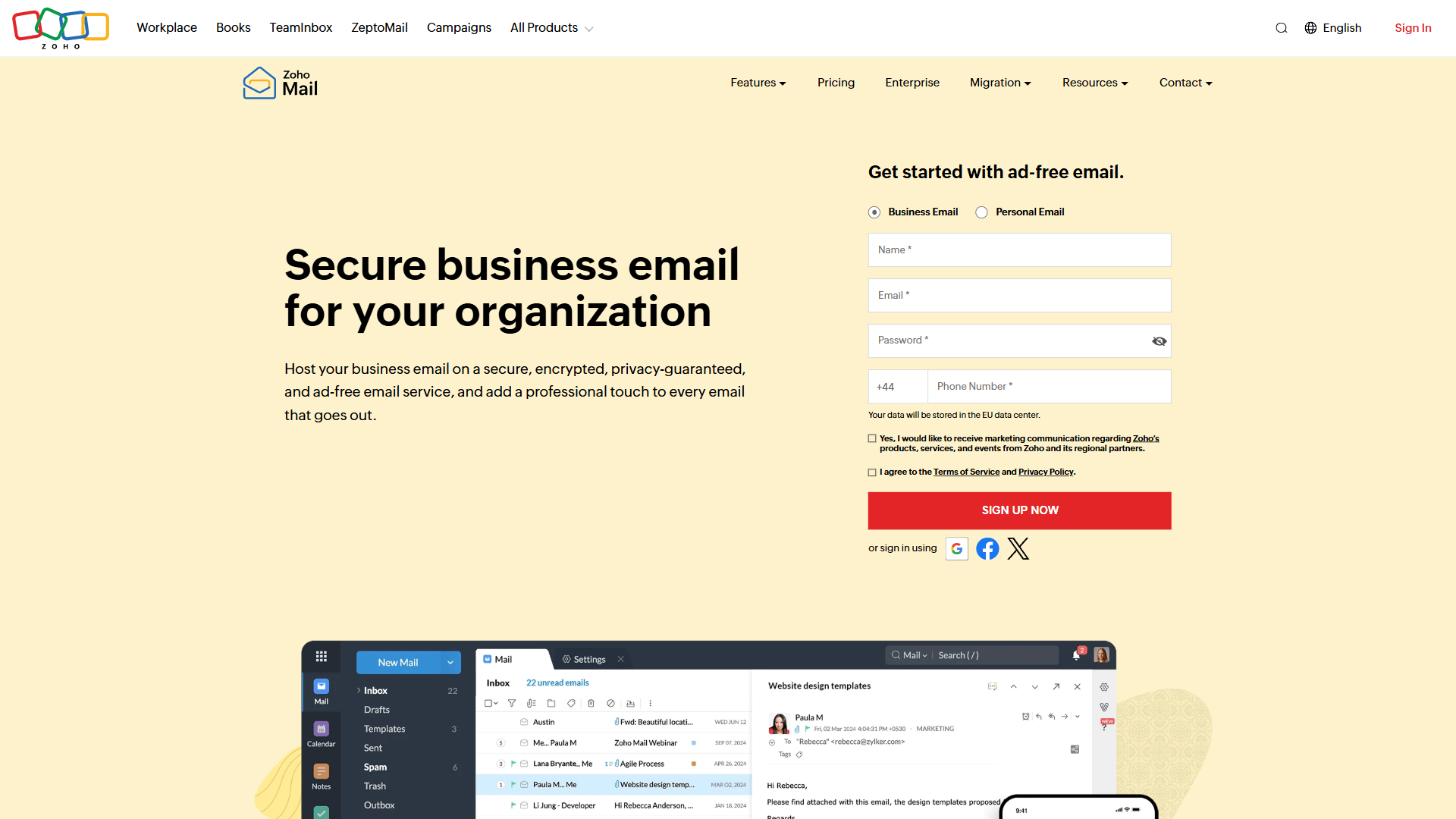
Paid tiers - Mail Lite, Mail Premium, and the Workplace bundle - are annual-only and unlock IMAP/POP access, larger mailboxes, and Workplace adds Cliq, Meeting, Writer, Sheet, Show, and Workdrive for full team collaboration. The current rates on the Zoho Mail pricing page show that, against Google Workspace Business Starter or Microsoft 365 Business Basic, Zoho’s Workplace tier undercuts both by a meaningful margin.
For freelancers, the free plan alone can replace a paid Gmail Workspace subscription. The honest weakness: the free plan is webmail-only, so Outlook or Apple Mail desktop users will need to pay. See the Zoho Mail Free Plan Review and visit zoho.com/mail for product details.
Zoho Projects Review
Zoho Projects is the PM entry in the suite and one of the better free-tier offerings in the PM category. The free plan supports 3 users and 2 projects with task management, document sharing, and basic time tracking. Paid plans start at the cheapest paid tier (Premium at the mid-single-digit per-user range) and ladder to Enterprise around the low-double-digit per-user mark, both annual-billed - the latest pricing tiers and feature splits are on the Zoho Projects pricing page.
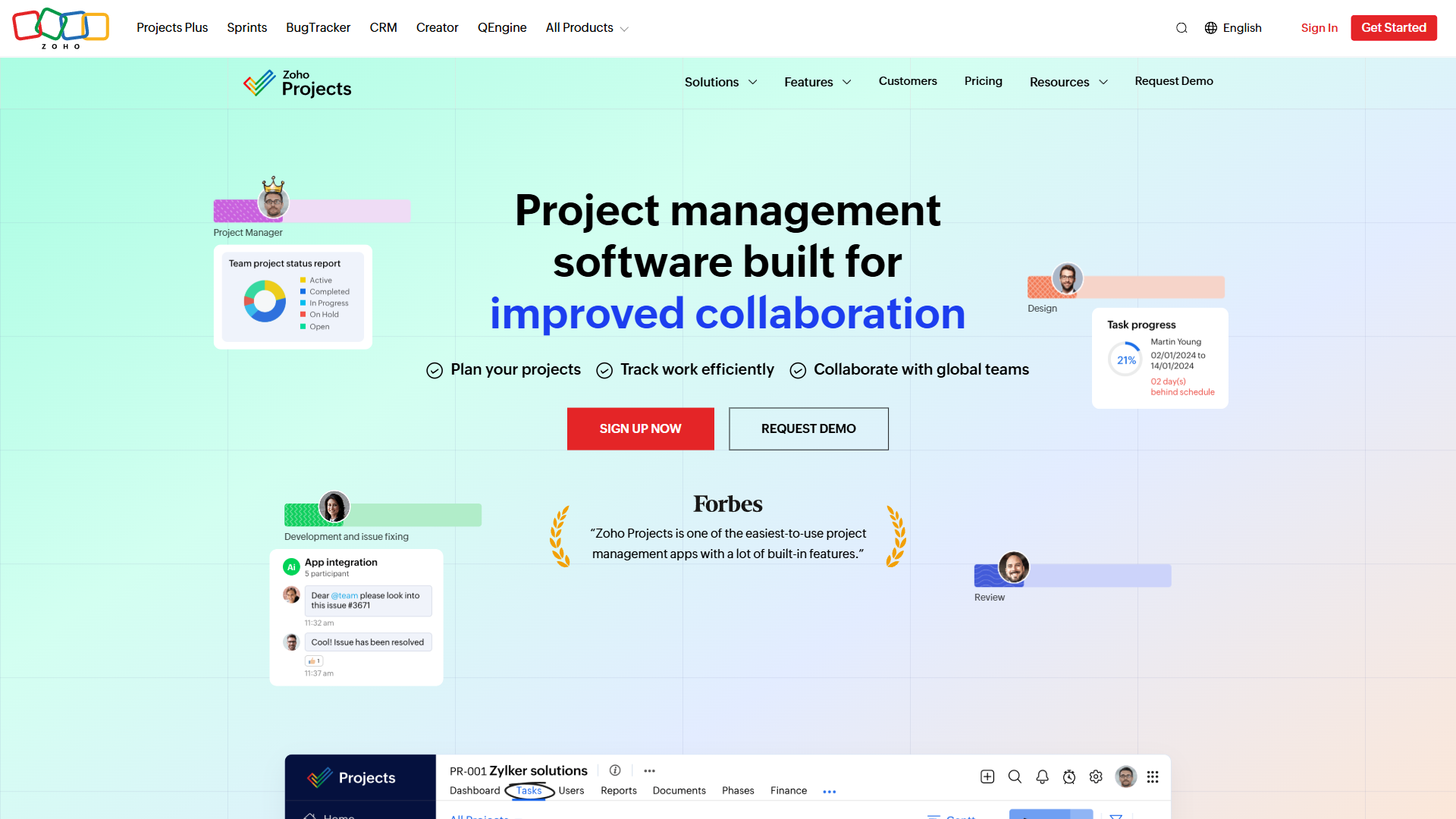
Compared to Asana, ClickUp, or Monday.com, Zoho Projects is meaningfully cheaper at every tier and includes time tracking natively (a paid add-on at most competitors). Gantt charts, dependencies, milestones, and Kanban boards are standard. Enterprise tier adds custom fields, advanced reporting, and integration with Zoho People for resource management.
The weakness is the familiar one: the UI feels a half-step behind ClickUp and Monday in polish. Power PM users may prefer Asana’s keyboard shortcuts. But for small business owners who need a competent PM tool that integrates with their CRM, accounting, and email without paying premium-tier rates per user, Zoho Projects is hard to beat. Product details at zoho.com/projects.
Zoho One Review
Zoho One is the bundle that makes the whole pitch coherent. At the mid-thirties per employee per month on the All-Employee plan (annual billing), you get access to all 45+ Zoho apps with a single admin console and unified user management. The Flexible User plan at around the low-three-digit per-user mark works for sparse usage scenarios.
The honest assessment: Zoho One is one of the best deals in business software. Marginal cost per app once you are paying the bundle fee is essentially zero, so you can experiment with Books, Recruit, or Desk without budget impact. For a 20-person small business otherwise paying separately for CRM, email, accounting, PM, helpdesk, and HR, savings typically run into thousands per month.
The hidden cost is administrative. Onboarding means deciding which apps your team will actually use, configuring permissions, and managing adoption resistance. The bundle is a commitment, not a casual experiment. For teams paying for 3+ Zoho apps individually, the math is obvious. For Microsoft 365 teams with no Zoho footprint, switching cost is significant. Overview at zoho.com/one.
What Zoho Does Well: Honest Strengths
Five areas where Zoho genuinely outperforms competitors in this pricing review.
Price. Across every category Zoho competes in, paid tiers undercut major incumbents by 30-60%. The Zoho One bundle compounds this. No other vendor delivers comparable breadth at comparable cost for teams under 50 people.
Free tier breadth. Most Zoho flagship apps include a free plan supporting 3-5 users in perpetuity, not a 14-day trial. Unusual in B2B SaaS and lets teams adopt without commitment.
Data residency options. Zoho operates data centers in the US, EU, India, Australia, China, and Japan (see the data protection overview). Customers choose where data lives, which matters for GDPR compliance and sovereign cloud requirements.
Integrated catalog. Zoho built the full operational stack in-house. Data flows between CRM, accounting, and HR without integration middleware - a quiet productivity win for lean ops teams.
Privately held with no exit pressure. Zoho refused acquisition offers and remains profitable. Compared to VC-pressured vendors, Zoho’s incentives are aligned with long-term customers.
What Zoho Does Poorly: Honest Weaknesses
The flip side - real weaknesses worth knowing before committing.
UI inconsistency. Each Zoho app feels different. Zoho Books looks nothing like Zoho CRM. Power users adapt, but it creates friction for new team members.
INR-default pricing. Pricing pages default to Indian Rupees regardless of visitor IP, forcing a currency-switcher click that confuses first-time US and EU visitors.
Support quality varies by product. Zoho CRM has excellent support; niche apps have thinner documentation and slower response times - the cost of running a 45-app catalog.
App maturity is uneven. Flagship apps like CRM, Mail, and Books are mature and competitive. Some secondary apps feel built to round out the catalog rather than win their category.
Mobile experience lags web. Zoho’s mobile apps are functional but lag the web in features and polish. Field sales teams may prefer mobile-first competitors.
Zoho vs Microsoft 365 vs Google Workspace: Quick Verdict
| Criterion | Zoho One | Microsoft 365 | Google Workspace |
|---|---|---|---|
| App breadth | 45+ apps | Office + Teams + basics | Workspace core only |
| CRM included | Yes (Zoho CRM) | No (Dynamics separate) | No (third-party) |
| Accounting included | Yes (Zoho Books) | No | No |
| Entry price | Mid-thirties per employee | Low single-digits to low-twenties per user | High single-digits to high-teens per user |
| UI polish | Mixed | Strong | Strong |
| Mobile experience | Functional | Excellent | Excellent |
| Best for | SMBs wanting all-in-one | Enterprise + power users | Cloud-native teams |
If your team is under 50 people and you need CRM, accounting, project management, and HR alongside email and documents, Zoho is the clear value winner. If your team is enterprise-scale or deeply embedded in Outlook and Excel workflows, Microsoft 365 remains hard to dislodge. If your team is cloud-native and uses third-party CRM and accounting, Google Workspace still wins on collaboration polish. For teams that don’t fit Zoho’s profile, explore Google Workspace Alternatives for additional options.
Who Should Use Zoho (and Who Shouldn’t)
The most useful filter in any zoho review is who actually benefits from the suite.
Strong fit for Zoho. Small businesses under 50 employees consolidating CRM, email, PM, accounting, and HR under one vendor. Growing teams tired of integration tax. Companies in EU or India where data residency matters. Bootstrapped founders scrutinizing per-seat costs.
Weak fit for Zoho. Enterprise teams (200+ employees) where deep Microsoft 365 integration outweighs price savings. Teams that prioritize design polish over breadth. Cloud-native startups committed to Google Workspace + best-of-breed SaaS. Companies needing 24/7 named support for every product.
The rule: if you would happily pay 30-40% more for Salesforce and Google Workspace to get the polish, Zoho is not for you. If you are managing 8 separate SaaS subscriptions and the bill is climbing, Zoho deserves a serious look.
The Bottom Line
Zoho is the best-value all-in-one suite for small business teams under 50 people. Free plans on CRM, Mail, and Projects are genuinely usable, paid tiers undercut every major competitor, and the Zoho One bundle is category-defining once you are paying for 3+ apps separately. The honest tradeoffs - UI inconsistency, INR-default pricing, uneven app maturity - are real but rarely deal-breakers for the right customer. Start with Zoho Mail or CRM, prove the value, then graduate to Zoho One when the math works.
Frequently Asked Questions
Is Zoho software worth it?
Yes, for small business teams under 50 people, Zoho is one of the highest-value software vendors available. The free plans on CRM, Mail, and Projects allow adoption without commitment, paid tiers undercut competitors by 30-60%, and the Zoho One bundle covers 45+ apps for a fraction of equivalent best-of-breed costs. The honest tradeoff is UI polish - if that matters more than price, Zoho may not be the right fit.
How much does Zoho cost?
Zoho cost depends on which products you buy. Individual paid plans start at the cheapest paid tier - mid-single-digits per user per month for Zoho Projects Premium, low-double-digits per user per month for Zoho CRM Standard. The Zoho One bundle costs around mid-thirties per employee per month on the All-Employee plan or low-three-digits per user per month on Flexible User. Most products offer a free plan supporting 3-5 users. Pricing pages default to Indian Rupees and approximations are listed where the converted USD figure would be misleading.
What is Zoho best for?
Zoho is best for small and mid-sized businesses that want to consolidate multiple SaaS subscriptions under one vendor. The CRM competes directly with Salesforce and HubSpot at lower cost. Zoho Mail is a strong standalone business email service. Zoho Books handles accounting, Projects covers PM, and Desk handles customer support. The Zoho One bundle ties everything together for teams wanting a single operational stack.
Is Zoho better than Microsoft 365?
Zoho is better than Microsoft 365 if you need CRM, accounting, project management, and HR alongside email and documents - Microsoft 365 leaves all those to third parties. Microsoft 365 wins if you have deep Outlook and Excel dependencies, need enterprise-grade unified support, or your team is over 200 people. For small businesses under 50 with broad operational needs, Zoho One delivers more software for less money.
Related Reading
- Zoho CRM - Full review of the flagship CRM product
- Zoho One - Detailed look at the all-in-one bundle
- Zoho Mail - Business email feature breakdown
- Zoho Projects - Project management deep dive
- Zoho CRM Free Plan Review - Just published, focused on the free tier
- Zoho Mail Free Plan Review - Free plan limits and workarounds
- Zoho CRM Alternatives - When Zoho CRM isn’t the right fit
- Google Workspace Alternatives - Broader suite comparisons
External Resources
- Zoho One official site - Bundle pricing and full app catalog
- Zoho CRM features and pricing - Free plan signup and tier comparison
- Zoho Mail business email - Custom domain hosting and Workplace bundle details