










Between juggling lectures, research papers, group projects, and the occasional existential crisis about your major, the last thing you need is another app that promises to “change” your workflow. But the right AI tools for students studying at any level actually deliver on that promise - cutting research time in half for busy college students, polishing essays before submission, and keeping your notes organized when your brain refuses to cooperate.
The problem? Most AI tool roundups are written for professionals with $200 per month software budgets. Students do not have that luxury. So this guide focuses on Ai tools for students free of charge where possible: free tiers that are genuinely useful, student discounts where they exist, and paid plans that justify every dollar when your budget is measured in ramen equivalents.
Here are eight AI tools for students that cover every part of the academic workflow - from the first research query to the final slide in your presentation.
Comparison Table: All 8 Tools at a Glance
| Tool | Best For | Free Tier | Paid Starting Price | Student Discount |
|---|---|---|---|---|
| ChatGPT | Studying, tutoring, brainstorming | Yes (GPT-4o-mini) | $20/mo (Plus) | No official discount |
| Claude | Writing, analysis, long documents | Yes (~20 queries/day) | $20/mo (Pro) | No official discount |
| Perplexity | Research with citations | Yes (5 Pro searches/day) | $20/mo (Pro) | No official discount |
| Paperguide | Academic papers, literature reviews | Yes (20 AI searches/mo) | $12/mo (Plus, annual) | No official discount |
| Notion | Note-taking, organization | Yes (unlimited pages) | $10/mo (Plus, annual) | Free Plus plan for students |
| Grammarly | Grammar, writing polish | Yes (100 AI prompts/mo) | $12/mo (Pro, annual) | Free Premium via some universities |
| Canva | Presentations, visual projects | Yes (2M+ templates) | $12.99/mo (Pro) | Free Pro for students via Canva for Education |
| Otter.ai | Lecture transcription | Yes (300 min/mo) | $8.33/mo (Pro, annual) | No official discount |
The budget-friendly approach: Start with every free tier on this list. That alone covers research, writing, note-taking, design, and transcription without spending a cent. Upgrade only when you hit specific limits that cost you time.
How Can Students Research Faster Without Falling Down Rabbit Holes?
Research is where most students burn the most time - opening 30 tabs, losing track of which source said what, and accidentally citing a Reddit comment as an academic reference. Three tools fix this problem in different ways - one for the open web, one as a study buddy, and one focused exclusively on academic papers.
Perplexity - The Citation Machine
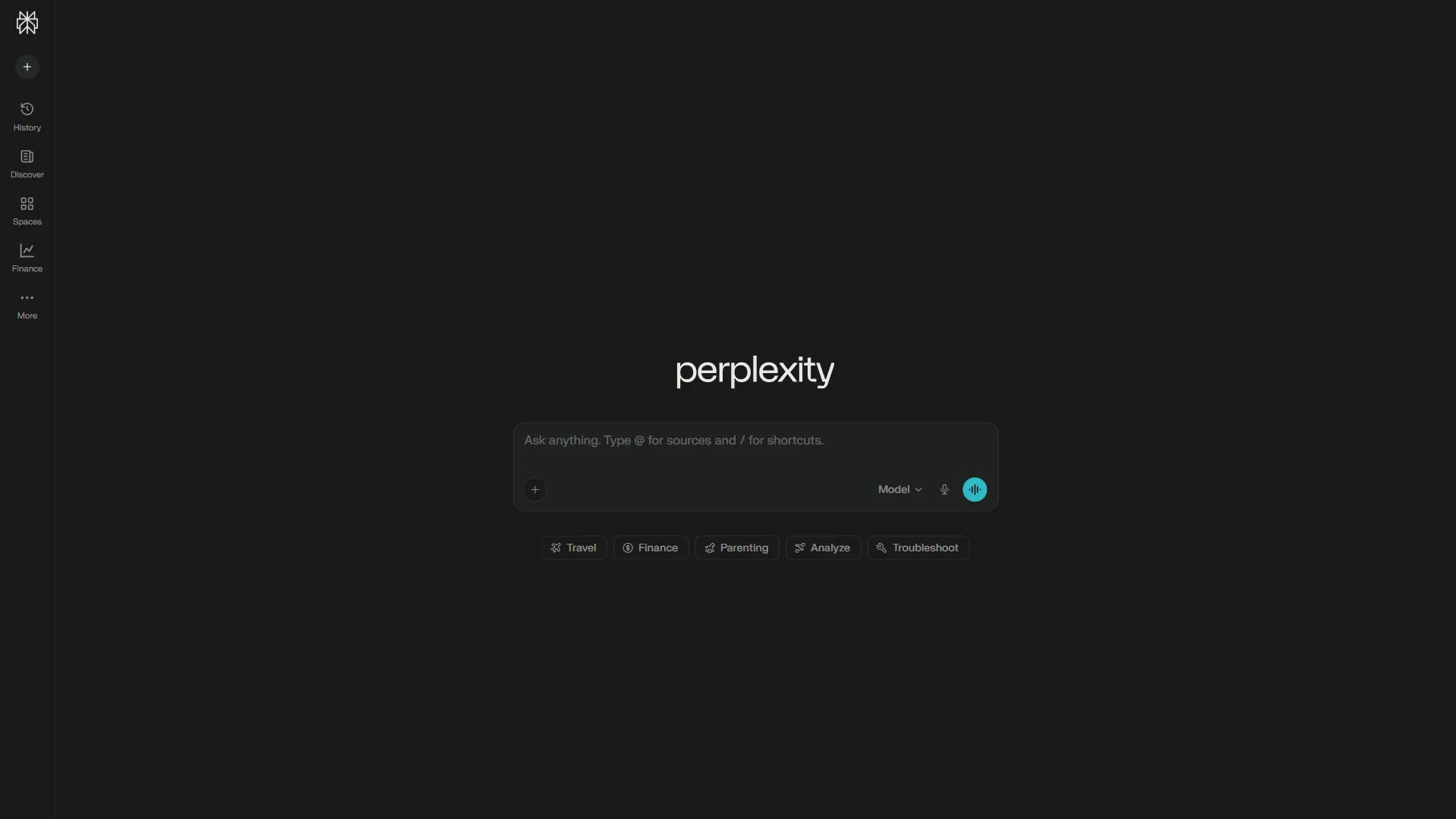
If you only pick one paid tool from this list, make it Perplexity. Every answer comes with inline citations you can click to verify. That alone saves hours compared to running Google searches, opening ten results, and manually tracking which page contained the statistic you need.
The free tier gives you unlimited basic searches and 5 Pro searches per day. For most homework assignments and weekly papers, that is enough. Pro searches use advanced multi-step reasoning and synthesize 20+ sources into a coherent answer - genuinely useful for literature reviews and research papers.
What students actually use it for:
- Finding and verifying sources for research papers
- Getting quick summaries of complex topics with citation trails
- Checking facts before including them in essays
- Exploring unfamiliar subjects with the Academic Focus mode, which filters results to peer-reviewed papers only
The free tier limitation: Five Pro searches per day means you need to be strategic. Use basic search for simple questions and save Pro searches for complex research queries that require deeper analysis.
Cost for students: Free works for most. During thesis or finals season, the $20 a month Pro plan with unlimited Pro searches is worth the investment. The annual plan drops it to about $16.67 a month.
According to a case study from Lambda, teams using Perplexity saved 457 hours across 15+ departments - and that was in a professional setting. The time savings for a student writing 3-4 papers per semester are significant.
ChatGPT - The Study Buddy
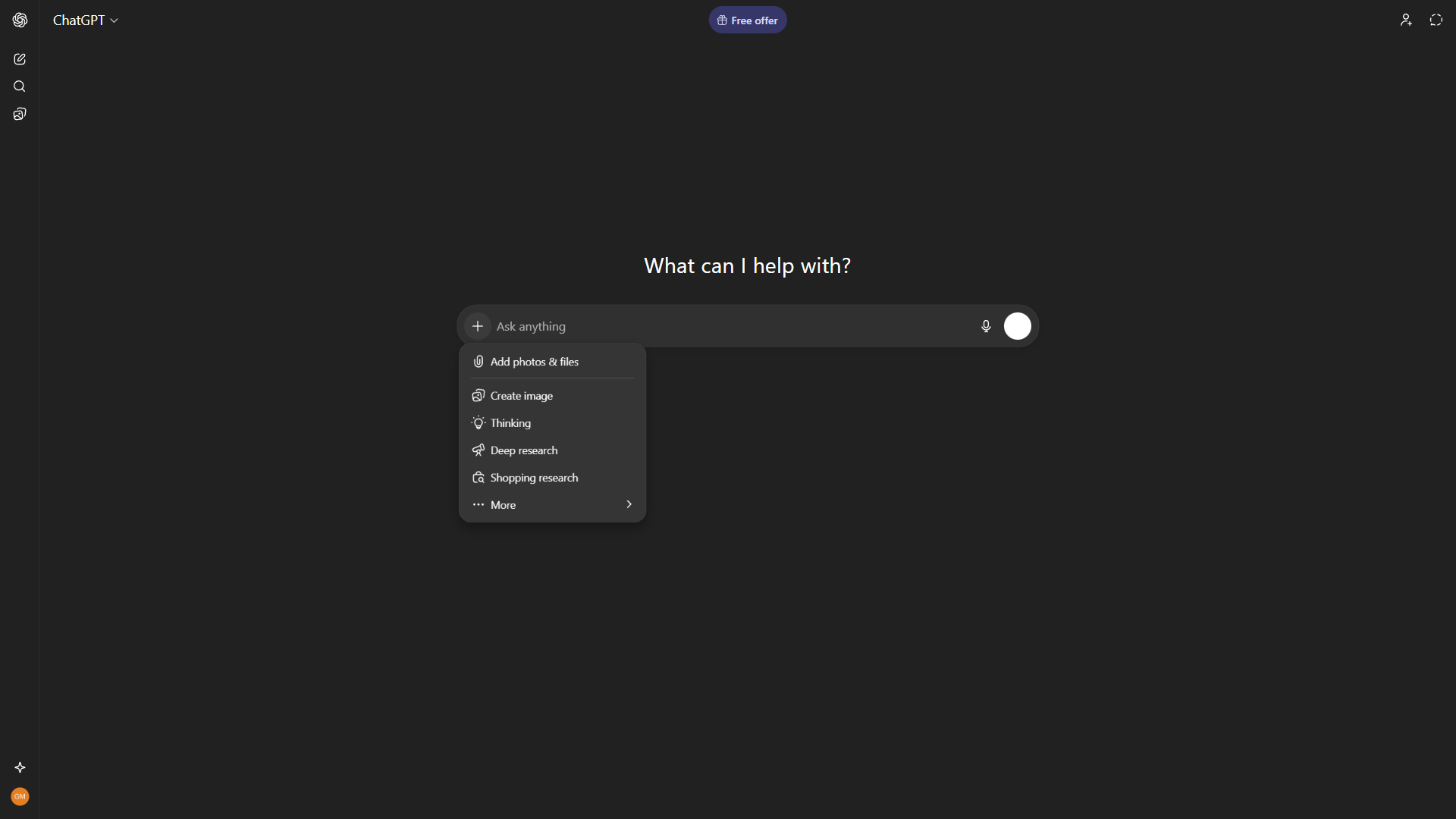
ChatGPT is the Swiss Army knife you probably already use. For research specifically, it works best as a brainstorming and explanation tool rather than a source finder (it still does not provide reliable citations). Ask it to explain quantum entanglement like you are five years old, or to outline the major arguments in a philosophical debate - that is where it shines. For a head-to-head breakdown, see our ChatGPT vs Claude comparison.
What students actually use it for:
- Breaking down complex concepts into simpler explanations
- Generating study questions and practice problems
- Outlining essays and papers before writing
- Quick math problem walkthroughs
The free tier reality: You get GPT-4o-mini access and limited GPT-4o messages before hitting cooldowns. For casual studying, this works. If you are using it daily for multiple classes, the cooldowns become frustrating.
Cost for students: Free for light use. Plus at $20 a month unlocks GPT-5, faster responses, and Advanced Data Analysis. Worth it during heavy exam periods, but you can pause the subscription during breaks.
Paperguide - The Academic Paper Specialist
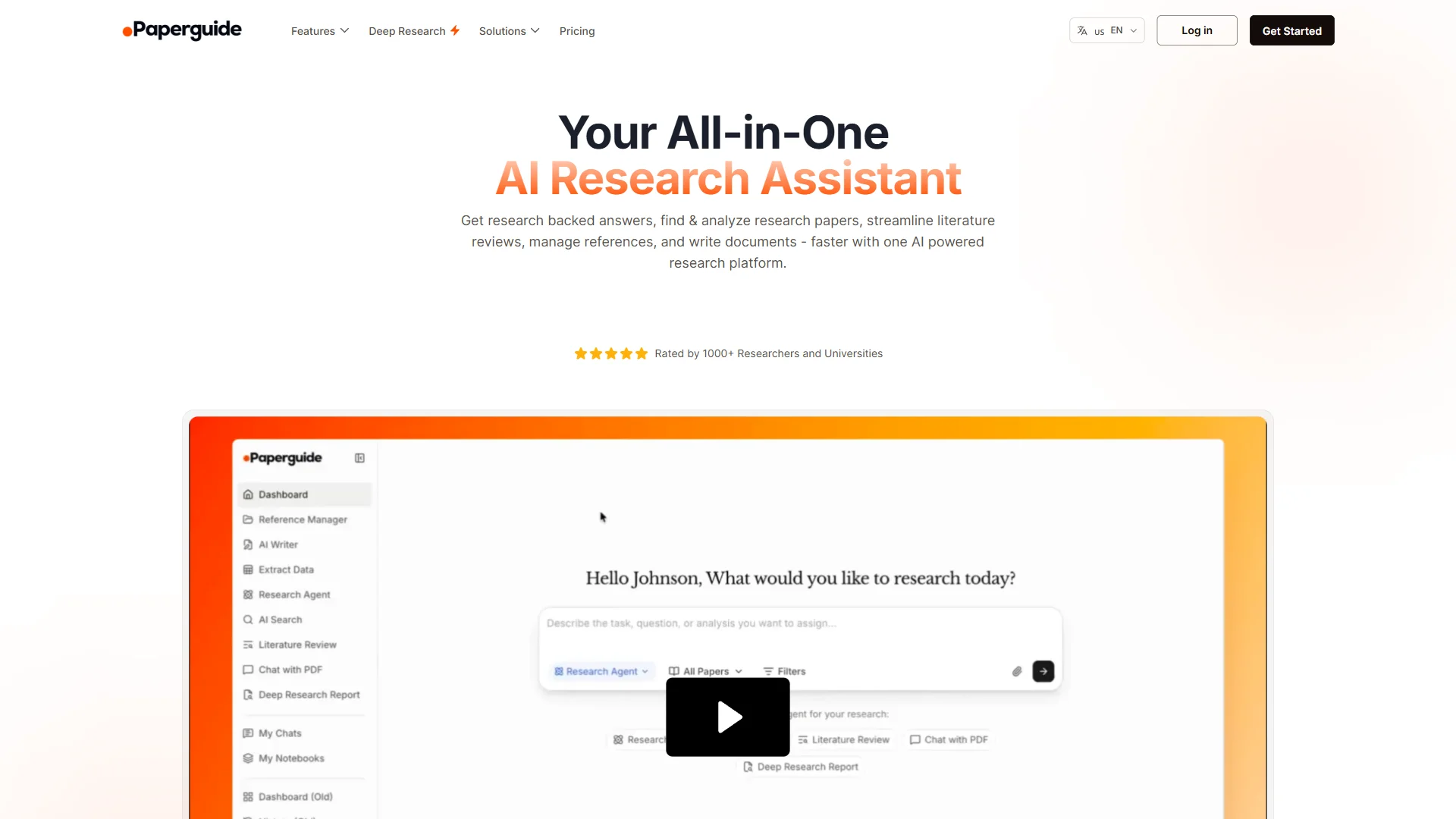
Where Perplexity searches the entire web, Paperguide restricts itself to peer-reviewed academic literature - 200 million+ papers indexed for semantic search. For students writing research papers, literature reviews, or theses, that focus is the feature. No Medium posts, no marketing blogs, no Reddit threads pretending to be sources.
The Deep Research mode is the standout capability. Point it at a topic and it generates a structured literature review section with citations drawn from relevant papers in its database. What normally takes a week of reading and note-taking compresses into an afternoon. It is not a replacement for critical analysis, but it handles the first synthesis pass that usually eats the most time.
What students actually use it for:
- Generating literature review drafts for research papers and theses
- Searching 200M+ academic papers with semantic relevance ranking
- Extracting data from multiple papers into comparison tables (systematic reviews)
- Drafting academic prose with auto-populated citations from the reference library
- Managing references with built-in Zotero integration
The free tier reality: 20 AI searches per month, 2 AI writer documents, and 1,000 AI credits. That is enough to evaluate the platform and write one or two short papers. For a semester of thesis work, you will hit the ceiling quickly.
Cost for students: Free works for occasional use. The Plus plan at $12 a month (annual billing) unlocks unlimited searches, unlimited reference storage, the plagiarism checker, and 10,000 AI credits per month - the right tier for most graduate students. Pro at $24 a month annual adds 40,000 credits and 20 writer documents for heavier thesis workloads.
The combination of search, reference management, and AI writing with auto-citations in a single tool is unusual. Most research workflows juggle Google Scholar, Zotero, and a separate writing tool - Paperguide collapses all three into one interface, which matters when you are already managing too many logins.
Limitations and who research tools are not for: All three research tools have real drawbacks. Perplexity’s free tier caps Pro searches at 5 per day, so heavy thesis weeks hit the wall fast. ChatGPT still does not provide reliable citations and will sometimes invent sources, which makes it the wrong tool for anything you have to footnote. Paperguide is academic-only - useless if your topic spans current events, industry research, or anything outside peer-reviewed literature. Skip these tools if you need real-time web data or fact-checking against breaking news.
How Do AI Tools Take Writing From Rough Draft to Polished Paper?
Writing is the second biggest time sink for students. Between grammar checks, citation formatting, and rewriting that paragraph for the fourth time because it “does not flow,” having the right tools makes a measurable difference.
Claude - The Writing Partner
Claude is the best AI assistant for academic writing. Its 200K token context window means you can paste an entire research paper, a syllabus, and your notes into a single conversation and ask it to help you identify gaps in your argument. No other free-tier AI tool handles that volume of text.
The writing quality stands out. Where ChatGPT tends toward confident, broad-strokes answers, Claude produces more nuanced analysis with better handling of complex arguments. For a philosophy paper or literary analysis, that nuance matters.
What students actually use it for:
- Reviewing drafts for argument structure and logical flow
- Analyzing long readings and extracting key themes
- Getting feedback on thesis statements
- Summarizing dense academic papers
The free tier reality: Approximately 20 queries per day on the free tier, using Claude Sonnet 4.5. That is enough for a focused writing session but can feel limiting during finals week when you are working on multiple papers.
Cost for students: Free for most use cases. Pro at $20 a month adds 5x the usage and access to Claude Opus 4.5 for the most demanding analysis work.
A key advantage for privacy-conscious students: Anthropic does not use your conversations to train Claude models, which matters when you are uploading draft papers and personal academic work.
Grammarly - The Polish Layer
Grammarly catches the mistakes you stop seeing after reading your own paper for the third time. The free tier handles basic grammar, spelling, and punctuation - which is honestly what most students need. It works everywhere: browser extension, Google Docs, Word, even your email client. For other writing assistants, see our best AI writing tools roundup.
The Pro tier adds plagiarism detection, full-sentence rewrites, and 1,000 AI prompts per month. The plagiarism checker alone can be worth the upgrade if your university does not provide access to Turnitin or a similar service.
What students actually use it for:
- Catching grammar and spelling errors before submission
- Improving clarity and conciseness in academic writing
- Plagiarism checking (Pro tier)
- Adjusting tone - switching from casual to formal academic register
The student advantage: Many universities provide free Grammarly Premium access through institutional licenses. Check with your school’s IT department or writing center before paying out of pocket. According to Grammarly’s education page, the platform is used by over 3,000 educational institutions.
Cost for students: Free tier is solid for basics. Pro is $30 a month monthly or $12 a month with annual billing. Always check for university-sponsored access first.
Limitations and who writing tools are not for: Both writing tools have downsides students should plan around. Claude’s free tier caps at roughly 20 queries per day, which evaporates during a thesis push - and the writing voice still leans toward “polished AI” unless you actively edit toward your own register. Grammarly’s free tier is grammar-only; the genuinely useful features (plagiarism, full-sentence rewrites) require Pro. Skip these tools if your professor flags AI-assisted writing or your work is in a field (poetry, niche jargon) where Grammarly’s suggestions actively hurt your prose.
Note-Taking and Organization: Keeping It All Together
Notion - The Digital Brain
Notion replaces the chaos of scattered Google Docs, random phone notes, and that one sticky note you swore you would not lose. It is an all-in-one workspace for notes, task management, databases, and project planning - and it offers a free Plus plan for students with a .edu email address. If you want to evaluate Notion against other workspaces, our airtable vs notion comparison digs into where each one wins.
That student deal is significant. The Plus plan normally costs $10 a month per seat (annual billing) and includes unlimited blocks for teams, synced databases, and 30-day version history. Students get all of this free.
What students actually use it for:
- Centralized class notes organized by semester and subject
- Assignment tracking with due dates and priority levels
- Study databases linking notes, readings, and lecture recordings
- Group project coordination with shared pages and task boards
- Building a personal knowledge base that grows across semesters
The student advantage: Notion offers free Plus plans for students and educators with a valid .edu email. This is one of the best student deals in the entire productivity software space.
The learning curve reality: Notion is powerful but not simple. Expect 2-4 weeks to get comfortable with blocks, databases, and views. Start with a pre-built student template from Notion’s gallery rather than building from scratch.
Cost for students: Free with .edu email (Plus plan). Without it, the personal Free tier still gives you unlimited pages and blocks for individual use.
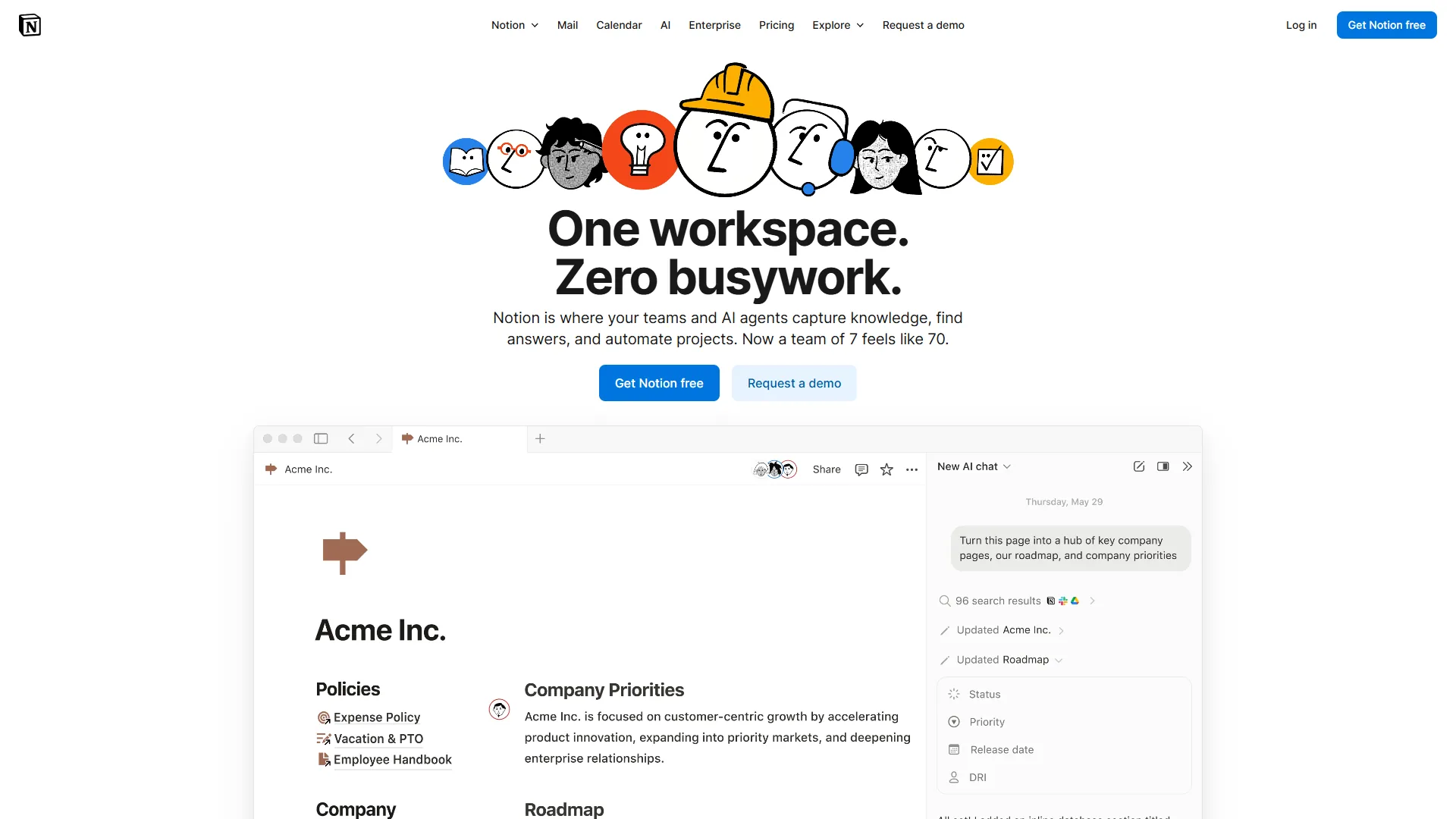
Limitations and who Notion is not for: The biggest drawback is the learning curve - 2-4 weeks before the system feels natural, which is brutal mid-semester. Notion is also bad for students who think in linear notes (paper-style margin scrawls); the block-based editor fights you. Offline support is patchy, so if your campus Wi-Fi drops you may lose access to your study materials. Skip Notion if you need a simple notebook that just opens fast - try a basic Markdown app instead.
Which AI Tools Help Students Make Professional Presentations Without Design Skills?
Canva - The Design Shortcut
Every student eventually needs to create a presentation, a poster, an infographic, or a social media graphic for a class project. Canva makes all of these accessible without any design experience. The drag-and-drop editor and 2 million+ free templates mean you can produce something that looks professionally designed in under an hour. For dedicated slide tools, see our best AI presentation tools 2026 roundup.
The AI features - Magic Write for text generation, Magic Design for template suggestions, and Background Remover - work well for quick student projects where speed matters more than pixel-perfect precision.
What students actually use it for:
- Presentation slides for class projects and thesis defenses
- Infographics and posters for visual assignments
- Social media graphics for student organizations and clubs
- Resume design (Canva has excellent resume templates)
The student advantage: Canva for Education provides free Pro access to students and teachers at qualifying institutions. The Pro plan normally costs $12.99 a month and includes 140 million+ premium assets, Background Remover, Magic Resize, and 1TB of storage.
Cost for students: Free tier works for most needs. Check if your school qualifies for Canva for Education before paying for Pro.
Limitations and who Canva is not for: Canva is template-driven, and that is also its weakness - work made there often looks templated. Power users will hit limits the moment they try real typography control or precision layout, since Canva is not designed for design students or anyone whose grade depends on craft. Brand kit and Magic Resize sit behind Pro. Skip Canva for projects where your professor expects original visual work or you need export formats (CMYK print, vector SVG) that Canva handles awkwardly.
What Is the Best AI Tool for Students to Transcribe Lectures?
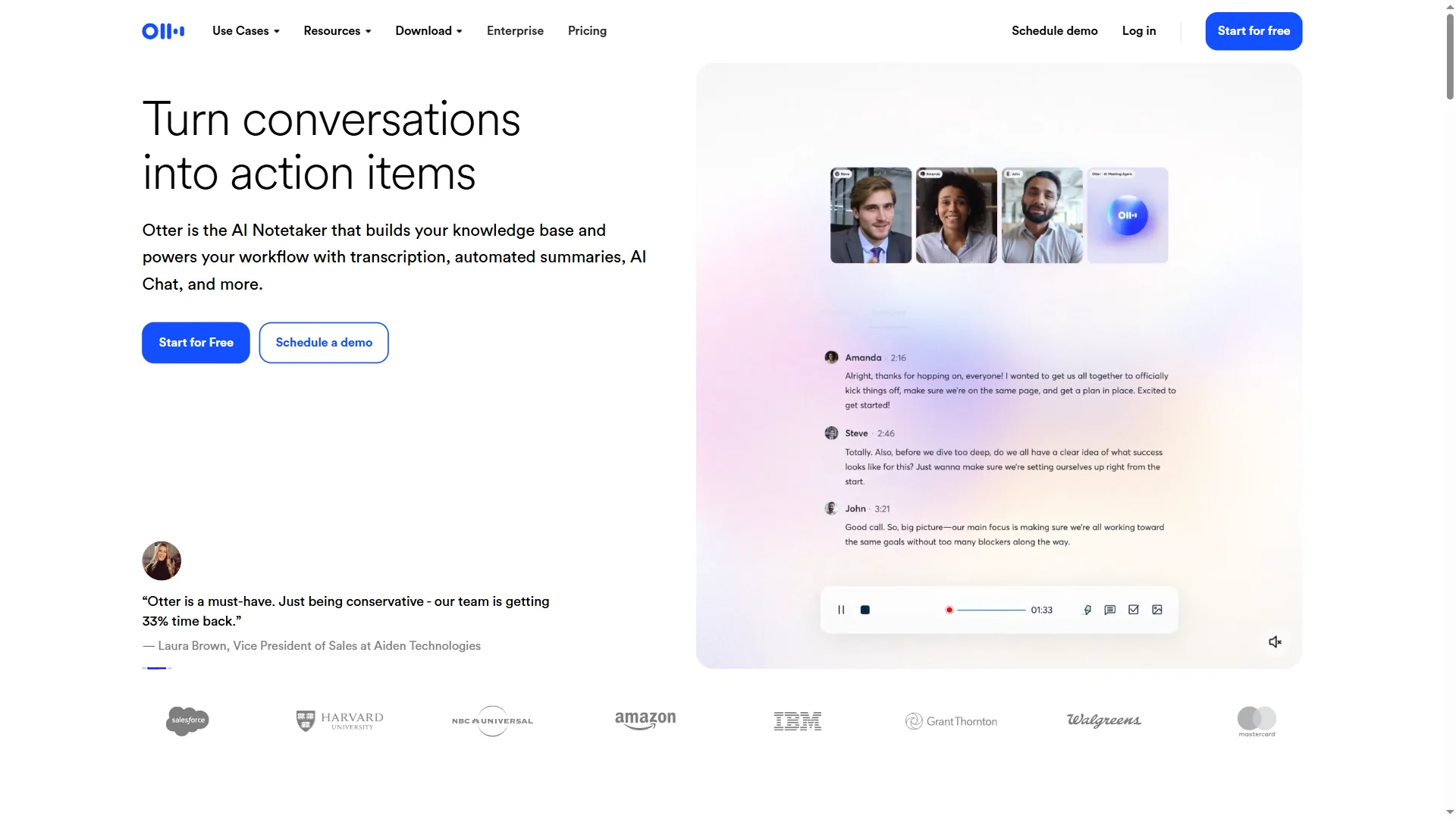
Otter.ai - The Lecture Recorder
Missing a key point during a fast-talking professor’s lecture is frustrating. Otter.ai records and transcribes lectures in real-time, generating searchable text you can review later. The free tier gives you 300 minutes per month - roughly 10 hours of lecture recordings, which covers about 2-3 lectures per week depending on length. For an apples-to-apples breakdown, see our AI transcription comparison.
The real value is searchability. Instead of scrubbing through a 90-minute recording to find that one definition, you can search the transcript by keyword and jump directly to the relevant moment.
What students actually use it for:
- Recording and transcribing lectures for later review
- Transcribing interviews for journalism or research projects
- Study group sessions where multiple people are discussing material
- Creating searchable notes from seminars and guest lectures
The free tier limitation: 300 minutes per month with a 30-minute maximum per conversation. That 30-minute cap is the real constraint - most lectures run 50-90 minutes. Pro extends this to 90 minutes per conversation with 1,200 monthly minutes.
Cost for students: Free works if your lectures are under 30 minutes or you split recordings. Pro at $8.33 a month (annual billing) is worth it for lecture-heavy semesters.
Limitations and who Otter.ai is not for: The 30-minute cap per recording on the free tier is the real drawback - most lectures run 50-90 minutes, so you have to split or upgrade. Accuracy drops noticeably for technical jargon, heavy accents, and lectures with poor mic quality. Many universities also forbid recording without instructor consent, so check your syllabus before you press record. Skip Otter if your classes are technical (med school, advanced math) where transcription errors will mislead your study notes more than help.
Best Picks by Use Case: Student AI Stack Builder
Not every student needs all eight tools. Here is how to layer them based on your academic situation.
The Zero-Budget Stack (All Free Tiers)
| Tool | Free Tier Capability | Main Limitation |
|---|---|---|
| ChatGPT | GPT-4o-mini access, basic browsing | Usage cooldowns after heavy use |
| Claude | ~20 queries/day with Sonnet 4.5 | Daily query limit |
| Perplexity | Unlimited basic search, 5 Pro searches/day | Pro search cap |
| Paperguide | 20 AI searches/mo, 2 writer documents | Low credit ceiling |
| Notion | Unlimited pages (individual) | Limited team features |
| Grammarly | Basic grammar, 100 AI prompts/mo | No plagiarism check |
| Canva | 2M+ templates, basic AI tools | No premium assets |
| Otter.ai | 300 min/mo, 30 min per recording | Short recording cap |
This stack costs nothing and covers research, writing, note-taking, design, and transcription. Start here and upgrade only when a specific limitation repeatedly costs you time.
The Midterm Crunch Stack ($20-40/month)
When free tiers are not enough - typically during midterms, finals, or thesis writing:
- Perplexity Pro ($20 a month): Unlimited Pro searches for heavy research periods
- Notion Free (with .edu): Full Plus features at no cost
- Grammarly Free: University-provided Premium if available, otherwise free tier
- All other tools on free tiers
Total: $20 a month during research-heavy months, paused during breaks.
The Graduate Student Stack ($50-75/month)
For thesis-level work with regular research, writing, and presentation demands:
- Claude Pro ($20 a month): 5x usage for long document analysis
- Perplexity Pro ($20 a month): Unlimited research with citations
- Paperguide Plus ($12 a month annual): Unlimited searches of 200M+ academic papers, Deep Research literature reviews, plagiarism checker
- Notion Free (with .edu): Full workspace capabilities
- Grammarly Pro ($12 a month annual): Plagiarism detection for thesis work
- Canva and Otter.ai on free tiers
Total: approximately $64 a month with annual billing on Paperguide and Grammarly.
Common Pitfalls: Where AI Tools for Students Stop Helping
AI tools for students work best as accelerators, not substitutes. A few ground rules that keep you on the right side of academic integrity:
Use AI to understand, not to bypass understanding. Asking ChatGPT to explain a concept is studying. Asking it to write your essay is plagiarism. The line is simple even if the temptation is not.
Always verify AI-generated information. Even Perplexity’s cited answers can pull from outdated or low-quality sources. Cross-reference important claims with primary sources, especially for research papers. A Nature article on AI in academic research documented cases where AI tools generated convincing but fabricated citations.
Check your institution’s AI policy. Rules vary widely between universities, departments, and even individual professors. Some allow AI for brainstorming but not drafting. Others require disclosure of any AI use. Know the rules before you submit work.
Develop the skills AI assists with. If Grammarly catches your comma splices every time, learn what a comma splice is. If Claude restructures your arguments, study why the new structure works better. The tools are most valuable when they teach you to need them less over time.
The Bottom Line
The best ai tools for students in 2026 are the ones you actually use consistently without breaking your budget. Start with the zero-cost stack - ChatGPT, Claude, Perplexity, Paperguide, Notion, Grammarly, Canva, and Otter.ai all offer free tiers that handle the majority of academic needs. Upgrade strategically during high-demand periods like finals or thesis writing, and always check for student discounts before paying full price.
The students who get the most value from these tools are not the ones who use AI to do less work. They are the ones who use AI to do better work in less time - spending the saved hours on deeper thinking, better research, and the kind of original analysis that no AI can produce for you.
FAQ
Q: Which AI is better than ChatGPT?
The writing quality stands out. Where ChatGPT tends toward confident, broad-strokes answers, Claude produces more nuanced analysis with better handling of complex arguments.
Q: What are the best free AI tools for students?
The zero-budget stack covers every part of the academic workflow: ChatGPT for studying and brainstorming, Claude for writing analysis (around 20 queries per day), Perplexity for cited research (5 Pro searches per day), Notion for notes, Grammarly for grammar checks, Canva for presentations, and Otter.ai for lecture transcription (300 minutes per month). All seven offer genuinely useful free tiers.
Q: Which AI tool is best for writing college research papers?
Claude is the strongest pick for academic writing. Its 200K token context window handles entire research papers, syllabi, and notes in a single conversation, and its analysis is more nuanced than ChatGPT for philosophy or literary work. Pair it with Perplexity for cited sources and Grammarly for a final polish before submission.
Q: Do students get discounts on AI tools like Notion, Canva, and Grammarly?
Yes. Notion offers a free Plus plan to students and educators with a valid .edu email, normally $10 per month. Canva for Education provides free Pro access at qualifying institutions, normally $12.99 per month. Grammarly Premium is often included through university licenses - check with your school’s IT department or writing center before paying.
Q: Is ChatGPT or Perplexity better for student research?
Perplexity is better for source-based research because every answer comes with inline citations you can click to verify, and Academic Focus mode filters to peer-reviewed papers. ChatGPT still does not provide reliable citations, so use it for brainstorming, outlining essays, and explaining complex concepts rather than as a source finder for research papers.
Related Reading
Tools covered in this article:
- ChatGPT - Conversational AI assistant for studying and brainstorming
- Claude - Long-context writing and analysis assistant
- Perplexity - AI search engine with inline citations
- Paperguide - Academic paper search and literature reviews
- Notion - All-in-one workspace with free student plan
- Grammarly - Grammar and writing assistant
- Canva - Design and presentation tool
- Otter.ai - Live lecture transcription
More guides:
- ChatGPT vs Claude: Complete Comparison for Productivity
- Perplexity vs ChatGPT: Which AI Assistant Should You Use?
- Best AI Research Tools 2026
- Best AI Writing Tools 2026: Complete Comparison
- AI Tools for Course Creators: Build Better Courses Faster