


The perplexity vs chatgpt debate keeps coming up because these two tools look similar on the surface but solve fundamentally different problems. Whether you are comparing them for studying, research, or daily work, the distinction is clear: Perplexity is a search engine that reasons, while ChatGPT is a reasoning engine that does everything else.
Perplexity delivers real-time answers backed by clickable citations you can verify in seconds, an approach rooted in retrieval-augmented generation research. ChatGPT gives you a creative Swiss Army knife - writing, coding, image generation, voice conversations, and a plugin ecosystem with hundreds of millions of users behind it. Picking the wrong one means either trusting unsourced answers when you need facts, or paying for a research tool when you actually need a creative partner.
This comparison breaks down where each tool genuinely wins, where it struggles, and which one earns your subscription based on how you actually work. For a wider field of options, our best AI assistants 2026 guide adds Claude, Gemini, and Grok to the mix. Tradeoffs run in both directions, and this guide flags the limitations of each.
Comparison Table
Perplexity vs ChatGPT is one of the most common comparisons in this category - alongside Perplexity vs ChatGPT vs Gemini and Perplexity vs ChatGPT vs Grok. Perplexity and ChatGPT take different approaches to solving similar problems, and the right choice depends on your workflow, budget, and team size. This guide compares both tools across the features that actually matter for daily work.
Here is the short version before the deep dive:
| Category | Perplexity | ChatGPT |
|---|---|---|
| Best for | Research, fact-checking, sourced answers | Writing, coding, images, general tasks |
| Pricing | Free / $20 Pro / $200 Max | Free / $20 Plus / $200 Pro |
| Rating | ||
| Web search | Built-in with inline citations | Built-in, no inline citations |
| Citation quality | 4/5 | 2/5 |
| Image generation | N/A | Built-in via GPT-4o |
| Voice mode | N/A | Live voice conversations |
| Context window | Conversation-based | 128K tokens (GPT-5) |
| Model selection | GPT-5, Claude 4, Gemini 2.5 | GPT-5, GPT-4o, o1 |
| Desktop app | Yes (macOS, Windows) | Yes (macOS, Windows) |
Top pick: Perplexity Pro for research-heavy workflows where you need verifiable sources. ChatGPT Plus for creative work, coding, and general productivity where versatility matters more than citations.
Limitations and who this comparison is not for: Skip both Perplexity and ChatGPT if you need on-prem or air-gapped inference - cloud-only delivery is a hard tradeoff that rules out many regulated workloads. Both also have rate-caps at the $20 tier that frustrate heavy users.
Which Tool Has Better Research and Source Quality?
This is the category where Perplexity vs ChatGPT produces the sharpest divide - and likely the reason you are reading this comparison.
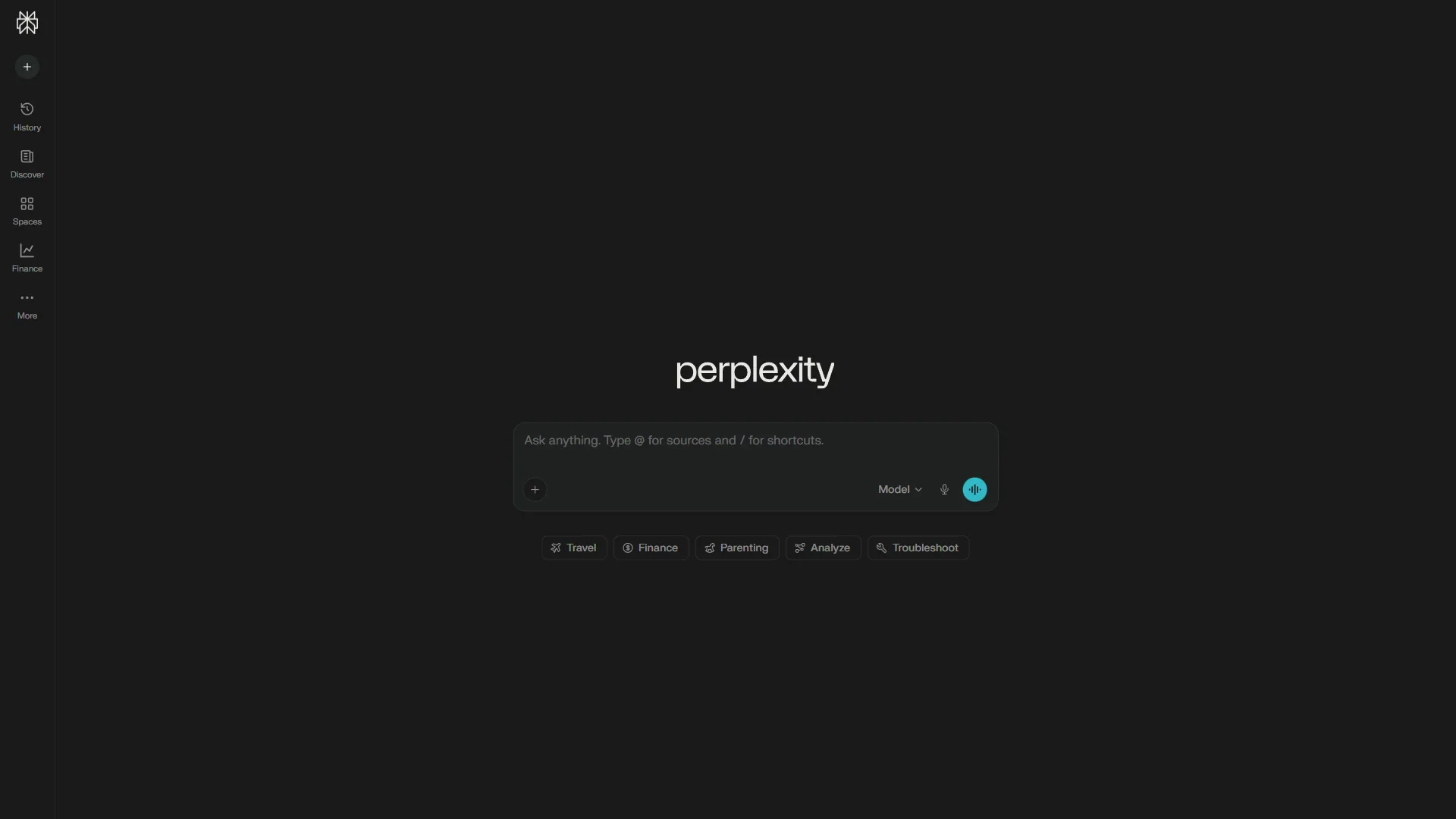
Perplexity was built from the ground up as a research tool. Every response includes numbered citations that link directly to source material. You can see exactly where each claim originated, assess source quality yourself, and follow rabbit holes through cited references. The Pro Search feature synthesizes information from 20+ sources into a single coherent answer, while Deep Research generates multi-page reports with 50+ citations for complex topics.
Perplexity also offers Focus modes that let you filter searches by source type - academic papers, Reddit discussions, YouTube transcripts, news articles, or SEC filings. This alone saves hours of manual curation when you need specific types of evidence - similar workflows show up across best AI research tools 2026.
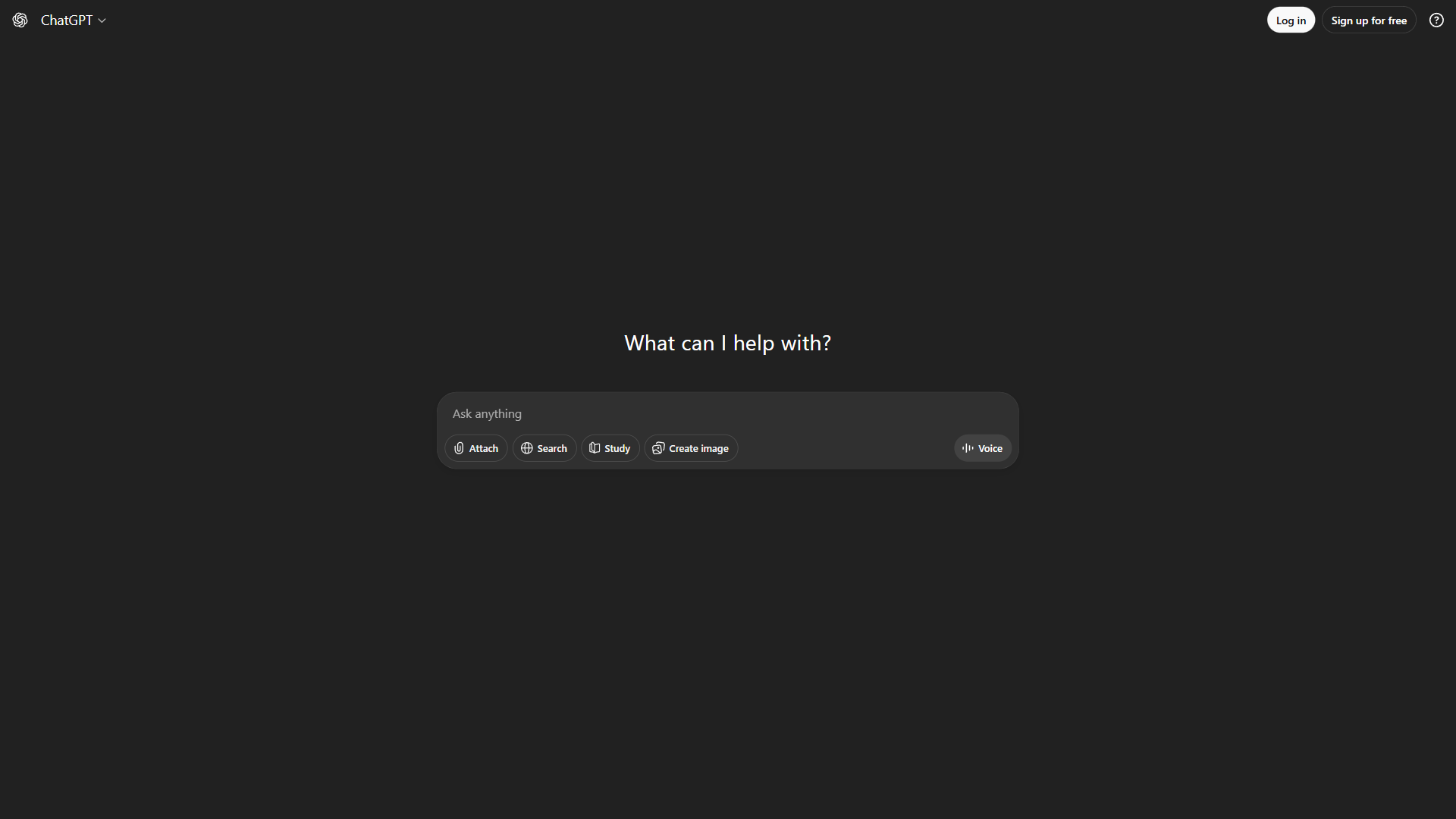
ChatGPT can browse the web and surface recent information, but it still does not provide the inline citations that make Perplexity’s answers verifiable. You get summaries and occasionally a link, but the audit trail is weak. For casual lookups - “what is the best framework for X” or “summarize recent trends in Y” - it works adequately. For anything requiring academic rigor, client-facing reports, or fact-checked journalism, the absence of systematic citations is a significant limitation.
The verdict: Perplexity wins decisively on research and source quality. If verifiable information is your primary need, this category alone justifies choosing Perplexity - and our best AI search tools review covers the surrounding category.
Research limitations and who Perplexity is not for: Perplexity’s drawbacks include occasional citation hallucinations - it will sometimes link to pages that don’t actually contain the cited claim, so verification is still required. Skip Perplexity if your research lives behind paywalls or in proprietary databases (Westlaw, Bloomberg Terminal, internal knowledge bases) - the cons of a public-web-only crawler are severe in those contexts. ChatGPT falls short here too: limitations include selective web browsing and weak source attribution.
Writing and Content Creation
This is ChatGPT’s strongest territory and one of the clearest differentiators in the perplexity vs chatgpt comparison.
ChatGPT excels at generating content across every format. Blog posts, marketing copy, social media captions, email sequences, creative fiction, scripts - GPT-5 handles all of it with impressive range. The memory feature lets ChatGPT learn your brand voice over time, producing increasingly accurate first drafts. Custom GPTs take this further by creating specialized writing assistants tuned to specific tasks, tones, or audiences. For teams that want a single AI assistant for both content drafting and follow-up email automation, HubSpot’s AI suite bundles writing, CRM, and outreach in one workflow.
The creative flexibility is real. Need a formal whitepaper and a casual Twitter thread from the same research? ChatGPT shifts registers naturally. Want to brainstorm 20 headline variations? It generates them in seconds with genuine variety - the broader writing landscape is in our best AI writing tools 2026 guide.
Perplexity is not designed for content creation. It can summarize and restructure information it finds online, but it lacks ChatGPT’s creative depth, tone control, and long-form writing capabilities. Asking Perplexity to write a blog post is like asking a research librarian to write your novel - they can gather the materials, but the creative output is not their strength.
The verdict: ChatGPT wins clearly. For any task involving original content creation, creative writing, or marketing copy, ChatGPT is the substantially better tool. For copywriters specifically, see best AI copywriting tools 2026.
Writing limitations and who ChatGPT is not for: Skip ChatGPT for writing if your work is academic or audit-grade research - the lack of inline citations is a real con and will cost you reviewer trust. Drawbacks for brand-strict teams: GPT’s default voice is generic, and tuning it through Custom GPTs takes ongoing work. Skip Perplexity for any creative writing task; the limitations there are absolute, not partial.
Coding and Technical Tasks
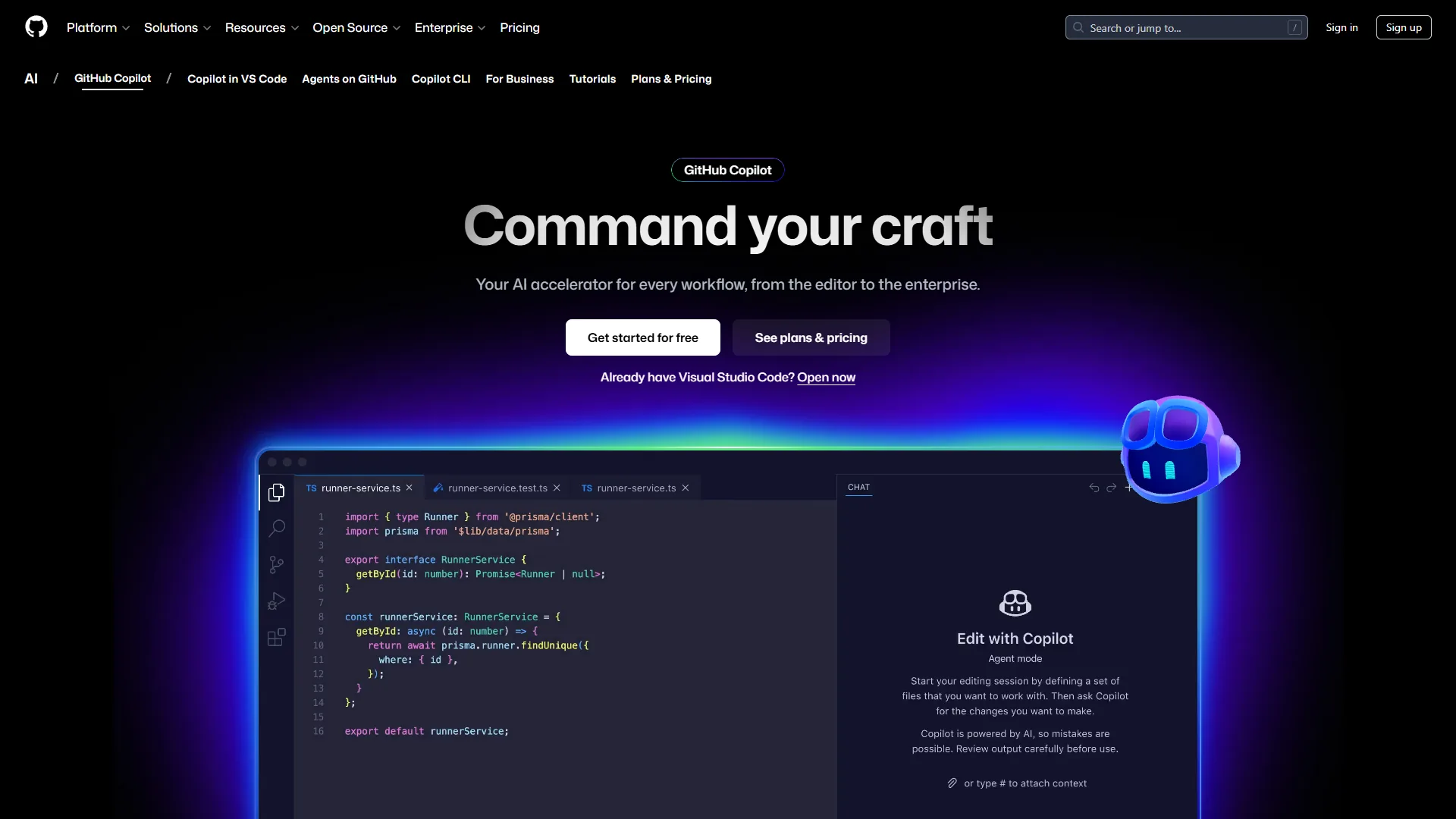
ChatGPT is one of the most capable coding assistants available. GPT-5 generates, debugs, and explains code across dozens of languages. The Advanced Data Analysis feature (Code Interpreter) lets you run Python directly in the chat, which is invaluable for data processing, visualization, and quick prototyping. The ecosystem advantage is significant too - ChatGPT integrates with GitHub Copilot and hundreds of developer tools through plugins and custom GPTs.
For everyday development work - debugging, boilerplate generation, API integration, code explanation - ChatGPT handles it with speed and confidence. Developers who prefer a keyboard-first command palette often pair it with Raycast for quick prompt access from anywhere on the desktop.
Perplexity can answer technical questions and find documentation, but it is not a development environment. Where it adds value for developers is finding specific API documentation, locating code examples from real repositories, and researching library comparisons with current benchmarks. The citations mean you can trust that the Stack Overflow answer or GitHub issue it references actually exists.
The verdict: ChatGPT for writing and debugging code. Perplexity for researching libraries, finding documentation, and verifying technical claims. Serious developers use ChatGPT (or a dedicated coding tool like GitHub Copilot) for implementation and Perplexity for discovery - our best AI coding assistants shortlist covers the full field.
Coding limitations and who each is not for: Skip ChatGPT for autonomous coding tasks - it lacks the integrated terminal, file-system access, and checkpointing that Claude Code and Cursor offer, and that’s a real drawback for agentic workflows. Cons include hallucinated APIs and outdated package recommendations. Skip Perplexity entirely for code generation; its limitations as a development tool are total, not partial.
Real-Time Information and Accuracy
Both tools access the live web, but the way they handle real-time information differs dramatically.
Perplexity searches the web in real time for every query by default. When you ask about something that happened today, it pulls current information from multiple sources and shows you exactly where it came from. The accuracy is verifiable because you can check every cited source. This makes it exceptionally strong for current events, market data, breaking news, and any query where recency matters.
ChatGPT has web browsing capabilities but uses them selectively. It sometimes draws from its training data (which has a knowledge cutoff documented in OpenAI’s model reference) rather than searching live. When it does browse, the results lack the transparent sourcing that makes Perplexity reliable. You get answers, but you cannot easily verify whether they reflect current information or training data from months ago.
The accuracy gap is most visible with rapidly changing topics - stock prices, product launches, policy changes, sports results. Perplexity surfaces the latest data with sources. ChatGPT may or may not be current, and you have limited ability to verify - similar nuances appear in our chatgpt vs claude breakdown.
The verdict: Perplexity wins on real-time accuracy and transparency. ChatGPT is competent for general knowledge but less reliable when you need confirmed current information.
Real-time limitations and who each is not for: Both tools rely on what’s been crawled and indexed - drawbacks emerge fast on niche topics with thin web coverage. Skip either for premarket trading data, classified industry intelligence, or anything where seconds-fresh data matters. Cons include cached results that look current but aren’t, and no transparency on which sources were excluded from a given response.
Multi-Model Flexibility
An underappreciated advantage in the perplexity vs chatgpt comparison is model selection.
Perplexity Pro subscribers can switch between multiple AI models within the same interface - including GPT-5, Claude 4, and Gemini 2.5. The Max tier adds access to frontier reasoning models like o3-pro, GPT-5 Thinking, and Claude Opus 4.5. This means you can compare how different models answer the same research question, choosing the best response without maintaining separate subscriptions.
ChatGPT is locked to OpenAI’s own models. You get GPT-5 and GPT-4o on Plus, with o1 pro mode available on the Pro tier. The models are excellent, but you are restricted to OpenAI’s ecosystem. If GPT-5 struggles with a particular type of query, you cannot switch to Claude or Gemini without opening a separate tool.
The verdict: Perplexity offers more flexibility. For around $20 per month, you effectively get access to three major AI families. ChatGPT locks you into one, though OpenAI’s models are strong enough that this only matters if you regularly hit edge cases - the trade-off is similar to our anthropic claude vs openai gpt deep dive.
Multi-model limitations and who Perplexity routing is not for: Perplexity’s biggest drawback in routing is opacity - you can pick a model, but the system prompt and search-augmentation layer remain the same, so what you get isn’t pure GPT-5 or pure Claude 4. Skip Perplexity’s model menu if you need raw, un-augmented model behavior for a benchmark or comparative test. Cons include slower response times when expensive models are routed, and unclear quota tracking across models.
Pricing Comparison
Both tools match at the around $20 per month entry point, but the value equation shifts at each tier in 2026.
Perplexity Pricing
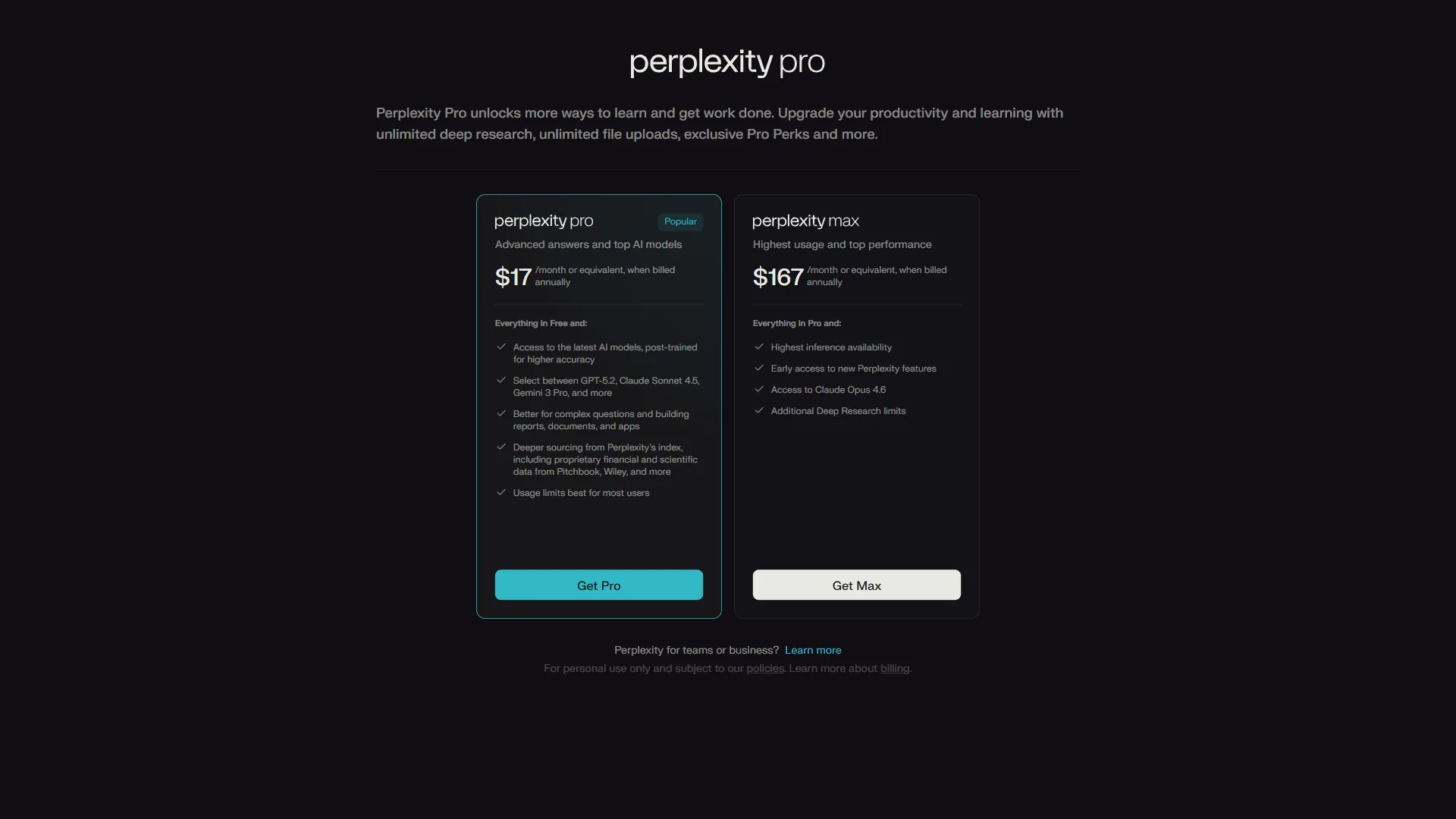
| Tier | Monthly | Annual | Key Features |
|---|---|---|---|
| Free | $0 | $0 | Unlimited basic, 5 Pro searches/day |
| Pro | $20 | $200 | Unlimited Pro, multi-model, file uploads |
| Max | $200 | $2,000 | Frontier models, Comet browser, priority |
| Enterprise | Custom | Custom | Team management, SSO, internal KB |
ChatGPT Pricing
| Tier | Monthly | Annual | Key Features |
|---|---|---|---|
| Free | $0 | $0 | GPT-3.5, limited GPT-4o |
| Plus | $20 | $240 | GPT-5, images, voice, Advanced Data Analysis |
| Pro | $200 | $2,400 | Unlimited all models, o1 pro, priority |
| Team | $30/user | $300/user | Shared GPTs, admin controls, excluded from training |
| Enterprise | Custom | Custom | 2M token context, SOC 2, SSO |
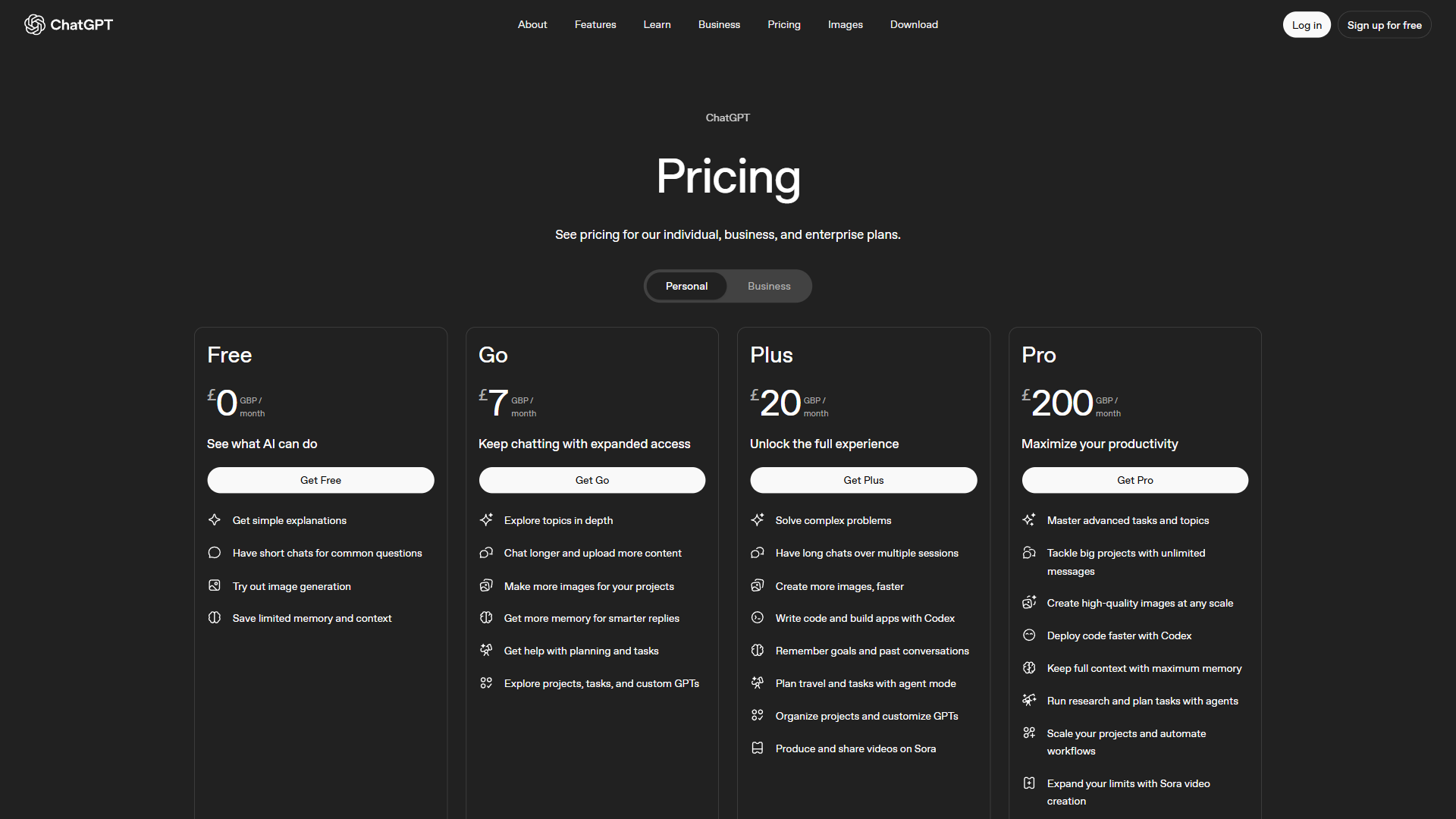
Value Analysis
Free tier: Perplexity offers more useful free access. Five Pro searches per day with full citations often delivers more practical value than ChatGPT’s limited GPT-4o messages with cooldowns.
At around $20 per month: ChatGPT Plus delivers broader functionality - writing, coding, images, voice, browsing. Perplexity Pro delivers deeper research with citations and multi-model access. Your primary use case determines which is the better deal.
At around $200 per month: Both premium tiers are expensive. ChatGPT Pro gives unlimited access to all OpenAI models with priority. Perplexity Max gives frontier model access plus the Comet browser. Neither is worth it for casual users. These tiers target power users and professionals who rely on AI for hours every day - the calculus is similar in our best chatgpt alternatives review.
Pricing limitations and who each tier is not for: Skip both $200 tiers if you can’t justify five hours per day of active AI use - the drawbacks compound fast at that price. Skip Perplexity Pro if voice or image generation matter; those are absent. Skip ChatGPT Plus if your work is research-heavy and citation-driven. Cons across both: opaque rate limits, surprise model rollovers when a new release ships, and limited rollback options.
Choose Perplexity if
Perplexity is the right choice when:
- You need verifiable sources. Academic research, journalism, client reports, legal research - any context where “trust me” is not acceptable.
- You research current events. Real-time web search with citations beats ChatGPT’s intermittent browsing for time-sensitive topics.
- Fact-checking is part of your workflow. The citation system turns verification from a chore into a one-click action.
- You want multi-model access. Compare GPT-5, Claude 4, and Gemini responses in one interface for around $20 per month.
- You work in regulated industries. Finance, healthcare, law - fields where sourced claims are not optional. Our best AI legal research tools shortlist covers domain-specific options.
Choose ChatGPT if
ChatGPT is the right choice when:
- Content creation is your primary task. Blog posts, marketing copy, social media, email sequences - ChatGPT’s writing quality and range are unmatched.
- You need a Swiss Army knife. Writing, coding, images, voice, data analysis, plugins - one subscription covers everything competently.
- Image generation matters. GPT-4o’s integrated image generation produces solid visuals without needing a separate tool.
- You rely on integrations. Custom GPTs, Zapier connections, browser extensions, and the broadest plugin ecosystem in AI.
- Your team needs collaboration. The Team tier (around $30 per user per month) includes shared GPTs, admin controls, and training data exclusion.
- You want voice AI. Live voice mode on Plus is the most natural voice AI experience available - ideal for brainstorming, language practice, and hands-free work.
The Bottom Line on Perplexity vs ChatGPT
The perplexity vs chatgpt decision maps cleanly to how you use AI in your daily work.
Choose Perplexity Pro (around $20 per month) if research, fact-checking, and source verification define your workflow. Journalists, academics, analysts, students, and anyone in regulated industries will get more value from Perplexity’s citation engine than from ChatGPT’s creative breadth. The multi-model access is a bonus that effectively replaces separate subscriptions to competing AI tools - see chatgpt alternatives for the wider list.
Choose ChatGPT Plus (around $20 per month) if you need a versatile AI partner for creative work, coding, image generation, and general productivity. Content creators, developers, marketers, and teams wanting a single all-purpose AI tool will find that ChatGPT’s ecosystem and range justify the subscription. The plugin architecture and custom GPTs add compounding value over time.
The power user approach: Subscribe to both. Use Perplexity for research and fact-checking. Use ChatGPT for writing, coding, and creative tasks. At around $40 per month combined, you cover every major AI use case with best-in-class tools for each. Many professionals also add Claude for deep document analysis and reasoning, creating a three-tool stack that handles virtually any knowledge work - the apps like ChatGPT roundup highlights more candidates worth slotting in.
Neither tool is trying to become the other. Perplexity is doubling down on search and citations. ChatGPT is expanding into agents, voice, and multimodal capabilities. Pick the one that solves your most pressing problem today, and reassess as both platforms continue to evolve.
FAQ
Q: Why is Perplexity so popular?
Perplexity is popular because every response includes numbered citations linking directly to source material. Users can verify claims with a single click, assess source quality themselves, and follow cited references. The Pro Search feature synthesizes 20 or more sources into a single answer, making it far more trustworthy than tools that surface unsourced summaries.
Q: Does Perplexity better than ChatGPT?
Free tier: Perplexity offers more useful free access. Five Pro searches per day with full citations often delivers more practical value than ChatGPT’s limited GPT-4o messages with cooldowns.
Q: Is there any AI stronger than ChatGPT?
Free tier: Perplexity offers more useful free access. Five Pro searches per day with full citations often delivers more practical value than ChatGPT’s limited GPT-4o messages with cooldowns.
Q: Which tool offers better value at the around $20 per month price point?
ChatGPT Plus at around $20 per month delivers broader functionality - writing, coding, images, voice, and browsing. Perplexity Pro at around $20 per month delivers deeper research with multi-model access to GPT-5, Claude 4, and Gemini 2.5. Your primary use case determines which is the better deal: versatility favors ChatGPT, research depth favors Perplexity.
Q: Can I use both Perplexity and ChatGPT together?
Yes - many professionals subscribe to both. At around $40 per month combined, using Perplexity for research and fact-checking alongside ChatGPT for writing, coding, and creative tasks covers every major AI use case with best-in-class tools for each. Some also add Claude for deep document analysis, creating a three-tool stack for knowledge work.
Related Reading
- Perplexity - Full review with pricing, features, and ROI calculator
- ChatGPT - Full review with pricing, features, and ROI calculator
- Claude - Full review of Anthropic’s AI assistant for deep analysis and reasoning
- GitHub Copilot - AI-powered code completion and developer productivity
- ChatGPT vs Claude: Which AI Assistant Is Better? - Head-to-head comparison of ChatGPT and Claude across writing, coding, and reasoning
- Best AI Assistants for Productivity in 2026 - Comprehensive guide covering Perplexity, ChatGPT, Claude, Gemini, and more
- Best AI Chatbots - Broader comparison including Gemini, Perplexity, and other conversational AI tools
- HubSpot Review - CRM platform often paired with AI research workflows
- Raycast Review - Mac launcher with AI integrations
External Resources
- Perplexity AI - Official site with product features and pricing
- ChatGPT Official Site - OpenAI’s product page with latest features and pricing
- GPT-5 Announcement - OpenAI’s official GPT-5 release and capabilities overview