


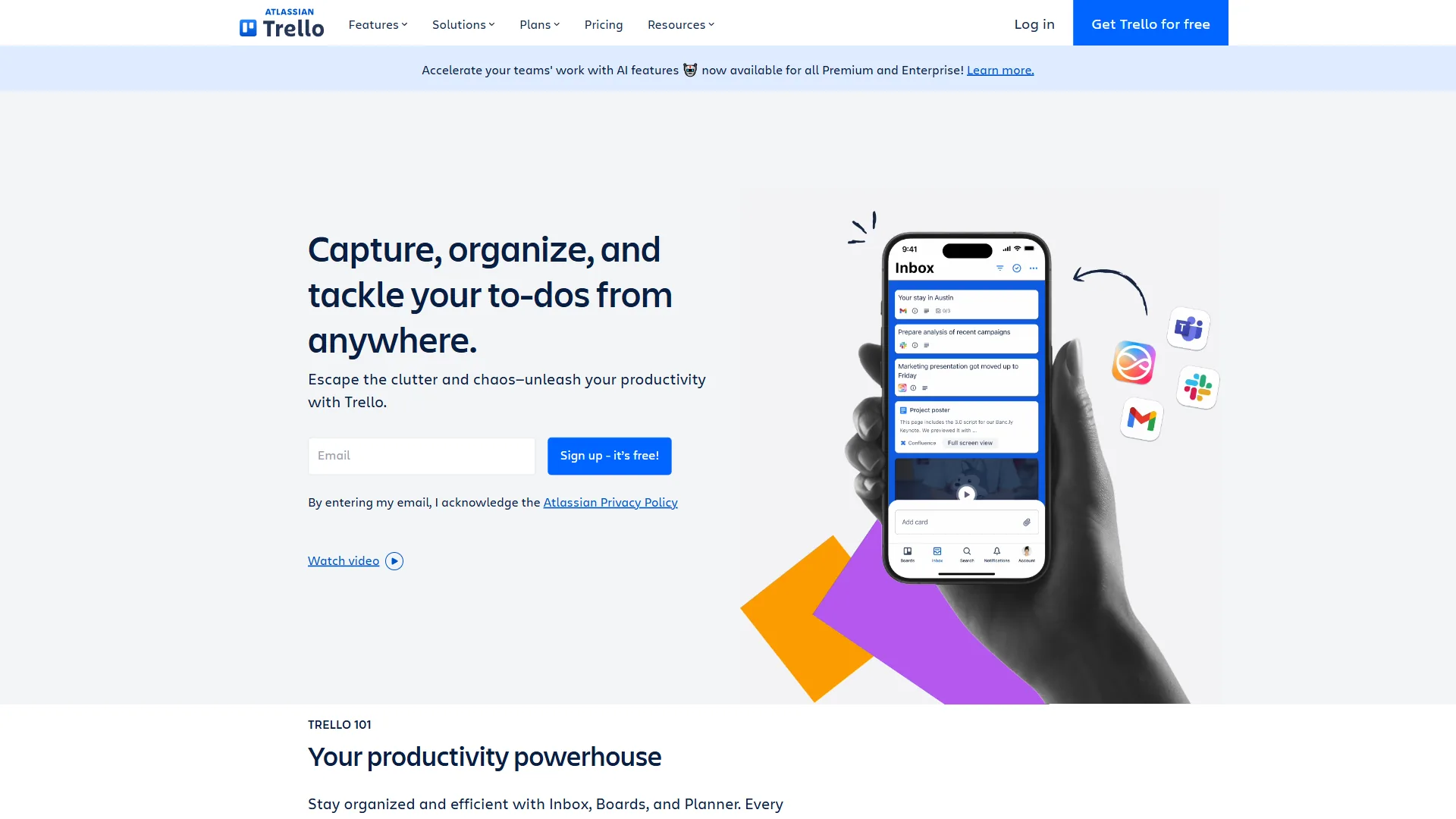
The best alternatives to Trello in 2026 are ClickUp, Asana, and Notion - project management tools that solve limitations Trello cannot address at any price tier. They provide AI-powered automation, advanced views, dependencies, and cross-team reporting - capabilities Trello lacks with its rule-based Butler engine and Premium-gated Calendar, Timeline, Table, Dashboard, and Map views.
AI Productivity may earn a commission from links on this page; our rankings are editorially independent. This comparison is based on each vendor’s current pricing and feature documentation, not sponsored placement.
Trello alternatives have become one of the most searched project management topics in 2026 - queries for Trello alternatives free and Trello alternatives for small business both spiked this year. According to Atlassian’s own help documentation, Trello’s automation runs on Butler, a rule-based engine that requires manual configuration for every workflow. Trello built its reputation on simple Kanban boards and drag-and-drop ease - the same Kanban methodology Atlassian helped popularize. For individuals and small teams with straightforward task lists, it still works. But once projects involve dependencies, cross-team reporting, or AI-powered automation, Trello’s simplicity becomes a constraint - a pattern explored further in our trello-alternatives roundup covering five additional contenders.
The three alternatives covered here - ClickUp, Asana, and Notion - each solve a different set of limitations. ClickUp delivers the deepest feature set at the lowest price. Asana provides the cleanest workflow structure for growing teams. Notion merges documentation and project management into a single workspace.
This guide breaks down where each tool genuinely outperforms Trello, where Trello still holds its own, which alternative fits different team types, and when open source alternatives or self-hosted options might beat any of them - with current pricing and capability comparisons.
Comparison Table: Best Trello Alternatives
The best Trello alternatives compared side-by-side on price, free tier, and ideal use case are ClickUp, Asana, and Notion - the three picks for businesses outgrowing basic Kanban.
| Tool | Starting Price | Free Tier | Best For | Rating |
|---|---|---|---|---|
| Trello | Free / $6/user/mo | Yes (10 boards) | Simple Kanban boards | 4.4 |
| ClickUp | Free / $10/user/mo | Yes (unlimited tasks) | Maximum features per dollar | 4.7 |
| Asana | Free / $13.49/user/mo | Yes (10 users) | Structured team workflows | 4.4 |
| Notion | Free / $12/user/mo | Yes (unlimited pages) | Docs + project management | 4.6 |
Why People Leave Trello
Teams leave Trello when workflows outgrow simple Kanban and require AI automation, task dependencies, advanced views, or built-in documentation that Trello does not provide at any tier. According to Atlassian community moderator Andy Gladstone, posting in the official Trello discussion forum, “Trello is best for visual project management with Kanban boards, but teams needing more structured project planning often look at alternatives.” Trello’s free tier remains one of the best in project management - unlimited cards, up to 10 boards, and unlimited Power-Ups per board. Standard at $6 per user/month and Premium at $12.50 per user/month undercut most competitors on price.
The problems surface when teams scale or workflows become more complex:
- No native AI features. Trello relies on Butler, a rule-based automation engine. Every competitor on this list ships AI-powered automation that understands natural language - a meaningful 2026 gap.
- Limited views without Premium. Calendar, Timeline, Table, Dashboard, and Map views all require the $12.50 per month Premium tier.
- No task dependencies below Premium. Projects with sequential steps cannot model those relationships on Free or Standard plans.
- Reporting is minimal. Even Premium dashboards offer basic charting compared to ClickUp, Asana, and Notion standards.
- Board organization breaks down at scale. Managing 50+ cards or 20+ boards becomes difficult without better filtering and hierarchy.
- No built-in docs, goals, or time tracking. Teams end up paying for Trello plus separate subscriptions, which erodes the pricing advantage.
If any of those limitations sound familiar, the three Trello alternatives below each address them differently.
1. ClickUp - Best for Customization and Value
Pricing: Free / Unlimited $10 / Business $19 / Enterprise custom (per user/mo) Free tier: Unlimited tasks and users, 100MB storage AI: ClickUp Brain add-on ($9 per user/mo Standard, $28 Autopilot)
ClickUp is the Trello alternative for teams that want everything consolidated into one platform without paying enterprise prices. Feature density is unmatched at this price point: project management, docs, goals, time tracking, whiteboards, chat, and AI in one workspace.
Where ClickUp Outperforms Trello
Feature depth at $10 per month beats Trello Premium at $12.50. The Unlimited tier includes Gantt charts, time tracking, custom fields, unlimited storage, and unlimited integrations. Trello Premium adds views and dependencies but still lacks time tracking, docs, and goals.
35+ view types cover every work style. Per ClickUp’s views documentation, List, Board, Gantt, Timeline, Calendar, Mind Maps, Workload, and more. Trello offers six total, and four require Premium.
ClickUp Brain brings genuine AI to project management. The multi-model AI uses GPT-5, Claude, and o3 to search across tasks, docs, chats, and 100+ connected apps, per ClickUp’s AI overview. Our clickup-alternatives breakdown shows how competing platforms approach the same automation problem.
The Free Forever tier is more generous than Trello’s. Unlimited tasks and users, collaborative docs, whiteboards, real-time chat, sprint management, and calendar view at zero cost. Trello’s free tier limits boards to 10.
Where ClickUp Falls Short
- Learning curve takes 2-3 weeks. The same feature density that makes ClickUp powerful creates onboarding overhead. Trello’s 5-minute setup is a genuine advantage.
- AI costs extra. ClickUp Brain at $9 per user/month erodes the pricing advantage - though Trello has no AI at any price.
- Performance degrades with large workspaces. Workspaces with 1,000+ tasks and 50+ members can feel sluggish.
- Configuration investment is significant. Unlocking ClickUp’s full potential requires hours of custom setup for views, automations, and hierarchies.
Who Should Choose ClickUp
Startups and growing teams that want maximum capability per dollar, agencies managing multiple clients, and teams paying for Trello plus separate docs/time-tracking/goals tools. Skip ClickUp if your workflows are simple Kanban or if snappy performance on large workspaces matters more than feature depth.
2. Asana - Best for Team Workflows
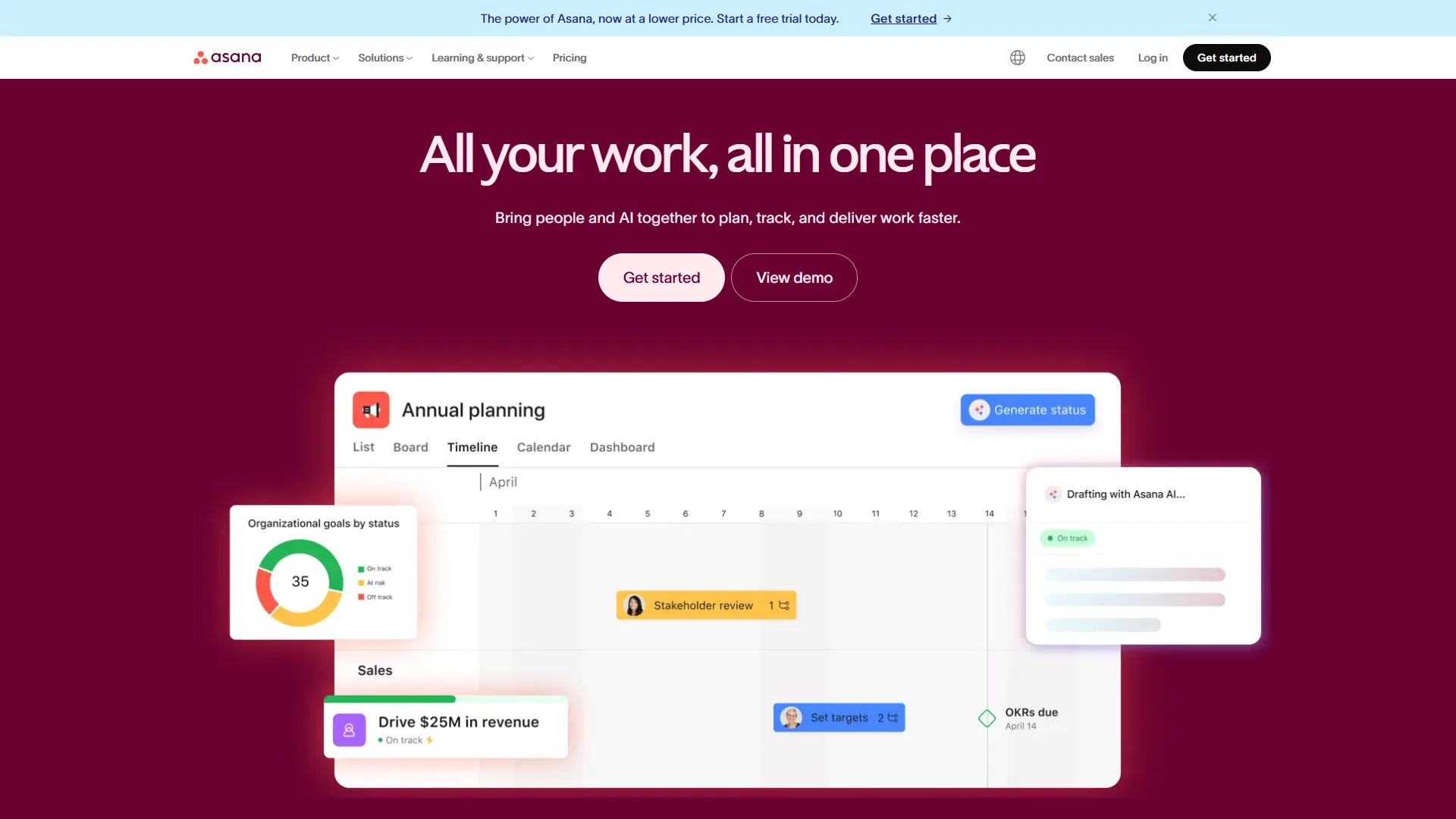
Pricing: Free (10 users) / Starter $13.49 / Advanced $30.49 / Enterprise custom (per user/mo) Free tier: 10 users, unlimited tasks and projects, list and board views AI: AI Studio included on all paid tiers
Asana is the Trello alternative most teams graduate to when they need real project structure. Where Trello shows cards, Asana shows how those cards connect - which tasks depend on others, which milestones are at risk. The Trello vs Asana 2026 guide covers the head-to-head.
Where Asana Outperforms Trello
Timeline views with dependency tracking are Asana’s defining feature. Create a Gantt-style roadmap where moving one task automatically shifts everything that depends on it. Trello has no equivalent on Standard or Free.
AI Studio brings natural language automation. Per Asana’s AI product page, build workflows with instructions like “When a task is marked complete in the Design column, notify the Engineering team.” Trello’s Butler can handle some of this but each rule needs manual configuration.
Portfolio management tracks multiple projects from one dashboard. Teams juggling five or more concurrent projects see status and risks at a glance on Advanced, per Asana’s portfolios overview. The asana-vs-clickup-2026 comparison covers how it stacks up against ClickUp’s dashboards.
The interface reduces decision fatigue. Asana is more constrained than ClickUp - fewer view types, fewer custom field options - but that constraint accelerates adoption.
Where Asana Falls Short
- Free tier caps at 10 users with no timeline views, custom fields, or automations.
- Pricing is significantly higher. Starter at $13.49 is more than double Trello’s Standard at $6.
- Time tracking requires the $30.49 Advanced tier - expensive vs ClickUp’s $10 inclusion.
- Initial setup takes a week or two - Trello’s zero-config approach is faster.
Who Should Choose Asana
Teams of 10+ people managing projects with dependencies, milestones, and deadlines. Marketing teams running campaigns with sequential deliverables, product teams building roadmaps, and any team that has tried to make Trello handle complex workflows and felt the limitation.
3. Notion - Best for Docs and Projects Together
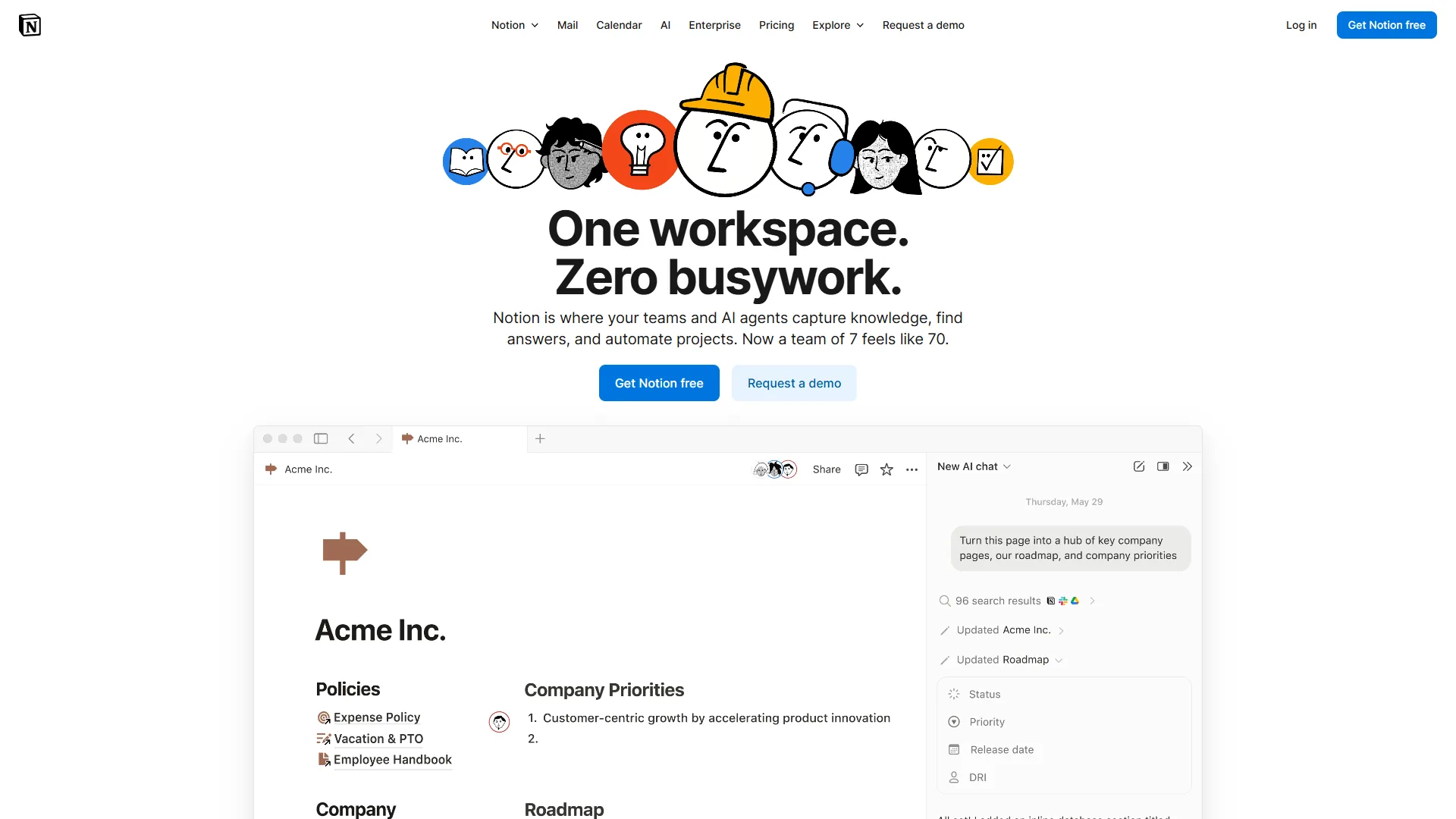
Pricing: Free / Plus $12 / Business $18 / Enterprise custom (per user/mo) Free tier: Unlimited pages and blocks for individuals, limited for teams AI: AI Agents bundled with Business tier ($18 per user/mo)
Notion is a fundamentally different kind of Trello alternative - a flexible workspace that includes project management alongside documentation, databases, and wikis.
Where Notion Outperforms Trello
Database flexibility goes far beyond boards. Notion databases, per their database introduction guide, support table, board, calendar, timeline, gallery, and map views with custom properties, relations, and formulas. A project tracker, CRM, content calendar, and wiki can all share one workspace.
Documentation and project management share one workspace. Meeting notes, project specs, and task lists live side by side. Each task can link to related docs and each doc can embed task databases - Trello’s Power-Ups approach is fragmented by comparison.
AI Agents powered by multiple models. Notion’s AI Agents, backed by GPT-5, Claude, and o3, execute multi-step workflows, answer questions about workspace content, and generate documents. Enterprise-grade AI at $18 per user/month on Business - Trello has no AI at any tier. The notion-ai-vs-chatgpt comparison covers how Notion’s AI compares to standalone assistants.
Tool consolidation reduces total spend. Notion replaces separate subscriptions for docs, wikis, project management, and databases. Teams paying for Trello Standard plus Confluence or Google Docs may spend less with Notion Plus at $12 per month.
Where Notion Falls Short
- Project management is good, not best-in-class. Lacks Asana’s dependency depth, ClickUp’s automation scale, and dedicated PM tool view variety.
- Learning curve is steep. 2-4 weeks to become comfortable; 2-3 months for sophisticated systems.
- Full AI requires Business tier at $18 per user/month.
- Mobile lags desktop for complex databases and page layouts.
- Performance lags on large pages and complex databases.
Who Should Choose Notion
Content teams, knowledge workers, and organizations where documentation is as important as task management. Startups consolidating multiple tools into one platform, and remote-first teams creating significant written material alongside project work. Skip Notion if you need best-in-class PM with Gantt-style scheduling, if your team primarily works on mobile, or if you cannot tolerate the upfront database-design investment.
Final Verdict: When to Stick with Trello
Trello remains the better option in specific scenarios:
- Solo users and teams under 5 people with simple task lists. Trello’s free tier and instant onboarding are hard to beat.
- Client-facing Kanban boards where viewers and commenters need free access via Trello’s guest sharing model.
- Teams that value simplicity over power. If cards on a board genuinely cover the workflow, adding complexity adds cost without value.
- Budget-constrained teams. At $6 per user/month for Standard, Trello undercuts every alternative on this list.
- Quick, low-stakes projects. For temporary projects, event planning, or personal task management, Trello’s zero-configuration approach wins.
The inflection point is team size combined with project complexity. Below 10 people with independent task lists, Trello works well. Above 10 people with interdependent workflows, one of the alternatives above will pay for itself in reduced coordination overhead - a tradeoff Asana frames in its Anatomy of Work research on coordination cost.
Two more options worth considering: for enterprise portfolio management and for AI-first task lists - both detailed in the broader project management tools roundup.
Total Cost: Trello Alternatives for a 10-Person Team
The total monthly cost for a 10-person team ranges from $0 on every free tier to $305 per month on Asana Advanced, with Trello cheapest at every paid tier and Asana most expensive.
| Plan Tier | Trello | ClickUp | Asana | Notion |
|---|---|---|---|---|
| Free | $0 (10 boards) | $0 (unlimited tasks) | $0 (10 users) | $0 (limited teams) |
| Mid-Tier | $60 (Standard) | $100 (Unlimited) | $135 (Starter) | $120 (Plus) |
| Advanced | $125 (Premium) | $190 (Business) | $305 (Advanced) | $180 (Business) |
Trello wins on raw price at every tier - the question is whether the price advantage justifies the feature gap, and for most growing teams beyond basic Kanban it does not.
ClickUp offers the best value-to-feature ratio at $100 per month for 10 users on Unlimited, bundling Gantt charts, time tracking, docs, goals, and 35+ views. Asana’s $135 per month Starter is justified for teams needing timeline views and dependency tracking; Advanced at $305 per month adds time tracking and workload management. Notion’s pricing makes the most sense for teams replacing multiple tools - $120 per month for Plus or $180 per month for Business with AI often breaks even against Trello plus a separate docs and wiki tool.
The Bottom Line
The best Trello alternative depends on the specific limitation a team needs to solve: ClickUp for feature depth at low price, Asana for structured team workflows with dependency tracking, and Notion for combined docs and project management. Trello remains the best free Kanban tool available - and for personal task management, freelance workflows, and small teams that only need boards and cards, that is enough.
But for teams that have outgrown simple Kanban, each alternative solves specific limitations. ClickUp delivers the most features per dollar with 35+ views, built-in docs, and time tracking at $10 per user/month. Asana provides the cleanest path to structured project management with dependency tracking and AI Studio on all paid tiers. Notion eliminates the gap between documentation and task management for knowledge-heavy teams.
The deciding factor in 2026 is AI. Every alternative here includes AI-powered automation that fundamentally changes how teams manage work. Trello’s rule-based Butler automation engine was adequate two years ago - today, it is the weakest capability gap across an otherwise solid product.
Start with the limitation that matters most - feature depth, workflow structure, or documentation - then try the free tier of whichever alternative matches.
FAQ
The most common Trello alternatives questions cover whether something is better than Trello, the Google equivalent of Trello, the Microsoft 365 equivalent of Trello, and how alternative pricing compares.
Q: Is there something better than Trello?
Yes - ClickUp, Asana, and Notion each solve different Trello limitations. ClickUp delivers the deepest feature set at the lowest price, Asana provides the cleanest workflow structure, and Notion merges docs and project management.
Q: What is the Google equivalent of Trello?
Google Workspace has no direct Trello equivalent - Google Tasks handles personal to-dos and Sheets can template a basic Kanban, but neither matches Trello’s board interface. Workspace teams typically pair it with Trello, ClickUp, or Asana.
Q: What is the Microsoft 365 equivalent of Trello?
Microsoft Planner is the Microsoft 365 equivalent of Trello, included with Business Standard and above. Planner offers Kanban boards and task assignment but lacks Trello’s Power-Ups ecosystem.
Q: How much do Trello alternatives cost compared to Trello?
Trello starts free and Standard runs $6 per user/month. ClickUp is free or $10 per user/month, Asana is free or $13.49 per user/month, and Notion is free or $12 per user/month. ClickUp offers the lowest paid price among these alternatives.
Q: Which Trello alternative is best for documentation and project management combined?
Notion is the best Trello alternative when teams want documentation and project management in a single workspace, merging notes, wikis, and task tracking starting free or at $12 per user per month.
Related Reading
Related reading on Trello alternatives covers tool reviews, head-to-head comparisons, pricing breakdowns, and the broader project management tools roundup.
- Asana Review - Structured team workflows
- ClickUp Review - Maximum features per dollar
- Notion Review - Docs and projects in one workspace
- Trello Alternatives 2026 - Five more alternatives including Monday.com and Wrike
- Trello vs Asana 2026 - Head-to-head comparison
- Trello Pricing - Full plan breakdown
- Best Project Management Tools 2026 - Wider PM tool comparison
External Resources
External resources for evaluating Trello alternatives include vendor comparison pages from ClickUp and Asana plus the official Notion import guide for migration.
- ClickUp vs Trello (ClickUp) - ClickUp’s official comparison with Trello
- Asana vs Trello (Asana) - Asana’s perspective on the Trello comparison
- Notion Import Guide - How to migrate data from Trello into Notion
- Open Source Alternatives to Trello (opensource.com) - Self-hosted Kanban tools for teams that want full data control