



The logseq vs notion decision is really a question about how your brain works and what you need from a knowledge tool. Logseq is built on the idea that knowledge is a graph - ideas connect to other ideas, and those connections are as valuable as the ideas themselves. Notion is built on the idea that information needs structure - databases, tables, hierarchical pages, and templates that impose order from the start. The Logseq vs Obsidian debate is a separate but related question for PKM users who prefer a local-first, graph-based approach over Notion’s structured workspace.
Both tools are free to begin. Both take notes. Beyond that, the philosophies diverge completely.
Many users split their workflow between both - Logseq for personal research and daily journaling, Notion for project documentation and team wikis. Those migrating from tools like Bear or Logseq vs Bear switchers often find Logseq’s bidirectional links a significant step up in knowledge connectivity. Here is the honest comparison for knowledge workers trying to choose between them.
Comparison Table: Logseq vs Notion
| Feature | Logseq | Notion |
|---|---|---|
| Rating | ||
| Free tier | Full app, always free | Unlimited pages for individuals |
| Paid pricing | Sync $5/mo (optional) | Plus $10/seat/mo, Business $15/seat/mo |
| Primary use case | Personal knowledge management, research | All-in-one workspace for teams |
| Collaboration | Limited (in development) | Excellent (real-time, built-in) |
| Graph view | Yes - core feature | No |
| Offline / local-first | Yes - data stored locally by default | Limited (cloud-first, cached offline) |
| AI features | Plugin ecosystem (not built-in) | Notion AI add-on ($8/seat/mo) |
Quick verdict: Choose Logseq for personal knowledge management, research workflows, and privacy-first solo use. Choose Notion for team collaboration, structured databases, and all-in-one project management.
What Is Logseq?
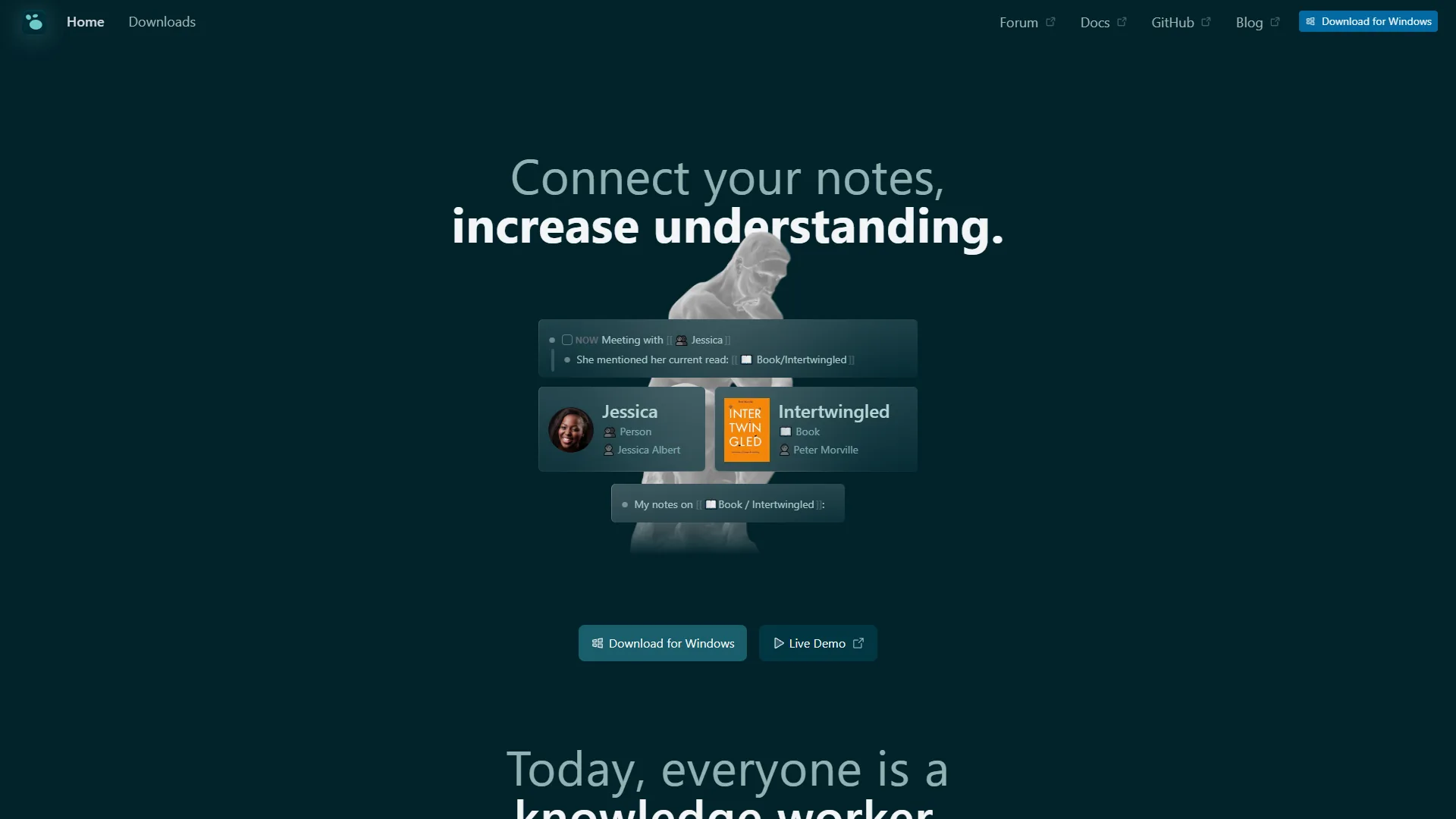
Logseq is a graph-based knowledge management application built on an outliner model. Everything in Logseq is a block - a paragraph, a to-do item, a header, a line of code. Blocks can be nested, referenced from anywhere in your graph, and linked bidirectionally. When you write [[Project Alpha]] in any note, Logseq automatically creates a backlink in the Project Alpha page - no manual linking required.
Logseq stores everything locally as plain Markdown files. Your knowledge database lives in a folder on your hard drive, not on someone else’s server. Sync is handled through third-party services (Git, Dropbox, iCloud) or Logseq’s own sync service at $5 per month, and the Logseq Android and iOS apps support the same local-first model for mobile note capture. An official Logseq DB version is in active development, adding relational database capabilities while preserving the local-first architecture - progress tracked openly on the Logseq GitHub repository.
Key Logseq features:
- Bidirectional linking between any pages and blocks
- Graph view to visualize knowledge connections as an interactive network
- Built-in daily journal as the default entry point for all capture
- Block references - embed any specific block inside any other note
- PDF annotation directly inside the app
- Queries (like SQL for your notes) to filter and aggregate information across your graph
- Plugin ecosystem with 200+ extensions for AI integrations, custom workflows, and more
- Whiteboards for visual thinking (Logseq Draw)
- Local-first architecture with plain Markdown storage - no vendor lock-in
- Task management with priorities, deadlines, and scheduled dates
The defining characteristic of Logseq is its outliner-first approach. Unlike Notion where pages contain paragraphs, Logseq pages contain nested bullet points. Every sentence lives in a block that can be individually referenced, linked, embedded, and queried from anywhere else in your graph.
Limitations and who it’s not for: Logseq’s biggest tradeoffs are weak real-time collaboration (still in active development), an outliner-only writing model that some users find restrictive for long-form prose, no built-in AI, and a learning curve around block references and queries. The mobile apps lag the desktop experience, and the new DB version is not yet production-ready. Skip Logseq if you need polished team collaboration, prefer page-based writing over outlines, or want native AI assistance without configuring plugins.
What Is Notion?
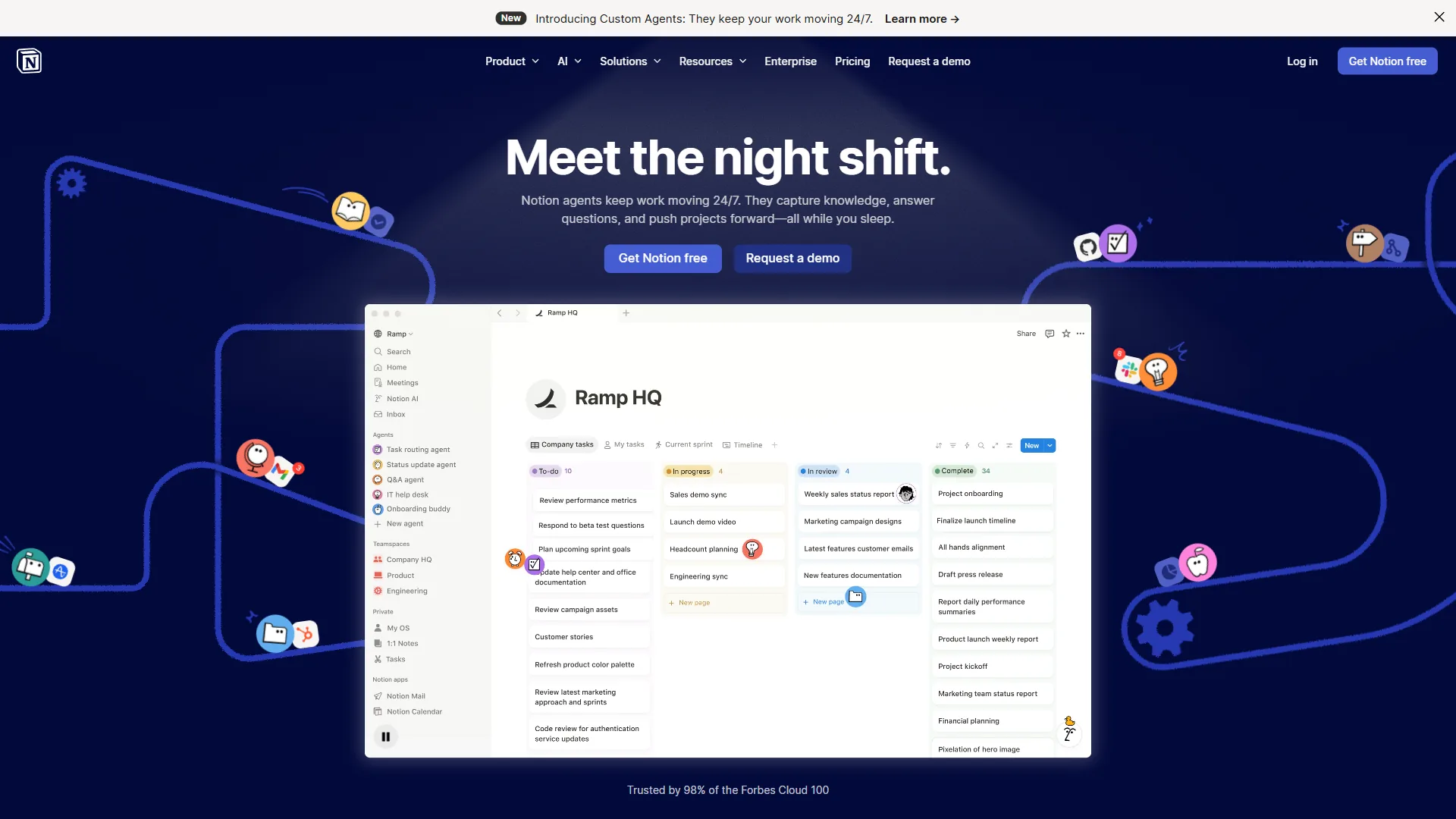
Notion is an all-in-one workspace where pages can contain anything - rich text, databases, kanban boards, timelines, embedded videos, code blocks, and linked sub-pages. The power of Notion is structural: you define the shape of your information and Notion enforces it consistently. A single Notion workspace can function as a project tracker, knowledge base, team wiki, editorial calendar, and light CRM simultaneously.
Notion is cloud-first and collaboration-first. A free plan works well for individuals, but the Plus tier at $10 per seat per month (billed annually) unlocks the features most teams need. Notion AI is a separate add-on at $8 per seat per month bundled with a workspace plan, adding writing assistance, summarization, and workspace querying.
Key Notion features:
- Relational databases with multiple view types: table, kanban, gallery, timeline, calendar, and more
- Real-time collaboration with comments, mentions, and full revision history
- 1,000+ templates for projects, wikis, content calendars, and personal use
- Notion AI for drafting, summarizing, translating, and answering questions about your workspace
- Public page publishing - turn any Notion page into a shareable website with one click
- API for building custom integrations and automations
- Polished mobile apps on iOS and Android with reliable cross-device sync
- Granular permission controls for team members, guests, and public visitors
Limitations and who it’s not for: Notion’s drawbacks include cloud-only storage with no end-to-end encryption, growing per-seat costs ($1,200+/year for a 10-person team before AI), limited offline access, and a separate $8-10/seat AI add-on. Workspaces can drift into chaos without intentional structure, and the database query model is less expressive than Logseq’s. Skip Notion if data sovereignty matters, offline-first reliability is critical, or you want emergent bottom-up organization rather than imposed structure.
Methodology: How These Tools Diverge on PKM
This is the heart of the logseq vs notion debate. The tools reflect fundamentally different theories about how knowledge should be organized.
Logseq’s approach - emergent structure: You write freely, linking ideas as they occur to you. Over time, patterns emerge from your connections. The graph view lets you see which ideas cluster together and which bridges span different domains of your thinking. Structure is not imposed from above - it grows organically from use. This approach suits researchers, writers, and anyone whose work involves connecting ideas across disciplines. It mirrors how our brains actually work: associatively, not hierarchically.
Notion’s approach - imposed structure: You design the structure first, then fill it in. Create a database with the right fields, set up the right views, build the right template. When done well, Notion surfaces exactly the information you need, exactly when you need it. This approach suits project managers, operations teams, and anyone managing structured, recurring information. It mirrors how organizations work: systematically, for consistency and scale.
Neither approach is wrong. They suit different cognitive styles and genuinely different use cases. The question is which mirrors your natural way of working.
Feature-by-Feature: Daily Journaling
Logseq opens to today’s journal page by default. The daily journal is the entry point for everything - quick notes, tasks, meeting summaries, fleeting ideas. Every journal entry is linked backward and forward in time, and every mention of a topic in any journal entry shows up in that topic’s backlinks section automatically.
This journal-first workflow is Logseq’s signature strength for personal use. It removes friction from capture entirely. You open the app, start typing, and link to relevant pages as you go. Over months, your journal becomes a searchable, interconnected graph of your thinking, research, and daily work.
Notion can absolutely support a daily journal, but you have to set it up first. Create a database with a date property, build a template with the right sections, configure a filtered view showing only today’s entry. It works well once built, but it requires intentional design rather than being the default workflow out of the box.
Feature-by-Feature: Knowledge Graphs and Bidirectional Links
Bidirectional links are Logseq’s most powerful and distinctive feature. When you link to a page by writing [[Page Name]], the reference appears in that page’s “Linked References” section automatically. Every mention, anywhere in your graph, surfaces where it is relevant - without any manual curation.
Block references take this further. You can embed a specific block - not just a page - from anywhere in your graph into any other note. The referenced content stays live: update the original block and the reference updates everywhere it appears. This enables a kind of non-linear writing that feels genuinely different from any other note-taking tool.
Notion has a “Backlinks” feature that shows other pages linking to the current page. But it is a secondary feature, not the primary organizational model. There is no graph view, no block-level transclusion, and the backlink experience is less central to the Notion workflow than linking is to Logseq’s entire design philosophy.
Feature-by-Feature: Databases and Structured Information
This is Notion’s strongest card. Notion databases are genuinely powerful:
- Multiple view types for the same underlying data: table, kanban, calendar, gallery, and timeline
- Formula fields for calculated properties based on other fields
- Rollups to aggregate data from linked databases across your workspace
- Filters and sorts on any property, saved as persistent views
- Linked database views that show filtered slices of any database on any page
Logseq is building database capabilities into its new DB version, currently in active development. The existing Logseq supports property-based queries that can surface and aggregate information from across your notes - similar in spirit to databases but more like structured search than relational tables. Queries are powerful once you learn them, but require more technical investment than Notion’s drag-and-drop interface.
If you need robust databases today, Notion wins this category without question. Logseq’s database features are promising but not production-ready for most structured data workflows.
Feature-by-Feature: Collaboration
Notion was built for teams from the ground up. Real-time collaboration, page permissions, guest access, comment threads, and full revision history make it one of the best collaborative workspace tools available. Multiple people can edit the same page simultaneously, leave inline comments, and assign action items - all from a polished, reliable interface.
Logseq collaboration is in active development but not there yet for most teams. The local-first architecture means there is no built-in real-time sync between collaborators by default. Teams can share a Logseq graph via Git (technical, requires familiarity with version control) or use the sync service with shared workspaces (limited capability). For teams working together on shared documentation daily, Logseq is currently not the right tool.
Pricing
Logseq pricing:
- Desktop app: Free forever, all core features included
- Logseq Sync: $5 per month (cross-device sync with end-to-end encryption)
- Self-sync via Git, Dropbox, or iCloud: Free (uses services you already have)
- Open-source codebase: Free to self-host and audit
Notion pricing:
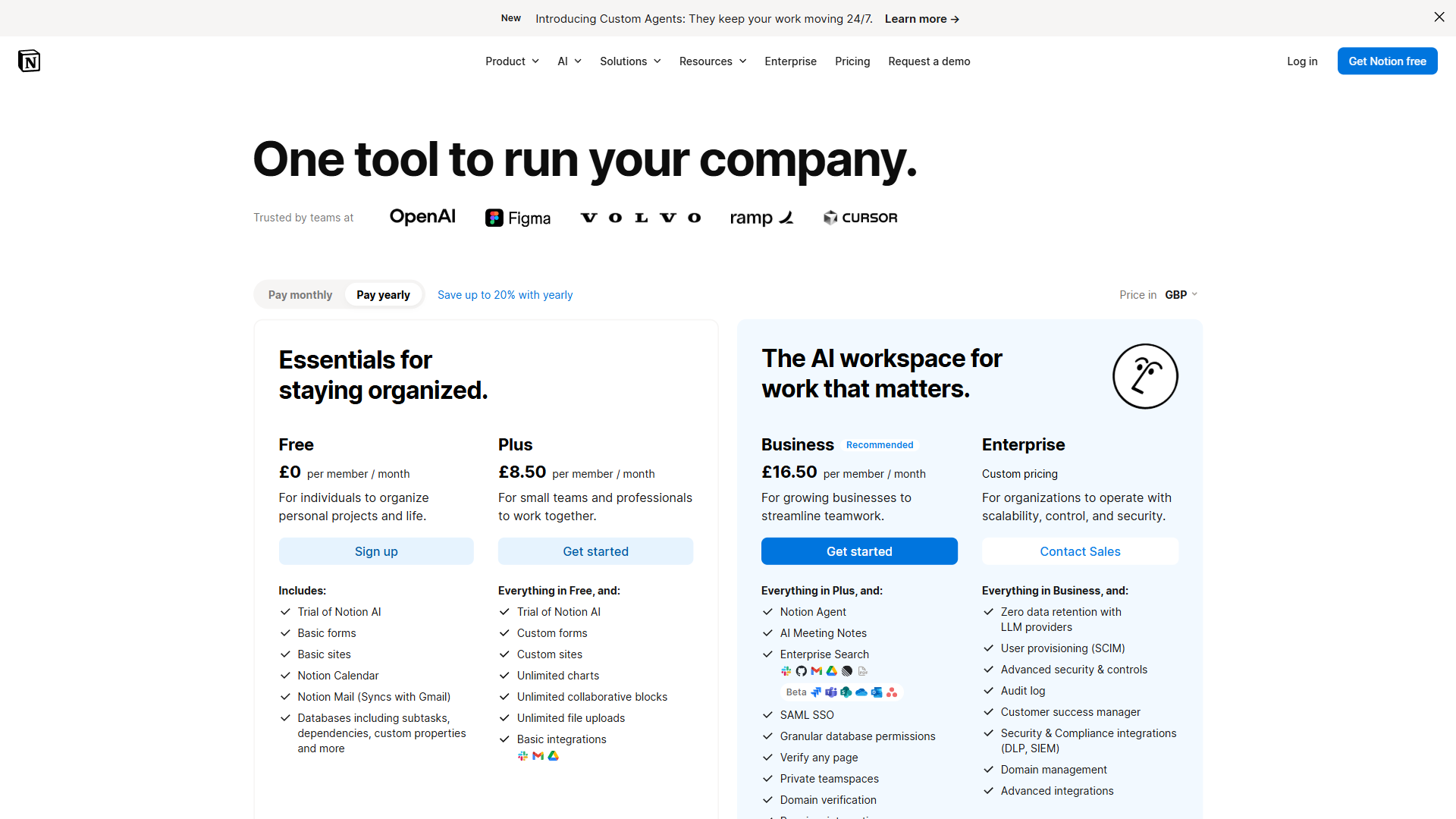
- Free: Unlimited pages for individuals, limited collaboration features
- Plus: $10 per seat per month (billed annually), or $12 billed monthly
- Business: $15 per seat per month (billed annually)
- Enterprise: Custom pricing with advanced security and compliance
- Notion AI add-on: $8 per seat per month bundled, $10 standalone
For individual users, both tools are free - though Logseq requires no account at all, while Notion requires signup. For teams, Notion’s costs scale quickly. A 10-person team on the Plus plan runs around $1,200 per year before adding Notion AI. Logseq’s team pricing, when finalized, is expected to be meaningfully lower.
Feature-by-Feature: Privacy and Data Ownership
Privacy is where the logseq vs notion gap matters most for certain users.
Logseq stores everything locally on your device as plain Markdown files. Your notes never touch a third-party server unless you explicitly choose to sync them. The optional Logseq Sync service uses end-to-end encryption, meaning not even Logseq can read your notes. The open-source codebase can be audited by anyone at any time. For researchers handling sensitive data, journalists protecting sources, or anyone with genuine privacy needs, this architecture matters.
Notion is cloud-first. Your data lives on Notion’s servers. Notes are encrypted at rest and in transit, but Notion holds the encryption keys. Enterprise plans offer HIPAA compliance and regional data residency for regulated industries, but at a cost that puts them out of reach for most individual users and small teams.
Feature-by-Feature: AI Features
Both tools have AI capabilities, but the implementations differ significantly.
Logseq and AI: Logseq has no built-in AI, but the plugin ecosystem includes integrations with ChatGPT, Claude, and other AI services. You bring your own API key and configure the plugin yourself. The advantage is control - you choose which AI service you use and what data you send to it. Some users pair Logseq with local AI models for a fully private AI-augmented PKM system.
Notion AI: Notion AI is a polished first-party feature that drafts pages, summarizes long documents, translates content, extracts action items from meeting notes, and answers questions about your workspace. The quality and seamlessness of the integration is better than any Logseq plugin available today. The cost adds up quickly for teams - $8 per seat per month on top of an already-paid workspace plan.
If AI writing assistance is central to your daily workflow and you prefer it built-in and seamless, Notion AI wins. If you are privacy-conscious about AI or want to use local models, Logseq’s plugin approach is the better path.
Choose Logseq if
Choose Logseq if:
- You are a researcher, writer, or student who needs to connect ideas across disciplines
- A journal-first daily capture workflow appeals to how you actually think
- Privacy and local data ownership are non-negotiable for your work
- You want to visualize how your ideas connect and evolve over time
- Your work benefits from bottom-up, emergent organization rather than top-down structure
- Block-level references and bidirectional links sound like the way your brain already works
- You are comfortable with Markdown and a more technical, customizable tool
- Your budget is zero and you want to stay that way
Choose Notion if
Choose Notion if:
- You work with a team and need reliable real-time collaboration every day
- You manage projects, tasks, or structured data that benefits from database views
- An AI writing and summarization assistant is part of your regular workflow
- You prefer polished, designed structure over emergent self-organization
- You need public-facing pages or a company wiki that looks professional without effort
- Mobile access needs to be as reliable as desktop access
- Templates and fast onboarding matter more than deep customization
- You are willing to pay for an all-in-one workspace that replaces multiple other tools
The Bottom Line
Logseq and Notion are tools for genuinely different types of thinking and different types of work.
Logseq suits personal knowledge management for researchers, writers, and thinkers who value connection over top-down structure. The bidirectional links and graph view reveal connections between ideas you would never have noticed in a folder hierarchy or database table. If you spend significant time reading, researching, and synthesizing ideas across different domains - Logseq’s graph model may change how you think about organizing knowledge.
Notion suits teams and project-focused workers who value structure and collaboration over emergence. No graph view replaces the ability to filter 200 tasks by assignee, deadline, and status in a single database view. No journal workflow replaces real-time collaborative editing for a distributed team.
Many productive people use both: Logseq for personal thinking and research capture, Notion for shared team projects and structured information. That is not a cop-out - it reflects that these tools genuinely solve different problems and serve different parts of a knowledge worker’s day.
FAQ
Q: What is better than Logseq?
Notion is the most common upgrade from Logseq for users who need team collaboration, robust databases, or a polished all-in-one workspace. Notion was built for teams from the ground up with real-time editing, page permissions, comment threads, and full revision history. For structured, recurring information and distributed teams, Notion outperforms Logseq significantly.
Q: Is Logseq better than Notion?
Notion AI: Notion AI is a polished first-party feature that drafts pages, summarizes long documents, translates content, extracts action items from meeting notes, and answers questions about your workspace.
Q: Is Notion overkill for personal use?
Quick verdict: Choose Logseq for personal knowledge management, research workflows, and privacy-first solo use. Choose Notion for team collaboration, structured databases, and all-in-one project management.
Q: Does Logseq work for team collaboration?
Logseq collaboration is in active development but not ready for most teams. The local-first architecture means there is no built-in real-time sync between collaborators by default. Teams can share a graph via Git or the sync service, but both options are limited. For teams working together on shared documentation daily, Notion is the more reliable choice.
Q: Is Logseq really free compared to Notion?
Logseq’s desktop app is free forever with all core features included and requires no account. Optional cross-device sync costs $5 per month. Notion is free for individuals but scales quickly for teams - a 10-person team on the Plus plan costs around $1,200 per year before adding Notion AI at $8 per seat per month.
Related Reading
- Logseq - Full breakdown of Logseq’s features, graph view, and PKM workflow
- Notion - In-depth look at Notion’s workspace, databases, and AI capabilities
- Joplin vs Notion - Another privacy-first open-source tool compared against Notion
- Roam Research Alternatives - Best alternatives for local-first PKM workflows
- Best Note-Taking Apps 2026 - Full roundup of note-taking and knowledge management apps across every use case
- Notion AI vs Coda AI: Which Workspace Wins in 2026?
External Resources
- Logseq Official Site - Documentation, the open-source repo, and development updates on the DB version
- Notion Pricing - Current plans, feature breakdown, and Notion AI add-on details
- Logseq Community Forum - Active discussions on PKM workflows, plugins, and the Zettelkasten method with Logseq