



Roam research alternatives are note-taking apps that offer bidirectional linking, daily notes, and graph views without Roam’s $15 per month pricing, closed-source architecture, or web-only limitations. The strongest options in 2026 are Obsidian, which stores local markdown files and works offline, and Notion, a broader workspace with a functional free tier and active development.
Roam Research changed how a lot of people think about note-taking. When it launched, the concept of bidirectional linking - where notes connect to each other automatically, creating a network of ideas rather than a hierarchy of folders - felt genuinely new. The daily notes structure, the block references, the graph visualization: these were influential ideas that shaped an entire generation of knowledge management tools.
But Roam’s trajectory since then has been uneven. Development has slowed. The pricing ($15 per month or $165 per year) is steep for a tool that hasn’t kept pace with its competition. The closed-source nature and web-only architecture frustrate users who want ownership of their data. And a wave of alternatives have taken Roam’s best ideas and iterated aggressively. The best note-taking apps in 2026 look very different from a few years ago.
If you’re looking for Roam Research alternatives, you’re probably motivated by one of these factors: price, offline capability, data ownership, a more active development roadmap, or the growing importance of AI features in your knowledge workflow. The best Roam Research alternatives in 2026 are Obsidian and Notion - this guide covers both with an honest look at what each offers and where each falls short.
Why People Are Searching for Roam Research Alternatives
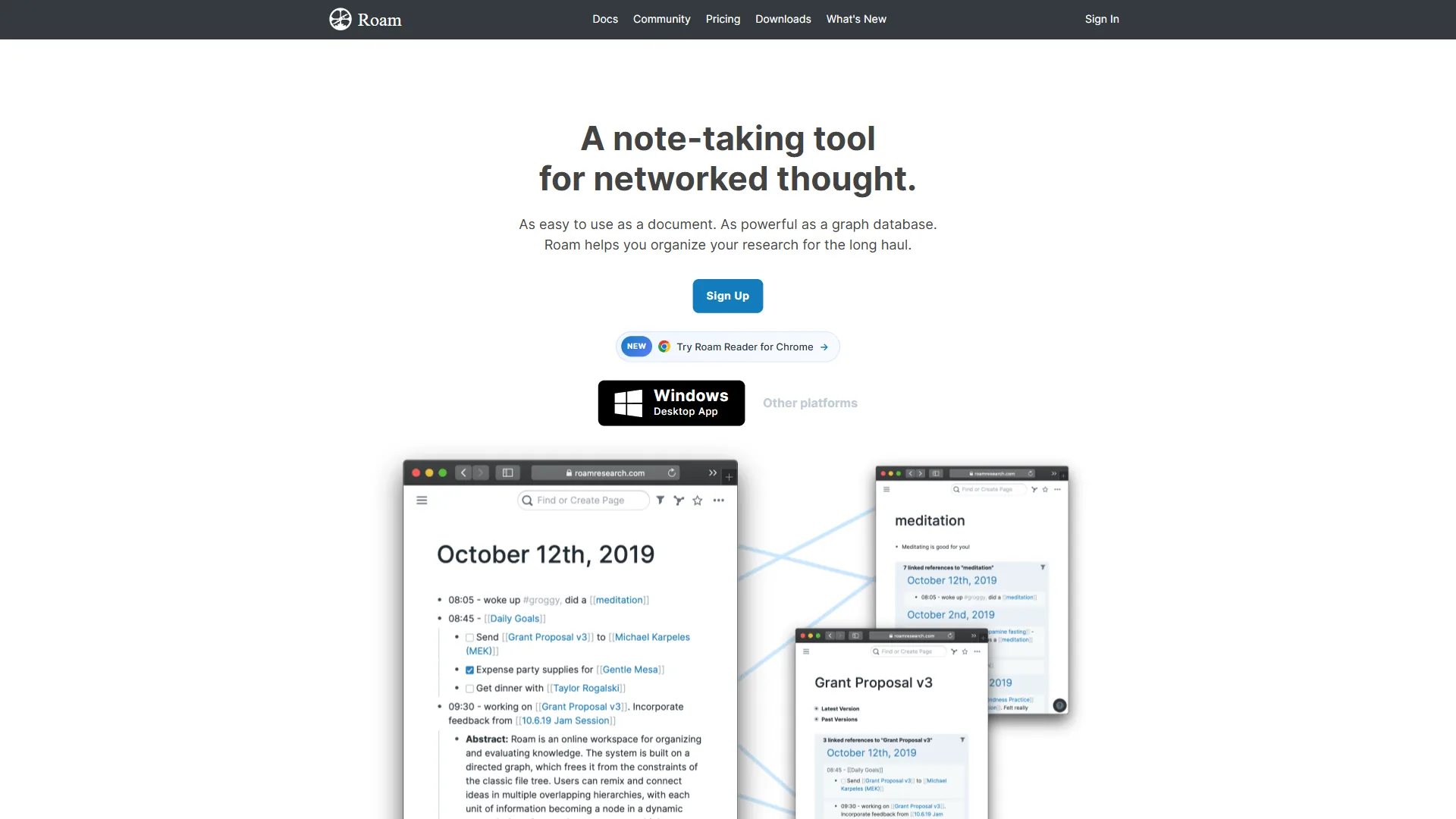
Before diving into Roam Research alternatives, it’s worth being specific about what’s driving users away from Roam.
Slowing development. Roam launched with significant momentum and introduced genuinely innovative features. But the pace of new development has slowed considerably compared to alternatives like Obsidian, which now releases updates frequently and benefits from thousands of community-built plugins.
Pricing without commensurate value. At $15 per month or $165 per year, Roam is priced like a premium tool. Obsidian’s core product is free forever (with optional paid sync and publish features). Notion has a functional free tier and competitive paid plans. It’s difficult to justify Roam’s price relative to the alternatives in 2026.
Data ownership concerns. Roam is web-based and cloud-dependent. Your notes live on Roam’s servers, accessible only through their application. If Roam were to shut down, change pricing dramatically, or become unavailable, accessing your knowledge base becomes a problem. Obsidian stores notes as local markdown files that belong entirely to you.
No offline capability. Roam requires an internet connection to function. Obsidian works entirely offline by default.
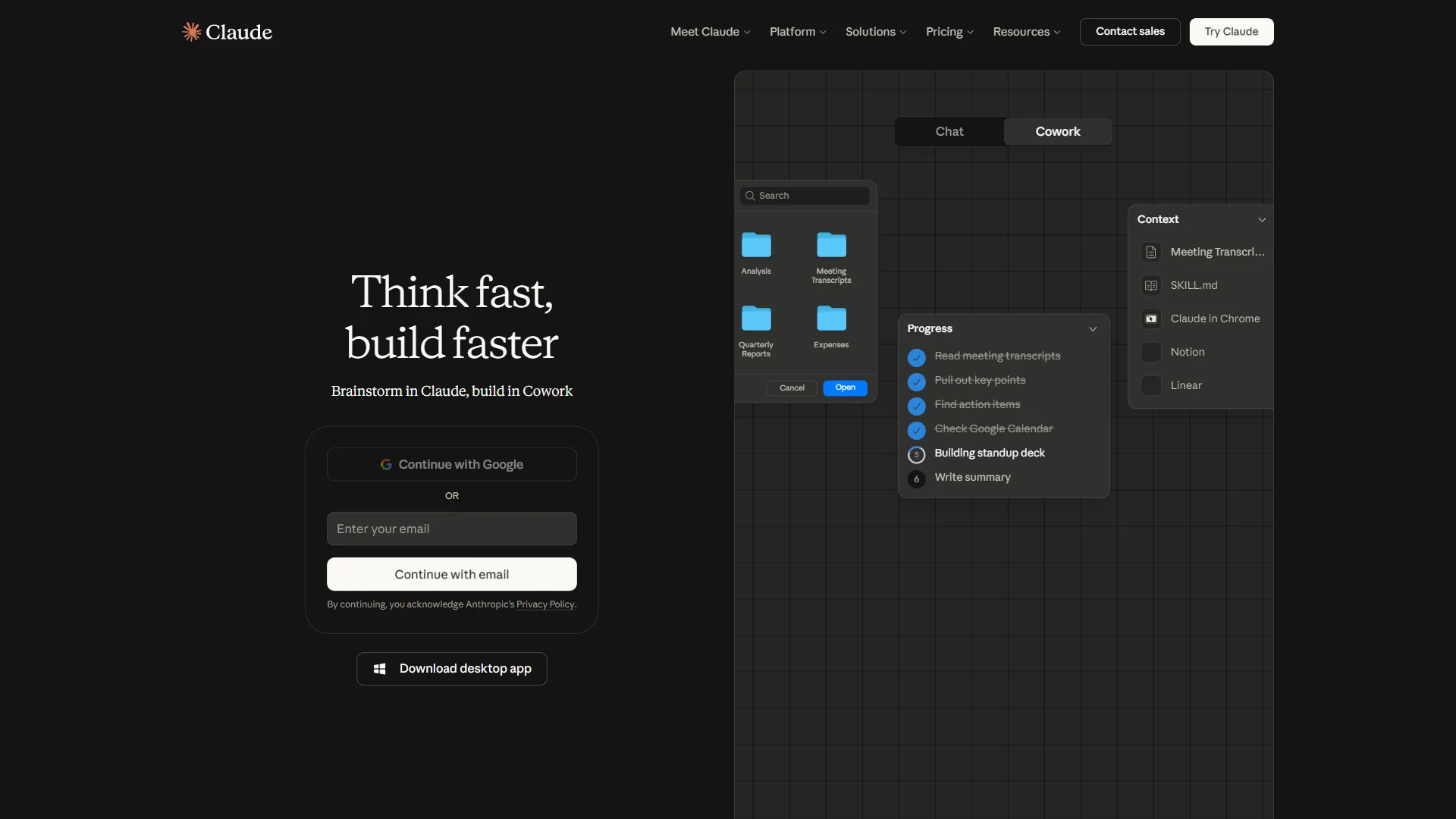
AI features. The knowledge management tools market has been substantially transformed by AI. Obsidian’s plugin ecosystem includes powerful AI tools (Smart Connections, Copilot, AI Assistant). Notion’s Business plan includes frontier AI models including GPT-5, Claude Opus 4.1, and o3. Roam’s AI integration has been limited by comparison.
Obsidian: Best for Privacy-Focused Knowledge Workers
Obsidian
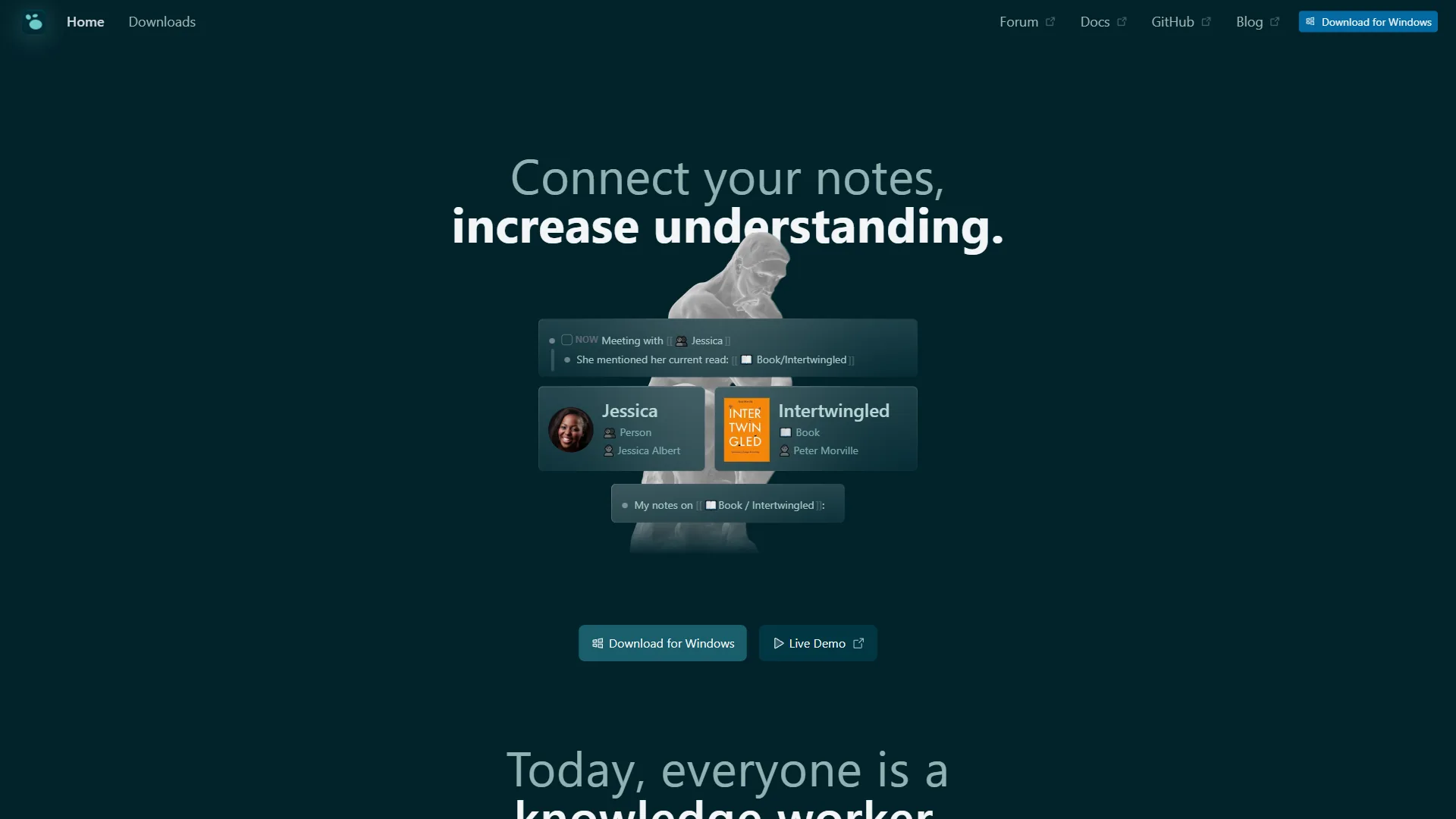
Obsidian is the most direct Roam alternative (though Logseq deserves mention as another strong outliner-style contender). It implements the same core ideas - bidirectional linking, a graph view showing connections between notes, backlinks, and block-level references - but does so with a local-first architecture that gives users complete ownership of their data.
What Makes Obsidian Stand Out
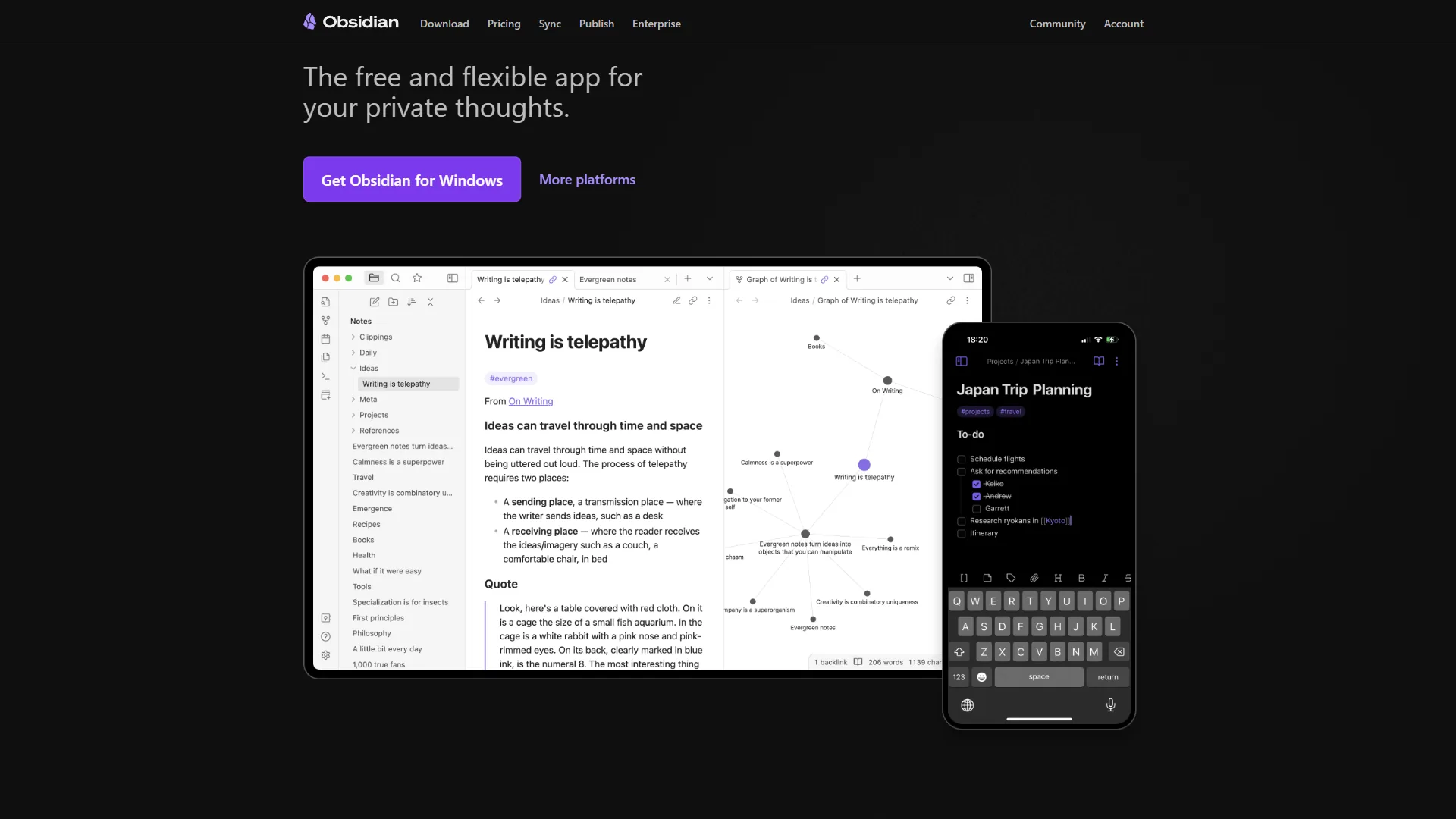
Local-first, markdown-based storage. Every note in Obsidian is a plain text markdown file stored on your local device. No proprietary format, no vendor lock-in, no dependency on anyone’s servers. You can open your notes in any text editor, search them with your operating system’s file search, back them up however you want, and take them with you if you ever leave Obsidian. If you want to see how this works in practice, our Obsidian daily notes workflow guide walks through setting up a productive vault from scratch. This is the most meaningful structural difference from Roam.
True offline functionality. Obsidian works entirely without an internet connection. Everything runs locally - your notes, your links, your graph. For users who work in environments with limited connectivity or who simply don’t want to depend on cloud services for their knowledge base, this is decisive.
Graph view. Like Roam, Obsidian shows a visual graph of how your notes connect. But Obsidian’s graph is more customizable - you can filter by tags, group by folder, adjust link strength visualization, and navigate the graph interactively to discover connections you didn’t know existed.
Bidirectional links and backlinks. Creating a link to another note ([[note name]]) automatically creates a backlink on the linked note. Every note shows you which other notes reference it, enabling the associative discovery of connections that makes PKM tools valuable.
2,690+ community plugins. This is where Obsidian’s open ecosystem genuinely outpaces Roam. The Obsidian plugin library covers an extraordinary range of functionality: AI assistants (Smart Connections, Copilot, AI Assistant), Kanban boards, calendar views, spaced repetition for flashcards, citation management for academic research, daily note templates, graph analysis tools, and much more. If you want a feature, someone has probably built it.
Bases (database views). Obsidian recently launched Bases, which brings database-like views to your local files. You can create table views, filter and sort your notes, and visualize relationships in ways previously requiring third-party plugins. This closes a significant gap with Notion’s database functionality.
Completely free for personal use. The core Obsidian application is free with no feature restrictions. You get the full app, all first-party features, and access to the community plugin library without paying anything. Optional add-ons (Sync and Publish) are available if you want cross-device sync or to publish notes to the web.
Obsidian Pricing
| Plan | Monthly Price | Annual Price | What’s Included |
|---|---|---|---|
| Personal | $0/mo | $0/mo | Full app, all features, all plugins |
| Sync | $5/mo | $4/mo | Cross-device sync, E2E encryption, version history |
| Publish | $10/mo | $8/mo | Publish notes as public website |
| Commercial | N/A | $50/yr | Required for business use (2+ employees) |
The price difference from Roam is significant. Obsidian Personal is free forever, versus Roam’s $165 per year. Even if you add Obsidian Sync for cross-device access, you’re paying $48 per year compared to Roam’s $165 - for a tool with more features, active development, and complete data ownership.
Obsidian’s Limitations
No built-in collaboration. Obsidian Sync allows shared vaults, but real-time collaborative editing in the style of Google Docs or Notion is not Obsidian’s design. Teams that need to work simultaneously in shared documents will find this limiting.
Steeper learning curve. Obsidian offers enormous flexibility, but that flexibility comes with complexity. Setting up your workflow - folder structure, templates, plugin configuration - takes meaningful upfront investment. There’s no hand-holding; you design the system.
Mobile experience. Obsidian’s mobile apps work but aren’t as polished as the desktop experience. Users who primarily take notes on phones may find the mobile interface frustrating.
No native web clipper. Roam has a web clipper for saving content from the browser directly into your graph. Obsidian has community plugins that replicate this, but it’s not built-in.
Who Should Choose Obsidian
- Researchers, writers, and academics who need a powerful personal knowledge management system
- Anyone prioritizing data ownership and privacy - your notes are files on your device, full stop
- Users comfortable with markdown and willing to invest in configuring their system
- Knowledge workers who want AI assistance via plugins (Smart Connections, Copilot) integrated with their notes
- Students and budget-conscious users who need a powerful free tool
- Solo practitioners who don’t need real-time collaborative editing
Notion: Best for Teams and Structured Knowledge Management
Notion takes a fundamentally different approach to knowledge management. Where Obsidian and Roam are built around the associative linking model - notes as a web of connected ideas - Notion is built around structured databases, pages, and collaborative workspaces.
Notion has backlinks and the ability to link between pages, but it’s not the core organizing principle. Notion’s organizing principle is hierarchy: pages within pages within workspaces, with databases providing structure and relationships.
This makes Notion a different kind of tool from Roam or Obsidian. It’s not purely a note-taking replacement - it’s a workspace that can serve as your team wiki, project management system, CRM, content calendar, and knowledge base simultaneously. Our Notion database templates guide shows how teams set up these multi-purpose workspaces.
What Makes Notion Stand Out
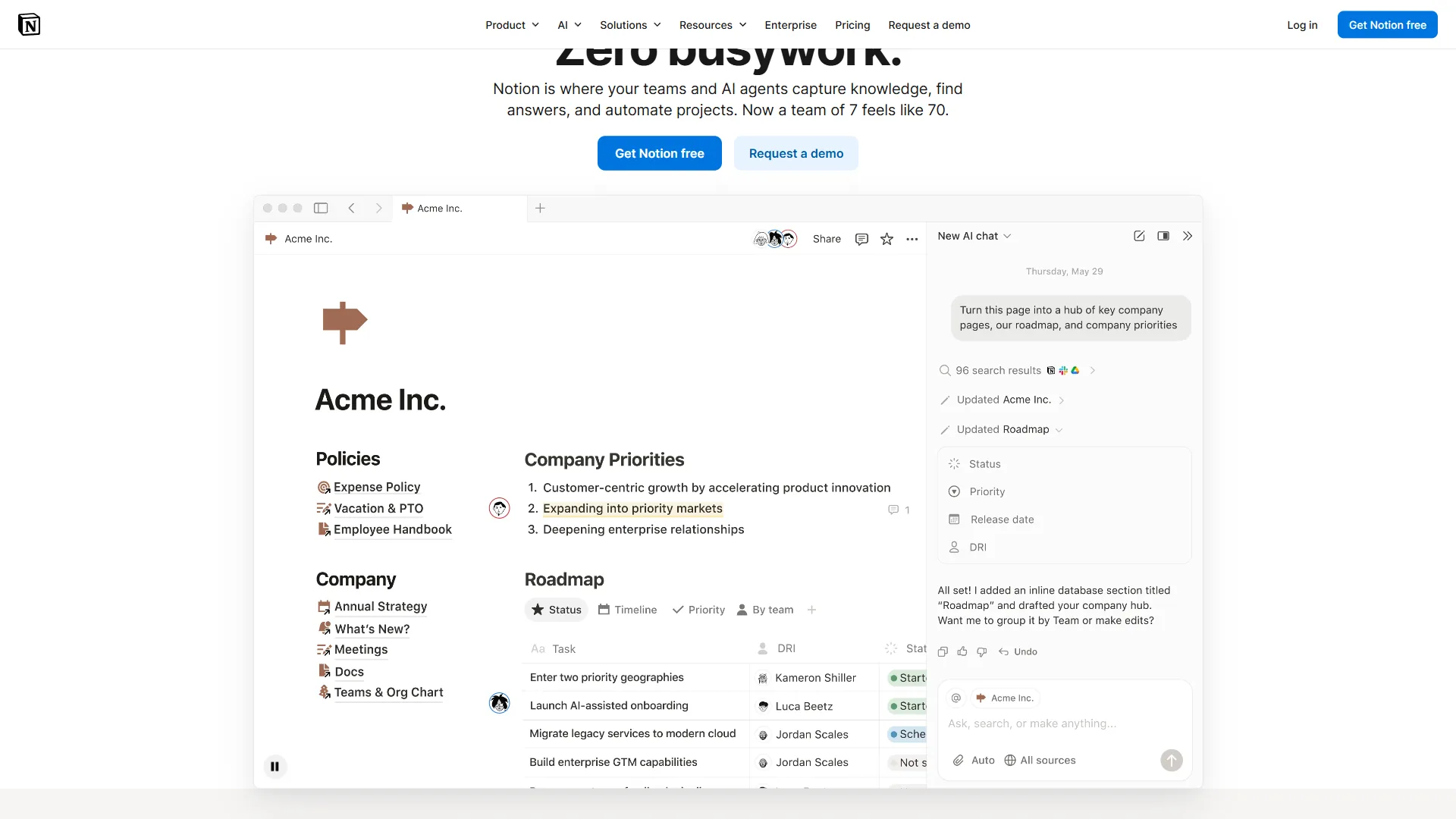
Databases as a first-class feature. Notion’s database views - table, board, calendar, gallery, timeline, and list - are the tool’s killer feature for structured knowledge. You can build a project database, a reading list, a client database, a content calendar, or a book database, each with custom properties, filters, and views. Roam and Obsidian don’t match this for structured data management.
Real-time collaboration. Multiple team members can edit the same page simultaneously, with changes appearing in real time. This makes Notion genuinely viable as a team knowledge base in a way that Obsidian is not. Our Obsidian vs Notion comparison digs deeper into how the two stack up.
Notion AI with multi-model access (Business plan). Notion’s Business tier includes unlimited AI powered by GPT-5, Claude Opus 4.1, and o3. These AI capabilities operate on your Notion content - summarizing meeting notes, drafting documents from context, answering questions across your workspace. This is the most sophisticated AI integration of any major note-taking tool. Our Notion AI vs ChatGPT analysis breaks down where each tool wins.
Autonomous AI agents. The Business plan includes AI agents that can perform multi-step tasks: researching a topic, building out a project plan, generating documentation from specifications, or populating a database. This is a meaningful step beyond simple AI writing assistance.
Relational databases. You can link databases to each other - connect a project database to a team member database, or a content calendar to a client database - creating a structured knowledge network with explicit relationships rather than the implicit link network of Obsidian and Roam.
Content templates. Notion has an extensive template library for common use cases: project management, meeting notes, personal OKRs, knowledge bases, and more. These reduce the setup friction for users who don’t want to design their system from scratch.
Publish to web. Share any Notion page as a public web page with a click. This is useful for documentation, personal portfolios, product wikis, and anything you want to make publicly accessible.
Notion Pricing
| Plan | Monthly Price | Annual Price | AI Included? |
|---|---|---|---|
| Free | $0/mo | $0/mo | No |
| Plus | $12/seat/mo | $10/seat/mo | No |
| Business | $18/seat/mo | $15/seat/mo | Yes (unlimited, multi-model) |
| Enterprise | Custom | Custom | Yes |
Notion’s free plan is genuinely useful for individuals - unlimited pages and blocks for personal use, 10 guests, and basic analytics. The Plus plan at $10/seat/month (annually) adds team collaboration, 100 guests, and 30-day version history but no AI.
AI access requires the Business plan at $15/seat/month (annually). This is important context: if AI is part of why you’re considering Notion as a Roam alternative, you need to budget for the Business tier, not just the base price.
Notion’s Limitations
Not designed around bidirectional links. If the PKM graph model - where ideas connect associatively and you discover emergent connections through backlinks - is what drew you to Roam, Notion isn’t the replacement. Notion has page links and backlinks, but they’re not the organizing principle.
Data ownership concerns. Like Roam, Notion stores your content in the cloud. You can export to markdown or HTML, but your notes don’t live as local files in the way Obsidian’s do. You’re dependent on Notion remaining available and maintaining your data.
Complexity for personal note-taking. Notion’s power comes from its flexibility, which creates significant setup overhead. Building a useful Notion workspace takes more time than starting a vault in Obsidian. Users who want to start capturing notes immediately may find Notion’s blank canvas frustrating.
Performance at scale. Notion can slow down noticeably for very large workspaces with thousands of pages and complex databases. This is more of a concern for teams with extensive content than for individual users.
Who Should Choose Notion
- Teams that need a shared knowledge base with real-time collaboration
- Organizations that want to combine notes, project management, documentation, and databases in one tool
- Knowledge workers who want powerful AI integrated into their workspace (Business plan)
- Users who prefer structured organization (databases and hierarchies) over associative linking
- Businesses building internal wikis, product documentation, or client-facing knowledge bases
Feature-by-Feature: Obsidian vs Notion for Roam Users
Data Ownership and Privacy
Obsidian wins. Plain text files on your device. No cloud dependency. No vendor lock-in. You own your notes completely.
Notion stores your data in the cloud. Export is possible but not seamless. If Notion changes its terms, pricing, or discontinues the service, you’re dependent on their export process.
Bidirectional Linking and Graph View
Obsidian wins. Bidirectional linking is Obsidian’s core organizing principle, just like Roam. The graph view is powerful and customizable. If this is why you used Roam, Obsidian is the natural home.
Notion has backlinks but they’re secondary to the hierarchical page structure. Notion’s graph equivalent is relational databases, which serve a different purpose.
Team Collaboration
Notion wins. Real-time collaborative editing, granular permissions, and team workspaces make Notion genuinely viable for multi-person teams.
Obsidian can share vaults via Sync, but it’s not designed for real-time collaboration. Teams find it more limiting.
AI Features
Notion wins if you’re on the Business plan. Multi-model AI (GPT-5, Claude Opus 4.1, o3) integrated with your workspace content is more powerful than any native AI in Obsidian.
Obsidian wins on flexibility: Smart Connections, Copilot, AI Assistant, and other community plugins offer sophisticated AI that works with your local files. For privacy-conscious users who don’t want their notes sent to a cloud AI service, Obsidian’s local AI options (some plugins can run models locally) are a meaningful advantage.
Pricing for Individuals
Obsidian wins. Free forever for personal use, with optional paid sync at $4 per month (annually). Versus Roam at $165 per year or Notion Business at $180 per year for AI-included access.
Active Development
Obsidian leads. The open plugin ecosystem means constant innovation from the community. First-party Obsidian updates have also been frequent and meaningful (Bases is a recent example).
Notion is also actively developed with regular feature updates. Both are healthier from a development standpoint than Roam.
Which Alternative Is Right for You
| Use Case | Best Alternative |
|---|---|
| Solo knowledge worker, privacy-first | Obsidian |
| Academic researcher or writer | Obsidian |
| Team knowledge base and wiki | Notion |
| Project management + notes combined | Notion |
| Budget-conscious, want free tool | Obsidian |
| Want structured databases | Notion |
| Want bidirectional links as core feature | Obsidian |
| Want best AI integration | Notion Business |
| Data ownership matters most | Obsidian |
Pro Tips: Migration from Roam Research
Both tools can import from Roam, with some caveats.
Migrating to Obsidian: Roam exports to JSON and markdown. The markdown export is the most usable starting point for Obsidian. There are community tools and plugins specifically designed to help with Roam-to-Obsidian migration that clean up Roam’s export format into clean Obsidian-compatible markdown. Block references and some Roam-specific syntax require manual cleanup.
Migrating to Notion: Notion accepts markdown imports and CSV uploads. Complex Roam features like block references don’t have direct Notion equivalents, so migration requires some rethinking of how you structure content. For users switching primarily because they want databases and collaboration rather than replicating the exact Roam experience, this is less of an issue.
The Bottom Line
Roam Research pioneered important ideas about how knowledge can be organized, but in 2026 the leading Roam Research alternatives have not only caught up - they’ve surpassed it.
Choose Obsidian if you came to Roam for the PKM model - bidirectional links, graph visualization, and thinking in networks of connected ideas - and you want those features in a tool that’s free, offline-capable, and built on plain text files you own completely. The plugin ecosystem, active development, and zero cost for personal use make it the obvious Roam replacement for solo knowledge workers.
Choose Notion if you want to move beyond individual note-taking into a workspace where your notes, projects, databases, and team collaboration all live together. The Business plan’s AI features - multi-model access with autonomous agents - make Notion’s value proposition particularly strong in 2026. If you want AI that can synthesize and work with your knowledge base, Notion Business delivers.
The clean break from Roam is actually an opportunity: rather than looking for the most similar replacement, it’s worth evaluating what your actual knowledge management needs are in 2026. Both Obsidian and Notion offer meaningfully more than Roam at a better price.
FAQ
Q: What is similar to Roam Research?
Roam Research pioneered important ideas about how knowledge can be organized, but in 2026 the leading Roam Research alternatives have not only caught up - they’ve surpassed it.
Q: Is there a free version of Roam Research?
Roam Research pioneered important ideas about how knowledge can be organized, but in 2026 the leading Roam Research alternatives have not only caught up - they’ve surpassed it.
Q: Is Roam Research better than Obsidian?
The clean break from Roam is actually an opportunity: rather than looking for the most similar replacement, it’s worth evaluating what your actual knowledge management needs are in 2026.
Q: Is the Roam app worth it?
The clean break from Roam is actually an opportunity: rather than looking for the most similar replacement, it’s worth evaluating what your actual knowledge management needs are in 2026.
Related Reading
- Roam Research - Full tool profile with pricing, ratings, and feature breakdown
- Obsidian - Local-first knowledge base with bidirectional linking and 2,690+ plugins
- Claude - AI assistant powering Notion Business multi-model AI features
- Logseq - Open-source outliner PKM with block-level references
- Obsidian vs Notion: Which Note-Taking App Wins?
- Best Knowledge Management Tools 2026
- Notion AI vs ChatGPT: Which AI Assistant Fits Your Workflow?
- Notion - Full tool profile: pricing, ratings, and use cases