


Monday.com and Wrike are both serious project management platforms with strong AI features - but they target very different teams. Here is how to choose.
The monday.com vs wrike debate comes up whenever a growing team outgrows Trello or spreadsheets and needs something with real structure - our best project management tools 2026 shortlist covers every contender at the higher end of the market. Both monday.com and Wrike sit in the premium tier of project management software, both have invested heavily in AI, and both can handle teams from 10 to 1,000+. On paper they look interchangeable.
In practice they are not. Monday.com is built around visual boards and flexible workflows that non-technical teams can adopt without training. Wrike is built around enterprise-grade reporting, dependency management, and AI features that ship at no extra cost. The right answer depends on whether your team’s biggest problem is visibility or complexity - the best AI project management tools breakdown groups other contenders by where their AI lives.
This comparison covers pricing, AI capabilities, reporting, ease of use, and a clear decision guide by team type.
Comparison Table: Monday.com vs Wrike
Monday.com vs Wrike is one of the most common comparisons in this category. Monday.com and Wrike take different approaches to solving similar problems, and the right choice depends on your workflow, budget, and team size. This guide compares both tools across the features that actually matter for daily work.
| Factor | Monday.com | Wrike |
|---|---|---|
| Rating | ||
| Free Tier | Yes - up to 2 users | Yes - unlimited users |
| Entry Paid Price | $12/user/mo | $9.80/user/mo (Team) |
| Business Plan | $24/user/mo (Pro) | $24.80/user/mo (Business) |
| AI Features | AI credits add-on; 500/mo on paid | AI Essentials (Team), AI Elite (Business) - included |
| Minimum Seats | 3 seats on paid plans | 3-5 seats depending on tier |
| Best For | Visual workflows, mixed-skill teams | Enterprise reporting, AI-heavy workflows |
| Learning Curve | Low to moderate | Moderate to high |
| Gantt Charts | Standard plan and above | Team plan and above |
TL;DR: Choose Monday.com if your team values visual project boards and quick onboarding. Choose Wrike if you need enterprise-grade reporting, built-in AI at no extra cost, or MCP integration with external AI tools.
Monday.com Overview
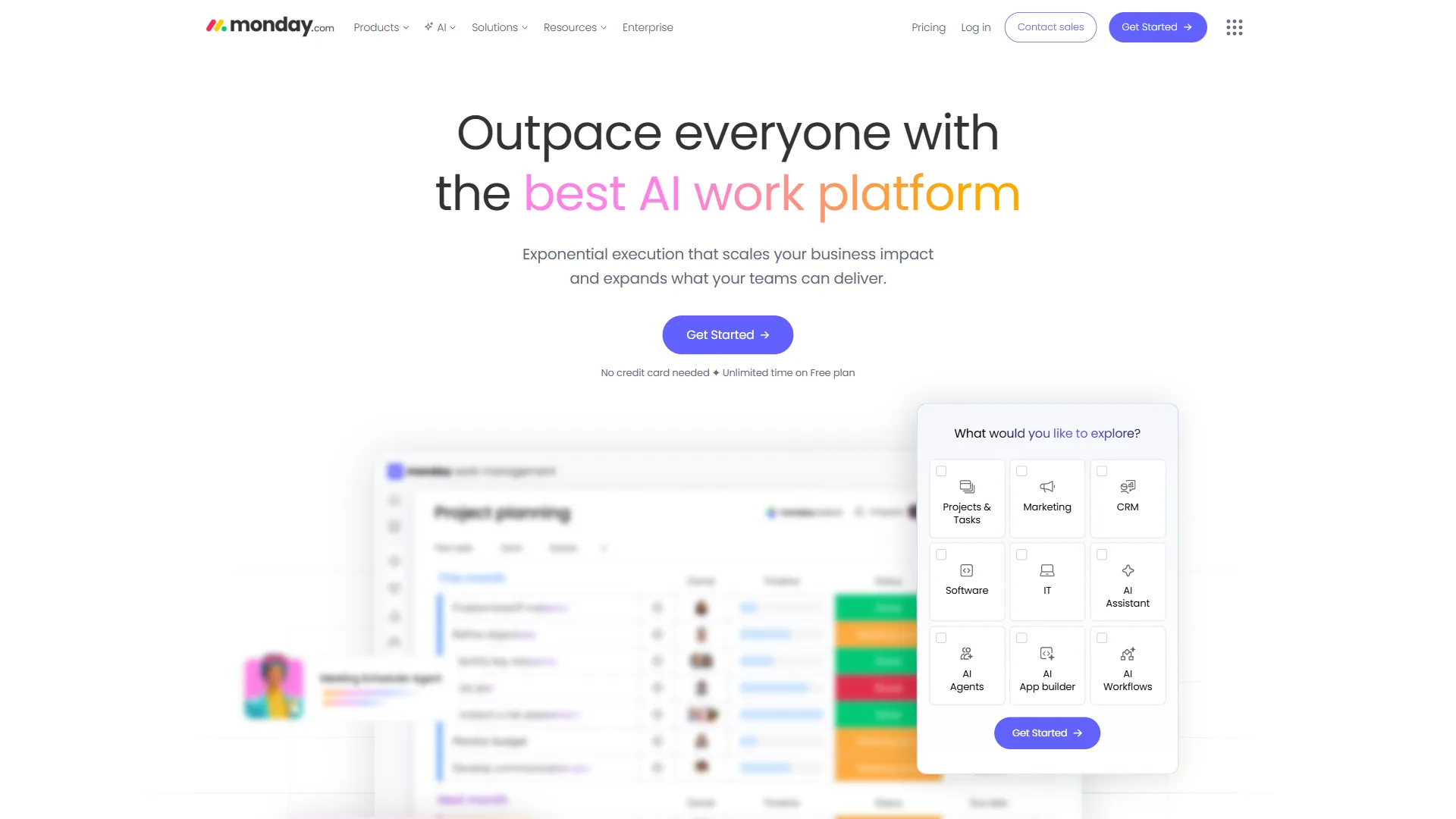
Monday.com launched in 2012 as a visual work operating system. The core promise has stayed the same: make project status visible to everyone without requiring training. The 2026 version backs this up with a suite of AI features - monday agents, monday magic (instant solution generation), monday sidekick (context-aware assistant), and AI Blocks for categorization and sentiment analysis.
Monday.com Pricing
Monday.com uses a per-seat model with a mandatory 3-seat minimum on all paid plans.
| Plan | Price (Annual) | Key Features |
|---|---|---|
| Free | $0 (2 users max) | Unlimited boards, Kanban view, 500MB storage |
| Basic | $9/seat/mo | Unlimited viewers, docs, 500 AI credits/month |
| Standard | $12/seat/mo | Timeline/Gantt/Calendar, 250 automations/mo |
| Pro | $19/seat/mo | Time tracking, 25,000 automations/mo, private boards |
| Enterprise | Custom | 250,000 automations/mo, HIPAA, SSO, advanced reporting |
The 3-seat minimum means the cheapest you can pay on Basic is $27 per month (annual). Pro tier for a 10-person team runs $190 per month annually - meaningful spend, but the automation limits at Pro are substantial.
Monday.com Pros and Cons
Pros:
- Best-in-class visual interface - non-technical teams adopt it without training
- Pro tier’s 25,000 automations/month is one of the highest limits in this price range
- 200+ integrations including Slack, Salesforce, HubSpot, and Zoom
- Forrester documented 288% ROI over 3 years (enterprise marketing case study)
- monday agents and monday magic are genuinely useful AI additions
Cons:
- 3-seat minimum makes it expensive for very small teams
- Advanced reporting locked to Enterprise tier
- Can feel cluttered when managing 50+ item boards
- AI credits (500/month) run out quickly with heavy AI Blocks usage
- Learning curve is real for automations and formula columns
Monday.com holds a notably high score for a platform at this scale, reflecting consistent user satisfaction. Users consistently praise the visual boards and flexibility; the most common complaints are around the 3-seat minimum and advanced analytics limitations.
Wrike Overview
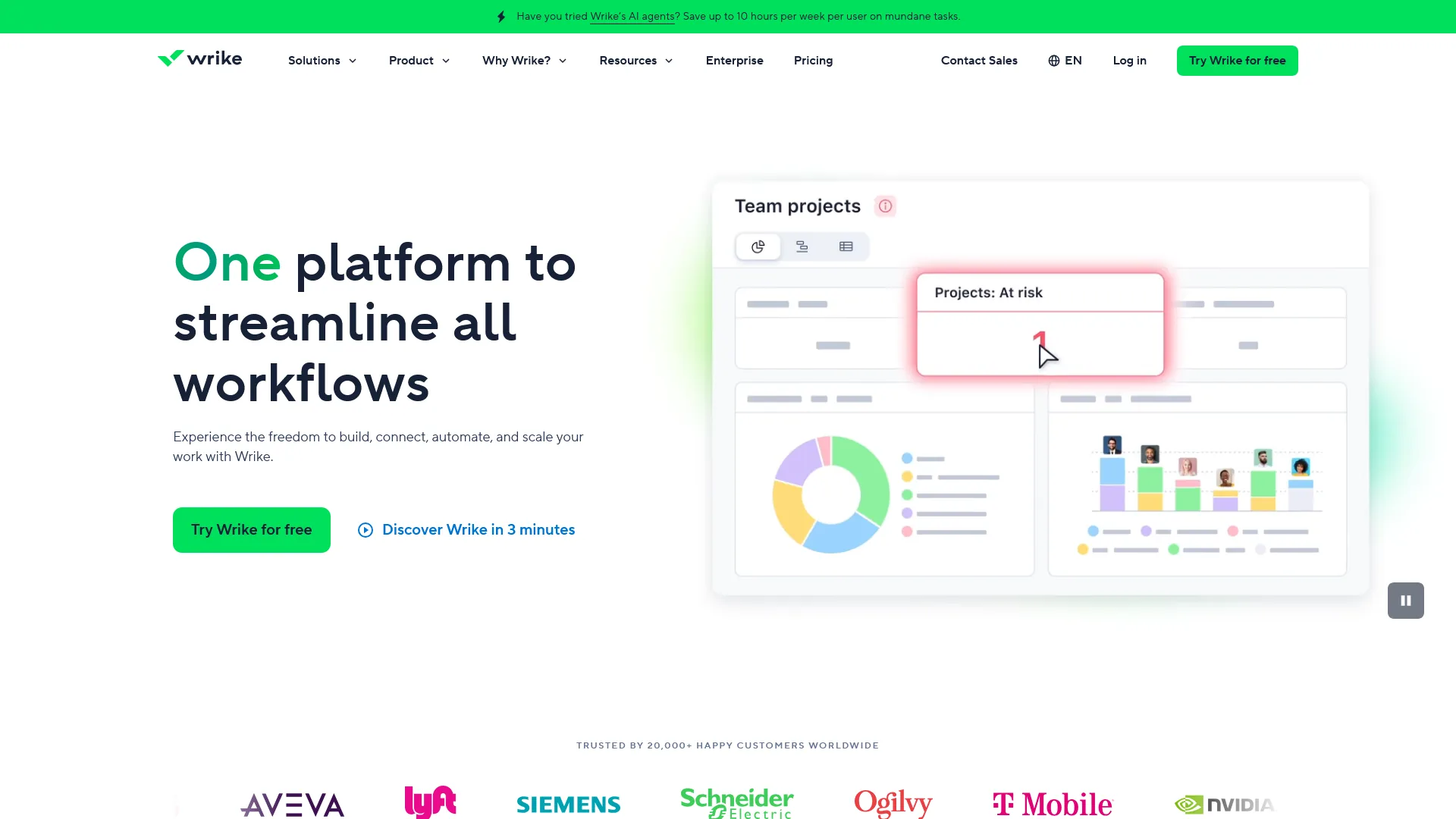
Wrike launched in 2006 and has positioned itself at the enterprise end of project management for most of its history. The 2026 version has significantly expanded its AI layer: Work Intelligence is built into every paid plan, the Business tier adds AI Copilot and Agent Builder (no-code AI agents), and the MCP Server integration lets external AI tools like Claude and Microsoft Copilot query live Wrike data directly.
Wrike Pricing
Wrike’s pricing is competitive at entry level and scales into enterprise territory.
| Plan | Price (Annual) | Key Features |
|---|---|---|
| Free | $0 (unlimited users) | Basic project/task management, Kanban boards |
| Team | $9.80/user/mo | 3-25 users, Gantt charts, custom workflows, AI Essentials |
| Business | $24.80/user/mo | 5-200 users, advanced reporting, AI Elite (Copilot, Agent Builder) |
| Enterprise | Custom | Enterprise security, SSO, 2FA, scalability features, AI Elite |
| Pinnacle | Custom | Advanced resource planning, data visualization, AI Elite |
Wrike’s pricing model has one notable friction point: the Business tier has a 5-seat minimum, so the entry cost is $124 per month annually. Teams of 3-4 are either on Team (without AI Elite) or paying for unused seats.
The key differentiator is what AI features are included at each tier. Team gets AI Essentials (onboarding assistant, content editing, comment summaries). Business gets AI Elite - meaning Wrike Copilot, Agent Builder, and the AI widget generator are bundled with the base price, not sold as add-ons.
Wrike Pros and Cons
Pros:
- AI Elite features included in Business tier - no separate AI surcharge
- MCP Server integration lets Claude, Microsoft Copilot, and Perplexity query live Wrike data
- Forrester TEI study: 396% ROI, $9.78M net present value over 3 years
- Agent Builder lets teams build custom AI workflows without code
- 400+ integrations with enterprise-grade security (SSO, 2FA, HIPAA)
Cons:
- Steeper learning curve than Monday.com - expect 2-4 weeks to reach proficiency
- Interface feels cluttered compared to Monday.com’s cleaner boards
- Business tier’s 5-seat minimum is restrictive for small teams
- Agent Builder launched late 2026 - still maturing, documentation sparse
- User ratings trail Monday.com’s significantly
Wrike’s user rating reflects consistent performance but lacks Monday.com’s enthusiasm. Users praise the reporting depth and AI features; complaints center on the learning curve and UI complexity.
Feature-by-Feature Comparison
AI Features
This is where the comparison gets substantive in 2026.
Monday.com AI operates on a credit system. Basic, Standard, and Pro plans get 500 AI credits per account per month. monday agents handle end-to-end task execution. monday magic generates solutions from natural language descriptions. monday sidekick provides context-aware assistance. AI Blocks add sentiment analysis, categorization, and data extraction to boards.
The 500 credit monthly cap is the main limitation. Teams with moderate AI usage (5-10 daily interactions) will stay within the limit. Heavy users running monday agents at scale will run through credits in under two weeks.
Wrike AI takes a different approach: it is built into the pricing tiers rather than sold as credits. Team tier gets AI Essentials - content editing, comment summaries, mobile inbox prioritization. Business tier gets AI Elite, which includes Wrike Copilot (natural language queries about project status), Agent Builder (no-code custom AI agents), prebuilt agents (Triage, Risk, Intake), and the AI widget generator.
The MCP Server integration is Wrike’s biggest differentiator: it lets third-party AI tools connect to live Wrike data via the Model Context Protocol specification. Teams already using Claude or Microsoft Copilot can query “What is blocking the product launch?” and get answers sourced directly from Wrike’s project data.
Winner: Wrike for AI value - included features at Business tier versus Monday.com’s credit-based add-on model. Monday.com wins on AI interface polish.
Reporting and Dashboards
Monday.com’s dashboards let you combine data from multiple boards into visual, executive-ready reports. Standard tier allows 5 boards per dashboard; Pro allows 20. Advanced reporting - custom charts, deep analytics - is locked to Enterprise. The ClickUp alternatives breakdown details how dashboards compare across the budget-friendly tier.
Wrike’s reporting is stronger at comparable price points. The Business tier includes advanced reporting with custom filters and an AI widget generator that builds dashboard widgets from plain-English descriptions. Data visualization tools become more comprehensive at Pinnacle tier.
For teams that need serious data-driven project reporting, Wrike at Business tier delivers more than Monday.com at Pro on a near-equivalent price point.
Winner: Wrike - advanced reporting is available at Business tier without needing custom pricing.
Ease of Use and Onboarding
Monday.com wins this category decisively. The board-first interface is genuinely intuitive - non-technical team members can navigate boards, update statuses, and add items within minutes. New hires get up to speed in hours, not days. The visual design is the platform’s signature advantage.
Wrike’s depth requires investment. Teams typically need 2-4 weeks to reach full proficiency. The interface has more nested menus and configuration options, and the sheer number of features creates initial friction. Users who push through report that the depth pays off; teams who want quick deployment often find Monday.com’s faster.
Winner: Monday.com - faster onboarding and a cleaner day-to-day experience.
Templates and Project Setup
Monday.com offers a large template library organized by use case - marketing campaigns, product launches, HR onboarding, sales pipelines. Templates are visual and immediately usable. monday magic can generate custom workflow templates from a plain-English description.
Wrike’s project blueprints (Business tier) let teams save entire project structures - tasks, subtasks, dependencies, custom workflows - and reuse them. This is more powerful for standardized, repeating workflows than Monday.com’s templates, though less accessible to non-technical users.
Winner: Tie. Monday.com for initial setup speed; Wrike for repeatable enterprise workflows. Our project management for small teams guide explains how template depth changes with team size.
Integrations
Monday.com offers 200+ integrations with action limits tied to plan tier (250/month on Standard, 25,000 on Pro, 250,000 on Enterprise).
Wrike offers 400+ integrations including the MCP Server for AI assistant connectivity. Integration depth with Microsoft 365 and Google enterprise tools is strong.
Winner: Wrike on integration count. Monday.com on integration polish within the popular apps.
Best Picks by Use Case: Asana and ClickUp Alternatives
Before committing to either platform, it is worth understanding where Asana and ClickUp fit in the same conversation - the Asana competitors breakdown maps every option in this category.
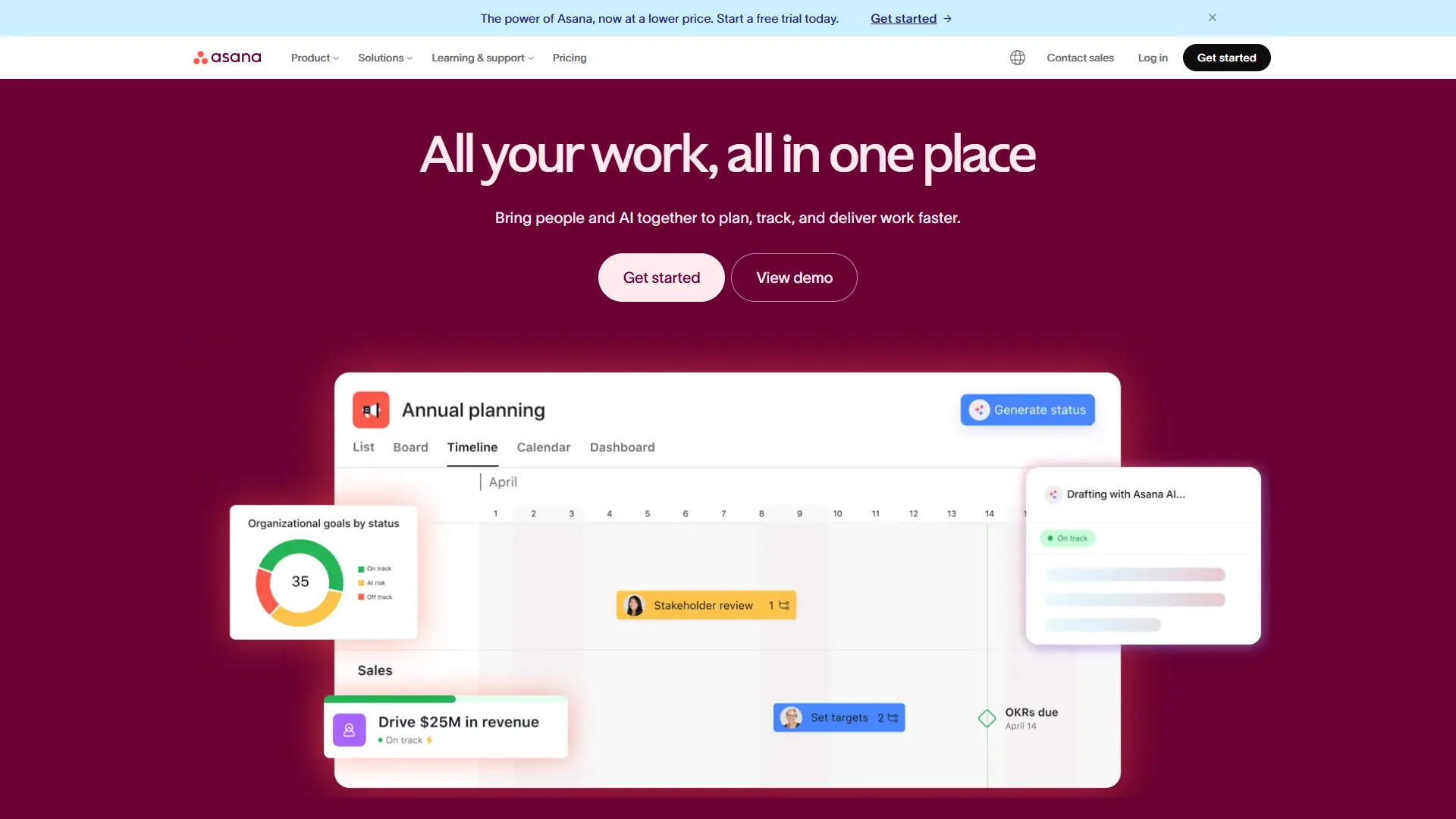
Asana ($10.99-24.99/user/month annually) is cleaner and easier to adopt than either Monday.com or Wrike. Its AI Studio is included on all paid tiers - a genuine advantage for teams that want automation without premium pricing. Asana’s portfolio views (Advanced tier) give multi-project teams strong cross-project visibility. If your team values structured workflows over visual flexibility, Asana deserves serious consideration.
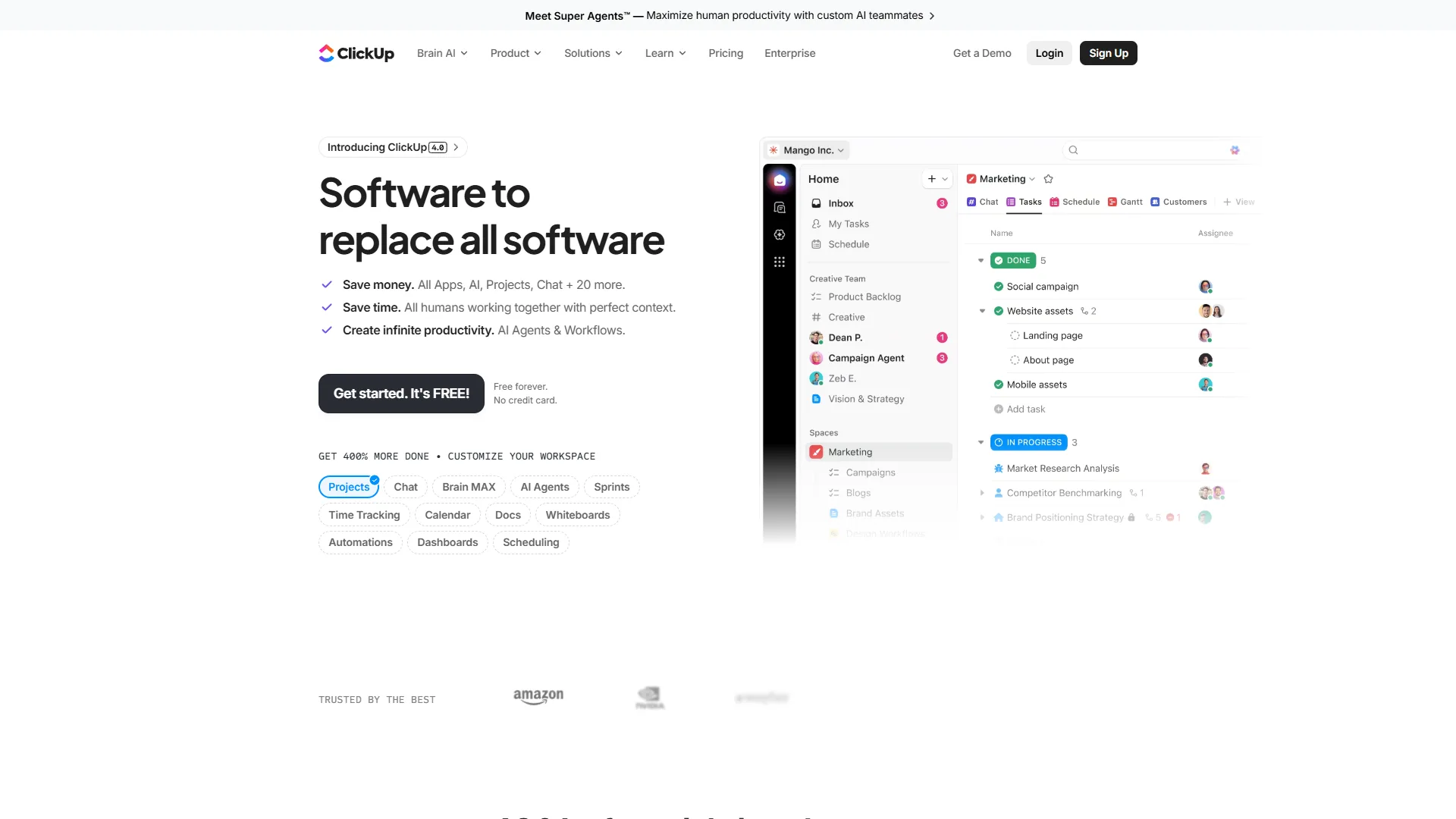
ClickUp ($7-12/user/month annually) undercuts all three platforms on base price. The Free Forever tier includes unlimited tasks and users - more generous than anything Monday.com or Wrike offers for free. ClickUp’s 35+ view options cover every workflow style. The trade-off is real: ClickUp requires 2-3 weeks of onboarding, and its AI (ClickUp Brain) is a paid add-on ($9-28/user/month extra) rather than bundled. For budget-conscious teams with time to invest in setup, our ClickUp vs Asana deep-dive walks through the trade-offs against Asana’s structured workflow.
The short version: Asana for structured workflows and fast adoption; ClickUp for maximum features at minimum cost. The ClickUp AI vs Monday AI breakdown digs into the AI feature gap specifically.
ClickUp takes a different approach, competing more aggressively on price and feature breadth.
Which Tool Fits Your Team
Choose Monday.com if:
- Your team includes non-technical members who need to onboard in hours, not weeks
- Visual project tracking is the primary use case - campaigns, launches, marketing workflows
- You need high automation limits (Pro tier’s 25,000/month is best in class at this price)
- Your team is 3-25 people and wants a polished, well-supported experience
- You want CRM functionality alongside project management (monday sales CRM integrates natively)
Choose Wrike if:
- Your team has 30+ users and needs enterprise-grade reporting at the Business tier price point
- AI features matter and you do not want to pay a separate AI surcharge
- You use Claude, Microsoft Copilot, or Perplexity and want to query your project data through them (MCP Server)
- Your projects have complex dependency structures that need Gantt chart + risk analysis tools
- HIPAA compliance, SSO, and advanced security are non-negotiable
Consider Asana instead if:
- You need fast team adoption with structured timelines and dependencies
- AI automation is important but budget is tight (AI Studio included at Starter tier)
- Your team manages portfolios of multiple projects and needs cross-project visibility
Consider ClickUp instead if:
- Price is the primary constraint and you want maximum features for minimum spend
- You want to consolidate docs, tasks, goals, and time tracking into one tool
- Your team can invest 2-3 weeks in learning to unlock full value
The Bottom Line
The monday.com vs wrike decision turns on two variables: how fast your team needs to be productive, and how much you value built-in AI versus automation scale.
Monday.com wins on ease of use, visual design, and automation limits at the Pro tier. User reviews reflect consistent team satisfaction, and the 288% ROI documented by Forrester is credible for teams running complex marketing and operational workflows. The 3-seat minimum and credit-based AI are the main limitations for smaller teams and AI-heavy workloads - if budget is the bigger blocker, our best free project management tools shortlist is the better starting point.
Wrike wins on enterprise AI value, reporting depth, and the MCP Server integration that no other platform in this category offers. For teams already paying Business tier prices, getting Wrike Copilot, Agent Builder, and 400+ integrations included - rather than sold as add-ons - represents strong value. The trade-off is a steeper learning curve and a UI that requires more upfront investment - the AI tools for project managers breakdown maps where each platform’s AI fits.
For most teams under 30 people without heavy AI workflow requirements, Monday.com will feel more natural and deliver faster time-to-value. For larger teams and organizations where built-in AI and deep reporting matter more than onboarding speed, Wrike justifies the learning curve. The Asana vs ClickUp comparison covers the next tier down if either feels overbuilt.
Both offer free tiers and trials - there is no reason to decide without testing both.
FAQ
Q: Who is Monday.com’s biggest competitor?
In practice they are not. Monday.com is built around visual boards and flexible workflows that non-technical teams can adopt without training.
Q: Does Wrike include AI features in its pricing?
Yes. Wrike’s Team plan includes AI Essentials - content editing, comment summaries, and inbox prioritization. The Business tier adds AI Elite, which bundles Wrike Copilot, Agent Builder, prebuilt AI agents, and an AI widget generator with the base price. There is no separate AI surcharge, unlike Monday.com’s credit-based add-on model.
Q: Which has a better free plan - Monday.com or Wrike?
Wrike’s free plan supports unlimited users, while Monday.com’s free tier is capped at 2 users. Both free plans cover basic project and task management with Kanban boards. For larger teams evaluating on a zero-cost basis, Wrike’s unlimited-user free tier offers significantly more flexibility.
Q: Is Monday.com easier to use than Wrike?
Monday.com wins on ease of use. Its board-first interface lets non-technical team members navigate, update statuses, and add items within minutes. New hires typically reach proficiency in hours. Wrike’s depth requires 2-4 weeks of onboarding due to nested menus and a larger feature set - a real trade-off for teams that need fast deployment.
Q: What does Monday.com’s 3-seat minimum mean for pricing?
All Monday.com paid plans require at least 3 seats, so the minimum spend on the Basic plan is $27 per month on annual billing. A 10-person team on the Pro tier pays $190 per month annually. This makes Monday.com relatively expensive for very small teams compared to Wrike, which allows 3 users on its Team plan.
Related Reading
- monday.com - Full monday.com review with pricing, features, and ratings
- Wrike - Full Wrike review with AI features breakdown
- Asana - Full Asana review and use case guide
- ClickUp - Full ClickUp review with pricing tiers compared
- Best Project Management Tools 2026 - Full comparison of Monday.com, Asana, ClickUp, and more
- Asana Competitors 2026 - How Asana stacks up against alternatives including Wrike and Monday.com
- ClickUp vs Asana - Detailed head-to-head for budget-conscious teams
External Resources
- Monday.com Pricing Page - Current pricing and plan details
- Wrike Pricing Page - Team and Business tier breakdowns
- Monday.com Project Management - Monday.com’s official project management feature overview