


Something fundamental has shifted in how developers interact with code. Andrej Karpathy, former Director of AI at Tesla, captured it perfectly when he coined the term “vibe coding” - a new paradigm where programmers describe what they want in plain English and let AI handle the implementation details. This isn’t just a productivity hack; it’s a philosophical transformation in how we create software.
This manifesto explores what the paradigm means for the future of development, when to embrace it, real-world examples worth studying, and how to master this new art form.
Quick Reference: Vibe Coding Tools
| Tool | Best For | Pricing | Key Strength |
|---|---|---|---|
| Claude Code | Multi-file operations | Free (with Claude subscription) | 200K context window |
| Cursor | IDE integration | $20/month | Tab completions, Chat |
| GitHub Copilot | Universal editor support | $10/month | Works everywhere |
| Aider | Open-source, local models | Free | Full transparency |
What is Vibe Coding?
The practice represents a fundamental departure from traditional programming. Instead of thinking in syntax, algorithms, and data structures, you think in intentions, outcomes, and descriptions. The AI becomes your interpreter, translating human thought into machine instructions.
Here’s the traditional approach:
// Think about array methods, conditionals, edge cases...
function filterActiveUsers(users) {
  return users.filter(user =>
    user.isActive &&
    user.lastLogin > Date.now() - 30 * 24 * 60 * 60 * 1000
  );
}
Here’s vibe coding:
"Filter users to only those who are active and logged in within the last 30 days"The AI handles the implementation. You focus on the outcome.
The Core Principles
1. Intent Over Implementation
Traditional programming requires you to know the specific syntax, API calls, and patterns for every task. Vibe coding inverts this - you specify what you want, and the AI figures out how.
This principle acknowledges that implementation details are often commoditized knowledge. The real value is in understanding the problem and articulating clear requirements.
2. Conversation as Interface
Code emerges through dialogue, not dictation, which is exactly how Cursor sessions feel in practice. You describe, the AI proposes, you refine, it adjusts. This back-and-forth mirrors how senior developers work with junior team members - providing guidance and feedback rather than writing every line.
You: "Create a function to validate email addresses"
AI: [generates basic regex validation]
You: "Add support for plus-addressing and subdomains"
AI: [refines the implementation]
You: "Now handle edge cases with international domains"
AI: [adds comprehensive validation]
3. Trust but Verify
Skeptics who ask whether the practice is reckless usually mean one thing: that the approach doesn’t absolve you of responsibility. It doesn’t mean abandoning responsibility. You still own the code. The AI is a tool, not a replacement for understanding. Every suggestion should be reviewed, tested, and understood before committing.
4. Context is Everything
The better the AI understands your codebase, conventions, and goals, the better its output. Investing in clear documentation, consistent patterns, and well-structured projects pays dividends in AI collaboration quality.
When Vibe Coding Excels
This approach isn’t universally superior. It shines in specific scenarios:
Boilerplate and Scaffolding
Setting up a new React component? Creating CRUD endpoints? Vibe coding eliminates the tedium of repetitive patterns you’ve written hundreds of times.
Exploring Unfamiliar Territory
Working with a new API or framework? Describe what you’re trying to accomplish and let the AI handle the specifics. It’s faster than reading documentation and often more accurate than Stack Overflow answers.
Refactoring and Transformation
“Convert this class component to hooks” or “Add TypeScript types to this JavaScript file” - these mechanical transformations are perfect for AI assistance.
Documentation Generation
“Add JSDoc comments to these functions” or “Generate a README for this module” - the AI can draft documentation while you focus on architecture.
When to Code Traditionally
Some scenarios still demand traditional programming:
Performance-Critical Code
When every millisecond matters, you need to understand exactly what’s happening. AI-generated code might work but may not be optimal.
Security-Sensitive Operations
Authentication, encryption, and data handling require human expertise and review. Never vibe-code your way through security.
Complex Algorithms
Novel algorithms or complex mathematical operations benefit from deep human understanding. The AI excels at implementing known patterns, not inventing new ones.
Learning Fundamentals
Students and developers learning new concepts should write code manually first. Understanding precedes delegation.
The Vibe Coding Toolkit
Several tools have emerged as leaders in enabling this workflow:
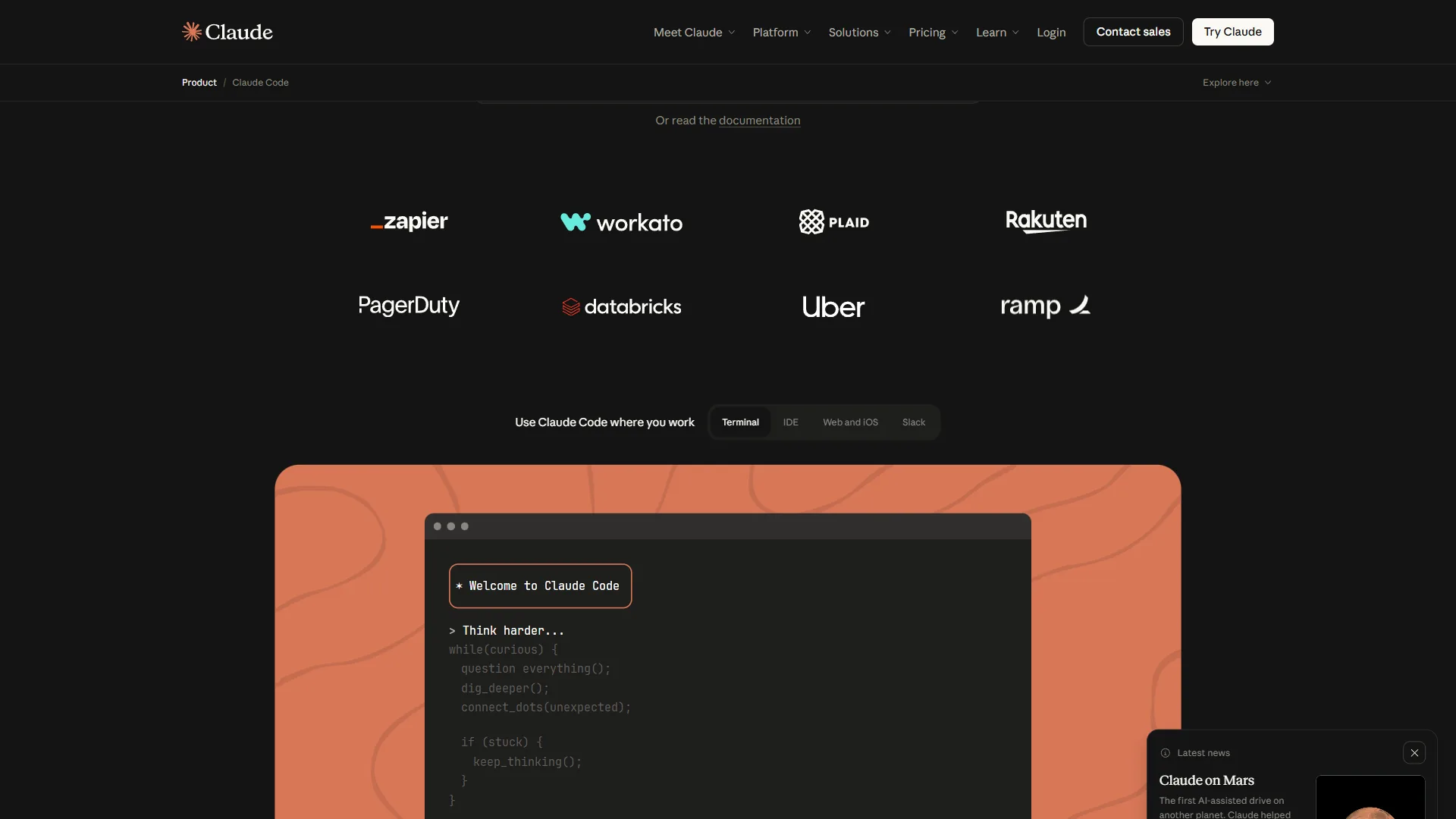
Claude Code
Anthropic’s terminal-based assistant excels at autonomous multi-file operations. Its massive 200K context window means it can understand your entire codebase, not just the current file.
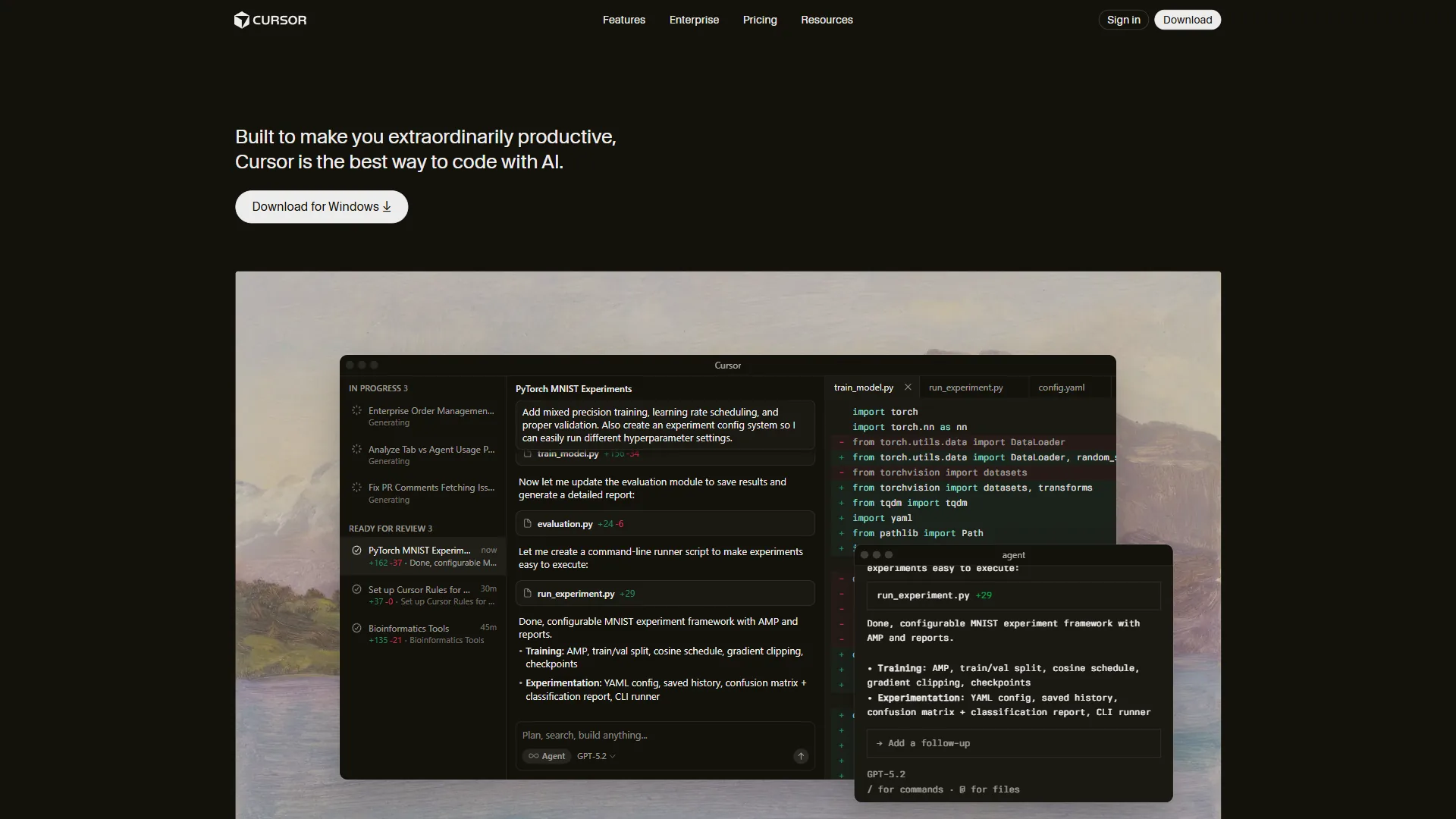
Cursor
The AI-first IDE built specifically for vibe coding. Tab to accept suggestions, command-K to describe changes, chat to discuss architecture. It’s the most polished experience for developers who want AI deeply integrated into their workflow. Cursor’s official site offers detailed documentation and tutorials.
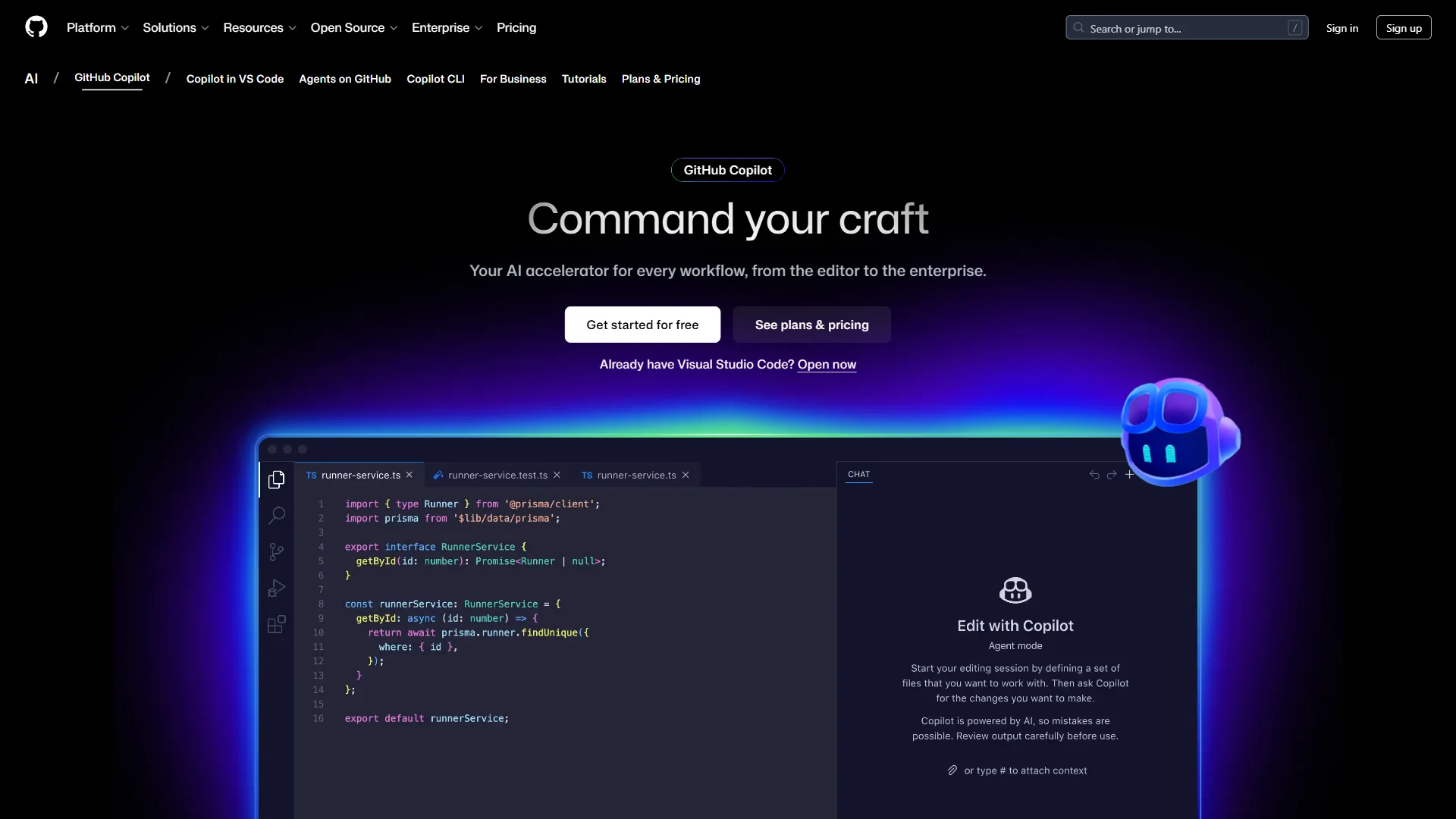
GitHub Copilot
The most widely adopted AI coding assistant, integrated directly into VS Code and other editors. Its strength is ubiquity - it’s available everywhere developers already work.
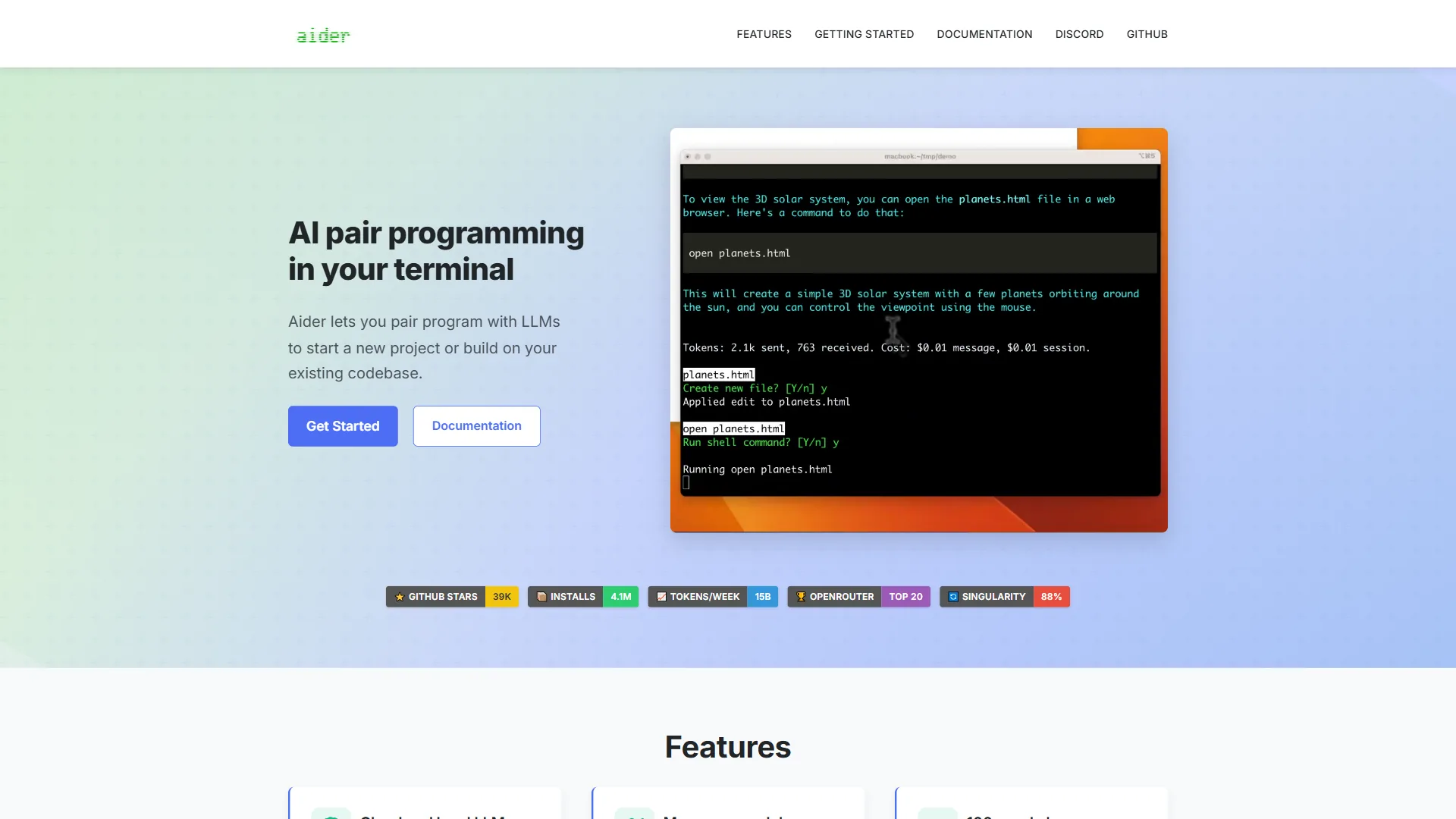
Aider
An open-source alternative for developers who want transparency and customization. Particularly powerful for those using local models or wanting fine-grained control over AI behavior.
Mastering the Art
Like any skill, the practice improves with repetition. Here’s how to level up:
Write Better Prompts
Vague instructions produce vague code. Compare:
Weak: “Make a login form”
Strong: “Create a login form with email and password fields, client-side validation showing errors below each field, loading state during submission, and error display for failed authentication. Use our existing Button and Input components.”
Provide Context
Share relevant files, explain your architecture, describe your constraints. The more context, the better the output.
Iterate Quickly
Don’t expect perfection on the first try. Treat AI suggestions as starting points for refinement. Each iteration gets closer to your intent.
Learn to Read AI Code
Even if you’re not writing every line, you need to understand what’s generated. Build the habit of reviewing AI output critically.
Maintain Your Skills
This approach shouldn’t atrophy your fundamental programming abilities. Stay sharp on algorithms, data structures, and language fundamentals.
Common Pitfalls
Over-Delegation
Some developers hand over too much control. Result: code that works but nobody understands. Maintain ownership and comprehension.
Under-Specification
“Make it better” isn’t a useful prompt. Be specific about what “better” means - faster, more readable, more maintainable.
Ignoring Tests
AI-generated code needs the same testing discipline as human-written code. Perhaps more, since you’re less intimately familiar with implementation details.
Copy-Paste Programming
Don’t just accept suggestions without understanding them. This leads to inconsistent codebases and unmaintainable systems.
The Philosophical Shift
Vibe coding represents something deeper than a productivity tool. It’s a reconceptualization of what it means to be a developer.
Programming has always been about translating human intent into machine instructions. For decades, that translation required mastering formal languages - memorizing syntax, understanding APIs, internalizing patterns.
AI assistants compress that translation layer. The distance between thought and working code shrinks dramatically. This doesn’t eliminate the need for technical understanding, but it changes what understanding is most valuable.
The new core skills:
- Problem decomposition - Breaking complex requirements into clear, implementable pieces
- Quality judgment - Recognizing good code from bad, regardless of who or what wrote it
- Architecture thinking - Understanding how components fit together at scale
- Communication precision - Articulating exactly what you want
These skills were always valuable. Now they’re essential.
A Day in the Life
Here’s what the workflow looks like in practice:
9:00 AM - Feature planning
"I need to add a notification system. Users should receive
in-app notifications that persist until dismissed, with
support for different types (info, warning, error) and
optional action buttons."
9:15 AM - Implementation
"Create a NotificationProvider context, Notification component,
and useNotifications hook. Follow our existing context patterns
in src/contexts/."
9:45 AM - Refinement
"Add animation for notification entry/exit using Framer Motion.
Stack multiple notifications vertically with auto-dismiss
after 5 seconds for non-error types."
10:30 AM - Testing
"Generate tests for the notification system covering: display,
dismiss, auto-dismiss, stacking behavior, and action buttons."
11:00 AM - Documentation
"Add JSDoc comments to the public API and create a usage
example in our Storybook."
In three hours, a complete feature with tests and documentation. Traditional development might take a full day or more.
The Future of Development
This shift isn’t a fad. It’s the beginning of a fundamental transformation in how software gets built.
As AI models improve, the bar for what can be “vibe coded” rises. Tasks that require traditional programming today will become conversational tomorrow. The question isn’t whether to adopt vibe coding, but how quickly you can integrate it into your workflow.
This doesn’t mean programmers become obsolete. It means programming evolves. Just as high-level languages didn’t eliminate the need for understanding computing concepts, AI assistants don’t eliminate the need for software engineering expertise.
They amplify it.
The Manifesto
We believe:
-
Code is a means, not an end. The goal is working software, not elegant syntax.
-
Intent matters more than implementation. Understanding the problem is harder than writing the solution.
-
AI is a collaborator, not a replacement. Human judgment remains essential.
-
Speed without understanding is dangerous. Velocity must be balanced with comprehension.
-
The craft evolves. What it means to be a developer is changing. Embrace the change.
-
Accessibility expands. More people can build software when the barrier to entry lowers.
-
Quality is non-negotiable. AI-assisted doesn’t mean AI-verified. Testing, review, and standards still apply.
Getting Started
Ready to embrace vibe coding? Start here:
- Install an AI assistant - Cursor, Claude Code, or GitHub Copilot
- Start small - Use AI for boilerplate and documentation first
- Build the habit - Make AI collaboration your default, not exception
- Refine your prompts - Practice articulating intent clearly
- Stay critical - Review everything, understand what you commit
The future of development is conversational. The developers who thrive will be those who learn to speak it fluently.
Welcome to the era of vibe coding.
Final Thoughts
Vibe coding is more than a trend - it represents a fundamental shift in how software gets built. By combining human intent with AI capabilities, developers can achieve unprecedented productivity without sacrificing quality. The tools exist, the methodology is proven, and the results speak for themselves.
How Should You Choose Your Vibe Coding Tool?
Picking the right vibe coding tool depends on how you work and what outcomes you optimize for. The four options in the Quick Reference table - Claude Code, Cursor, GitHub Copilot, and Aider - each lean into a different strength, and matching that strength to your workflow matters more than chasing the most popular pick. Intent Over Implementation only pays off when the conversation between your thinking and the AI feels natural, so treat tool choice as part of the paradigm.
A quick way to self-sort is to ask which constraint is loudest in your day. If changes ripple across many files, the 200K context window becomes your bottleneck. If you live inside one editor, IDE integration with tab completions and chat matters more. If you move between editors, universal editor support wins. And if transparency, local models, or an open-source stack are non-negotiable, the tradeoff in polish is worth it.
Use these shortcuts to narrow the field:
- Choose Claude Code for multi-file operations where the 200K context window handles the whole project.
- Choose Cursor for tight IDE integration with tab completions and chat as first-class features.
- Choose GitHub Copilot when you need universal editor support across every editor you touch.
- Choose Aider when full transparency and free open-source local models are non-negotiable.
FAQ
Q: What exactly is vibe coding?
Vibe coding is a new programming paradigm coined by Andrej Karpathy, former Director of AI at Tesla, where developers describe what they want in plain English and let AI handle the implementation details. Instead of thinking in syntax, algorithms, and data structures, you think in intentions, outcomes, and descriptions while the AI translates human thought into machine instructions.
Q: How legit is vibe coding?
The approach is widely used at major engineering organizations. Andrej Karpathy popularized the term in early 2025, and the workflow is now standard practice at companies that have adopted Claude Code, Cursor, and GitHub Copilot. It’s a real productivity multiplier when paired with disciplined review and testing.
Q: Is vibe coding illegal?
No. Describing intent in plain English and letting AI generate code is no different than using autocomplete or copying snippets from documentation. The only legal concerns are around licensing of generated code and code originality, which depend on the model and your project’s licensing requirements.
Q: What is vibe coding now called?
The term remains in use as Karpathy coined it. Some teams describe the same workflow with phrases like AI-assisted development, conversational programming, or natural-language coding. The terminology hasn’t standardized yet.
Q: How is vibe coding different from traditional programming?
Traditional programming requires you to know the specific syntax, API calls, and patterns for every task, so you write filter logic, conditionals, and edge cases yourself. Vibe coding inverts this - you specify what you want, such as filtering users active in the last 30 days, and the AI figures out how to implement it. You focus on the outcome instead of the mechanics.
Related Reads
Tools covered in this article:
- Claude Code - AI coding assistant by Anthropic
- Cursor - AI-powered code editor
- GitHub Copilot - AI pair programmer
- Aider - Terminal-based AI coding assistant
More coding guides:
- Best AI Coding Assistants 2026
- GitHub Copilot vs Cursor
- Windsurf vs Cursor Comparison
- AI Pair Programming Guide
- Which Claude Model for Coding