


Zapier is the default choice for workflow automation, and for good reason. Over 7,000 app integrations, a dead-simple interface, and a decade of proven reliability have earned it that spot. But there is a moment - usually around your third billing cycle or your fifteenth multi-step Zap - when you start asking whether the best zapier alternatives might give you more for less.
Maybe you are hitting the 750-task ceiling on the Professional plan faster than expected. Maybe you need branching logic that Zapier’s linear interface cannot visualize. Or maybe you want to self-host your automation engine behind your own firewall. Whatever the trigger, the automation market in 2026 offers genuine zapier alternatives free of the task-count ceiling and other constraints - platforms that outperform Zapier in specific, measurable ways.
This guide breaks down each Zapier alternative by the pain point it solves. Not a generic feature comparison - a targeted look at why you might switch and which alternative addresses your exact frustration. Our best AI automation tools 2026 roundup covers the broader category if you also want AI-native options.
Comparison Table: Top Zapier Alternatives at a Glance
Zapier Alternatives are platforms that provide comparable features to Zapier - often with lower pricing, open-source flexibility, or specialized strengths in specific areas. This guide compares the top options side by side on pricing, features, and real-world performance.
Before diving into the details, here is how the leading zapier alternatives stack up on the metrics that matter most:
| Feature | Zapier | Make | n8n | Power Automate | IFTTT |
|---|---|---|---|---|---|
| Free Tier | 100 tasks/month | 1,000 ops/month | Unlimited (self-hosted) | 750 runs/month (with M365) | 2 applets |
| Starting Price | $29.99/month | $10.59/month | Free (self-hosted) or EUR 24/month (cloud) | $15/user/month | $3.49/month |
| Integrations | 7,000+ | 2,000+ | 400+ | 1,000+ (Microsoft-heavy) | 800+ |
| Workflow Style | Linear chain | Visual flowchart | Visual + code | Visual + templates | Simple triggers |
| Self-Hosting | No | No | Yes | No (cloud only) | No |
| AI Features | Zapier Agents, multi-model AI | Make AI Agents (beta), Maia AI | AI agent workflows, code nodes | Copilot integration | Limited |
| Best For | Simplicity, breadth | Complex logic, cost savings | Self-hosting, developers | Microsoft teams | Simple personal automations |
Why People Leave Zapier
Not everyone who evaluates zapier alternatives is unhappy. Many are simply outgrowing Zapier’s sweet spot. The three most common triggers:
Cost at scale. This is a major concern for small businesses evaluating automation tools. Zapier pricing starts at $29.99 per month for 750 tasks on the Professional plan. Once you cross 2,000 tasks, you are paying $49 per month or more. At 50,000 tasks, costs escalate rapidly. Make delivers up to 300,000 operations for $10.59 per month on its Core plan - that is roughly 28,000 operations per dollar compared to Zapier’s 25 tasks per dollar.
Linear workflow limits. Zapier’s trigger-action chain works beautifully for simple automations. But when you need conditional branching, parallel paths, or error handling with fallback routes, the linear interface becomes unwieldy. You cannot see your entire workflow as a connected diagram.
Data sovereignty and self-hosting. Some organizations - especially in healthcare, finance, and the EU - need their automation engine running on infrastructure they control. Zapier is cloud-only with no self-hosting option. The HHS HIPAA reference outlines the kind of compliance constraints that drive self-hosting decisions in healthcare.
If none of these apply to you, Zapier is probably still the right choice. Its simplicity and integration breadth remain unmatched. But if any of these pain points resonate, the alternatives below each address a specific gap.
1. Make - Best Zapier Alternative for Cost and Complexity
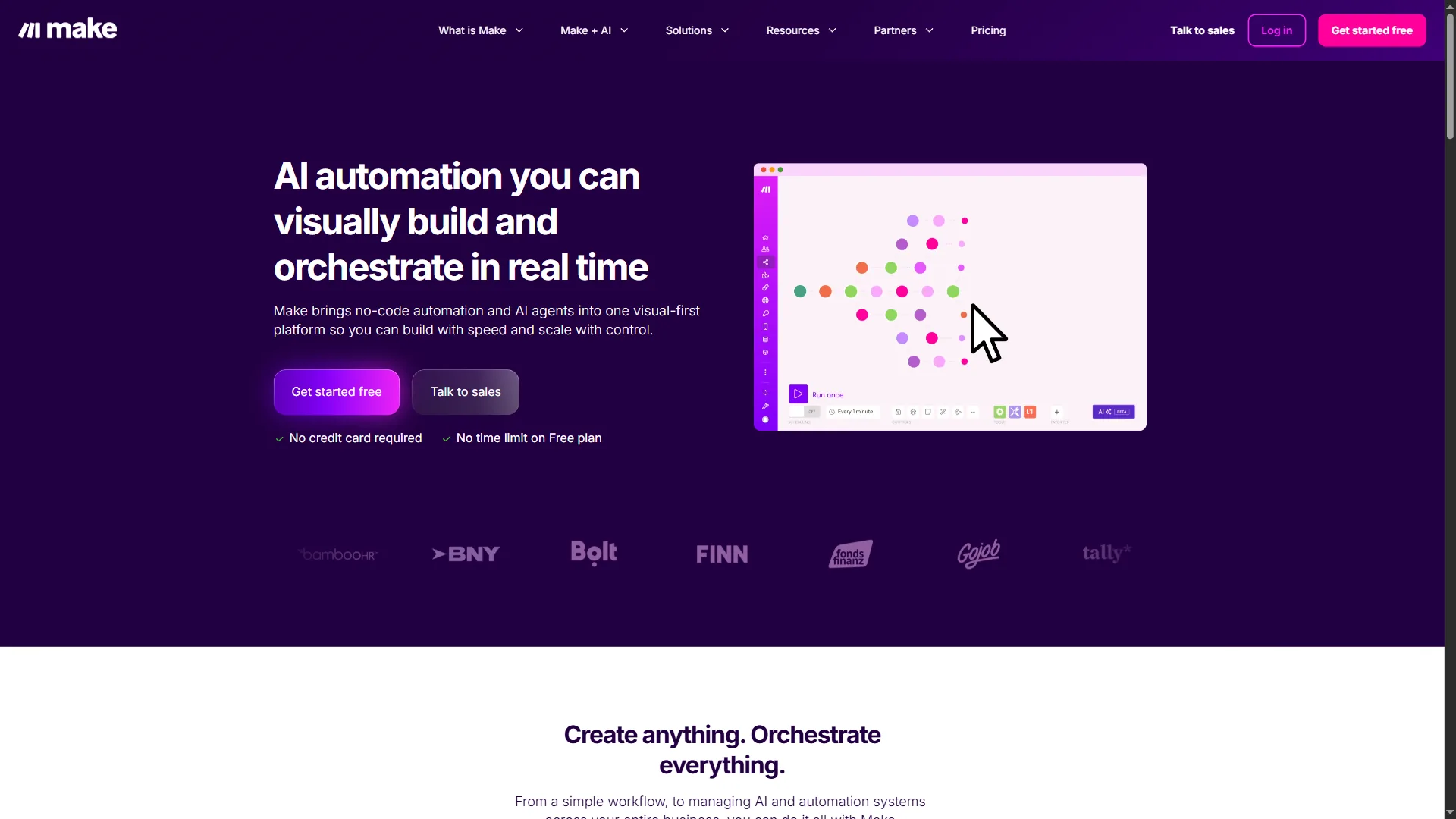
Make (formerly Integromat) is the most direct Zapier competitor and the one most teams should evaluate first. Where Zapier uses linear trigger-action chains, Make provides a visual canvas where you drag modules, connect routes, and see your entire automation as a flowchart.
Where Make Beats Zapier
Pricing that scales. Make’s Core plan at $10.59 per month includes up to 300,000 operations per month. Compare that to Zapier’s Professional at $29.99 per month for 750 tasks. Even at the Pro tier, Make delivers 8 million operations for $18.82 per month. For high-volume automation, Make costs 60-70% less than Zapier at equivalent volumes - our Zapier vs Make automation breakdown digs into the per-operation math.
Visual workflow design. The flowchart-style editor shows branching logic, parallel paths, and error handlers simultaneously. Debugging a complex scenario takes seconds because you can see every route and inspect any module in context. According to Make’s engineering blog, their visual builder handles scenarios with 100+ modules without performance degradation.
AI features catching up. Make AI Agents launched in beta in April 2026, enabling autonomous decision-making within workflows. The Maia AI assistant lets you describe automations in plain English and generates the scenario structure. While these features are newer than Zapier’s AI offerings, they integrate naturally with Make’s visual paradigm. The Make blog tracks shipping AI capabilities as they roll out.
Where Zapier Still Wins Over Make
Make’s integration library covers 2,000+ apps compared to Zapier’s 7,000+. If you rely on niche tools - specialized CRMs, industry-specific SaaS, or newer startups - Zapier more likely has a native connector. Make also has a steeper learning curve. Plan on 4-8 hours to get comfortable with the module system, data structures, and routing logic.
Make Pricing Summary
| Plan | Monthly | Annual | Operations |
|---|---|---|---|
| Free | $0 | $0 | 1,000/month |
| Core | $10.59 | $9/month | Up to 300,000/month |
| Pro | $18.82 | $16/month | Up to 8,000,000/month |
| Teams | $34.12 | $29/month | Pooled across team |
| Enterprise | Custom | Custom | Custom |
Limitations and who Make is not for: Make’s drawbacks are real even at the price advantage. The integration library covers 2,000+ apps versus Zapier’s 7,000+, so niche SaaS connectors may be missing. The visual builder has a steeper learning curve - 4-8 hours before the module system feels natural. AI Agents are still in beta and inconsistent. Skip Make if your team is non-technical, your stack relies on niche tools, or you need a same-day onboarding experience.
Bottom line: Make is the best zapier alternative for teams running high-volume automations who want visual control over complex workflows. If you are spending $50+ per month on Zapier and have workflows with branching logic, test Make first. The Make AI agents guide walks through building adaptive automations from scratch.
2. n8n - Best Zapier Alternative for Self-Hosting and Developers
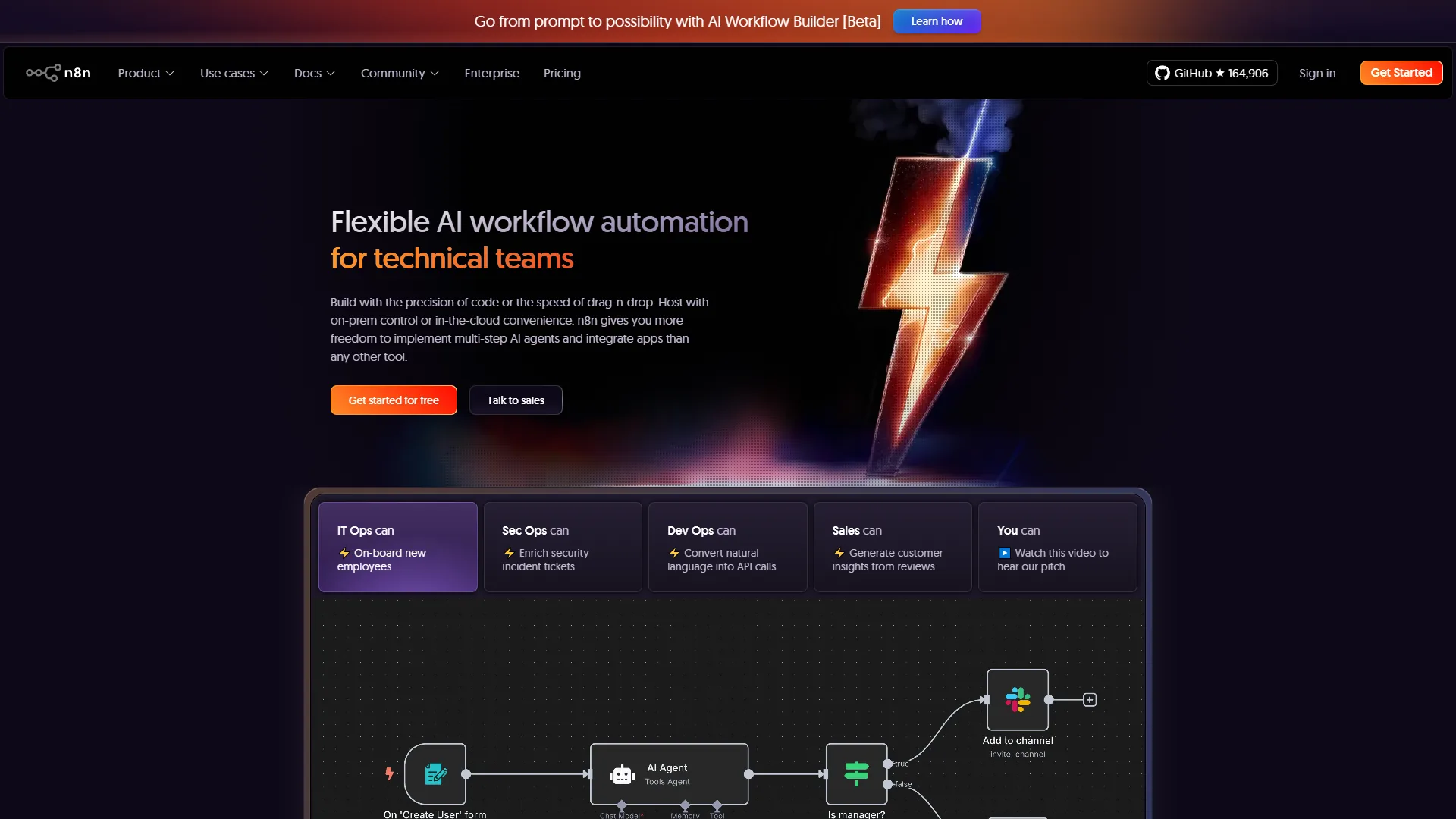
n8n takes a fundamentally different approach than both Zapier and Make. It is a fair-code workflow automation platform that you can self-host on your own infrastructure for free - with unlimited executions, unlimited workflows, and unlimited users. No task limits, no per-operation billing.
Where n8n Beats Zapier
True self-hosting. Deploy n8n on your own servers, your own cloud infrastructure, or even a Raspberry Pi. Your data never leaves your network. For organizations bound by GDPR, HIPAA, or internal security policies, this is not a nice-to-have - it is a hard requirement. Zapier and Make are both cloud-only.
Zero per-task costs. The self-hosted Community edition is completely free. You pay only for your infrastructure, which typically runs $5-20 per month on a basic cloud instance. At high volumes, this means n8n costs a fraction of any cloud-based alternative. If you are running 100,000+ automations per month, the savings are dramatic.
Code-first flexibility. n8n includes JavaScript and Python code nodes alongside its visual builder. You can mix no-code drag-and-drop modules with custom scripts in the same workflow. This hybrid approach gives technical teams the best of both worlds - visual design for standard logic, custom code for edge cases. The n8n code examples documentation has reference patterns for common transformations.
Native AI workflows. n8n supports AI agent workflows with LangChain integration, letting you build sophisticated AI pipelines directly in the visual editor. With 150,000+ GitHub stars, the community is actively building and sharing AI automation templates.
Where Zapier Still Wins Over n8n
n8n’s integration library is smaller - around 400+ native nodes compared to Zapier’s 7,000+ apps. The community node library fills some gaps, but you may need to use HTTP request nodes or write custom integrations for less popular tools. Self-hosting also means you handle maintenance, updates, and uptime monitoring. n8n’s cloud offering (starting at EUR 24/month for 2,500 executions) solves this but at a higher per-execution cost than Make.
n8n Pricing Summary
| Plan | Price | Executions |
|---|---|---|
| Community (Self-Hosted) | Free | Unlimited |
| Starter (Cloud) | EUR 24/month | 2,500/month |
| Pro (Cloud) | EUR 60/month | 10,000/month |
| Enterprise | Custom | Custom |
Limitations and who n8n is not for: n8n’s biggest drawbacks are operational. The native integration library is around 400+ nodes versus Zapier’s 7,000+, so HTTP requests and custom integrations are common. Self-hosting means you handle uptime, updates, and security patches - that is real engineering work, not a free lunch. The cloud tier is also more expensive per execution than Make at low volumes. Skip n8n if your team is non-technical, you do not want infrastructure responsibility, or you need a polished SaaS experience without DevOps overhead.
Bottom line: n8n is the best zapier alternative for developers and technical teams who want full control over their automation stack. If data sovereignty, self-hosting, or unlimited executions matter to your organization, n8n is the clear winner. The best workflow automation tools 2026 roundup covers other technical-friendly options for hybrid teams.
3. Zapier - The Benchmark
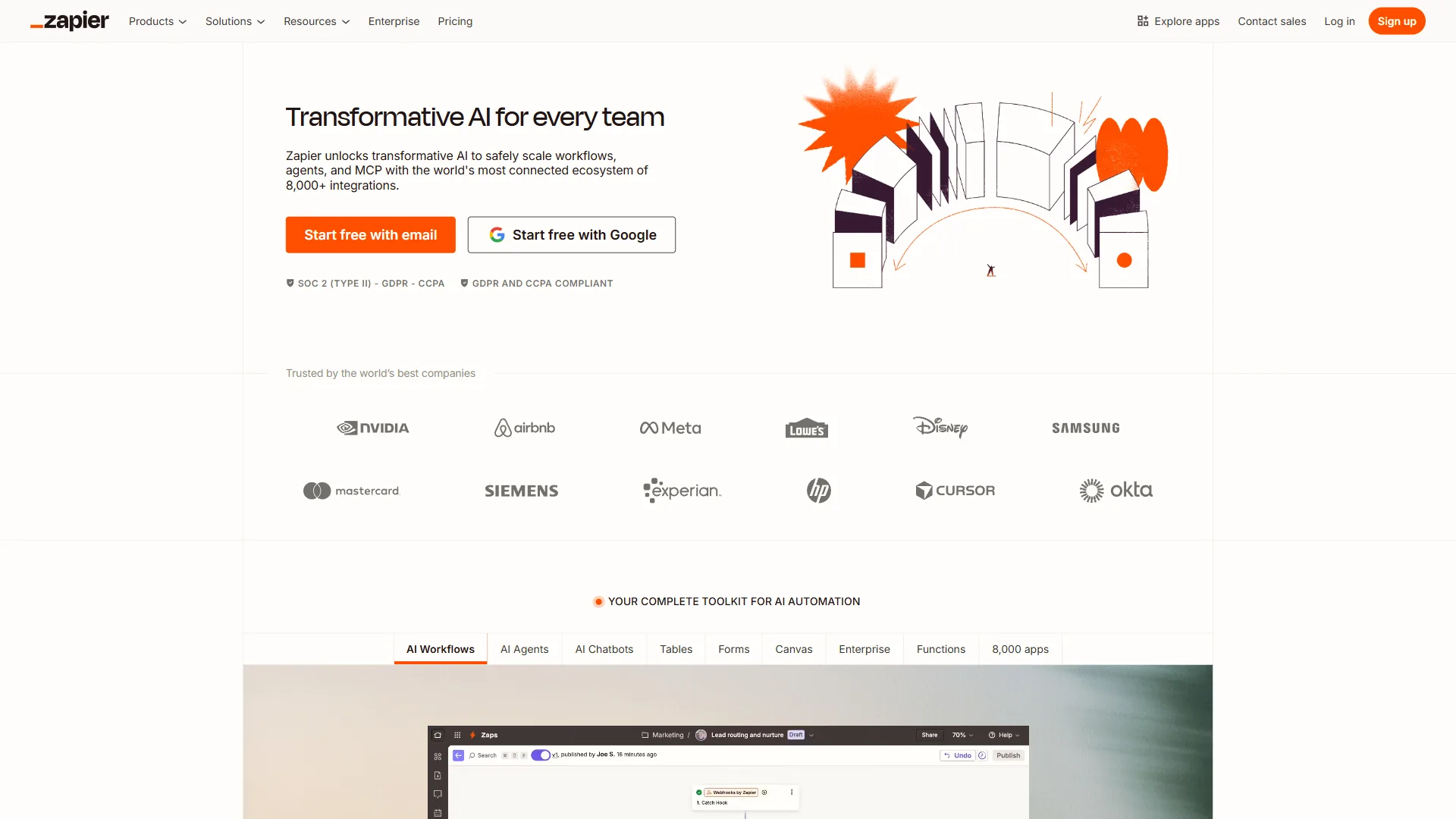
It is worth being clear about why Zapier remains the market leader, even in an article about its alternatives. Understanding Zapier’s genuine strengths helps you make a better decision about whether switching actually makes sense for your situation.
What Zapier Does Best
Unmatched integration breadth. 7,000+ app integrations with 450+ AI-specific connections. If an app exists, Zapier probably has a native connector. This breadth means less time building custom API connections and more time automating actual work.
Lowest learning curve in the category. A non-technical user can build a working automation in under five minutes. The linear trigger-action model requires zero automation experience. Select trigger, select action, map fields, done.
AI features ahead of competitors. Zapier Agents (rebranded from Zapier Central in January 2026) offer autonomous AI teammates that work across your connected apps. Multi-model support covers GPT, Claude, and Gemini with custom API key options. The AI by Zapier app handles prompt building, image inputs, and model selection.
Reliability at scale. Founded in 2011, Zapier processes billions of tasks monthly with documented 99.9% uptime and 2.2 million+ active users. The official Zapier status page publishes near-real-time reliability metrics for buyers benchmarking uptime.
Zapier’s Limitations and Pain Points
The Professional plan at $29.99 per month for 750 tasks is roughly 3x more expensive per operation than Make. The free tier caps at 100 tasks/month and 2-step Zaps only - useful for testing, not production. Complex workflows with heavy branching logic are harder to build and debug in Zapier’s linear interface.
Who Zapier is not for: High-volume teams (5,000+ tasks/month) where per-task pricing balloons; technical teams that need self-hosting or data sovereignty; and any organization that has outgrown linear trigger-action chains and needs branching, parallel paths, or error-handling routes. Skip Zapier if cost-at-scale, control, or workflow complexity is your real constraint.
Zapier Pricing Summary
| Plan | Monthly | Annual | Tasks |
|---|---|---|---|
| Free | $0 | $0 | 100/month |
| Professional | $29.99 | $19.99/month | 750+/month |
| Team | $103.50 | $69/month | 2,000+/month |
| Enterprise | Custom | Custom | Annual allocation |
Honorable Mentions
Two other platforms deserve consideration for specific use cases, even though they do not compete with Zapier across the board.
Power Automate - Best for Microsoft Ecosystem Teams
If your organization runs on Microsoft 365, Power Automate is hard to ignore. It is deeply integrated with Outlook, Teams, SharePoint, Excel, and Dynamics 365 in ways that third-party connectors cannot match. Trigger flows from an Outlook email, process data in Excel, post results to Teams - all within the Microsoft ecosystem with native authentication.
Power Automate starts at $15 per user per month for standalone licenses, but many Microsoft 365 Business and Enterprise plans include it at no extra cost. This makes it effectively free for teams already paying for Microsoft 365. The desktop flow feature adds robotic process automation (RPA) for legacy Windows applications that do not have APIs - Microsoft’s Power Automate desktop flow documentation covers the licensing and capability mix.
Best for: Organizations already invested in the Microsoft ecosystem. Teams needing RPA capabilities for desktop applications. Companies with Microsoft 365 E3 or E5 licenses looking for automation at no additional cost.
Limitations: Integration outside the Microsoft ecosystem is weaker. The interface is more complex than Zapier. Licensing can be confusing across different M365 tiers. Performance with non-Microsoft apps varies.
IFTTT - Best for Simple Consumer Automations
IFTTT (If This Then That) occupies the opposite end of the spectrum from enterprise automation. It excels at simple, single-trigger personal automations: save Instagram photos tDropboxox, log Fitbit data to a spreadsheet, turn on smart lights when you get home. The Pro+ plan at $3.49 per month is affordable for individual use.
Best for: Personal productivity automations. Smart home integration. Simple social media cross-posting. Anyone who finds Zapier overkill for their needs.
Limitations: Limited to simple trigger-action pairs without complex logic. Business features are minimal. The integration quality varies - some connectors are community-maintained and unreliable. Not suitable for production business workflows.
Which Tool Fits Your Workflow
The best zapier alternatives each solve a different problem. Here is a decision framework based on what is actually driving your evaluation:
Choose Make If…
- You need visual workflow design with branching logic
- Cost at scale is your primary concern (60-70% cheaper than Zapier)
- You want AI-powered automation building (Maia AI)
- Your team has some automation experience (4-8 hour learning curve)
The Zapier vs Make head-to-head digs deeper if you want a side-by-side analysis.
Choose n8n If…
- Data sovereignty or self-hosting is a requirement
- You want zero per-task costs with unlimited executions
- Your team includes developers comfortable with JavaScript or Python
- You need to build custom integrations with code nodes
Choose Power Automate If…
- Your organization runs on Microsoft 365
- You already have M365 licenses that include Power Automate
- You need RPA for desktop applications
- Most of your integrations are within the Microsoft ecosystem
Choose IFTTT If…
- You need simple personal automations (not business workflows)
- Smart home integration is a priority
- Budget is under $5 per month
- You want the absolute simplest setup possible
The official IFTTT applet directory shows what is actually feasible on the platform today.
Stay with Zapier If…
- You need the widest integration library (7,000+ apps)
- Your team is non-technical and values simplicity above all
- You are running simple linear automations at moderate volumes
- You want the most mature AI automation features (Zapier Agents)
The Zapier Agents announcement covers what those AI features actually do today.
How Do You Migrate from Zapier to an Alternative?
Switching automation platforms is not trivial, but it does not have to be painful. A few practical suggestions if you decide to move:
Audit before you migrate. Export your list of active Zaps and categorize them by complexity. Simple 2-3 step automations are easy to recreate on any platform. Complex multi-branch Zaps with filters and paths need more careful planning. The AI tools for project managers breakdown highlights complementary tools that often pair with automation audits.
Run both platforms in parallel. Most zapier alternatives offer free tiers. Build your highest-volume workflows on the new platform first, let them run alongside Zapier for two weeks, then compare results. This parallel approach catches edge cases that a one-time test will miss.
Tackle the expensive Zaps first. Sort your Zaps by task consumption. The workflows burning through the most tasks each month deliver the fastest ROI when migrated to a cheaper platform. A single high-volume Zap consuming 5,000 tasks/month could save you $30-50/month on Make. The best workflow automation tools for SMB breakdown shows which platforms are cheapest at typical small-business volumes.
Do not migrate everything. For a broader look at SMB-friendly options, see our best workflow automation tools for small businesses. Some simple, low-volume Zaps may not be worth recreating. If a Zap runs 10 times per month and works reliably, the effort to migrate it may exceed the cost savings. Focus migration energy on high-volume, high-complexity, or high-cost workflows.
The Bottom Line
The automation market in 2026 is mature enough that no single platform wins everywhere. Zapier remains the easiest, most broadly integrated option - and for many teams, that is exactly what matters. But the best zapier alternatives solve specific problems that Zapier does not address.
Make delivers 60-70% cost savings at scale with a visual workflow builder that makes complex branching logic manageable. n8n gives technical teams self-hosting, unlimited executions, and the flexibility to mix visual design with custom code. Power Automate is the natural fit for Microsoft-first organizations. And IFTTT handles the simple personal automations where Zapier is overkill.
The right answer depends on your pain point. If Zapier is working for you - the price is acceptable, the workflows are manageable, the integrations are there - switching for the sake of switching wastes time. But if you have hit a ceiling on cost, complexity, or control, the alternatives in this guide each address a real gap.
Start with a free tier. Build your most painful workflow. Compare the experience. That tells you more than any comparison table.
FAQ
Q: Is there anything better than Zapier?
Limitations: Integration outside the Microsoft ecosystem is weaker. The interface is more complex than Zapier. Licensing can be confusing across different M365 tiers.
Q: What is the Google equivalent of Zapier?
Pricing that scales. Make’s Core plan at $10.59 per month includes up to 300,000 operations per month. Compare that to Zapier’s Professional at $29.99 per month for 750 tasks.
Q: Why is Zapier so expensive?
The Professional plan at $29.99 per month for 750 tasks is roughly 3x more expensive per operation than Make. The free tier caps at 100 tasks/month and 2-step Zaps only - useful for testing, not production.
Q: What is the best free automation tool?
Best for: Organizations already invested in the Microsoft ecosystem. Teams needing RPA capabilities for desktop applications. Companies with Microsoft 365 E3 or E5 licenses looking for automation at no additional cost.
Q: Which Zapier alternative is best for Microsoft 365 users?
Power Automate is the natural fit for Microsoft 365 organizations. It integrates natively with Outlook, Teams, SharePoint, Excel, and Dynamics 365, and is included at no extra cost in many Microsoft 365 Business and Enterprise plans. Its RPA desktop flow feature also handles legacy Windows applications without APIs.
Related Reading
- Zapier Review, Make Review, and n8n Review - Full tool reviews with pricing and ratings
- Zapier vs Make: Which Automation Tool Is Actually Better?
- Best AI Automation Tools 2026
- Best Workflow Automation Tools 2026
- Make AI Agents Guide: Build Adaptive Automations
External Resources
- Zapier Integration Directory - Full list of 7,000+ app integrations
- Make Integration Library - Browse 2,000+ app connectors
- n8n Documentation - Self-hosting guides and workflow tutorials
- Power Automate Documentation - Microsoft’s official automation docs