


Zapier vs Make automation 2026 is a comparison of the two dominant no-code automation platforms. Zapier uses linear trigger-action chains with 7,000+ app integrations, favoring simplicity. Make uses a visual flowchart canvas and starts at $10.59 per month, offering cost control for complex workflows.
You have two automation tools open in separate tabs. One promises 7,000+ app integrations and an interface anyone can use. The other promises a visual workflow canvas and zapier vs make automation 2026 cost advantages that make your finance team smile. Both claim AI will change everything. The zapier vs make automation 2026 decision affects how your entire team works - and how much you pay for it every month.
Zapier and Make are the two dominant no-code automation platforms, but they take fundamentally different approaches to the same problem. Zapier prioritizes speed and simplicity with linear trigger-action chains. Make prioritizes visual control and cost efficiency with a drag-and-drop flowchart canvas. Choosing the wrong one means either overpaying for features you do not need or outgrowing your platform six months from now.
This zapier vs make automation 2026 review breaks down pricing at real usage levels, compares AI capabilities side by side, and gives you a concrete framework for deciding which platform fits your team. Our Zapier alternatives breakdown adds context if you want to widen the comparison set.
Comparison Table: Zapier vs Make at a Glance
Zapier vs Make Automation 2026 is one of the most common comparisons in this category - though Zapier vs n8n is another pairing teams frequently evaluate. Zapier and Make Automation 2026 take different approaches to solving similar problems, and the right choice depends on your workflow, budget, and team size. This guide compares both tools across the features that actually matter for daily work.
| Feature | Zapier | Make |
|---|---|---|
| Rating | ||
| Free Tier | 100 tasks/month, 2-step only | 1,000 ops/month, unlimited steps |
| Starting Paid Price | $29.99/month | $10.59/month |
| Annual Starting Price | $19.99/month | $9/month |
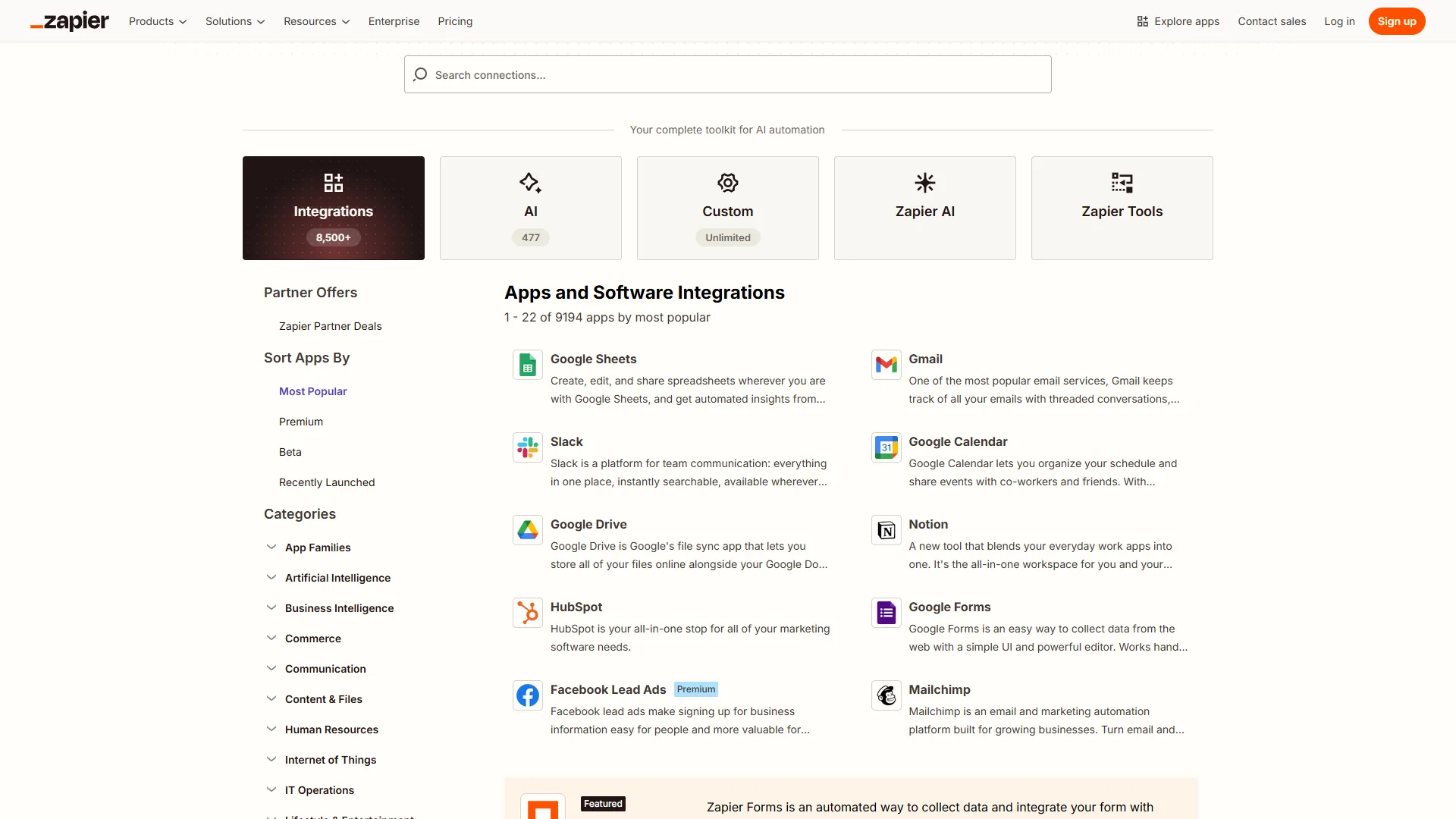
| App Integrations | 7,000+ | 2,000+ |
| Workflow Style | Linear trigger-action chains | Visual flowchart canvas |
| AI Features | Zapier Agents, multi-model AI | Make AI Agents (beta), Maia AI |
| Best For | Non-technical teams, fast setup | Complex workflows, cost control |
| Learning Curve | Minutes | 4-8 hours |
Quick verdict: Choose Zapier if your team needs automations running today with minimal training. Choose Make if you build multi-branch workflows or process high volumes where cost per operation matters.
Interface and Workflow Design
The way each platform thinks about automation design shapes everything else - who can use it, how fast they get started, and what they can build.
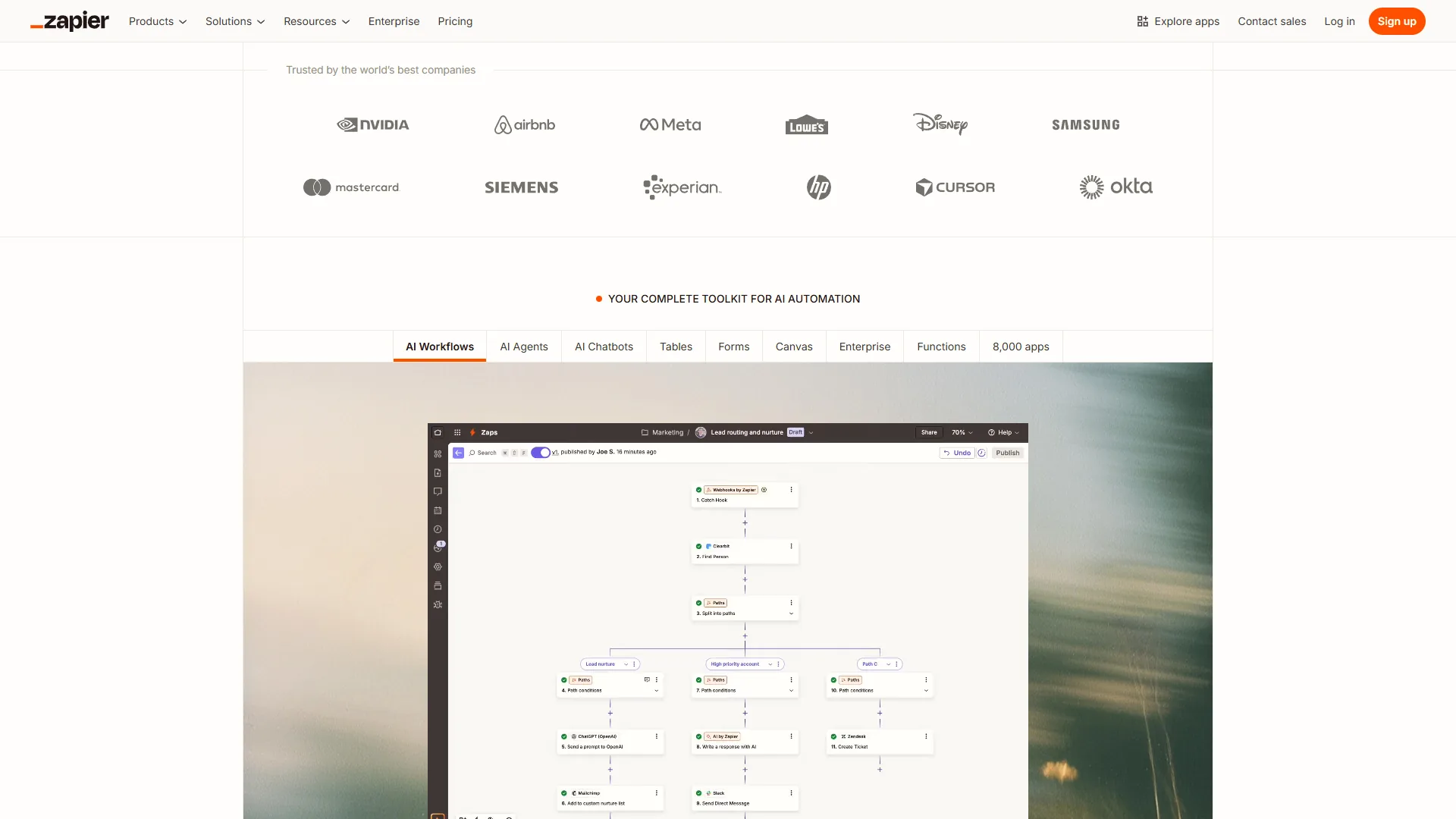
Zapier: Linear Simplicity
Zapier’s editor follows a single mental model: pick a trigger, add actions, turn it on. Select “New row in Google Sheets” as your trigger, add “Create contact in HubSpot” as your action, map the fields, and you have a working automation. A marketing coordinator with zero technical background can build this in under five minutes.
That simplicity is Zapier’s strongest selling point. There is only one path forward at each step, which eliminates decision paralysis. Paths and Filters add conditional logic when you need it, but the interface stays linear. You scroll down through your steps rather than zooming around a canvas.
The limitation shows up with complexity. A 12-step Zap with three conditional branches becomes hard to visualize because you cannot see the full workflow at once. Debugging means clicking through each step sequentially, and reorganizing step order requires rebuilding portions of the workflow.
Make: Visual Canvas Control
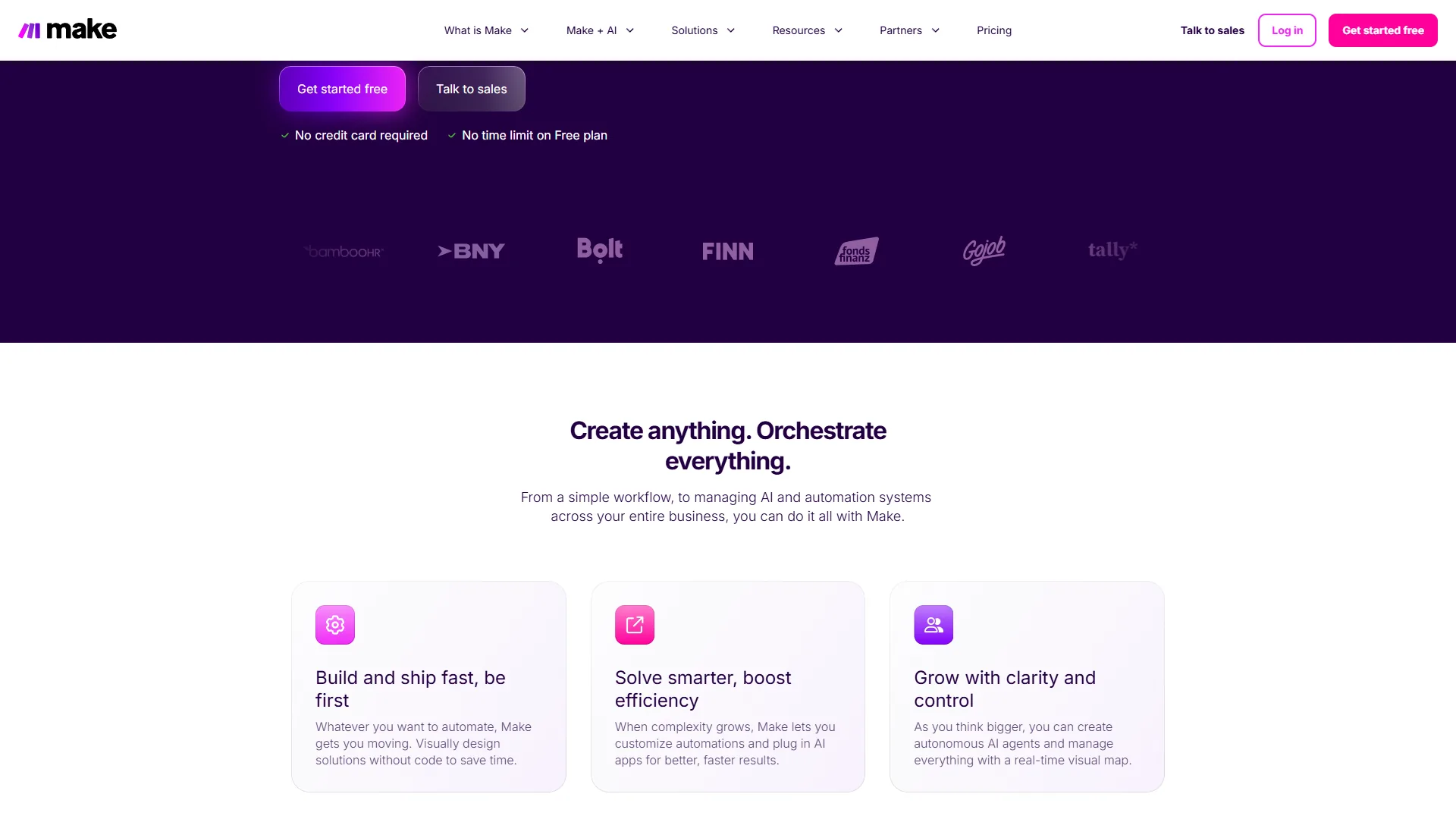
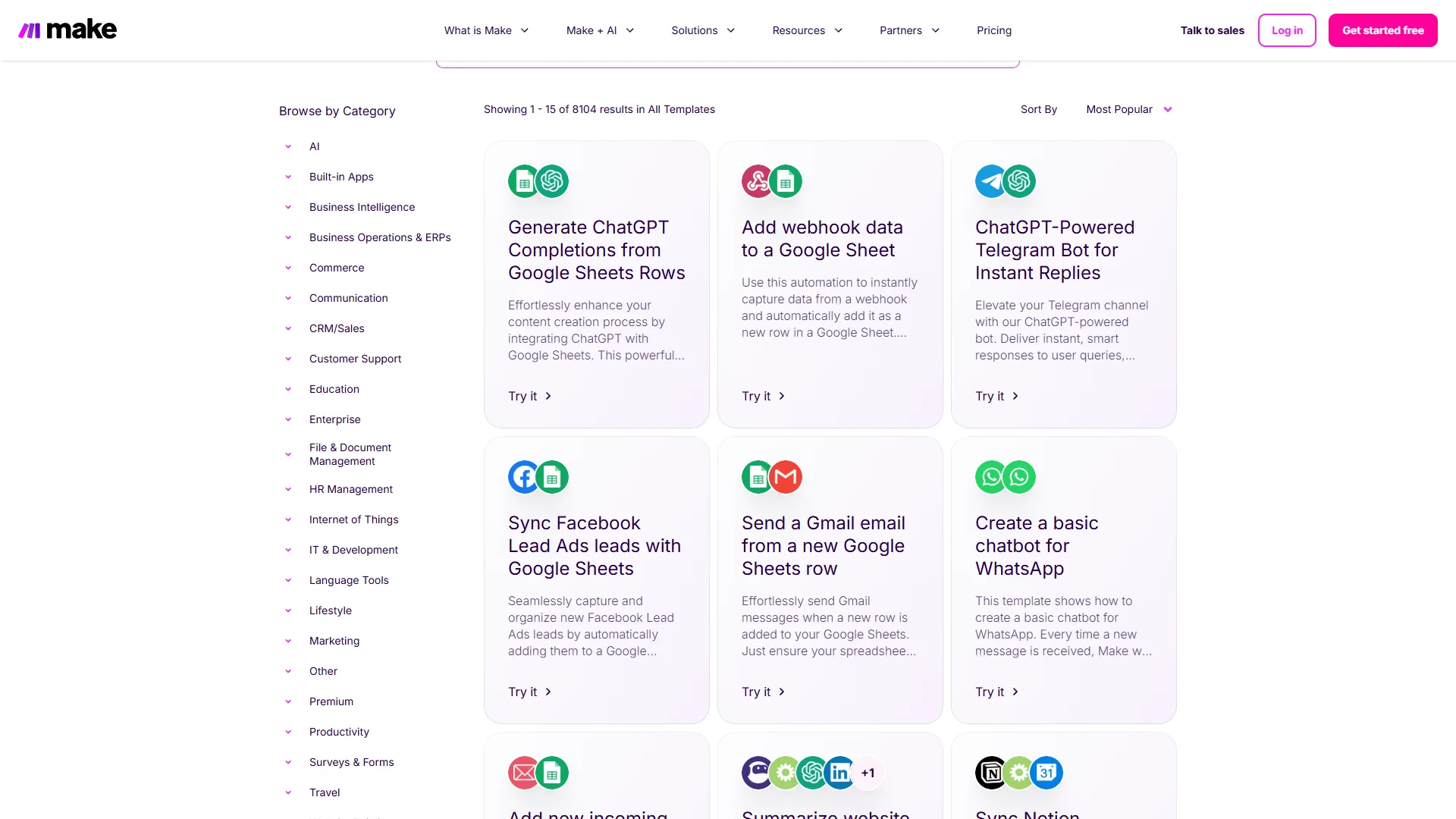
Make’s scenario builder takes a different approach entirely. You place modules on a canvas, draw connections between them, and build workflows as visual flowcharts. Routers split data into parallel paths. Aggregators merge results. Error handlers attach directly to specific modules. You see the entire automation at a glance.
This visual approach pays dividends as workflows grow. Branching logic is immediately visible. You can trace data flow through parallel paths without clicking into each step. Debugging is faster because you inspect any module in context while seeing how it connects to everything else.
The trade-off is a steeper learning curve. Concepts like iterators, aggregators, and router filters require explanation. Budget 4-8 hours to feel comfortable with Make’s interface if you have never used a visual automation tool before.
Verdict on interface: Zapier wins for teams that need automations running immediately with no training. Make wins for anyone building multi-branch workflows or managing more than a handful of active automations. The Zapier vs Make head-to-head goes deeper on interface mechanics if you want a closer read.
Pricing: What You Actually Pay
Pricing is where the zapier vs make automation 2026 comparison gets most interesting - and where the platforms diverge sharply.
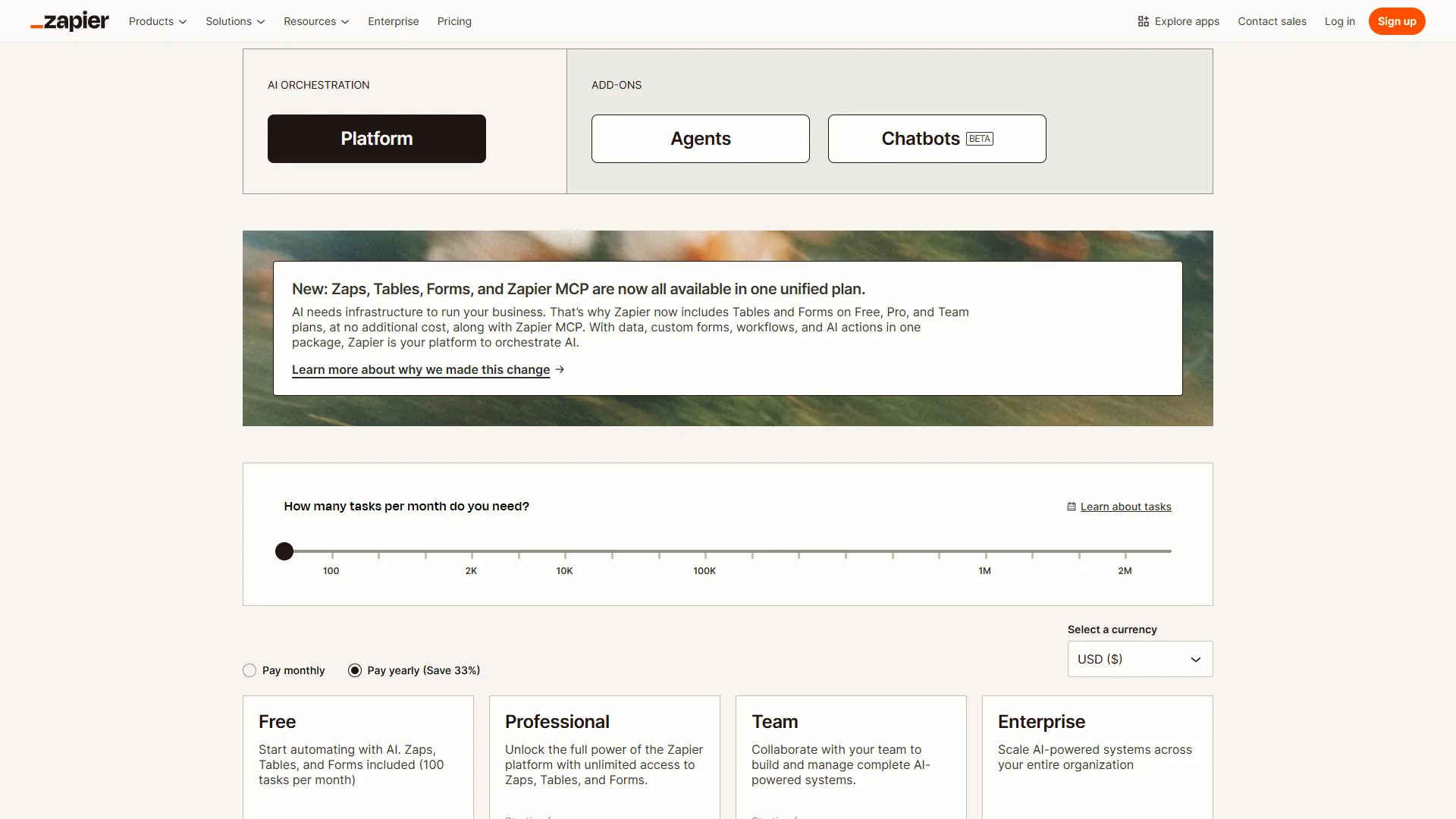
Zapier Pricing (February 2026)
| Plan | Monthly | Annual (per month) | Key Limits |
|---|---|---|---|
| Free | $0 | $0 | 100 tasks/month, 2-step Zaps only |
| Professional | $29.99 | $19.99 | 750+ tasks/month, multi-step |
| Team | $103.50 | $69 | 2,000+ tasks/month, unlimited users |
| Enterprise | Custom | Custom | Annual task allocation, SSO |
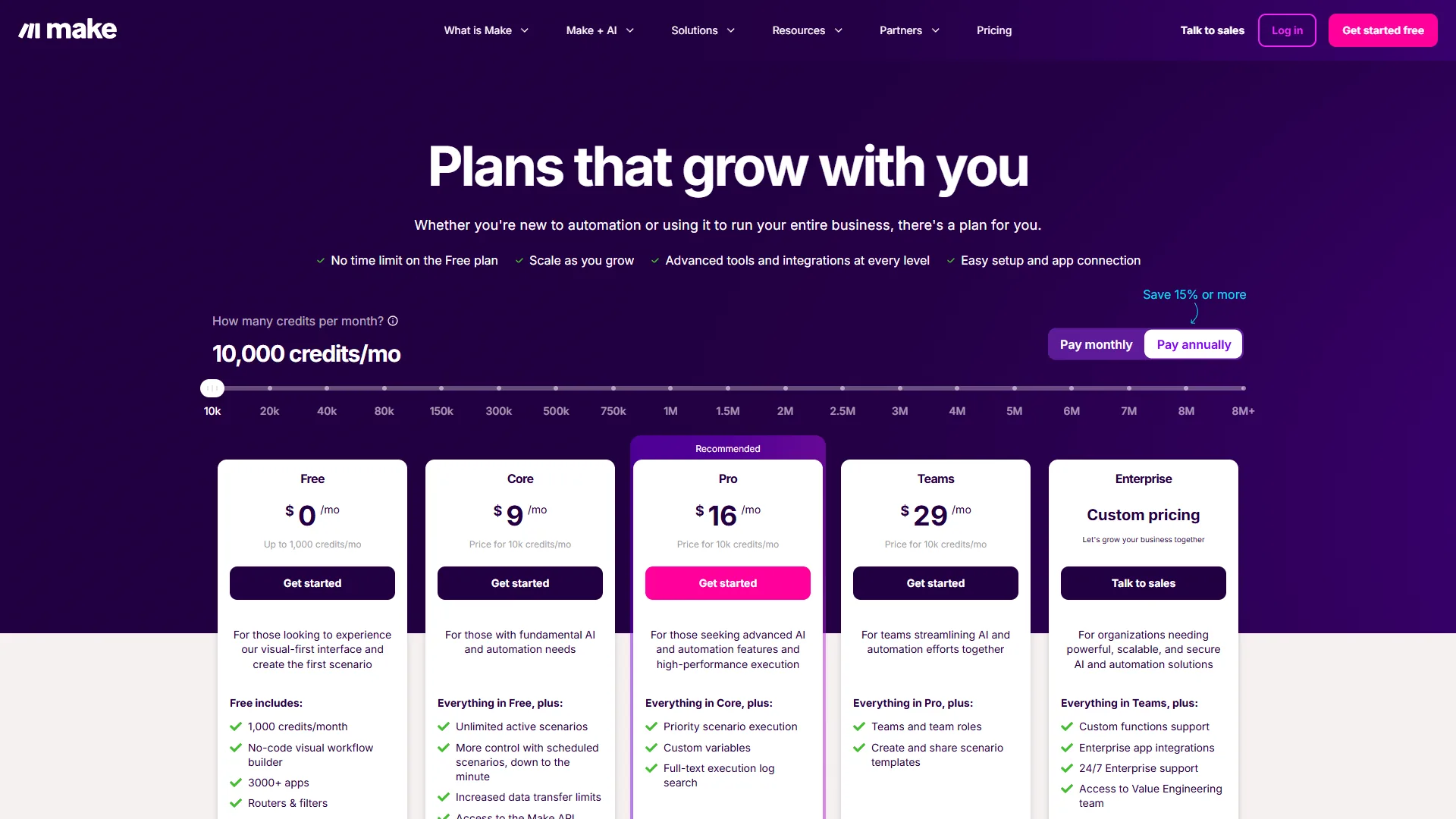
Make Pricing (February 2026)
| Plan | Monthly | Annual (per month) | Key Limits |
|---|---|---|---|
| Free | $0 | $0 | 1,000 ops/month, 15-min intervals |
| Core | $10.59 | $9 | Up to 300,000 ops/month |
| Pro | $18.82 | $16 | Up to 8 million ops/month |
| Teams | $34.12 | $29 | Pooled ops, collaboration |
| Enterprise | Custom | Custom | SSO, audit logs, dedicated support |
Real Cost at Different Usage Levels
The headline prices only tell part of the story. Here is what each platform actually costs at three common usage levels. A quick note on terminology: one Zapier “task” is a single action step that executes, and one Make “operation” is a single module execution. A 5-step workflow running once counts as around 5 units on either platform.
| Monthly Volume | Zapier Cost | Make Cost | Savings with Make |
|---|---|---|---|
| 500 operations | $29.99 (Professional) | $0 (Free tier covers it) | 100% |
| 2,000 operations | $29.99 (Professional) | $10.59 (Core) | Around 65% |
| 5,000 operations | $73.50+ (scaled Professional) | $10.59 (Core) | Around 85% |
At 500 monthly operations, Make handles your workload entirely on its free tier while Zapier requires the $29.99 Professional plan. At 5,000 operations, Zapier’s costs climb to around $73.50 or more while Make’s Core plan covers the volume with room to spare. The gap only widens as volume increases.
The free tier difference is equally telling. Zapier gives you 100 tasks per month with only 2-step Zaps - enough to test the platform but not enough to run real workflows. Make gives you 1,000 operations per month with unlimited steps, routers, and filters. That is 10x more room to build production-ready automations before paying anything.
Verdict on pricing: Make wins decisively at every volume level. Zapier’s premium is the price of simplicity and ecosystem breadth - a real value for some teams, but an expensive one. Buyers can cross-check the live tiers on the Zapier pricing page.
AI Features: Two Different Visions
Both platforms have invested heavily in AI, but their approaches reflect different product philosophies - each with its own limitations and tradeoffs. This is where the zapier vs make automation 2026 landscape gets genuinely interesting.
Zapier’s AI Ecosystem
Zapier offers the more mature AI feature set today:
- Zapier Agents (rebranded from Zapier Central in January 2026) - AI teammates that work autonomously across your connected apps, handling multi-step tasks and making decisions based on context
- AI by Zapier app - multi-model support for OpenAI GPT, Anthropic Claude, Google Gemini, and Azure OpenAI with custom API key support
- AI-powered Zap suggestions - the platform recommends workflow optimizations based on your usage patterns
- Python Functions - run custom Python code with AI libraries like Pandas and NumPy directly inside Zaps, as documented in Zapier’s Code by Zapier guide
The AI by Zapier app is production-ready and works well for content generation, smart routing, summarization, and data analysis within workflows. Zapier Agents require the Team tier ($103.50 per month), which puts autonomous AI automation behind a significant paywall.
Make’s AI Direction
Make’s AI features are newer but architecturally ambitious:
- Make AI Agents (launched in beta April 2026) - autonomous agents that adapt workflows in real time based on data patterns
- Maia AI - a natural language scenario builder that creates automations from plain English descriptions
- AI Content Extractor - processes PDFs, images, and audio files with built-in AI analysis
- Custom AI provider connections on all paid plans - integrate GPT-4o, Claude, and other models directly into scenarios
Maia AI deserves special attention. Describe a workflow like “When a new Stripe payment arrives, add the customer to a Google Sheet and send a Slack notification” and Maia builds around 80% of the scenario automatically. You fine-tune the rest visually. This hybrid approach combines conversational speed with visual precision.
Verdict on AI: Zapier’s AI is more mature and production-ready today, with broader model support. Make’s adaptive agent architecture and Maia AI builder show a compelling long-term direction. Neither platform’s AI features should be the sole deciding factor - both are evolving rapidly. Our best AI automation tools 2026 roundup tracks the wider AI-native landscape both vendors compete against.
Integration Ecosystem
Zapier’s integration library is around 3.5 times larger than Make’s - 7,000+ apps versus 2,000+. That gap is real, but whether it matters depends entirely on your app stack, and both platforms carry their own integration limitations and tradeoffs.
Both platforms cover all major business tools comprehensively: Google Workspace, Slack, HubSpot, Salesforce, Stripe, Shopify, Notion, Airtable, and hundreds of other mainstream SaaS products. If you use standard business software, both platforms connect to everything you need.
The gap surfaces with niche tools. A specialty CRM for veterinary practices, an industry-specific compliance platform, or a SaaS product that launched last month - Zapier is significantly more likely to have a native integration. This ecosystem advantage matters most for businesses with diverse, specialized app stacks.
Make partially bridges the gap with its HTTP and Webhook modules. Technical users can build custom integrations with any app that has a REST API. But that adds complexity and maintenance overhead that Zapier’s native connectors avoid.
Verdict on integrations: Zapier wins on sheer breadth. For mainstream tools, both platforms are equivalent. The gap matters most for niche or industry-specific applications. The best workflow automation tools 2026 breakdown shows where rivals close the integration gap with custom connectors.
Execution Limits and Reliability
Beyond pricing and features, execution constraints and platform limitations affect which platform works for your use case - and both Zapier and Make have real drawbacks here.
| Limit | Zapier | Make |
|---|---|---|
| Trigger Polling | 2 min (Professional) | 1 min (Core+) |
| Execution Timeout | 30 seconds per step | 40 minutes per scenario |
| Data Transfer | Varies by plan | 1 GB free, scales with plan |
| Concurrent Executions | Unlimited | Varies by plan |
| Error Retry | Automatic (configurable) | Auto-retry with error handlers |
Make’s 40-minute execution timeout is a significant advantage for workflows that process large datasets or call slow APIs. Zapier’s 30-second per-step limit means you need to break long-running processes into multiple Zaps, adding complexity.
For trigger polling, Make’s Core plan offers 1-minute intervals compared to Zapier Professional’s 2-minute intervals. Both platforms support instant webhooks for real-time triggers on apps that support them. The Make scheduling documentation describes how to tune those intervals for high-frequency workflows.
When to Choose Zapier
Zapier’s limitations - higher per-task cost, 30-second step timeout, weaker visual debugging - are real, so the platform is not for every team. Zapier is the right choice when:
- Your team is non-technical. Marketing coordinators, sales reps, and operations staff can build Zaps without training. The learning curve is measured in minutes, not hours.
- You use niche or industry-specific apps. Zapier’s 7,000+ integration library covers tools that Make simply does not support yet.
- Speed to deployment matters more than cost. You need automations running today, not next week after learning a new interface.
- You want mature AI features now. Multi-model AI support and Zapier Agents are production-ready and well-documented.
- Your automation volume is moderate. Teams running under 2,000 tasks per month may find Zapier’s premium acceptable for the simplicity it provides.
When to Choose Make
Make’s limitations - 4-8 hour learning curve, smaller integration library, less mature AI - matter most for non-technical teams. Make is still the right choice when:
- You build complex, multi-branch workflows. The visual canvas transforms how you design, debug, and maintain automations with conditional logic and parallel paths.
- Cost efficiency matters. Make delivers 60-85% savings compared to Zapier at moderate to high volumes. For budget-conscious teams, the math is compelling.
- You process high volumes. Make’s Core plan handles up to 300,000 operations for $10.59 per month. Equivalent volume on Zapier costs significantly more.
- You need long-running executions. The 40-minute scenario timeout handles data-heavy workflows that would time out on Zapier’s 30-second step limit.
- You want visual workflow debugging. Seeing your entire automation as an interactive flowchart makes troubleshooting faster and more intuitive.
What About Other Platforms?
Both n8n and Power Automate carry meaningful limitations and drawbacks compared with Zapier or Make - here is where each one is not for you.
n8n is worth considering if you want self-hosted, open-source automation. It offers visual workflow design similar to Make with the added benefit of running on your own infrastructure. The trade-off is that setup and maintenance require developer skills, and the n8n documentation covers self-hosting requirements in depth.
Power Automate fits teams already embedded in the Microsoft 365 ecosystem. It integrates deeply with Excel, Teams, SharePoint, and Dynamics 365 but lacks the cross-platform flexibility of Zapier or Make. The Power Automate documentation outlines the licensing tiers and module catalog in detail.
Neither alternative matches the zapier vs make automation 2026 comparison for breadth of integrations, ease of use, and overall market maturity.
Frequently Asked Questions
Can I migrate from Zapier to Make?
Yes, but there is no automatic migration tool. You rebuild workflows manually in Make’s visual editor. Budget 1-2 hours per complex workflow. The upside is that rebuilt automations often end up better designed - Make’s canvas forces you to think about error handling and branching logic upfront.
How do tasks and operations compare?
One Zapier “task” is a single action step that executes. One Make “operation” is a single module execution. A 5-step workflow running once counts as around 5 units on either platform. The terminology differs, but the consumption model is roughly equivalent. The Zapier task counting reference covers exactly which actions count as billable tasks.
Which platform has better uptime?
Both are reliable for production use. Zapier has a longer track record, processing billions of tasks monthly since 2011 with documented 99.9% uptime. Make’s infrastructure is solid and continues to improve with each pricing and backend update. For most teams, both are dependable.
Is it worth using both platforms?
Some teams run both. Use Zapier for simple, high-reliability workflows that non-technical staff manage. Use Make for complex, high-volume automations that technical staff own. This hybrid approach costs slightly more but lets each platform play to its strengths. The how to automate email with AI guide is a good starting point for hybrid Zapier-and-Make stacks.
The Bottom Line: Zapier vs Make Automation 2026
The zapier vs make automation 2026 decision comes down to a clear trade-off: simplicity and ecosystem breadth versus visual power and cost efficiency.
Zapier is the right choice if you want automation that works in minutes, have non-technical team members building workflows, or need integrations with niche apps. The 7,000+ app ecosystem, intuitive linear interface, and mature AI features make it the lowest-friction path to automation. You pay a premium for that simplicity - but for many teams, the time saved justifies the cost.
Make is the right choice if you build complex workflows, care about cost at scale, or want visual control over your automation logic. At $10.59 per month for up to 300,000 operations, the value proposition is hard to beat. The 4-8 hour learning curve is real but manageable - invest the time and you gain a platform that scales with your needs without scaling your bill.
The recommendation for most teams: Start with Make’s free tier (1,000 ops/month). If the visual canvas clicks for you, the savings compound every month. If you find the learning curve frustrating and need automations running now, switch to Zapier without hesitation. Both are excellent platforms - the best one is the one your team will actually use.
Related Reading
- Best AI Automation Tools 2026
- Best Workflow Automation Tools 2026
- How to Automate Email with AI
- AI Tools for Small Business
- Zapier Review
- Make Review
External Resources
- Zapier Blog - Official automation guides, templates, and product updates
- Make Blog - Platform tutorials and automation case studies
- Make Community Forum - User discussions, shared templates, and troubleshooting