






The best AI tools for researchers in 2026 are Perplexity for discovery, Elicit for analysis, Consensus for evidence synthesis, Paperguide for end-to-end workflow, Claude for long-document analysis, and ChatGPT for writing. Each AI research tool handles a distinct phase of the academic research AI workflow, and no single research assistant AI dominates all of them. Whether you are a PhD student buried in a literature review, a postdoc running systematic reviews, or a policy researcher synthesizing evidence, the sheer volume of academic output - more than 3 million articles published yearly, according to the NSF Science and Engineering Indicators - has outpaced any individual scholar.
This guide draws on current vendor documentation, public pricing pages, and independent research rather than sponsored placement. AI Productivity earns a commission from some links on this page; rankings are editorially independent. Six AI tools were evaluated across the three core phases of the research workflow: discovery, analysis, and writing. Whether you need help with research paper writing, evidence synthesis, or peer-review prep, choosing the right AI for research depends on which phase you are stuck in. The best tools for researchers in 2026 chain together rather than compete head to head, and many AI tools for researchers free of charge cover discovery and analysis before any paid tier is required.
What Is the Best AI Tool for Each Research Phase?
The best AI tool depends on the phase: Perplexity wins discovery, Elicit wins analysis, Consensus wins evidence synthesis, Claude wins long-document analysis, Paperguide wins all-in-one workflow, and ChatGPT wins general research writing.
Best for literature discovery: Perplexity - Citation-backed answers with Academic Focus mode and Deep Research for multi-step exploration
Best for paper analysis and systematic reviews: Elicit - Purpose-built for extracting structured data from 125M+ academic papers
Best for evidence synthesis: Consensus - Searches 200M+ papers and surfaces Yes/No/Mixed consensus meters on research questions
Best for long document analysis: Claude - 200K token context window processes entire dissertations, grant proposals, or multi-paper sets in one pass
Best for all-in-one academic research workflow: Paperguide - Searches 200M+ papers, automates literature reviews, and writes with auto-citations in one platform
Best for general research assistance: ChatGPT - GPT-5.1 with Deep Research mode for broad multi-source investigations across academic and non-academic sources
Why Do Research Phases Matter for AI Tool Selection?
Research splits into three phases - discovery, analysis, and writing - and each phase rewards a different tool capability.
Phase 1: Discovery - Finding relevant papers, identifying gaps, mapping a field. You need breadth and citation quality.
Phase 2: Analysis - Extracting data, comparing methodologies, evaluating evidence quality. You need structured extraction across dozens of papers.
Phase 3: Writing - Synthesizing findings, drafting sections, refining arguments. You need long context windows and strong reasoning.
No single tool dominates all three phases.
Which AI Tools Are Best for Research Discovery?
Perplexity and Consensus are the two best AI research tools for discovery, with Perplexity winning citation-backed literature search and Consensus winning empirical evidence synthesis across 200M+ papers. Each pairs well with a paper summarization tool downstream.
Perplexity - Best for Source-Backed Literature Discovery
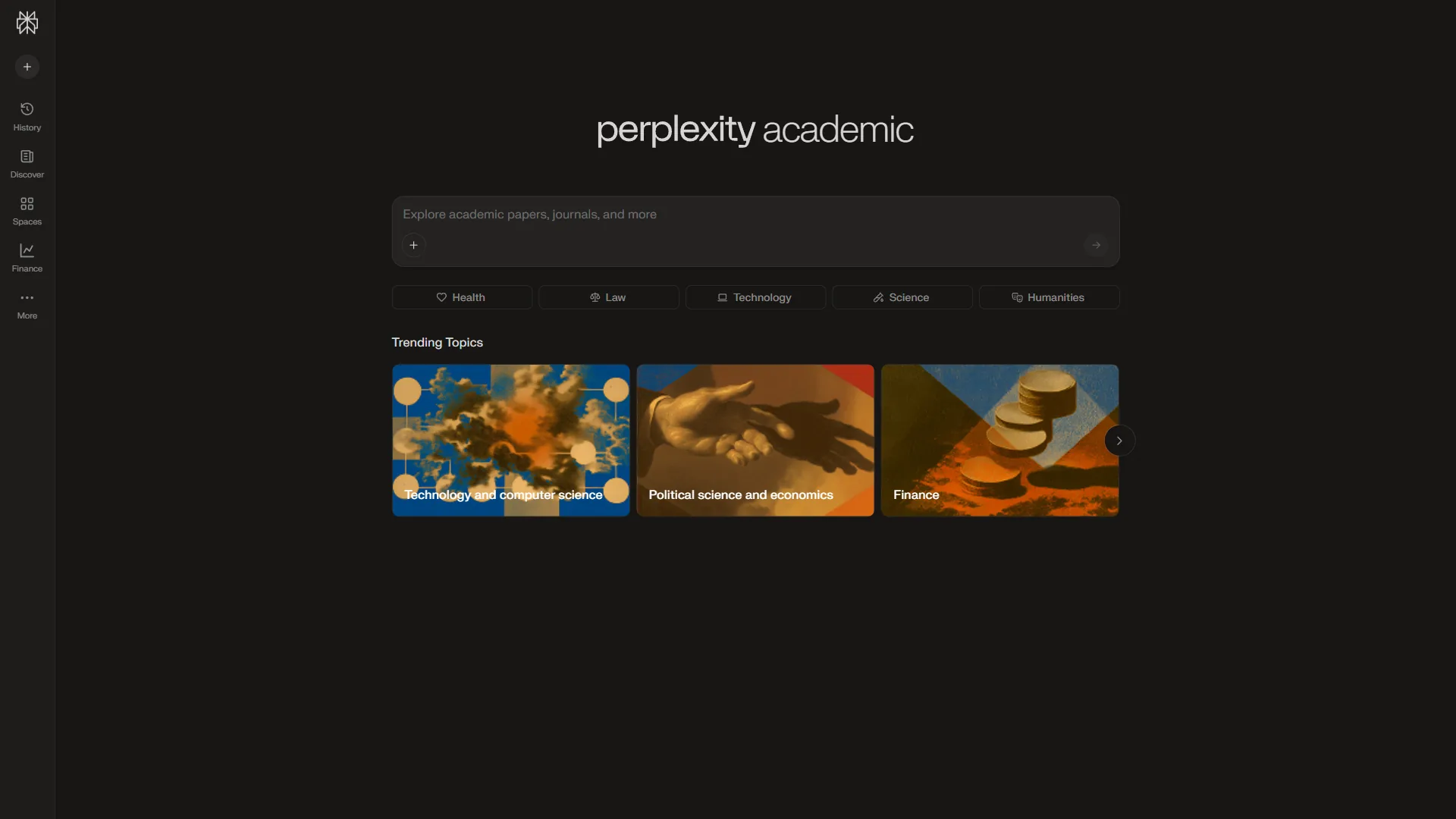
Perplexity replaces the “spend three hours in Google Scholar” phase. It reads sources, synthesizes findings, and cites every claim with numbered references.
The Academic Focus mode filters results to peer-reviewed sources, preprints, and institutional publications. Deep Research autonomously explores multiple search paths, reads dozens of sources, and produces a structured report with citations.
Where it falls short: Perplexity is a discovery tool, not an analysis tool. It cannot extract structured data across multiple papers the way Elicit does.
Pricing: Free tier handles most discovery tasks. Pro ($20 a month) unlocks Deep Research and unlimited Academic Focus searches.
Consensus - Best for Evidence Synthesis at Scale
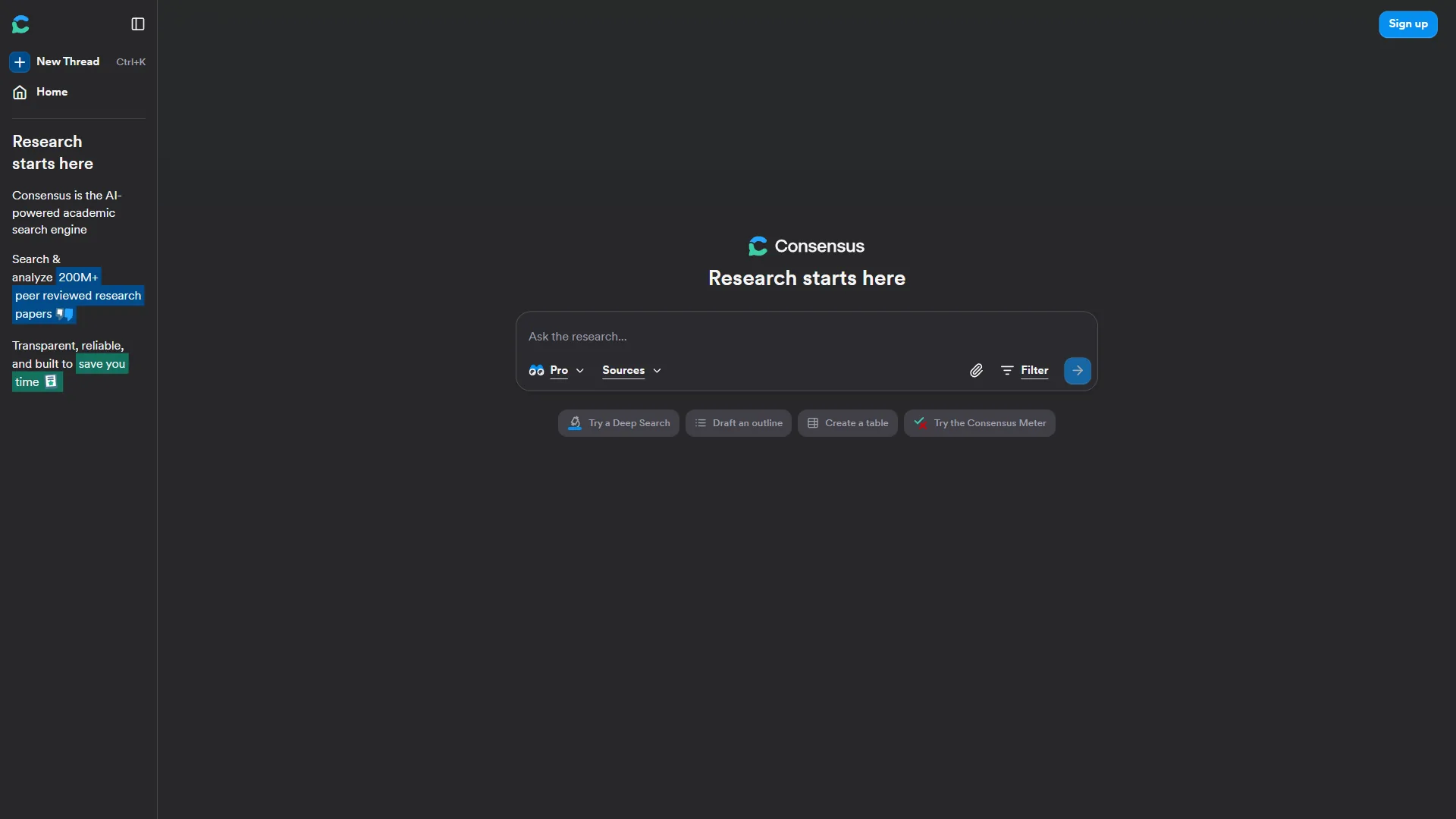
Consensus searches over 200 million academic papers and extracts findings that directly answer your question.
The Consensus Meter is the standout feature. Ask “Does meditation reduce anxiety?” and you get a visual breakdown - “Yes (85%), Mixed (10%), No (5%)” - from relevant studies. Study Snapshots provide structured summaries of each paper’s methodology, sample size, and findings.
Where it falls short: Consensus is best for well-defined empirical questions and only searches its indexed database - you cannot upload papers.
Pricing: Free tier includes basic searches. Premium ($8.99 a month) adds unlimited AI-powered searches, GPT-5 summaries, and study quality filters.
Phase 2: Analysis Tools
Analysis tools are AI for scholars who need to extract, compare, and reason across many papers at once. Elicit, Paperguide, and Claude cover this phase, with Elicit leading structured extraction and Claude leading deep single-document reasoning.
Elicit - Best for Structured Paper Analysis and Systematic Reviews
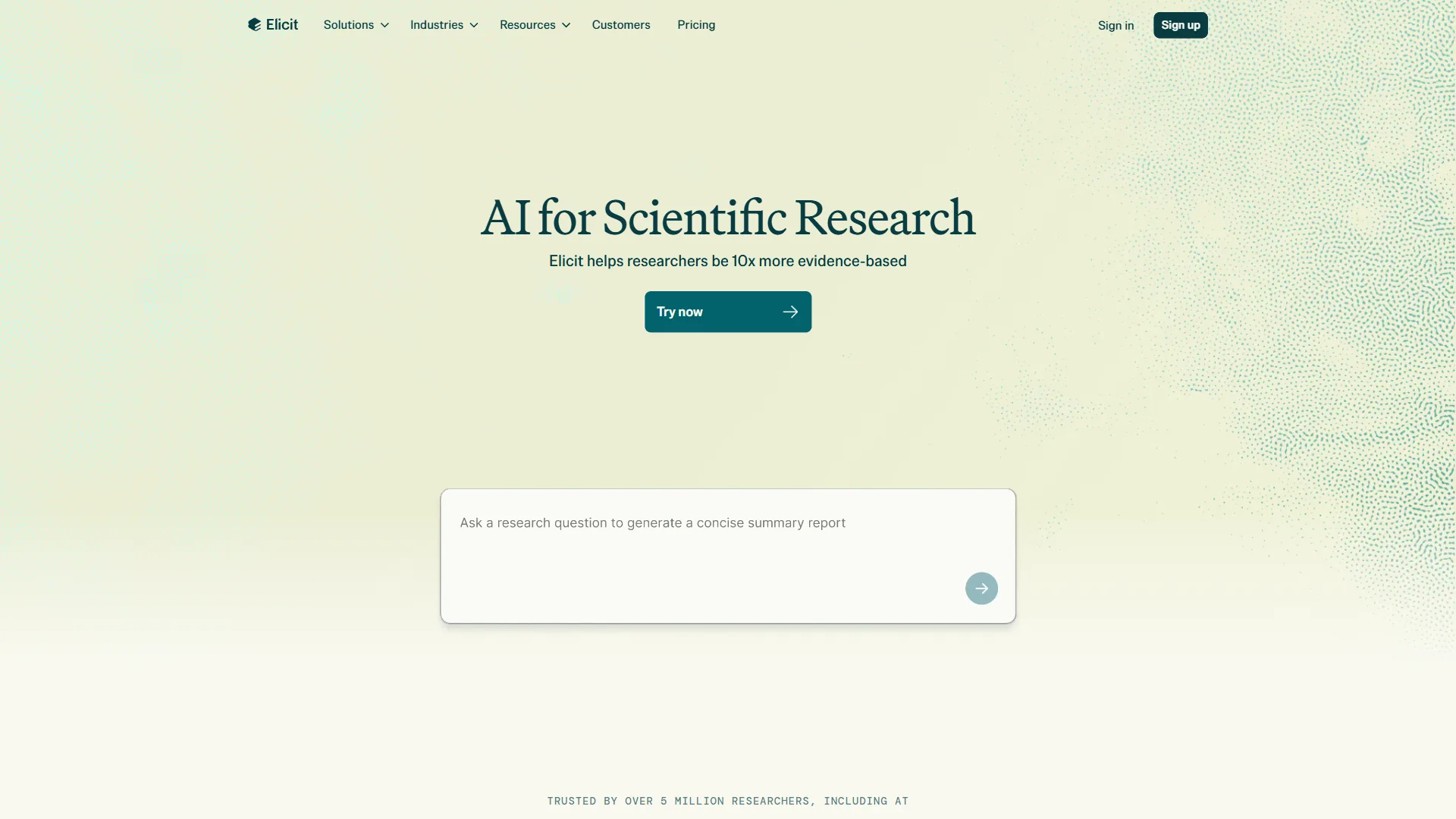
Elicit is purpose-built for reading, extracting, and comparing information across large sets of papers.
Structured data extraction is Elicit’s core strength. Upload a set of papers or search across its 125M+ database, and Elicit extracts data points into a structured table - sample sizes, methodologies, findings, limitations, populations. Custom columns define what data to extract, and paper recommendations surface related work.
Where it falls short: Elicit works best with empirical papers. Theoretical papers, book chapters, and policy documents do not extract as cleanly.
Pricing: Free tier with limited extractions. Plus ($10 a month) removes most limits. Teams ($25 a month) adds collaboration features.
Paperguide - Best All-in-One Academic Research Workflow
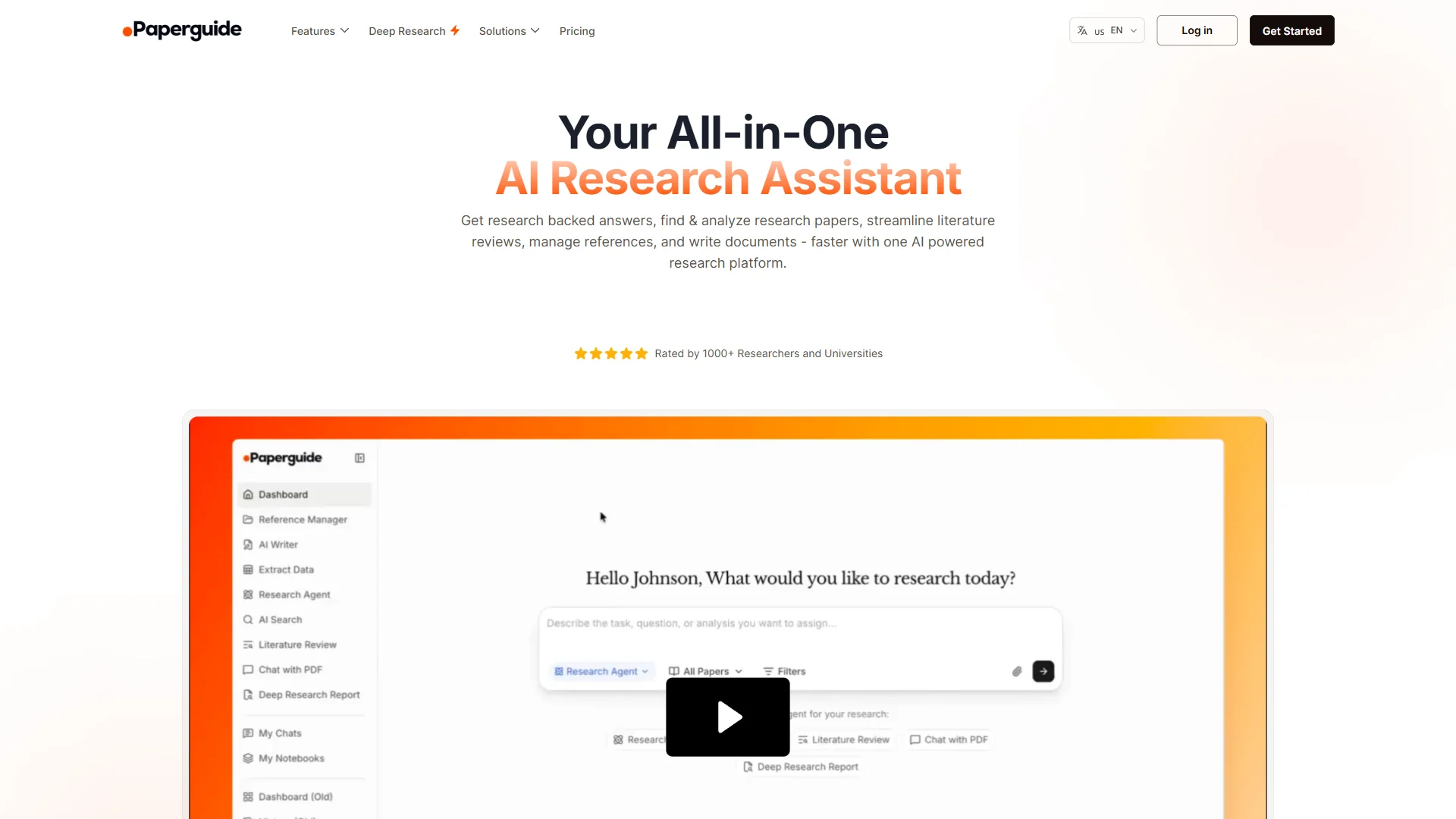
Paperguide covers the entire workflow in a single platform - search across 200 million academic papers, generate automated literature reviews, manage references, and write with auto-populated citations.
Deep Research generates structured literature review sections with citations from its 200M+ database. AI Writer with auto-citations pulls citations from your reference library while you draft. Reference management is built in and connects with Zotero. Data extraction pulls columns across up to 100 papers on paid plans.
Where it falls short: Elicit remains stronger for PRISMA-compliant systematic reviews. Paperguide cannot search the live web.
Pricing: Free tier includes 20 AI searches and 2 writer documents per month. Plus ($12 a month annual, $19 a month monthly) unlocks unlimited searches and the plagiarism checker. Pro ($24 a month annual, $35 a month monthly) raises the AI credit ceiling.
Claude - Best for Deep Document Analysis
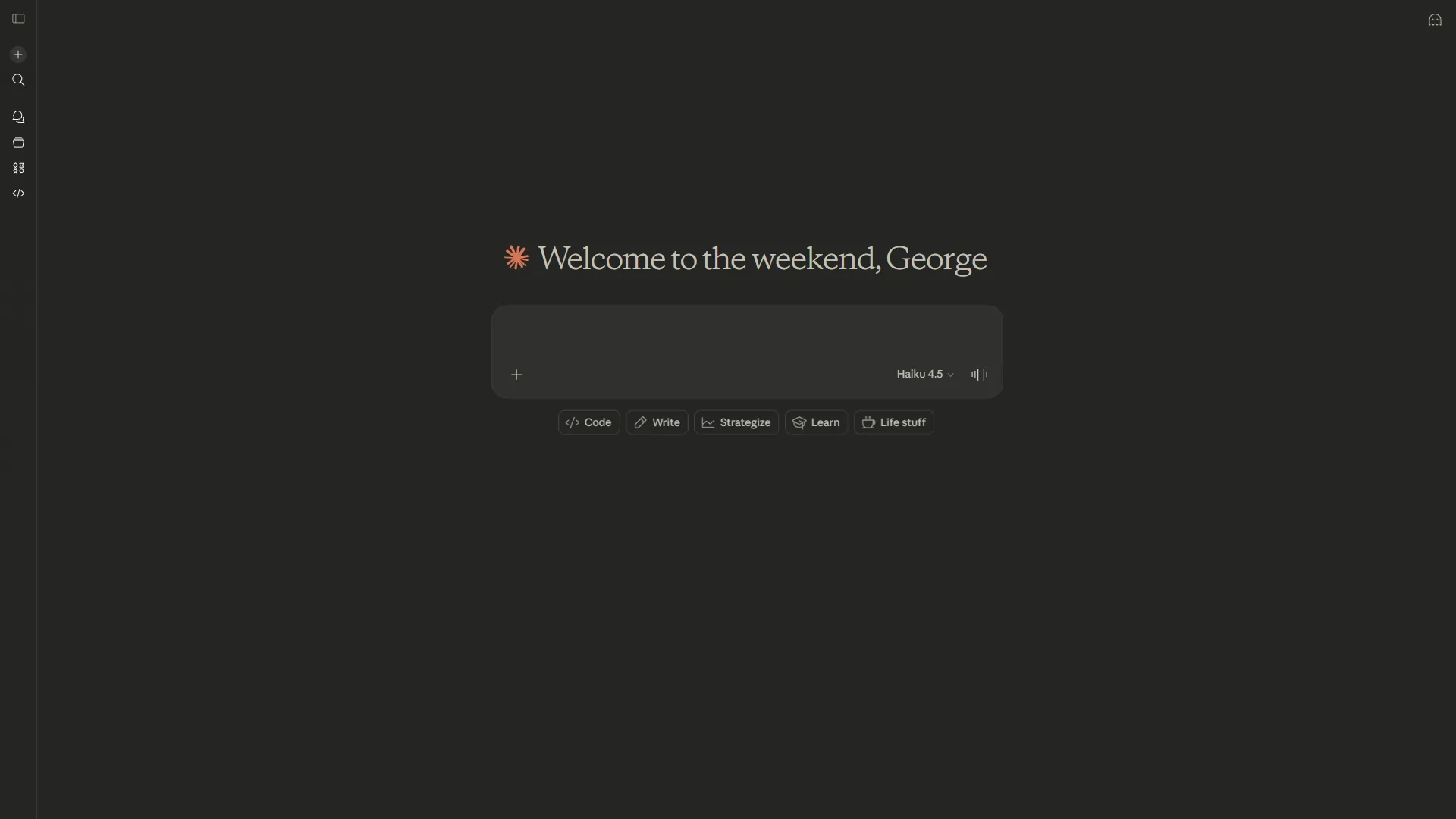
Claude earns its place through raw processing power. Its 200K token context window - roughly 150,000 words or 500 pages of text - analyzes entire dissertations, grant proposals, or paper collections in a single conversation.
Long context analysis is where Claude outperforms alternatives. Paste in a 100-page policy report and ask Claude to identify the strongest arguments, weakest evidence, and internal contradictions. Structured output produces comparison tables, and nuanced reasoning identifies methodology issues like selection bias, confounding variables, or measurement validity.
Where it falls short: Claude does not search the internet or academic databases - it analyzes what you give it. Pair it with Perplexity or Consensus for discovery.
Pricing: Free tier with limited usage. Pro ($20 a month) increases rate limits. Max ($100 a month) adds significantly higher usage caps for heavy research workloads.
Phase 3: Writing and Synthesis Tools
Writing tools include ChatGPT and Claude, which draft sections, refine arguments, and convert extracted notes into publishable prose. Neither replaces a dedicated citation generator AI, so always verify references against Perplexity, Consensus, or your reference manager.
ChatGPT - Best for Research Writing and General Investigation
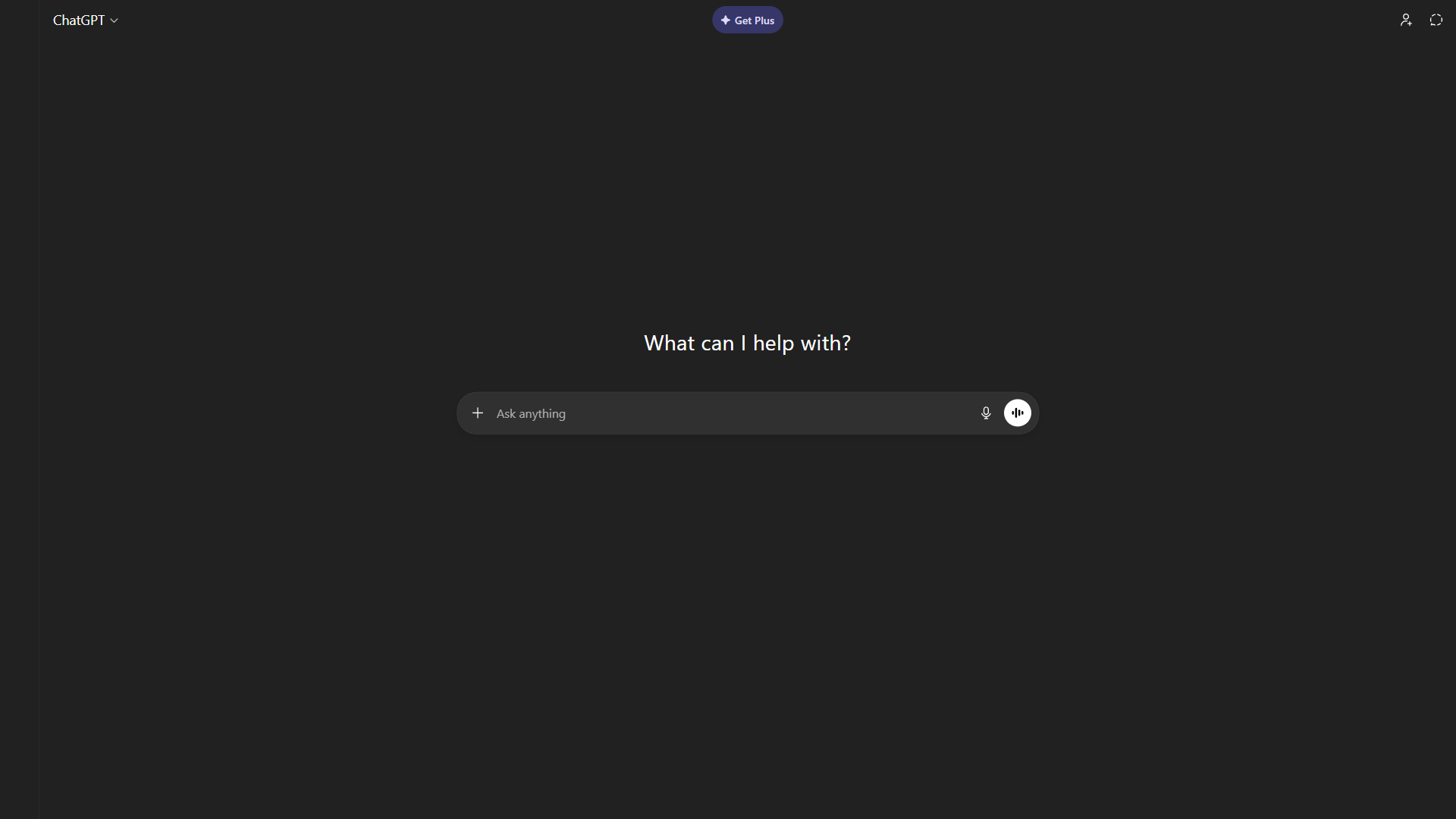
ChatGPT is the Swiss Army knife of the research stack - versatile across discovery, analysis, and writing.
Deep Research mode (Plus and Pro plans) conducts autonomous multi-step investigations across the web. Writing assistance is where researchers get daily value from ChatGPT - rewriting methods sections, suggesting transitions, or adapting tone for a different journal. Brainstorming helps researchers think through problems (the OpenAI prompt engineering guide covers patterns that work).
Where it falls short: ChatGPT’s citations are less reliable than Perplexity’s or Consensus’s. It hallucinates paper titles, invents DOIs, and cites studies that do not exist. Always verify academic citations against actual databases.
Pricing: Free tier with GPT-4o access. Plus ($20 a month) unlocks Deep Research mode. Pro ($200 a month) adds the most powerful models - overkill for most researchers.
Comparison Table: AI Tools for Researchers at a Glance
The comparison table below ranks the six AI research tools across rating, paper database size, starting price, citation quality, and primary strength. Pricing reflects each vendor’s published rates in 2026.
| Feature | Perplexity | Elicit | Consensus | Paperguide | ChatGPT | Claude |
|---|---|---|---|---|---|---|
| Rating | ||||||
| Best Phase | Discovery | Analysis | Evidence synthesis | All phases | Writing & general | Deep analysis |
| Paper Database | Web + academic | 125M+ papers | 200M+ papers | 200M+ papers | Web + academic | User-provided docs |
| Free Tier | Yes | Yes (limited) | Yes (limited) | Yes | Yes | Yes |
| Starting Price | $20/mo Pro | $10/mo Plus | $8.99/mo Premium | $12/mo Plus (annual) | $20/mo Plus | $20/mo Pro |
| Citation Quality | Excellent | Excellent | Excellent | Good (auto-cite) | Unreliable | N/A (no search) |
| Systematic Review | Basic | Excellent | Good | Good | Basic | Good (with uploads) |
| Key Strength | Source-backed discovery | Structured extraction | Consensus meters | Full workflow (search→write) | Versatile writing aid | 200K context window |
How Do You Build a Research Stack by Budget?
Researchers build a stack by matching one tool to each workflow phase within budget, ranging from $0 a month (free tiers of Perplexity, Consensus, and Claude) to roughly $80 a month for the full paid stack across discovery, analysis, synthesis, and writing. Not every researcher needs all six tools. Here are practical stacks for different budget levels.
Free Student Stack ($0 a month)
Tools: Perplexity (free) + Consensus (free) + Claude (free). Covers all three phases at no cost; free tiers cap usage but suit one or two active projects.
Early Career Researcher ($20 a month)
Tools: Perplexity Pro ($20 a month) + Elicit (free) + Consensus (free) + Claude (free). Perplexity Pro is the single most impactful upgrade. Swap to Elicit Plus + Consensus Premium for systematic-review-heavy work, or Paperguide Plus ($12 a month annual) as a single-tool option.
Funded Lab ($50-60/mo)
Tools: Perplexity Pro ($20 a month) + Elicit Plus ($10 a month) + Consensus Premium ($8.99 a month) + Claude Pro ($20 a month). The full stack replaces 10-15 hours per week of mechanical research work. Add ChatGPT Plus ($20 a month) for grey literature or writing-heavy projects.
How Do You Run a Literature Review Workflow with AI?
A complete AI-assisted literature review chains five tools in sequence and finishes in 2-4 hours instead of weeks.
Step 1: Scope the field (Perplexity, 15 minutes) - Use Academic Focus to map frameworks, key researchers, and major debates.
Step 2: Find the evidence base (Consensus, 10 minutes) - Convert research questions into empirical queries. Consensus shows the weight of evidence across studies.
Step 3: Extract and compare (Elicit or Paperguide, 30-60 minutes) - Pull methodologies, sample sizes, and findings into tables. Paperguide keeps references, writing, and citations together.
Step 4: Analyze deeply (Claude, 30-60 minutes) - Upload extracted data and ask Claude to identify patterns, contradictions, and gaps across studies.
Step 5: Draft (ChatGPT or Claude, 60-90 minutes) - Draft specific sections - “current state of evidence”, “methodological critique” - then edit heavily.
Which Tools Work for Literature Review Automation?
These platforms work for literature review automation across systematic, narrative, and scoping review formats. Common paper AI tools include Elicit for PRISMA-style extractions, Paperguide for end-to-end reference and writing workflows, Consensus for evidence weighting, and Perplexity for upstream scoping. Most research and writing assistants prioritize citation traceability, so always cross-check the originating DOI before quoting any extracted finding.
What About Semantic Scholar, Zotero, and Other Research Tools?
These four tools are infrastructure rather than analysis tools: Semantic Scholar, Zotero, Connected Papers, and Research Rabbit complement the six core AI research tools above but do not replace AI-driven discovery, extraction, or synthesis.
Semantic Scholar is excellent for citation graph exploration; its free API supports custom workflows. Zotero is essential infrastructure for reference management. Connected Papers and Research Rabbit offer visual citation-network discovery but cover life sciences best.
Skip these as primary tools if you need structured data extraction, evidence weighting, or AI-drafted synthesis.
Frequently Asked Questions
Common FAQs include journal disclosure rules, non-English language coverage, extraction accuracy benchmarks, and academic integrity guidance.
Can I use AI tools for researchers in peer-reviewed publications?
Yes, AI tools are permitted with appropriate disclosure. Most journals now have AI use policies. The general standard is: using AI for discovery, analysis assistance, and writing feedback is acceptable; using AI to generate text presented as your own is not. Always check your target journal’s policy and document your AI usage.
Do these tools handle non-English research?
Perplexity and ChatGPT work well across major languages. Elicit and Consensus are strongest in English but include papers with English abstracts from non-English journals. Claude handles multiple languages but performs best in English. For non-English systematic reviews, supplementing with language-specific databases is still necessary.
How accurate are AI-extracted data points?
Accuracy varies by tool and task complexity. Elicit reports 90%+ accuracy for straightforward extractions (sample size, methodology type) and lower accuracy for nuanced judgments (study quality assessment). Always spot-check extracted data against source papers, especially for quantitative values that will appear in your published work.
Will using AI tools be considered academic dishonesty?
Using AI tools for research assistance - finding papers, extracting data, getting writing feedback - is generally accepted when disclosed. The line is at authorship. According to Springer Nature’s editorial policy on AI, “Large Language Models do not currently satisfy our authorship criteria. Notably an attribution of authorship carries with it accountability for the work, which cannot be effectively applied to LLMs.” When in doubt, consult your institution’s academic integrity policy.
The Bottom Line
The best AI research stack chains six tools by phase: Perplexity for discovery, Consensus for evidence weighting, Elicit for structured extraction, Paperguide for end-to-end workflow, Claude for long-document analysis, and ChatGPT for writing. Start with the free tiers, map each tool to its strongest phase, and build incrementally. Researchers saving 10-15 hours per week are chaining the right tool for each phase, not using one magical tool.
Related Reading
Related guides extend the workflows above with deeper tool-by-tool reviews and adjacent research techniques.
- Perplexity Review - Full review with pricing, features, and alternatives
- Elicit Review - Full review of the AI research assistant for academic papers
- Consensus Review - Full review of the AI-powered academic search engine
- Paperguide Review - Full review of the all-in-one AI research assistant for academics
- ChatGPT Review - Full review of OpenAI’s AI assistant with Deep Research mode
- Claude Review - Full review of Anthropic’s AI assistant for long-document analysis
- How to Research Faster with AI - Workflow strategies and prompt chains
- Anthropic Claude vs OpenAI GPT - Comparison of two core research tools
- How to Analyze Data with AI - Data analysis workflows
External Resources
External references point to vendor documentation and peer-reviewed coverage of AI in academic research.
- Elicit - AI Research Assistant - Purpose-built research tool for finding and analyzing academic papers
- Consensus - AI-Powered Academic Search - Evidence-based search engine with consensus meters across 200M+ papers
- Nature: How AI Is Changing Academic Research - Peer-reviewed perspective on AI adoption in research workflows