


Learning how to research faster with AI starts by recognizing that research is the invisible tax on every knowledge worker’s day. Whether you are preparing a client proposal, scoping a new market, or analyzing competitors, the research phase consistently eats more time than the actual deliverable. According to McKinsey research, professionals spend nearly 20% of their workweek searching for information - roughly one full day lost every single week.
The problem is not a lack of information. It is the opposite. There is too much of it, and most traditional research methods - tab-hopping through Google results, skimming PDFs, cross-referencing data manually - were designed for a world with far less noise. Learning how to research faster with AI means replacing the slowest parts of the process with tools that handle source discovery, synthesis, and analysis at a fundamentally different speed.
This guide shows you how to chain three AI tools into a research workflow that cuts hours off any project. Every strategy includes specific prompts, tool sequences, and time benchmarks.
TL;DR: AI Research Tools Compared
How to Research Faster with AI is easier than most people expect with the right tools and approach. This guide walks through the practical steps to research faster with AI free tiers or paid plans, from choosing the right platform to building workflows that save hours each week.
| Tool | Best For | Starting Price | Research Strength | Rating |
|---|---|---|---|---|
| Perplexity | Source finding, fact verification, cited answers | Free (Pro: $20/month) | Citation-backed answers with Deep Research mode | |
| ChatGPT | Synthesis, analysis, summarization | Free (Plus: $20/month) | Pattern recognition across large datasets, brainstorming | |
| Claude Code | Deep analysis, long documents, structured output | Free (Pro: $20/month) | 200K token context for processing entire reports |
No single tool handles every phase of research well. Perplexity excels at source discovery. ChatGPT is strongest at synthesis. Claude Code dominates for processing large documents. Because all three run as AI online services in your browser, chaining them in sequence is where the 10x speed gain comes from.
Why Traditional Research Is So Slow
Before diving into the AI workflow, it helps to understand exactly where time disappears. The bottlenecks are specific.
Source discovery is a needle-in-a-haystack problem. A Google search for “SaaS market size 2026” returns millions of results. Finding three credible, current sources takes 15-30 minutes of clicking and evaluating. AI search tools reduce this to under 60 seconds.
Context switching destroys focus. Research from the American Psychological Association shows that task-switching can reduce productive time by up to 40%. Every new tab you open and evaluate drains working memory. AI tools let you stay in one interface.
Synthesis is the real bottleneck. Finding information is slow, but making sense of it is slower. Turning 15 sources into a coherent analysis requires reading, comparing, and resolving contradictions - exactly where AI delivers the biggest time savings.
Verification creates recursive loops. You find a statistic, but the source looks questionable. You search for the original study. That leads to a different number. Citation-backed AI tools short-circuit this loop by surfacing primary sources from the start.
How to Research Faster with AI: The Three-Tool Stack
The key to understanding how to research faster with ai is recognizing that no single tool handles every phase well. The fastest workflow chains three tools in sequence, with each handling the phase it does best.
Step 1: Source Discovery with Perplexity
Every research project starts with the same question: “What do I need to know, and where are the best sources?” Perplexity is the fastest tool for answering both questions simultaneously.
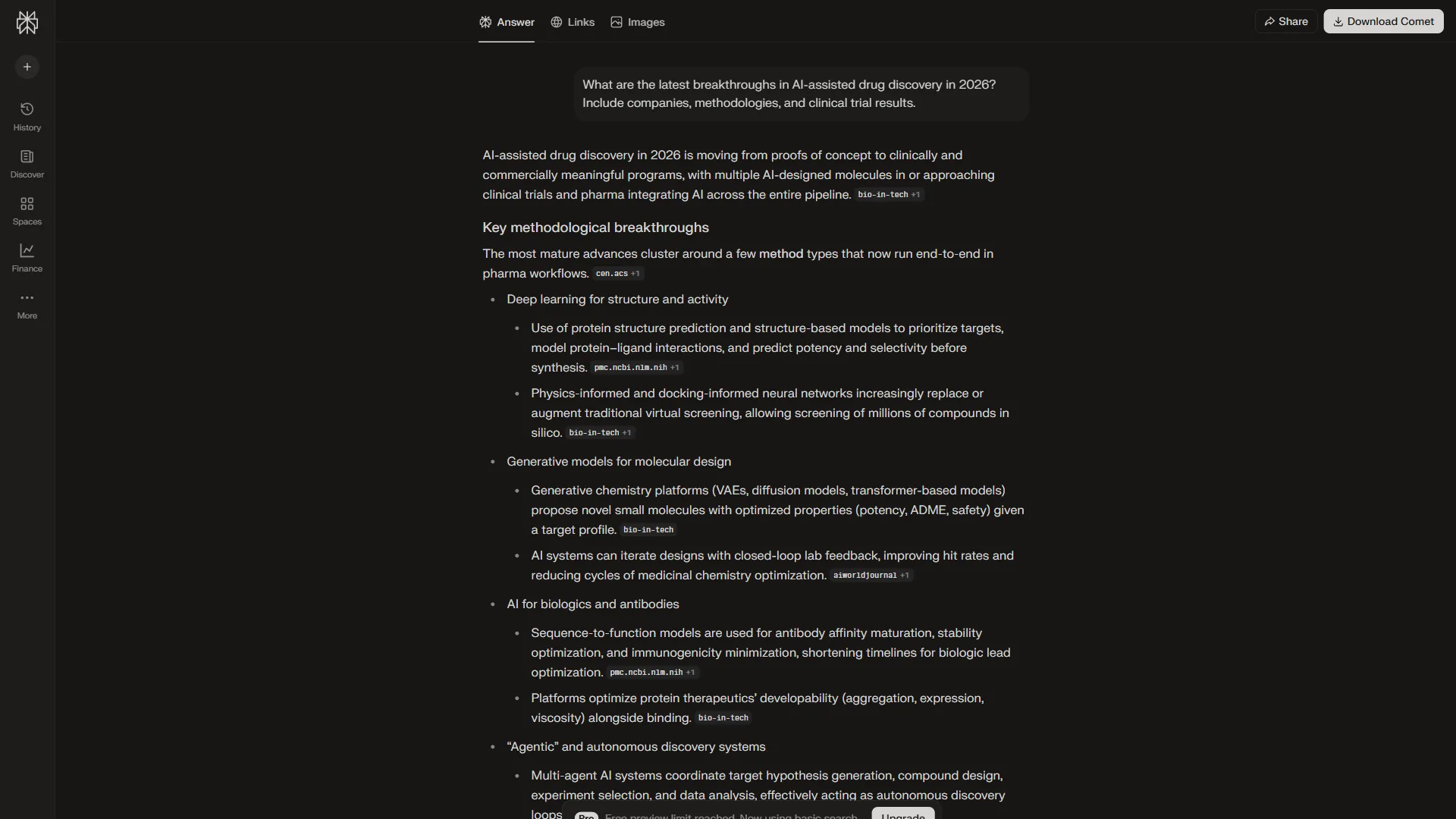
Unlike traditional search engines that hand you ten blue links, Perplexity reads the sources, synthesizes key information, and cites every claim. Their Deep Research feature takes this even further with autonomous multi-step exploration. For research, this is a fundamental shift - you get answers with provenance, not just links to explore.
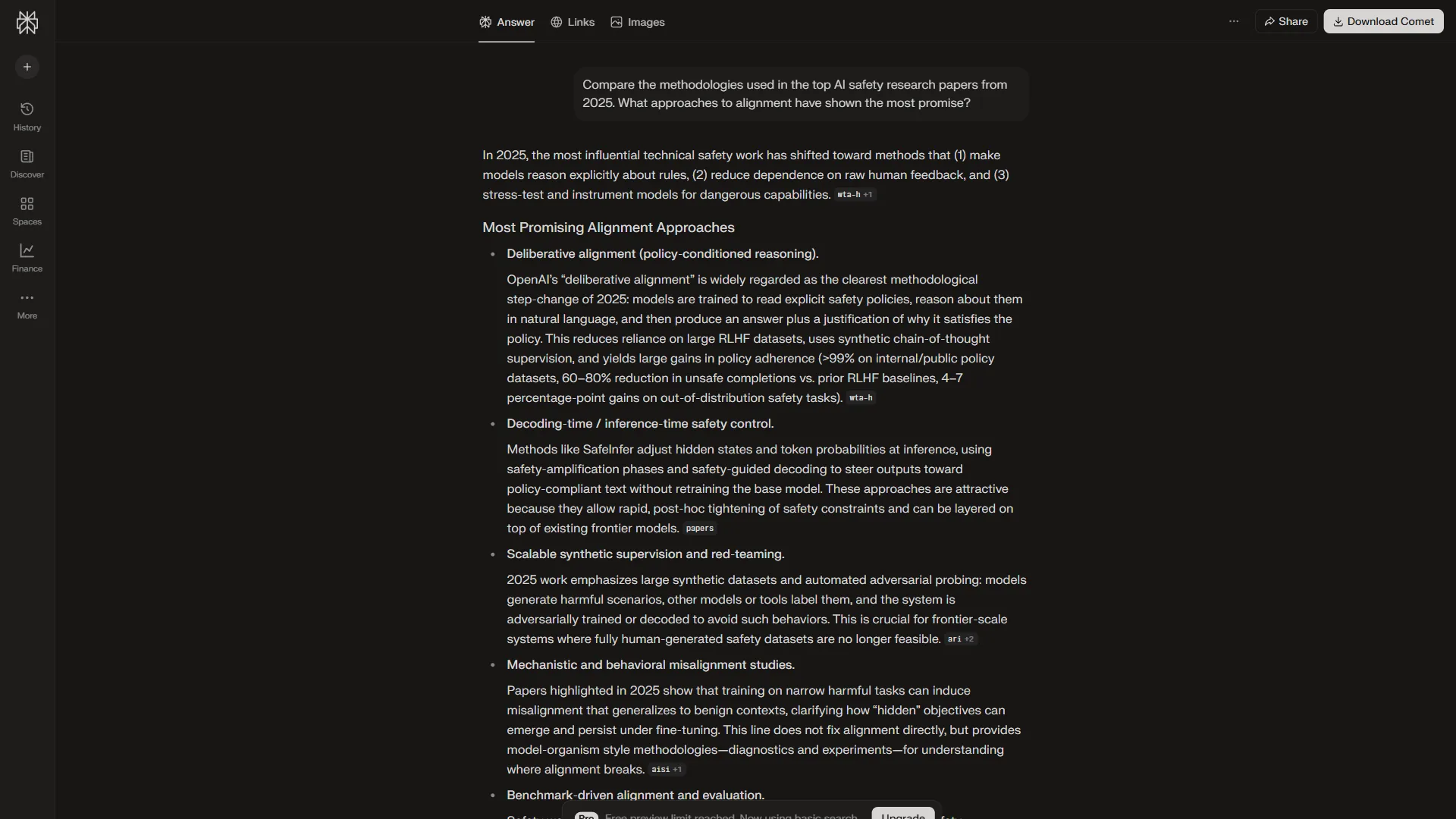
How to use Perplexity for maximum research speed:
Landscape scanning (2-3 minutes vs. 30+ minutes manually). Start every project with a broad landscape query: “What are the key trends, market size, major players, and growth projections for [industry] in 2026? Focus on analyst reports and industry publications.” Perplexity surfaces 10-15 cited sources in a single response.
Deep Research mode for complex questions. Perplexity Pro’s Deep Research feature runs multi-step queries autonomously, exploring subtopics and following citation trails. For due diligence or competitor analysis, this feature alone can save 2-3 hours.
Source quality filtering. Add specificity to surface better sources: “Find peer-reviewed studies or reports from McKinsey, Gartner, or Forrester about [topic]. Exclude blog posts and press releases.”
Time benchmark: A comprehensive source discovery pass that takes 45-60 minutes manually takes 3-5 minutes with Perplexity - roughly a 10x speed improvement on source-finding alone.
Step 2: Synthesis and Pattern Analysis with ChatGPT
Once you have your sources and raw findings from Perplexity, the next bottleneck is making sense of it all. This is where ChatGPT shines - its strength is not finding information, but recognizing patterns and generating structured analysis from messy inputs.
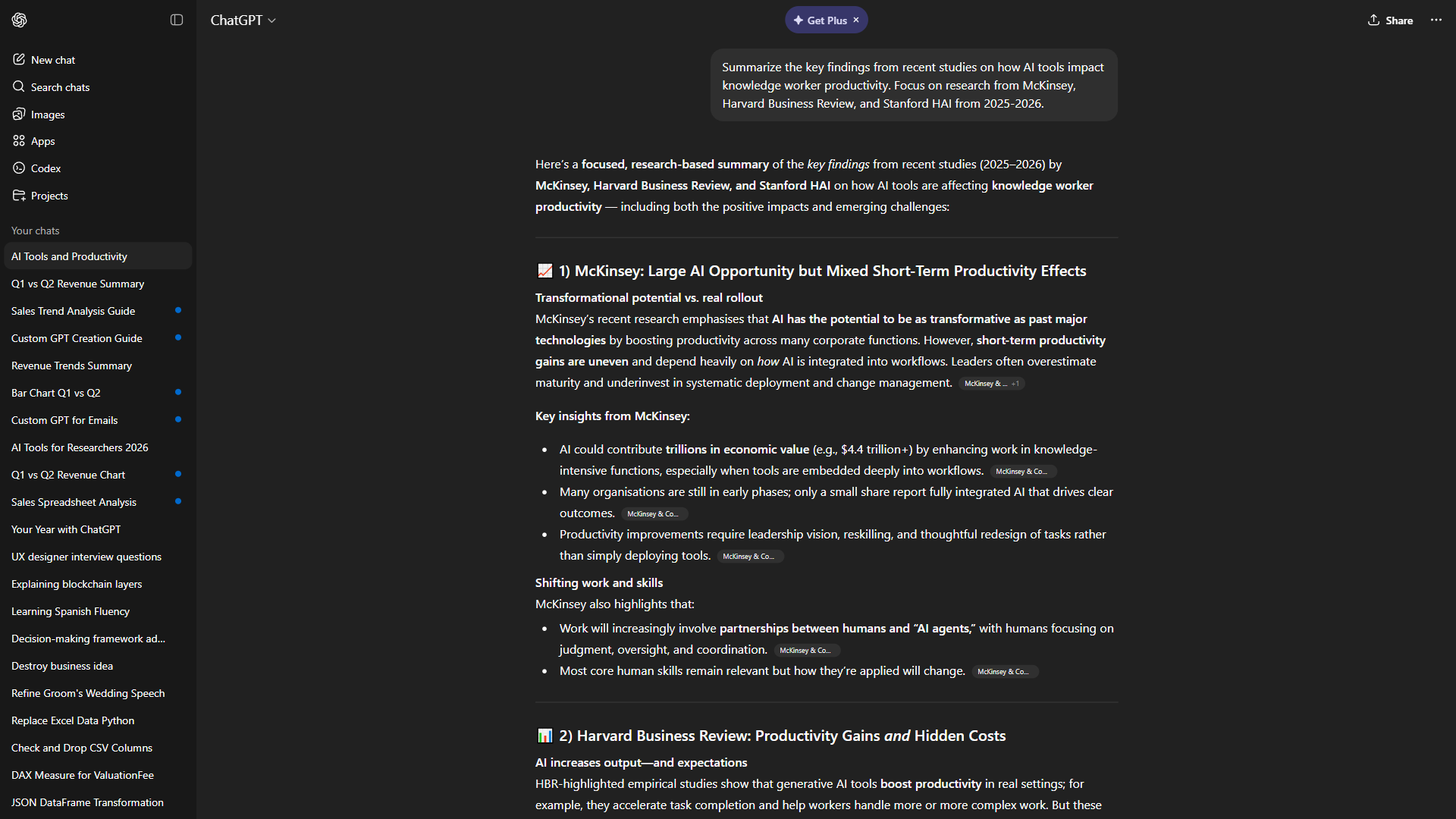
How to use ChatGPT for research synthesis:
The dump-and-structure method. Paste your Perplexity findings into ChatGPT and ask it to organize them: “Here are my research notes on [topic]. Organize into a structured brief: Key Findings, Market Data, Competitive Landscape, Risks, and Open Questions. Flag contradictions between sources.” This single prompt turns scattered notes into a draft brief in under 2 minutes versus 30-45 minutes manually.
Comparative analysis. For competitor research, paste information about multiple companies and ask ChatGPT to compare them across pricing, target market, differentiators, and weaknesses. It is remarkably good at extracting parallel dimensions from inconsistent source material.
Gap identification. After synthesis, ask: “What are the three most important questions I still cannot answer? What additional data do I need for a confident recommendation?” This prevents stopping research too early or too late.
Counter-argument generation. Before finalizing any recommendation, ask: “What are the strongest arguments against [your conclusion]?” This 30-second prompt surfaces blind spots that would otherwise require a second research round.
Time benchmark: Synthesizing 10-15 sources into structured analysis takes 3-5 minutes with ChatGPT versus 1-2 hours manually.
Step 3: Deep Analysis and Document Processing with Claude
For research projects that involve long documents - annual reports, white papers, legal filings, technical documentation - Claude Code is the tool to reach for. Its 200,000-token context window means you can paste an entire 100-page report and ask questions about it, something neither Perplexity nor ChatGPT handles as well.
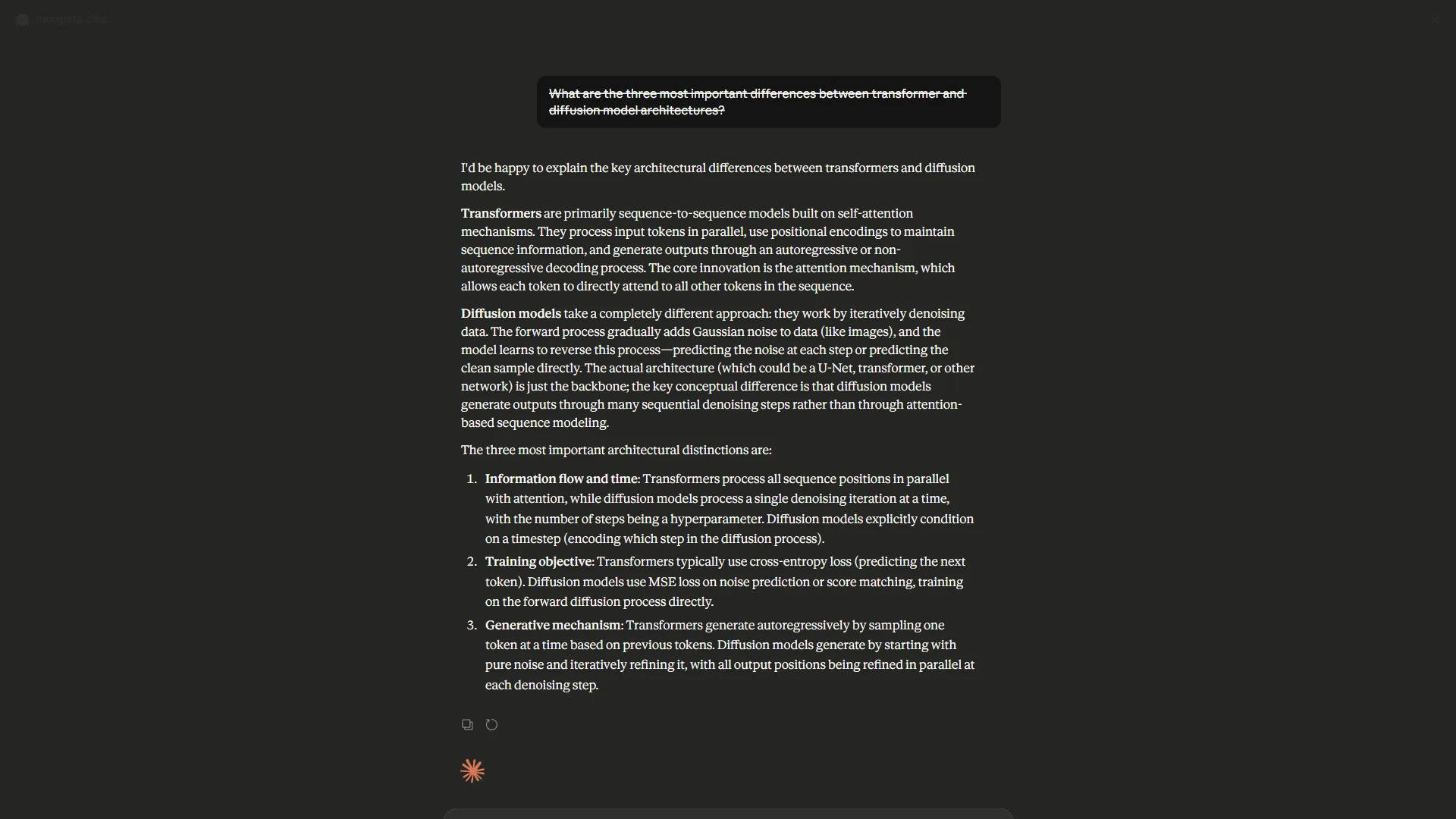
How to use Claude for deep research analysis:
Full-document analysis. Upload a complete document and ask: “Provide an executive summary in 200 words, the five most important data points with page references, anything that contradicts [your hypothesis], and questions this raises but does not answer.” Getting this from a 50-page report manually takes 2-3 hours. Claude does it in under 2 minutes.
Multi-document comparison. Paste two or three related reports and ask: “Where do they agree? Where do they disagree? Which claims are data-backed versus opinions?” This cross-referencing is extraordinarily slow when done manually.
Structured output generation. When research needs to become a deliverable, Claude excels at producing structured memos, briefs, and recommendation documents from your accumulated findings.
Time benchmark: Processing a 50-page report takes 2-3 minutes with Claude versus 3-4 hours of manual reading and note-taking. For document-heavy research, this is the single biggest time multiplier.
Research Type Workflows
Knowing how to research faster with ai means adapting your workflow to the research type. Different projects call for different tool sequences. Here is how to optimize the stack for the four most common scenarios.
Market Research (~15 min vs. 4-6 hours manually)
Start with Perplexity for landscape scanning: “Market size, growth rate, and top 10 players in [market] with sources from 2025-2026.” Feed any industry reports into Claude Code for structured extraction, then paste everything into ChatGPT to synthesize a brief and identify gaps. Use Perplexity again to fill those specific gaps.
Competitor Analysis (~10 min vs. 3-5 hours manually)
Use Perplexity for company overview and product deep-dive with two targeted queries. Paste customer review excerpts into ChatGPT for sentiment pattern analysis. Then hand all findings to Claude Code for a structured SWOT analysis and strategic recommendations.
Content Research (~10 min vs. 2-4 hours manually)
Perplexity handles the initial fact-finding: “Key statistics, expert opinions, and recent studies about [topic] with citations.” Pass findings to ChatGPT for angle development, then back to Perplexity for targeted sourcing on your chosen angle. Finish with Claude Code to structure an outline with data points mapped to each section.
Due Diligence (~15 min vs. 8-15 hours manually)
Scan public information with Perplexity, then upload SEC filings or contracts to Claude Code for structured extraction. Feed everything into ChatGPT for risk matrix and red flag identification. Close with a verification pass in Perplexity to cross-check any concerning findings against primary sources. Due diligence is where the multi-tool approach delivers the most dramatic time savings.
Prompt Chaining: The Speed Multiplier
The single biggest technique for accelerating AI research is prompt chaining - using each tool’s output as the next tool’s input, building on results instead of starting fresh every time.
Basic chain for any research topic:
- Discovery (Perplexity): “What are the most important things to know about [topic]? Include statistics, key players, and recent developments with sources.”
- Gap identification (ChatGPT): “Here are my findings: [paste]. What critical information is missing?”
- Targeted follow-up (Perplexity): Use the specific gap questions from step 2 as individual queries.
- Synthesis (Claude): “Here is everything I have gathered: [paste all]. Create a structured brief with Executive Summary, Key Data, Analysis, Risks, and Next Steps.”
Each prompt builds on verified output from the previous step. You never repeat work, you never miss gaps, and the final output is structured and ready to use. Compared to doing each step independently, chaining reduces total research time by another 30-40%.
Common Mistakes That Waste Research Time
Even with AI tools, certain habits will slow you down.
Starting too broad. Asking “Tell me everything about the AI market” produces a generic overview. Instead, scope your question first: “What is the projected market size for AI-powered customer service tools in North America?” Specificity saves time.
Using one tool for everything. Perplexity is mediocre at synthesis. ChatGPT is unreliable for source discovery. Claude struggles with real-time information. Using the right tool for each phase is the difference between a 15-minute workflow and a 45-minute one.
Skipping verification. AI tools occasionally hallucinate statistics. Always verify critical data points - especially numbers in a deliverable. Perplexity’s citations make this fast, but you still need to click through on high-stakes claims.
Not saving your research chain. Before closing any session, ask Claude or ChatGPT to compile everything into a single research document with all sources and analysis. The biggest hidden time cost is redoing research you already did but did not save.
Frequently Asked Questions
How much faster is AI research compared to manual research?
For most professional tasks, AI tools reduce research time by 5-15x depending on complexity. Simple fact-finding sees the largest improvements (10-15x). Complex multi-document analysis sees 3-5x gains. The average across all research types is roughly 8-10x faster with the three-tool stack.
Is AI research reliable enough for professional deliverables?
With verification habits, yes. Perplexity cites every claim, so you can verify data points in seconds. Treat AI output as a first draft that needs spot-checking, not a final source of truth. For high-stakes deliverables, always verify the most important claims against primary sources.
Do I need paid plans for all three tools?
No. Free tiers are sufficient for moderate research volumes. Perplexity Pro ($20/month) unlocks Deep Research mode. ChatGPT Plus ($20/month) adds GPT-4 and longer conversations. Claude Code Pro ($20/month) increases context limits. Start free, then upgrade whichever tool you hit limits on first.
Can this workflow replace a professional research analyst?
For routine tasks - market sizing, competitor analysis, content research - AI tools handle 80-90% of the mechanical work at comparable quality. They do not replace the judgment and strategic thinking an experienced analyst brings, but they dramatically reduce time spent on information gathering and initial synthesis.
What about privacy when pasting sensitive data into AI tools?
All three tools offer enterprise plans with data privacy guarantees that commit to not training on your data. For sensitive research like M&A due diligence, use enterprise tiers and consult your organization’s data governance policy before uploading documents.
The Bottom Line
Learning how to research faster with AI comes down to one principle: use the right tool for each phase of the research process instead of trying to do everything in one place. Perplexity finds and cites sources at 10x the speed of manual search. ChatGPT synthesizes messy findings into structured analysis in minutes instead of hours. Claude Code processes entire documents and produces professional deliverables from your research.
Start with one research project this week. Run it through the three-tool stack and time yourself against manual methods. Most professionals see a 5-10x improvement on their first attempt - and the workflow gets faster as you refine your prompts.
The goal is not to replace your thinking. It is to spend your time on analysis and decision-making instead of the mechanical work of finding, reading, and organizing information. In 2026, research speed is a professional advantage.
Want to learn more about Perplexity?
Related Guides
- How to Learn Faster with AI: Master Any Skill in 2026 - Apply the same prompt-chain approach to acquiring new skills
- How to Write Faster with AI: Practical Tips for Every Writer - Move from research to drafting without losing momentum
- How to Summarize Meetings with AI: Never Miss Action Items - Capture meeting research automatically with AI notetakers
- ChatGPT Tips and Tricks - Advanced prompting techniques that apply to research workflows
Related Reading
- Perplexity Review - Full review of Perplexity’s AI search platform
- ChatGPT Review - Full review of ChatGPT’s AI capabilities
- Claude Code Review - Full review of Anthropic’s coding assistant
- How to Learn Faster with AI: Master Any Skill in 2026 - AI-powered strategies for acquiring new skills and knowledge
- Claude vs ChatGPT: Which AI Assistant Is Better? - In-depth comparison of two core research tools
- ChatGPT Tips and Tricks - Advanced prompting techniques that apply to research workflows
External Resources
- McKinsey: The Economic Potential of Generative AI
- APA: The Hidden Cost of Multitasking and Context Switching
Related Guides
- Activecampaign AI Content Generation: Complete 2026 Guide
- AI Agent Orchestration: Patterns That Scale in 2026
- AI Content Writing Workflow: 2026 Walkthrough for Teams
- AI Product Discovery Ecommerce: Lift Revenue in 2026
- AI Productivity Trends 2026: 6 Real Shifts, No Hype
- AI Workflow Automation Maturity Model: 5 Levels
- Building AI First Workflows: A Practitioner's 2026 Guide
- Building Mcp Servers Guide: 2026 Walkthrough for Teams
- ChatGPT Custom GPTs Guide - Save 130+ Hours a Year
- ChatGPT Prompts 2026: Basic vs Engineered, 18 Examples