




ChatGPT alternatives have become a serious consideration for anyone who has hit the limits of OpenAI’s flagship product. Whether it is the context window running out mid-document, hallucinated facts slipping into research, wanting an AI like ChatGPT with no restrictions on certain queries, needing smoother image upload workflows, or simply wanting AI that integrates with an existing toolkit - there are now five alternatives that each outperform ChatGPT in a specific domain. The question is no longer whether alternatives exist. It is which one matches how you actually work.
This guide breaks down the five strongest ChatGPT alternatives in 2026, organized by use case rather than arbitrary rankings, and every ChatGPT alternatives free tier reviewed here is available to trial without payment. Each tool earns its spot by doing one thing better than ChatGPT - not by trying to replace it entirely.
How Do the Best ChatGPT Alternatives Compare?
| Tool | Best For | Free Tier | Paid Price | Key Advantage |
|---|---|---|---|---|
| Claude | Writing and coding | Yes | $20/mo Pro | 200K context window, nuanced reasoning |
| Perplexity | Research with citations | Yes | $20/mo Pro | Inline source citations on every answer |
| Gemini | Google ecosystem | Yes | $19.99/mo Pro | Native Gmail, Docs, Sheets integration |
| Microsoft Copilot | Office 365 users | Yes | $20/mo Pro | Built into Word, Excel, PowerPoint |
| ChatGPT | General-purpose AI | Yes | $20/mo Plus | Broadest feature set, voice mode, GPTs |
Why Is Claude the Best ChatGPT Alternative for Writing and Coding?
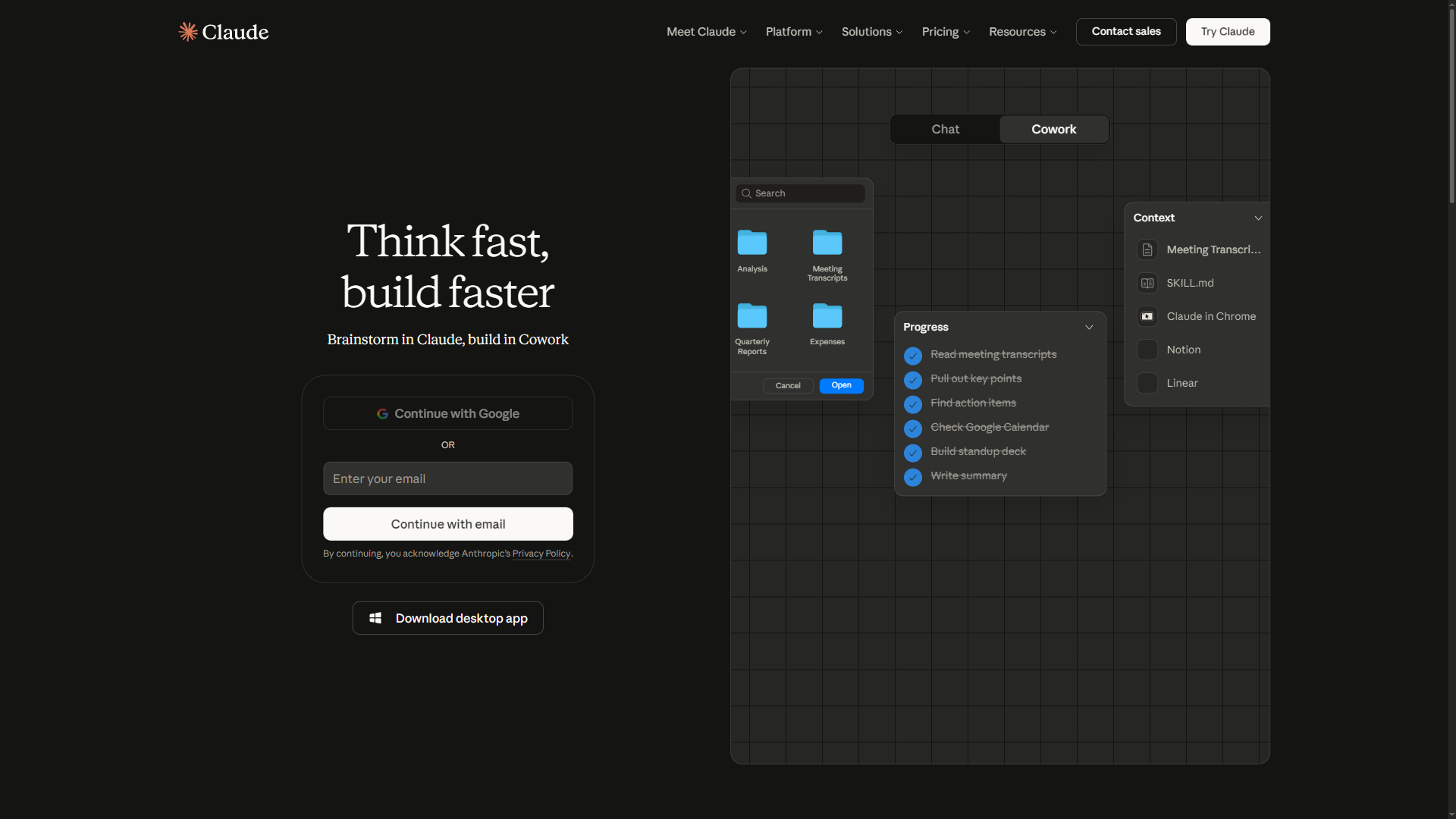
Claude has quietly become the chatgpt alternative that professionals reach for when quality matters more than speed. Built by Anthropic, Claude runs on Opus 4.5 and Sonnet 4.5 models with a 200K token context window - over 50% more than what ChatGPT offers. For anyone working with long documents, complex code, or nuanced writing, that difference is immediately noticeable.
Where Claude beats ChatGPT:
- Long-form writing quality. Claude produces prose that reads like it was written by a careful human rather than assembled by a prediction engine. Blog posts, reports, marketing copy, and technical documentation all come out with better structure and fewer of the tell-tale AI patterns that plague ChatGPT output. The Anthropic newsroom regularly publishes model improvements that compound this writing quality edge.
- 200K token context window. Feed entire codebases, legal contracts, or research paper collections into a single conversation. ChatGPT’s 128K window forces users to chunk large documents - Claude processes them whole.
- Code review and generation. Claude excels at understanding existing code, explaining decisions, and generating clean implementations. Developers who have used both consistently report fewer bugs in Claude-generated code.
- Projects and persistent context. Claude Pro users can create Projects that maintain instructions and reference documents across conversations - eliminating the repetitive setup that eats time in ChatGPT threads.
- Privacy by default. Claude never trains on user conversations, even on the free tier. For professionals handling sensitive client work, this is a requirement rather than a feature.
Limitations and who Claude is not for: Claude has no image generation (cannot create visuals via DALL-E), no voice conversation mode comparable to ChatGPT Live Voice, a smaller plugin and Custom GPT ecosystem, and weaker multimodal capabilities including video understanding. Skip Claude if image generation, voice mode, or third-party GPT integrations sit at the center of your workflow - the tradeoffs are real and ChatGPT remains stronger in these domains.
Pricing: Free tier with limited daily usage on Sonnet 4.5. Pro at $20 per month unlocks 5x usage and Opus 4.5 access. Max at $100 per month provides generous Opus usage, Claude Code for terminal-based development, and browser automation.
Choose Claude when: The task involves writing, coding, analyzing documents longer than a few pages, or serving as a better AI than ChatGPT for studying dense source material. If the quality of the output matters more than having every feature in one place, Claude is the strongest ChatGPT alternative available.
Why Is Perplexity the Best ChatGPT Alternative for Research?
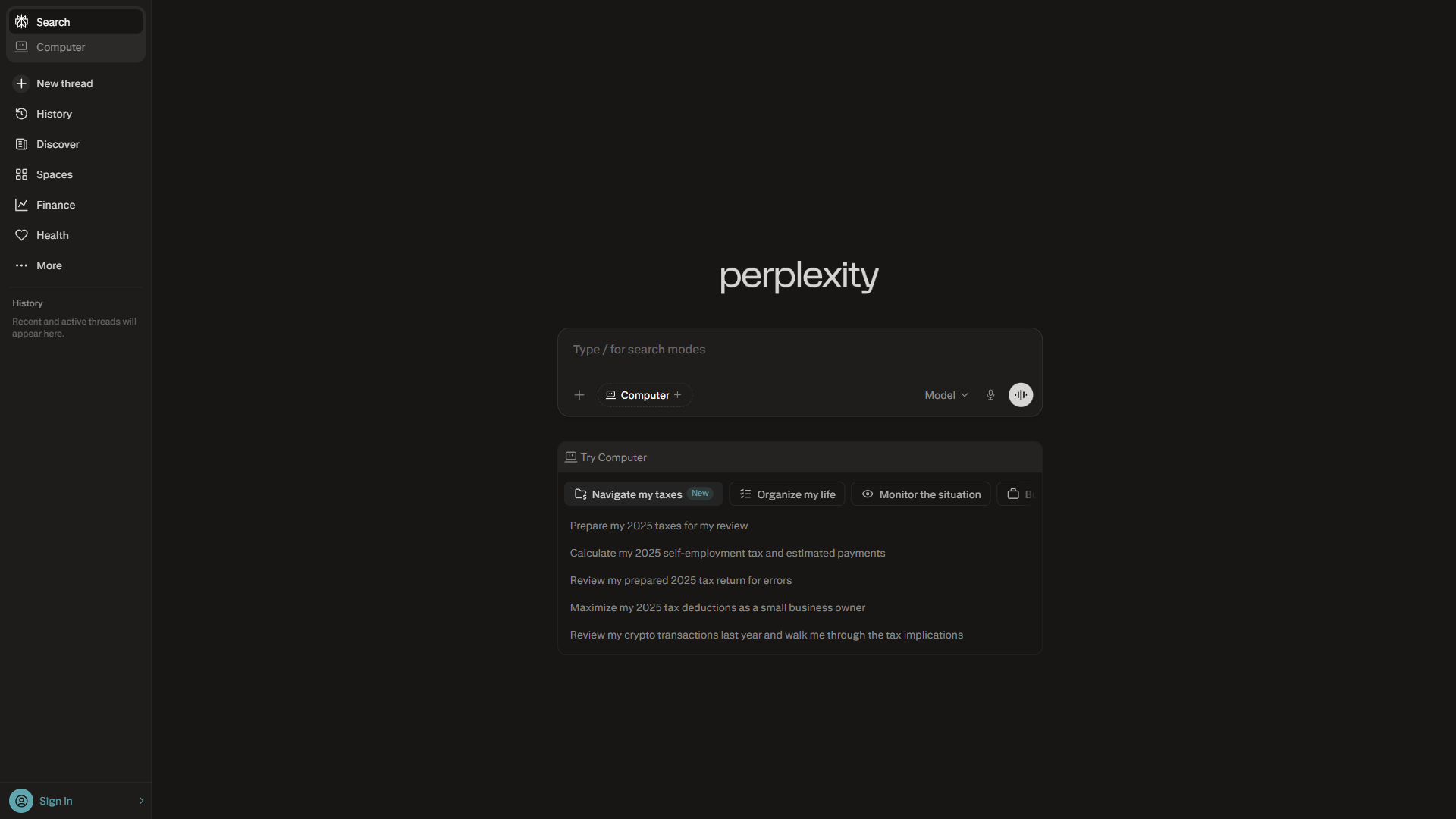
Perplexity solves the single biggest problem with ChatGPT: trusting the answers. Every response includes inline citations - numbered references linking directly to source material. The Perplexity FAQ explains how the citation engine works under the hood. Instead of generating confident-sounding text that might be fabricated, Perplexity shows its work. For researchers, journalists, students, and anyone who needs verifiable information, this changes how AI-assisted research works.
Where Perplexity beats ChatGPT:
- Inline citations on every answer. Every claim links to a numbered source. Click [1], [2], [3] to verify any statement. ChatGPT added a browsing feature, but citations remain inconsistent and often link to irrelevant pages. Perplexity’s sourcing is core to the product, not an afterthought.
- Focus modes for specialized searches. Filter results by academic papers, Reddit discussions, YouTube videos, or news articles. No other AI tool offers this granularity in search filtering.
- Real-time information. Perplexity searches the live web for every query. ChatGPT’s browsing is slower and sometimes falls back on training data. Perplexity treats every question as a fresh research task.
- Collections for ongoing research. Organize searches into shareable collections that build over time. This transforms Perplexity from a question-and-answer tool into a research management system.
- Pro Search with multi-step reasoning. The Pro tier performs multi-step research - asking clarifying questions, searching multiple sources, and synthesizing findings into a structured answer with full sourcing.
Limitations and who Perplexity is not for: Perplexity has clear drawbacks for non-research workflows - creative writing and content generation lag (it is a search tool, not a writing partner), there is no image generation or multimodal creation, no voice conversations or interactive features, and code generation and debugging are weak. Skip Perplexity if your daily work is creative writing, image generation, or hands-on coding - those tradeoffs make ChatGPT or Claude the better fit.
Pricing: Free with unlimited basic searches and 5 Pro searches per day. Pro at $20 per month (or $200 per year) unlocks unlimited Pro searches and access to premium models including GPT-5, Claude, and Gemini.
Choose Perplexity when: Accuracy matters more than creativity. If the workflow involves finding, verifying, or synthesizing information from multiple sources, Perplexity produces better results than ChatGPT in less time. See the detailed Perplexity vs ChatGPT comparison for a deeper breakdown.
Why Is Gemini the Best ChatGPT Alternative for Google Users?
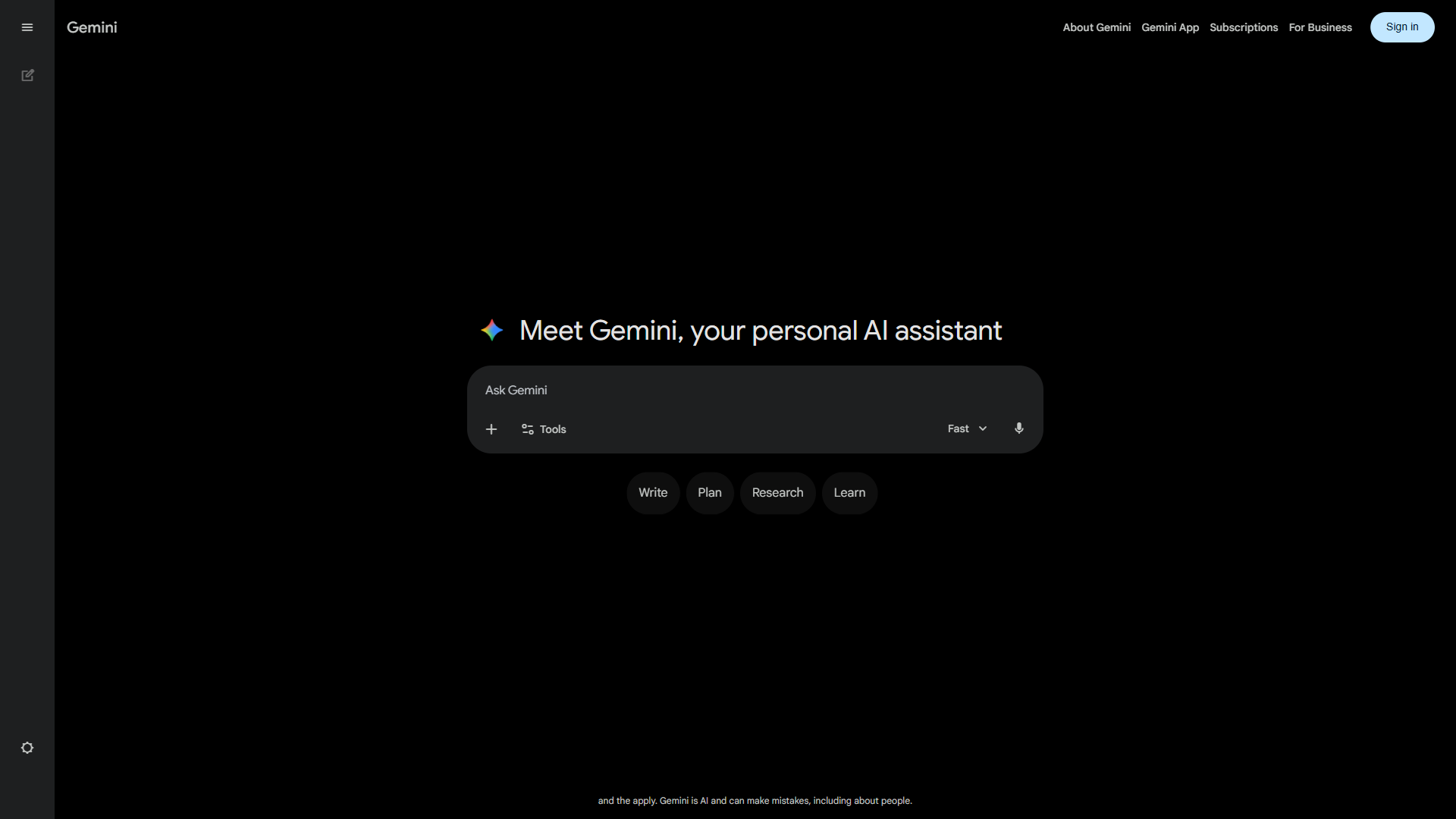
Gemini is the chatgpt alternative that makes the most sense for anyone already living inside the Google ecosystem. Rather than being a standalone AI tool, Gemini weaves directly into Gmail, Google Docs, Sheets, Slides, and Calendar. The AI does not sit in a separate browser tab - it works inside the tools already open on the screen.
Where Gemini beats ChatGPT:
- Native Google Workspace integration. As detailed in Google’s Workspace AI page, draft emails in Gmail, edit documents in Docs, generate formulas in Sheets, and create presentations in Slides - all powered by Gemini without switching apps. ChatGPT requires copying and pasting between windows. Gemini works inline.
- 1 million+ token context window. The largest context window among consumer AI tools. Process documents, codebases, and research collections that would overwhelm both ChatGPT and Claude. Combined with Google Drive integration, entire folders of files become accessible to the AI.
- Deep Research mode. Gemini’s Deep Research feature performs multi-step investigation - searching, reading, synthesizing, and producing structured reports with sources. The results are more thorough than ChatGPT’s browsing and approach Perplexity’s quality for in-depth topics.
- Android system integration. Gemini replaces Google Assistant on Android, activated via power button hold or voice command. This level of system access makes it the most naturally integrated AI on mobile.
- Image generation and understanding. Generate images and analyze photos directly in conversation. Point the camera at a restaurant menu, a math problem, or a product label for instant analysis.
Limitations and who Gemini is not for: Gemini has notable downsides outside the Google ecosystem - writing quality for creative and long-form content lags behind Claude and ChatGPT, the Custom GPTs and plugin ecosystem is much smaller, voice conversation quality and natural interruption handling trail ChatGPT, and cross-platform consistency is uneven (Gemini favors Android over iOS). Skip Gemini if you do not live inside Gmail, Docs, and Sheets - the integration tradeoff stops paying off when those apps are not your daily drivers.
Pricing: Free tier includes Gemini 2.5 Flash, limited 2.5 Pro access, Gemini Live, and limited Deep Research. Google AI Pro at $19.99 per month adds full Gemini 3 Pro, unlimited Deep Research, Workspace AI integration, and 2 TB cloud storage. Google AI Ultra at $249.99 per month provides the most advanced models and highest usage limits. For a deeper head-to-head, see the Gemini vs ChatGPT comparison.
Choose Gemini when: Gmail, Docs, and Sheets are daily tools. The value of Gemini scales directly with how deeply embedded someone is in Google’s ecosystem. For anyone already paying for Google Workspace, adding AI Pro is the most seamless path to AI-assisted productivity.
Why Is Microsoft Copilot the Best ChatGPT Alternative for Office Users?
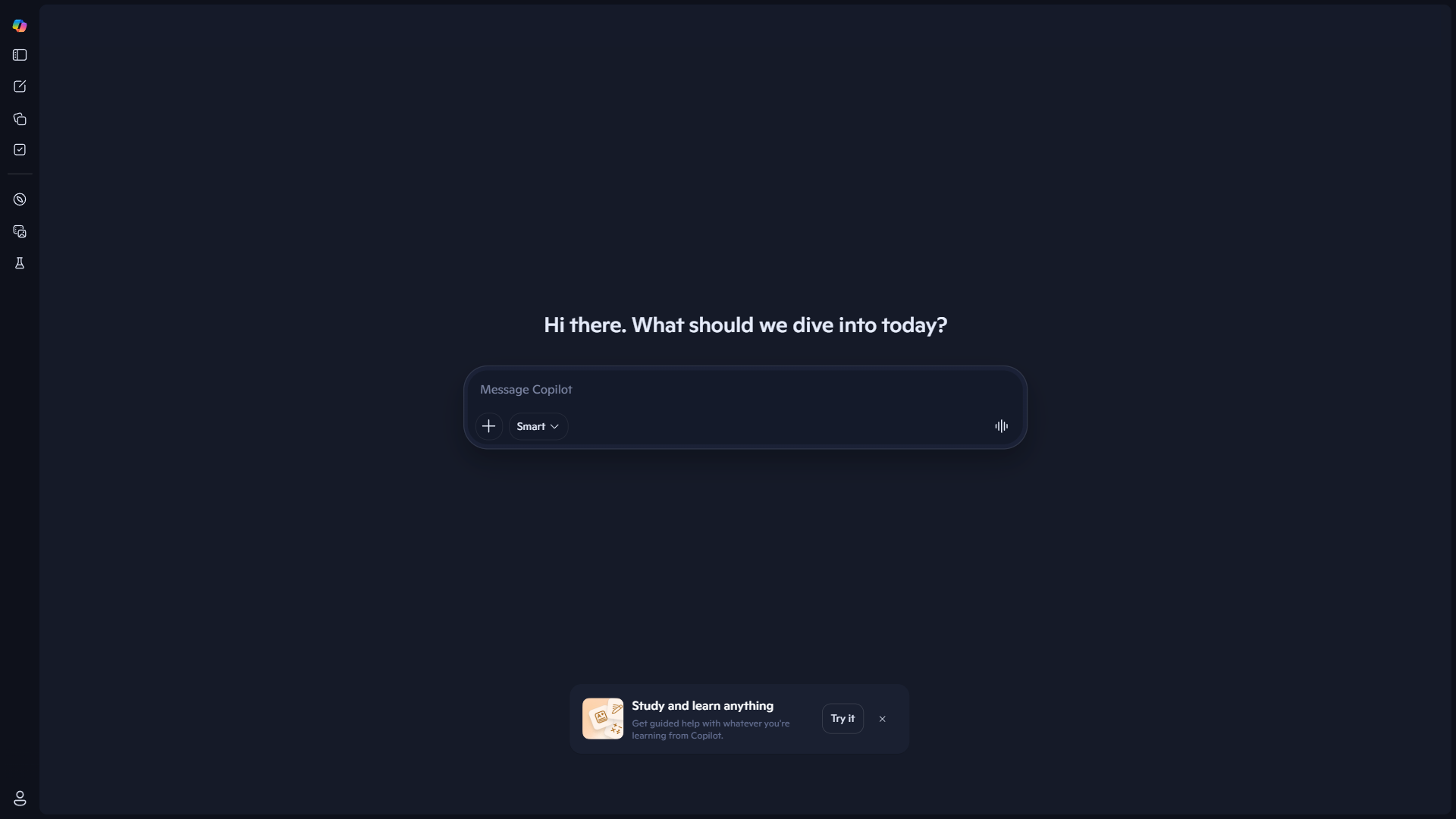
Microsoft Copilot mirrors the Gemini strategy for a different ecosystem. It embeds AI directly into Word, Excel, PowerPoint, Outlook, and Teams - turning Microsoft 365 into an AI-powered productivity suite rather than adding another standalone chatbot to the workflow.
Where Copilot beats ChatGPT:
- Word, Excel, and PowerPoint integration. Generate first drafts in Word from a prompt, create formulas in Excel from natural language descriptions, and build presentation slides from outlines. The AI lives inside the applications rather than requiring copy-paste between tools.
- Excel data analysis. This is Copilot’s strongest individual feature. Ask questions about spreadsheet data in plain English, generate pivot tables, create charts, and write complex formulas without knowing Excel syntax. For data-heavy roles, this alone can justify the subscription.
- Teams meeting intelligence. Copilot summarizes meetings in real time, generates action items, creates follow-up emails, and catches key decisions. For teams managing back-to-back video calls, this eliminates the note-taking overhead that compounds across a week.
- Windows system integration. Built into Windows 11 with keyboard shortcut access. Summarize documents, rewrite emails, and search files without opening a browser. The system-level integration makes it feel like a native OS feature rather than a third-party tool.
- Enterprise security and compliance. Data stays within the Microsoft 365 security boundary. For organizations with strict compliance requirements, Copilot inherits existing security policies - no additional configuration needed.
Limitations and who Microsoft Copilot is not for: Copilot has real drawbacks outside Microsoft 365 - the free tier is significantly less capable than ChatGPT’s, creative writing and conversational quality trail behind, image generation and multimodal features are limited, and the value depends entirely on a separate Microsoft 365 subscription. Skip Copilot if you do not spend significant time in Word, Excel, PowerPoint, or Teams - the integration tradeoff vanishes without that anchor.
Pricing: Free tier with GPT-5 chat and image generation. Copilot Pro at $20 per month adds priority model access and Copilot in Office apps (requires a separate Microsoft 365 subscription). Copilot for Microsoft 365 at $30 per user/month provides full enterprise integration - the official Copilot for Business page details the latest plan changes.
Choose Copilot when: Microsoft 365 is the daily productivity suite. The investment only makes sense for users who spend significant time in Word, Excel, PowerPoint, or Teams. For standalone AI chat without the Office integration, ChatGPT’s free tier offers more.
When Should You Stick with ChatGPT Instead of an Alternative?
None of these chatgpt alternatives replaces ChatGPT entirely. OpenAI’s tool remains the most complete single AI product available, and for certain use cases, nothing else comes close.
ChatGPT is still the best choice when:
- Voice conversations matter. ChatGPT’s Live Voice mode supports natural back-and-forth dialogue with interruptions, tone shifts, and emotional nuance. No alternative matches this for hands-free AI interaction.
- Image generation is part of the workflow. DALL-E integration produces images directly in conversation. Claude cannot generate images. Perplexity and Copilot have limited capabilities. Gemini generates images but ChatGPT’s implementation is more refined for iterative creative work.
- Custom GPTs fill a niche. The GPT Store contains thousands of specialized bots for everything from legal analysis to recipe generation. This ecosystem of customized AI tools has no equivalent on other platforms.
- The task is genuinely general-purpose. ChatGPT handles the widest range of tasks acceptably. When the task does not clearly fall into writing, research, Google integration, or Office automation, ChatGPT is the safest default.
- Code execution is required. ChatGPT’s built-in Python sandbox runs scripts directly in conversation, producing charts, analyzing datasets, and processing files. The OpenAI Advanced Data Analysis docs show how the sandboxed execution environment is more capable than what alternatives offer.
Limitations and who ChatGPT is not for: ChatGPT has real drawbacks for specialized work - the 128K context window trails Claude’s 200K and Gemini’s 1M+, citations on web search are inconsistent and hard to verify, output quality on long-form writing lags Claude, and there is no native integration with Google Workspace or Microsoft 365 the way Gemini and Copilot deliver. Skip ChatGPT as the primary tool if your workflow lives inside long documents, sourced research, or a specific productivity suite - those tradeoffs send you to a more focused alternative.
The practical approach: Most productive professionals settle on two AI tools - a primary for their dominant use case (Claude for writing, Perplexity for research, Gemini or Copilot for ecosystem integration) and ChatGPT as a versatile backup for everything else. At $20 per month for any two of these tools, the combined cost is less than a single business lunch. The best AI assistants 2026 roundup walks through how to combine them across daily workflows.
Which Alternative Fits Your ChatGPT Workflow
The decision comes down to three questions:
What is the primary use case? Match the tool to the task. Writing and coding point to Claude. Research points to Perplexity. Google or Microsoft ecosystem integration points to Gemini or Copilot respectively. General-purpose use points back to ChatGPT.
What ecosystem is already in place? The strongest chatgpt alternatives are the ones that integrate with existing tools. Someone deep in Google Workspace gets more value from Gemini than from a technically superior standalone tool. Someone running Microsoft 365 gets more from Copilot. The best AI is the one that fits the workflow, not the one that benchmarks highest.
How important is accuracy? If the work requires verifiable facts - journalism, academic research, client deliverables - Perplexity’s citation system eliminates the verification step that other tools require. If creative output matters more than factual precision, Claude or ChatGPT serve better.
Start with the free tier of whichever alternative matches these answers. Use it alongside ChatGPT for one full week. The tool that gets reached for first by the end of the week is the right primary choice.
What Is the Bottom Line on the Best ChatGPT Alternatives?
The best chatgpt alternatives in 2026 each win by specializing. Claude writes and codes better. Perplexity researches and cites better. Gemini integrates with Google better. Microsoft Copilot integrates with Office better. ChatGPT still covers the widest ground - but covering the widest ground means being the best at none of it.
The AI tool landscape has matured past the point where one product handles everything well. Pick the alternative that strengthens the weakest link in the current workflow, keep ChatGPT for the rest, and stop paying for features that a more focused tool handles better for the same price.
FAQ
Q: Which AI is better than ChatGPT?
The best ChatGPT alternatives each win by specializing. Claude writes and codes better, Perplexity researches and cites better, Gemini integrates with Google better, and Microsoft Copilot integrates with Office better. ChatGPT still covers the widest ground - but covering the widest ground means being the best at none of it.
Q: What is a free alternative to ChatGPT?
All five alternatives reviewed here offer free tiers. Claude provides free access to Sonnet 4.5 with limited daily usage. Perplexity gives unlimited basic searches on its free plan. Gemini includes free Gemini 2.5 Flash access. Microsoft Copilot offers free GPT-5 chat and image generation - all without a paid subscription.
Q: Which ChatGPT alternative is best for research?
Perplexity is the strongest ChatGPT alternative for research. Every response includes inline citations - numbered references linking directly to source material. Instead of generating confident-sounding text that might be fabricated, Perplexity shows its work, with focus modes for academic papers, Reddit, YouTube, and news articles.
Q: Which AI prioritizes privacy over ChatGPT?
Claude, built by Anthropic, never trains on user conversations even on the free tier. For professionals handling sensitive client work, this privacy-by-default policy is a meaningful difference from ChatGPT. It makes Claude the preferred ChatGPT alternative for those with data privacy requirements.
Related Reading
- ChatGPT, Claude, Perplexity, and Gemini - Full tool reviews with pricing and ratings
- Microsoft Copilot Review - AI assistant integrated with Microsoft 365
- ChatGPT vs Claude: Which AI Assistant Is Better? - Head-to-head comparison across writing, coding, and research
- Perplexity vs ChatGPT - Detailed comparison focused on research workflows and citation accuracy
- Best AI Assistants 2026 - Broader roundup of AI assistants across all categories
- Apps Like ChatGPT - Mobile-focused guide to ChatGPT alternative apps
External Resources
- ChatGPT Official Site - Current pricing and feature overview
- Claude by Anthropic - AI assistant for writing and coding
- Perplexity AI - Research-focused AI search engine
- Google Gemini - Google’s AI assistant with Workspace integration
- Microsoft Copilot - AI assistant integrated with Microsoft 365