







The ChatGPT app hit 200 million weekly users because it does a little of everything - write emails, brainstorm ideas, analyze photos, even hold a voice conversation. The best ChatGPT alternatives roundup covers web-first picks if you want a broader landscape view. But “a little of everything” means it is not the best at any single thing. The best apps like ChatGPT in 2026 are the ones built for a specific job rather than every job.
This guide takes an app-first approach. Instead of comparing web interfaces you open in a browser tab, the focus is on native apps - how they feel on your phone during a commute, how they integrate with your desktop workflow, and whether they justify a spot on your home screen. If you are looking for apps like ChatGPT that do one thing exceptionally well, this is where to start.
Quick Comparison: Apps Like ChatGPT at a Glance
| App | Best For | Price | Platforms | Key Strength |
|---|---|---|---|---|
| ChatGPT | General-purpose AI | Free / $20/mo Plus | iOS, Android, Mac, Windows, Web | Broadest feature set, voice mode |
| Claude | Writing and coding | Free / $20/mo Pro | iOS, Android, Mac, Windows, Web | 200K context, nuanced reasoning |
| Perplexity | Research with sources | Free / $20/mo Pro | iOS, Android, Mac, Web | Inline citations on every answer |
| Gemini | Google ecosystem | Free / $19.99/mo Pro | iOS, Android, Web | Native Gmail/Docs/Sheets AI |
| Microsoft Copilot | Office 365 workflows | Free / $20/mo Pro | iOS, Android, Windows, Web | Word, Excel, PowerPoint AI |
| Mistral Le Chat | Privacy-first AI | Free / paid tiers | iOS, Android, Web | European data sovereignty |
| Poe | Multi-model access | Free / $19.99/mo | iOS, Android, Mac, Web | Access to multiple AI models |
What Makes a Great ChatGPT Alternative App
Before diving into individual reviews, it is worth defining what separates a good AI app from a good AI website. When evaluating apps like ChatGPT, four factors matter that only apply to native applications:
- Offline and background capabilities. Can the app process requests when you switch away? Does it cache conversations locally?
- System integration. Does it connect to your phone’s share sheet, keyboard, camera, or file system? Desktop apps should support hotkeys, clipboard integration, and file drag-and-drop.
- Notification intelligence. Can the app alert you when long-running tasks finish? Does it respect focus modes?
- Speed on mobile. Response latency on cellular connections matters more than benchmark scores when you need a quick answer at a coffee shop.
These criteria explain why some web-first tools with excellent AI models still feel clunky as apps - and why a few newcomers punch above their weight on mobile.
Best for Writing and Coding: Claude
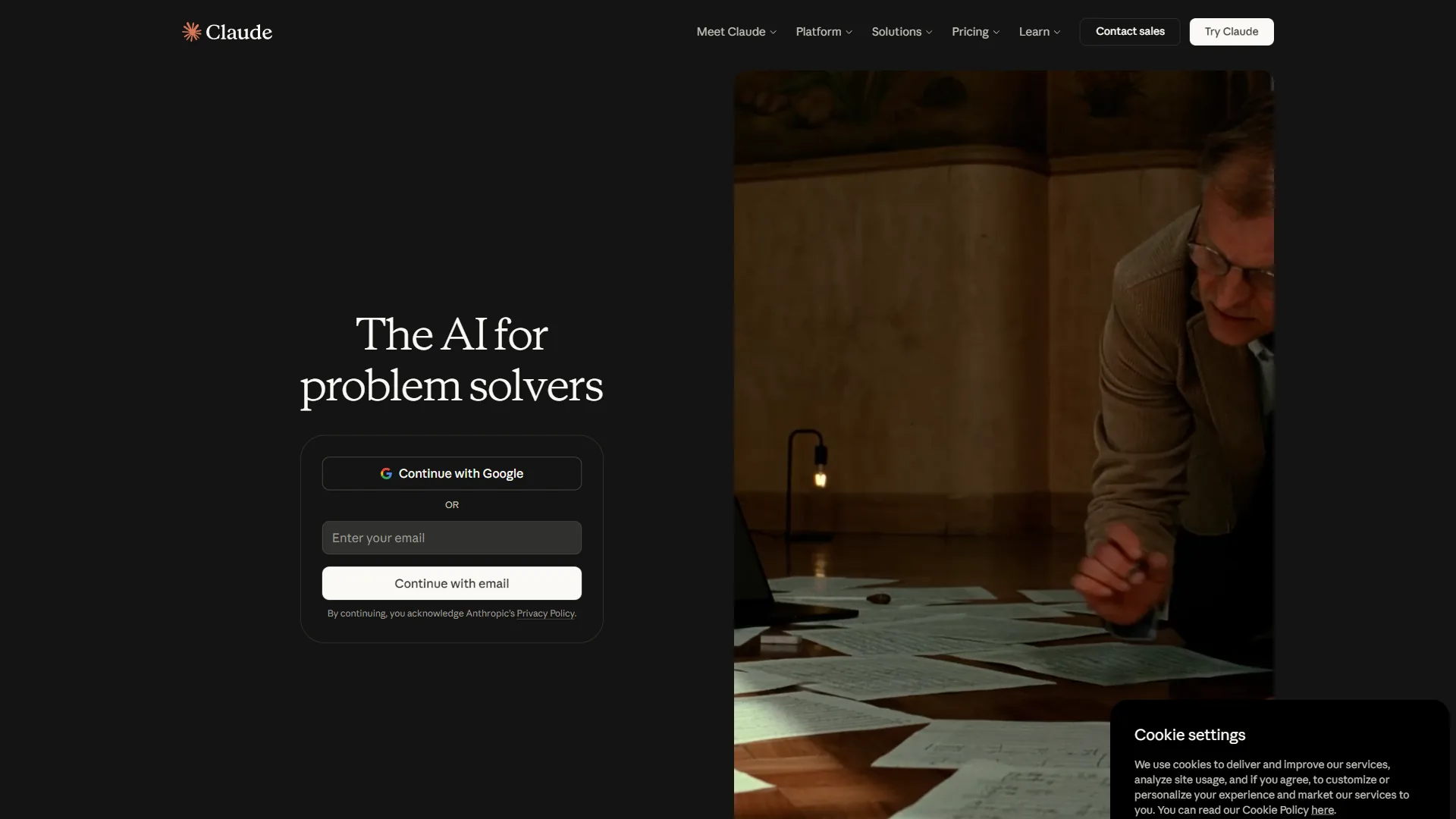
Claude is the app to reach for when the task requires actual thinking - not quick answers, but structured writing, code review, or working through a complex document. Anthropic’s AI runs on Opus 4.5 and Sonnet 4.5, with a 200K token context window that dwarfs ChatGPT’s 128K limit.
Why the Claude app stands out among apps like ChatGPT:
- Desktop app with system-level integration. The Claude desktop app on Mac and Windows - available via Anthropic’s downloads page - supports hotkeys for instant access, drag-and-drop file uploads, and persistent Projects that maintain context across sessions. It feels like a native tool rather than a browser wrapper.
- Mobile app with full capability. Unlike some AI apps that strip features on mobile, Claude’s iOS and Android apps support the full conversation experience - including document uploads, web search with citations, and Artifacts for interactive content.
- 200K token context window. Feed entire codebases, legal contracts, or research paper collections into a single conversation. On mobile, this means you can photograph a stack of documents and analyze them in one pass.
- Privacy by default. Claude never uses your conversations for training, even on the free tier. For professionals discussing sensitive client work on their phones, this is not a nice-to-have - it is a requirement.
Where the Claude app falls short:
- No image generation (ChatGPT and Gemini both create images)
- No voice conversation mode (ChatGPT’s Live Voice is unmatched as a mobile feature)
- Smaller third-party integration ecosystem compared to ChatGPT’s Custom GPTs
Pricing: Free tier with limited daily usage. Pro at $20 per month gives 5x usage and Opus 4.5 access. Max at $100 per month unlocks generous Opus usage, Claude Code for terminal-based coding, and Chrome browser automation. The Claude pricing breakdown covers each tier in detail.
Best for: Writers, developers, analysts, and anyone who works with long documents on the go. If you regularly paste content into ChatGPT only to hit the context limit, Claude’s app solves that problem immediately.
Best for Research on the Go: Perplexity
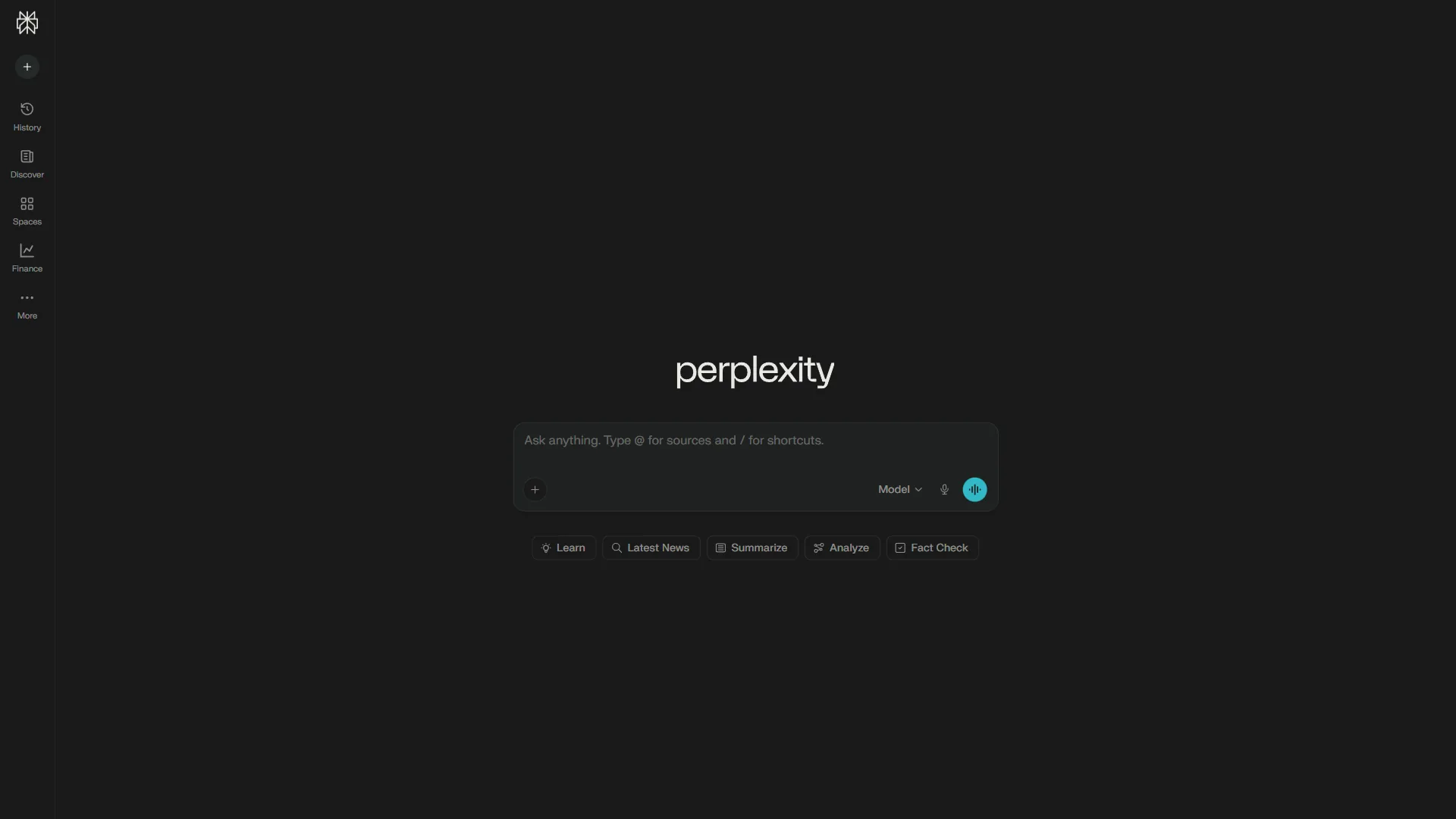
Perplexity is the app to open when you need to know something and trust the answer. Every response includes inline citations - clickable [1], [2], [3] references linking to source material. Among apps like ChatGPT, Perplexity is the only one that treats sourcing as a first-class feature rather than an afterthought.
Why the Perplexity app is worth installing:
- Best mobile research experience. The Perplexity app is designed for quick, on-the-go research - documented on Perplexity’s about page. Ask a question, get a sourced answer, tap a citation to verify. The interface is clean and fast - noticeably quicker to load and respond than ChatGPT on cellular connections.
- Focus modes for specialized searches. Filter results by academic papers, Reddit discussions, YouTube videos, or news. No other AI app offers this level of search control.
- Discover feed. The app surfaces trending topics and curated content - a feature that turns passive waiting time into useful reading. It works like a smarter news app that happens to have an AI assistant built in.
- Collections for organized research. Save and organize searches into shareable collections. This turns Perplexity from a one-shot Q&A tool into an ongoing research companion.
Where the Perplexity app falls short:
- Limited creative writing capabilities (it is a search tool, not a writing partner)
- No image generation or voice conversation
- Pro search limited to 5 queries per day on the free tier
Pricing: Free with unlimited basic searches and 5 Pro searches per day. Pro at $20 per month (or $200 per year) unlocks unlimited Pro searches and access to premium models including GPT-5 and Claude. According to Perplexity’s FAQ, Pro users can switch between multiple AI models depending on the task.
Best for: Journalists, students, researchers - the best AI research tools 2026 guide covers similar workflows - and anyone who needs verifiable answers rather than confident-sounding guesses. If you have ever copied a ChatGPT response and then spent 10 minutes Googling to check whether it was accurate, Perplexity eliminates that entire step.
Best for Google Ecosystem: Gemini
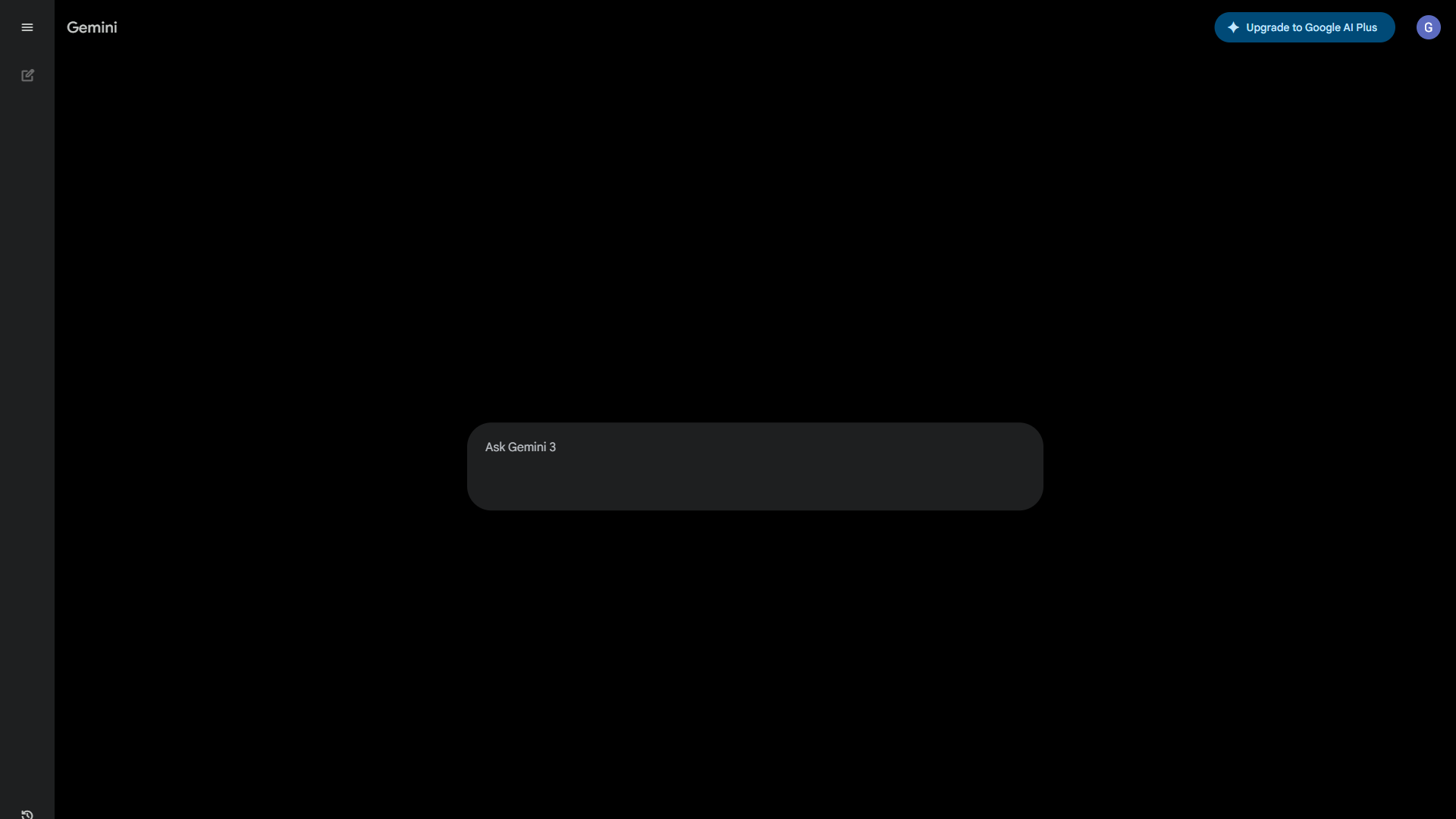
If your life runs on Google - Gmail, Docs, Sheets, Calendar, Photos - then Gemini is the most practical of all apps like ChatGPT because it works inside tools you already use. Google’s AI assistant runs on Gemini 3 Pro and integrates directly with the Google Workspace apps on your phone and desktop.
Why the Gemini app makes sense for Google users:
- Replaces Google Assistant on Android. Gemini can be set as the default assistant on Android phones, activated with a long press of the power button or a “Hey Google” voice command. This deep system integration makes it the most accessible AI app on the platform.
- Workspace integration across devices. On the Pro tier, Gemini works inside Gmail, Google Docs, Sheets, and Slides - documented on the Google Workspace AI page - to draft replies, summarize threads, generate formulas, and create presentations. These integrations work on both mobile and desktop.
- Largest context window. At 1 million+ tokens, Gemini can process documents that would overwhelm other AI apps. Combined with Google Drive integration, you can point it at entire folders of files.
- Image generation and understanding. Gemini generates images and analyzes photos directly in the app - useful for quick visual tasks on mobile like identifying plants, translating signs, or creating social media graphics.
Where the Gemini app falls short:
- Writing quality trails Claude for nuanced, long-form content
- Workspace AI features require the $19.99 per month Pro subscription
- iOS experience is less integrated than the Android-native version
- Gemini’s responses sometimes feel like enhanced Google Search results rather than original analysis
Pricing: Free tier includes Gemini 2.5 Flash, limited 2.5 Pro access, Gemini Live conversations, and Deep Research. Google AI Pro at $19.99 per month adds full Gemini 3 Pro access, unlimited Deep Research, AI in Workspace apps, and 2 TB cloud storage. Google AI Ultra at $249.99 per month provides the most advanced models and highest usage limits.
Best for: Anyone deep in the Google ecosystem - the best AI assistants 2026 roundup compares Gemini against rivals across more contexts. If you already pay for Google One or Google Workspace, upgrading to the AI Pro tier is the most natural way to add AI to your existing workflow without learning a new app.
Best for Office 365 Users: Microsoft Copilot
Microsoft Copilot is to Office 365 what Gemini is to Google Workspace - an AI assistant woven into the productivity suite you already use. The free Copilot app and chatbot run on GPT-4, while the paid tier integrates directly into Word, Excel, PowerPoint, Outlook, and Teams.
Why the Copilot app matters:
- Windows system integration. Copilot is built into Windows 11 and accessible via a keyboard shortcut. On the desktop, it can summarize documents, rewrite emails, and generate PowerPoint slides without leaving your workflow.
- Mobile app with chat and image generation. The Copilot app on iOS and Android offers free GPT-4 access, image generation via DALL-E 3, and voice input. For a free app, the capabilities are substantial.
- Excel and data analysis. Copilot in Excel can write formulas from natural language descriptions, create pivot tables, and build charts from plain-English requests. If spreadsheets are central to your work, this alone justifies the subscription.
- Teams meeting integration. Copilot summarizes meetings, generates action items, and creates follow-up emails - a genuine workflow improvement for teams drowning in back-to-back calls.
Where the Copilot app falls short:
- Copilot Pro ($20 per month) requires a separate Microsoft 365 subscription for Workspace integration
- The free tier is limited compared to ChatGPT’s free tier
- Response quality for creative tasks trails both ChatGPT and Claude
- Mobile app feels less polished than competing AI apps
Pricing: Free tier with GPT-4 access, image generation, and basic chat. Copilot Pro at $20 per month adds priority GPT-4 access and Copilot in Office apps (requires Microsoft 365 subscription). Copilot for Microsoft 365 at $30 per user/month adds enterprise Workspace features.
Best for: Microsoft 365 power users. If Word, Excel, and Outlook are your daily tools, Copilot meets you where you already work. For everyone else, the free chat app is a decent secondary AI tool but not a primary ChatGPT replacement.
Best for Privacy: Mistral Le Chat
Mistral’s Le Chat app takes a different approach to the apps like ChatGPT category: it prioritizes data sovereignty and transparency. Built by the leading European AI company, Le Chat runs on Mistral’s open-weight models and stores data under EU privacy regulations.
Why Le Chat appeals to privacy-conscious users:
- European data sovereignty. Data is processed and stored in the EU under GDPR protections. For European professionals or anyone handling EU citizen data, this is a compliance advantage no US-based AI app can match.
- Open-weight models. Mistral publishes model weights, allowing independent security audits. You know what the model can and cannot do because the architecture is verifiable.
- Fast mobile experience. Le Chat is optimized for speed on mobile - responses stream noticeably faster than ChatGPT on comparable connections. The app is lightweight and responsive.
- Canvas mode for document editing. Le Chat includes a document editing environment similar to Claude’s Artifacts, supporting code execution and collaborative writing.
Where Le Chat falls short:
- Smaller ecosystem and fewer integrations than ChatGPT or Claude
- No desktop app (web and mobile only)
- English-language performance slightly trails ChatGPT and Claude for complex tasks
- Limited multimodal capabilities compared to Gemini
Pricing: Free tier with access to Mistral models. Paid tiers available for increased usage and premium model access.
Best for: European professionals, privacy-focused users, and anyone working with regulated data. If GDPR compliance is a business requirement, Le Chat is the strongest option among apps like ChatGPT.
Best for Multi-Model Access: Poe
Poe by Quora takes a fundamentally different approach: instead of building one AI model, it gives you access to many - listed on Poe’s about page. The app lets you switch between GPT-4, Claude, Gemini, Llama, Mistral, and dozens of other models - all within a single interface.
Why Poe is worth considering:
- One app, many models. Rather than installing five separate AI apps, Poe lets you access ChatGPT, Claude, Gemini Pro, and others from a single subscription. Switch models mid-conversation to compare answers.
- Custom bots. Create and share custom bots that combine specific models with custom prompts. The community has built thousands of specialized bots for everything from legal analysis to recipe generation.
- Strong mobile and Mac apps. Poe’s native apps on iOS and Mac are well-designed with fast response streaming, conversation organization, and smooth model switching.
- Cost efficiency for multi-model users. If you would otherwise subscribe to ChatGPT Plus, Claude Pro, and Perplexity Pro separately ($60 per month), Poe’s $19.99 per month subscription provides access to all three model families.
Where Poe falls short:
- Usage limits on premium models (you get a daily credit system, not unlimited access)
- No Workspace integrations (no Gmail, Docs, or Office connections)
- Lacks specialized features like Perplexity’s citations or Gemini’s Google integration
- You are using models through an intermediary, which can add latency
Pricing: Free tier with limited daily messages across models. Poe Premium at $19.99 per month (or $199.99 per year) provides higher usage limits across all premium models.
Best for: Power users who want to compare models without managing multiple subscriptions. If you are still figuring out which AI works best for your workflow, Poe is the most efficient way to test them all.
Free vs Paid: What You Actually Get
One of the most common questions about apps like ChatGPT is whether the paid tier is worth it. Here is a straightforward breakdown.
| App | Free Tier Includes | Paid Tier Adds | Worth the Upgrade? |
|---|---|---|---|
| ChatGPT | GPT-4o-mini, limited GPT-4o, basic browsing | GPT-5, unlimited GPT-4o, voice mode, DALL-E | Yes, for daily users |
| Claude | Sonnet 4.5 (limited), 200K context | 5x usage, Opus 4.5, Projects, Research mode | Yes, for writers and coders |
| Perplexity | Unlimited basic search, 5 Pro/day | Unlimited Pro search, premium models | Yes, for researchers |
| Gemini | Flash model, limited Pro, Gemini Live | Full Gemini 3 Pro, Workspace AI, Deep Research | Yes, for Google users |
| Copilot | GPT-4 chat, image generation | Priority access, Office integration | Only with M365 subscription |
| Le Chat | Mistral models, basic chat | Higher limits, premium models | Maybe, depends on volume |
| Poe | Limited messages across models | Higher limits on all premium models | Yes, for multi-model users |
The honest advice: If you use AI fewer than five times per day, free tiers are sufficient. Once you cross that threshold - and most professionals do within a week - the $20 per month tier on your primary app pays for itself in time saved on the first day. The best AI writing tools 2026 guide includes ROI math by use case.
What Should You Consider on Mobile?
The app experience matters more than most comparison guides acknowledge. Here is what stands out after researching the mobile experience across iOS and Android.
Voice input and output. ChatGPT’s Live Voice Mode remains the gold standard for conversational AI on mobile. You can have genuine back-and-forth voice conversations with natural interruptions. Gemini Live is a solid second. Claude and Perplexity rely on standard voice-to-text input, which works but feels transactional.
Widget and shortcut support. Gemini wins on Android with deep system integration as the default assistant. ChatGPT offers home screen widgets on both platforms. Claude and Perplexity support Siri Shortcuts on iOS for quick access. Copilot integrates with Windows widgets.
Offline behavior. None of these apps work fully offline - they all require an internet connection for AI processing. However, ChatGPT, Claude, and Perplexity all cache previous conversations locally, so you can review past answers without connectivity.
Battery and data usage. Perplexity is the lightest on resources - its search-first design means smaller response payloads. ChatGPT’s voice mode is the heaviest, using noticeable battery and data during extended conversations. Claude and Gemini fall in the middle.
Camera and image input. Gemini and ChatGPT both handle photo analysis well on mobile - point your camera at a math problem, a menu in another language, or a product label and get instant analysis. Claude supports image uploads but lacks live camera integration. Perplexity added image search but it is less refined.
Which App Like ChatGPT Should You Install?
Rather than declaring one winner, here is a practical framework for choosing the right apps like ChatGPT based on how you actually work.
Install Claude if: You write for a living, review code regularly, or work with documents longer than 50 pages. The 200K context window and writing quality justify a dedicated app. See our ChatGPT vs Claude comparison for a deeper head-to-head analysis.
Install Perplexity if: You need to verify information quickly and hate the “sounds right but might be wrong” problem with AI. The citations feature alone changes how you interact with AI-generated answers. Our Perplexity vs ChatGPT guide breaks down the research workflow differences.
Install Gemini if: Your email, documents, and calendar live in Google Workspace. No other AI app matches Gemini’s integration with the Google ecosystem on both Android and web.
Install Copilot if: You live in Microsoft 365 and want AI inside Word, Excel, and PowerPoint without switching apps - the best AI spreadsheet tools 2026 guide covers Excel-specific use cases.
Install Le Chat if: Data privacy and EU compliance are business requirements, not preferences - the official GDPR text outlines the data sovereignty bar.
Install Poe if: You want to try multiple AI models before committing to a single subscription.
Keep ChatGPT if: You want the broadest feature set in a single app. ChatGPT’s combination of text, image generation, voice, code execution, and Custom GPTs is still unmatched in scope. For tips on getting more from it, see our ChatGPT prompts guide.
The power user setup: Most productive professionals use two AI apps - ChatGPT or Claude as a primary tool, plus Perplexity as a dedicated research app. The Perplexity vs Claude research deep dive explains why these two pair well. That combination covers 95% of use cases without subscription bloat.
The Bottom Line
The best apps like ChatGPT are not trying to replace it entirely - they are built for specific workflows where ChatGPT is merely adequate. Claude writes and codes better. Perplexity researches better. Gemini integrates with Google better. The app you should install depends on the gap in your current workflow, not on which AI scores highest on benchmarks you will never run yourself.
Start with the free tier of whichever app matches your primary use case. Use it for a full week alongside ChatGPT. If you find yourself reaching for the new app first, upgrade to paid. If not, you have lost nothing but a few minutes of installation time.
The AI app landscape in 2026 rewards specificity - the best AI search tools roundup is one example of this specialization. The era of one app doing everything adequately is giving way to specialized tools that each do one thing exceptionally well. Pick the app that matches how you work, and stop forcing a general-purpose tool into a specialist role.
FAQ
Q: Which AI is better than ChatGPT?
Rather than declaring one winner, here is a practical framework for choosing the right apps like ChatGPT based on how you actually work.
Q: Which app is most similar to ChatGPT?
One of the most common questions about apps like ChatGPT is whether the paid tier is worth it. Here is a straightforward breakdown.
Q: Why choose an app like ChatGPT instead of ChatGPT itself?
ChatGPT does a little of everything - write emails, brainstorm ideas, analyze photos, even hold a voice conversation. But doing a little of everything means it is not the best at any single thing. The best apps like ChatGPT in 2026 are the ones built for a specific job rather than every job.
Q: What should you look for in a ChatGPT alternative app?
Four factors matter that only apply to native applications: offline and background capabilities for processing requests and caching conversations locally, system integration with the share sheet, keyboard, camera, or file system, notification intelligence for long-running tasks, and response speed on cellular connections when you need a quick answer.
Q: Are there free apps like ChatGPT?
Yes. Claude, Perplexity, Gemini, Microsoft Copilot, Mistral Le Chat, and Poe all offer free tiers alongside paid plans around $19.99 to $20 per month. ChatGPT itself has a free tier plus a $20 per month Plus plan, so every major alternative in this comparison gives you a no-cost starting point before upgrading.
Related Reading
- ChatGPT, Claude, Perplexity, and Gemini - Full tool reviews with pricing and ratings
- Best ChatGPT Alternatives 2026 - Full breakdown of web-based ChatGPT alternatives organized by use case
- ChatGPT vs Claude: Which AI Assistant Is Better? - Deep head-to-head comparison of ChatGPT and Claude across writing, coding, and research
- Perplexity vs ChatGPT - Detailed comparison focused on research workflows and citation accuracy
- ChatGPT Prompts 2026 - Advanced prompt techniques to get better results from ChatGPT
External Resources
- ChatGPT Official Site - Download apps and view current pricing
- Claude by Anthropic - Desktop and mobile app downloads
- Perplexity AI - Research-focused AI search engine