




Building AI first workflows is a structural approach where AI handles default work and humans intervene only for judgment, creativity, or accountability. The framework spans four layers - intelligence, orchestration, knowledge, and development - connected into pipelines with failure recovery. This guide targets teams of 1-10 and flips the default labor model from human execution to human review.
Most teams bolt AI onto existing processes and wonder why it feels underwhelming. They add ChatGPT to a meeting recap here, sprinkle a Zapier automation there, and end up with a patchwork of disconnected tools that creates more friction than it removes.
Building AI first workflows is a fundamentally different approach, and the strongest AI first workflows examples flip the default labor model entirely. Instead of asking “where can AI help?”, you design every process assuming AI handles the default work and humans intervene only when judgment, creativity, or accountability demands it. The result is not incremental improvement - it is a structural shift in how work gets done.
This guide is for practitioners running teams of 1-10 people. You will learn the framework, build a real workflow with four tools, understand what breaks, and see exactly what it costs. No theory without implementation.
What “AI-First” Actually Means
Building AI first workflows covers the strategies and tools that deliver real productivity gains in this space, whether you start from open-source AI first workflows GitHub templates or build from scratch. Most teams bolt AI onto existing processes and wonder why it feels underwhelming. This guide walks through the practical steps from setup through advanced optimization, and pairs well with the AI workflow automation maturity model for assessing where your team stands today.
An AI-first workflow is not the same as “using AI tools.” The distinction matters because it changes how you architect every process.
Traditional workflow (AI-assisted):
- Human creates draft
- Human runs it through Grammarly
- Human formats in Notion
- Human publishes
AI-first workflow:
- AI generates draft from structured inputs
- AI validates quality against criteria
- AI formats and stages for publication
- Human reviews and approves
The difference is where the default labor sits. In an AI-first workflow, the human role shifts from executor to reviewer. You design the process so AI does the heavy lifting and humans provide the guardrails.
Three principles define this approach:
- AI is the default actor. Every task starts with “can AI do this?” and only falls back to human execution when the answer is clearly no.
- Humans are quality gates, not assembly lines. Your time goes to judgment calls, not repetitive execution.
- Tools talk to each other. Isolated AI tools are just faster manual labor. Real impact comes from connecting them into pipelines.
How Do You Build an AI-First Workflow Framework?
Building AI first workflows follows a four-step process, whether you start with AI first workflows free pilots or pay for managed tooling. Skip a step and the whole system becomes brittle.
Step 1: Map the Value Chain
Before touching any tool, document your current process end-to-end. For every step, note three things:
- Input: What goes in (data, context, instructions)
- Transformation: What happens to it
- Output: What comes out
Then classify each step:
| Classification | Description | Example |
|---|---|---|
| Automatable | Rule-based, repeatable, low judgment | Data entry, formatting, scheduling |
| AI-capable | Requires language/reasoning but not human judgment | Drafting, summarizing, categorizing |
| Human-required | Needs accountability, creativity, or relationship | Final approval, strategy, client calls |
Most teams discover that 60-70% of their steps are automatable or AI-capable. That is where the impact is concentrated.
Step 2: Design the Tool Stack
An AI-first stack has four layers, each handled by a different class of tool:
- Intelligence Layer - LLMs for content generation, analysis, reasoning
- Orchestration Layer - Automation platforms that connect tools and manage flow
- Knowledge Layer - Databases and wikis that store context AI needs
- Development Layer - Code-level tools for custom logic when no-code hits its limits
The key insight: each layer reinforces the others. Your knowledge base feeds context to your LLM. Your automation platform triggers the LLM and routes outputs to your knowledge base. Your development tools handle edge cases the no-code layer cannot.
Step 3: Build the Pipeline
Connect the layers into a single pipeline. Start with one workflow - do not try to convert everything at once. Pick the process that is highest-frequency and most painful, then build it end-to-end.
Step 4: Add Failure Recovery
Every AI workflow breaks. The difference between a production system and a demo is error handling. Build in:
- Retry logic for API failures
- Fallback paths when AI output fails validation
- Human escalation triggers for edge cases
- Logging so you can debug without guessing
Tool Stack Architecture: How the Pieces Connect
Here is how four tools form a complete AI-first stack for a small team.
ChatGPT - The Intelligence Layer
ChatGPT serves as the primary intelligence engine. In an AI-first workflow, you are not using it for one-off conversations - you are feeding it structured inputs and extracting structured outputs that downstream tools can process.
How it fits the stack:
- Receives context from Notion (knowledge layer) via Zapier
- Processes structured prompts with Custom GPTs or the API
- Returns formatted outputs that Zapier routes to the next step
What makes it AI-first: Instead of manually prompting ChatGPT, your automation platform sends it structured requests and parses the responses automatically. The human never opens the ChatGPT interface for routine work.
Practical example: A content brief in Notion triggers a Zapier workflow that sends the brief data to ChatGPT’s API, which returns a draft outline. The outline goes back to Notion for human review. Zero manual copy-pasting.
Zapier - The Orchestration Layer
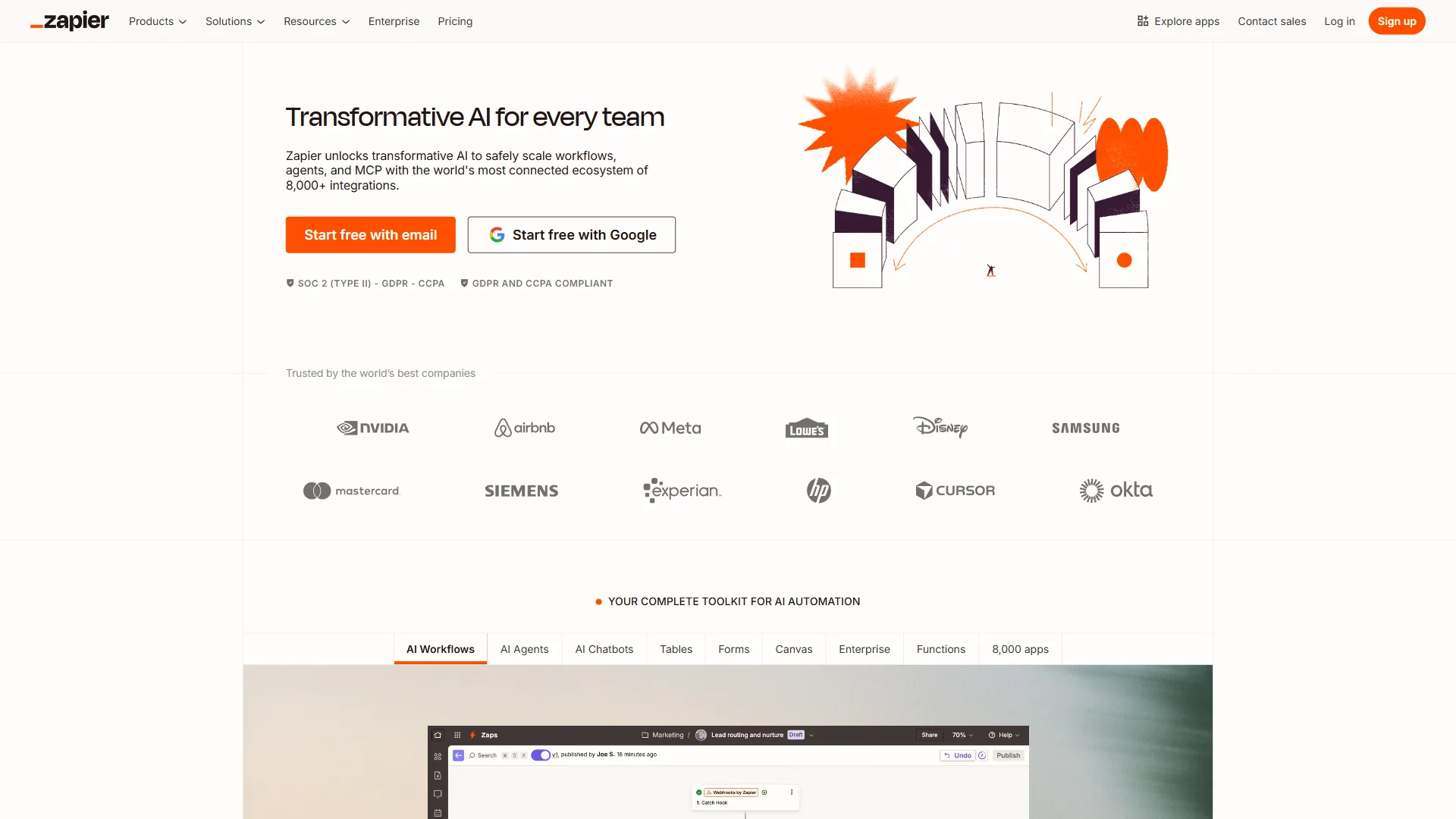
Zapier is the nervous system connecting everything. With 7,000+ app integrations and built-in AI capabilities, it handles the routing, transformation, and logic that makes isolated tools into a unified pipeline.
How it fits the stack:
- Watches triggers across all your tools (new Notion page, email received, form submitted)
- Routes data between ChatGPT, Notion, and any other tool in your stack
- Handles conditional logic, delays, and error paths
- Built-in AI actions for simple transformations without needing a separate LLM call
What makes it AI-first: Zapier’s AI features mean the orchestration layer itself can handle lightweight AI tasks - summarizing, categorizing, extracting - without routing to ChatGPT. This reduces API costs and latency for simple operations.
Where it shines: Multi-step workflows where data flows between 3+ tools. A single Zap can watch for a new client inquiry, classify it with AI, create a Notion task, draft a response in ChatGPT, and schedule a follow-up - all without human intervention for routine cases.
Notion - The Knowledge Layer
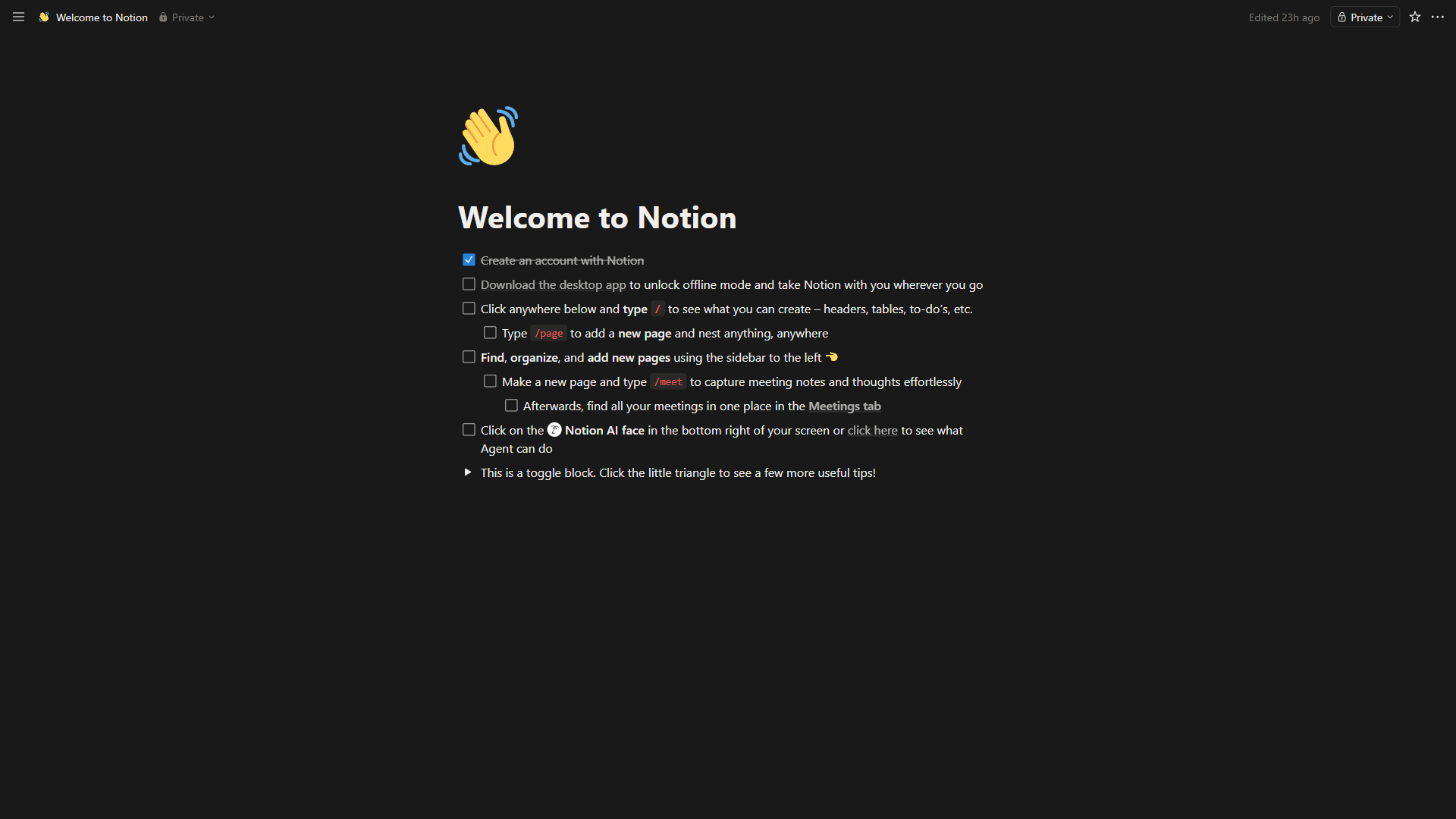
Notion is where your team’s knowledge lives and where AI outputs land. In an AI-first workflow, Notion is not just a note-taking app - it is a structured database that both feeds and receives data from your pipeline.
How it fits the stack:
- Stores structured data (content briefs, client records, project specs) that AI uses as context
- Receives AI-generated outputs for human review
- Provides Notion AI for inline tasks (summarizing pages, generating action items)
- Serves as the human interface where team members interact with the pipeline
What makes it AI-first: Notion databases with consistent schemas become the “memory” of your AI workflow. When every content brief follows the same template, your automation can reliably extract fields and feed them to ChatGPT. Structure enables automation.
Critical detail: The quality of your Notion templates directly determines the quality of your AI outputs. Spend time building templates with explicit fields for every piece of context your LLM needs. Vague free-text fields produce vague AI results.
Claude Code - The Development Layer
Claude Code is where you build the custom logic that no-code tools cannot handle. Every AI-first workflow eventually hits a point where you need a script to parse complex data, a custom API endpoint, or logic that Zapier’s interface cannot express.
How it fits the stack:
- Builds custom scripts for data transformation beyond Zapier’s capabilities
- Creates API endpoints that Zapier can call via webhooks
- Handles complex validation logic for AI outputs
- Automates development tasks (code review, test generation, documentation)
What makes it AI-first: Claude Code is not just an AI tool you use - it is an AI tool that builds your other tools. When your Zapier workflow needs a custom webhook handler, Claude Code writes, tests, and deploys it. The development layer is itself AI-powered.
When you need it: If you find yourself writing “Code by Zapier” steps with more than 10 lines, that logic should live in a dedicated script. Claude Code can create it in minutes and you get proper error handling, logging, and testability.
Building Your First AI-First Workflow: Step by Step
Let us build a concrete example: an AI-first content pipeline for a small team.
The workflow: Client submits a content request via form. AI generates a brief, creates an outline, drafts the content, and stages it for review. Human reviews and approves.
Phase 1: Set Up the Knowledge Layer (Notion)
Create three Notion databases:
- Content Requests - Fields: client name, topic, target audience, tone, key points, deadline, status
- Content Library - Fields: title, draft content, status (draft/review/published), reviewer, AI confidence score
- Style Guide - Pages with brand voice rules, formatting standards, topic-specific guidelines
The Content Requests database is your intake. The Content Library is your output staging area. The Style Guide is the context your AI needs to produce on-brand content.
Phase 2: Wire the Automation Layer (Zapier)
Build a multi-step Zap:
- Trigger: New entry in Content Requests database (status = “new”)
- Action 1: Fetch the relevant Style Guide pages from Notion
- Action 2: Send to ChatGPT API with a structured prompt combining the request data and style guide context
- Action 3: Parse the ChatGPT response (outline + draft)
- Action 4: Create a new page in Content Library with the draft
- Action 5: Update the Content Requests status to “in_review”
- Action 6: Send a Slack notification (or email) to the reviewer
Prompt template for Step 3:
You are a content writer for [brand]. Using the following style guide:
{style_guide_content}

Create a content brief and first draft for:
Topic: {topic}
Audience: {target_audience}
Tone: {tone}
Key points to cover: {key_points}

Return as JSON with keys: "outline", "draft", "confidence_score"
Requesting JSON output is critical - it makes parsing reliable downstream.
Phase 3: Handle Edge Cases (Claude Code)
When the workflow runs, you will discover that ChatGPT sometimes returns malformed JSON, or the confidence score is too low, or the draft misses key points. This is where the development layer comes in.
Use Claude Code to build a small validation script:
def validate_ai_output(response):
    """Validate ChatGPT output meets quality criteria."""
    checks = {
        "valid_json": is_valid_json(response),
        "has_outline": "outline" in response,
        "has_draft": "draft" in response,
        "min_length": len(response.get("draft", "")) > 500,
        "confidence": response.get("confidence_score", 0) > 0.7,
    }
    return all(checks.values()), checks
Deploy this as a webhook endpoint that Zapier calls between Step 3 and Step 4. If validation fails, the workflow retries with a refined prompt or escalates to a human.
Phase 4: Review and Iterate
Run the workflow 10 times with real requests. Track:
- Pass rate: How often does AI output pass validation on the first attempt?
- Edit distance: How much does the human reviewer change?
- Cycle time: Total time from request to approved content
- Cost per piece: API costs + tool subscriptions + human review time
A well-tuned AI-first content pipeline typically achieves a 70-80% first-pass rate after 2-3 weeks of refinement, meaning most content needs only light editing rather than rewrites.
What Breaks and How to Fix It
Every team that tries building AI first workflows hits the same failure modes. Here is what to watch for and how to recover.
Failure Mode 1: Context Starvation
Symptom: AI outputs are generic, off-brand, or miss key details.
Root cause: The knowledge layer is not feeding enough context to the intelligence layer. Your Notion templates have free-text fields instead of structured data, or your style guide is a single page of vague guidelines.
Fix: Audit every input your LLM receives. For each field, ask: “If I gave this to a human contractor who knows nothing about my business, could they produce the right output?” If not, add more structured context.
Failure Mode 2: Brittle Parsing
Symptom: Workflows fail silently because AI output format varies between runs.
Root cause: LLMs are probabilistic. Even with explicit format instructions, output structure drifts. A prompt that returns clean JSON 95% of the time still fails 1 in 20 runs.
Fix: Always validate AI outputs before passing them downstream. Use JSON schema validation, regex checks, or a lightweight validation function. Build retry logic that re-prompts with stricter format instructions on failure.
Failure Mode 3: Cost Spiral
Symptom: Monthly AI costs grow faster than the value delivered.
Root cause: Every step uses the most powerful (and expensive) model, or retry logic creates runaway API calls.
Fix: Tier your model usage. Use GPT-4o mini or Claude Haiku for classification and simple transforms. Reserve GPT-4o or Claude Sonnet for complex generation. Add cost caps to retry logic - after 3 retries, escalate to human rather than burning through API credits. The OpenAI pricing page and Anthropic pricing page show the per-token cost gap between tiers - it can be 20-50x.
Failure Mode 4: The “Almost Right” Trap
Symptom: AI outputs look good enough that humans approve without careful review, but quality issues accumulate over time.
Root cause: Human reviewers get calibration fatigue. After approving 20 good outputs, they start rubber-stamping everything.
Fix: Build automated quality checks that catch issues before human review. Check for brand voice consistency, fact accuracy against your knowledge base, and formatting standards. The human reviewer should be catching nuance, not typos.
Failure Mode 5: Single Point of Failure
Symptom: The entire workflow breaks when one API goes down or one tool changes its interface.
Root cause: No redundancy or fallback paths.
Fix: Design fallback routes for every critical step. If the ChatGPT API is down, can the workflow queue the request and retry later? If Zapier has issues, do you have a manual process documented? Production systems need resilience.
Cost Analysis: What This Actually Costs
Here is a realistic monthly cost breakdown for a solopreneur or small team (2-5 people) running AI-first workflows.
The Core Stack
| Tool | Plan | Monthly Cost | What You Get |
|---|---|---|---|
| ChatGPT | Plus | $20/month/user | GPT-4o access, Custom GPTs, API credits |
| Zapier | Professional | $49.99 | 2,000 tasks/month, multi-step Zaps, webhooks |
| Notion | Plus | $10/user | Unlimited pages, Notion AI, API access |
| Claude Code | Pro (via Claude) | $20/month | Claude Sonnet access, extended context |
Base cost for a solo operator: See individual tool pricing pages for current subscription rates (before API usage)
Base cost for a 3-person team: ChatGPT and Notion scale per user; Zapier and Claude Code are shared - see individual tool pricing pages for current rates
API Costs (Variable)
If you are using the ChatGPT API directly through Zapier (recommended for automation), add:
- GPT-4o: Around $2.50 per million input tokens, $10 per million output tokens
- GPT-4o mini: Around $0.15 per million input tokens, $0.60 per million output tokens
For a typical content workflow processing 50 pieces per month, expect approximately $15-30 in API costs using a mix of models.
Total Monthly Investment
| Team Size | Tools | API Costs | Total |
|---|---|---|---|
| Solo | $100 | $15-30 | $115-130 |
| 3-person | $160 | $30-60 | $190-220 |
| 5-person | $200 | $50-100 | $250-300 |
ROI Calculation
The math only works if you track what these workflows replace. If your content pipeline previously took 4 hours per piece (research, draft, edit, format, publish) and the AI-first workflow reduces it to 1.5 hours (setup, review, approve), you are saving 2.5 hours per piece.
At 50 pieces per month, that is 125 hours saved. Even valuing your time at a modest $50/hour, that is $6,250 in reclaimed capacity against approximately $130 in tool costs. The ROI is not subtle.
But be honest about the ramp-up. The first month is net negative while you build templates, refine prompts, and debug automation flows. Break-even typically happens in month 2, with clear positive ROI from month 3 onward.
How Do You Scale AI-First Workflows Beyond the Basics?
Once your first AI-first workflow is running reliably, expand methodically:
Month 1-2: Build and stabilize one workflow. Get the pass rate above 70%.
Month 3: Add a second workflow using the same tool stack. Client onboarding, weekly reporting, and email triage are strong candidates.
Month 4-5: Start connecting workflows. The output of your content pipeline feeds your social media scheduler. Client onboarding data flows into your project management system.
Month 6+: Evaluate whether your stack needs upgrading. If you are hitting Zapier’s task limits, consider Make or n8n for higher-volume automation. If ChatGPT’s output quality plateaus, test Claude for specific use cases. The framework stays the same - only the tools swap out. Our best AI automation tools 2026 roundup compares the major platforms head to head.
The teams that get the most from building AI first workflows are the ones that treat it as infrastructure, not a project. You are not “implementing AI” - you are rebuilding how your team operates, one process at a time.
The Bottom Line
Building AI-first workflows is not about adopting the latest tools - it is about redesigning how work flows through your team so AI handles the default execution and humans focus on judgment, creativity, and relationships.
The four-layer architecture gives you a clear blueprint: ChatGPT for intelligence, Zapier for orchestration, Notion for knowledge management, and Claude Code for custom development. Each layer has a defined role, and the connections between them are where the real impact lives.
Start with one workflow. Build it end-to-end. Measure the pass rate, the edit distance, and the cost. Refine for 2-3 weeks until it is reliable. Then expand.
The teams that will thrive in 2026 are not the ones using the most AI tools - they are the ones who have built systems where AI does the work and humans steer the direction.
Frequently Asked Questions
What is an AI-first workflow vs AI-assisted workflow?
An AI-assisted workflow keeps humans as the primary executor, using AI as a helper. An AI-first workflow flips that - AI handles the default labor and humans step in only when judgment, creativity, or accountability is required. The human role shifts from executor to reviewer, which is a structural change rather than an incremental improvement. The AI workflow automation maturity model breaks this transition into five concrete levels.
Which tools do you need to build AI-first workflows?
A practical four-layer stack uses ChatGPT as the intelligence engine, Zapier as the orchestration layer connecting everything, Notion as the knowledge and output management layer, and Claude Code for custom logic that no-code tools cannot handle. Each layer has a defined role, and the connections between them are where the real impact lives.
How much does an AI-first workflow stack cost per month?
For a solo operator, expect roughly $115-130 per month including tool subscriptions and API costs. A 3-person team runs approximately $190-220, and a 5-person team around $250-300. The base subscriptions cover ChatGPT Plus, Zapier Professional, Notion Plus, and Claude Code Pro (see each tool’s pricing page for current rates). API usage adds variable cost depending on volume.
How long before AI-first workflows show a positive ROI?
The first month is typically net negative while you build templates, refine prompts, and debug automation. Break-even usually happens in month 2, with clear positive ROI from month 3 onward. A content pipeline saving 2.5 hours per piece across 50 pieces monthly represents 125 hours reclaimed - significant compared to roughly $130 in tool costs. Track pass rate, edit distance, and cost per piece to validate ROI honestly.
Why do AI outputs fail or drift in automated workflows?
LLMs are probabilistic - even with explicit format instructions, output structure drifts over time. A prompt returning clean JSON 95% of the time still fails 1 in 20 runs. The fix is to always validate AI outputs before passing them downstream using JSON schema validation, regex checks, or a lightweight validation function, and build retry logic with stricter format instructions on failure. The OpenAI structured outputs documentation covers JSON-mode and schema enforcement in detail.
Should I start with one workflow or rebuild everything at once?
Start with exactly one workflow. Pick the highest-frequency, highest-friction process you have and build it end-to-end before touching anything else. Teams that try to convert every process at once almost always abandon the effort within two months because the failure modes compound. Get one workflow to a 70-80% first-pass rate, document what worked, then expand to a second workflow that reuses the same architecture.
Related Guides
- AI Workflow Automation Maturity Model - Five-level framework for assessing where your automation stands
- Client Onboarding Automation - Apply the AI-first stack to client intake and kickoff
- Automate Approval Process No-Code - Build approval workflows without writing code
- How to Automate Invoicing with AI - Extend the AI-first stack to billing operations
Want to learn more about Zapier?
Related Reading
- Best AI Automation Tools 2026 - Detailed comparison of Zapier, Make, n8n, and Gumloop
- Zapier vs Make Automation - Head-to-head workflow automation comparison
- Automate Approval Processes No-Code - Practical guide to no-code automation
- ChatGPT Review | Claude Code Review | Zapier Review | Notion Review
External Resources
- OpenAI API Documentation - Pricing, models, and integration guides for ChatGPT API
- Zapier App Integrations - Browse 7,000+ available app connections
- Notion AI Features - Official overview of Notion’s AI capabilities
Related Guides
- 15 Calendly Tips and Tricks to Save 4+ Hours Weekly
- Activecampaign AI Content Generation: Complete 2026 Guide
- ActiveCampaign CRM Setup: How to Set Up ActiveCampaign CRM
- ActiveCampaign Shopify Integration: Complete Setup
- ActiveCampaign WordPress: Forms, Tracking & Automation
- ActiveCampaign Zapier: 10 Automations to Build Today
- AI Agent Orchestration: Patterns That Scale in 2026
- AI Content Writing Workflow: 2026 Walkthrough for Teams
- AI Product Discovery Ecommerce: Lift Revenue in 2026
- AI Productivity Trends 2026: 6 Real Shifts, No Hype