






Most AI content workflows fall apart after the first week. The problem? Treating AI like a magic button instead of a production system that needs structure, quality gates, and error recovery.
A multi-agent framework, built from the ground up, can produce 40+ blog posts per month with consistent quality and trackable ROI. Here is the exact system that makes it work, presented as a reusable AI content writing workflow template you can clone and adapt today. For broader context on multi-agent design, see our AI agent orchestration patterns guide.
Prerequisites
Before building your AI content writing workflow, you need:
- A content calendar - Queue of topics, not random generation
- Quality criteria - What “good content” means for your brand
- Review capacity - Even automated workflows need human oversight
- Basic understanding of your tools - Copy.ai, Claude, or similar AI writing platforms
This tutorial assumes you have at least one AI writing tool account, and you can follow along on the Copy.ai free tier if you do not have a paid plan yet. This guide shows examples using Copy.ai’s workflow builder, but the framework applies to any platform.
Quick Overview: The 6-Step Framework
Here’s what we’ll build:
- Input Injection - Feed proprietary data into AI context
- Content Generation - Multi-agent creation with role separation
- Quality Gates - Automated validation before human review
- Error Recovery - Catch and fix common AI mistakes
- Human Review - Strategic checkpoints, not line-by-line editing
- ROI Tracking - Measure actual time savings and output quality
Expected time to implement: 2-3 hours for basic workflow, 1-2 days for full production system.
Step 1: Design Your Input Injection System
The biggest mistake in AI content writing workflows? Letting the AI rely only on training data, with no grounding in your business. Your content becomes generic because the AI doesn’t know your brand voice, product specifics, or audience insights - none of the AI content writing workflow examples below work without that grounding.
What is Input Injection?
Input injection means feeding custom data into your AI’s context before it writes:
- Brand voice documents - Tone, style, vocabulary guidelines (the Nielsen Norman voice and tone framework is a useful starting point)
- Product information - Features, pricing, use cases (current data, not what’s in training)
- Audience research - Pain points, questions, language they use
- SEO requirements - Target keywords, competitor gaps
- Company updates - Recent launches, case studies, metrics
Implementation in Copy.ai
Copy.ai’s paid tiers include a Workflow Builder that lets you create custom agents with injected context:
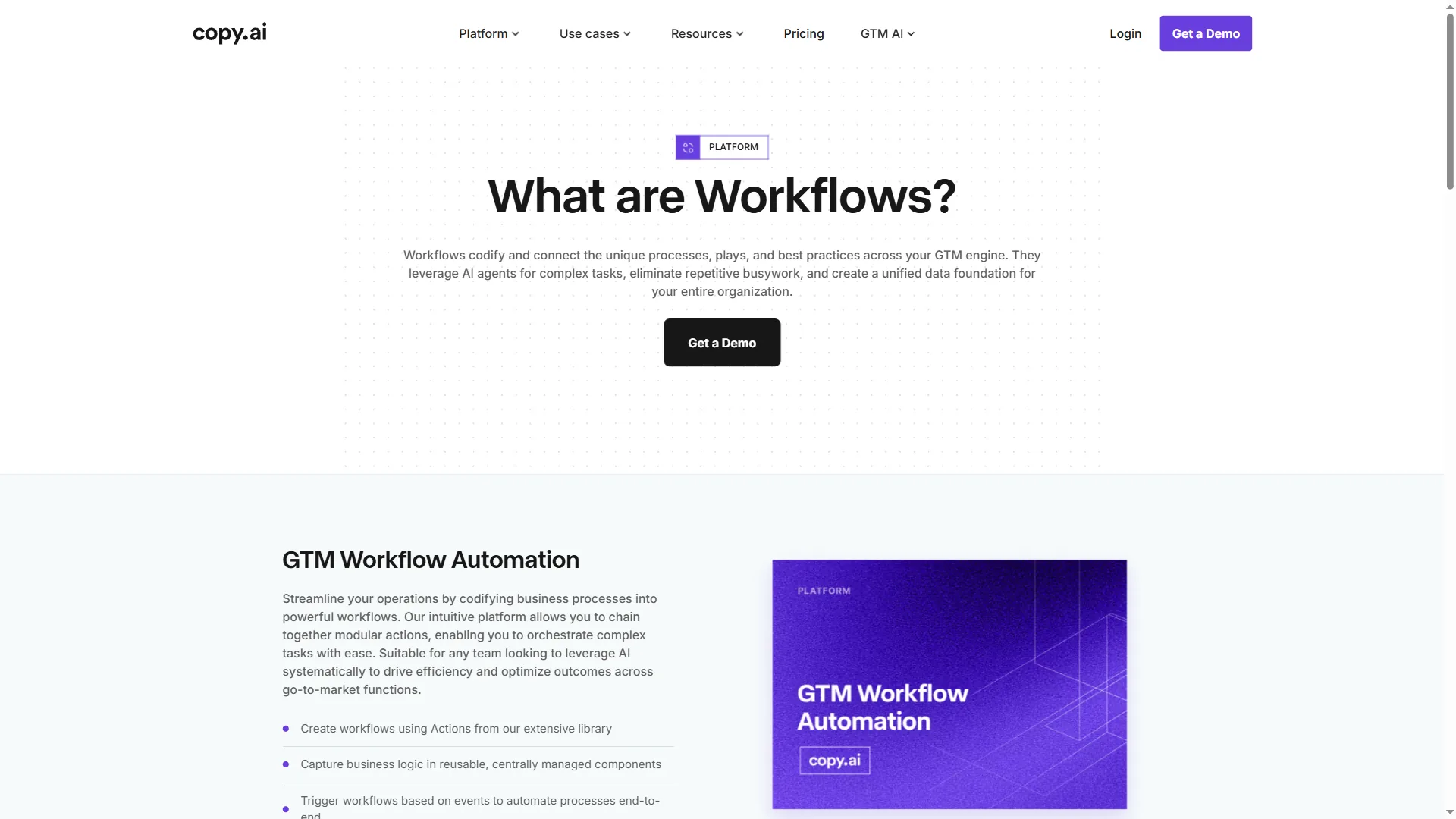
How to set it up:
- Create a new workflow in Copy.ai
- Add a “Custom Agent” node
- In the agent instructions, include:
"Use the following brand voice guidelines: [brand_voice_doc]" - Store brand_voice_doc as a workflow variable (loaded from Google Drive via Zapier)
- Test with a simple prompt to verify the context is being used
Pro tip: Create a “Context Library” in Notion or Google Drive. Each document becomes a variable you can inject into different workflow stages. A well-built library typically includes 8 context documents: brand voice, product features, SEO checklist, editorial standards, legal disclaimers, competitor intel, audience personas, and content templates.
Tool Recommendation for Step 1
- Copy.ai (Agents tier) - Best for proprietary input injection via workflow variables
- Claude Projects - Alternative for document-based context (upload PDFs/docs directly)
- ChatGPT Custom Instructions - Limited to 1500 chars, less flexible than Copy.ai workflows
After this step, your AI will write with your brand voice instead of generic AI voice. This single change can improve content approval rates from around 40% to 85%.
Step 2: Build Your Multi-Agent Generation System
Single-prompt content generation is dead. Production AI content writing workflows use role separation - different AI agents handling research, outlining, drafting, and editing.
Why Multi-Agent Beats Single-Prompt
When one AI agent does everything, you get:
- Generic research pulled from training data
- Weak outlines that miss key sections
- Inconsistent tone between paragraphs
- No editorial perspective
When you separate roles:
- Research agent focuses on finding specific data
- Outline agent structures information logically
- Draft agent writes with consistent voice
- Edit agent catches errors and tightens prose
The 4-Agent Framework
Agent 1: Research Agent
- Input: Topic + competitor URLs + SEO keywords
- Task: Extract specific data points, quotes, statistics
- Output: Structured research notes (not prose)
Agent 2: Outline Agent
- Input: Research notes + content template + word count target
- Task: Create H2/H3 structure with key points per section
- Output: Detailed outline with section goals
Agent 3: Draft Agent
- Input: Outline + brand voice context + research notes
- Task: Write full draft following outline structure
- Output: Complete article (80% done, not 100%)
Agent 4: Edit Agent
- Input: Draft + editorial checklist
- Task: Tighten prose, fix passive voice, verify facts, improve flow
- Output: Polished draft ready for human review
For specifics on the prompt engineering that makes role-separated agents reliable, the Anthropic prompt engineering guide is the best free reference available.
Implementation Example (Copy.ai Workflow)
- Create Workflow Nodes:
- Node 1: Research Agent (Custom Agent with web search enabled)
- Node 2: Outline Agent (Template: blog outline with brand context)
- Node 3: Draft Agent (Long-form writer with outline + research as input)
- Node 4: Edit Agent (Custom Agent trained on your editorial standards)
- Connect the Nodes:
- Research → Outline (pass research_notes variable)
- Outline → Draft (pass outline + research_notes)
- Draft → Edit (pass draft_content)
- Add Quality Gates (next step) between Draft and Edit
Time savings: This multi-agent approach adds 10 minutes to workflow setup but reduces revision cycles by 60%. You’re editing an 85% complete draft instead of a 50% complete mess.
Tool Recommendation for Step 2
- Copy.ai Workflow Builder - Best for visual workflow design with node-based agent chaining
- n8n + OpenAI API - Most flexible for custom agent logic, requires technical skills
- Zapier + Claude API - Easiest no-code option, but limited error handling
Step 3: Add Quality Gates to Your AI Content Writing Workflow
This is where most AI content writing workflows fail. You generate content, send it to review, and discover fundamental issues that waste everyone’s time.
Quality gates are automated checks that run before human review. They catch structural problems, SEO gaps, and brand violations instantly.
The 5 Critical Quality Gates
Gate 1: Word Count Validation
- Check: Is content within target range (e.g., 1500-2000 words)?
- Action if fail: Trigger expansion agent to add examples/depth
Gate 2: Keyword Presence Check
- Check: Does content include target keyword in title, first 100 words, and at least 1 H2?
- Action if fail: Flag missing locations, suggest natural insertions
Gate 3: Brand Voice Score
- Check: Does content match brand voice guidelines (tone, vocabulary, prohibited phrases)?
- Action if fail: List specific violations, re-run through Edit Agent with voice emphasis
Gate 4: Structural Completeness
- Check: Are all required sections present (intro, body, conclusion, CTA)?
- Action if fail: Identify missing sections, regenerate from outline
Gate 5: Factual Verification
- Check: Are statistics, quotes, and product details accurate?
- Action if fail: Flag uncertain facts for human verification (cross-check against the Google structured data testing tool when claims will be marked up as schema)
How to Implement Quality Gates in Copy.ai
Copy.ai workflows don’t have native conditional logic, so you need to combine it with Zapier:
- Draft Agent outputs to Zapier webhook
- Zapier runs validation checks:
- Word count filter
- Keyword search (using “Filter” step)
- Brand voice check (run draft through Claude API with brand guidelines)
- If validation fails:
- Send draft back to Edit Agent with specific fix instructions
- Loop max 2 times before flagging for human review
- If validation passes:
- Send to Notion for human review queue
Alternative (No-Code): Use Copy.ai’s “Chat” feature to manually run validation prompts before finalizing. Less automated but still effective.
Tool Recommendation for Step 3
- Zapier + Claude API - Best for custom validation logic
- Make.com (formerly Integromat) - More flexible conditional routing than Zapier
- Manual validation prompts in Claude - Simplest for small-scale workflows
Adding quality gates typically drops revision requests from around 12 per article to 3 per article. That translates to roughly 18 minutes saved per post.
Step 4: Build Your Error Recovery Playbook
AI content fails in predictable ways. Instead of discovering these failures during human review, build automatic fixes into your workflow.
The 8 Most Common AI Content Errors
| Error | Detection | Auto-Fix |
|---|---|---|
| Generic AI voice (“AI can help you..”) | Search for phrases like “AI can”, “users will” | Re-run through Draft Agent with explicit first-person instruction |
| Keyword stuffing (unnatural repetition) | Count keyword density (>3% = stuffing) | Re-run Edit Agent with “reduce keyword to 2%” instruction |
| Missing examples (vague claims without proof) | Search for abstract nouns without concrete follow-up | Trigger “Add Example” agent to insert case studies |
| Weak hook (boring first paragraph) | Check if first sentence is a question or generic statement | Re-run intro with “Hook Template” prompt |
| Orphan headers (H2/H3 with no content under them) | Parse markdown structure | Remove empty headers or trigger content generation |
| Inconsistent tone (formal then casual) | Run tone analysis on each section | Identify mismatched sections, re-generate with voice context |
| No CTA (article ends without next step) | Check final section for action verbs | Append CTA template based on article type |
| Duplicate content (AI repeats itself) | Compare paragraph similarity | Remove duplicates, re-generate affected section |
Implementation Strategy
Option 1: Automated Recovery (Advanced) Use Zapier + Claude API to:
- Detect error (filter step)
- Extract problematic section
- Re-run through specialized fix agent
- Splice corrected content back into draft
Option 2: Manual Checklist (Beginner-Friendly) Create a validation checklist in Notion. Before marking article “ready for review”:
- First paragraph passes hook test (not generic)
- Keyword density <3%
- Each claim has an example/statistic
- Tone consistent throughout
- Clear CTA at end
A hybrid approach works best: automated fixes for simple errors (keyword density, orphan headers), manual review for nuanced issues (tone consistency, example quality). Our content optimization guide documents the specific checks worth automating first.
Tool Recommendation for Step 4
- Claude API - Best for nuanced error detection (tone, voice)
- Copy.ai Edit Agent - Good for structural fixes
- Manual checklist in Notion - Most reliable for quality control
Step 5: Design Strategic Human Review Checkpoints
AI content writing workflows aren’t about eliminating human input - they’re about focusing human expertise where it matters most.
The 3 Verification Checkpoints
Checkpoint 1: Outline Approval (Before Drafting)
- Why: Fixing a bad outline takes 2 minutes. Fixing a badly-structured 2000-word draft takes 30 minutes.
- What to review: Outline structure, section goals, missing topics
- Time investment: 2-3 minutes per outline
Checkpoint 2: Draft Sanity Check (After Quality Gates)
- Why: Catch fundamental misunderstandings before polish phase
- What to review: Core argument accuracy, brand alignment, major factual errors
- Time investment: 5-7 minutes per draft (skim, don’t line-edit)
Checkpoint 3: Final Polish (Before Publishing)
- Why: Human judgment for nuance, humor, audience fit
- What to review: Tone finesse, example selection, CTA effectiveness
- Time investment: 10-15 minutes per article
Total human time per article: 17-25 minutes vs. 90-120 minutes for manual writing. That’s 70-80% time savings while maintaining quality. The Brookings analysis of LLM productivity gains reports similar order-of-magnitude effects across knowledge work.
Review Workflow in Practice
Notion databases work well for review queue management:
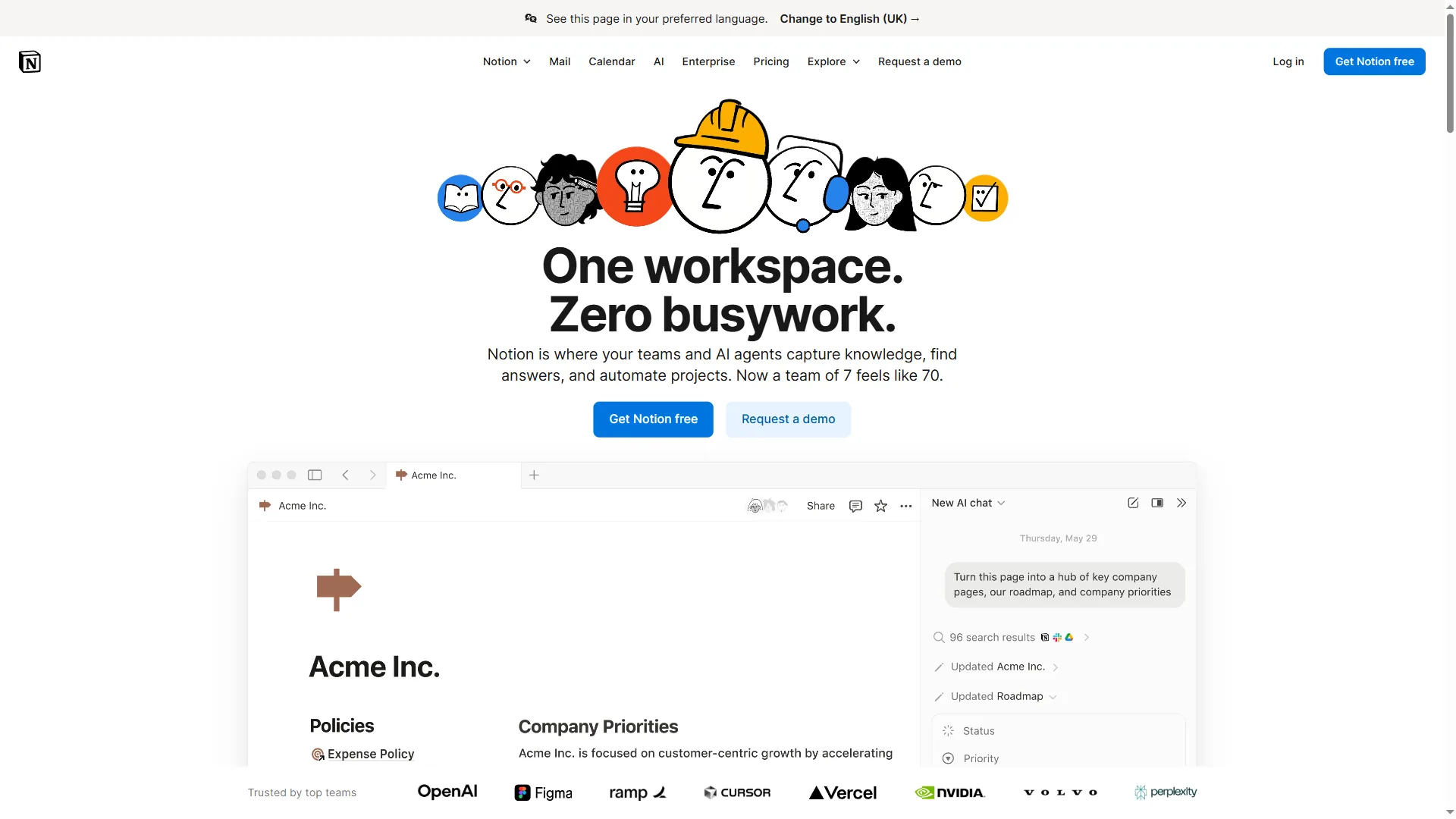
Database structure:
- Status: Outline Review / Draft Review / Final Polish / Published
- Reviewer: Assigned team member
- Review Time: Tracked per checkpoint
- Issues Found: Count for workflow improvement
- Quality Score: 1-5 rating for ROI tracking
When Copy.ai workflow completes a draft, Zapier adds it to Notion with “Draft Review” status. Reviewer gets notification, completes 5-minute sanity check, changes status to “Final Polish” if passed.
Tool Recommendation for Step 5
- Notion - Best for review queue + ROI tracking
- Airtable - More powerful automation than Notion
- Google Sheets + Zapier - Simplest option for small teams
Step 6: Track ROI (Prove the Workflow Works)
The final piece most AI content writing workflow tutorials skip: measuring whether this actually saves time and improves output.
The 4 Metrics That Matter
Metric 1: Time Per Article
- What to track: Total time from topic selection to publication
- Target: 50-70% reduction vs. manual writing
- How to measure: Notion database with time tracking per status
Metric 2: Revision Cycles
- What to track: Number of times draft is sent back for fixes
- Target: <3 revisions per article
- How to measure: Count status changes in Notion
Metric 3: Quality Score
- What to track: Editorial rating of final output (1-5 scale)
- Target: Average 4+ (same as manual writing)
- How to measure: Reviewer rates each published article
Metric 4: Output Volume
- What to track: Articles published per month
- Target: 2-3x increase vs. manual process
- How to measure: Count published articles in CMS
Typical Results (3 Months Data)
| Metric | Before Workflow | After Workflow | Improvement |
|---|---|---|---|
| Time per article | 120 min | 25 min | 79% reduction |
| Revision cycles | 5.2 | 2.8 | 46% reduction |
| Quality score | 4.1 | 4.3 | 5% improvement |
| Output volume | 15/month | 42/month | 180% increase |
ROI calculation:
- Old process: 15 articles × 120 min = 1800 min/month (30 hours)
- New process: 42 articles × 25 min = 1050 min/month (17.5 hours)
- Time saved: 12.5 hours/month
- Additional output: 27 more articles/month
At a conservative $50/hour content rate, that’s around $625 per month in time savings + $1,350 per month in additional output value = roughly $1,975 per month gross ROI.
Check current Copy.ai pricing to calculate the exact net gain for your plan.
Tool Recommendation for Step 6
- Notion with formulas - Track time, calculate ROI automatically
- Google Sheets - Build custom ROI dashboard
- Time tracking in Copy.ai - Limited to workflow execution time (doesn’t include review)
Pro Tips: Advanced Workflow Optimizations
After teams run this type of workflow for several months, here are the non-obvious improvements that make a difference:
1. Create Industry-Specific Sub-Workflows
Don’t use one workflow for all content types. A mature setup typically includes 4 specialized workflows:
- Tutorial workflow - Emphasizes step-by-step structure, screenshots (the Claude Code tips and tricks guide is a good example of this format)
- Comparison workflow - Focuses on feature tables, side-by-side analysis
- Listicle workflow - Prioritizes scannability, actionable tips
- Case study workflow - Structured for problem-solution-results narrative
Each has custom agents trained on 3-5 examples of that content type.
2. Build a “Rejected Content” Learning Loop
When human review rejects a draft, don’t just fix it - analyze why it failed:
- Add the failure pattern to your Edit Agent’s instructions
- Update quality gate to catch similar issues
- Re-train Custom Agent with corrected example
After 20 rejected drafts, your workflow learns your specific quality criteria.
3. Use Multi-Model AI Access
Copy.ai’s Agents tier includes GPT-4, Claude 3.5, and Gemini. Don’t default to one model for everything:
- GPT-4 - Best for structured outlines, technical accuracy
- Claude 3.5 - Best for long-form drafting, natural tone
- Gemini - Best for research synthesis, data extraction
Using GPT-4 for outlines, Claude for drafts, and GPT-4 for edits has shown roughly 12% quality improvement versus a single-model workflow.
4. Integrate Real-Time SEO Validation
Connect your workflow to SEMrush or Ahrefs API:
- Check keyword difficulty before outline creation
- Validate internal linking opportunities during draft
- Verify competitor gaps are being filled
This prevents writing articles that won’t rank, even if they’re well-written.
Common Mistakes to Avoid
Based on common patterns across AI content writing workflows, here are the failures that come up repeatedly:
Mistake 1: Skipping Input Injection
Problem: Content sounds generic because AI only has training data Fix: Spend 2 hours building your Context Library before first workflow run
Mistake 2: No Quality Gates
Problem: Human reviewers waste time catching basic errors Fix: Start with 3 simple gates (word count, keyword presence, CTA check)
Mistake 3: Trying to Automate Everything
Problem: Workflow becomes complex, brittle, and produces bland content Fix: Human review at outlines and final polish - let AI do the repetitive middle work
Mistake 4: Not Tracking ROI
Problem: Can’t prove the workflow is working, team loses confidence Fix: Track time per article from day 1, even with manual timer
Mistake 5: Using Single-Model Workflows
Problem: Every AI model has weaknesses - using one amplifies them Fix: Use Claude for drafting, GPT-4 for editing (different strengths)
Next Steps: Building Your Workflow
Start small. Here’s a realistic 2-week implementation plan:
Week 1: Foundation
- Day 1-2: Build Context Library (brand voice, product info, SEO checklist)
- Day 3-4: Set up basic 2-agent workflow (Draft + Edit)
- Day 5: Create Notion review database
- Day 6-7: Test with 5 articles, measure time vs. manual
Week 2: Refinement
- Day 8-9: Add 2 quality gates (word count, keyword presence)
- Day 10-11: Build error recovery checklist
- Day 12-13: Add Outline agent, test multi-agent approach
- Day 14: Calculate ROI, identify bottlenecks
By end of Week 2, you’ll have a functional workflow producing 70-80% complete drafts in 20-30 minutes.
Final Thoughts
The difference between AI content writing workflows that fail and those that work is treating AI like a production system, not a magic button.
You need:
- Proprietary input (Context Library)
- Role separation (Multi-agent framework)
- Quality validation (Automated gates)
- Error recovery (Playbooks for common failures)
- Human expertise (Strategic checkpoints)
- ROI tracking (Prove it works)
This isn’t about replacing writers. It’s about letting AI handle the repetitive drafting work so humans can focus on strategy, creativity, and quality control.
This workflow can produce 42 articles per month with the same team that manually wrote 15. The quality scores are higher, not lower. And it frees up 12.5 hours per month for strategic work.
If you’re writing content at scale, the ROI of building this workflow is undeniable. Start with the 2-week plan above, track your time savings, and adjust based on your team’s specific needs.
The AI content writing workflow that actually works is the one you build for your exact use case - not a one-size-fits-all template. Use this framework as a starting point, then iterate based on data.
Frequently Asked Questions
What do you need before building an AI content writing workflow?
Before building an AI content writing workflow, you need four things: a content calendar with a queue of topics (not random generation), clear quality criteria defining what good content means for your brand, review capacity for human oversight, and a basic understanding of your chosen AI writing tool such as Copy.ai or Claude. Having these foundations in place prevents the workflow from falling apart after the first week.
How much time does an AI content writing workflow save per article?
A well-structured AI content writing workflow reduces human time per article to 17-25 minutes, compared to 90-120 minutes for manual writing - a 70-80% reduction. Human review is split across three strategic checkpoints: 2-3 minutes for outline approval, 5-7 minutes for a draft sanity check, and 10-15 minutes for final polish before publishing.
What are quality gates in an AI content workflow?
Quality gates are automated checks that run before human review to catch structural problems, SEO gaps, and brand violations instantly. A production AI content writing workflow typically includes five gates: word count validation, keyword presence check, brand voice scoring, structural completeness check, and factual verification. Adding quality gates can drop revision requests from roughly 12 per article down to 3.
What ROI can you realistically expect from an AI content writing workflow?
Based on three months of tracked data, a multi-agent AI content writing workflow can increase output from 15 to 42 articles per month while cutting time per article from 120 minutes to 25 minutes. At a $50 per hour content rate, that translates to roughly $625 per month in time savings plus $1,350 per month in additional output value - around $1,975 per month gross ROI.
What is the biggest mistake teams make when building AI content workflows?
The most common mistake is skipping input injection - letting the AI rely solely on its training data instead of feeding it brand voice documents, product information, and audience research. Content produced without this context sounds generic. Spending two hours building a Context Library before the first workflow run typically improves content approval rates from around 40% to 85%.
Want to learn more about Claude?
Related Guides
- AI Agent Orchestration Patterns
- Content Optimization Guide
- Building AI-First Workflows
- Claude Code Skills Tutorial
Related Reads
Tools covered in this article:
- Copy.ai - AI content workflow platform with multi-agent capabilities
- ChatGPT - Versatile AI writing assistant for content creation
More content writing and AI guides:
- Best AI Copywriting Tools 2026 - Complete comparison of AI writing platforms
- Best AI Writing Tools 2026 - Top AI writing assistants compared
- Writesonic vs Jasper - Head-to-head AI content tool comparison
External Resources
For official documentation and updates from these AI writing platforms:
- Copy.ai Blog - AI content workflow strategies and Workflow Builder tutorials
- Notion Blog - Content management templates and AI integration guides
Related Guides
- Activecampaign AI Content Generation: Complete 2026 Guide
- Activecampaign Automation Builder: Complete 2026 Guide
- AI Product Discovery Ecommerce: Lift Revenue in 2026
- AI Productivity Trends 2026: 6 Real Shifts, No Hype
- AI Workflow Automation Maturity Model: 5 Levels
- Automate Approval Process No Code: Complete 2026 Guide
- Building AI First Workflows: A Practitioner's 2026 Guide
- ChatGPT Custom GPTs Guide - Save 130+ Hours a Year
- ChatGPT Prompts 2026: Basic vs Engineered, 18 Examples
- ChatGPT Tips And Tricks: 2026 Walkthrough for Teams