

ElevenLabs music generation is a text-to-music system that composes original instrumental tracks from written prompts describing genre, mood, tempo, and instrumentation. The platform produces fully arranged pieces in seconds, supporting electronic, lo-fi, orchestral, jazz, hip-hop, ambient, and rock styles for videos, podcasts, jingles, ads, and social media content.
ElevenLabs music generation lets you create original music tracks from a written description. Acting as an AI music generator from text, the platform accepts prompts like “upbeat electronic track with synth arpeggios and a driving beat, 120 BPM” and produces a fully composed piece of music in seconds. No instruments, no music theory knowledge, no sample libraries - just a prompt and a generate button.
This is not a gimmick feature buried in a labs section. Music generation is a core part of the ElevenLabs creative platform, sitting alongside text-to-speech, voice cloning, sound effects, and dubbing. Searches for ElevenLabs music generation free options usually surface this paid feature, since the free tier covers evaluation only. For content creators who have been paying $15 to $30 per month for royalty-free music subscriptions - or worse, spending hours searching free libraries for something that does not quite fit - this changes the math entirely. You describe the exact track you need for your project and get something original that nobody else is using.
This guide walks you through the complete ElevenLabs music generation workflow from your first track to advanced prompting strategies. You will learn how to write prompts that produce specific genres and moods, understand the generation settings, navigate the Music Marketplace, handle ElevenLabs music download formats after each generation, and know exactly what you can and cannot do with generated tracks commercially.
Overview
ElevenLabs music generation is a text-to-music system that composes original audio from written descriptions and packages each ElevenLabs music generation download as a standard audio file. You provide details about genre, mood, tempo, instrumentation, and style - the AI handles composition, arrangement, and production.
What you can create:
- Full instrumental tracks - Background music for videos, podcasts, and presentations ranging from 15 seconds to several minutes
- Genre-specific compositions - Electronic, lo-fi, orchestral, jazz, hip-hop, ambient, rock, and dozens of other styles
- Jingles and intros - Short branded audio clips for YouTube channels, podcasts, and social media
- Ambient backgrounds - Atmospheric soundscapes for meditation apps, study playlists, and environmental audio
- Mood-driven pieces - Tracks designed to evoke specific emotions like tension, joy, melancholy, or excitement
What makes it different from stock music libraries:
Every track is generated uniquely for your prompt. Unlike Epidemic Sound or Artlist where thousands of creators license the same tracks, your generated music is original. You also skip the browsing and searching workflow entirely - instead of filtering through hundreds of “upbeat corporate” tracks hoping one fits your edit, you describe what you want and get it.
The generation model understands musical concepts like tempo, key, instrumentation, and song structure. You do not need to know these terms to get usable results, but using them in your prompts gives you significantly more control over the output.
When to Use ElevenLabs Music Generation
ElevenLabs music generation is not a replacement for every music need - the feature sits behind paid plans rather than offering a free tier - but it covers a wide range of content production scenarios where stock music has been the default.
YouTube intros and outros. A 10 to 20 second branded jingle that matches your channel’s tone. Generate several variations, pick the one that fits, and you have a unique audio identity that no other channel shares.
Podcast background music. Soft instrumental beds that sit underneath interview segments or transitions. The ability to specify “gentle, non-distracting” in your prompt means you get tracks that stay out of the way of dialogue without needing to manually adjust levels or search for “podcast-safe” music.
Ad and promotional jingles. Short, catchy compositions for product demos, social media ads, and marketing videos. Specify energy level, genre, and duration to match your brand’s personality.
Game and app audio. Menu music, level themes, ambient exploration tracks, and victory stingers. Game developers can generate dozens of variations quickly and pick the best fits for each scene.
Social media content. Background tracks for Instagram Reels, TikTok videos, and YouTube Shorts. Since these platforms favor trending sounds, having original music means your content stands out from the thousands of posts using the same licensed tracks.
Presentations and training videos. Professional background music that keeps audiences engaged during corporate presentations, e-learning modules, and onboarding materials without the distraction of recognizable commercial tracks.
Consider stock music libraries when:
- You need a track with vocals or lyrics (AI music generation focuses on instrumental compositions)
- You require a specific recording of a real orchestra, band, or live performance
- Your brand guidelines mandate using a particular licensed track or catalog
Plan Requirements
Music generation is available on paid ElevenLabs plans. Here is what each tier includes:
Free tier - Music generation is not included. The free plan covers text-to-speech evaluation only.
Starter plan ($6/month) - Includes access to music generation with a limited number of generations per month. Suitable for creators who need a few tracks monthly for personal projects. Generated tracks on this tier include a commercial license.
Creator plan ($22/month) - Higher generation limits and access to additional features including the Music Marketplace. This tier works for regular content producers who generate music weekly.
Pro and Scale plans - The highest generation quotas, priority processing, and API access for music generation. Designed for teams, agencies, and developers integrating music generation into their own applications.
Music generations draw from your plan’s overall credit quota - the same credits used for voice generation, sound effects, and other features. If you use ElevenLabs primarily for music, your effective capacity is higher than if you split credits across multiple features.
Compare all tiers on the ElevenLabs pricing page to find the plan that matches your usage. The official ElevenLabs Music product page also lists the latest plan-level generation limits.
How Do You Generate Your First Track?
The music generation interface is straightforward. Here is the step-by-step process from opening the tool to downloading your first track.
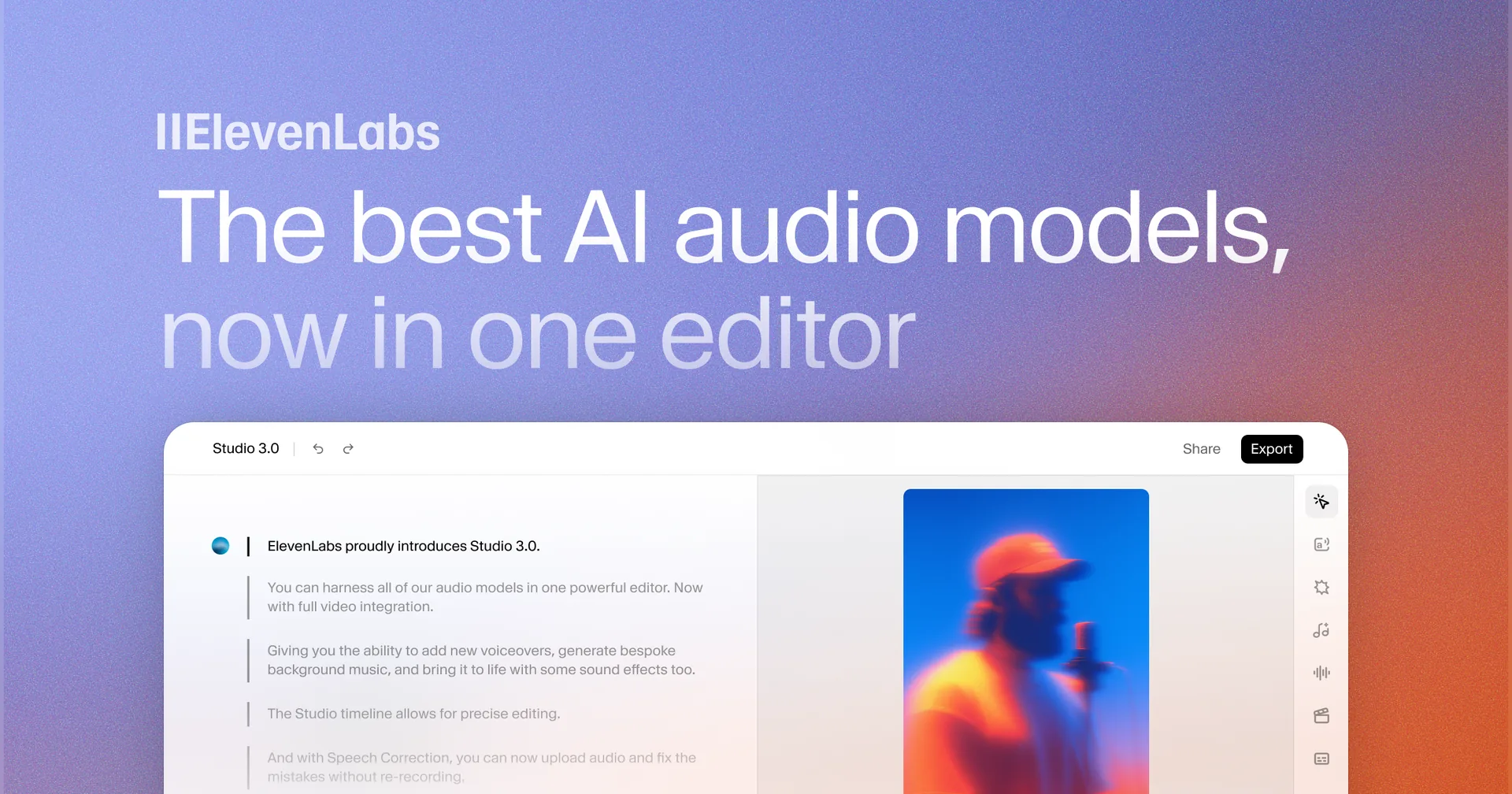
Step 1: Open the music tool. Log in to your ElevenLabs account. Navigate to the Music section from the left sidebar. If you do not see it, verify that your account is on a paid plan - ElevenLabs music generation is not available on the free tier.
Step 2: Write your prompt. In the text prompt field, describe the track you want. Start simple for your first generation. Something like:
Calm lo-fi hip-hop beat with soft piano chords, vinyl crackle, and a slow relaxed tempoYou do not need to be a musician to write effective prompts. Describe what you want to hear the way you would describe it to a friend - genre, mood, and any specific sounds you want included.
Step 3: Set the duration. Choose how long you want the track to be. For a first test, 30 seconds is a good length - long enough to hear a complete musical idea, short enough to not waste credits if you want to iterate on the prompt.
Step 4: Configure generation settings. For your first track, leave all settings at their defaults. The model produces solid results out of the box, and adjusting parameters before you have a baseline to compare against makes it harder to understand what each setting does.
Step 5: Click Generate. The platform generates your track. Generation typically takes 10 to 30 seconds depending on duration and server load. You will see a progress indicator while the AI composes your music.
Step 6: Preview and evaluate. Listen to the generated track. Pay attention to whether the genre, mood, and energy match what you described. If the track is close but not quite right, take note of what you would change - this is what you will adjust in your next prompt.
Step 7: Download or regenerate. If the track works for your project, download it. If it needs adjustment, modify your prompt based on what you heard and generate again. Each generation produces a new composition, so even the same prompt will give you a different track each time.
How Do You Write Effective Music Prompts?
Prompt quality is the single biggest factor in output quality. A vague prompt like “happy music” produces generic results. A specific prompt with genre, instrumentation, tempo, and mood details produces tracks you can use immediately.
The prompt formula that works consistently:
[Genre] + [Mood/Energy] + [Instruments/Sounds] + [Tempo descriptor] + [Optional context]Examples by genre:
Electronic/EDM:
- “High-energy EDM track with heavy bass drops, synth leads, and a four-on-the-floor kick pattern, 128 BPM, festival atmosphere”
- “Dark techno with deep rolling bassline, metallic percussion, and industrial textures, slow and hypnotic”
- “Retro synthwave with warm analog pads, pulsing arpeggios, and a driving beat, nostalgic 1980s feel”
Lo-fi and Chill:
- “Lo-fi hip-hop beat with dusty vinyl crackle, mellow Rhodes piano, soft brushed drums, rainy day mood”
- “Chill ambient track with gentle guitar fingerpicking, subtle reverb, and soft pad textures, introspective and calm”
- “Downtempo beats with jazz piano samples, tape hiss, and a lazy swing rhythm, late-night study session”
Orchestral and Cinematic:
- “Epic orchestral piece with soaring strings, brass fanfare, timpani rolls, and a heroic triumphant mood”
- “Gentle orchestral underscore with solo cello, soft strings, and harp arpeggios, emotional and reflective”
- “Tense cinematic suspense with low strings tremolo, distant horns, and subtle percussion building gradually”
Corporate and Presentation:
- “Upbeat corporate track with acoustic guitar, light percussion, and clean piano, optimistic and professional”
- “Motivational background music with building energy, modern production, clean and inspirational”
- “Tech startup presentation music with minimal electronic elements, clean bass, and an innovative forward-looking feel”
Acoustic and Folk:
- “Acoustic folk track with fingerpicked guitar, light tambourine, and a warm campfire atmosphere”
- “Country-influenced acoustic piece with steel guitar, gentle banjo, and a storytelling rhythm”
Prompt writing principles:
Name specific instruments. “Piano and strings” produces better results than “melodic instruments.” The more specific you are - “Rhodes electric piano” versus just “piano” or “nylon string guitar” versus just “guitar” - the more targeted the output.
Describe energy, not just mood. “Energetic and uplifting at 130 BPM” gives the model both the emotional direction and a concrete tempo reference. “Happy” alone is too vague to produce a focused result.
Include production style cues. Words like “lo-fi,” “polished,” “raw,” “minimal,” “layered,” and “spacious” describe the production aesthetic and influence how the track sounds beyond its genre classification.
Reference contexts, not copyrighted works. Instead of “sounds like a specific artist,” describe the characteristics you want: “dark atmospheric electronic with reverb-heavy textures and slow tempo.” The model responds to musical descriptions, not artist names.
Specify what you do not want. If you need a track without drums for a voiceover bed, say “no percussion, instrumental pad only.” Exclusions help narrow the output when the default for a genre includes elements you want to avoid.
The Music Marketplace
The Music Marketplace is a community-driven library within ElevenLabs where users share and discover AI-generated tracks. It functions as a curated catalog of music that other creators have generated and published for community use.
Browsing the Marketplace. Navigate to the Music Marketplace from the sidebar. You can browse by genre, mood, duration, and popularity. Each track includes the prompt that was used to generate it, which is valuable for learning how experienced users write their prompts.
Using Marketplace tracks. Tracks in the Marketplace are available for use under ElevenLabs’ standard licensing terms. You can preview, download, and use community tracks in your projects - this is particularly useful when you want something quickly without writing your own prompt.
Learning from prompts. One of the most practical uses of the Marketplace is studying how other creators describe music. Find a track that sounds similar to what you need, read the prompt used to create it, and adapt that language for your own generation. This is a faster path to prompt mastery than trial and error alone.
Contributing your tracks. If you generate something you are proud of, you can publish it to the Marketplace for other creators to use. This builds your profile within the ElevenLabs community and helps others discover effective prompting strategies.
Advanced Generation Settings
Once you are comfortable with basic generation, the advanced settings give you finer control over the output.
Tempo control. Specifying BPM (beats per minute) in your prompt directly influences the pace of the generated track. Common reference points:
- 60-80 BPM - Slow ballads, ambient, meditation music
- 80-100 BPM - Hip-hop, R&B, downtempo
- 100-120 BPM - Pop, indie rock, moderate energy
- 120-140 BPM - House, dance pop, energetic corporate
- 140-170 BPM - Drum and bass, dubstep, high energy electronic
- 170+ BPM - Breakcore, speedcore, very high energy
Key and tonality. While the model handles key selection automatically, you can influence tonality through mood descriptors. “Minor key” or “melancholic” pushes the composition toward darker tonalities. “Major key” or “bright and uplifting” steers toward brighter harmonics.
Instrumentation specifics. The more precisely you name instruments, the better your results:
| Field | Value |
|---|---|
| Generic | ”guitar” - Could be acoustic, electric, bass, classical |
| Specific | ”clean electric jazz guitar with chorus effect” - Much narrower output |
| Very specific | ”muted jazz guitar with warm tube amp tone, subtle vibrato” - Highly targeted |
Duration strategy. Shorter tracks (15-30 seconds) tend to be more cohesive and focused. Longer tracks (2-4 minutes) benefit from including structural cues in your prompt like “starts with a soft intro, builds to a chorus, then fades out.” Without structural guidance, longer tracks can meander.
Prompt influence. If available, the prompt influence slider controls how literally the model follows your description. Lower values give the AI more creative freedom, which can produce surprising and interesting results. Higher values make the output adhere closely to your prompt, which is better when you know exactly what you want.
Using AI Music in Your Projects
Generated tracks download as standard audio files that work with any editing software or platform.
Export formats. Download your tracks in the format that matches your workflow:
- MP3 - Compressed format, smaller file sizes, suitable for web content, social media, and podcasts where file size matters
- WAV - Uncompressed lossless format, larger files, preferred for video editing, professional production, and any workflow where you might process the audio further
Video editing integration. Import downloaded tracks directly into your video editor - Premiere Pro, DaVinci Resolve, Final Cut Pro, CapCut, or any NLE. For background music, place the track on a separate audio layer and adjust volume relative to dialogue. A common starting point is -12 to -18 dB below dialogue levels.
Podcast integration. Use generated tracks for intro and outro music, segment transitions, and background beds. Most podcast editors (Descript, Audacity, Hindenburg, GarageBand) accept MP3 and WAV imports. For background music that sits under speech, target -20 to -25 dB relative to the voice track.
Social media. Upload generated tracks as audio for Instagram Reels, TikTok videos, and YouTube Shorts. Since these tracks are original, you avoid Content ID claims that sometimes flag stock music on YouTube - a significant practical advantage for monetized channels.
Looping for extended use. If you need background music longer than your generated track, most audio editors support seamless looping. Generate a track with “loopable” or “seamless loop” in your prompt, then duplicate the clip end-to-end in your timeline for continuous playback.
Licensing and Commercial Use
Understanding what you can and cannot do with AI-generated music is essential before using it in published work.
What the commercial license covers:
- YouTube videos (including monetized channels)
- Podcasts and audio content on any distribution platform
- Client work and freelance projects
- Social media content across all platforms
- Mobile apps and games
- Corporate presentations, training materials, and marketing videos
- E-learning courses and educational content
What to keep in mind:
- Commercial licensing is included with all paid ElevenLabs plans - there is no separate music license to purchase
- Free tier generations are for personal and evaluation use only
- You own the output of your generations within the terms of service, but ElevenLabs retains rights to the underlying model and technology
- Review the current ElevenLabs terms of use for the most up-to-date licensing language, as terms evolve with the product
Content ID and platform claims. Because generated tracks are original compositions, they should not trigger Content ID claims on YouTube or similar systems. This is a practical advantage over stock music libraries where multiple creators license the same tracks and false positives occasionally occur.
Pro Tips for Better AI Music
These techniques come from extensive use of the music generation system and consistently produce better results.
Generate multiple variations. Never settle for the first output. Generate three to five variations of the same prompt and pick the best one. The model produces different compositions each time, and variation number three might be significantly better than number one.
Iterate on your prompt, do not start over. If a track is 80% right, adjust the prompt rather than rewriting it from scratch. Add “more emphasis on bass” or “lighter percussion” to steer the next generation closer to what you need.
Layer multiple generations. For complex soundscapes, generate separate elements - a percussion track, a melodic layer, and an ambient pad - then layer them in your audio editor. This gives you mix-level control that a single generation cannot provide.
Use reference context in prompts. “Background music for a tech product launch video” gives the model contextual information about the intended use, which influences instrumentation and energy choices even beyond the explicit genre and mood descriptors.
Match duration to purpose. Do not generate a four-minute track when you need a 15-second intro jingle. Shorter generations are more focused and cohesive. Generate at the length you actually need.
Save your best prompts. When you find a prompt that consistently produces great results, save it in a document. Building a personal prompt library for different genres and use cases saves time on future projects.
Test in context. A track that sounds great in isolation might not work when paired with dialogue, visuals, or other audio. Always preview generated music within your actual project before committing to it.
Frequently Asked Questions
Which ElevenLabs plans include ElevenLabs music generation?
ElevenLabs music generation is available on all paid plans starting with the Starter tier at $6/month. The free tier does not include music generation. Your music generations draw from the same credit quota used for voice generation and sound effects, so your effective capacity depends on how you distribute credits across features. Compare all options on the pricing page.
Can I generate music with vocals or lyrics?
Music generation focuses on instrumental compositions. The system produces melodies, harmonies, rhythms, and arrangements but does not generate sung vocals or lyrics. For projects that need voice and music together, generate your instrumental track with music generation and then add voiceover using ElevenLabs’ text-to-speech or voice cloning features in your audio editor.
How long can a generated track be?
Track duration depends on your plan and the current model capabilities. Most generations support lengths from 15 seconds up to several minutes. For tracks longer than the maximum single generation, create a loopable track and extend it in your audio editor, or generate separate sections (intro, main, outro) and stitch them together.
Will generated music trigger Content ID claims on YouTube?
Generated tracks are original compositions, so they should not trigger Content ID matches. Unlike stock music libraries where the same track is licensed by thousands of creators and occasionally flagged by automated systems, your AI-generated music exists only in your project. This makes it a safer choice for monetized YouTube channels where Content ID claims can affect revenue.
Can I use generated music in client work?
Yes. All paid ElevenLabs plans include a commercial license that covers client work, freelance projects, and agency use. You can generate music for client videos, presentations, apps, and marketing materials without purchasing a separate license. Check the current terms of use for the latest details on commercial usage rights.
How does AI-generated music compare to stock libraries like Epidemic Sound?
AI music generation and stock libraries serve different needs. Stock libraries offer professionally recorded tracks with vocals, live instruments, and curated collections - their strength is in polished, ready-to-use recordings. AI generation excels at creating unique, customized instrumental tracks quickly and affordably. For most content creators, using both makes sense: AI generation for custom background music and jingles, stock libraries for vocal tracks and specific live recordings you cannot generate.
Want to learn more about ElevenLabs?
Related Guides
- Getting Started with ElevenLabs
- ElevenLabs Sound Effects Guide
- ElevenLabs Studio First Project
- ElevenLabs Voice Library Guide
- ElevenLabs Audio Quality Optimization
Related Reading
- ElevenLabs Sound Effects Guide - Text-to-SFX generation with prompt formulas and 30+ examples
- Getting Started with ElevenLabs - Complete setup guide for new users
- ElevenLabs - Full review with pricing, ratings, and feature breakdown
- Best AI Voice Generators 2026 - How ElevenLabs compares to the competition
External Resources
- ElevenLabs Music Product Page - Latest features and capabilities for music generation
- ElevenLabs Pricing - Compare Starter, Creator, and Scale plans for music generation limits
- Music Marketplace launch post - Background on community tracks and prompt sharing
Related Guides
- AI Video Creation Tips: 2026 Walkthrough for Teams
- AI Voice Cloning Ethics Best Practices: Complete 2026 Guide
- AI Voiceover Corporate Training With WellSaid Labs
- AI Voiceover Tips: Making Synthetic Voices Sound Human
- ElevenLabs API Setup: Developer Quick Start Guide (2026)
- ElevenLabs Audio Native Embed Audio on Any Website
- ElevenLabs Audio Quality Settings: Pro Tips and Settings
- ElevenLabs Audiobook Creation: Long-Form Audiobook
- ElevenLabs Conversational AI Agents: Build Voice Agents
- ElevenLabs Dubbing Studio: Video Translation and Dubbing